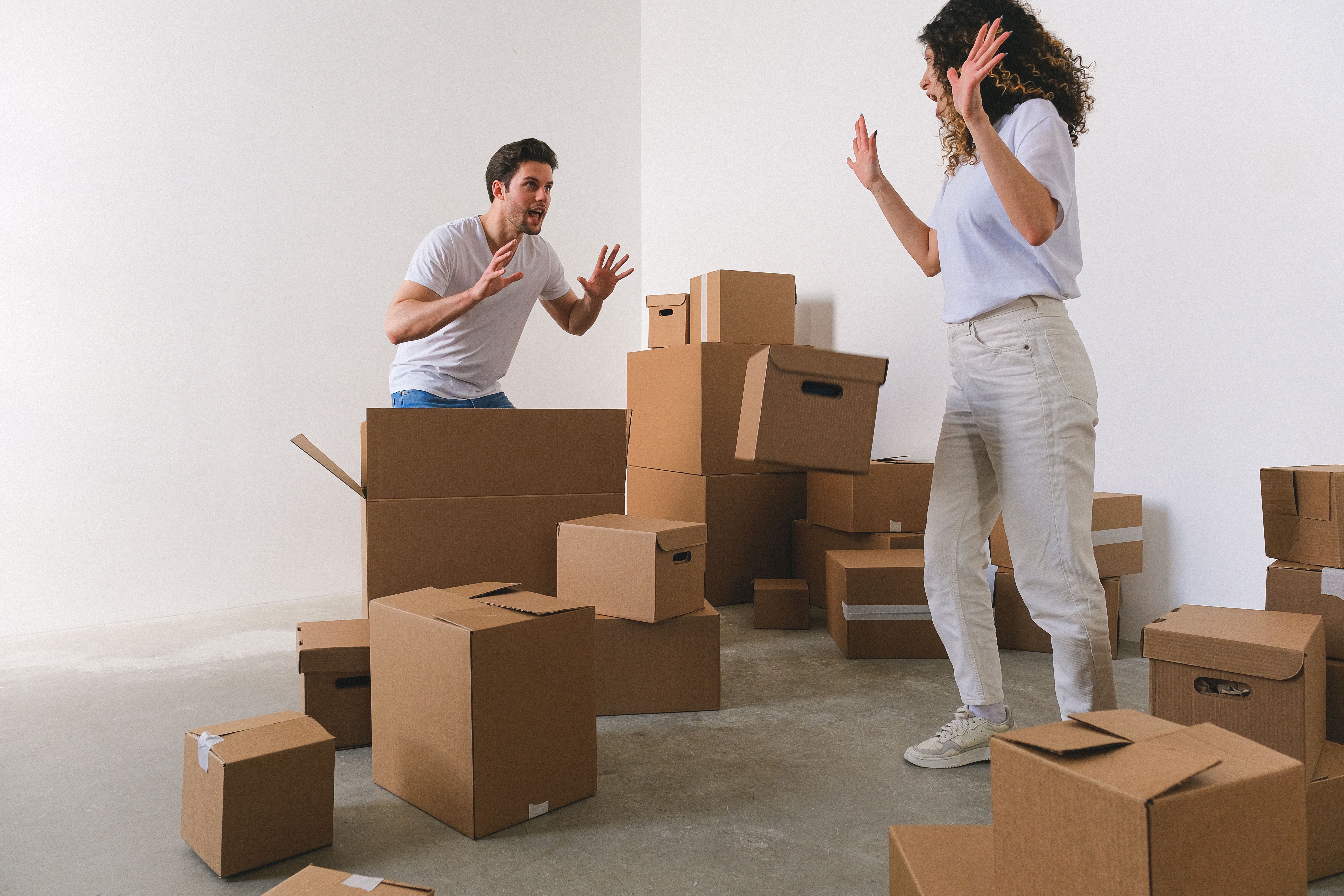
Split by count — output 4 layers
Set the count to 4, and the image is decomposed into named layers plus an inpainted background.
Original
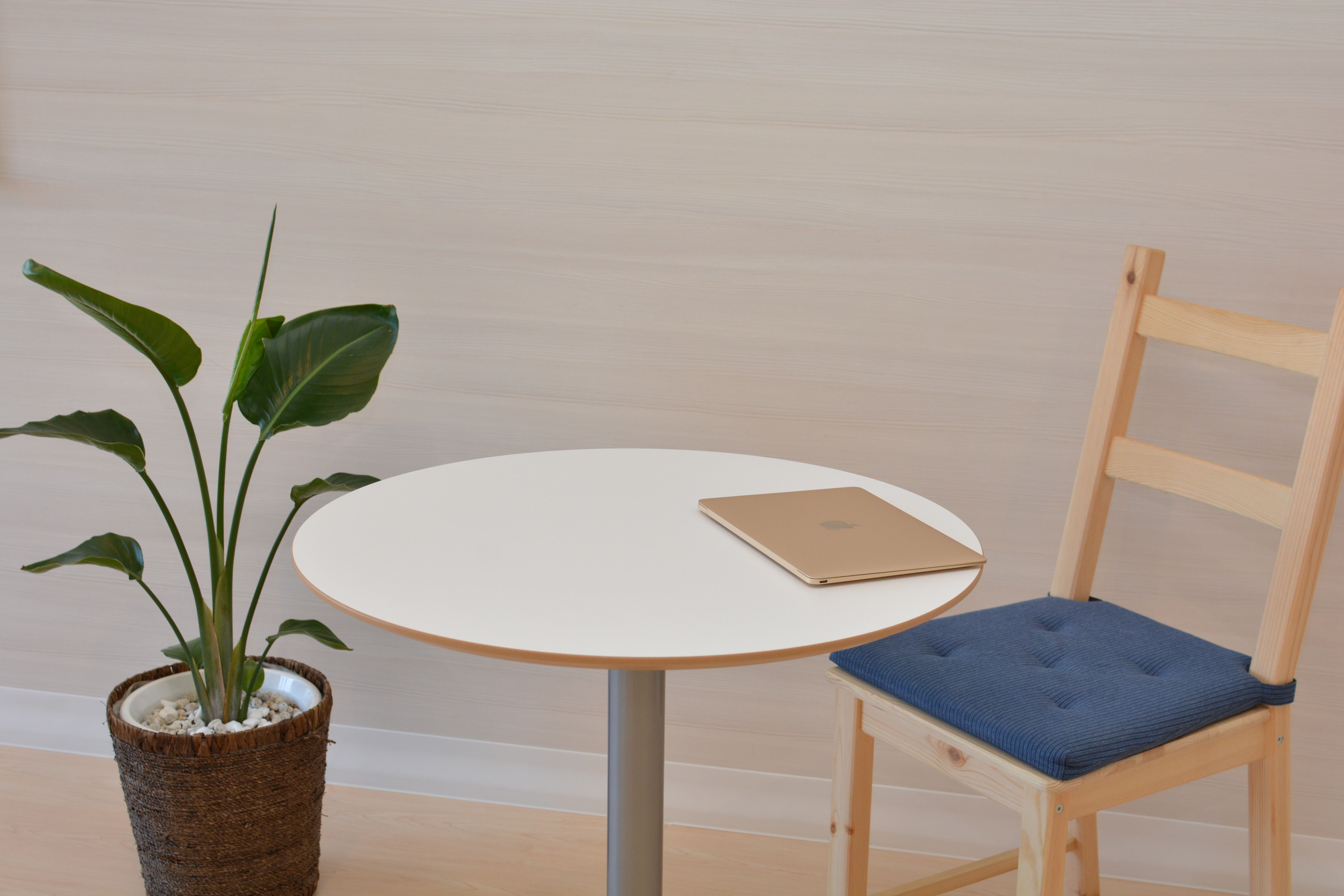
Settings
Number of Layers: 4
Includes the base image. 4 = 1 base + 3 layers.
Final layers
44 layers
Actual: 4 = 1 base + 3 layers
Processing Complete!
Select a layer to locate it in the original image
Original
Layer 1
Base
Layers4Actual: 4 = 1 base + 3 layers