Customize WordPress Permalinks
Exactly How You Want Without Code
Define your own permalink structures for custom post types and taxonomies, and edit individual URLs directly from the WordPress dashboard without 404s.
Common Use Cases
Manage Permalinks Without Reinventing the Wheel
Permalink Manager works out of the box and gives you full control over permalinks for all content types, including options that are not available in WordPress's built-in permalink settings. This helps you avoid extra code workarounds, unnecessary technical debt, and 404 error troubleshooting.
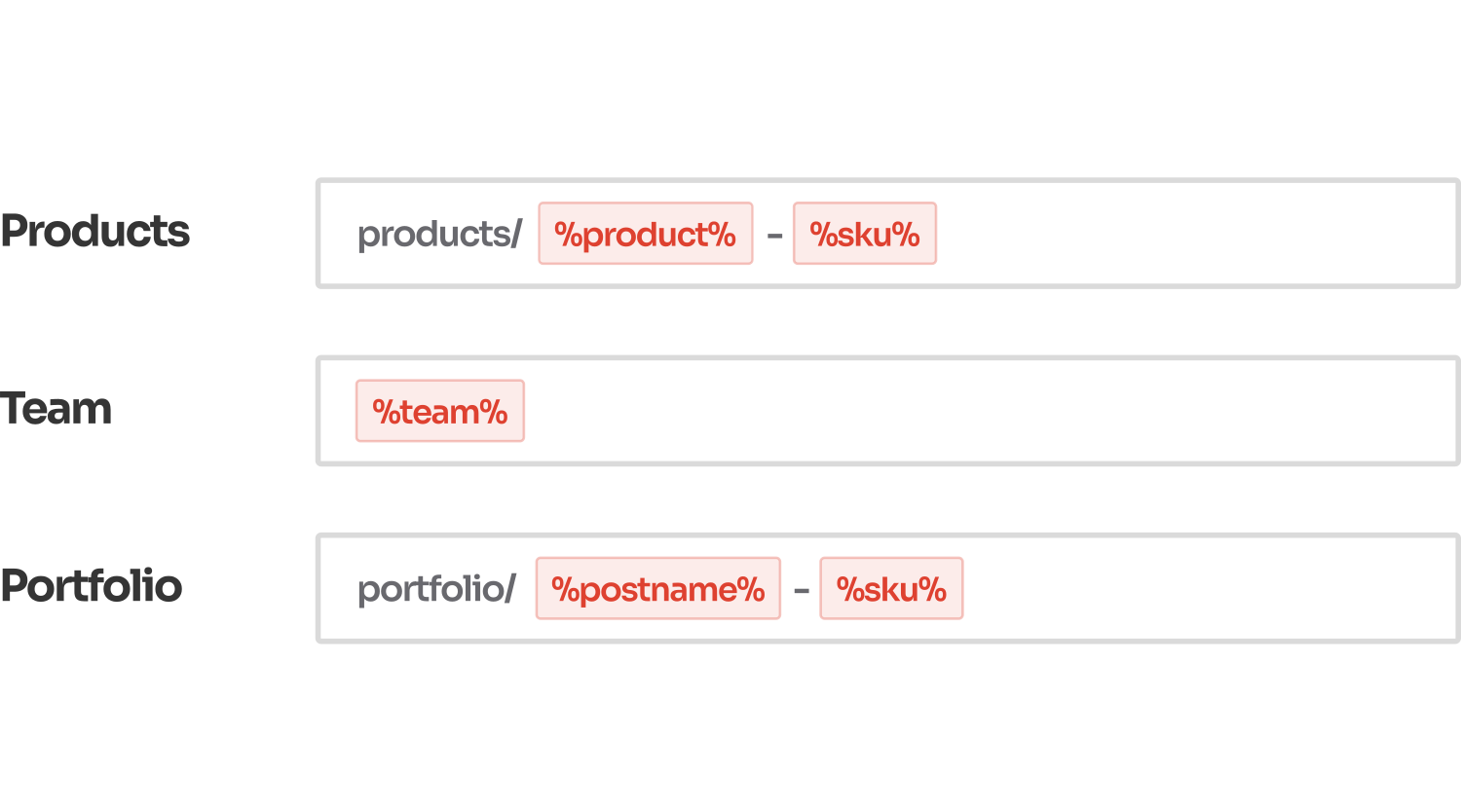
Permastructures Edit permalink structure for each post type and taxonomy
Permalink Manager extends WordPress by adding permalink settings for custom post types and taxonomies that are not available by default. You can define individual permalink structures per type and apply them in bulk to existing items.
The plugin includes a convenient bulk editor that allows you to adjust multiple individual URLs at once from one admin screen.
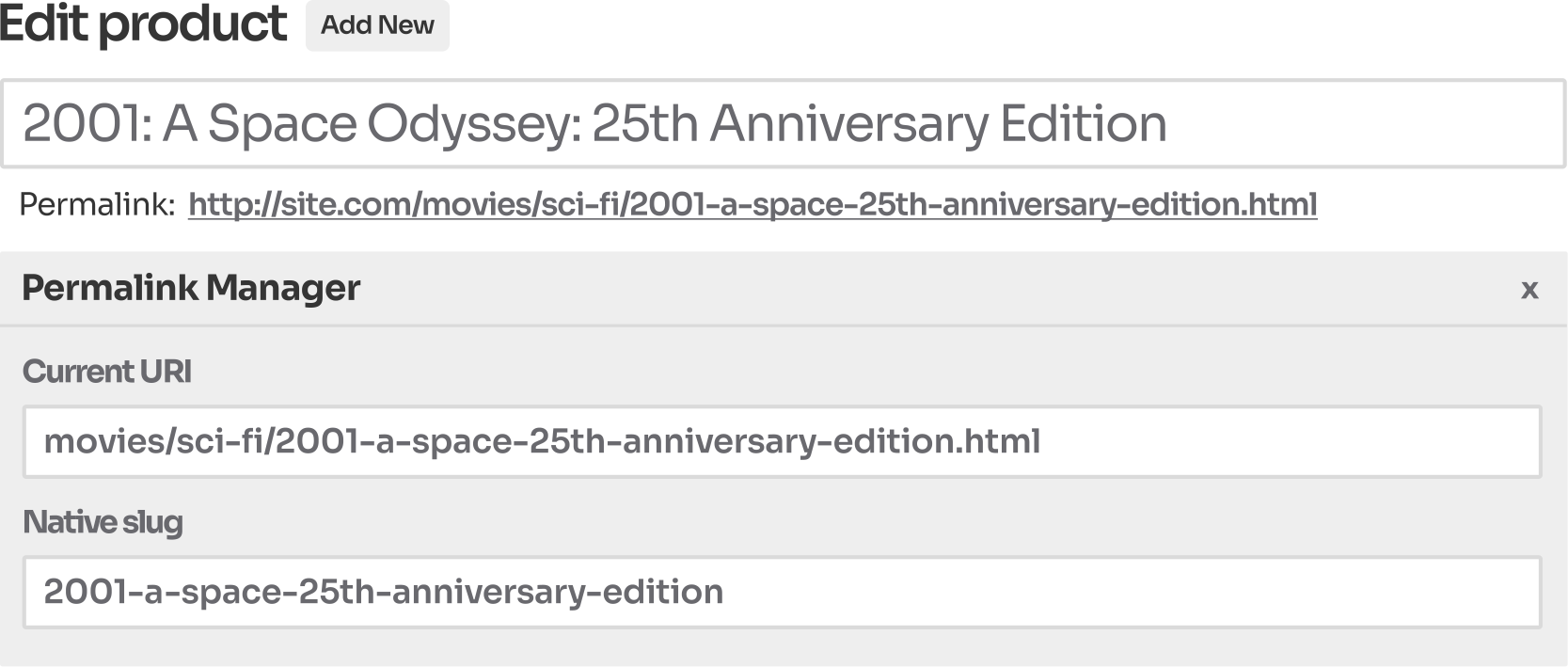
URI Editor Adjust each individual URL as you see fit
By default, WordPress allows you to edit the slug at the end of a permalink. With Permalink Manager, you can edit the full permalink, without being limited by the permalink structure defined in your WordPress settings.
This works not only for standard posts, pages, and categories, but also lets you adjust individual URLs for custom post types and taxonomy items.
Being able to customize full permalinks individually makes it much easier to create more readable and hierarchical URLs by adding relevant keywords and removing unnecessary words where needed.
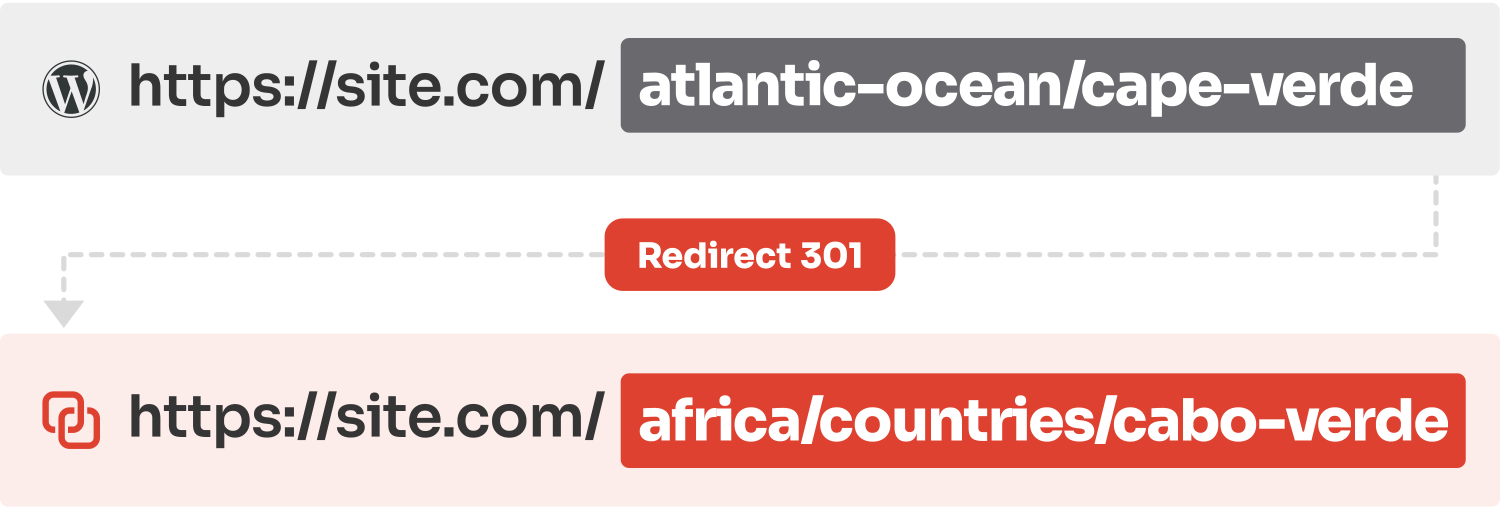
Redirects Change URLs without 404 errors
Changing URLs without redirecting previous ones breaks existing links and leads visitors and search engine crawlers to "404" error pages. This hurts both user experience and SEO and can reduce organic traffic.
Permalink Manager automatically redirects old URLs to new ones, with no manual setup or additional plugins required.
If necessary, you can also define extra redirects. These can be used when merging posts and pages while "pruning thin content", or when tracking conversions with dedicated URLs.
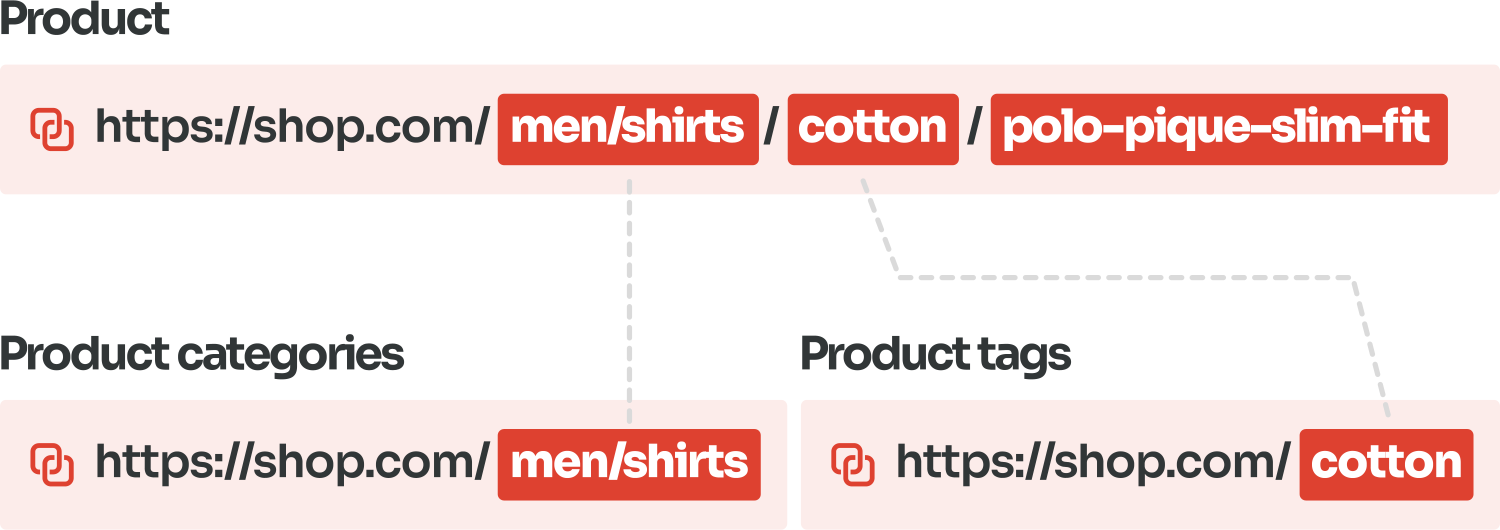
WooCommerce support Improve your WooCommerce URL structure
Readable URLs make your store easier to navigate, especially when the permalinks follow its structure. By default, though, WooCommerce does not let you customize them fully.
If you need more flexibility, you can use Permalink Manager to set-up readable URLs by removing "/product/" and "/product-category/" from WooCommerce permalinks. You can also apply other structures, such as including SKUs in product URLs.
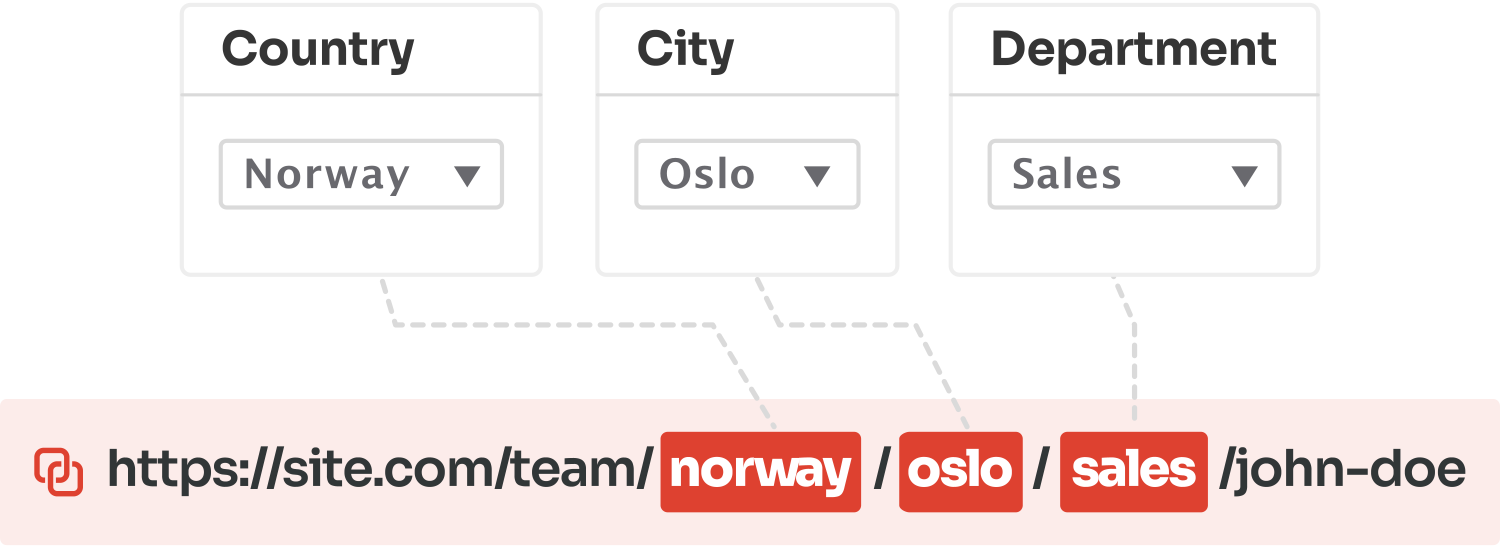
Custom fields integration Add custom fields to URLs dynamically
The plugin offers a number of options, including the ability to add custom fields to WordPress permalinks. You may do this without using any complicated PHP code snippets by simply using the admin interface.
This is by far the easiest and quickest way of dynamically creating permalinks with custom fields. Permalink Manager makes it easy to use the built-in custom fields as well as the ones controlled by popular third-party plugins, including ACF, Pods, JetEngine and Toolset Types.
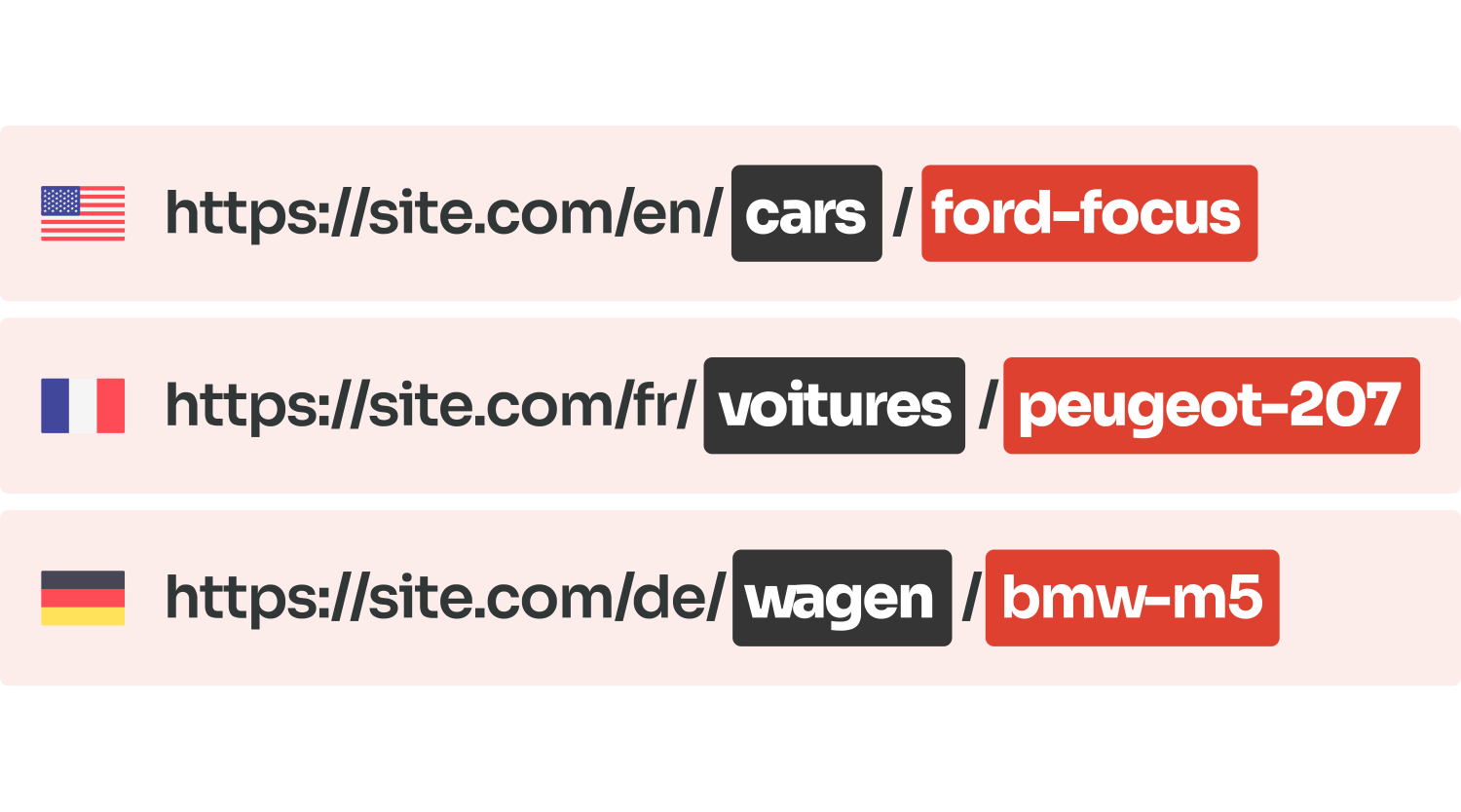
Multilingual URL support The easiest way to translate your WordPress permalinks
This plugin has been designed to work with two most popular language plugins for WP: WPML and Polylang. It allows you to create customized URLs based on language of posts, pages, or terms so that your website is accessible for people all around the world.
This means that the URL for content may vary depending on its language. In other words, you can create a unique link format for each language available on your website!
I’ve used Permalink Manager on a number of websites and haven’t ever had any issues until today. Really impressed with the support given – a patch within an hour of reporting a conflict following a plugin update. Excellent.
Well developed plugin with no extra bloat. Promise and do what you expect it to do, including multilingual support (WPML and Polylang etc) and everything else you need to adjust permalinks for. Great support and well knowledgeable developer!
Used this plugin for a long time and I have to say that this developer is literally the best I have ever encountered, super responsive and goes the extra mile. AMAZING!!!
Most Versatile URL Plugin for WordPress
Extend WordPress permalink settings without writing code. Adjust permalink structures for custom post types and taxonomies, edit individual URLs, and automatically redirect old links to prevent broken backlinks and 404 errors.
