Log inSign up
Microsoft Loop
Microsoft 365
2,015 posts
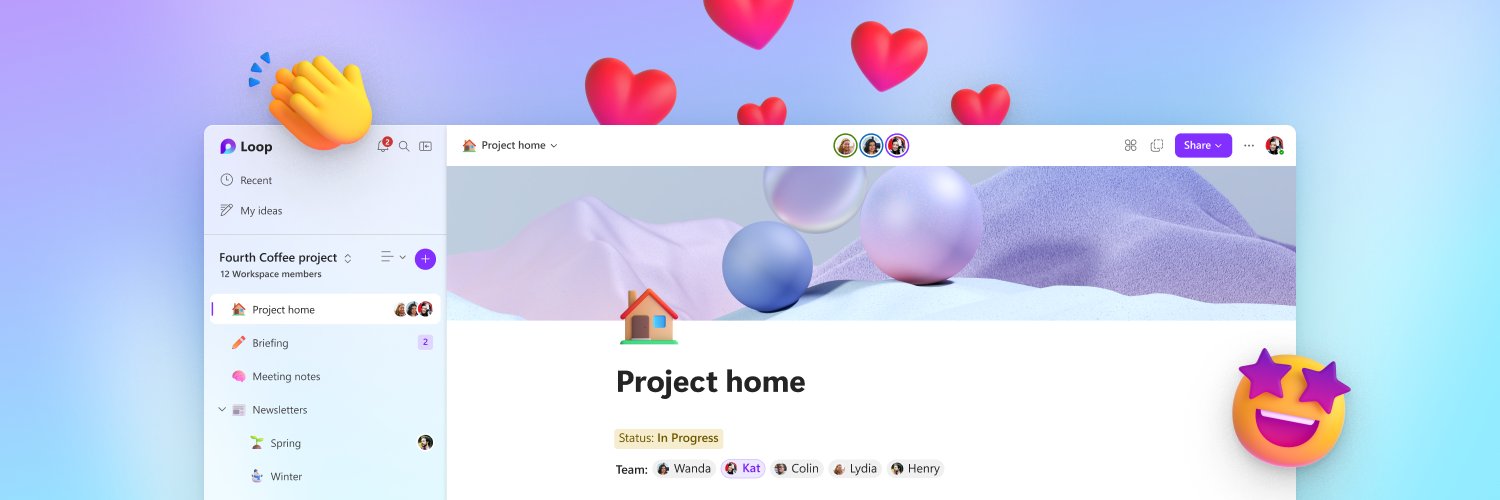
Microsoft Loop profile banner
@MicrosoftLoop

Microsoft Loop

Microsoft 365
@MicrosoftLoop
Think, plan and create together with #MicrosoftLoop 🚀 Try it now on iOS, Android, Microsoft app, and web ⬇️
loop.microsoft.com
Joined November 2021
11
Following
19.6K
Followers
RepliesRepliesRepostsRepostsMediaMedia

Log in or sign up for X

See what’s happening and join the conversation

Continue with phone
or
Log in with username or email
Terms·Privacy·Cookies·Accessibility·Ads Info·© 2026 X Corp.
  • Pinned
    @MicrosoftLoop
    Microsoft Loop
    Microsoft 365
    @MicrosoftLoop
    May 22, 2023
    What is #MicrosoftLoop? Hello new followers 👋 In case you're wondering, here's what Loop is all about:
    Image
    00:00
    27
  • @MicrosoftLoop
    Microsoft Loop
    Microsoft 365
    @MicrosoftLoop
    Aug 26
    Go from questions to insights with Researcher in Microsoft 365 Copilot. 🔎 Bring together information, explore a topic in depth, and turn research into work you can act on, all with #Copilot. Watch now: msft.it/6017aPFAF
    Image
    00:00
    1
  • @MicrosoftLoop
    Microsoft Loop
    Microsoft 365
    @MicrosoftLoop
    Jun 26
    🎬 Got questions about the Microsoft 365 Copilot app? We've got answers. Join our live Ask Microsoft Anything (AMA) on June 30 to connect directly with the product and engineering teams. Whether you're just getting started or looking to get more out of Copilot, this is your
    Image
    techcommunity.microsoft.com
    Live AMA: Microsoft 365 Copilot app | Microsoft Community Hub
    Join us for a live AMA (Ask Microsoft Anything) supporting the Microsoft 365 Copilot app learning series: "From research to polished outputs." Work today...
  • @MicrosoftLoop
    Microsoft Loop
    Microsoft 365
    @MicrosoftLoop
    Jun 23
    🎨 Learn how to create branded visual content with Create in the Microsoft 365 Copilot app: msft.it/6014vocyy Create helps transform ideas into visual assets using prompts, project context, and available brand resources—making it easier to go from concept to content. In
    2
  • @MicrosoftLoop
    Microsoft Loop
    Microsoft 365
    @MicrosoftLoop
    Jun 22
    📓 Working across files, notes, Pages, and project docs? Watch our session on Copilot Notebooks and learn how to keep AI grounded in the context that matters: msft.it/6019voBxl You'll see how to: ✅ Organize project references in one workspace ✅ Use Notebook overviews to
    2
Advertisement
Advertisement