Sharing a large Immich library without melting the server

I share a photo library between two Immich users, my photos visible in my partner’s account, using an external library. Instead of uploading, Immich points at a folder on disk and imports whatever it finds there. It’s a lovely setup right up until the library gets big. Mine is big: over 750,000 photos, with more than half a million in a single external library.

Running out of memory

My server was struggling, chewing into swap all the time and running out of memory.

microservices worker error: Error [ERR_WORKER_OUT_OF_MEMORY]:
Worker terminated due to reaching memory limit: JS heap out of memory

I had Immich running in a 6GB Docker container but reduced that to 4GB for other reasons, and it appeared to work ok for a while, but it took a while for me to notice it was using the entirety of the 4GB of RAM. I increased the RAM allocated to the container, but it was still a heavy user.

The library watcher

External libraries have two ways to notice new files. There’s a periodic scan, which I’d already disabled because it’s brutal at this size. And there’s the watcher, which uses filesystem notifications to spot new files the moment they land. That’s what makes photos I add show up automatically.

The watcher is the convenient one. It’s also the expensive one. Watching a folder tree with 750,000 files means holding an enormous number of filesystem watches plus the bookkeeping that goes with them, and on my library that was around 3GB of resident memory, sitting there permanently doing nothing most of the time.

I turned it off in the admin settings. Memory use went from ~4GB pinned at the limit to about 1GB. Nightly jobs suddenly had room to breathe and the crash loop stopped.

Except now new photos don’t get imported, because the watcher was the thing importing them. So: how do you add a photo to a huge external library without a watcher and without a full scan?

The obvious fix that doesn’t work

Immich has an API endpoint to scan a library:

POST /api/libraries/{id}/scan

It scans the whole library. On my photo archive that’s a long, heavy crawl, and I’d already learned the hard way what a scan does to this box. Not something you run every time you drop in a picture.

Enqueue the import job yourself

So I went looking at what the watcher actually does when it sees a new file, expecting something complicated. It’s almost nothing. It queues one background job:

jobRepository.queue({
    name: 'LibrarySyncFiles',
    data: { libraryId, paths: [path] },
})

LibrarySyncFiles takes an explicit list of paths and imports exactly those files, without crawling the other 500,000. The per-file import I wanted was already sitting there. The watcher was only ever the trigger, and I was paying 3GB for the trigger.

I can pull that trigger myself. Immich uses BullMQ (backed by Redis/Valkey) for its job queue, so I can push the same job onto the same queue. The photos I add already go through a little script that moves them into the library folder by date, so the import hooks straight into that. When the script moves a new file in, it queues a LibrarySyncFiles job for that exact file:

docker exec -w /usr/src/app/server immich_server node -e '
  const { Queue } = require("bullmq");
  const q = new Queue("library", {
    prefix: "immich_bull",
    connection: { host: "redis", port: 6379 },
  });
  q.add("LibrarySyncFiles", {
    libraryId: "your-library-id",
    paths: ["/path/inside/the/container/to/new-photo.jpg"],
  }).then(() => q.close());
'

Immich picks it up, runs its normal import pipeline on that one file (metadata, thumbnails, the lot) and the photo appears. No watcher sitting on gigabytes of RAM, no full-library scan, and new photos still land within a cycle of my import script.

The caveats, because this is a hack

It leans on Immich’s internals, so: only send files that are genuinely new. The job handler inserts unconditionally, so hand it a path that’s already imported and you get a duplicate-key error in the logs. My script only queues files it actually moved.

More seriously, this is an internal job queue, not a public API. The queue name, the job name and the payload shape are implementation details, and an upgrade could rename or reshape any of them. The failure mode is silent: photos would just quietly stop importing and I wouldn’t find out until I went looking for one. My script shouts if the enqueue fails, which covers some of that but not all of it. This was working on Immich 3.0.2.

And turning off the watcher also turns off deletion detection, since the watcher is what removes assets when their files vanish. My workflow only ever adds files, so it doesn’t bite me. It might bite you.

There is a discussion here asking for an API endpoint to scan single files, but it hasn’t received much attention in 2 years, so I guess not many people have this issue, or realise it is an issue.

Was it worth it?

For a library this size, yes. About 3GB of RAM back, no more crash loop, and photos still import on their own. If your external library is small this is all irrelevant, so leave the watcher on and get on with your life. But if you’re in the hundreds of thousands of files and your server keeps falling over, check the watcher first.

Happy birthday Linux!

Image

The Linux kernel is 30 years old today. I used a Linux distribution for my desktop for a good 10 years or so starting in the late nineties. Oh, how we laughed when people said, “this would be the year of the Linux desktop”!

Linux was always strong on the server but it still struggles as a desktop OS. Steamdeck will help in a small way with that, but it really won on mobile phones as the kernel of all Android phones.

Here’s to the next 30 years. I wonder what changes those years will bring.

Pi-hole missing SQLite3

Pi-Hole is an ad blocker you run on a Raspberry Pi on your local network to provide ad blocking services to all the devices in your home.

Image
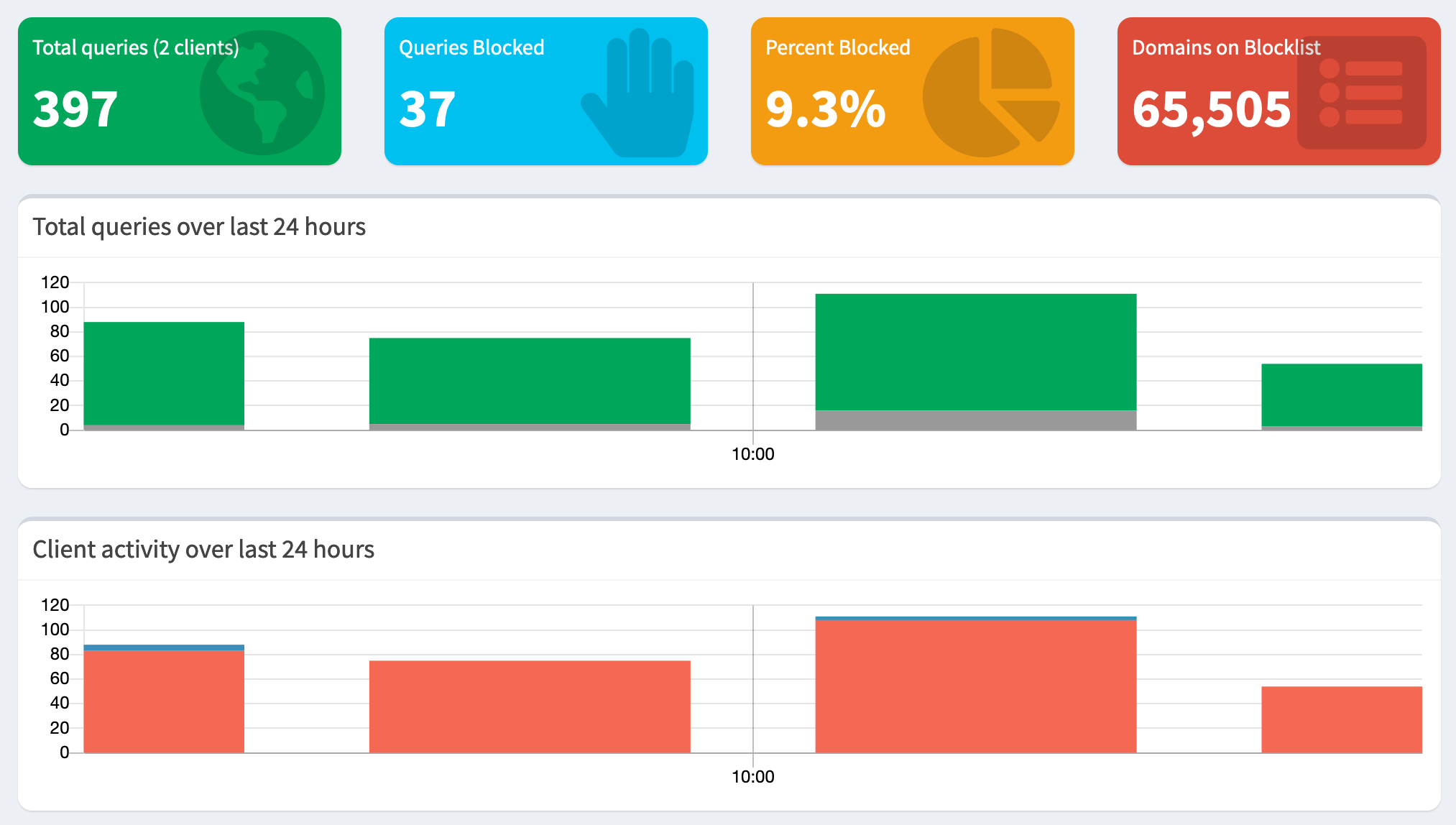
A new install of Pi-Hole

When installed normally it uses Lighttpd but I already had Apache2 on my Raspberry Pi. There are a few threads and this doc about migrating to Apache2 but none of them mention SQLite3.

If you don’t have that module installed the ad blocking part will still work but the web admin will show an almost empty page. Look in /var/log/apache2/error.log and you’ll see an error like this:

PHP Fatal error: Uncaught Error: Class 'SQLite3' not found in /var/www/html/admin/scripts/pi-hole/php/database.php

It’s easy to install the SQLite3 mod for PHP:

sudo apt install php-sqlite3

Then restart Apache2

sudo service apache2 restart 

I’ve had Pi-Hole installed for years but I think I ran into the read-only problem mentioned here too. As stated in the doc above, the fix is simple. Add the Apache user to the pihole group. That will allow you to update various settings from the web admin.

sudo usermod -a -G pihole www-data

Rsync between Mac and Linux

99.999999% of my readers can probably ignore this one, but if you are of the small minority who use Rsync and have Mac and Linux computers in your home you’ll want to read this.

I have Plex running on a Raspberry Pi for my music. I have a large mp3 folder. Too large to run Syncthing on it unfortunately, but an occasional rsync is perfectly fine.

I thought it worked fine until I quickly realised it was syncing the same files over and over again. It turns out the Mac and Linux machines I’m using have different ideas about character sets their filenames are stored in. A file with an accented character on the Mac is completely different to one that looks the same on the Linux box.

The solution took a while for me to find but it’s very simple. Rsync has an option named --iconv to convert between character sets!

The solution was embarrassingly simple: Much due to a comment I read when researching the problem, I thought you were supposed to specify the character set in the order of transformation; but it seems as that is not the correct syntax. Rather, one should always use --iconv=utf-8-mac,utf-8 when initialising the rsync from the mac, and always use --iconv=utf-8,utf-8-mac when initialising the rsync from the linux machine, no matter if I want to sync files from the mac or linux machine.

Then it works like magic!

EDIT: Indeed, sometimes, checking the manual page closely is a good thing to do. Here it is, black on white:

--iconv=CONVERT_SPEC
              Rsync  can  convert  filenames between character sets using this
              option.  Using a CONVERT_SPEC of "." tells rsync to look up  the
              default  character-set via the locale setting.  Alternately, you
              can fully specify what conversion to do by giving a local and  a
              remote   charset   separated   by   a   comma   in   the   order
              --iconv=LOCAL,REMOTE, e.g.  --iconv=utf8,iso88591.   This  order
              ensures  that the option will stay the same whether you're push-
              ing  or  pulling  files.

One of those rare bugs

Image

I can’t login to my Raspberry PI3. When I ssh into it the password is rejected. When I plugged a keyboard and HDMI cable in the login would fail silently at first and then after reboot it would tell me the password was wrong.

Fearing the worst, that the small machine had been hacked, I plugged it out and attempted to go into single user mode but even that didn’t work. I tried various cmdline.txt changes, I saw an odd message saying:

sh: can't access tty; job control turned off

That wasn’t the worst. I even managed to generate a kernel panic once!

When I was just about ready to give up I plugged in the HDMI cable again and saw a strange libcrypt error show up.

/sbin/sulogin error while loading shared libraries: libcrypt.so.1: cannot open shared object file: no such file or directory

A quick search for that message brings me to the one thread on the Internet about it.

Unfortunately, I don’t have another Linux machine handy to copy libc6 from but I do have a backup of the SD card and that worked. I made a backup with Disk Utility (yes, don’t sneer, I can use dd too) and after making a new backup I restored the old backup with Etcher.

The last time I did an apt upgrade was just before a recent trip where I was depending on the RPI3 for my Plex music. Luckily the Plex server hadn’t restarted in that time and must have been using the old libc6!

Another tool that was useful here was ext4fuse which I installed through Homebrew. It’s even possible to mount an ext4 partition from an SD card image by first mounting the boot partition with Disk Utility, checking the device with df -h and then using the very next device number like this:

ext4fuse /dev/disk9s2 /Volumes/rpi -o allow_other

Read only access to the Raspberry PI/Linux part of the image! Strangely enough it doesn’t show in Finder but df shows it is mounted.

Now to make a new SD card backup before I update anything else with apt.

Find Duplicate Files in MacOS

In the past I’ve used FSLint or even some BASH magic to find duplicate files but I have a huge archive of photos and videos, some of which were renamed during import, and some were accidentally imported more than once, or moved about. It’s somewhat chaotic

dupeguru

So I was very glad to find dupeGuru! It’s a powerful application for MacsOS and Linux that allows you to scan one directory or more for duplicate files. It can search by content, or match filenames. It has modes for music and pictures, but I’ve stuck with the standard search as I want to only look for files that are 100% the same.

It found several gigabytes of duplicates for me, and it has a useful feature that symlinks duplicates to their parent. Even though the dupes still exist, they’re not taking up any space.

The developer is looking for help to maintain the project. You can find more information and source code too on the dupeGuru GH page.

For the love of Vim

A contributor to the Hackaday blog has a good old rant about how Vim is superior to Emacs. 

Of course it is (a silly argument), but he manages to give a quick overview of Vim and describes a few neat tricks beginners will find useful!

And after writing the text above I realised that there are going to be people reading this who have absolutely no idea what either Vim or Emacs are! They’re text editors, and they have passionate users. Yeah, that includes me too. 🙂