
Bring Android CLI to your
terminal and coding agent
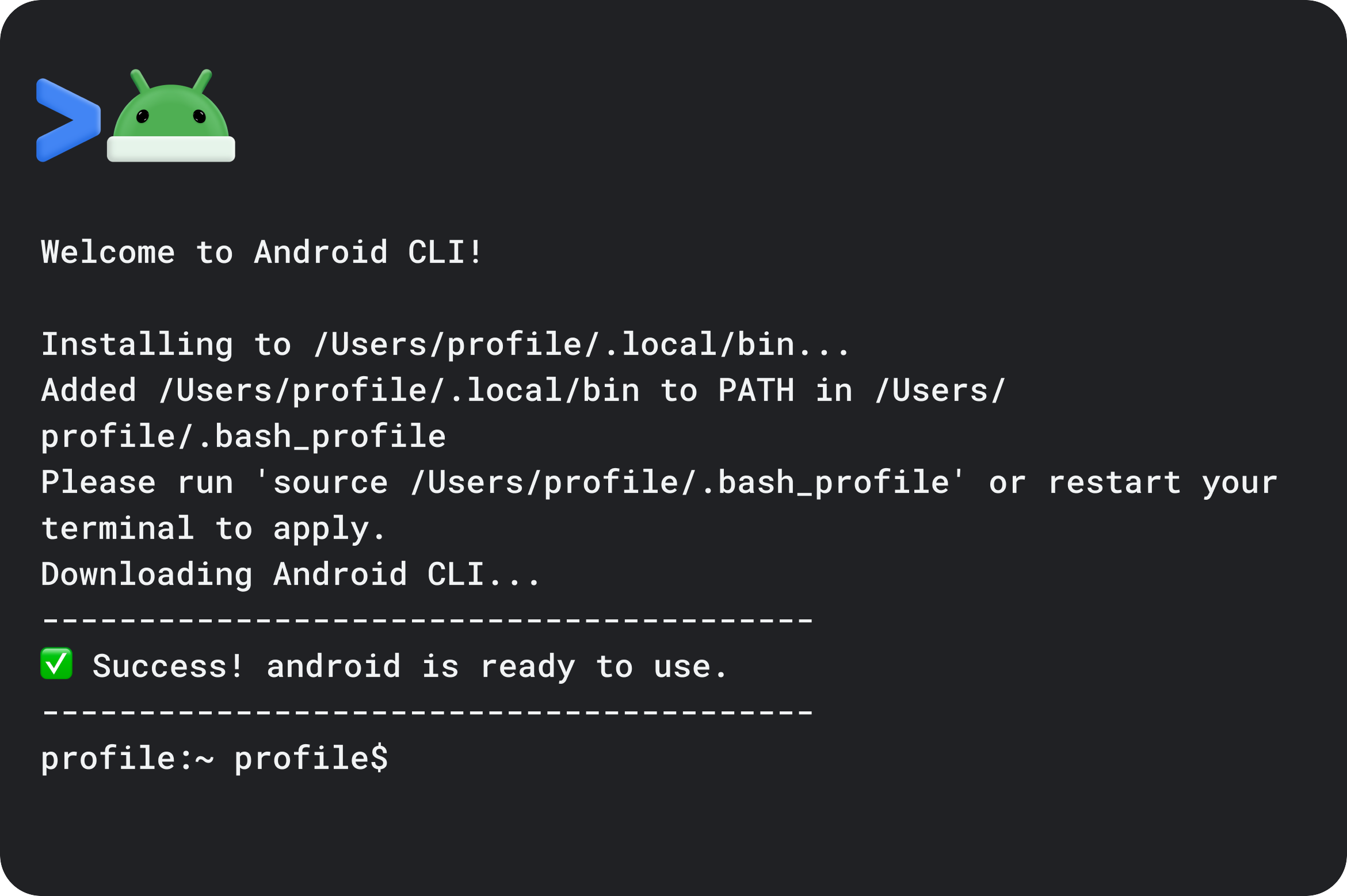
Download Android CLI and start building in about two minutes. It connects your terminal directly to Android Studio's code intelligence and platform tools. Use it yourself or hand the same commands to the coding agent you already work with.
Windows
curl.exe -fsSL https://dl.google.com/android/cli/latest/windows_x86_64/install.cmd -o "%TEMP%\i.cmd" && "%TEMP%\i.cmd"
See Android CLI in action
Works with the tools you already use


 Android Studio
 Antigravity
 Claude Code
Same workflow, now with
Android capabilities
Operating alongside your coding agent, Android CLI provides a unified interface for interacting with Android tools, devices, workflows, skills and up-to-date platform guidelines. You can execute these same commands seamlessly from terminal sessions, automated scripts, or CI pipelines.
From setup to building in four steps

Step 1
Build and Run
Create projects, manage the toolchain, and run apps

Step 2
Test and Inspect
Work with devices, emulators, screens, and layouts

Step 3
Ground with Skills
Access Android skills and current platform guidance

Step 4
Prepare to scale
Continue to Android Studio for specialized IDE workflows

Essential commands in a single interface

Capture what's on screen
Use screen capture --annotate to capture the running app and label detected UI elements for developers and agents to inspect.

Debug layouts
Use android layout to return the active app's layout tree as JSON from a connected physical device or emulator.
Bring Android Studio analysis to the terminal
Access file analysis, declaration lookup, usage discovery, and Compose preview rendering from the command line.

Manage Virtual Devices
Create, manage, and run Android Virtual Devices or connect via Android Device Streaming directly from your terminal.
Integrates into your workflow
Android skills
Give coding agents expert Android guidance and best practices, helping them work from current platform knowledge rather than relying only on model training data.

Terminal & automation workflows
Bring Android CLI into scripts, CI, maintenance tasks, and supported automated validation workflows.

Agent plugins
Now available for Antigravity, Claude Code, and Codex. Add the official Android CLI plugin to give your agent Android tools, devices, and platform knowledge.
Ready to start building?
Use the command below to install official Android tools and resources that can be used with your preferred agent to bring your ideas to life across any screen.
Windows
curl.exe -fsSL https://dl.google.com/android/cli/latest/windows_x86_64/install.cmd -o "%TEMP%\i.cmd" && "%TEMP%\i.cmd"
