Black Friday + Cyber Monday Special! New customers get 30% off their first month with code FLASH30 at checkout.

An SMS API platform that turns ideas into reality

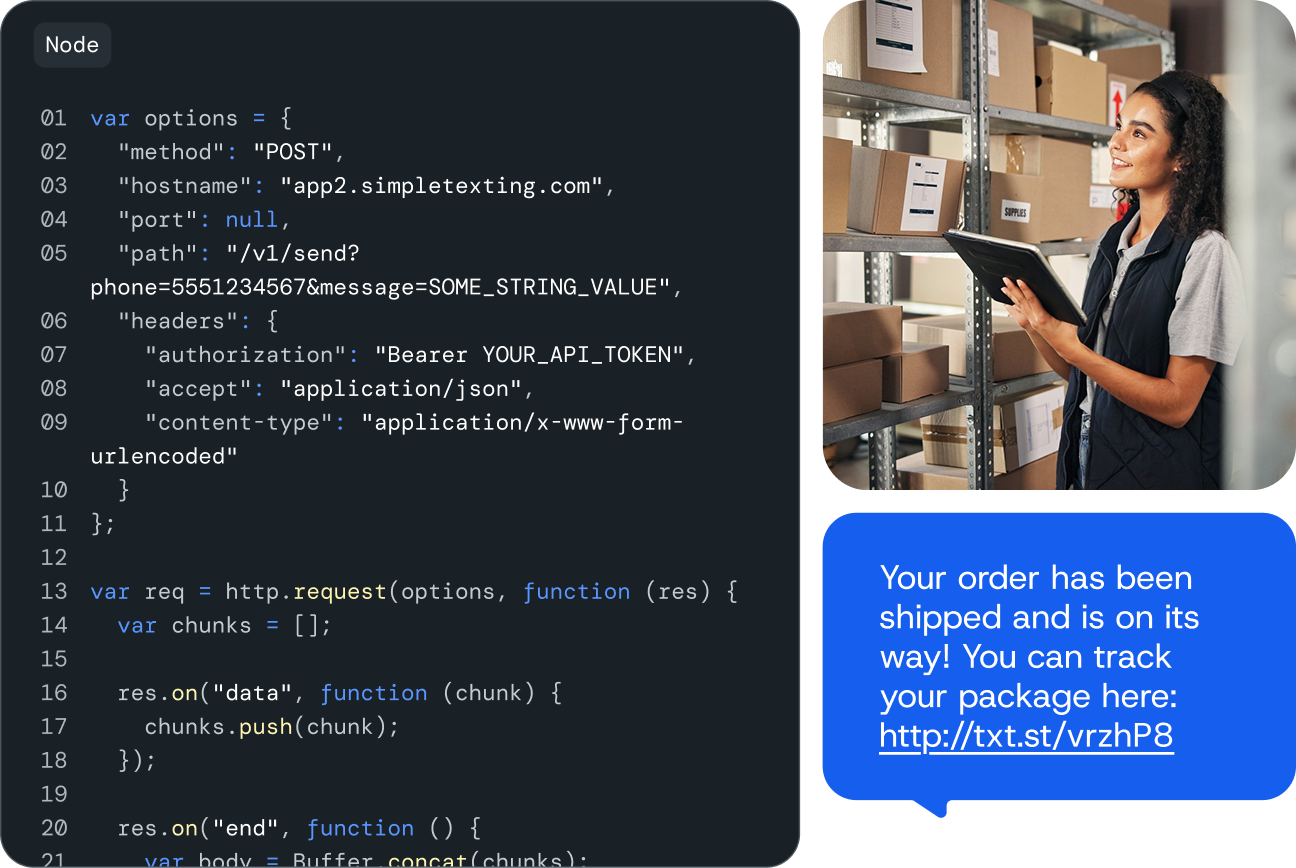
From marketing to CRM integrations to employee communications, our SMS API service can handle it all. If you can imagine it, our text message API platform can make it happen.
  • Experience peace of mind with our 99% uptime guarantee
  • Access SimpleTexting’s features from your own platform
  • Get support from our API specialists seven days a week
Image for An SMS API platform that turns ideas into reality
Businesses love SimpleTexting's programmable SMS API

SimpleTexting’s SMS API features

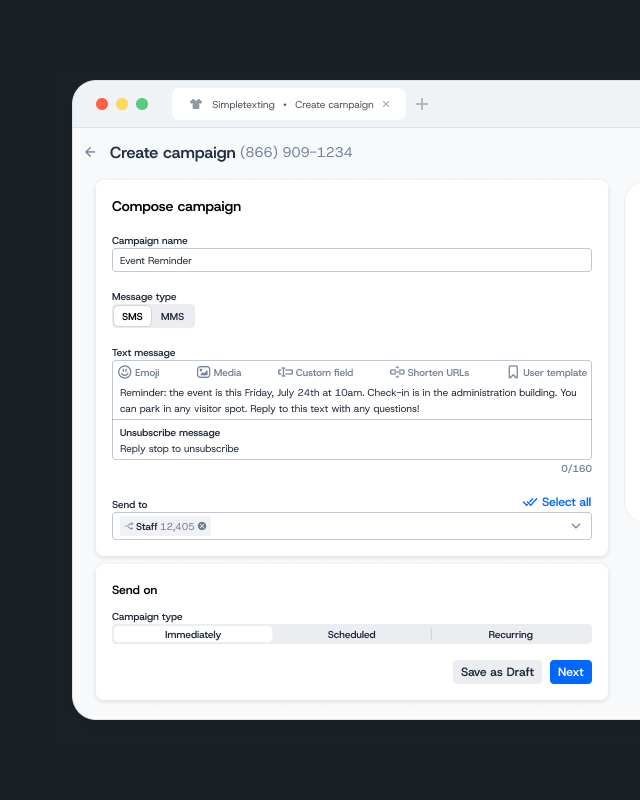
Send and receive messages, or use advanced features like keywords and custom data. Our trusted SMS API platform makes it easy to communicate with your audience.

Send one message or millions

High throughput for messaging at scale: send a campaign to a list or segment. Flexible plans for small businesses and enterprise solutions.

Send rich media with MMS

Work with media such as photos, videos, GIFs, and PDFs and using our SMS API. You can even take advantage of the 306-character limit of extended SMS.

Two-way SMS messaging

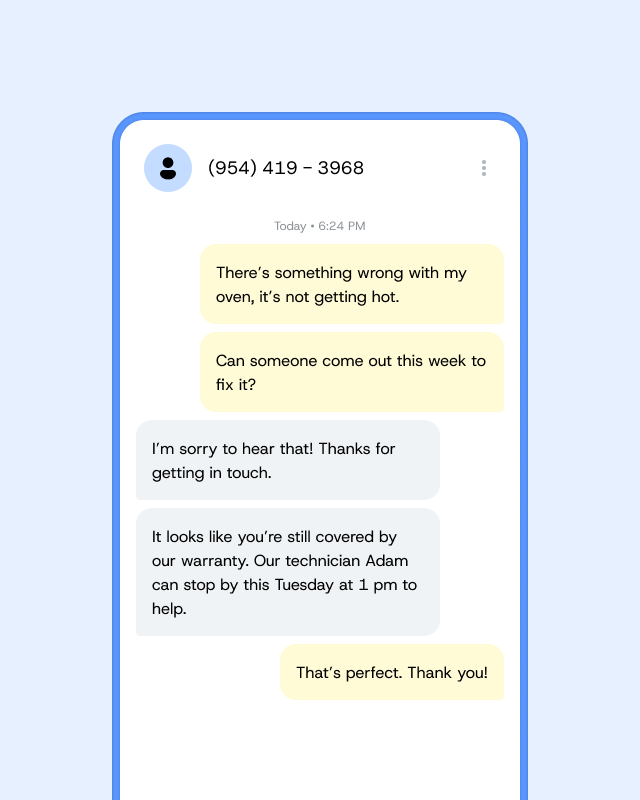
Integrate one-on-one conversations into your preferred platforms. Plus bring messages to and from your customers into your CRM.

Real-time analytics

Collect data as people interact with your texts. Keep an eye on list growth, your unsubscribe rate, and where people opt in.

Multiple number options

Text-enable your current number or get and register a local number, verify a toll-free number, or provision a dedicated short code.

Searchable API transactions

Check whether your API calls go through with our convenient search page.

Auto opt-out and subscribe

Easily comply with industry regulations by automatically handling unsubscribe requests.

Carrier delivery reports

Find out whether your texts successfully made it to your contacts’ devices.

Easy-to-use webhooks

Integrate your web application with our SMS API using straightforward webhooks.

Powerful contact management

Batch create, update, or delete contacts (including list membership and custom fields). And this is just one of the many ways to manage contacts/lists.

Alerts and notifications

Set up notifications for changes to specific contacts and subscribe to events for all numbers on your account.

Two-way sync contacts

Never miss a beat when you share contacts between SimpleTexting and your CRM, HR system, or other apps.

SimpleTexting’s most popular SMS API use cases

Use our advanced API functions to programmatically add SMS to your communication strategy, or just log in to your dashboard to create campaigns, set up autoresponders, and more—all without writing a single line of code.
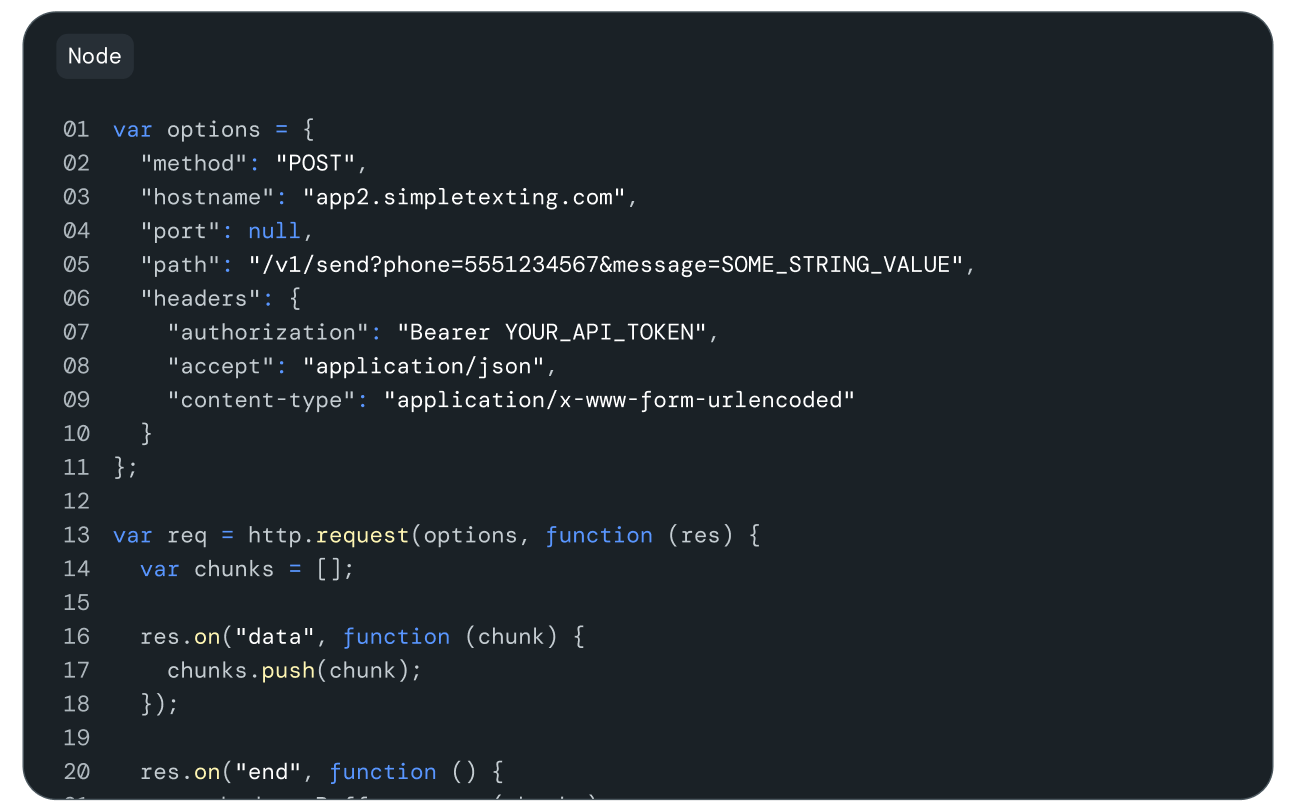
Keep accounts protected and eliminate unwanted access. Send password resets or one-time codes right to your users’ mobile devices.

When it comes to following up with a lead, every second counts. Trigger a text message to send to your leads the instant they reach out!

No one likes no-shows. Plug our API into your CRM or reservation system to notify your customers of upcoming appointments.

Stay connected with customers throughout the entire sales funnel using text messages. No extra charges if they reply. Incoming SMS messages are free.

Collect feedback from your audience the easy way by sending automated survey texts. You can even trigger a follow-up message based on positive and negative responses.

Create unique digital products with the ability to send or receive text messages. Take your app or website to the next level with SMS.

Image for SimpleTexting’s most popular SMS API use cases

Why use SimpleTexting’s SMS API service?

Send and receive messages, or utilize advanced features like keywords and custom data. Our trusted text API platform makes it easy to communicate with contacts and drive your communication strategy.

Build and scale simply

With SimpleTexting, you don’t just get an API. You also get a user-friendly dashboard that makes it easy to monitor messages. Get started in minutes!
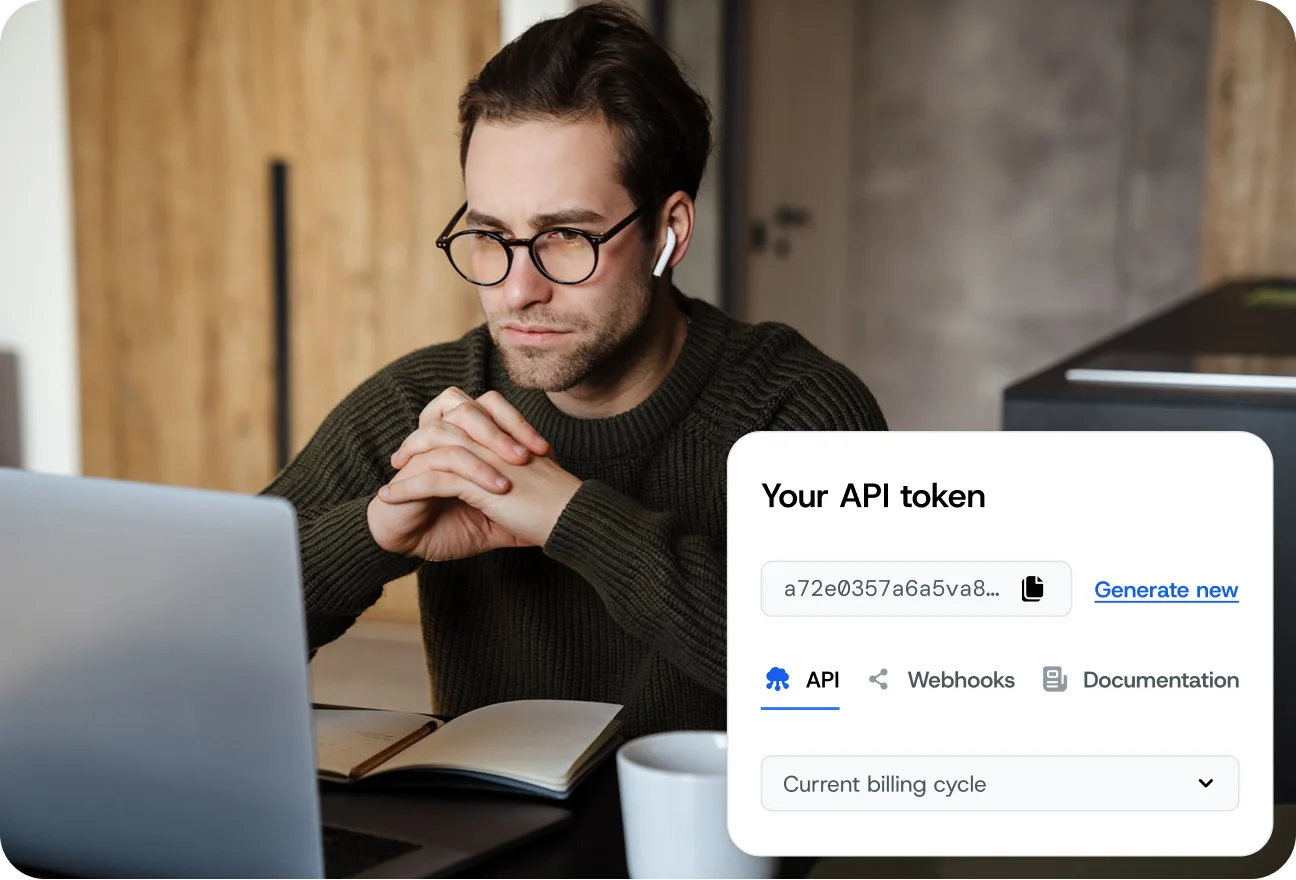
  • Use our API on any paid plan
  • Request your token upon sign-up to unlock full API capabilities
  • Manage your text marketing efforts from anywhere
Image for Build and scale simply

99.95% uptime guarantees peace of mind

Businesses that need to reliably deliver messages trust our platform to send them. Get up and running quickly and manage your messages thanks to our agile dashboard.

  • Send and get messages at regularly tested and maintained high speeds
  • Enjoy more network availability with redundant connections
  • Keep your data safe with airtight security and encryption
Image for 99.95% uptime guarantees peace of mind

Get help when you need it

Our support team is available seven days a week to help you work through any problems. No waiting around for answers–we’re here for you.

  • Send us an email, chat, or call to get connected quickly
  • Get help from team members trained to service our API
  • Share feature requests for future updates
Image for Get help when you need it

APIs for programmatic messaging

SimpleTexting’s API and software offerings provide businesses with easy-to-use tools to scale their messaging campaigns and connect with their customers more effectively.

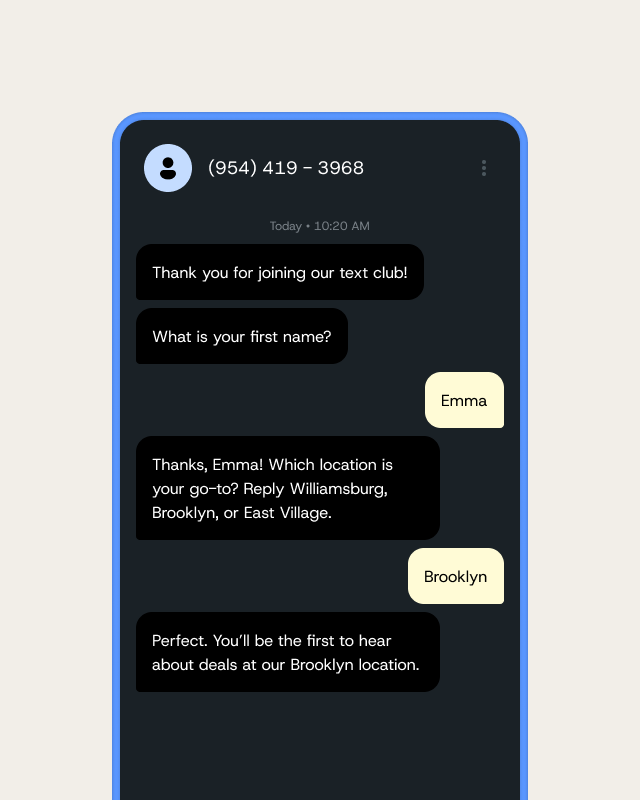
  • Manage segments, messages, and more without using additional code
  • Enable commerce and customer support through SMS, MMS, WhatsApp, and more
  • Gain real-time insights into how your SMS campaigns perform with our comprehensive analytics tools
Image for APIs for programmatic messaging

Flexible and transparent SMS API pricing

Other companies might make you jump through hoops to know how much their API costs. We keep it simple–pay the same price as you would for a text sent through SimpleTexting.

Scalable pricing for any use case

After you pay our number fee and one-time carrier registration fee, you’ll pay by credits. Each SMS message costs one credit, and each MMS message costs three credits. Best of all, any extra credits roll over until the end of the next month.

No cost for replies and inbound texts

Most of your credits will only go to your initial outbound messages. Any SMS replies you make and incoming messages cost zero credits.

Money-back guarantee

If you don’t love SimpleTexting, you can talk to us about it within 30 days of signing up to get a refund. You’ll get to see how it works outside of a testing environment before you fully commit.

How to get access to our API and SMS gateway

We offer our API under approval only to ensure better security for everyone. But we also make it simple to ask for that approval:

Step one: Sign up for a SimpleTexting account

Register for a SimpleTexting account to begin the approval process. You need to have a paid account to use our API, but you’re welcome to ask for testing access on a free account.

Image for Step one: Sign up for a SimpleTexting account

Step two: Complete your user profile

Go to the top-right corner of the SimpleTexting dashboard and select Profile to fill out your user profile. Make sure to include your contact number, your local time zone, your physical address, and your website address.

Image for Step two: Complete your user profile

Step three: Write a brief description of your plans for our API

We’ll need to know what you’ll do with our API and why. Write a few sentences telling us your use case, goals, and/or business application – whatever applies to your case. Keep it handy for a later step.

Image for Step three: Write a brief description of your plans for our API

Step four: Acknowledge you know our terms

You’ll also need to record in writing that you plan on following our terms and conditions and compliance terms when you use our API. If you need help, we have a template for this statement at our Help Center. Set this aside with your plans.

Image for Step four: Acknowledge you know our terms

Step five: Confirm with our support team

Now it’s time to bring it all together. Send a request to use our API with your description of your plans and acknowledgment of our terms to our customer support team. You can get in touch with them by emailing support@simpletexting.net or clicking on the question mark in the upper right hand corner of your dashboard to chat.

Image for Step five: Confirm with our support team

Popular functions in our API

Access the most important SimpleTexting features using our API functions. Here are some of our most popular choices:

Campaigns and Messages

  • Send a Message
  • Get a Message
  • Get All Messages
  • Send a Campaign
  • Get a Campaign
  • Get All Campaigns

Contacts

  • Create a Contact
  • Get a Contact
  • Delete a Contact
  • Update a Contact
  • Delete a Contact
  • Create a Contact List
  • Get a Contact List
  • Add Contact to List
  • Delete Contact From List

The API feature makes life simpler

“[SimpleTexting] connects with API, which makes my life simpler as I can use their system mix all my systems and use automation.

I have bad email deliverability, but SMS helps me contact the client and let them know they have an email from us but that it may be in junk. It also gave us a platform to chat with clients in real time.”

Tre W. G2

Anybody can become a pro

“The interface is very friendly and the tools/features are pretty much standard and very helpful. Basically, anybody can become a pro and if you have access to a developer the API is also a great plus to integrate your current CRM system and keep customers well notified throughout the entire journey.”

Marcelo F. Capterra

Lots of helpful features

“API capabilities were one of the greatest reasons we switched but as we’ve used it more and more there have been so many other reasons like assigning texts to other users, the SimpleTexting app, texting templates, and scheduling… the list could go on and on.”

Stephen H. Capterra

Incredibly easy to use

“SimpleTexting is an incredibly easy service to use. The interface as well as the API options made this a great selection for our use case. I think the customer service provided is world-class and that has been a huge help as we got started and even when we had questions regarding SimpleTexting.”

Verified User G2

Achieve your vision with our API

Our API allows even the biggest dreams to come true–including Times Square billboards.

When SmileDirectClub asked Tiger Party New York to grab people’s attention in Times Square, Tiger Party turned to SimpleTexting.

Using SimpleTexting’s API and keywords, Tiger Party enabled people to send a text to make people smile using the details on the billboard. Their messages would then appear on the billboard to make everyone in Times Square smile.

“Customers appreciate how smooth the process is from start to finish.” – CW Bruton, Estrella Tacos y Mas

SMS service API FAQs

Still have questions? Explore these answers to the most common SMS API questions, or click the blue chat button in the corner of your screen to connect with a team member!

An SMS API is a special way for computer software to communicate with text messaging. It helps people add texting features to their apps or systems. This special software has a set of rules and functions that let people send and get text messages automatically.
There are SMS APIs for Java, HTTP, and PHP. Once you set up an SMS API, you can see the status of your messages, send and get different types of texts, and even see what people wrote back to you without needing a password.
Read our SMS API and REST API documentation to learn about the functions available with SimpleTexting’s API.
SimpleTexting provides unparalleled SMS and MMS coverage in North America. Our offerings help businesses reach customers and subscribers across the U.S. and Canada. We also cover Puerto Rico and some countries in the Caribbean.
You can see if your account has API access in the SimpleTexting dashboard. Go to Integrations near the bottom of the left-hand menu, then click API & Webhooks under Developer Tools. There, you’ll see your API token if you have access.
You may actually already have access to our API and not even know it. 😄
To check if you have access to our API, log into SimpleTexting, navigate to your Dashboard, then click the person icon in the upper righthand corner of your account. From there, select Profile & Settings then select the API tab. If you have access to our API, you’ll see your token listed there. 👍🏼
Our compliance team is usually able to review your request within 1-2 business days (or sooner!). We make every effort to strike a balance between compliance and client satisfaction, and we apologize for any minor inconvenience or delay related to our verification process. However, we are required to obtain and verify this information before granting access for compliance and record-keeping purposes under several state and federal laws.