Black Friday + Cyber Monday Special! New customers get 30% off their first month with code FLASH30 at checkout.

If you’ve ever sent a text, you know how to use SimpleTexting

In a couple clicks, you can broadcast a text to your entire audience. And it doesn’t stop there.

Let us show you what else is possible.
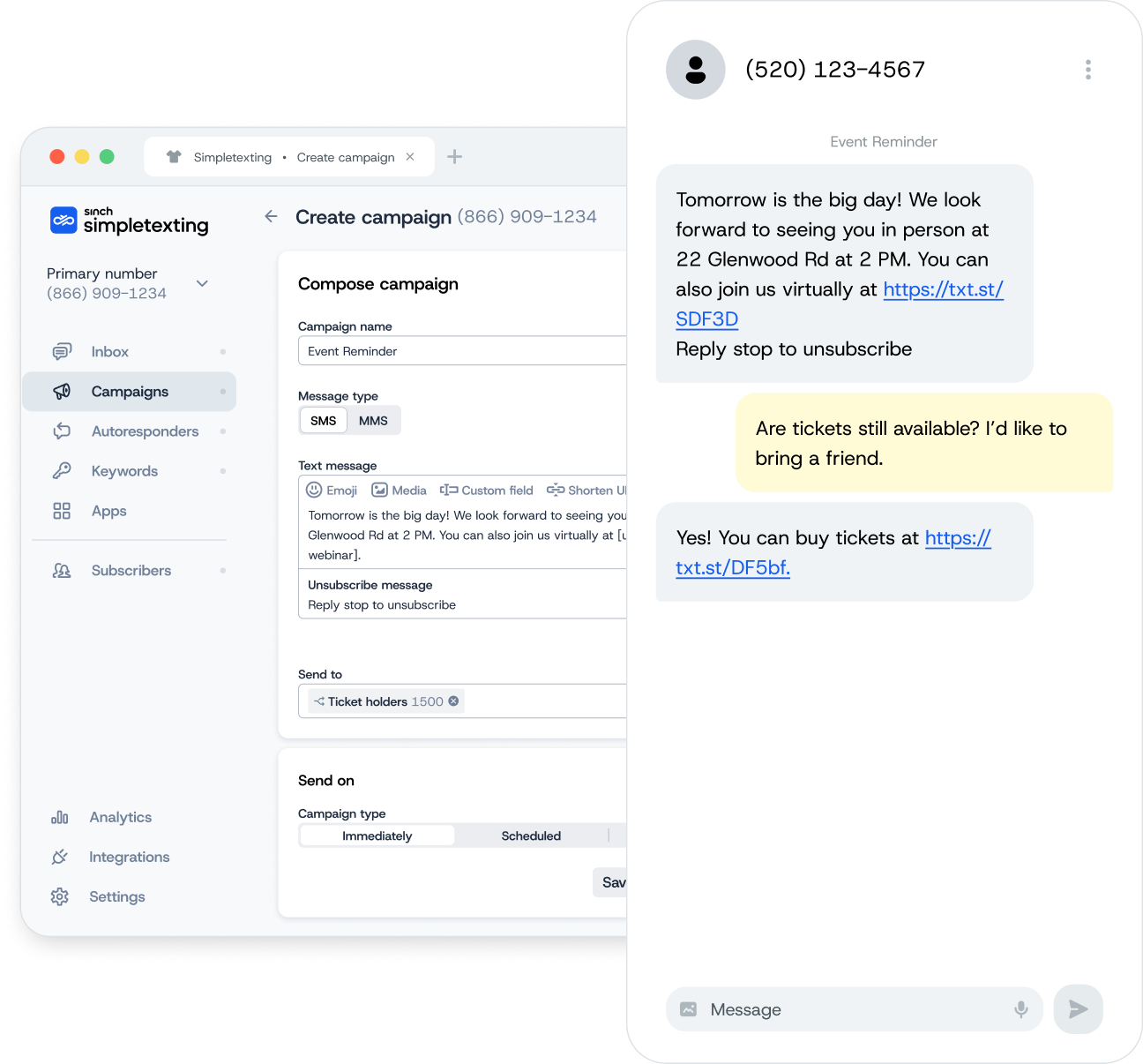
The SimpleTexting campaign screen sending an event reminder as a mass text, with the SimpleTexting mobile app showing a reply asking whether tickets are still available.

First things first, the basics

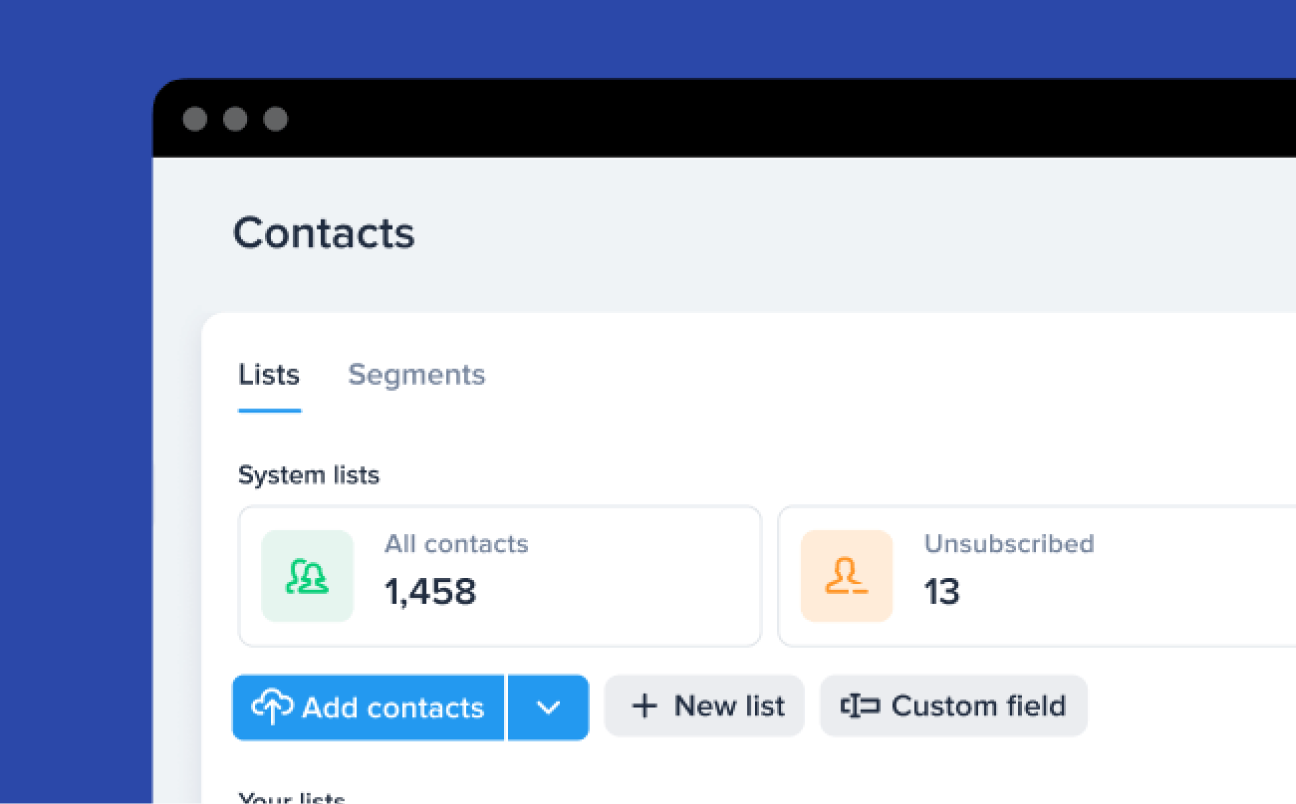
The SimpleTexting contacts screen with system lists, all contacts and unsubscribed counts.

Build a list or add contacts

You need numbers to text, of course. Import contacts who have given you permission to text them or use our opt-in tools to start from scratch.
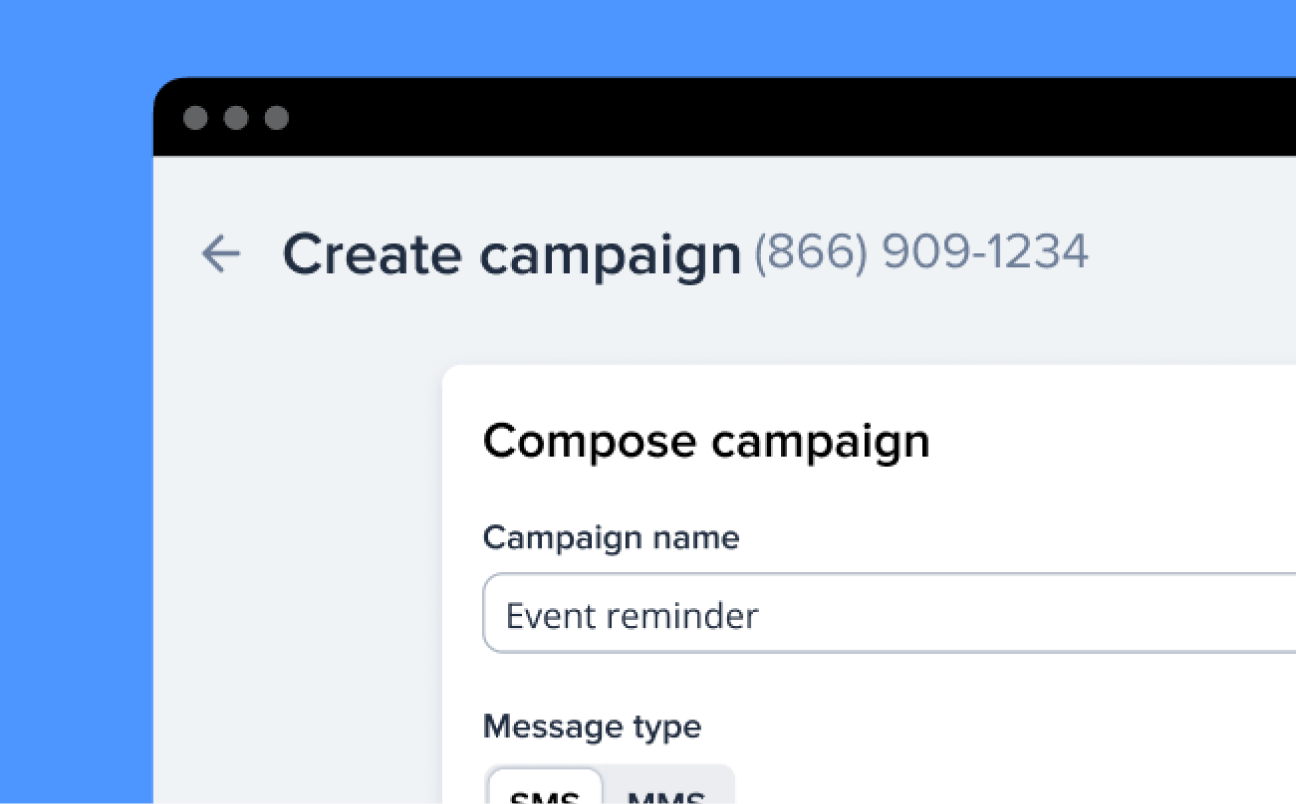
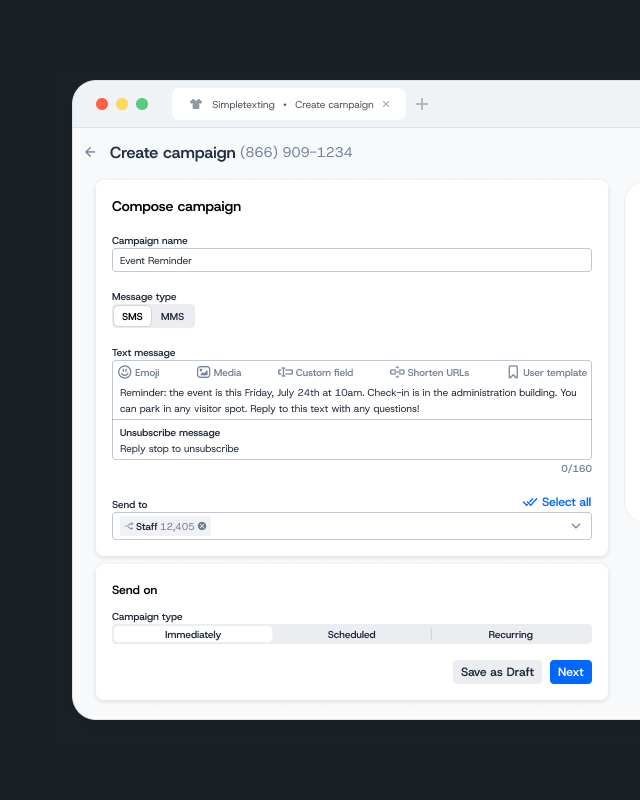
The SimpleTexting create campaign screen with an event reminder campaign and SMS or MMS message type.

Send texts to large groups

Don’t get lost in the noise of social media, calls, and emails. Use mass texting to reach hundreds or thousands of contacts instantly through a channel you know won’t get ignored.
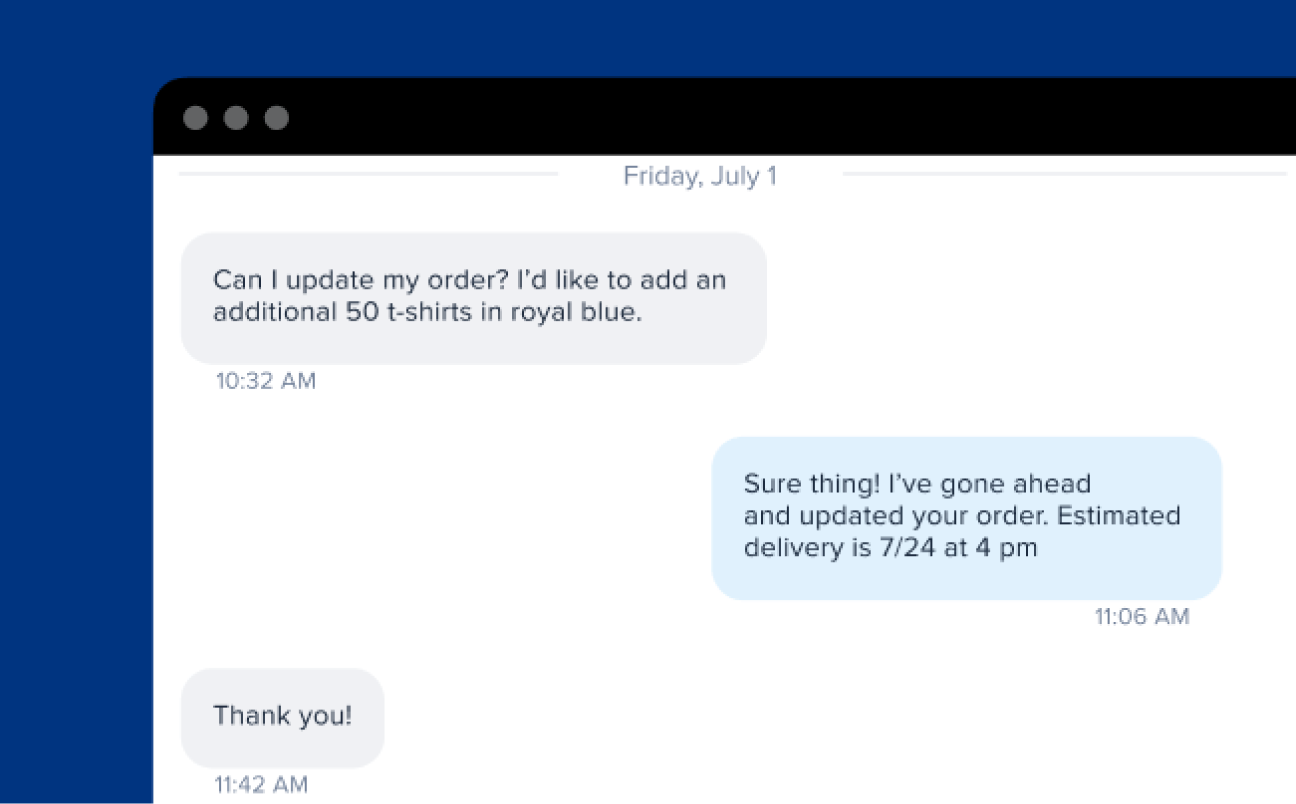
A two-way text thread where a contact asks to update an order and the business confirms the delivery date.

Have two-way conversations

No more blowing up your personal phone with company texts. With two-way messaging you can text back-and-forth with a number dedicated to your business.

What else can you do?

Here’s where things get interesting…

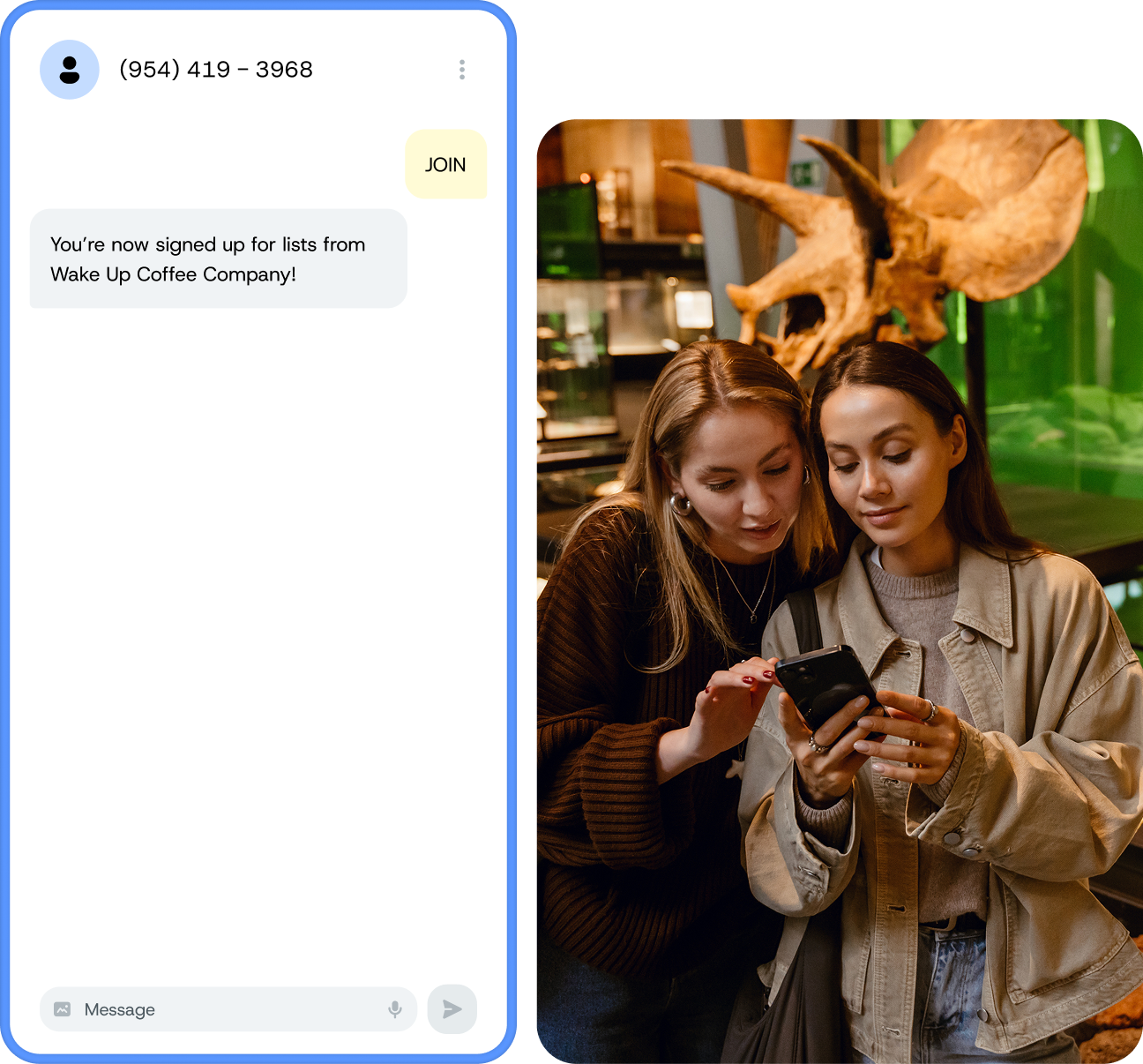
Two women in a museum looking at a phone, next to a text thread where a contact texted JOIN and received “You’re now signed up for lists from Wake Up Coffee Company!”

Break free from flaky algorithms. Build a list that’s all yours.

Don’t rely on social media or email to reach your people. Use our opt-in tools to build an owned list that you can reliably reach every time you have something to share.

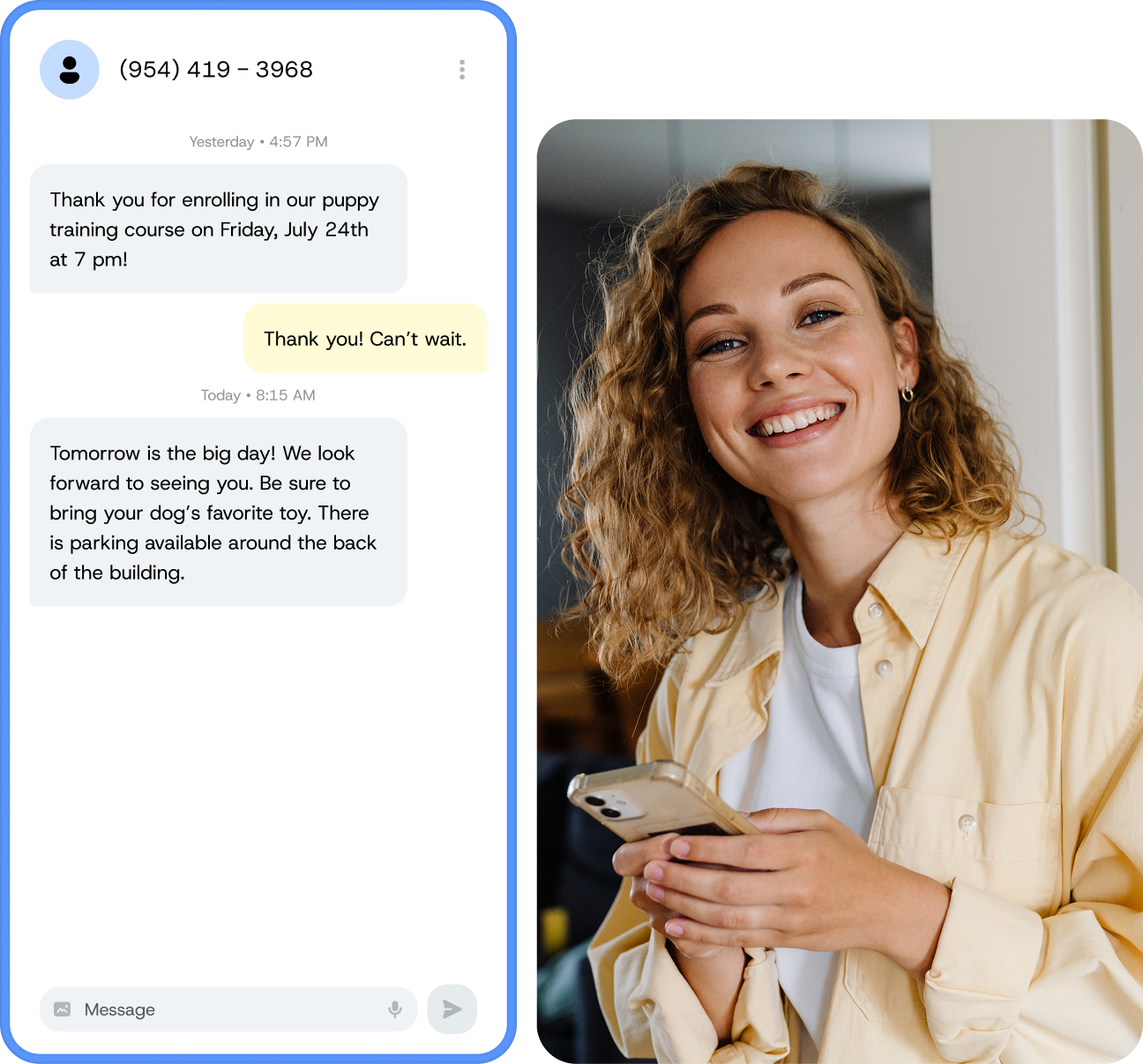
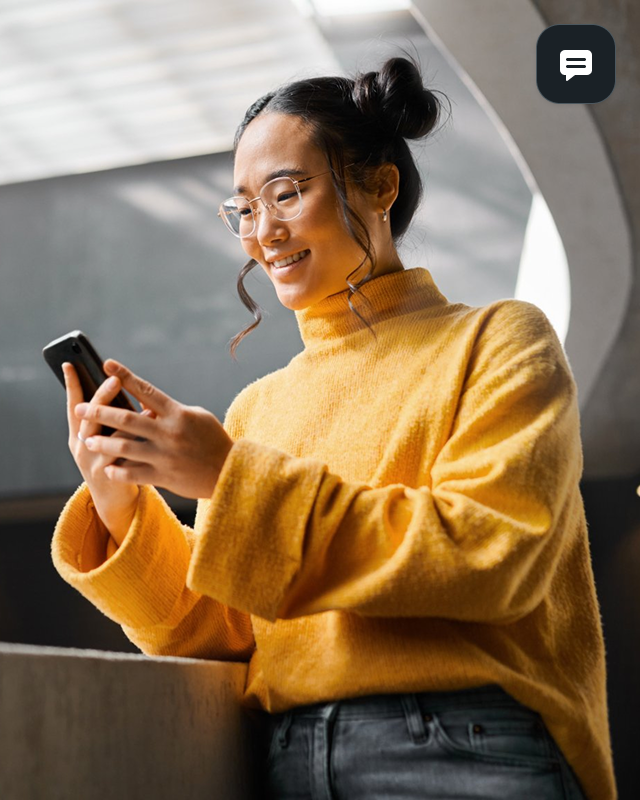
A smiling woman holding her phone, next to automated texts: a thank-you for enrolling in a puppy training course, then a reminder with parking information.

Create automated texts that send right when you need them to.

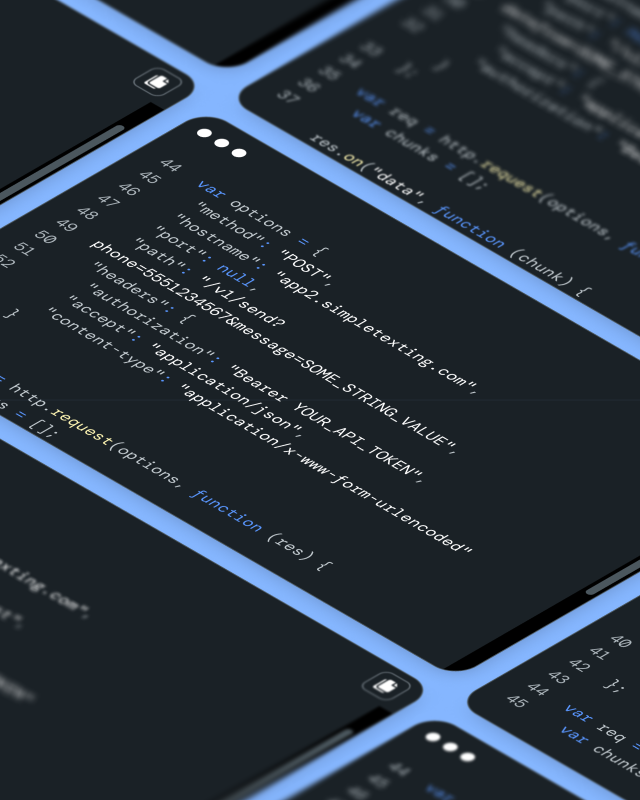
Texting works even when you’re not. Connect to other apps to trigger event-based messages or set up a simple OOO text.

  • Drip campaigns
  • Recurring texts
  • Scheduled texts
  • API
  • Away messages
  • Text-for-Info keywords
  • Integrate with Zapier & Mailchimp
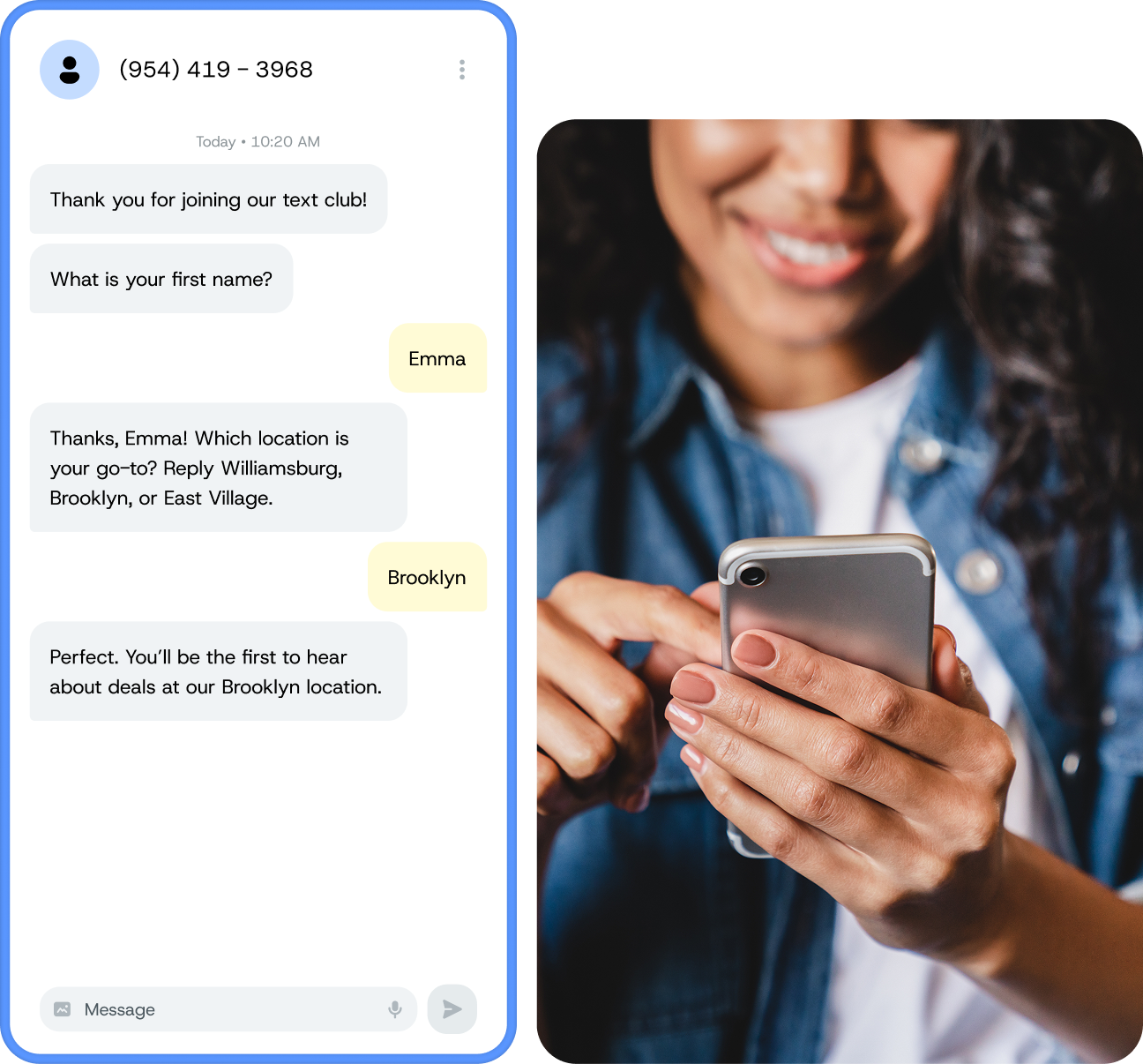
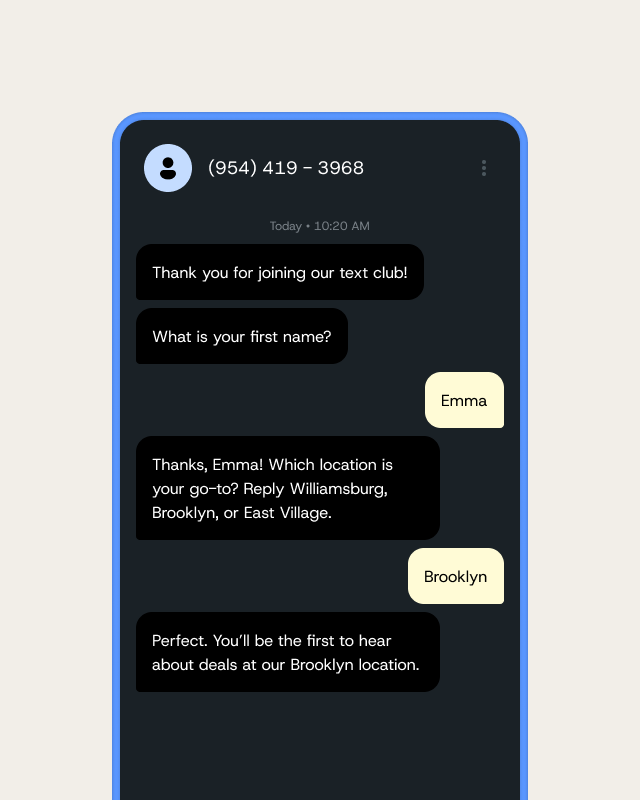
A woman texting on her phone, next to a text thread where a business asks for a first name and replies with a personalized message to Emma about her favourite location.

Go far beyond {{firstname}}. Send highly personalized messages to the right group.

Ask your contacts questions with our Data Collection tool then use it to send personalized, relevant messages. Already have info about your audience? Great, you can easily import it to custom fields.

  • Drip campaigns
  • Segments
  • Data collection
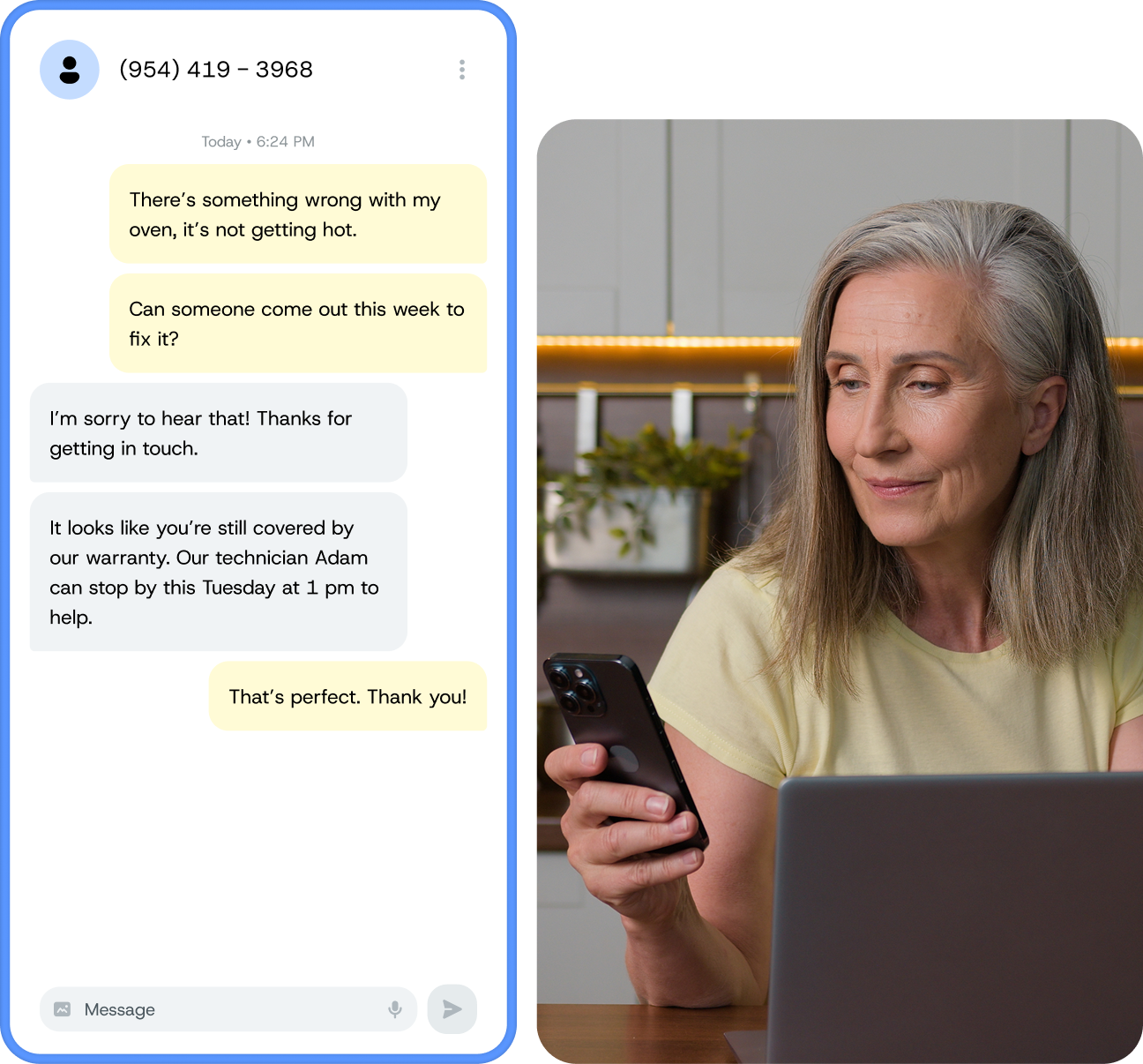
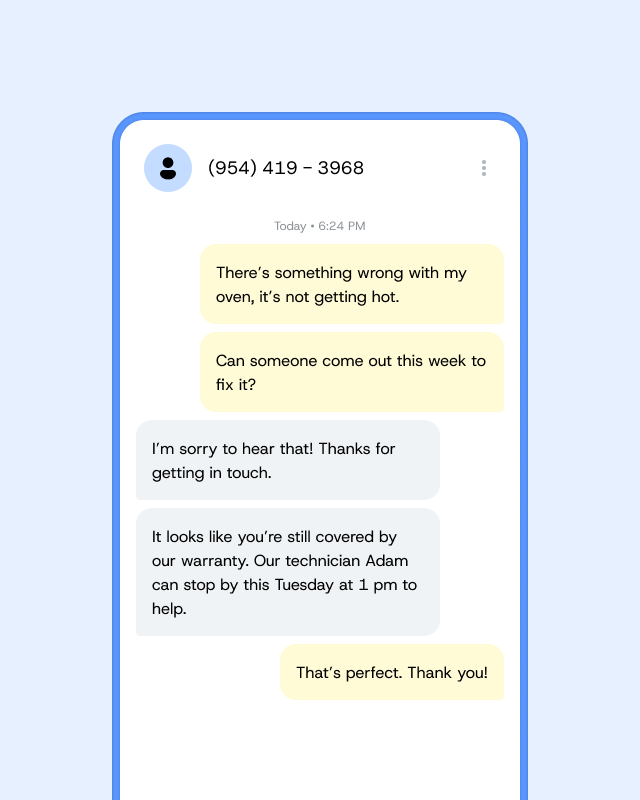
A woman at her laptop holding her phone, next to a text thread where a customer reports a broken oven and the business books a technician under warranty.

Have a team or multiple locations? Give them all the power of texting.

Invite your teammates to join you on SimpleTexting. Give them each their own number or unify everyone under one inbox. Assign conversations, leave comments on conversations, schedule texts, and do all the other things you wish your phone could do.

  • Team members
  • Internal notes
  • Push notifications
  • Multi-number support
  • Conversation filters
  • Saved replies
Two women in a museum looking at a phone, next to a text thread where a contact texted JOIN and received “You’re now signed up for lists from Wake Up Coffee Company!”
A smiling woman holding her phone, next to automated texts: a thank-you for enrolling in a puppy training course, then a reminder with parking information.
A woman texting on her phone, next to a text thread where a business asks for a first name and replies with a personalized message to Emma about her favourite location.
A woman at her laptop holding her phone, next to a text thread where a customer reports a broken oven and the business books a technician under warranty.

Woah, there’s more?

I like what I see. But which number will I text from?

You don’t have to decide today! When you’re ready, we’re here to help. Talk to us

With text-to-landline, you can keep your current phone number without affecting your voice service. Just submit your number and we’ll reach out to confirm you’re the owner.
Select a number with your preferred area code (10DLC) or a toll-free number directly from our app. This is our most popular option!
Unique and easy-to-remember, short codes are a good solution if you’re ready to go all-in on texting. Prices begin at $1,000/mo. This includes the leasing fee from the Common Short Code Administration. Learn more about dedicated short codes.

4.8 stars | 1,077 reviews

Yes, we have an app!

No need to be tied down to your desktop. Send messages and manage replies on-the-go.

A woman sitting on outdoor steps with a coffee, smiling at the SimpleTexting app on her phone.