
外掛說明
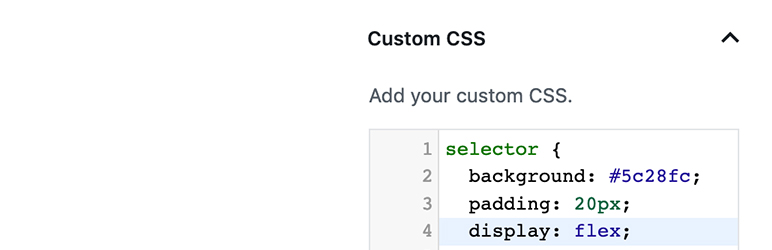
Blocks CSS 能讓使用者直接在區塊編輯器/Gutenberg 中將自訂 CSS 加入區塊中。
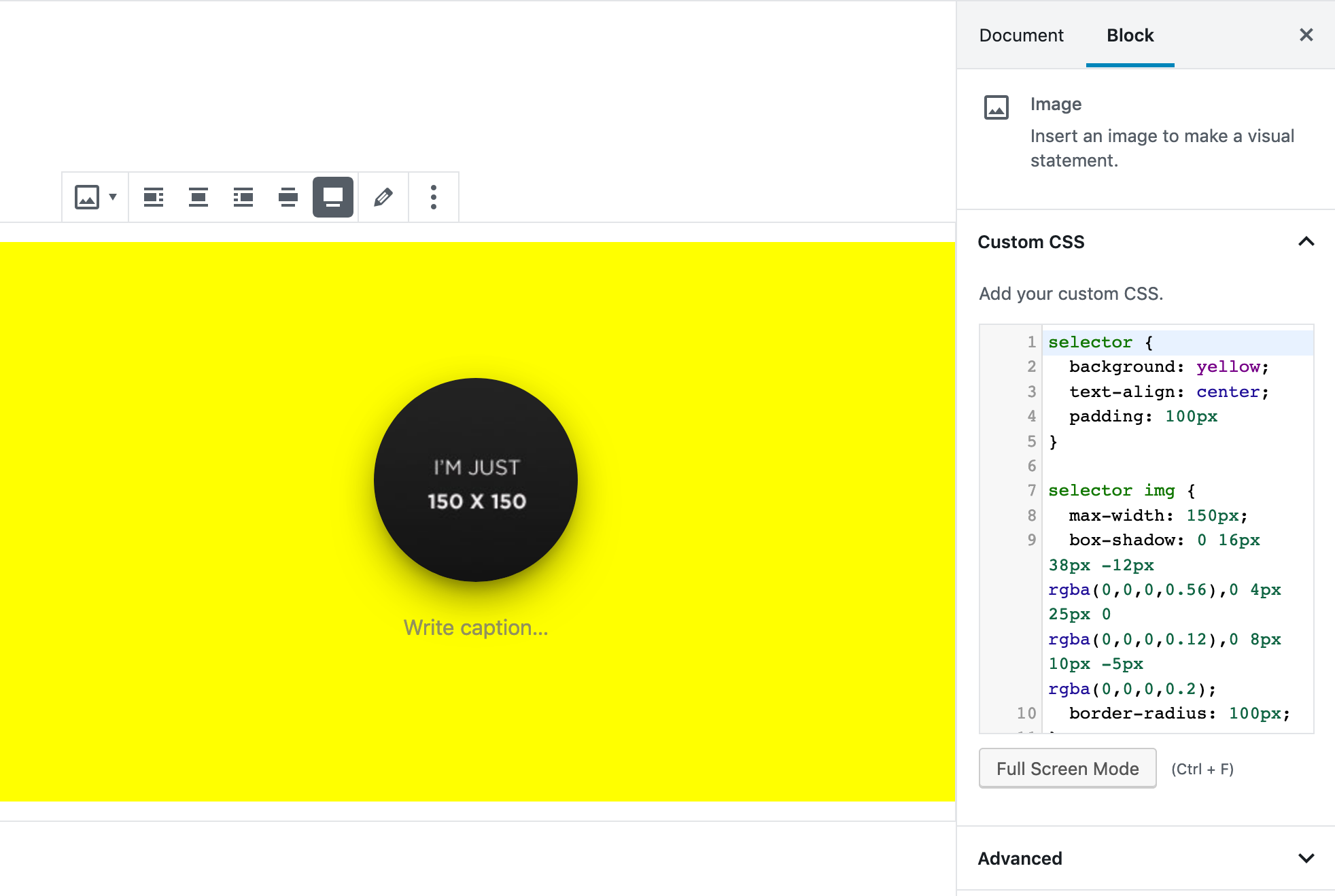
這個外掛能將具備語法醒目提示功能的 CSS 編輯器加入 Gutenberg/區塊編輯器區塊中,使用者便能為區塊自訂樣式。
這個外掛的程式碼是 https://github.com/Codeinwp/otter-blocks 可公開存取的其中一部分。
螢幕擷圖
CSS 編輯器 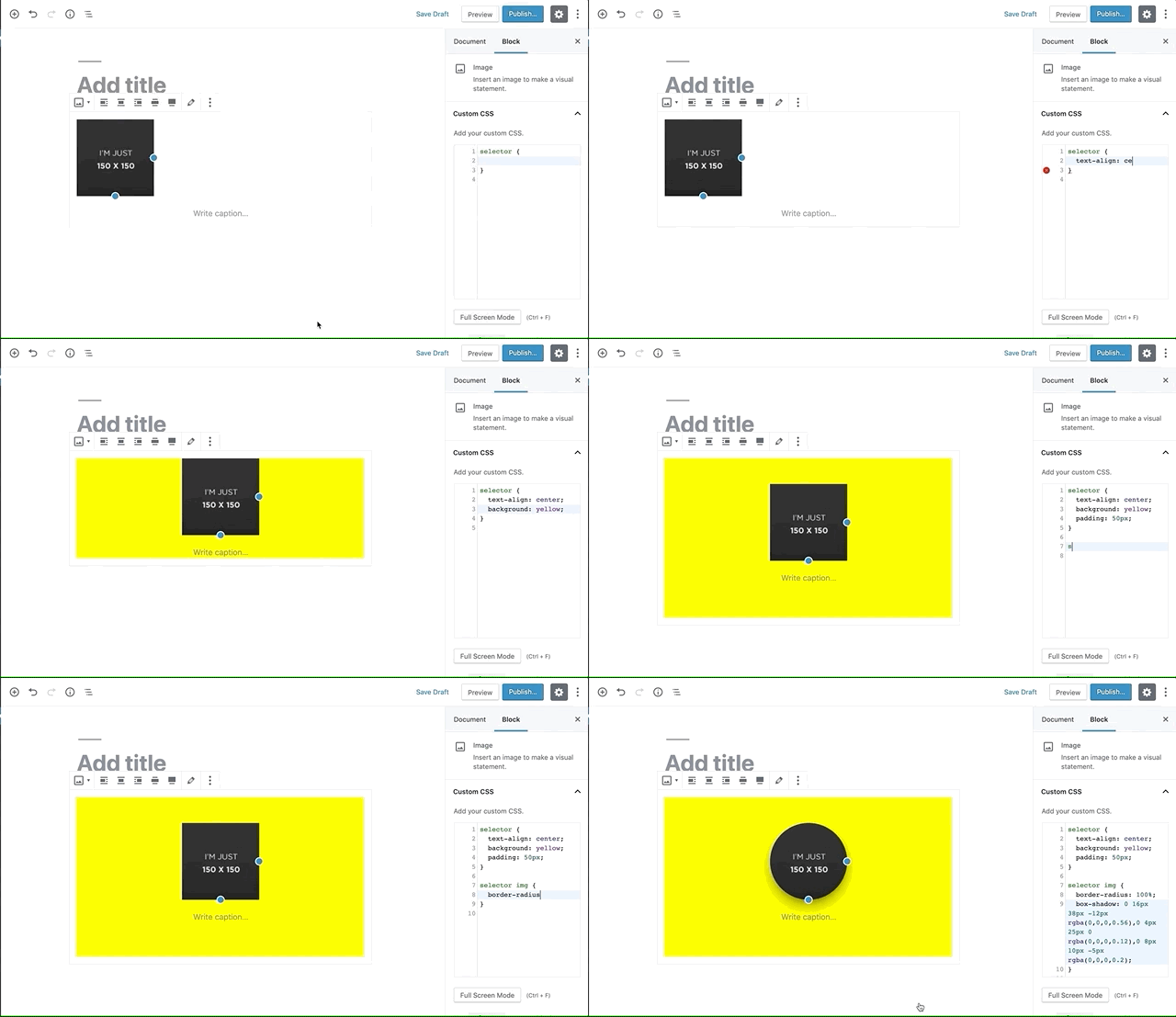
CSS 編輯器


適用於區塊編輯器
這個外掛提供 5 個可供 Gutenberg/區塊編輯器使用的區塊。
- Text A rich text element with tag selection.
- Icon An inline SVG icon from the Lucide icon set.
- Link An anchor element with link picker and rich text.
- Box A generic wrapper element with tag selection and inner blocks. Supports details and summary tags for native disclosure widgets.
- Image A simple image element. Set via media library or direct URL.
使用者評論

2026 年 2 月 8 日
1 則留言
Works like a charm on any of my recent WP projects.
[EDIT]I need to change my review.On some setups, I get two CSS editors shown in the “Custom CSS” attribute panel, and only contents of the second instance are getting saved.Problem:Two CodeMirror editors are displayed in the Custom CSS panel of the Blocks CSS plugin instead of one. Both editors are located in the same container.
Assumed Root Cause:WordPress enables React StrictMode by default in the Block Editor. React StrictMode runs useEffect hooks twice to detect potential side effects.
Analysis:The Blocks CSS plugin initializes CodeMirror in a useEffect hook.Since this useEffect doesn’t have a cleanup function that checks whether CodeMirror is already initialized, wp.CodeMirror() is called again on every mount cycle. With StrictMode enabled, this means: twice on the same DOM element.
Probable Solution:The useEffect hook should implement a cleanup function that prevents CodeMirror from being initialized multiple times on the same element.Side Notes:This only happens in some of my setups. I couldn’t figure out any possibly conflicting theme, plugin or code snippet. So I assume it might be something like a timing issue.
Conclusion:I won’t change the 5-star rating, because despite of this problem the plugin does its job. And I know how to handle this issue by a simple CSS rule to hide all Block CSS CodeMirrors except the last one:#o-css-editor .CodeMirror:not(:last-child) { display: none;}

2025 年 11 月 20 日
1 則留言
Отличный плагин

2025 年 11 月 14 日
1 則留言
Очень классные возможности! Пользуюсь постоянно!

2024 年 7 月 24 日
1 則留言
“Essential, Useful Tool, Completes the Block Editor, Should be part of the core,” The one thing they don’t mention is how quick and genuinely concerned the support is.

2023 年 10 月 4 日
1 則留言
Does exactly what I need it to do.

2023 年 9 月 26 日
1 則留言
Can’t think of Block Editor without this. Tiny powerful thing.
Only thing I hate in this plugin is the following line:
$render_css = empty( $file_name ) || strpos( $file_name, ‘post-v2’ ) === false;
This means if you deactivate Otter, your content might just break 🙁
參與者及開發者


變更記錄
You can check the changelog here.
