
Scan tickets.
Keep moving.
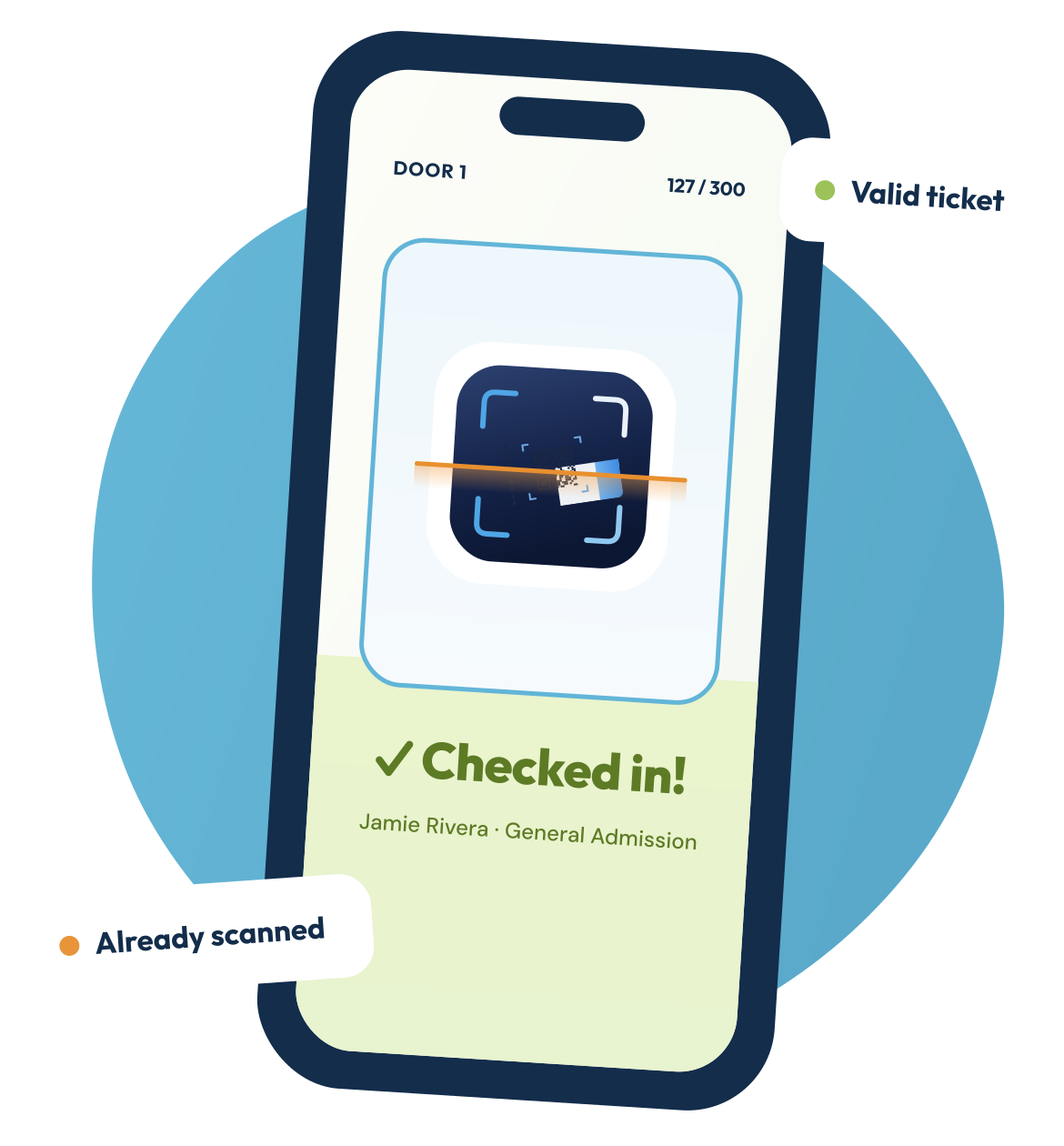
Fast, offline-first check-in for WordPress Event Tickets. Point your phone at a QR code and get an instant, unmistakable answer—even when the venue Wi-Fi gives up.
Works with the free Event Tickets plugin. No Event Tickets Plus required.
300
people in line
They won’t wait for a browser to reload.
WHY WE BUILT IT
Your front door deserves better than a search box.
Event Tickets does a great job selling tickets. But at the door, check-in with the free plugin still means a browser tab, a live connection, and manual searching. That is exactly when unreliable Wi-Fi and a growing queue become everyone’s problem.
Event Ticket Scanner moves the decision onto the phone. The event’s attendee list is securely synced to the device, so every scan can be validated locally in milliseconds. If the connection drops, check-ins queue safely and sync back when it returns.
The result is simple: your staff sees a clear answer, your guests keep moving, and your event starts on the right note.
MADE FOR THE MOMENT
Everything the door team needs. Nothing they don’t.
Designed for speed, clarity, and the real-world conditions of event check-in.
Offline-first scanning
Validate tickets locally in milliseconds. Keep checking people in with or without a signal.
Instant verdicts
Full-screen color, plain language, and haptic feedback make every result obvious at a glance.
Multi-device safe
See which door checked in a guest and when—without silent overwrites or confusion.
Search & manual check-in
Find a guest by name or email when a ticket is lost or a screen can’t be scanned.
Easy corrections
Undo a mistaken check-in behind a confirmation, with no scramble at the entrance.
Live event stats
See total and checked-in guests by ticket type, using server or local numbers as available.
NO SECOND GUESSING
One scan. One clear answer.
Readable at arm’s length, even in a dark doorway.
Green means go
Valid ticket. Guest checked in.
Amber means already
Shows who’s checked it in and when.
Red means stop
Invalid ticket, with a clear reason
Make the line the easiest part of your event.
Event Ticket Scanner is currently in pre-release for iOS and Android.
