Affichage des articles dont le libellé est JavaScript Projects Source Code. Afficher tous les articles

Banking Application Using HTML, CSS And Javascript

How To Create a Banking Application in JavaScript, HTML and CSS

How To Create a Banking Application in JavaScript, HTML and CSS


In this JavaScript Tutorial, we will see how to create a simple banking application using  JavaScript, HTML5, CSS3 and Chart.js .
We'll build a financial dashboard that includes real-time balance tracking, interactive transaction management, dynamic chart visualization, and a responsive user interface.
This banking project demonstrates essential web development concepts including DOM manipulation, event handling, data visualization with Chart.js, CSS Grid and Flexbox layouts.

What We Are Gonna Use In This Project:

- JavaScript Programming Language.
- HTML and CSS.
Chart.js .
- Visual Studio Editor.


Project Source Code:


     - Chart Initialization

Creates and configures the interactive balance chart using Chart.js.


// Create the chart for balance history
function initChart() {

const ctx = document.getElementById('balance-chart').getContext('2d');

chart = new Chart(ctx, {
type: 'line',
data: {
labels: [],
datasets: [{
label: 'Balance',
data: [],
borderColor: '#FF7600',
backgroundColor: 'rgba(255, 118, 0, 0.1)',
tension: 0.4,
fill: true
}]
},
options: {
responsive: true,
maintainAspectRatio: false,
scales: {
y: {
beginAtZero: true,
grid: {
color: 'rgba(255, 255, 255, 0.05)'
},
ticks: {
color: '#B0B0B0'
}
},
x: {
grid: {
display: false
},
ticks: {
color: '#B0B0B0',
maxRotation: 0,
maxTicksLimit: 5
}
}
},
plugins: {
legend: {
display: false
},
tooltip: {
mode: 'index',
intersect: false,
backgroundColor: 'rgba(30, 30, 30, 0.9)',
titleColor: '#FFFFFF',
bodyColor: '#FFFFFF',
borderColor: '#FF7600',
borderWidth: 1
}
}
}
});

}


     - Balance Display Updates.
    
A simple function that updates the balance display on the screen.


// Update the balance display
function updateBalance() {
// Show balance with 2 decimal places
balanceElement.textContent = `$${balance.toFixed(2)}`;
}


     - Transaction Recording.

This function handles the creation of new transactions.
 

// Add a new transaction to history
function addTransaction(type, amount) {
// Create a transaction object with type, amount and date
const transaction = {
type, // 'deposit' or 'withdraw'
amount,
date: new Date() // Current date and time
};

// Add to transactions list
transactions.push(transaction);

// Update the display
updateTransactionHistory();
updateChart();

// Reset scroll to top to show newest transactions
transactionHistory.scrollTop = 0;

}


     - Transaction History.

Display all the transactions (↑ for deposits, ↓ for withdrawals).


// Update the transaction history display
function updateTransactionHistory() {
// Clear the current list
transactionHistory.innerHTML = '';

// Loop through transactions in reverse order (newest first)
transactions.slice().reverse().forEach((transaction, index) => {
// Create a new transaction element
const transactionElement = document.createElement('div');
transactionElement.classList.add('transaction', transaction.type);

// Set icon based on transaction type
const iconContent = transaction.type === 'deposit' ? '↑' : '↓';

// Fill in the transaction details
transactionElement.innerHTML = `
<div class="transaction-icon">${iconContent}</div>
<div class="transaction-info">
<span class="transaction-type">${transaction.type}</span>
<span class="transaction-date">
                                        ${transaction.date.toLocaleString()}</span>
</div>
<span class="transaction-amount">
                                            $${transaction.amount.toFixed(2)}</span>
`;

// Add animation to make it fade in
transactionElement.style.animation =
                                        `fadeIn 0.3s ease-out ${index * 0.05}s both`;
transactionHistory.appendChild(transactionElement);

});
}


     - Chart Data Updates.

Keeps the balance chart synchronized with transaction data.


// Update the chart with new data
function updateChart() {
// Create labels (T1, T2, etc.) for each transaction
chart.data.labels = transactions.map((_, index) => `T${index + 1}`);

// Calculate running balance for each point
let runningBalance = 0;
chart.data.datasets[0].data = transactions.map(transaction => {
// Add amount for deposits, subtract for withdrawals
runningBalance += transaction.type === 'deposit' ?
                                            transaction.amount : -transaction.amount;
return runningBalance;
});

// Update the chart
chart.update();
}


     - Display error message.


// Show error popup
function showError(message) {
// Set the error message
errorMessage.textContent = message;
// Show the modal
errorModal.style.display = 'block';
errorModal.classList.add('show');
}


     - Dismiss The Error Message.


// Hide error popup
function hideError() {
// Start the hiding animation
errorModal.classList.remove('show');
// After animation finishes, hide the modal
setTimeout(() => {
errorModal.style.display = 'none';
}, 300);
}


     - Transaction Processing.


// Handle deposit or withdraw
function handleTransaction(type) {
// Get amount from input and convert to number
const amount = parseFloat(amountInput.value);

// Check if amount is valid
if (isNaN(amount) || amount <= 0) {
showError('Please enter a valid positive number');
return;
}

// Check if there's enough money for withdrawal
if (type === 'withdraw' && amount > balance) {
showError('Insufficient funds');
return;
}

// Update balance
balance += type === 'deposit' ? amount : -amount;

// Add to transaction history
addTransaction(type, amount);

// Update balance display
updateBalance();

// Clear input field
amountInput.value = '';
}


     - Button Click Handlers.


// Button click events
depositBtn.addEventListener('click', () => handleTransaction('deposit'));
withdrawBtn.addEventListener('click', () => handleTransaction('withdraw'));


     - Date Display.


// Show today's date in the header
currentDateElement.textContent = new Date().toLocaleDateString('en-US', {
year: 'numeric', month: 'long', day: 'numeric'
});


JavaScript - Create Note Taking App

How to Create a Note-Taking Application with JavaScript and Local Storage


JavaScript - Create Note Taking App


In this Javascript tutorial, we will see how to use JavaScript to create a basic note-taking application that allows users to add and delete notes saving and loading notes from local storage.


Project Source Code:


<!DOCTYPE html>
<html>
<head>
<title>Test</title>
<!-- fontawesome -->
<link rel="stylesheet"
href="https://cdnjs.cloudflare.com/ajax/libs/font-awesome/5.15.1/css/all.min.css"
integrity="sha512-+4zCK9k+qNFUR5X+cKL9EIR+
ZOhtIloNl9GIKS57V1MyNsYpYcUrUeQc9vNfzsWfV28IaLL3i96P9sdNyeRssA=="
crossorigin="anonymous" />
<style>
#app{
width: 80%;
margin: 0 auto;
font-family: Arial, sans-serif;
}

#new-note{
display: flex;
align-items: center;
}

#new-note i{
font-size: 24px;
margin-right: 10px;
cursor: pointer;
transition: all 0.3s ease-in-out;
}

#new-note i:hover{ color: #0095ff; }

#new-note input{
border: none;
border-bottom: 2px solid #ccc;
font-size: 18px;
padding: 10px;
width: 100%;
transition: all 0.3s ease-in-out;
}

#new-note input:focus{border-bottom: 2px solid #0095ff; outline: none;}

#notes{margin-top: 20px;}

#notes li{
list-style: none;
border-bottom: 1px solid #ccc;
padding: 10px;
display: flex;
align-items: center;
}

#notes li i{
margin-right: 10px;
cursor: pointer;
transition: all 0.3s ease-in-out;
}

#notes li i:hover{ color: #0095ff; }

#notes li p{ margin: 0; font-size: 18px;}
</style>

</head>
<body>

<div id="app">
<h1>Note Taking App</h1>
<div id="new-note">
<i class="fas fa-plus"></i>
<input type="text" placeholder="take a new note...">
</div>
<ul id="notes"></ul>
</div>

<script>

// Select the "new note" div, the input field, and the notes list
const newNote = document.querySelector("#new-note");
const noteInput = newNote.querySelector("input");
const notesList = document.querySelector("#notes");

// Check if there are any saved notes in the local storage
// If there are, render them on the page
const savedNotes = JSON.parse(localStorage.getItem("notes")) || [];

if(savedNotes.length > 0)
{
savedNotes.forEach(note => {
const newNoteItem = document.createElement("li");
newNoteItem.innerHTML = `<i class="fas fa-trash"></i><p>${note}</p>`;
notesList.appendChild(newNoteItem);
});
}

// Add an event listener to the "new note" div
newNote.addEventListener("click", addNewNote);

// When the user click on the div, create a new note and add it to the list
// Also, save all notes in the list to the local storage
function addNewNote(e){

e.preventDefault();
const newNoteText = noteInput.value;
if(newNoteText === ""){
return;
}

const newNoteItem = document.createElement("li");
newNoteItem.innerHTML = `<i class="fas fa-trash"></i><p>${newNoteText}</p>`;
notesList.appendChild(newNoteItem);
noteInput.value = "";

const notes = [...notesList.querySelectorAll("li p")].map(note => note.textContent);
localStorage.setItem("notes", JSON.stringify(notes));
}

// Add an event listener to the notes list
notesList.addEventListener("click", deleteNote);

// When the user clicks the delete button next to a note, remove the note from the list
// Also, save all notes in the list to the local storage
function deleteNote(e){
if(e.target.classList.contains("fa-trash")){
e.target.parentElement.remove();
notes = [...notesList.querySelectorAll("li p")].map(note => note.textContent);
localStorage.setItem("notes", JSON.stringify(notes));
}
}


</script>


</body>
</html>


OUTPUT:

Create Note Taking App In JavaScript


if you want the source code click on the download button below


Image


JavaScript Projects Source Code

Download JavaScript Projects and Scripts

JavaScript Projects Source Code

Are you Loking for JavaScript Projects to Download?

JavaScript is one of the must know programming language if you want to become a web developper.

if you want to learn JavaScript so you can start building your own projects then check this premium course >>check this javascript course<< .

now let's see the projects list!

1) JavaScript Slider - 3D & 2D HTML5 Image Slider

JavaScript Project 1 Source Code

"Cute Slider is a unique and easy to use slider with awesome 3D and 2D transition effects, captions, 4 ready to use templates, and more impressive features which written with pure object oriented javascript."


Image


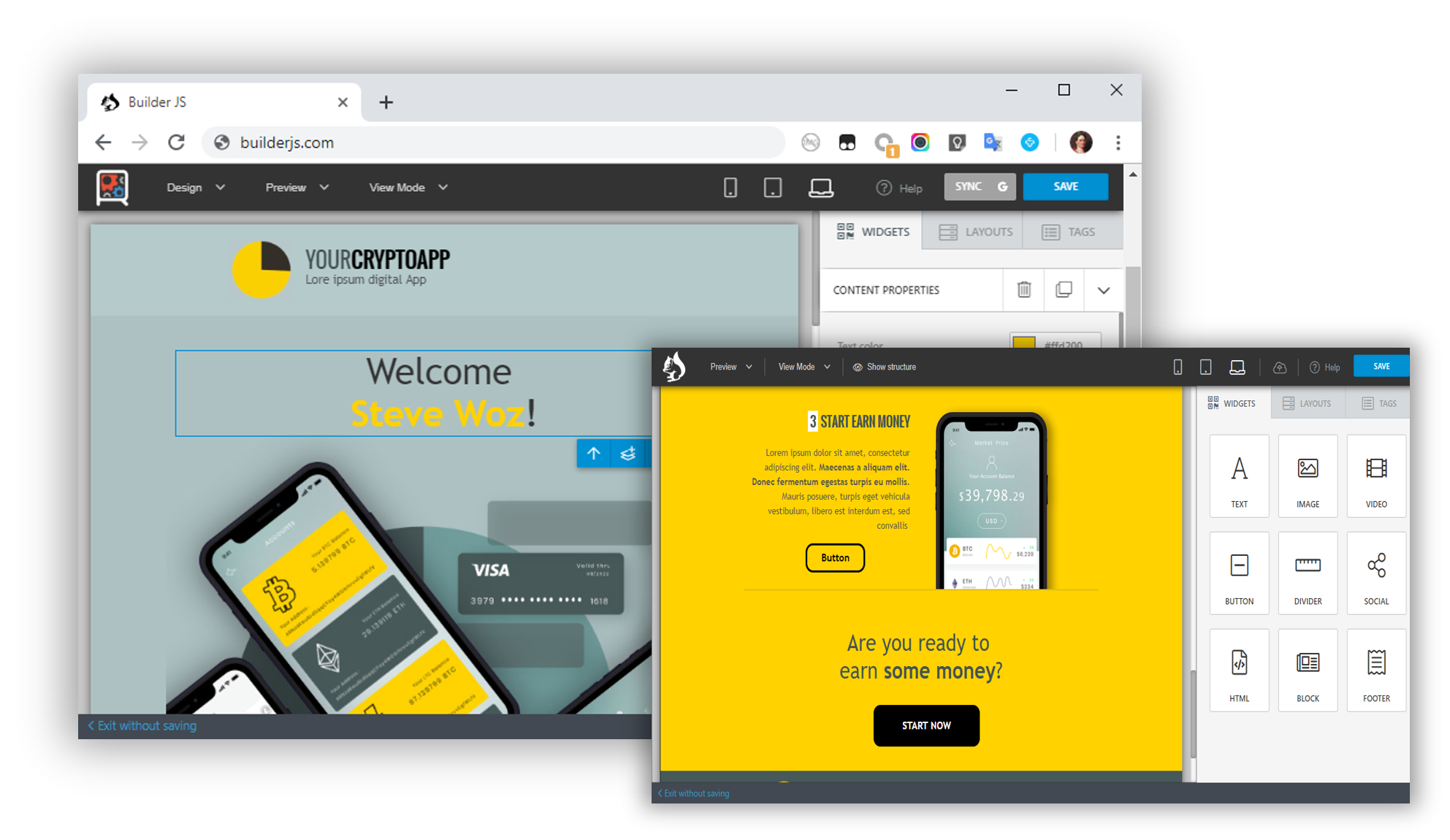
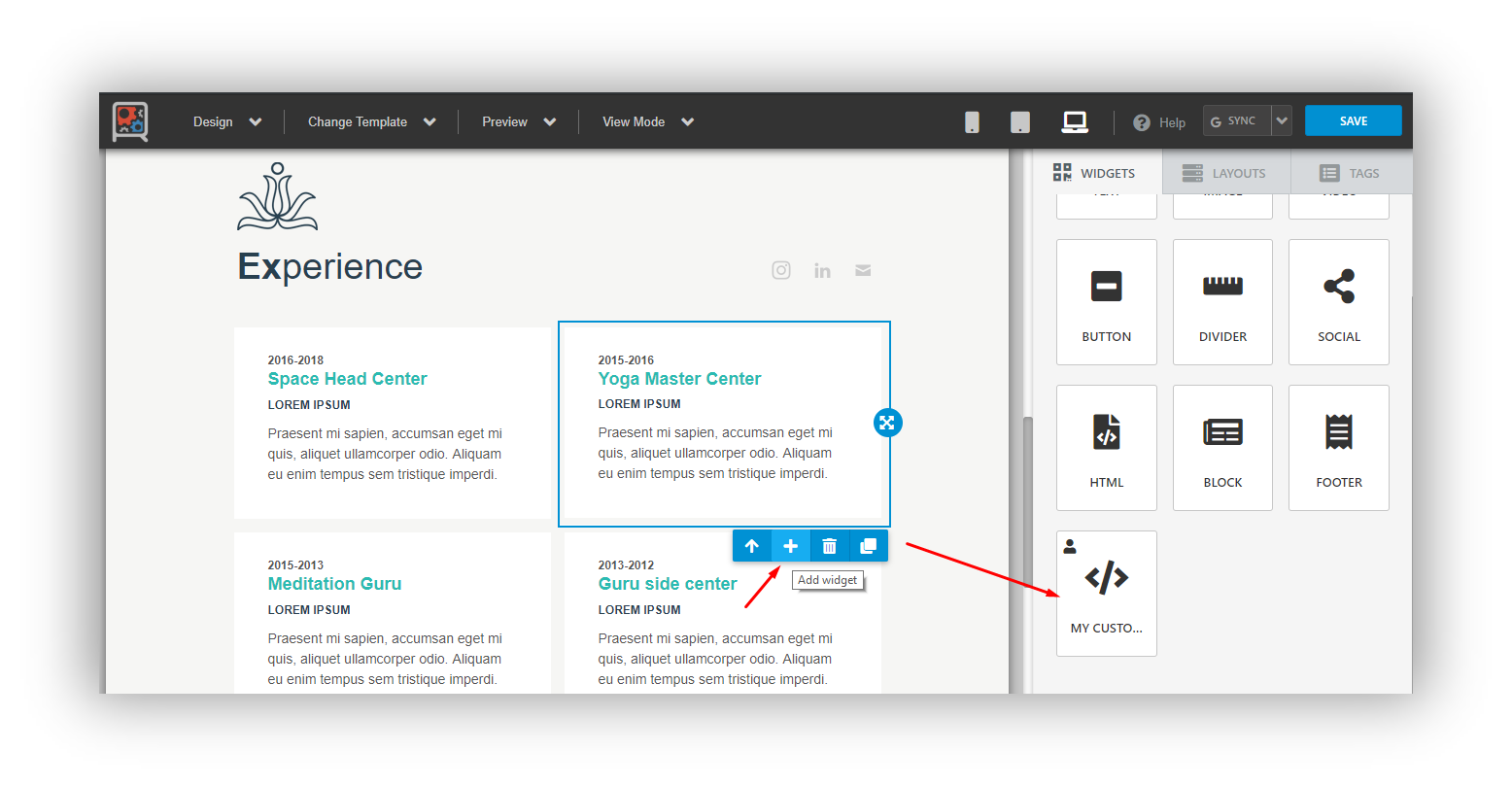
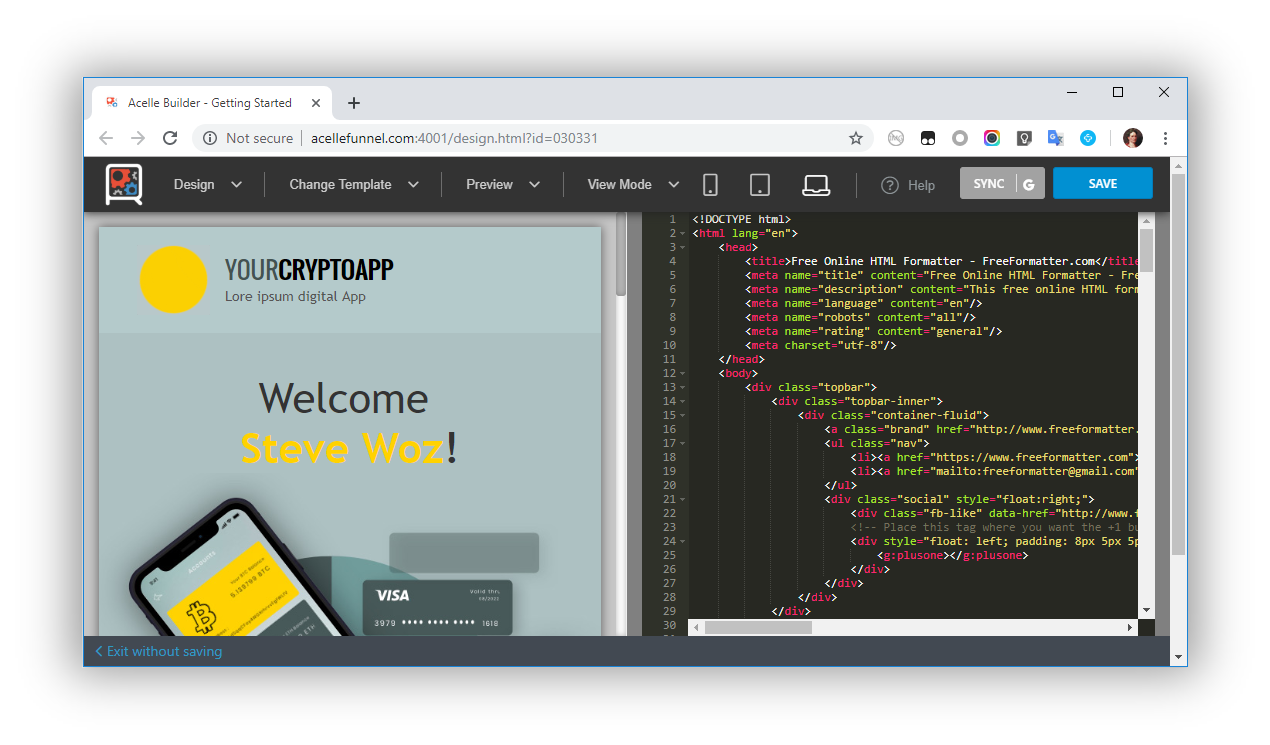
2) JavaScript Builder - HTML Email & Page Builder

JavaScript Projects 2 Source Code

"BuilderJS is a JavaScript plugin which provides a web user interface for building / editing HTML emails or web pages."

Image
Image
Image


Image


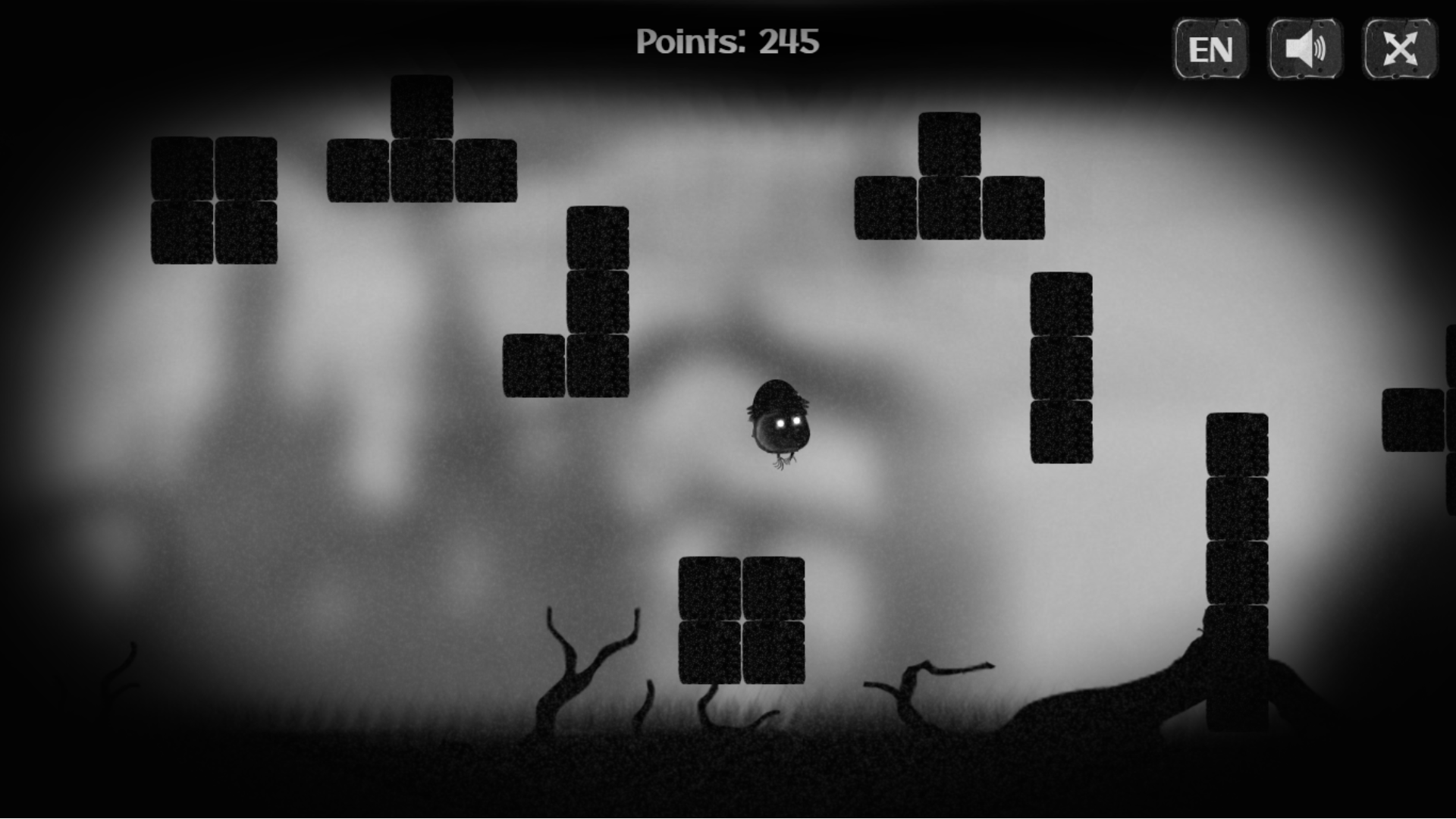
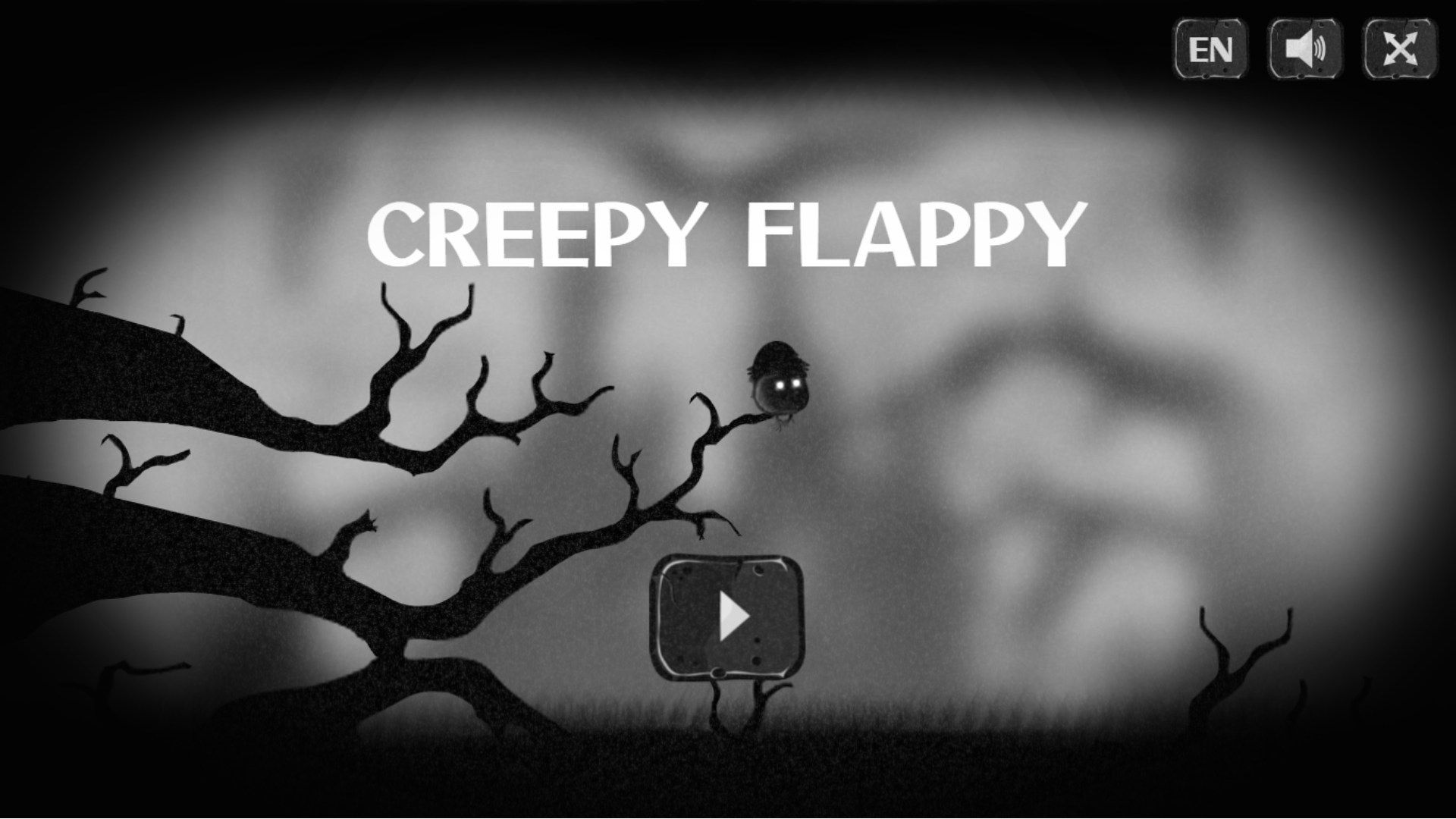
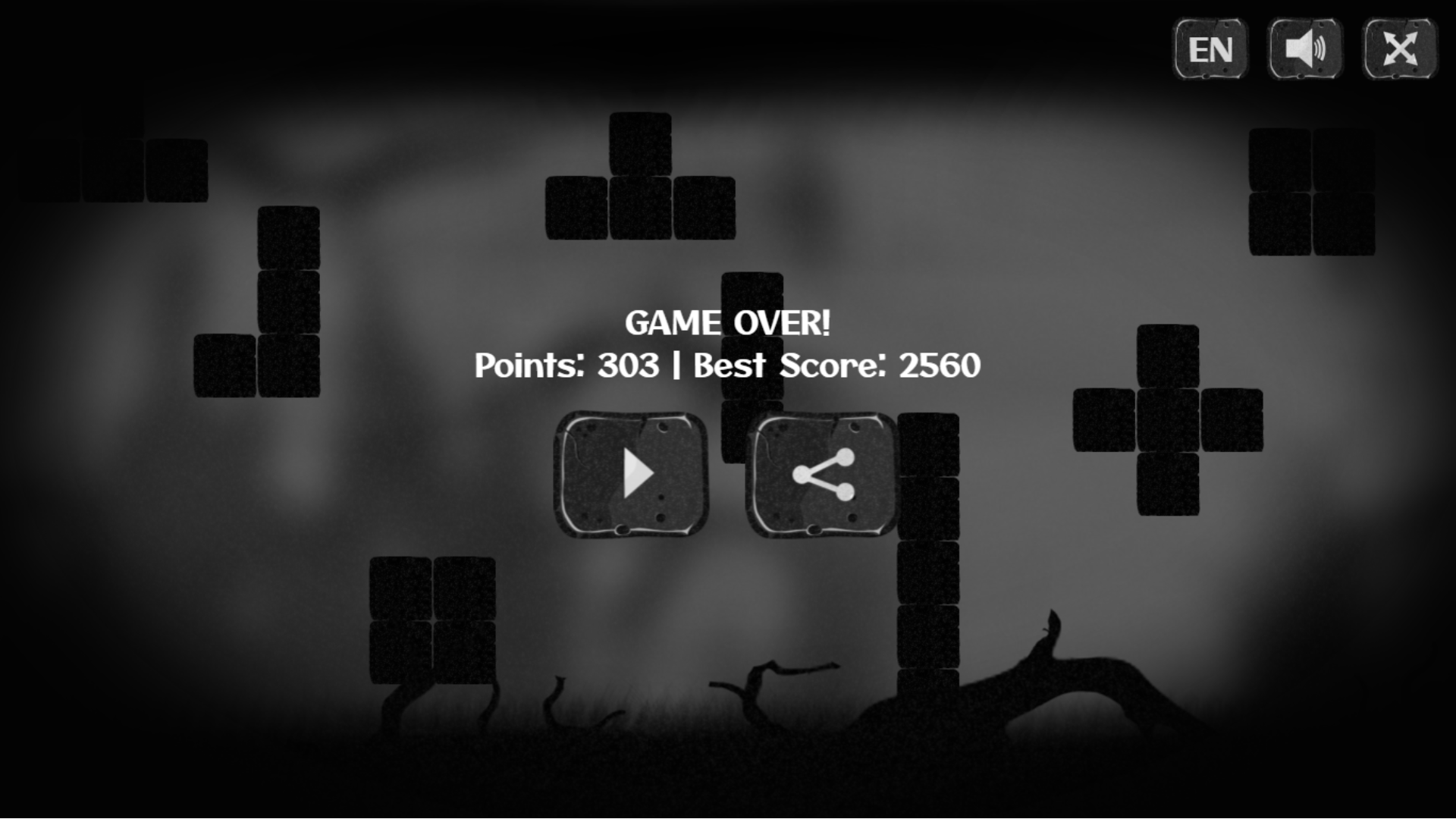
3) JavaScript Game - Creepy Flappy

JavaScript Projects 3 Source Code

"The Creepy Flappy is an HTML5 (pure javascript) game where a strange bird must fly without hitting the blocks. Try to get as far as possible. Enjoy atmospheric sounds and graphics."

Image

Image

Image


Image


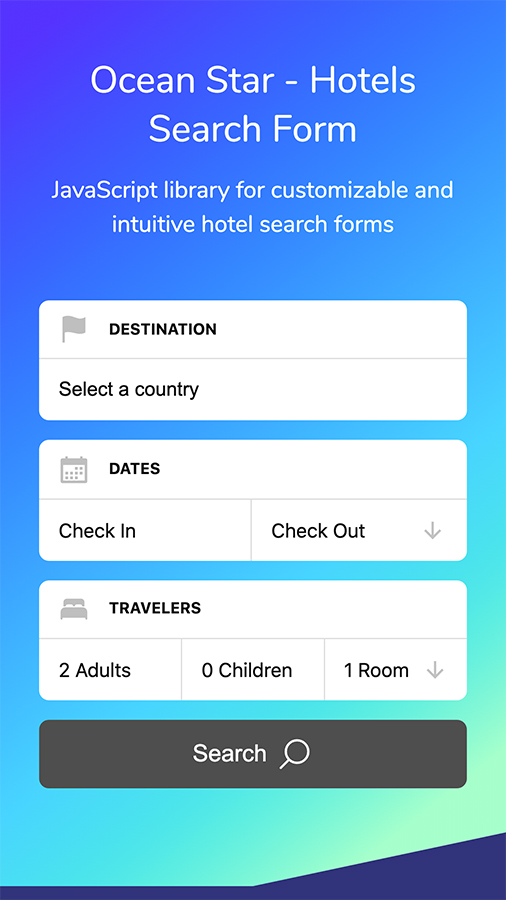
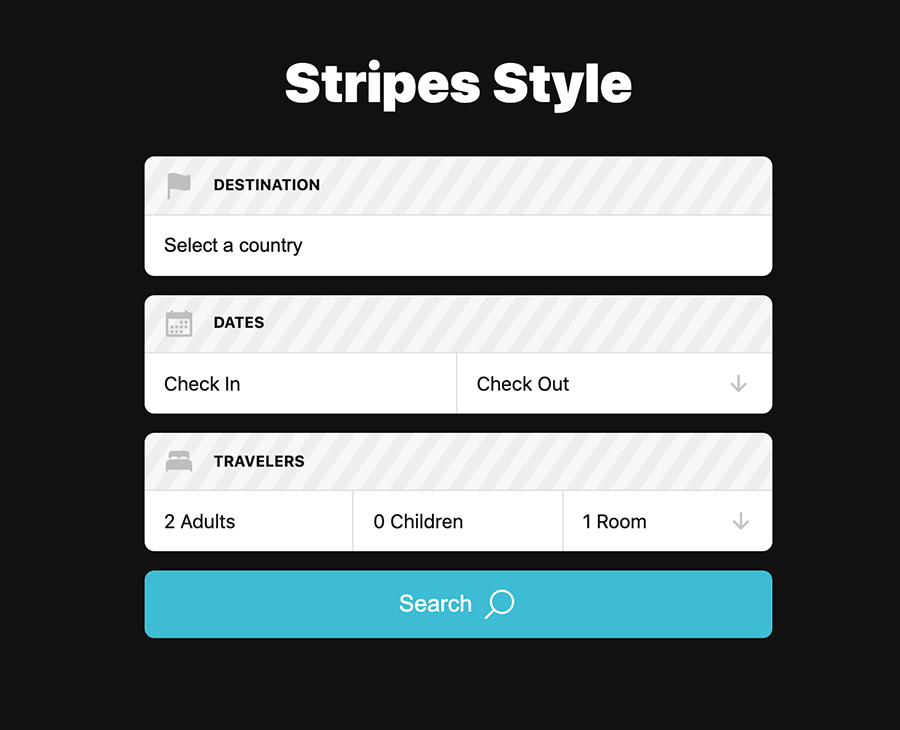
4) JavaScript Search – Hotels Search Form

JavaScript Projects 4 Source Code

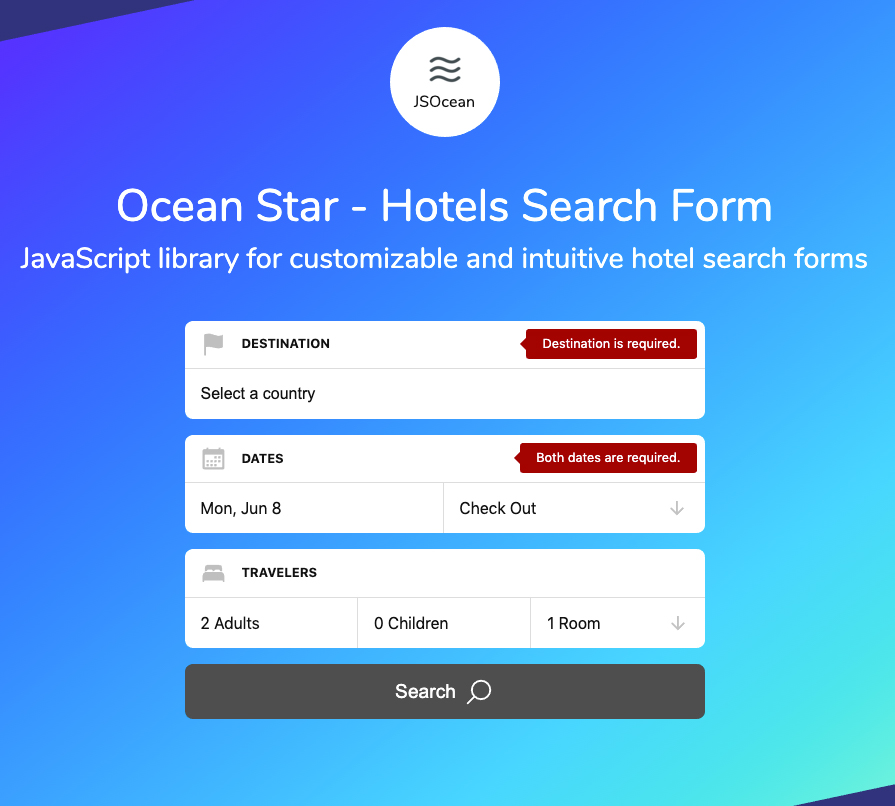
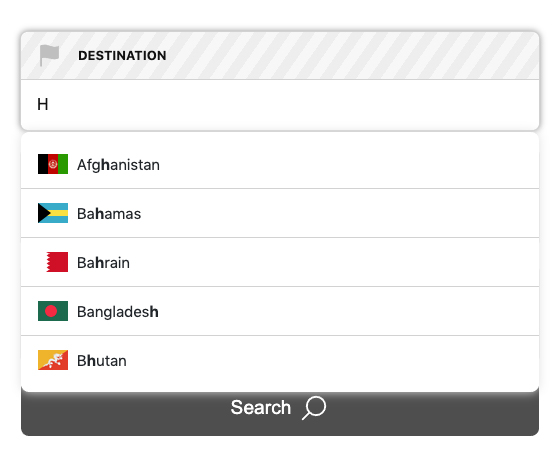
"Ocean Star is a JavaScript library for customizable and intuitive hotel search forms with plenty of different features and options. It has a responsive country autocomplete, powerful date range picker with a modern calendar widget, and guest selector with the possibility to add fields dynamically. It makes it easy to add a great-looking hotel search forms to your website or application."

Image

Image

Image

Image

Image


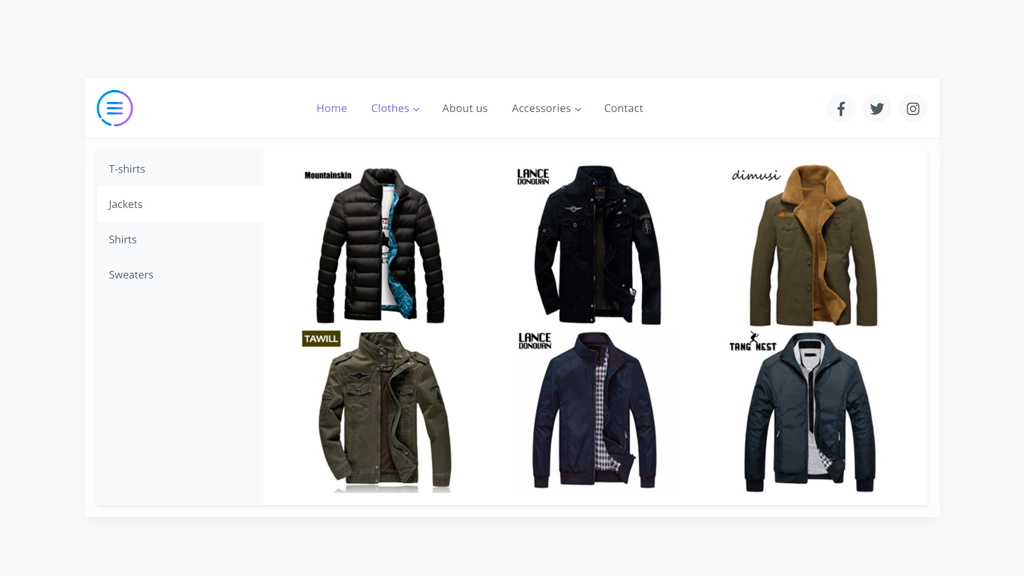
5) JavaScript NAVX - Ultimate Navigation Plugin

JavaScript Projects 5 Source Code

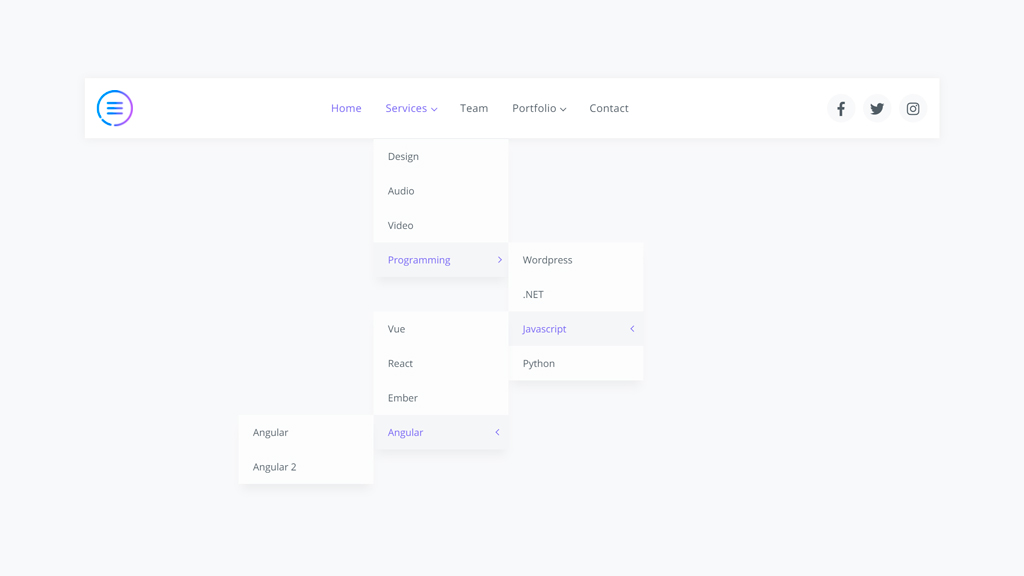
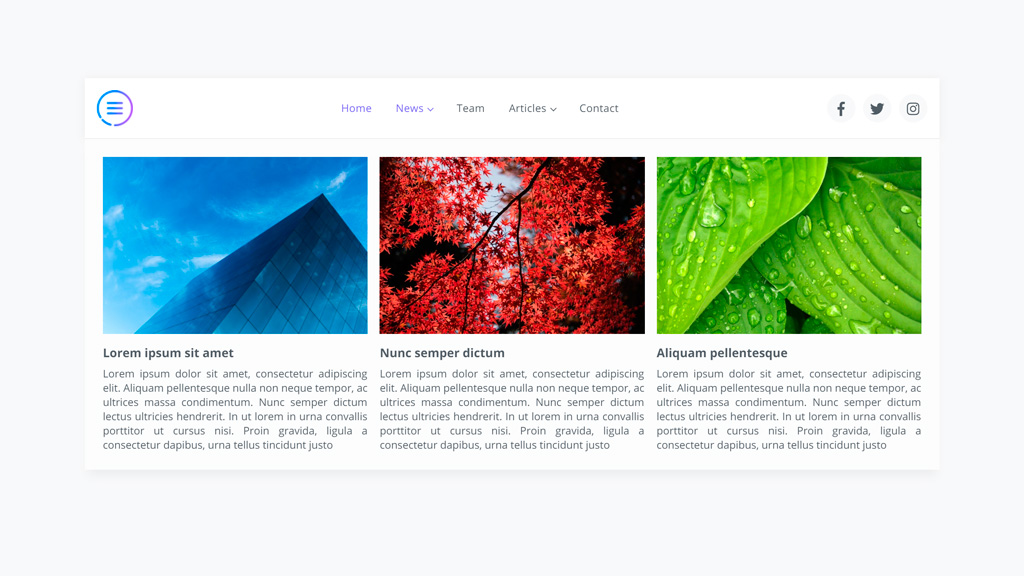
"NAVX does not use jQuery or other library to work. It’s fast!,Ready to use on mobile phones, tablets and desktop devices."

Image


Image
Image

Image


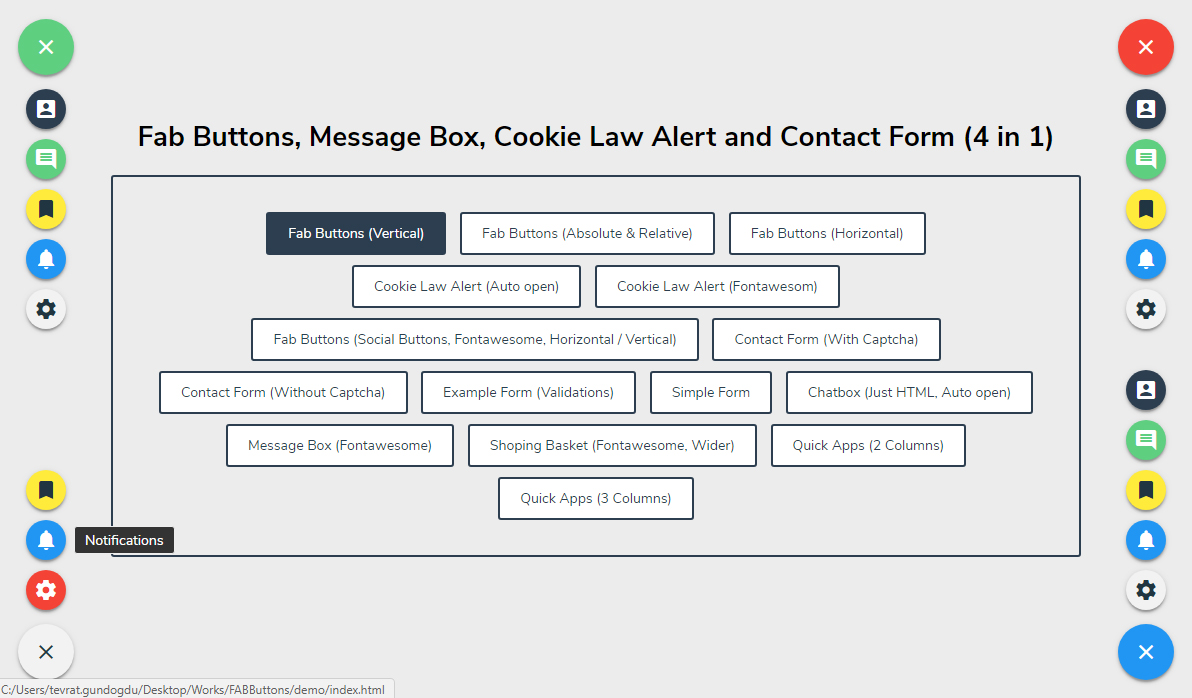
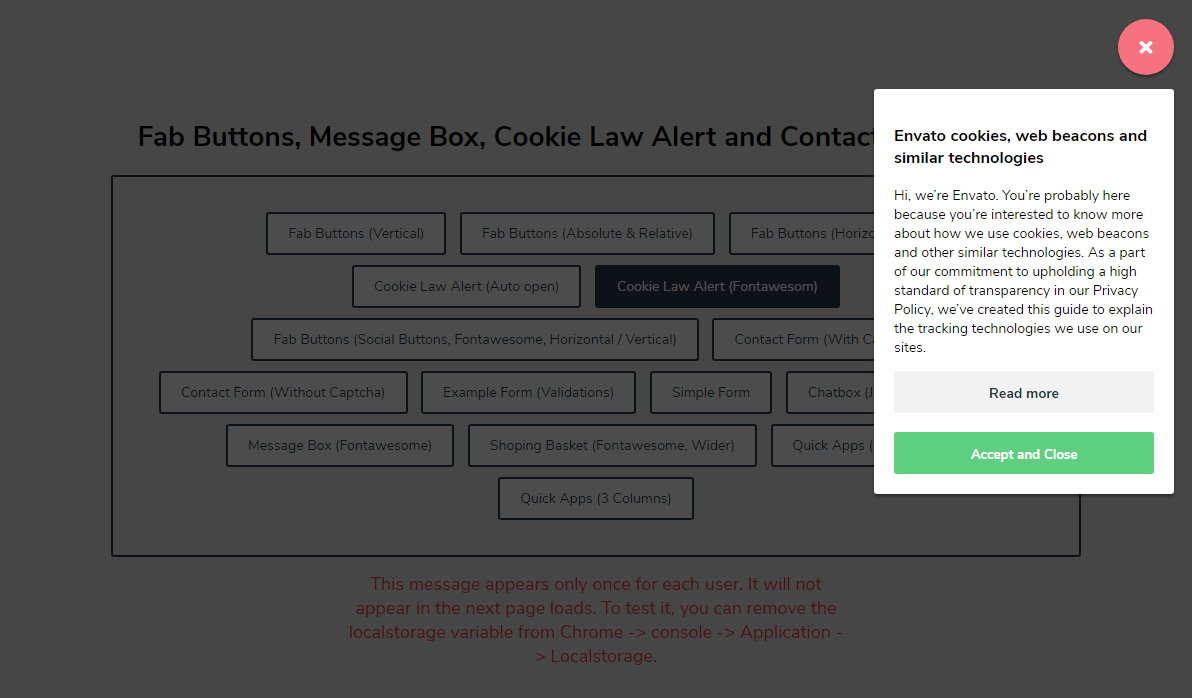
6) Fab Buttons, Message Box, Cookie Law Alert and Contact Form

JavaScript Projects 6 Source Code

"A simple pure Javascript plugin. For corner sweet buttons, cookie law alerts, working contact forms, message boxes and much more."

Image

Image

Image


Image


7) jQuery Countdown

JavaScript Projects 7 Source Code

"jCountdown is a jQuery plugin, you can easily to use it on your site."


Image


8) Image Cropper, Responsive Uploading and Ratio Cropping Plugin

JavaScript Projects 8 Source Code

"Crop images with Slim, a cross platform Image Cropping and Uploading plugin. It’s very easy to setup and features beautiful graphics and animations."

Image


Image


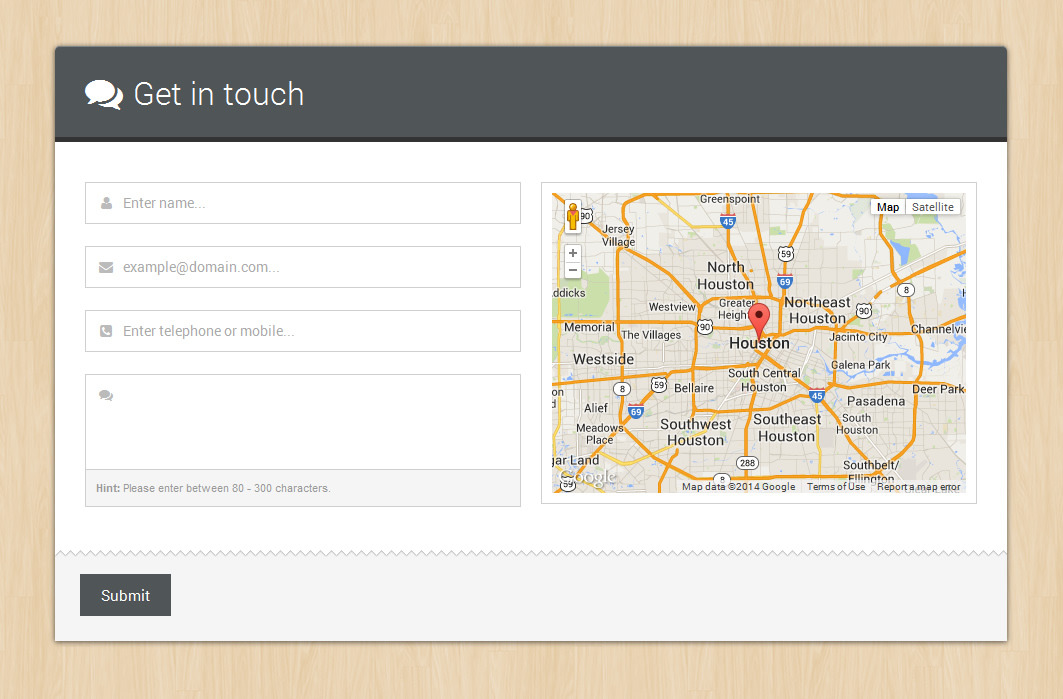
9) Smart Forms

JavaScript Projects 9 Source Code

"Smart Forms is a responsive professional Form Framework with a clean consistent Form UI. The framework includes a variety of form Widgets such as Datepickers, Timepickers, Monthpickers, Colorpickers, Numeric Steppers, UI Sliders, Google maps, toggle switches validation, masking among other features."

Image

Image


Image


10) Upload Image, Ratio with Drag and Drop

JavaScript Projects 10 Source Code

"an HTML5 Upload image tool, full use of HTML5 with canvas (with fallback options). Together with a ratio and drag & drop."


Image


11) Media Boxes Portfolio - jQuery Grid Gallery Plugin

JavaScript Projects 11 Source Code

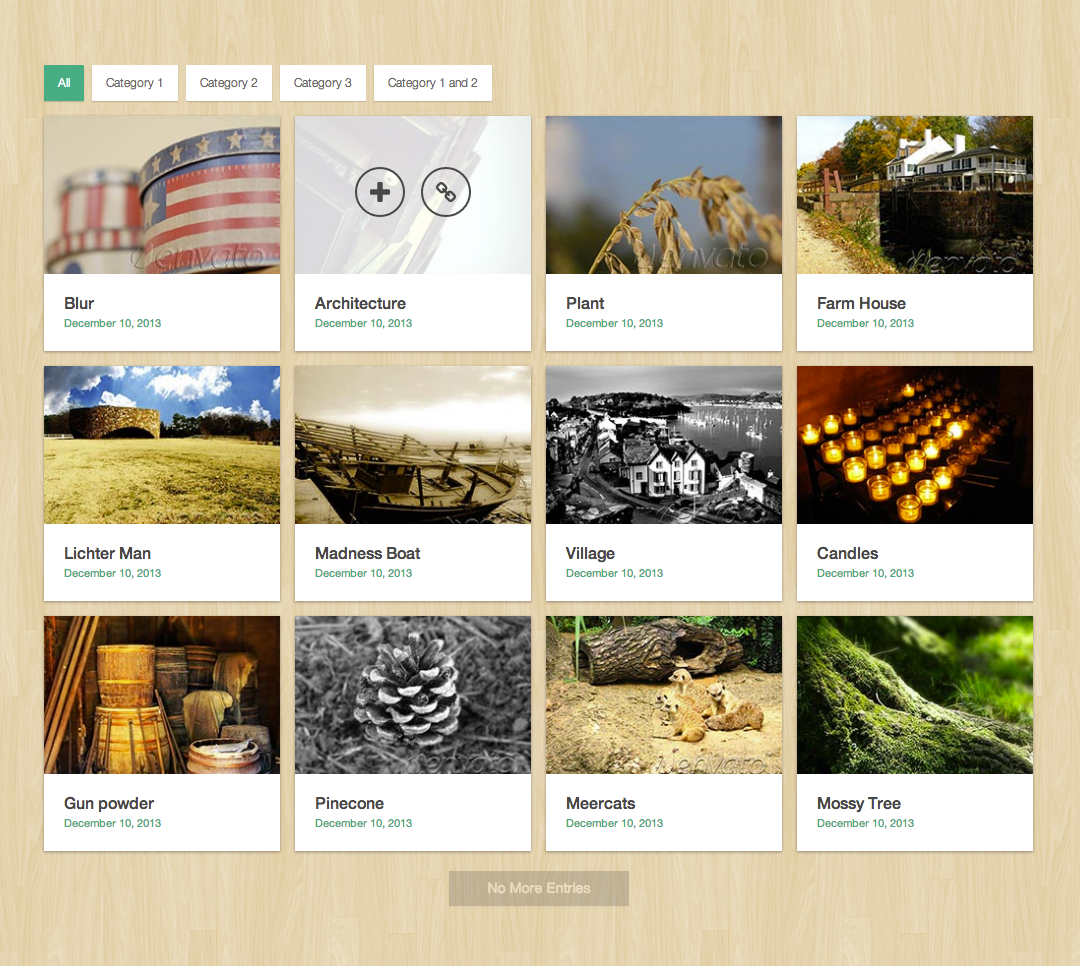
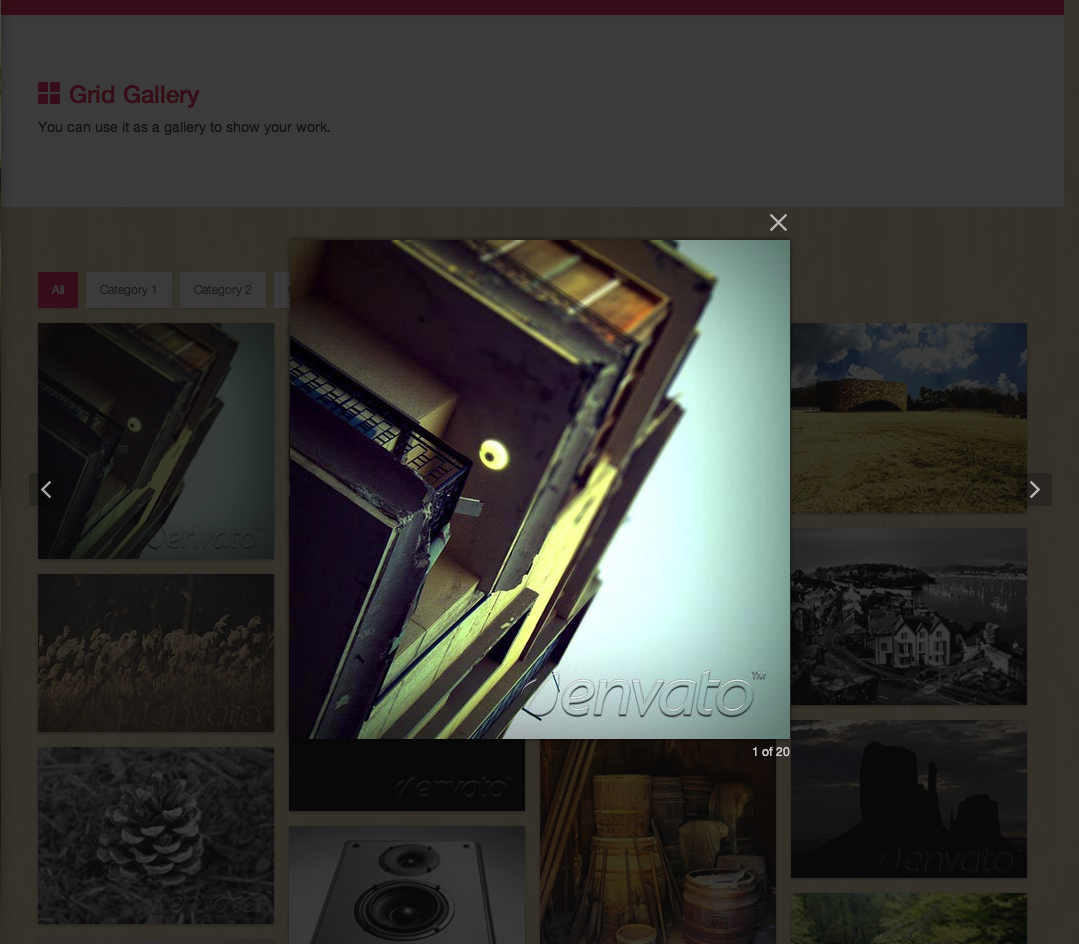
"Media Boxes Portfolio is a featured jQuery grid plugin that allows you to display all kind of content in a highly powerful grid. Use it for blog posts, display media, clients, portfolios, shopping carts, galleries and all you can imagine."

Image

Image


Image


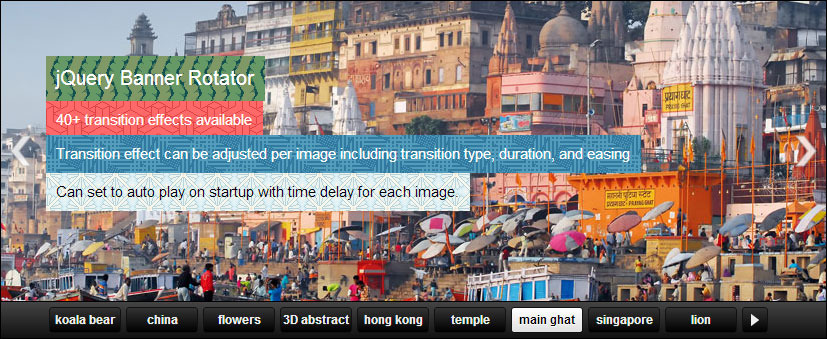
12) jQuery Banner Rotator / Slideshow

JavaScript Projects 12 Source Code

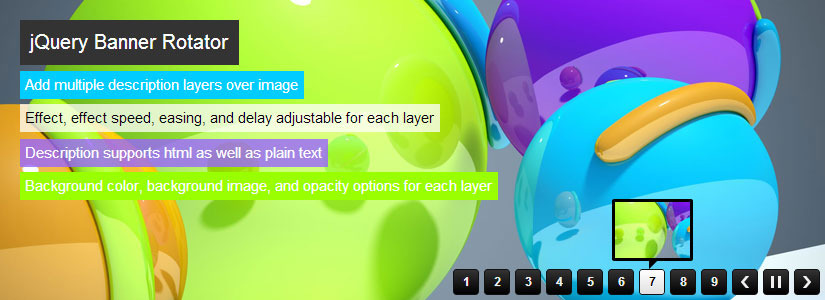
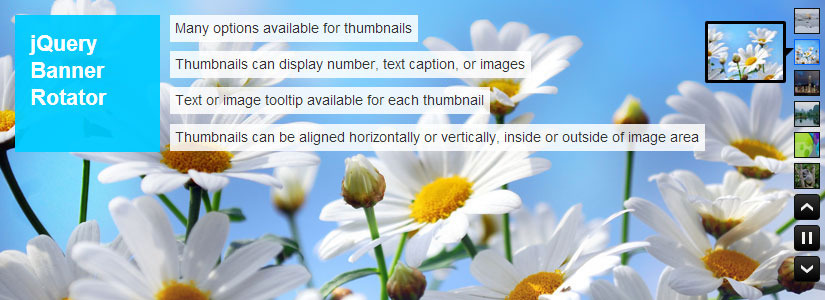
"This is a jQuery banner rotator plugin featuring multiple transitions. The thumbnails and buttons allow for easy navigation of your banners/ads. The banner rotator is also re-sizable and configurable through the plugin’s parameters."

Image

Image

Image

Image


Image