Beautiful Datetime Picker With jQuery And Moment.js
| File Size: | 5.9 KB |
|---|---|
| Views Total: | 67927 |
| Last Update: | |
| Publish Date: | |
| Official Website: | Go to website |
| License: | MIT |
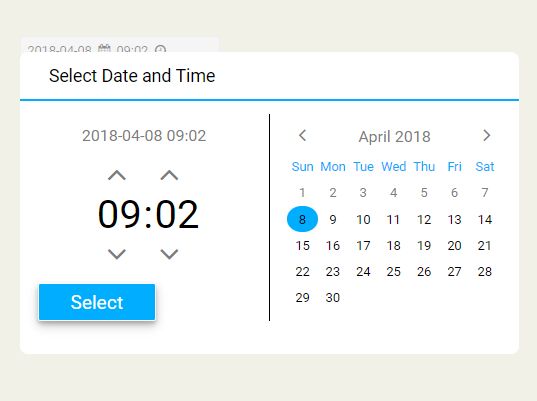
Yet another date & time picker plugin which appends a pretty nice, multi-language date and time selection popup to a hidden input field using jQuery and moment.js JavaScript libraries.
How to use it:
1. Import the necessary jQuery and moment.js libraries into your html document.
<script src="/path/to/cdn/jquery.min.js"></script>
<script src="/path/to/cdn/moment-with-locales.min.js"></script>
2. Import the Datetime Picker's JavaScript and Stylesheet into the document.
<link href="css/datetimepicker.css" rel="stylesheet">
<script src="js/datetimepicker.js"></script>
3. Create a DIV container and a hidden input for the datetime picker.
<div id="picker"> </div>
<input type="hidden" id="result" value="">
4. Enable the datetime picker.
$('#picker').dateTimePicker();
5. Set the date format.
$('#picker').dateTimePicker({
  dateFormat: "YYYY-MM-DD HH:mm"
});
6. Change the default language.
$('#picker').dateTimePicker({
  locale: 'en'
});
7. Enable/disable the time picker.
$('#picker').dateTimePicker({
  showTime: true
});
8. More configuration options.
$('#picker').dateTimePicker({
  selectData: "now",
  positionShift: { top: 20, left: 0},
  title: "Select Date and Time",
  buttonTitle: "Select"
});
Changelog:
2020-12-27
- CSS Updated
This awesome jQuery plugin is developed by polozin. For more Advanced Usages, please check the demo page or visit the official website.


