Image
Image
What weโ€™ll cover?
โ€ข What HTML and CSS is
โ€ข Structure of a HTML Document
โ€ข HTML editing software
โ€ข How to create a webpage
โ€ข Text, links, lists and images
โ€ข Various other HTML tags
โ€ข Adding CSS to a webpage
โ€ข Where to learn more
What is HTML?
Image
Hyper Text
Markup Language
Hypertext is text
which contains links to other texts.
Markup languages are designed for the
processing, definition and presentation of
text. A markup language is to define the
visual elements of the web page.
Why do we need HTML?
โ€ข To define the structure of a web page
(HTML is the Skeleton of any modern
website)

โ€ข To add contents to our page
(text, pictures, videos etcโ€ฆ)
โ€ข To link pages to one another in order to
build an entire website
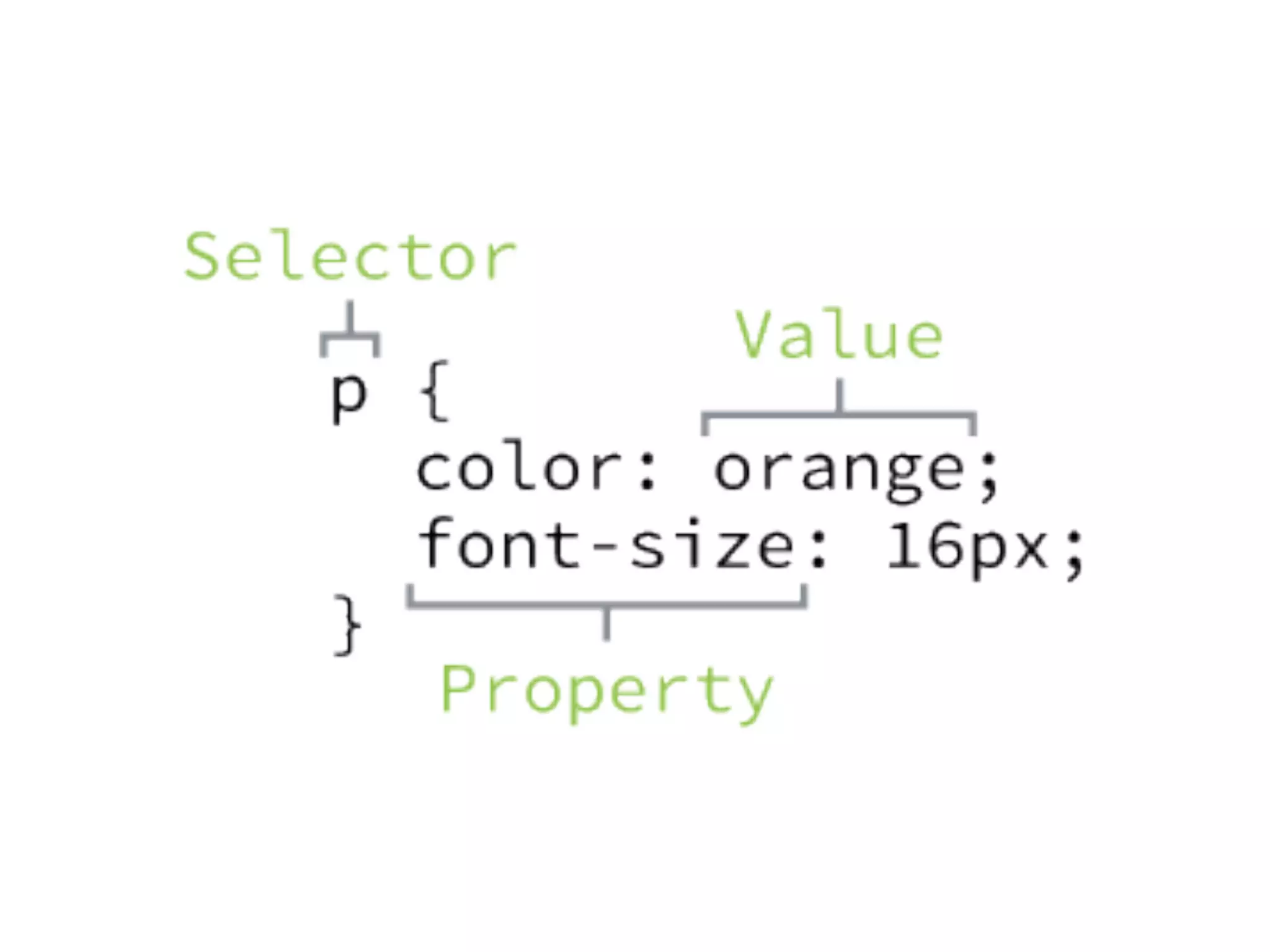
What is CSS?
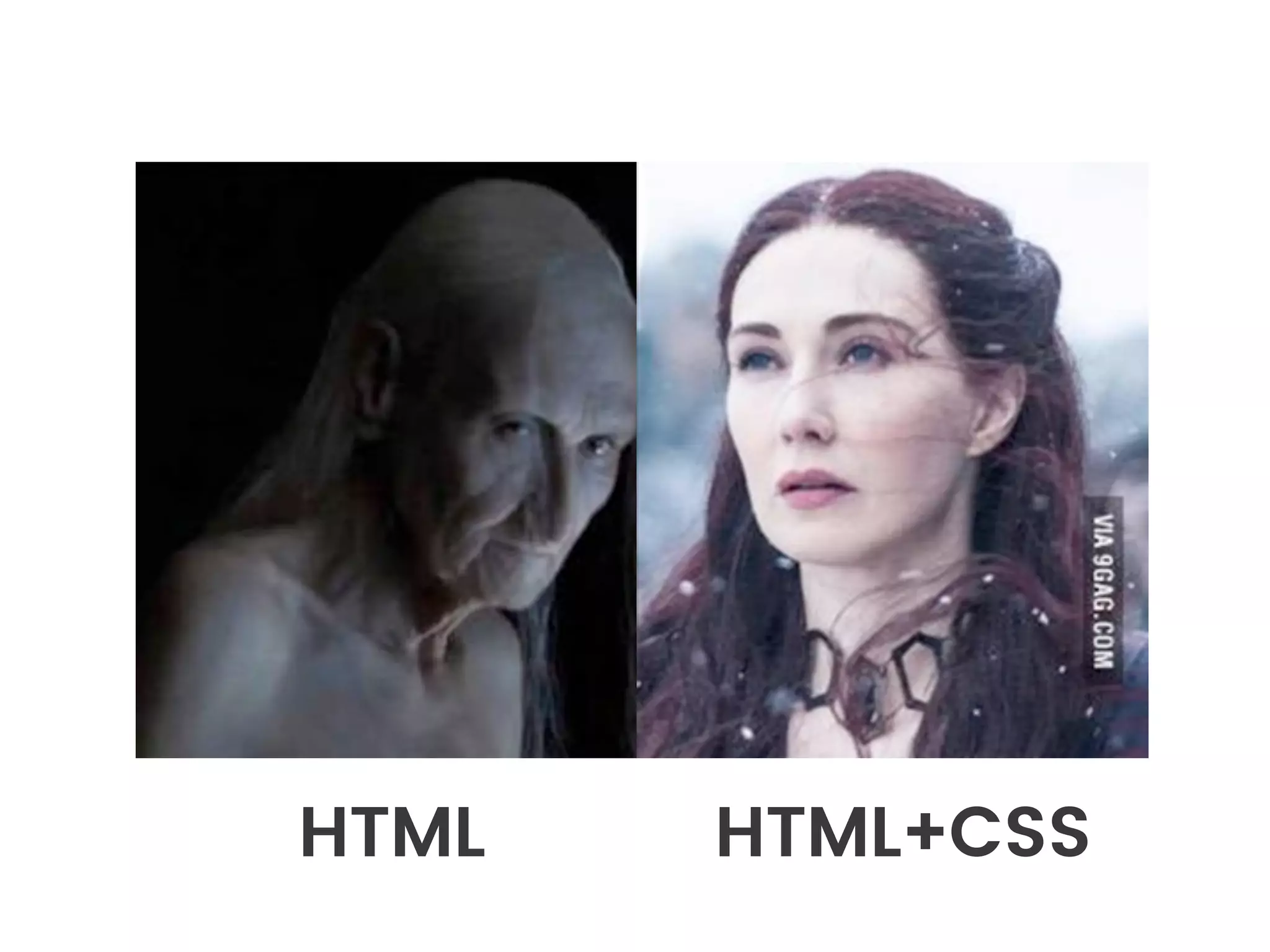
HTML HTML+CSS
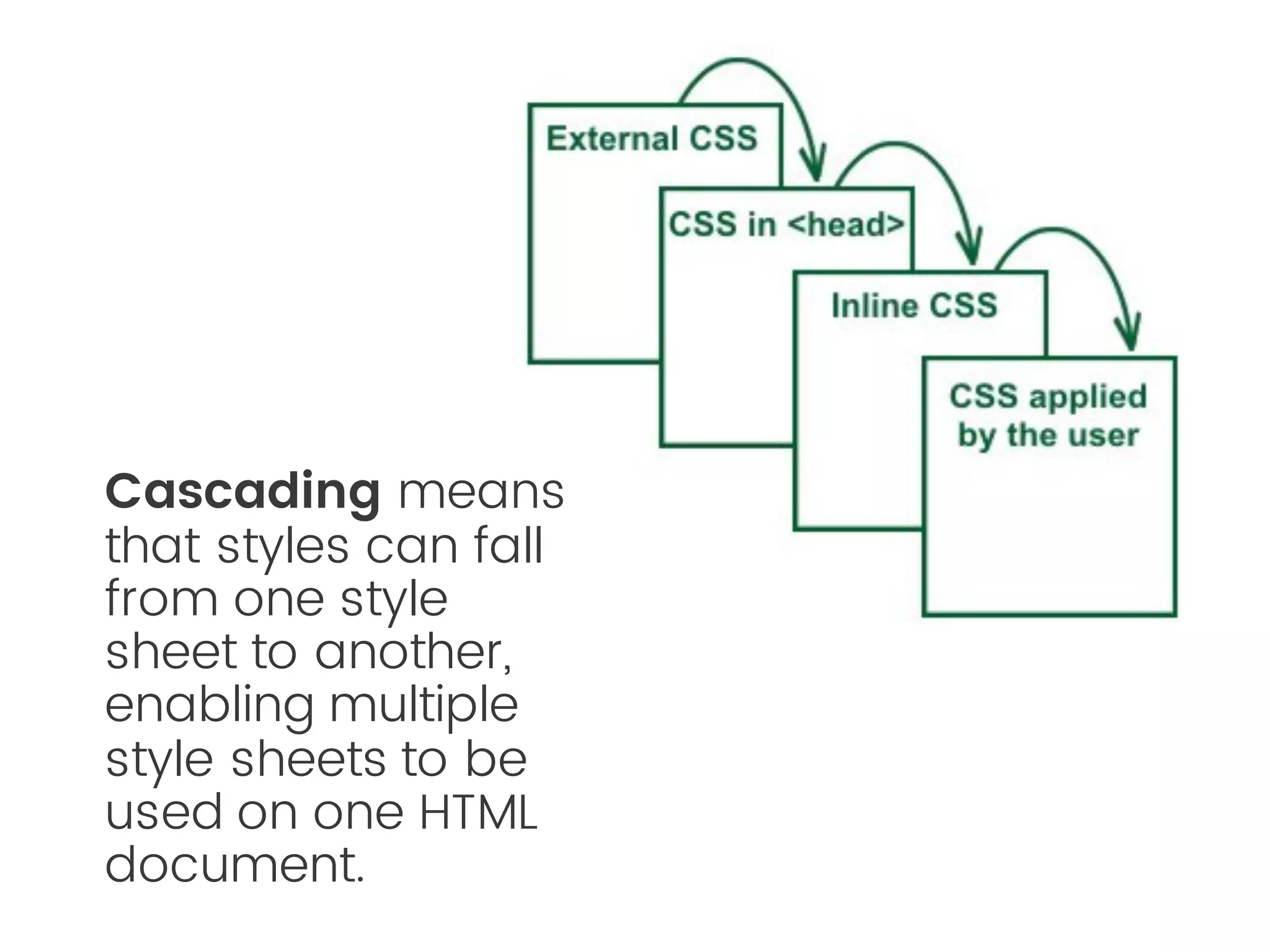
Cascading
Style Sheets
Cascading means
that styles can fall
from one style
sheet to another,
enabling multiple
style sheets to be
used on one HTML
document.
Why do we need CSS?
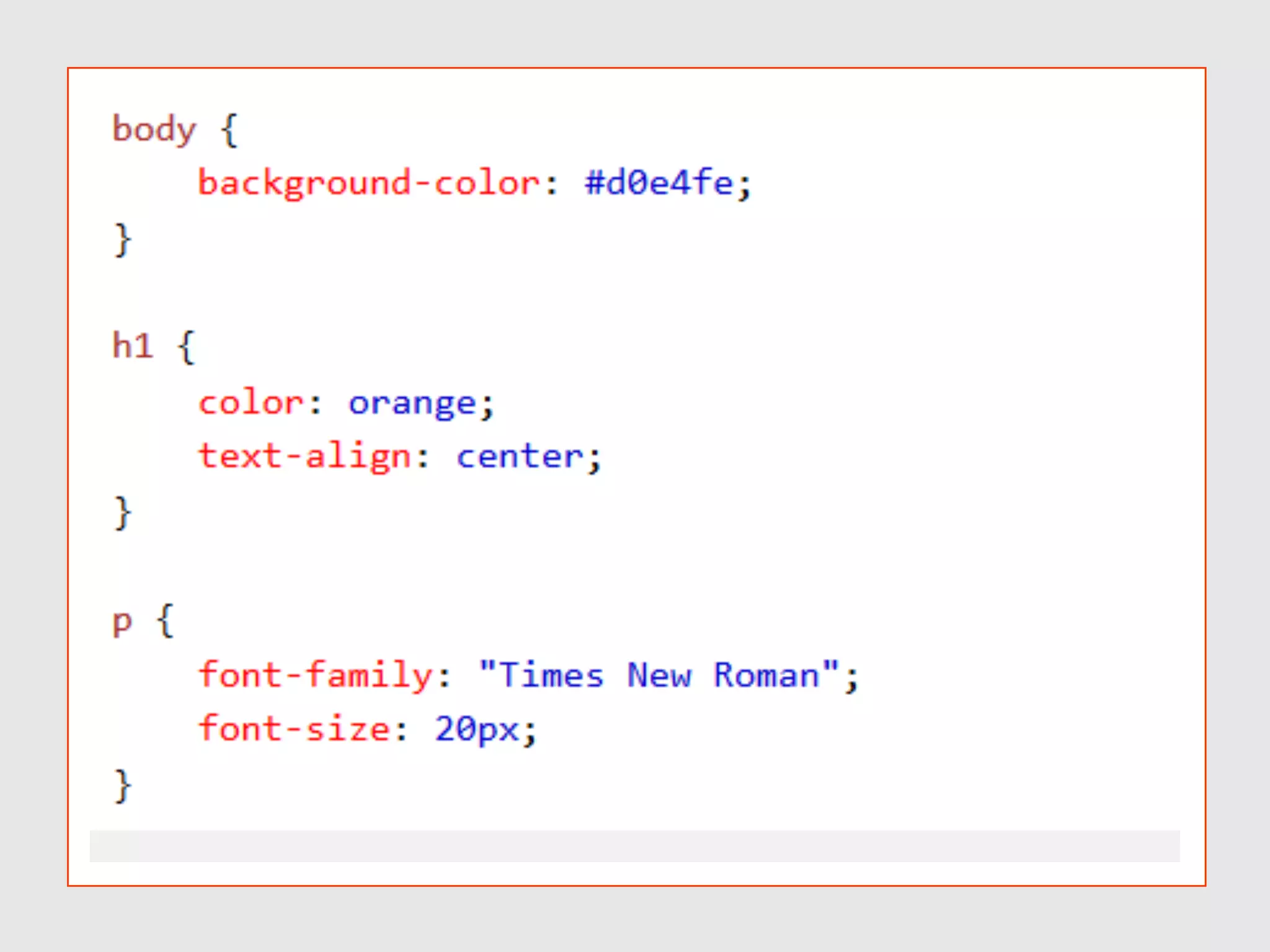
โ€ข Allows us to style any web page
โ€ข CSS describes how HTML elements should
be displayed
โ€ข Because of its cascading nature it allows
you to overwrite any previously defined
rules
Front-end Technologies
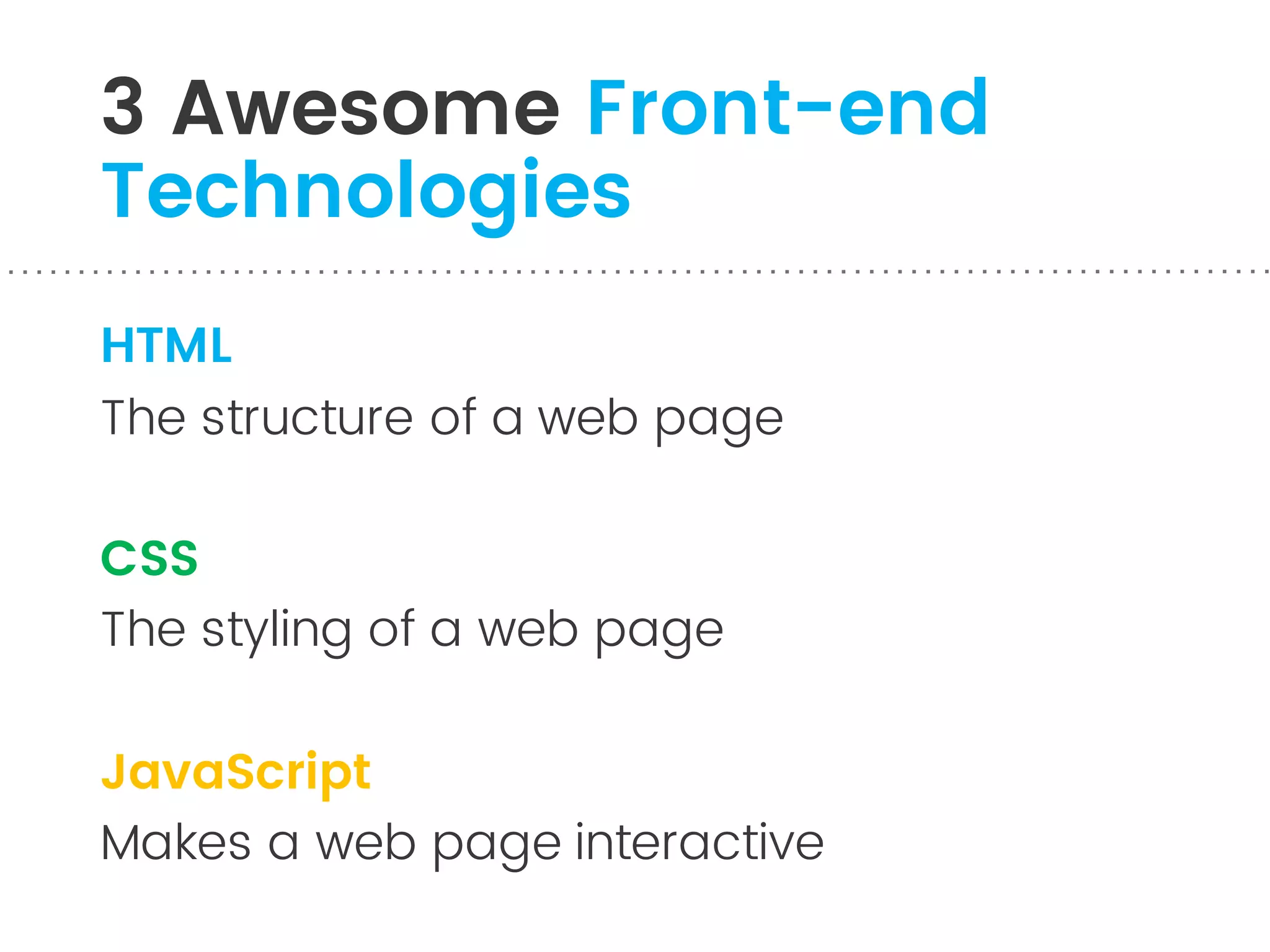
3 Awesome Front-end
Technologies
HTML
The structure of a web page
CSS
The styling of a web page
JavaScript
Makes a web page interactive
HTML + CSS + JavaScript = Black Magic
How does a
webpage work?
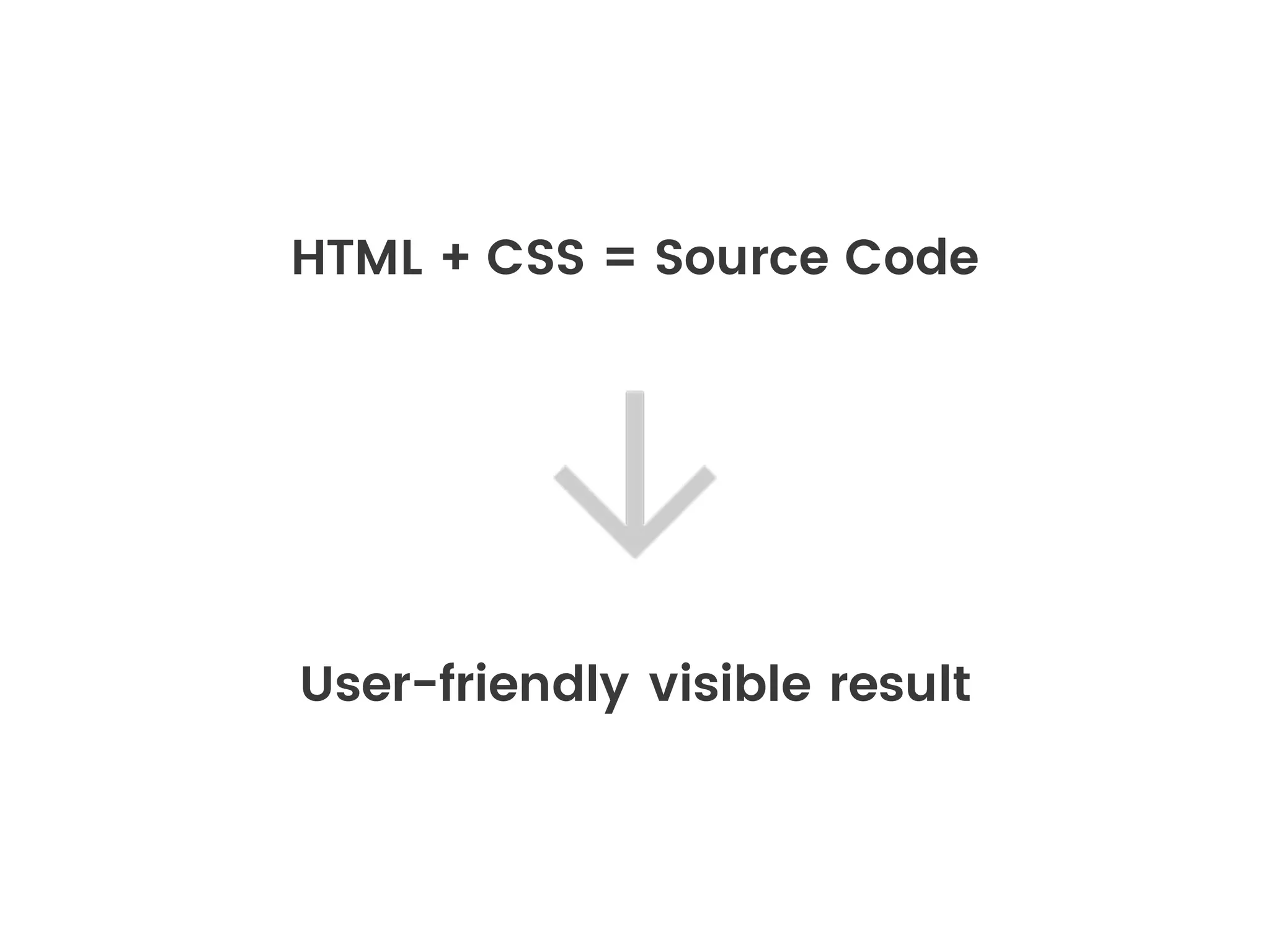
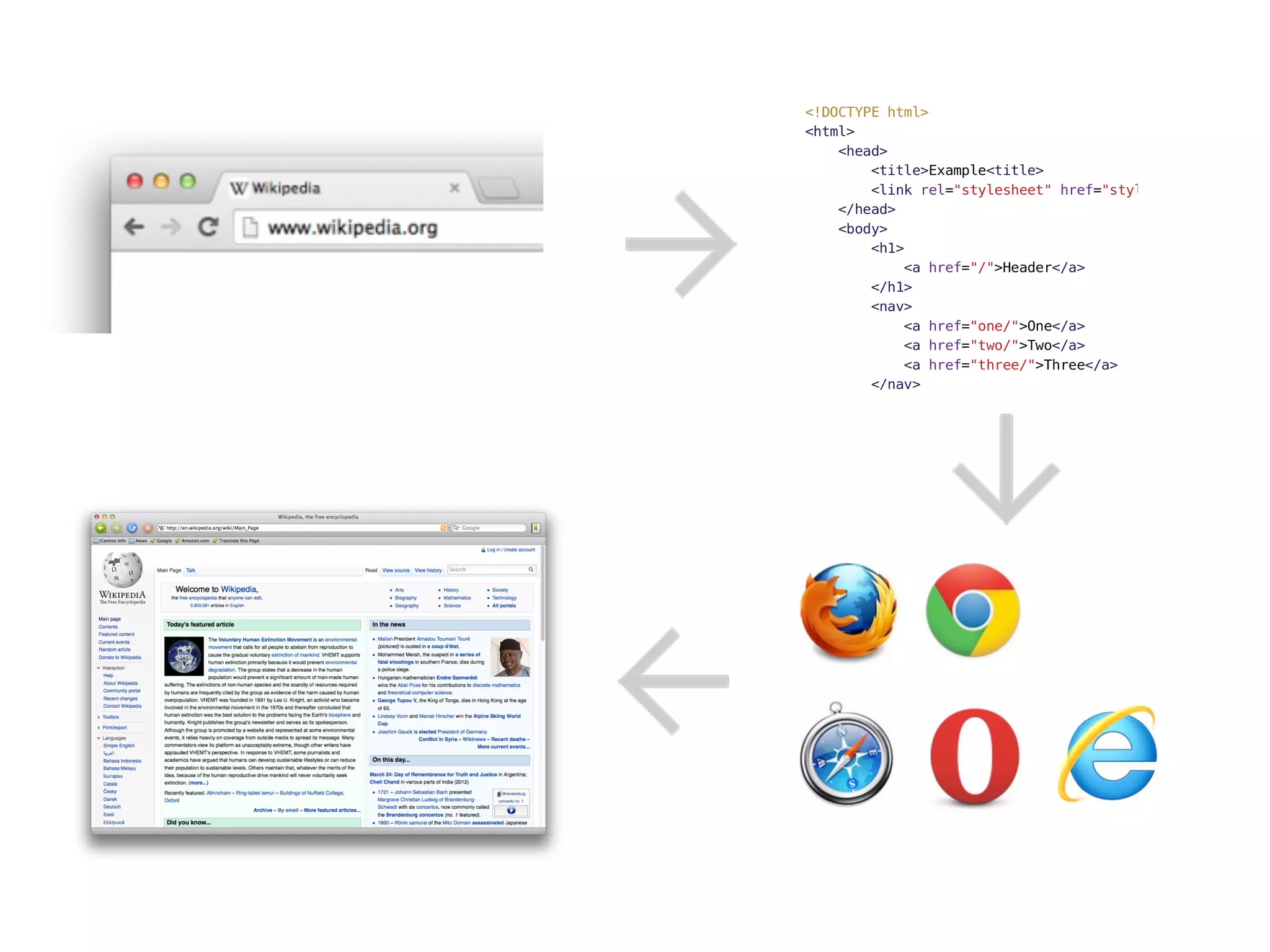
HTML + CSS = Source Code
User-friendly visible result
Image
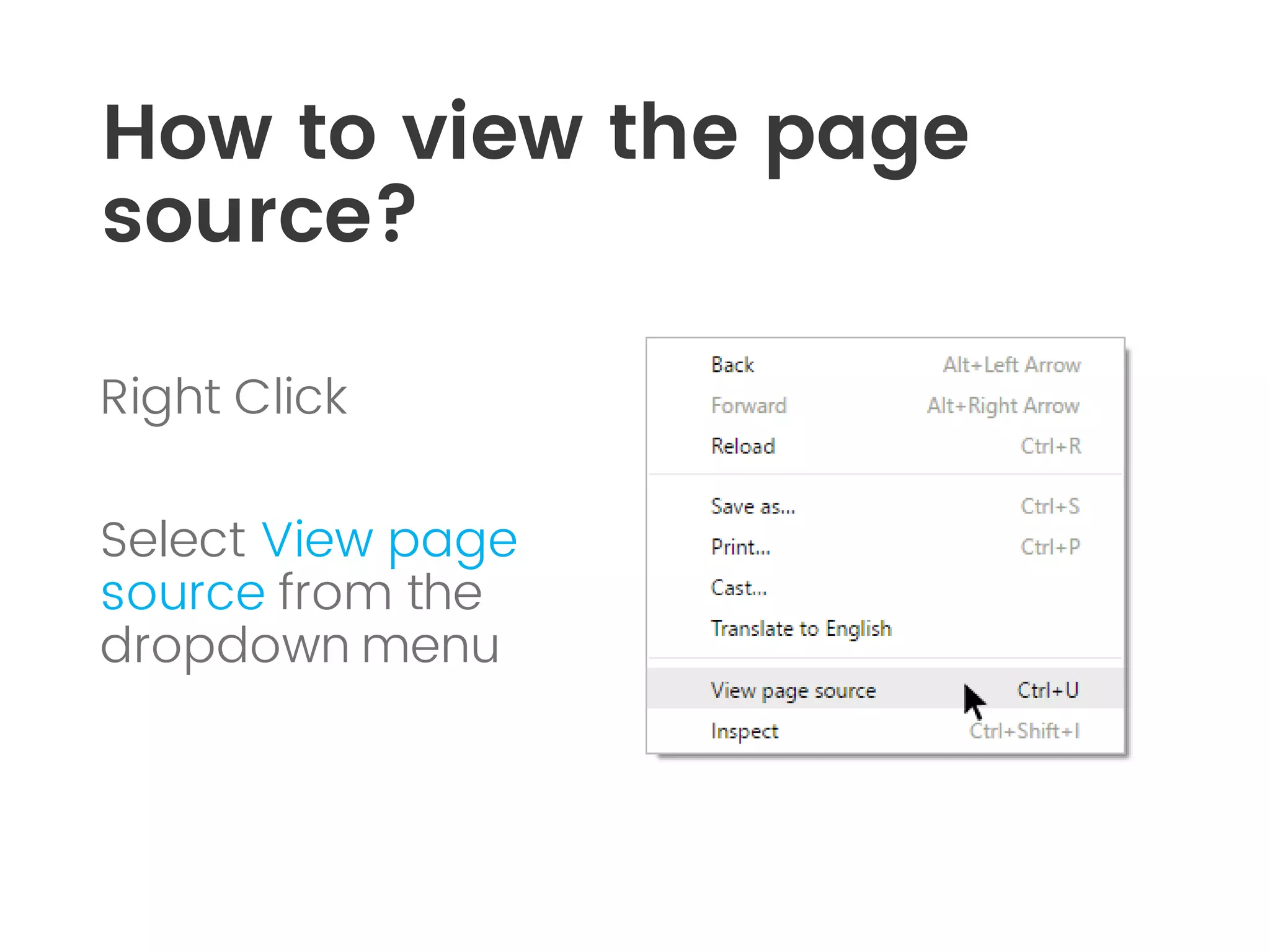
How to view the page
source?
Right Click
Select View page
source from the
dropdown menu
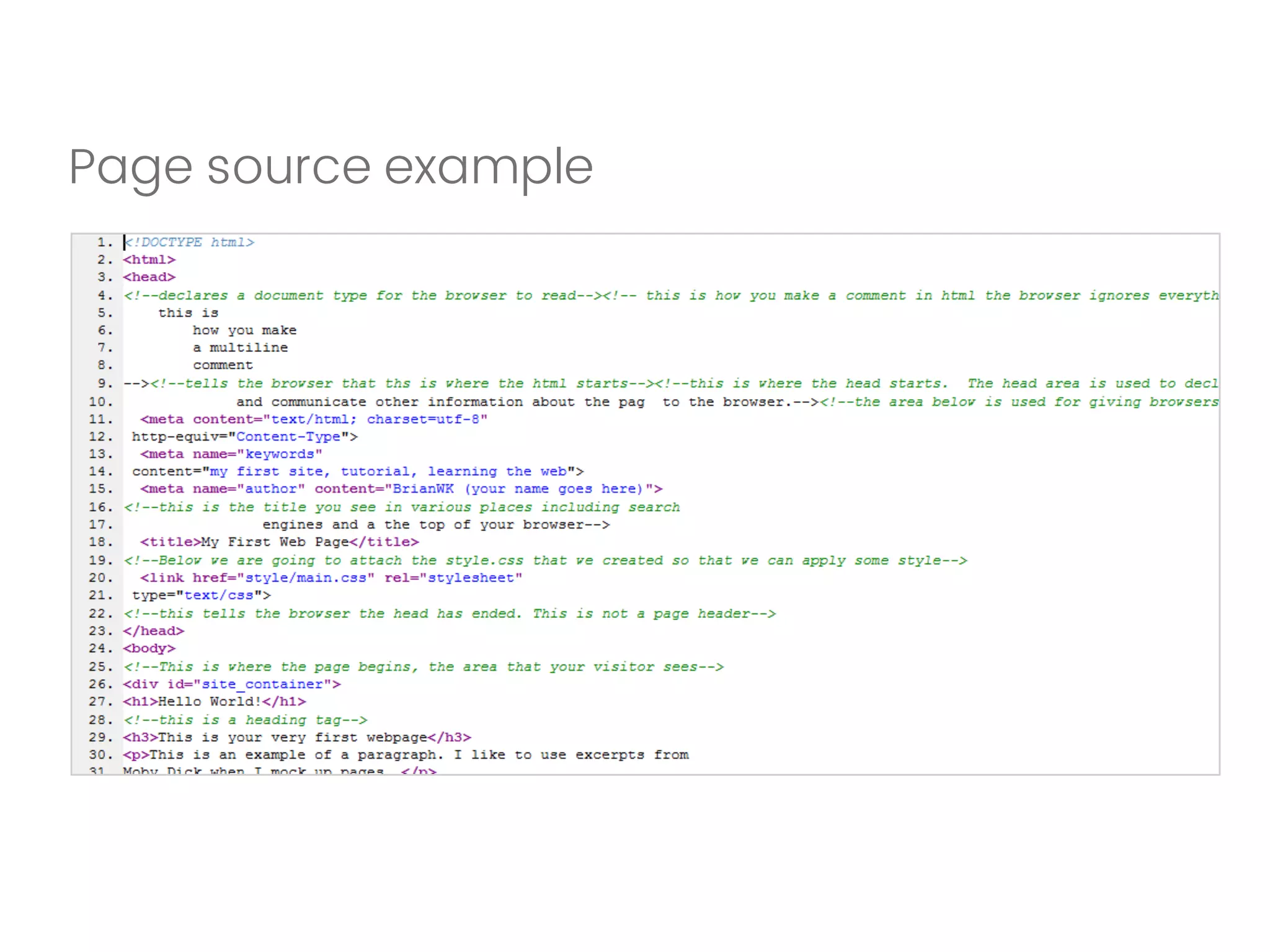
Page source example
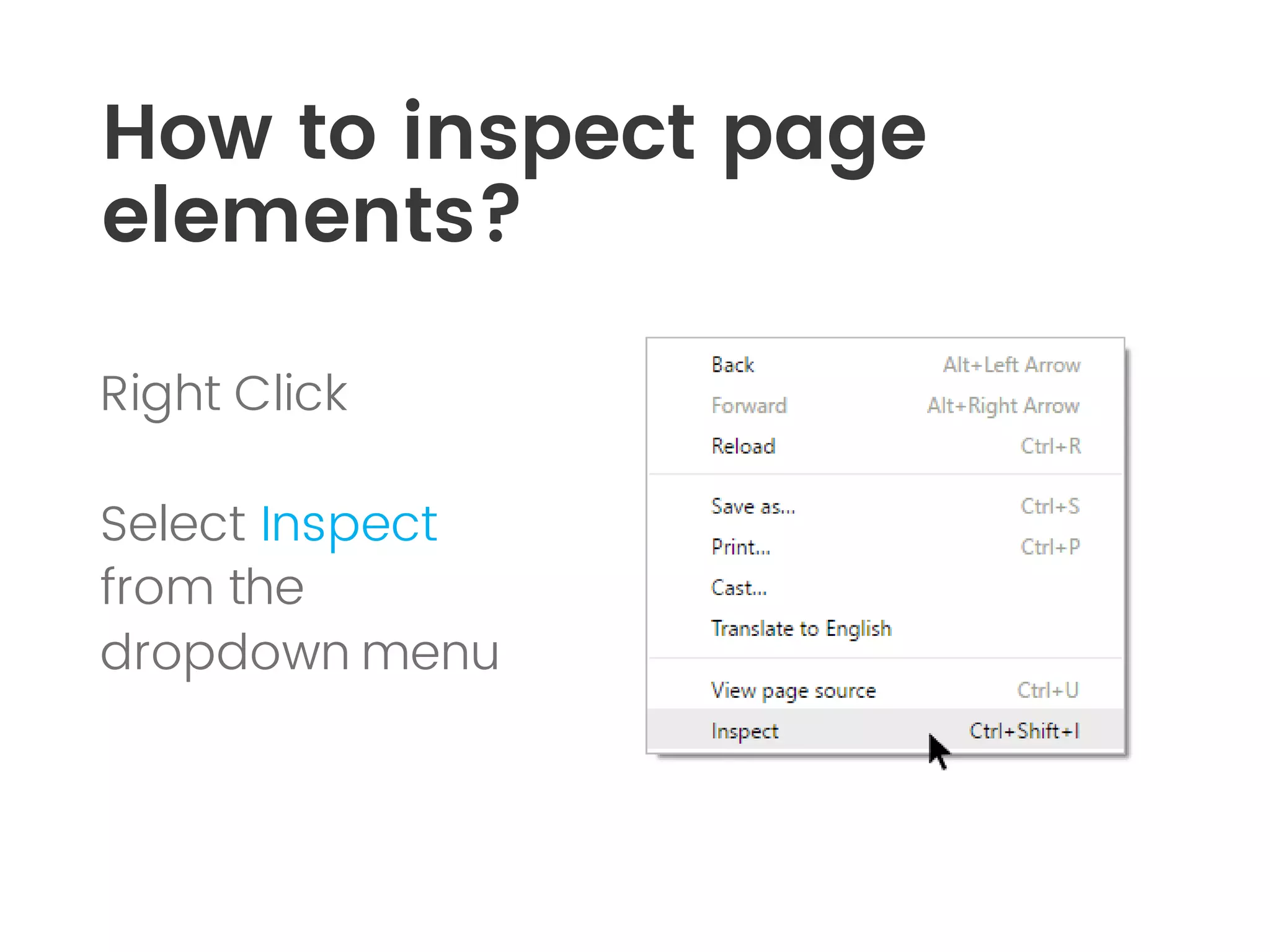
How to inspect page
elements?
Right Click
Select Inspect
from the
dropdown menu
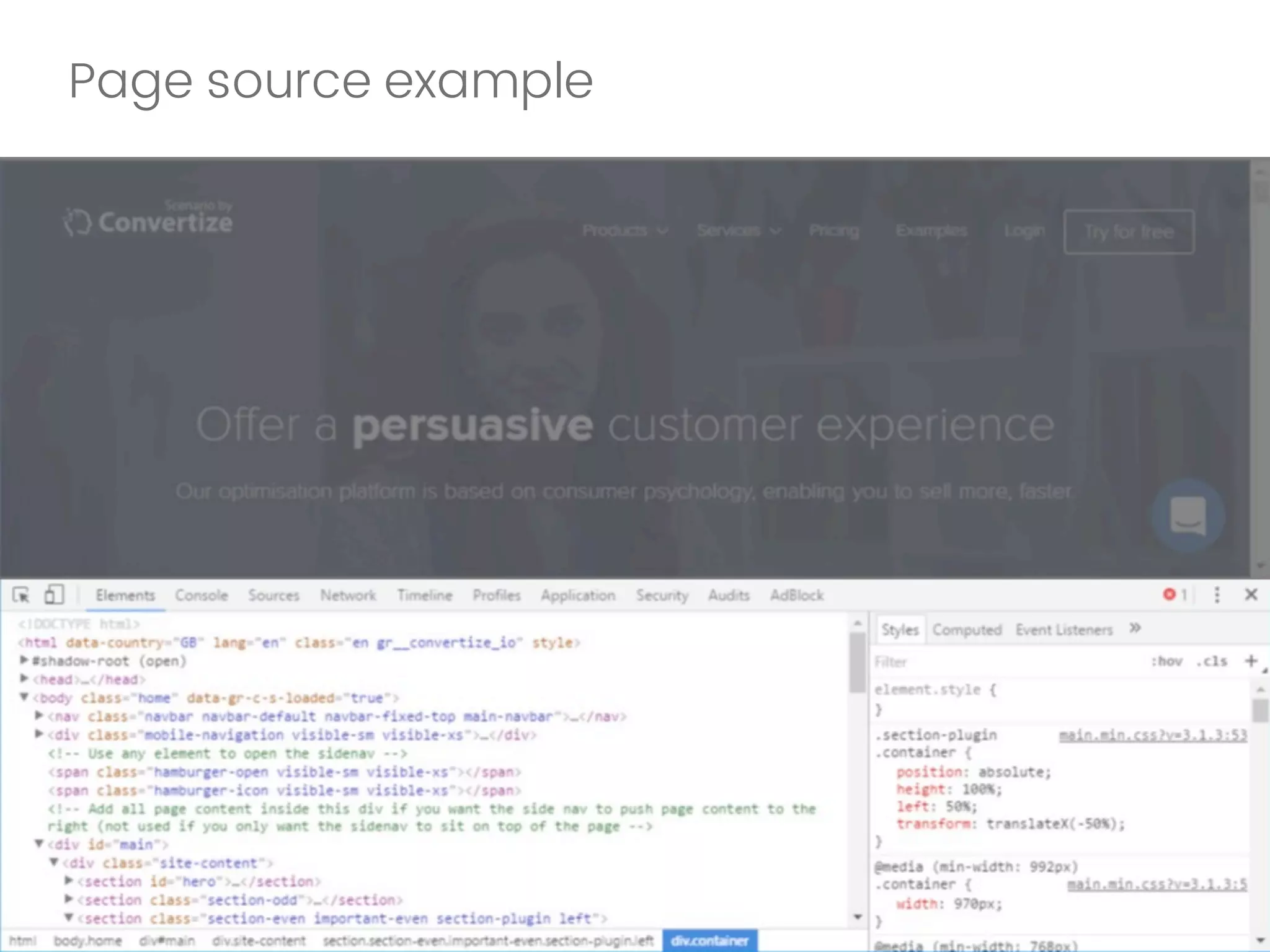
Page source example
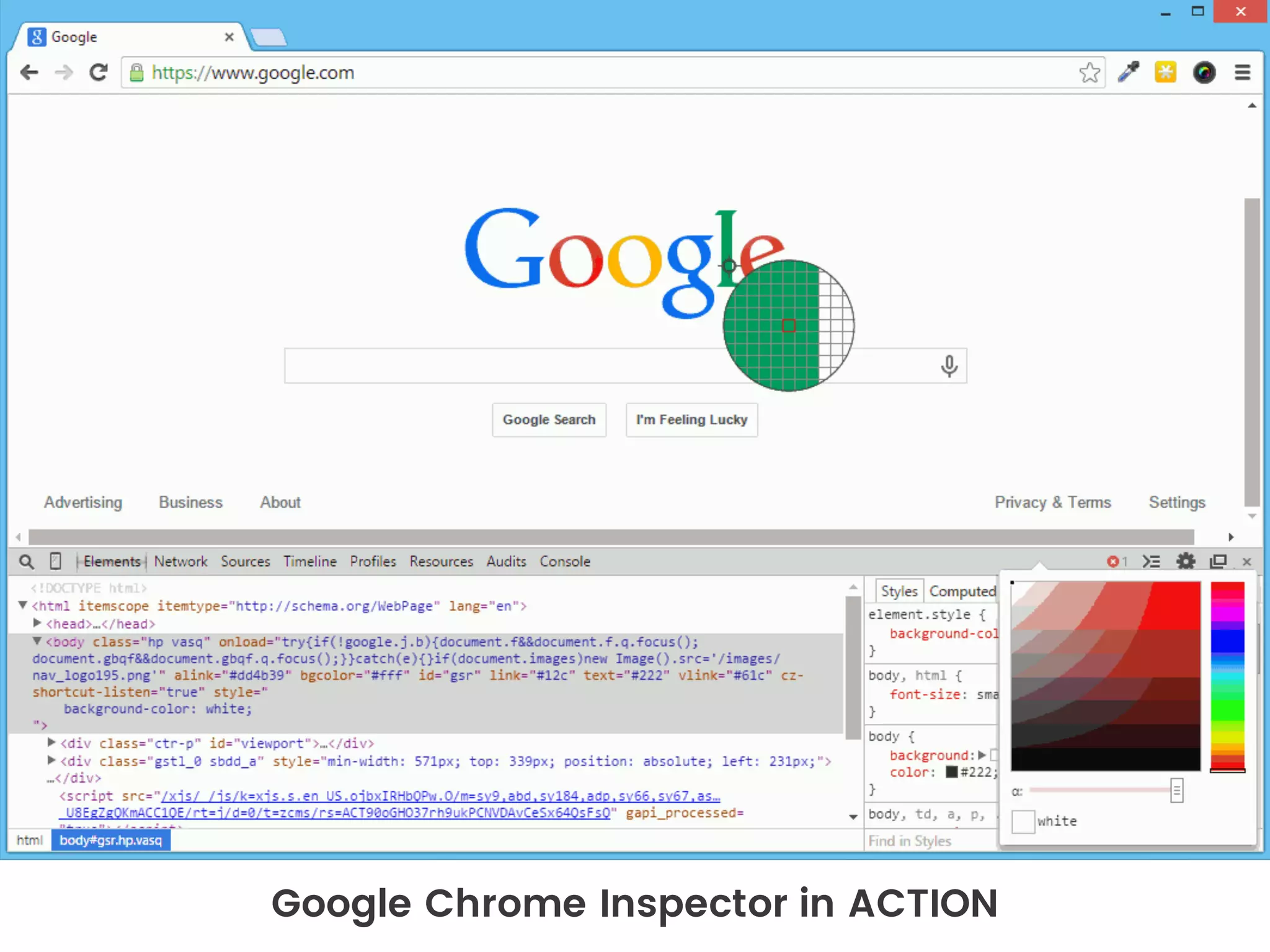
Google Chrome Inspector in ACTION
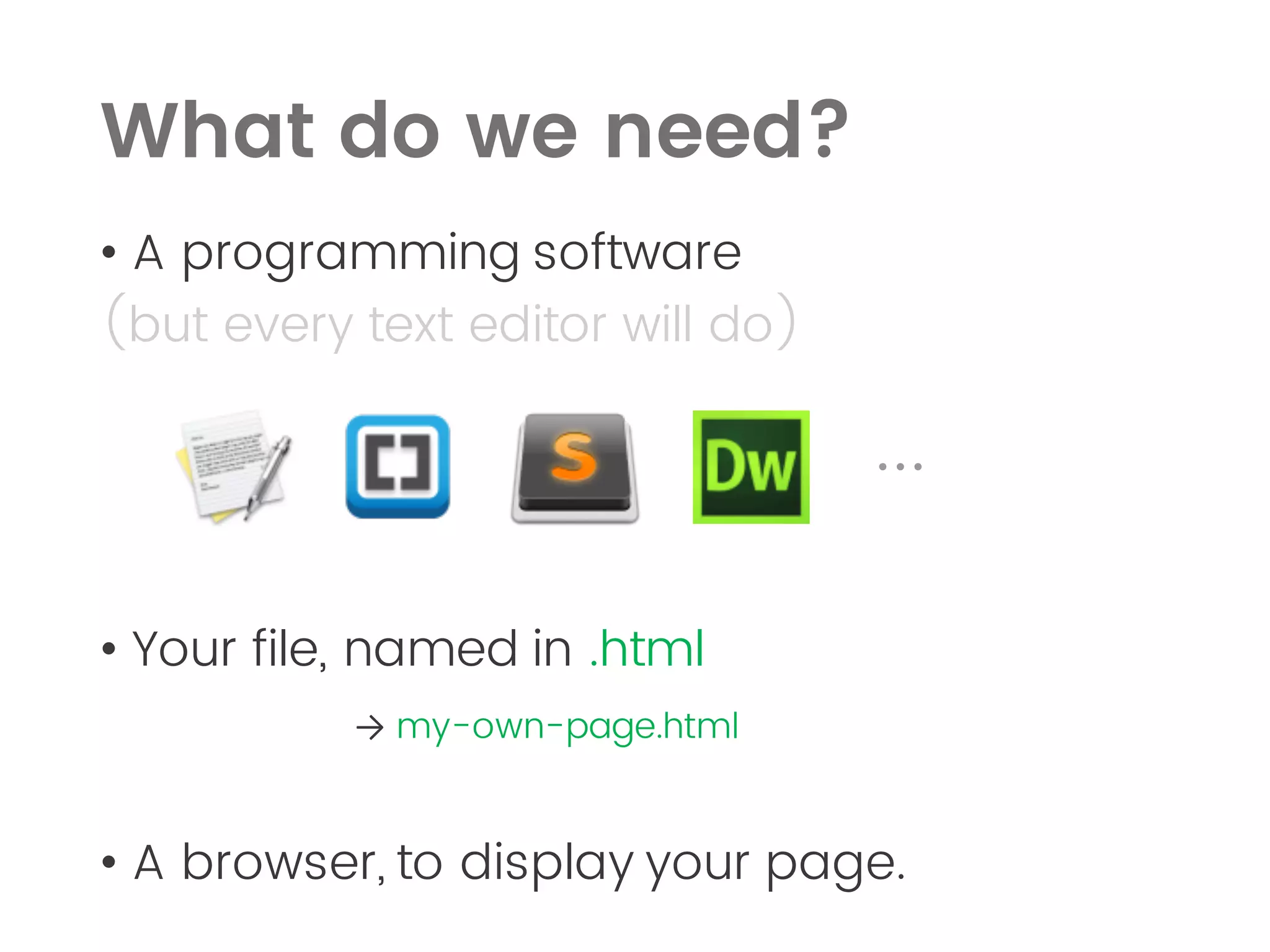
โ€ข A programming software
(but every text editor will do)
...
โ€ข Your file, named in .html
โ†’ my-own-page.html
โ€ข A browser, to display your page.
What do we need?
โ€ข FileZilla to upload the page to a server
(FileZilla or CyberDuck)
What do we need?
Image
Image
Coding correctly maximizes the chance
to have your page displayed correctly on
most of the platforms!
Image
Image
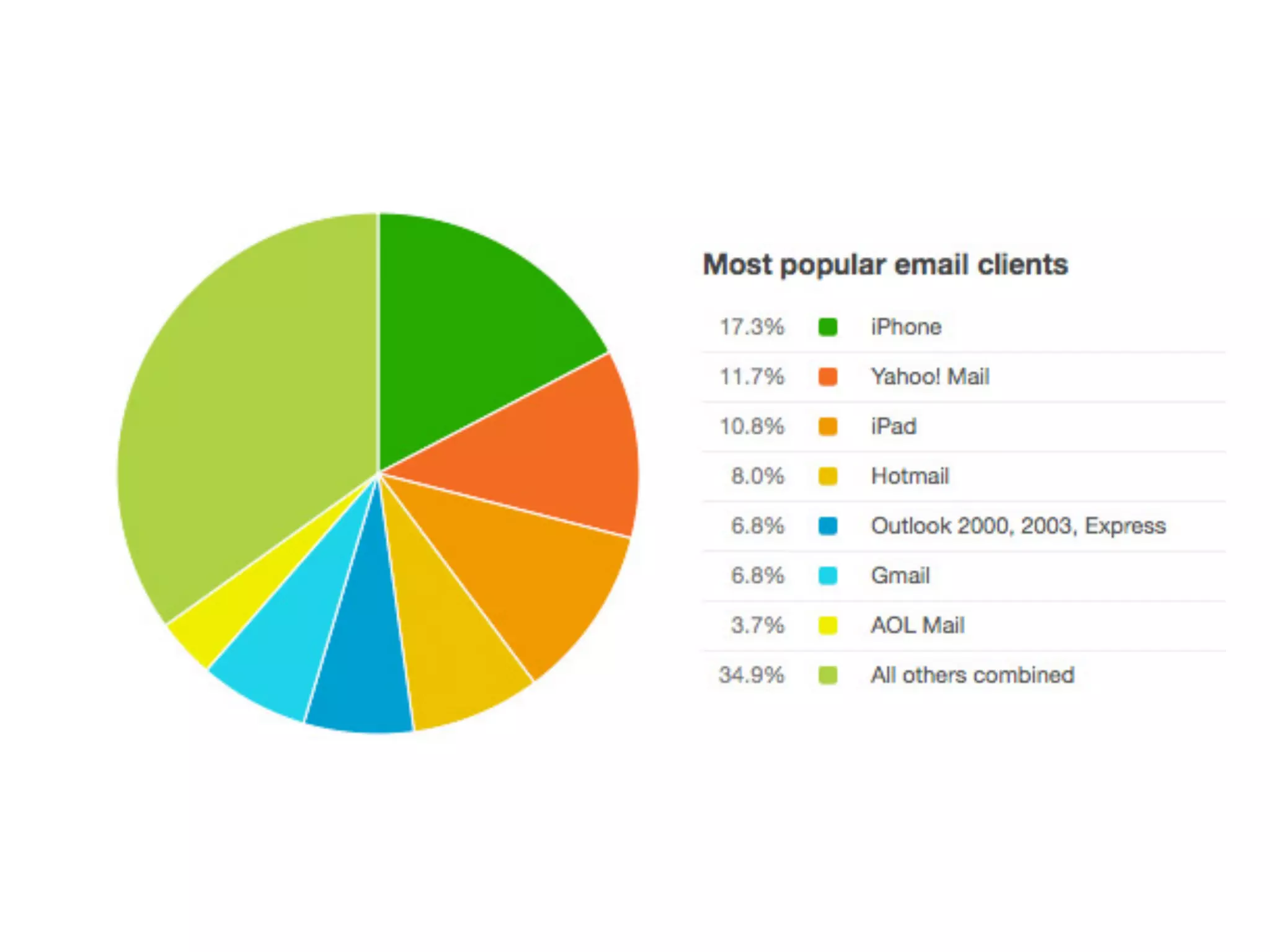
Email Clients
the late runners
โ€ข Think about mail clients as
even-less-compliant browsers.
Responsive Design
โ€ข Adapts to different screen sizes
โ€ข One version for all the devices that
supports HTML and other modern web
technologies
Image
Now its easier than ever to
create mobile apps using
HTML, CSS and JavaScript.
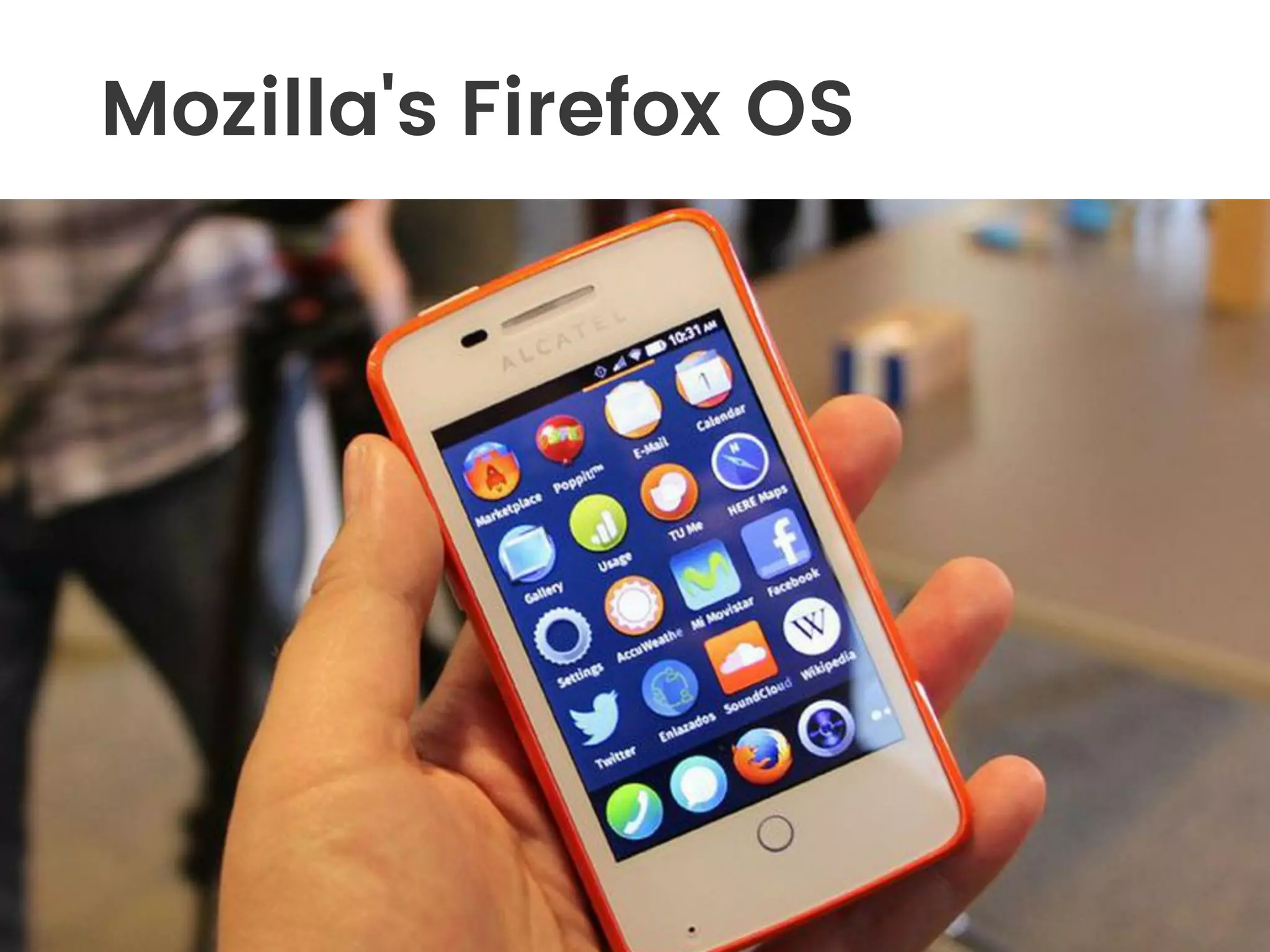
Mozilla's Firefox OS
Like every language, HTML
and CSS have rules and
standards.
HTML5 CSS3
Image
A - Boxes principle
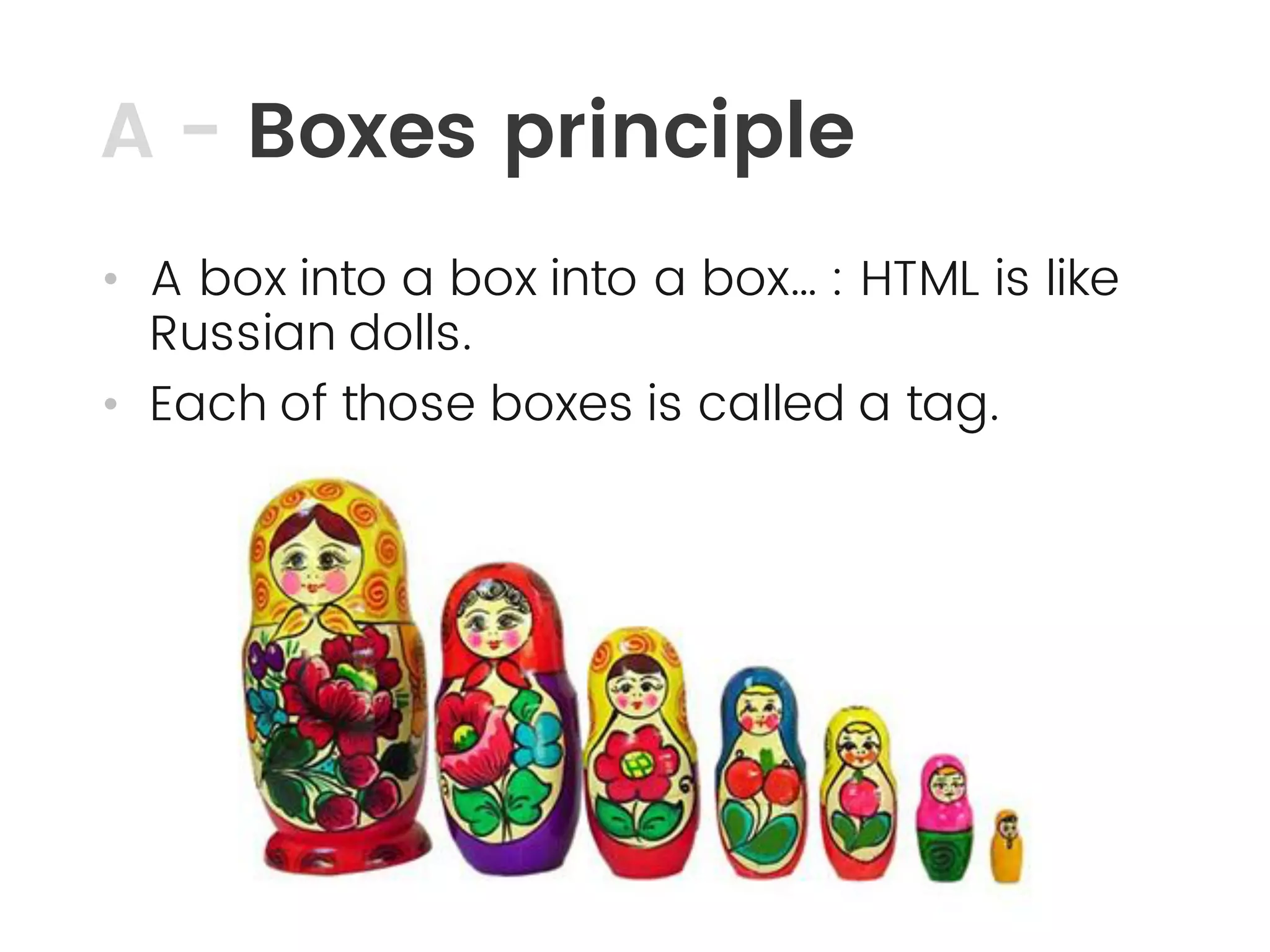
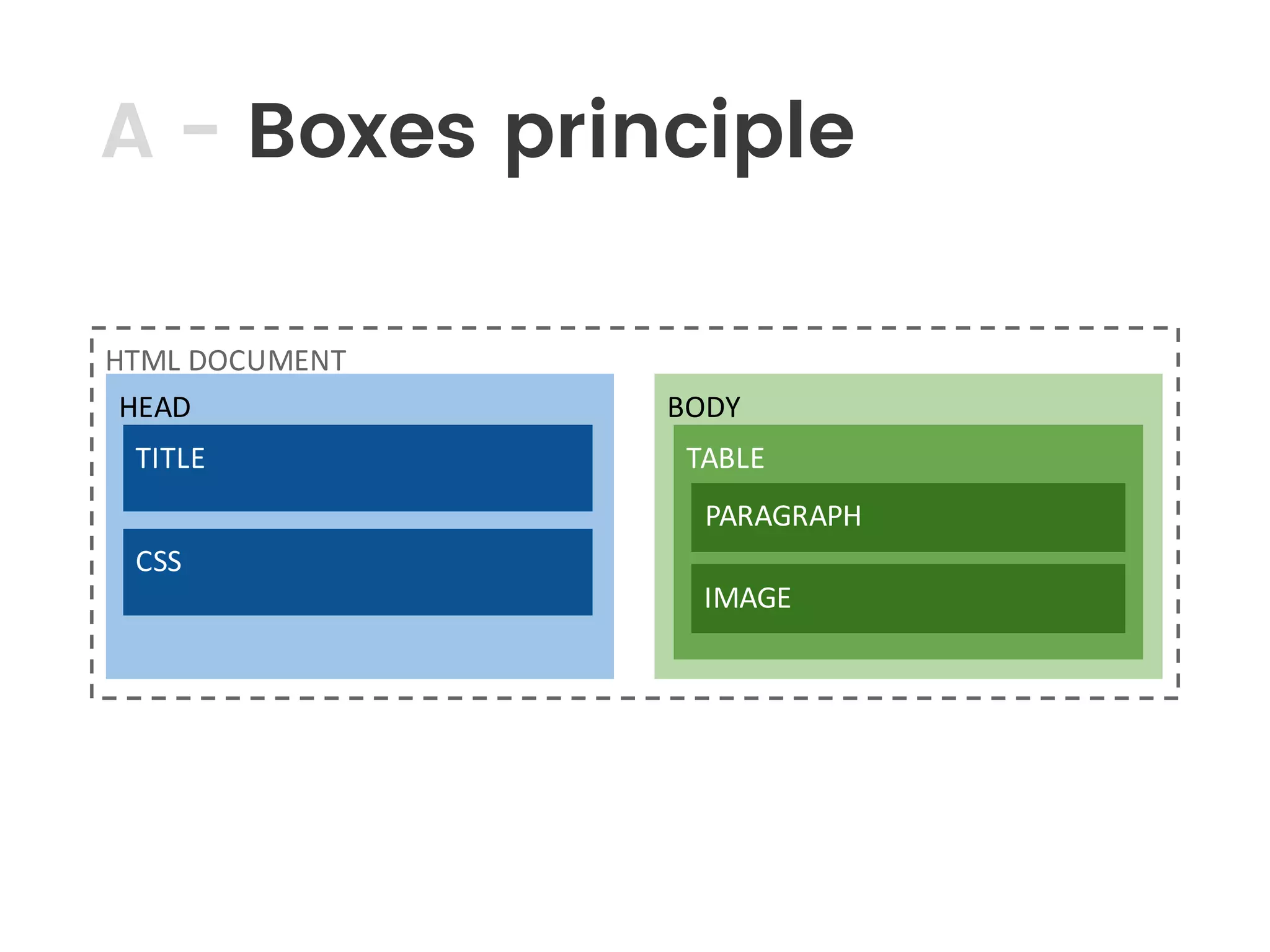
โ€ข A box into a box into a boxโ€ฆ : HTML is like
Russian dolls.
โ€ข Each of those boxes is called a tag.
A - Boxes principle
HTML	DOCUMENT
HEAD BODY
TABLETITLE
CSS
PARAGRAPH
IMAGE
B - What is a tag?
โ€ข A tag is used to declare a specific type of
container or element.
โ€ข TAG STRUCTURE :
<name (attributes (style/css)) ... > [content] </name>
Example
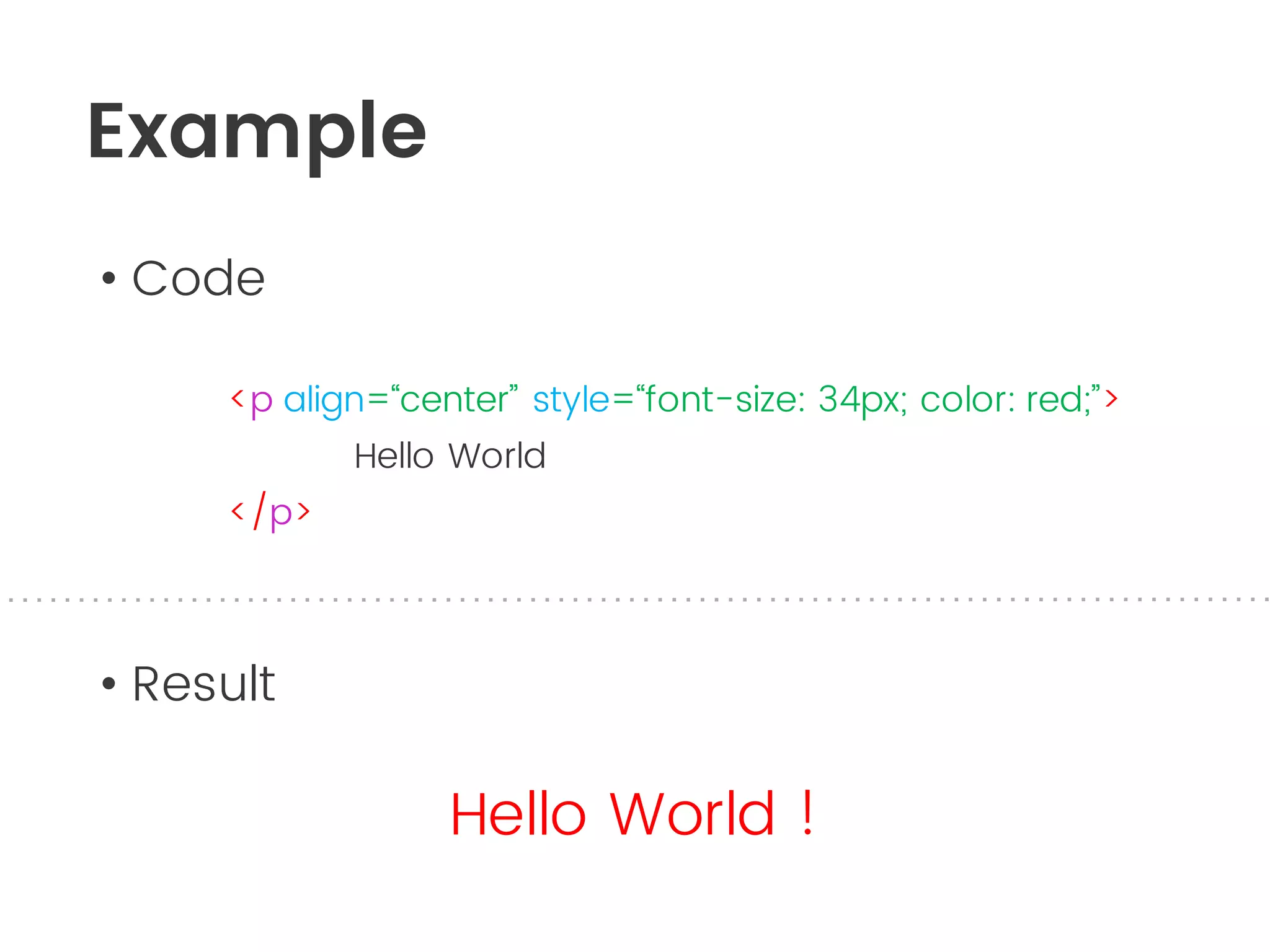
โ€ข Code
<p align=โ€œcenterโ€ style=โ€œfont-size: 34px; color: red;โ€>
Hello World
</p>
โ€ข Result
Hello World !
C - A Basic Page
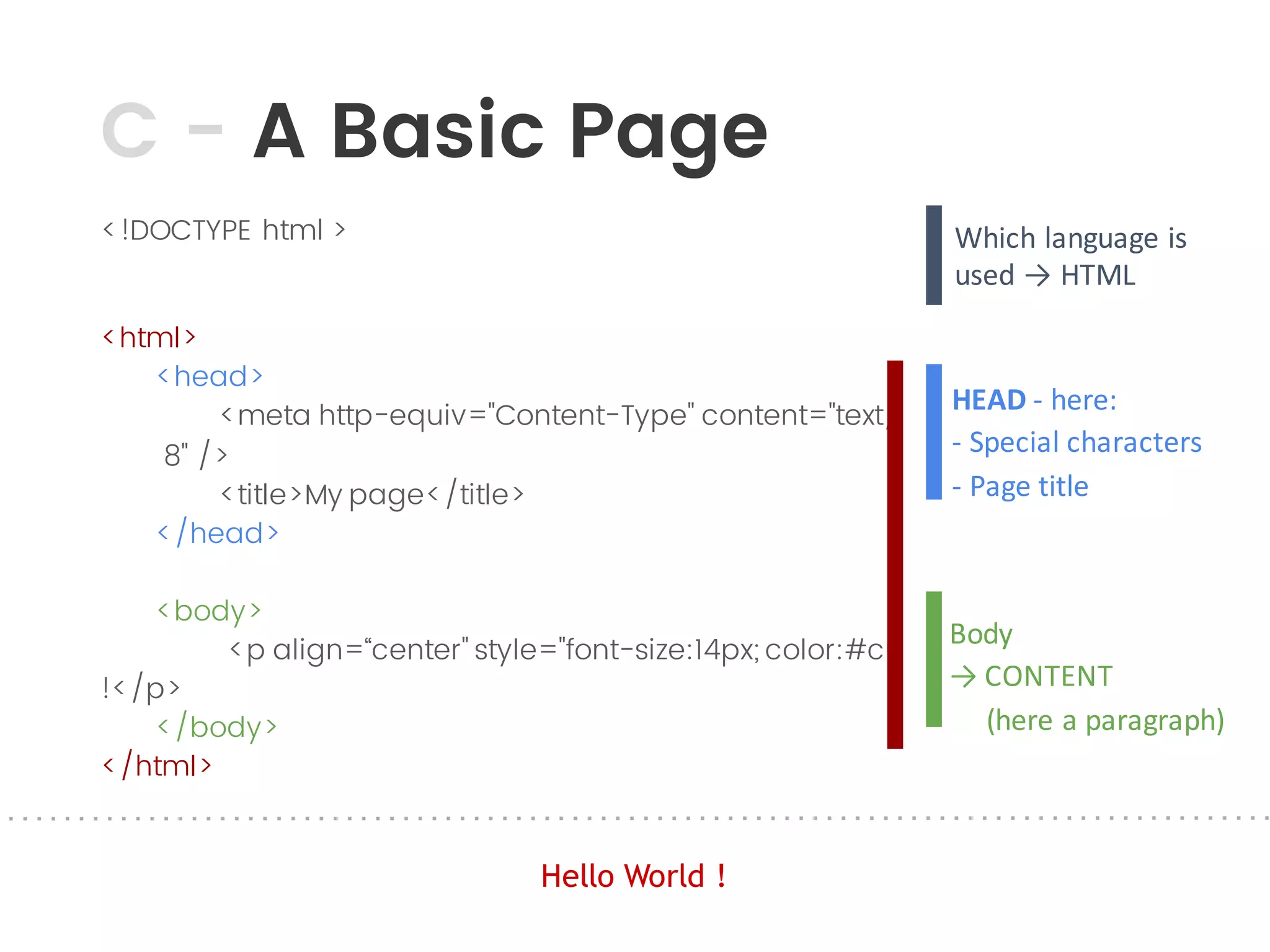
<!DOCTYPE html >
<html>
<head>
<meta http-equiv="Content-Type" content="text/html; charset=UTF-
8" />
<title>My page</title>
</head>
<body>
<p align=โ€œcenter" style="font-size:14px; color:#c00;">Hello World
!</p>
</body>
</html>
Which	language	is	
used	โ†’	HTML
The	documentHEAD - here:
- Special	characters
- Page	title
Body
โ†’	CONTENT
(here	a	paragraph)
Hello World !
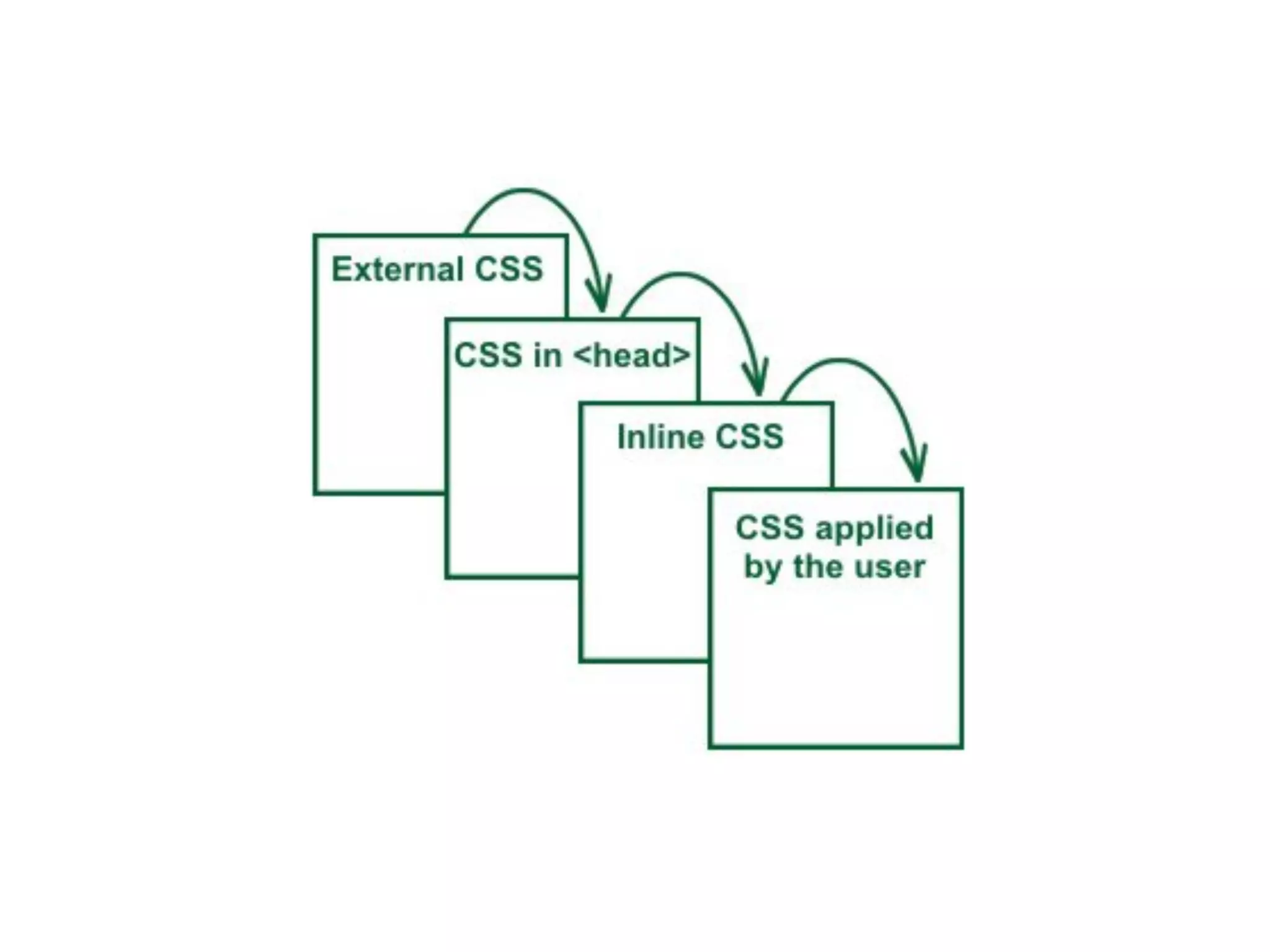
Soโ€ฆ where is the CSS?
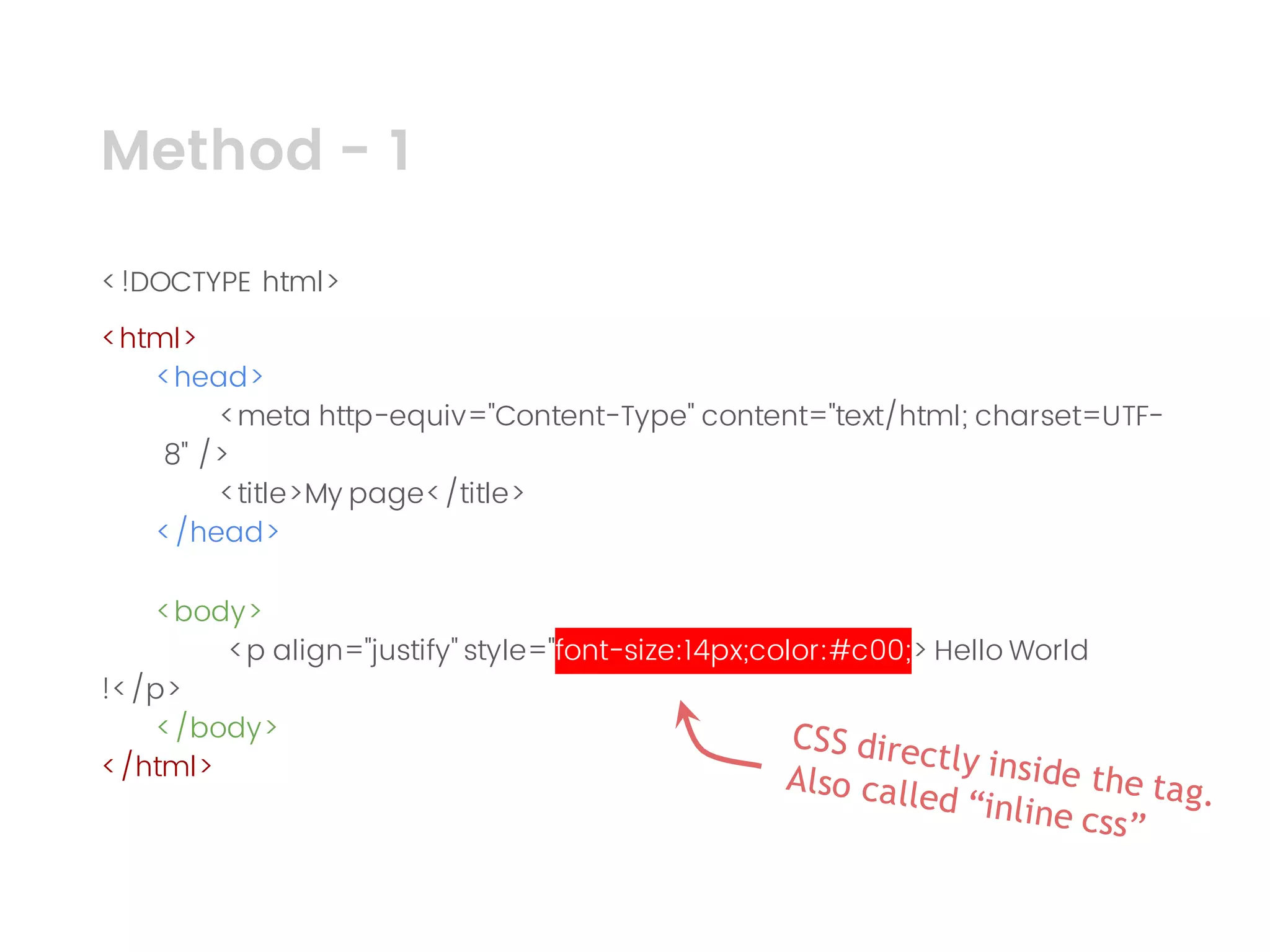
Method - 1
<!DOCTYPE html>
<html>
<head>
<meta http-equiv="Content-Type" content="text/html; charset=UTF-
8" />
<title>My page</title>
</head>
<body>
<p align="justify" style="font-size:14px;color:#c00;> Hello World
!</p>
</body>
</html>
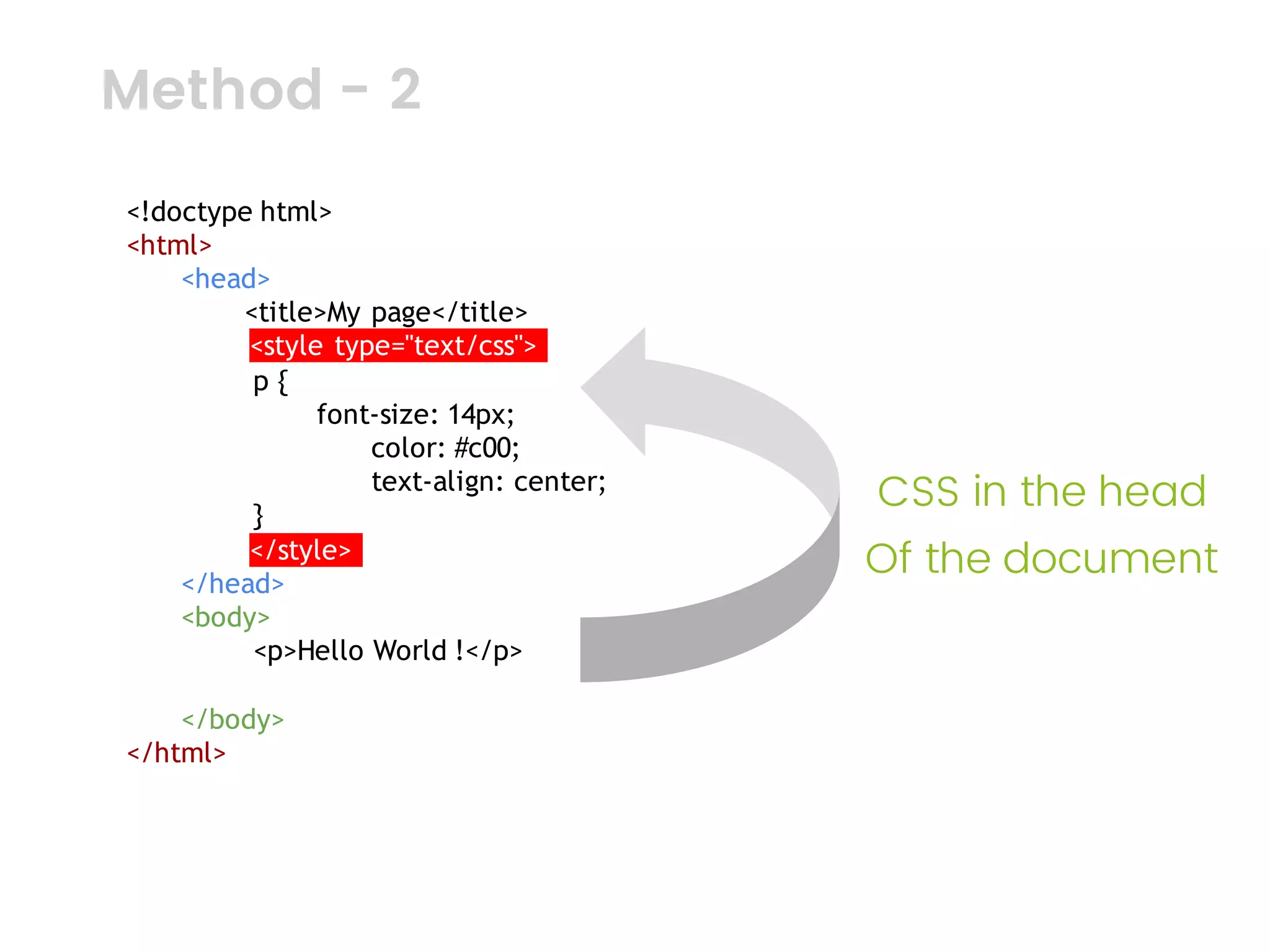
<!doctype html>
<html>
<head>
<title>My page</title>
<style type="text/css">.
p {
font-size: 14px;
color: #c00;
text-align: center;
}
</style>.
</head>
<body>
<p>Hello World !</p>
</body>
</html>
Method - 2
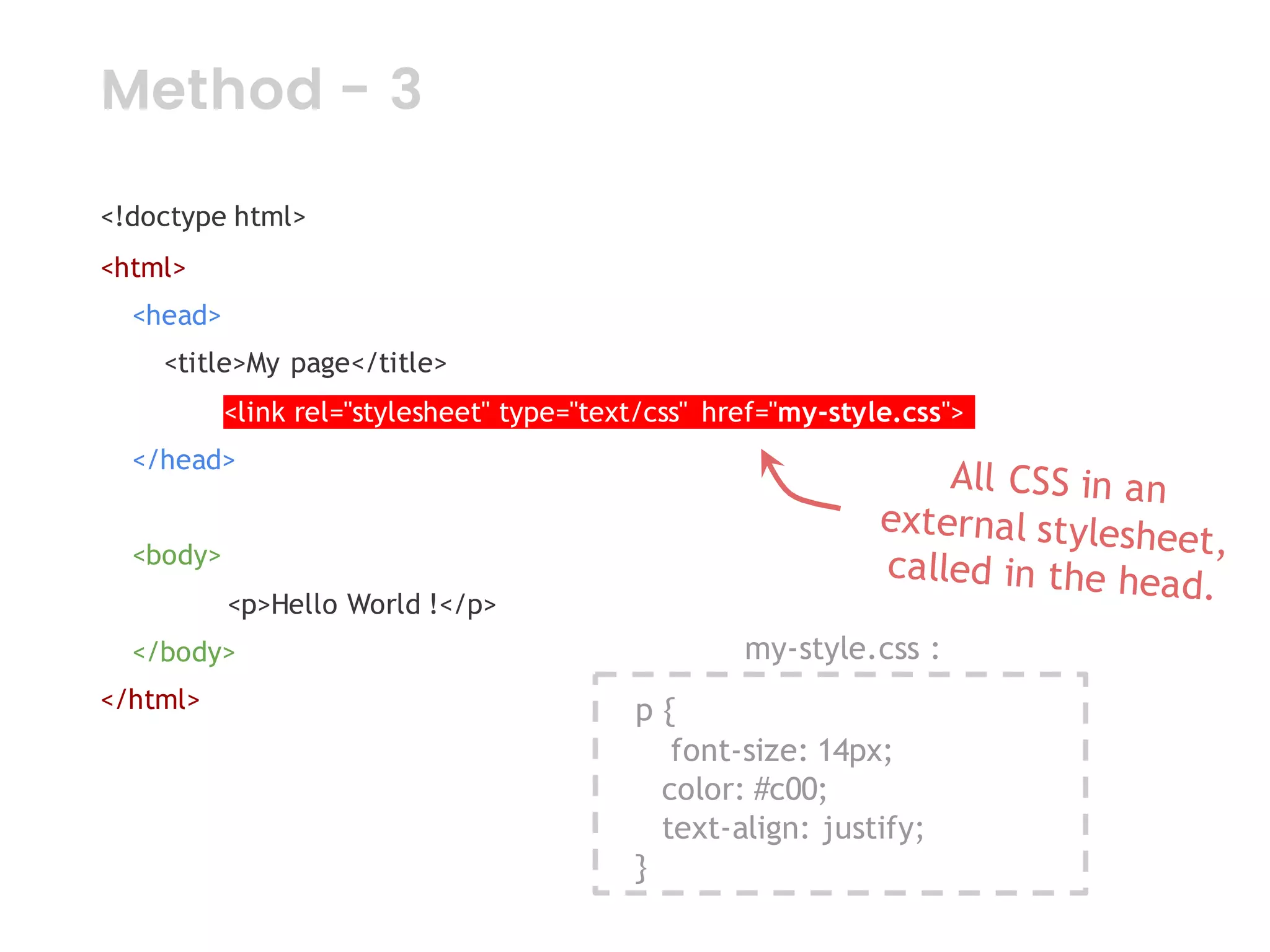
<!doctype html>
<html>
<head>
<title>My page</title>
<link rel="stylesheet" type="text/css" href="my-style.css">.
</head>
<body>
<p>Hello World !</p>
</body>
</html> p {
font-size: 14px;
color: #c00;
text-align: justify;
}
my-style.css :
Method - 3
Image
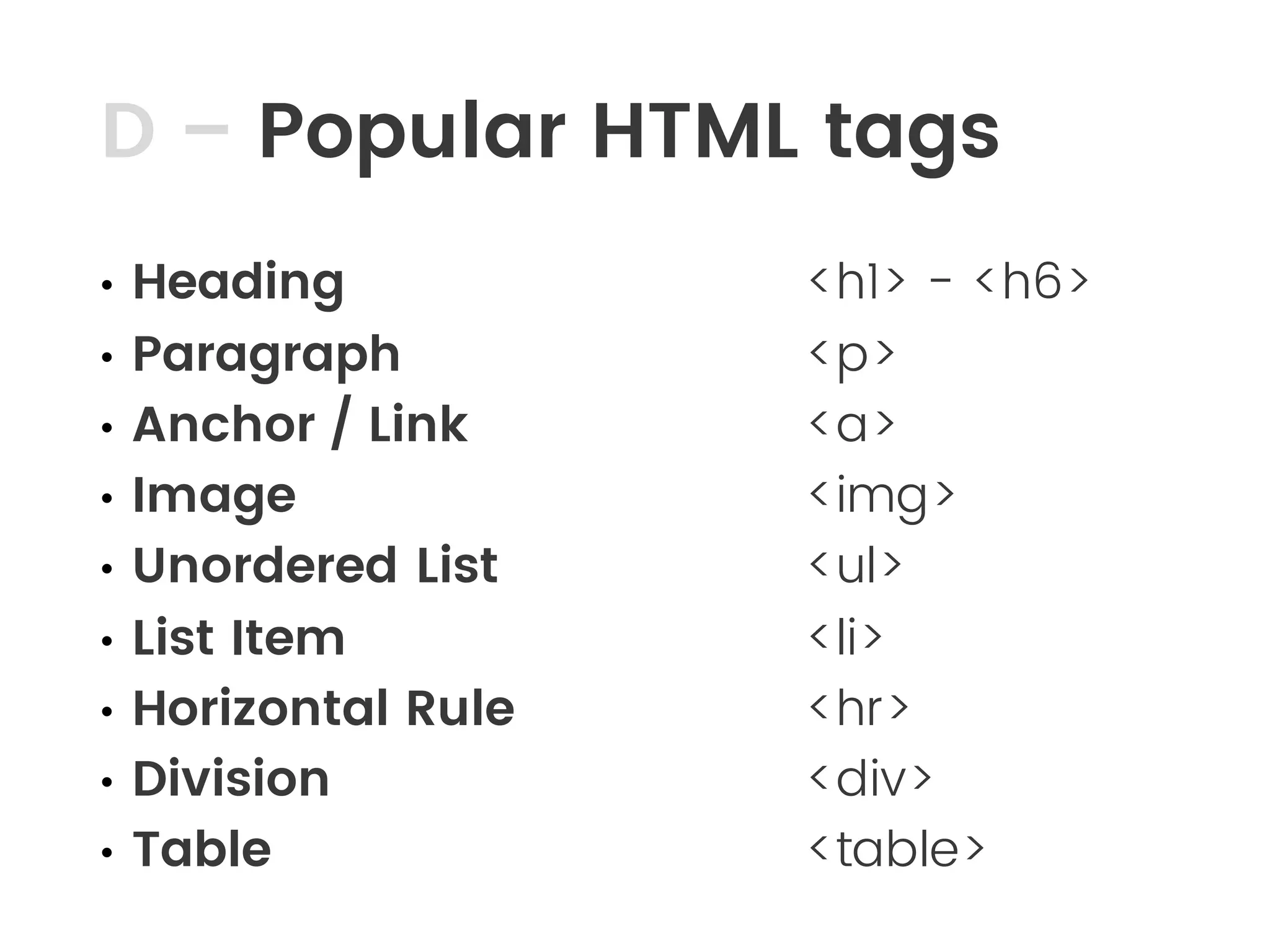
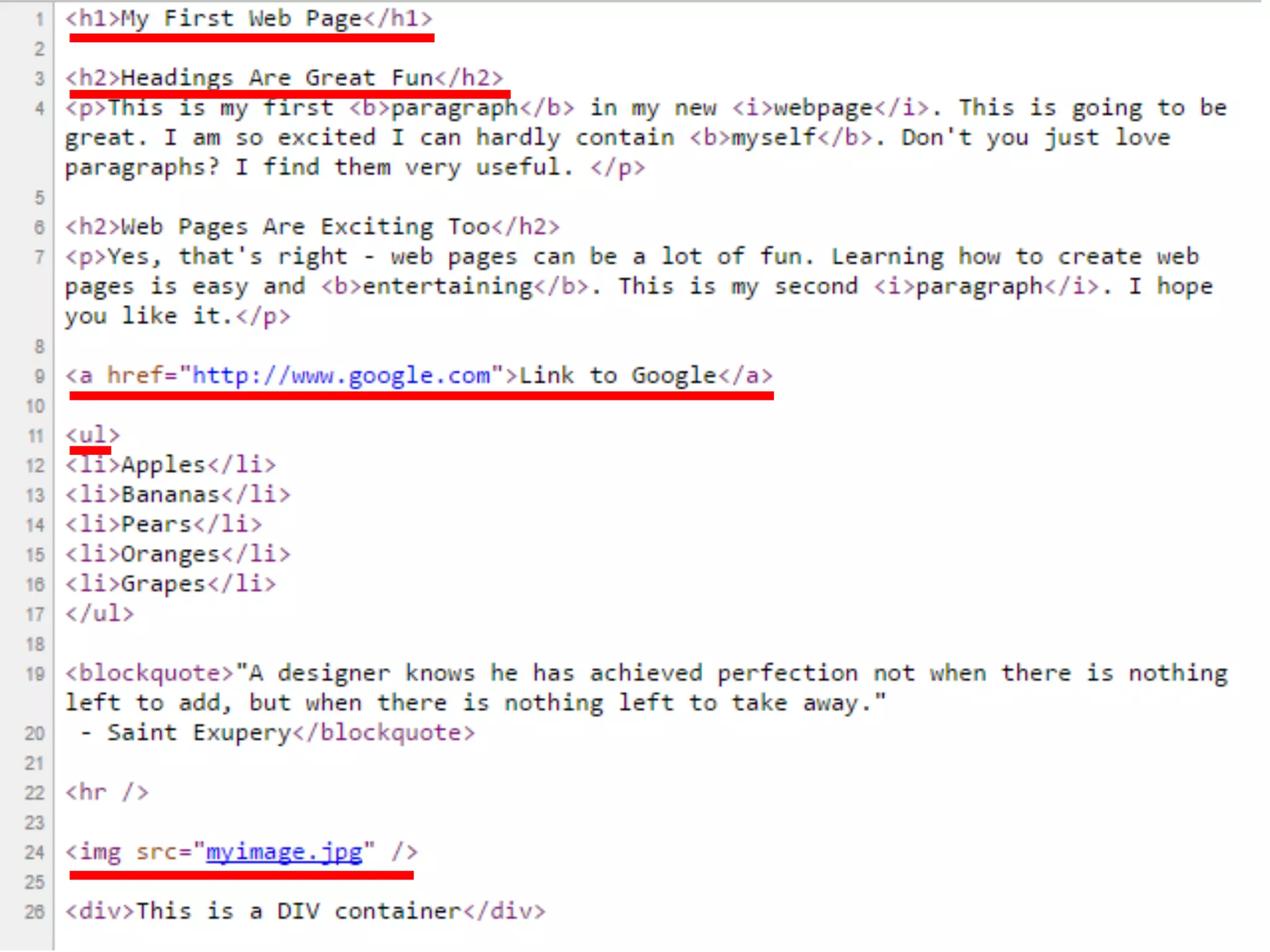
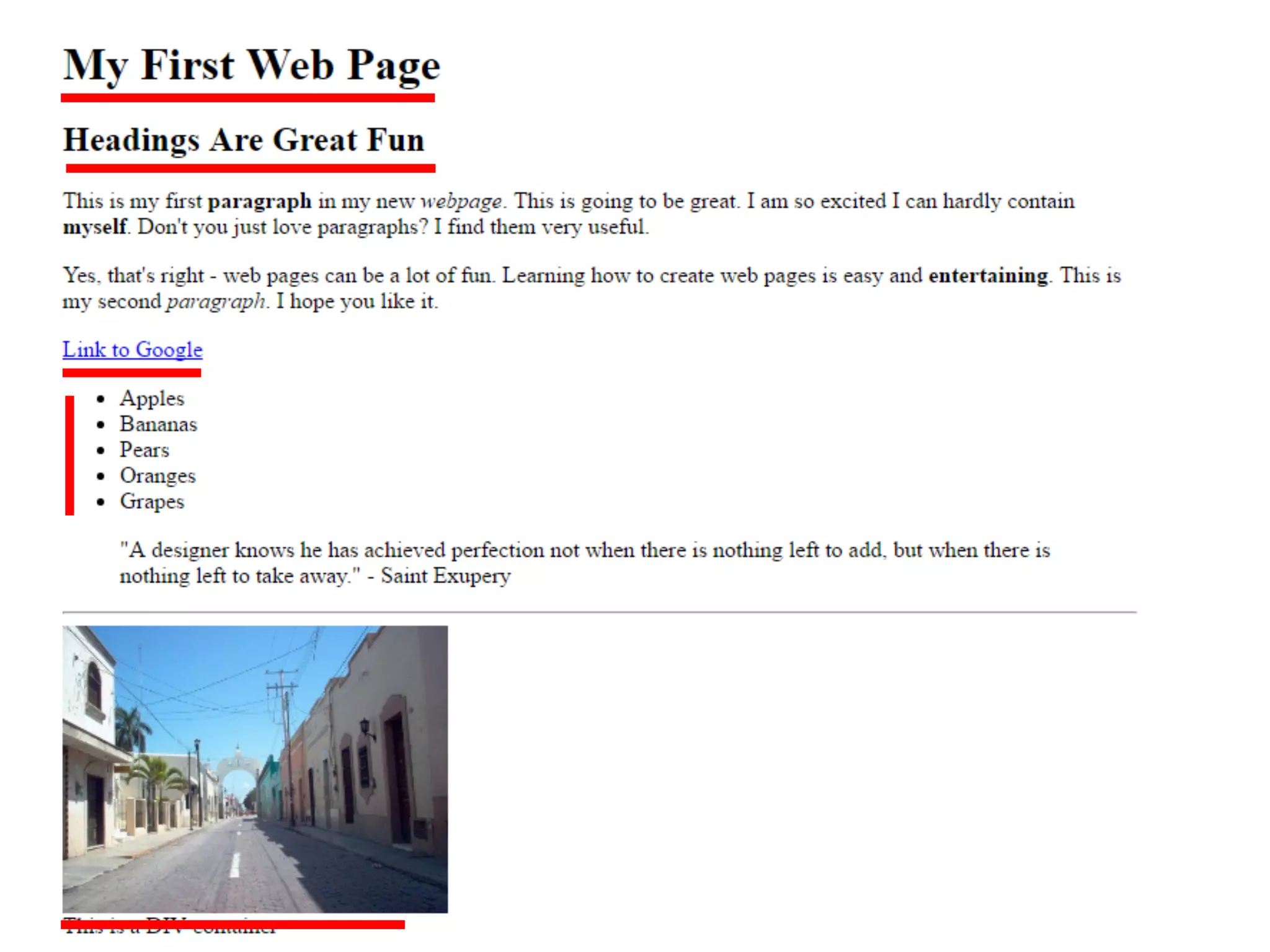
D โ€“ Popular HTML tags
โ€ข Heading
โ€ข Paragraph
โ€ข Anchor / Link
โ€ข Image
โ€ข Unordered List
โ€ข List Item
โ€ข Horizontal Rule
โ€ข Division
โ€ข Table
<h1> - <h6>
<p>
<a>
<img>
<ul>
<li>
<hr>
<div>
<table>
Image
Image
Image
Image
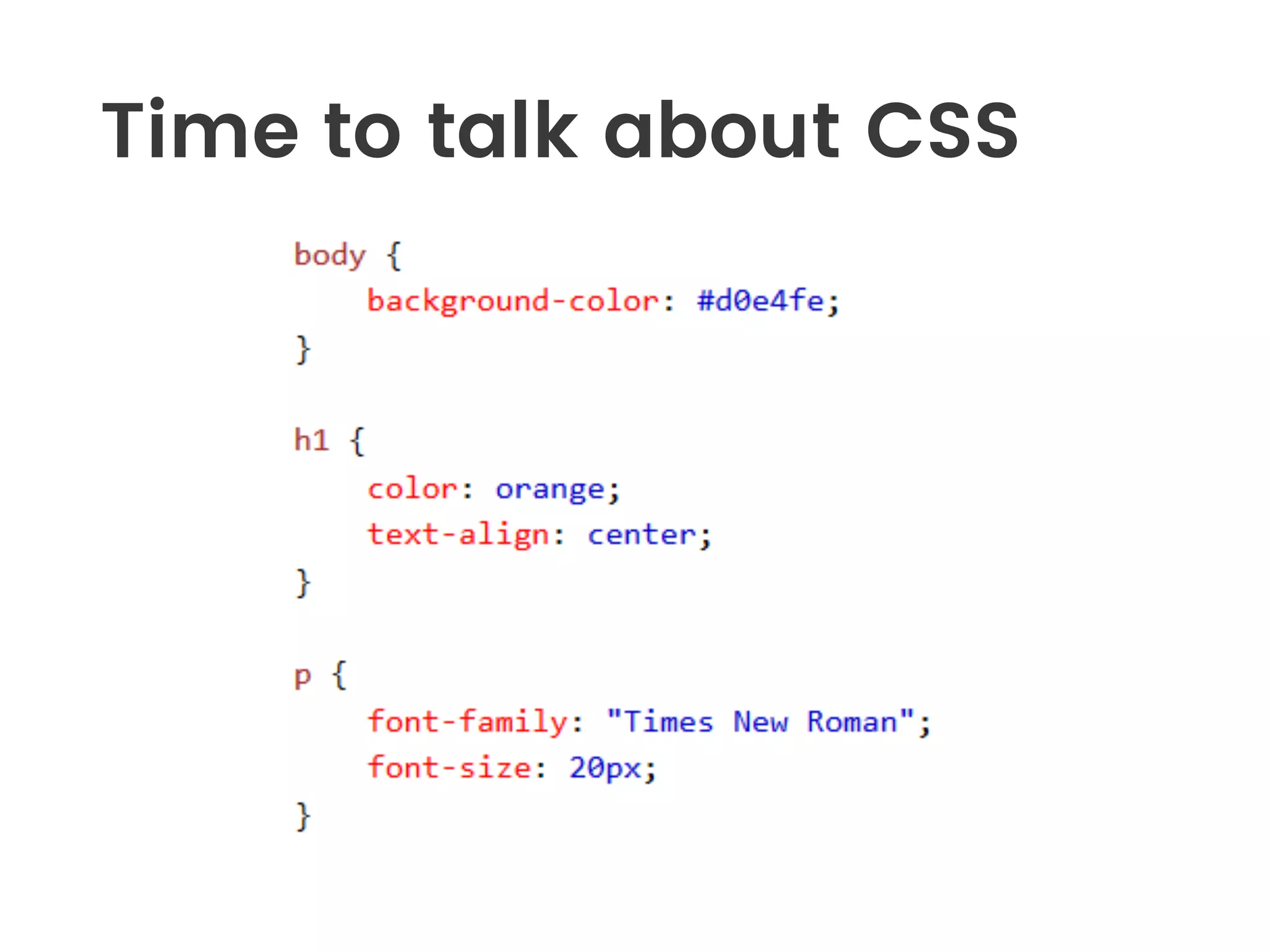
Time to talk about CSS
Image
Image
Image
Image
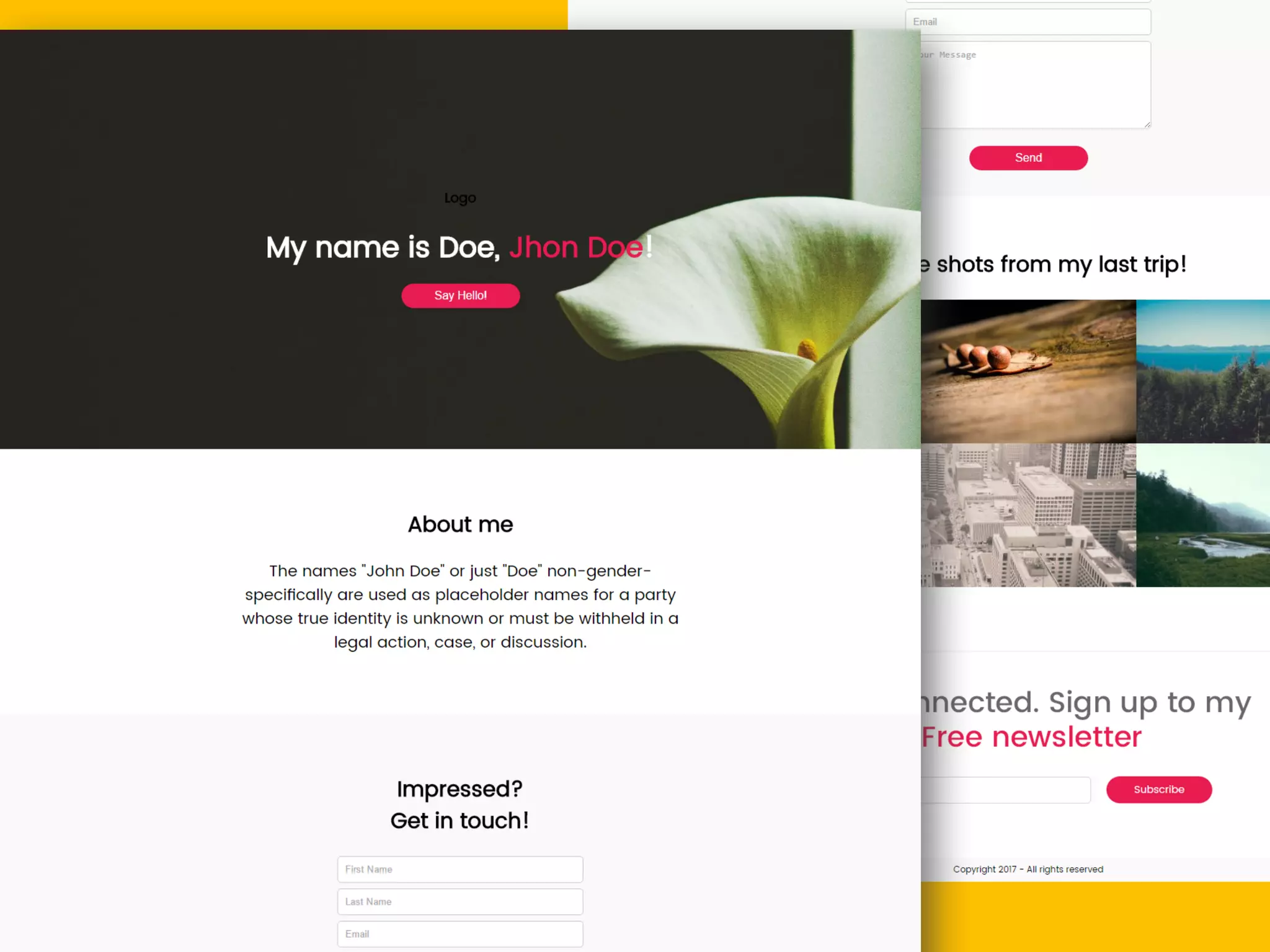
Hands-on Tutorial
Lets build a website and learn
making mistakes!
Image
Image
Image
Image
Step-1
โ€ข Create a folder named Hello [Syed]
โ€ข Fire up your code editor
โ€ข Write Hello World and save the file as
index.html
โ€ข Create another file named style.css
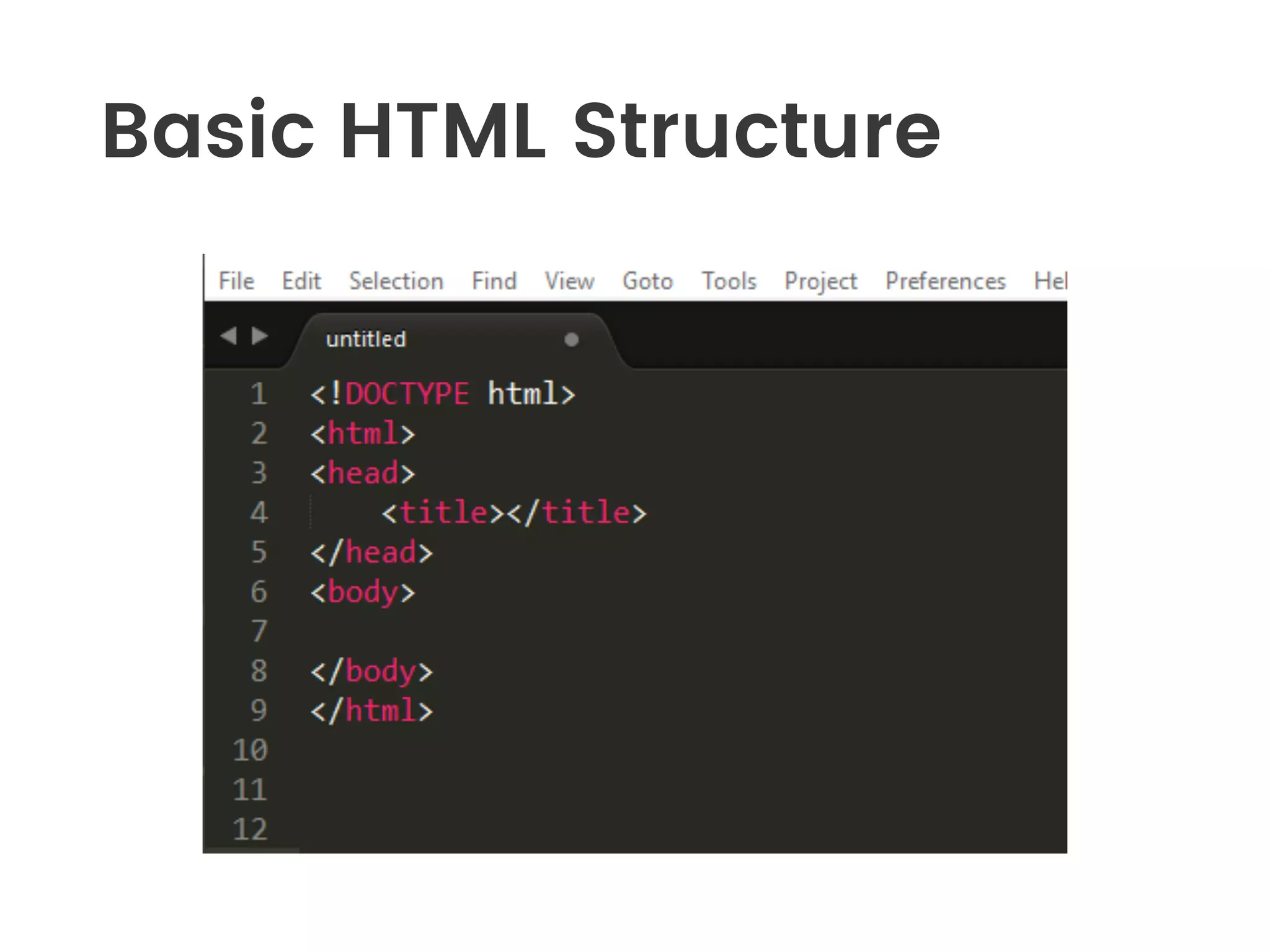
Basic HTML Structure
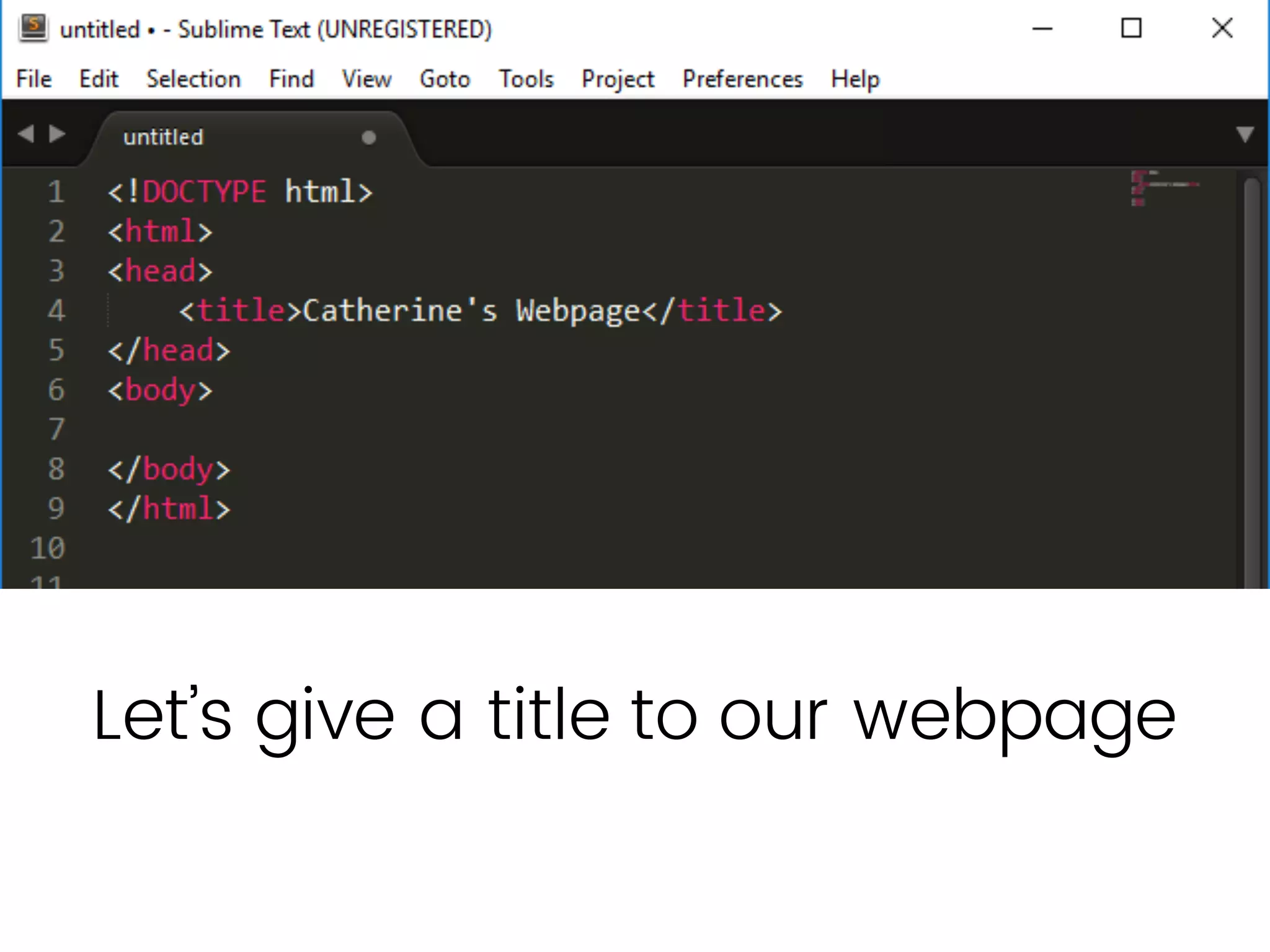
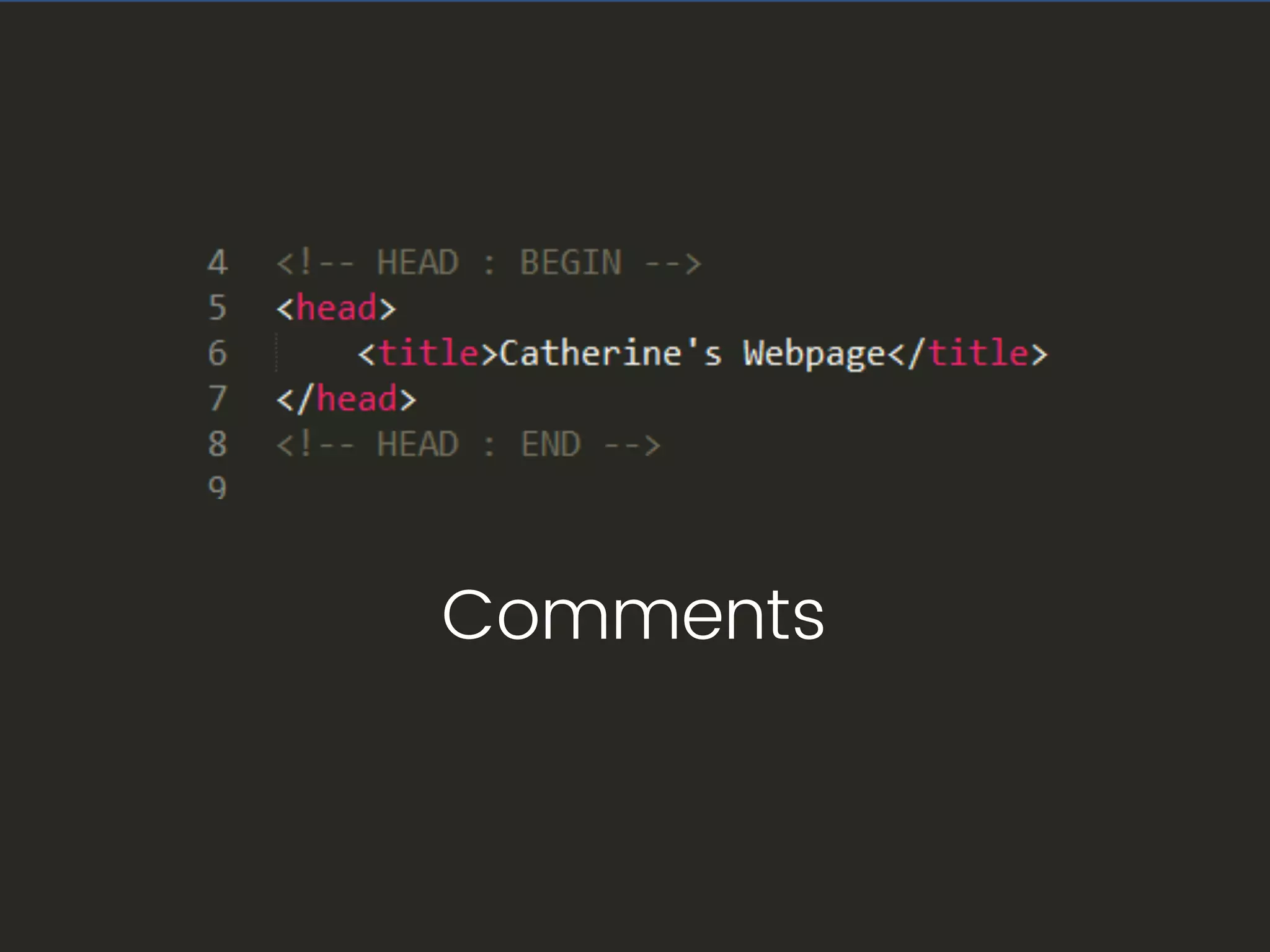
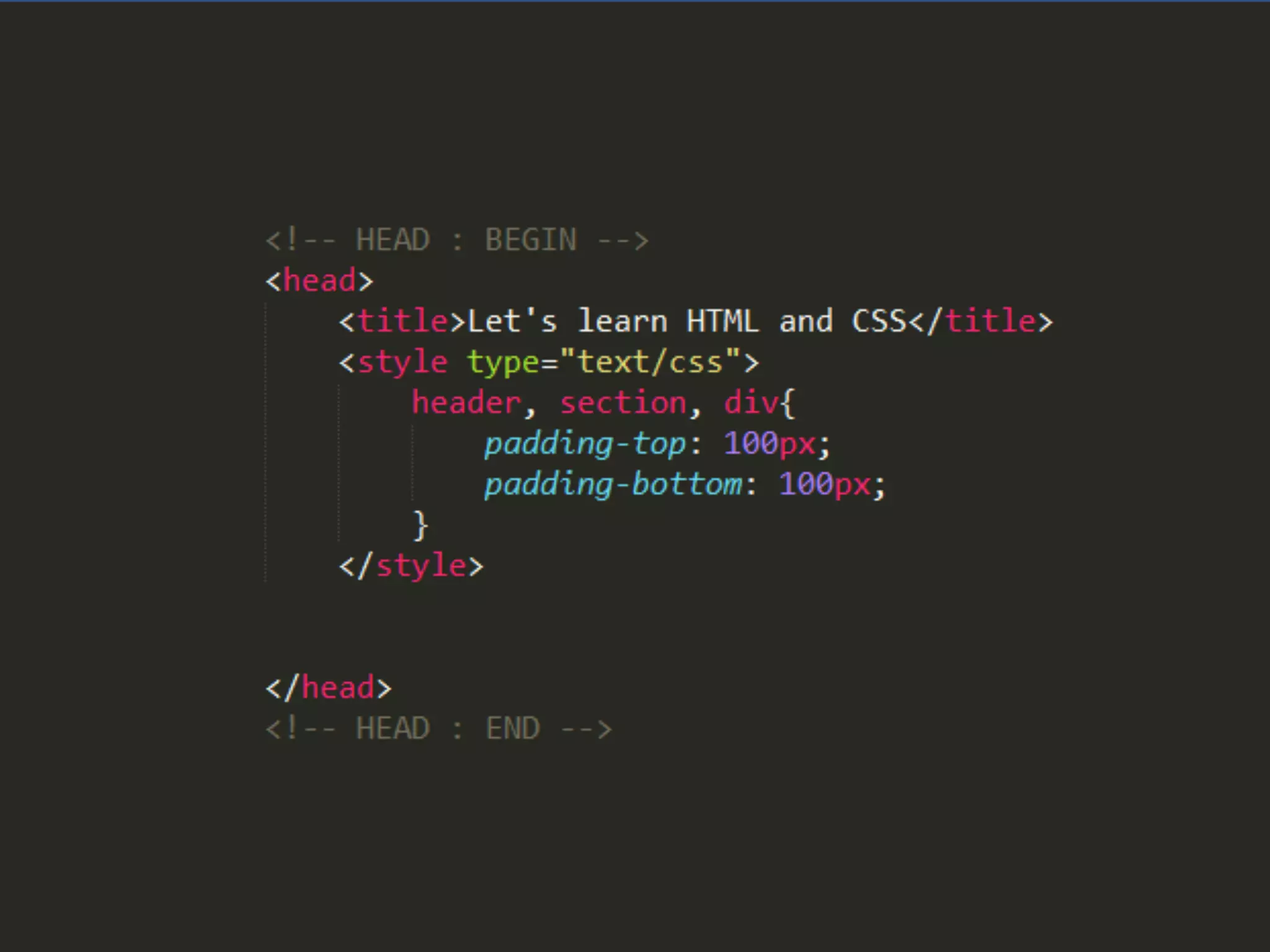
Letโ€™s give a title to our webpage
Comments
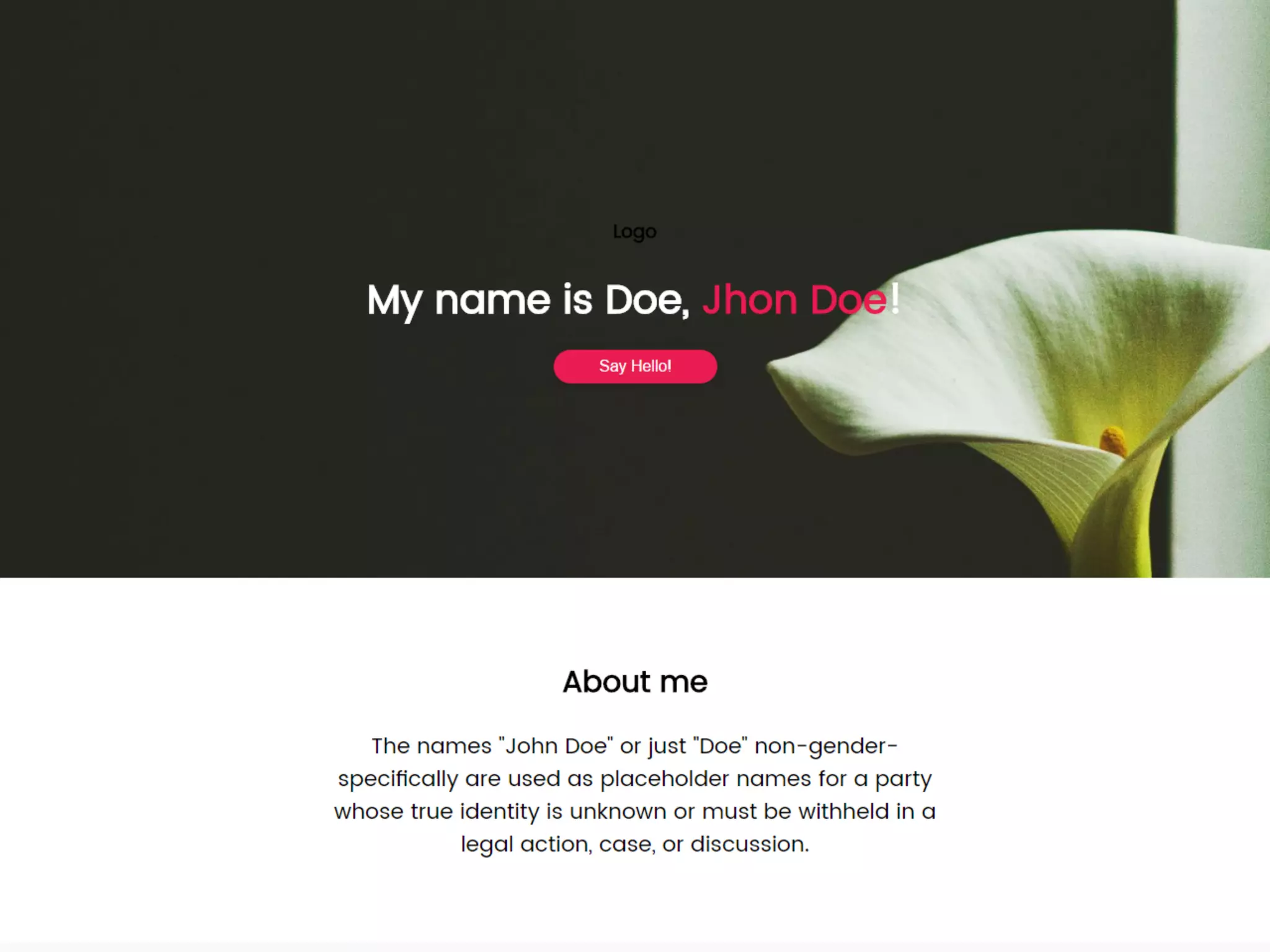
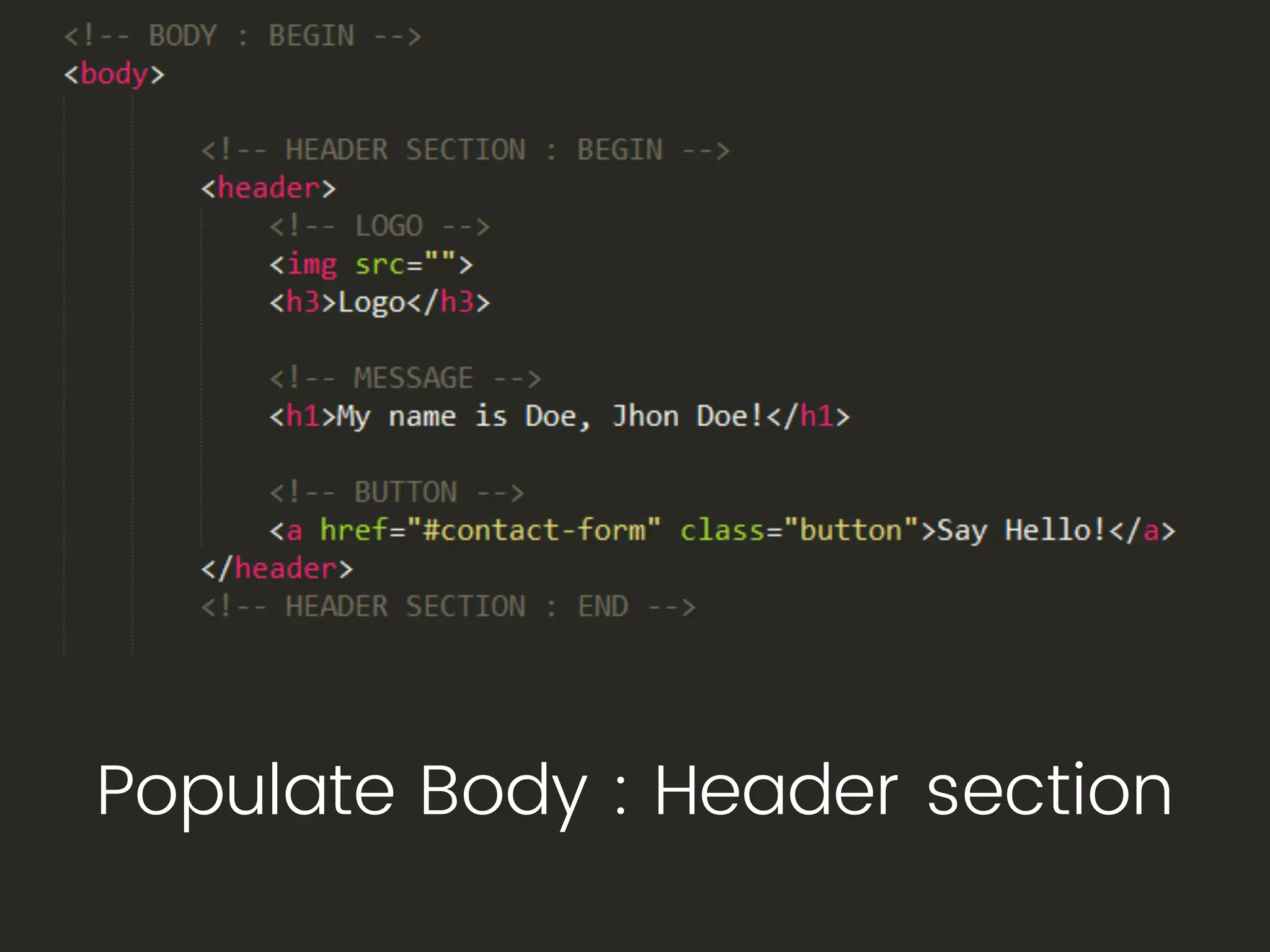
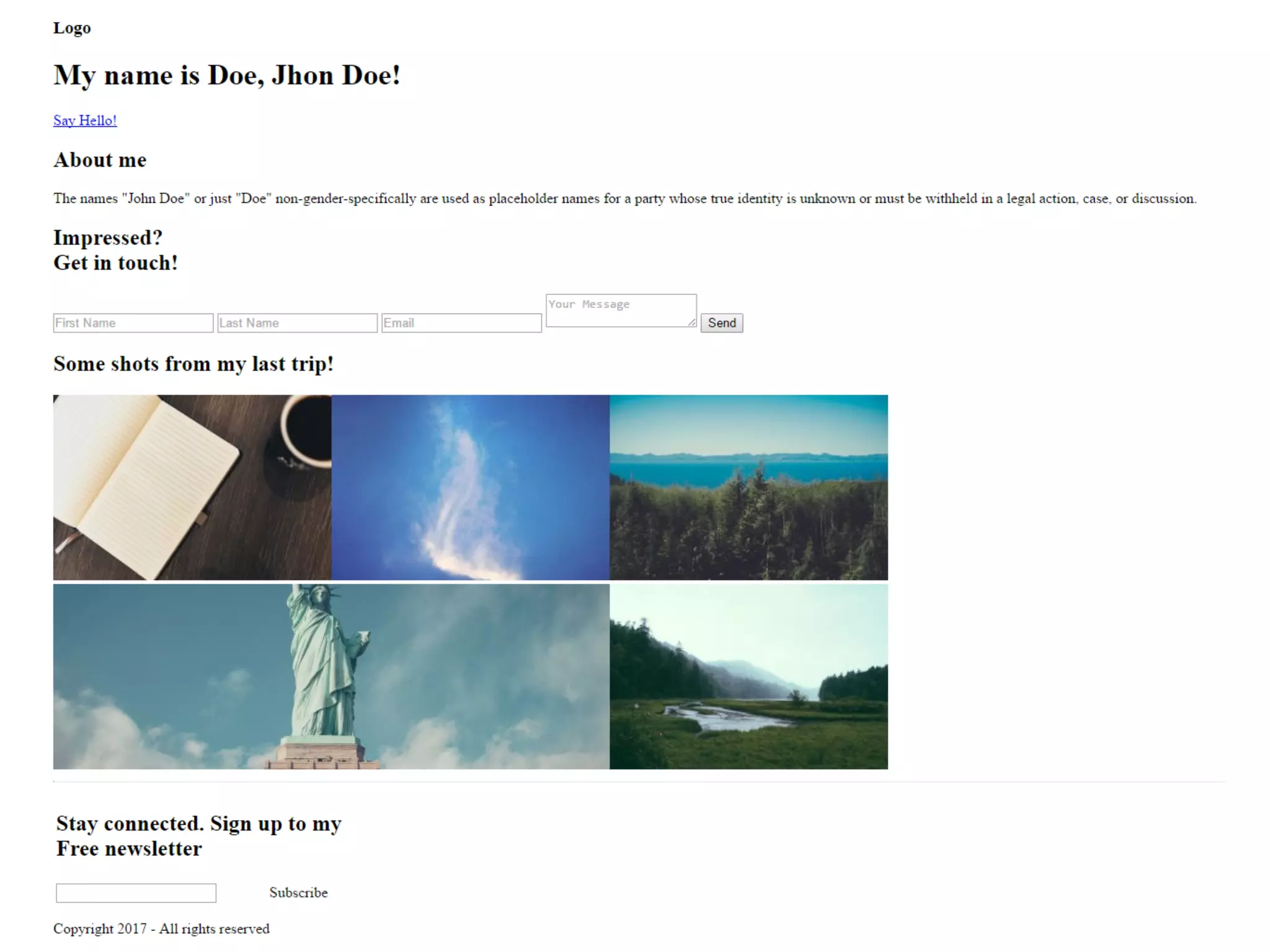
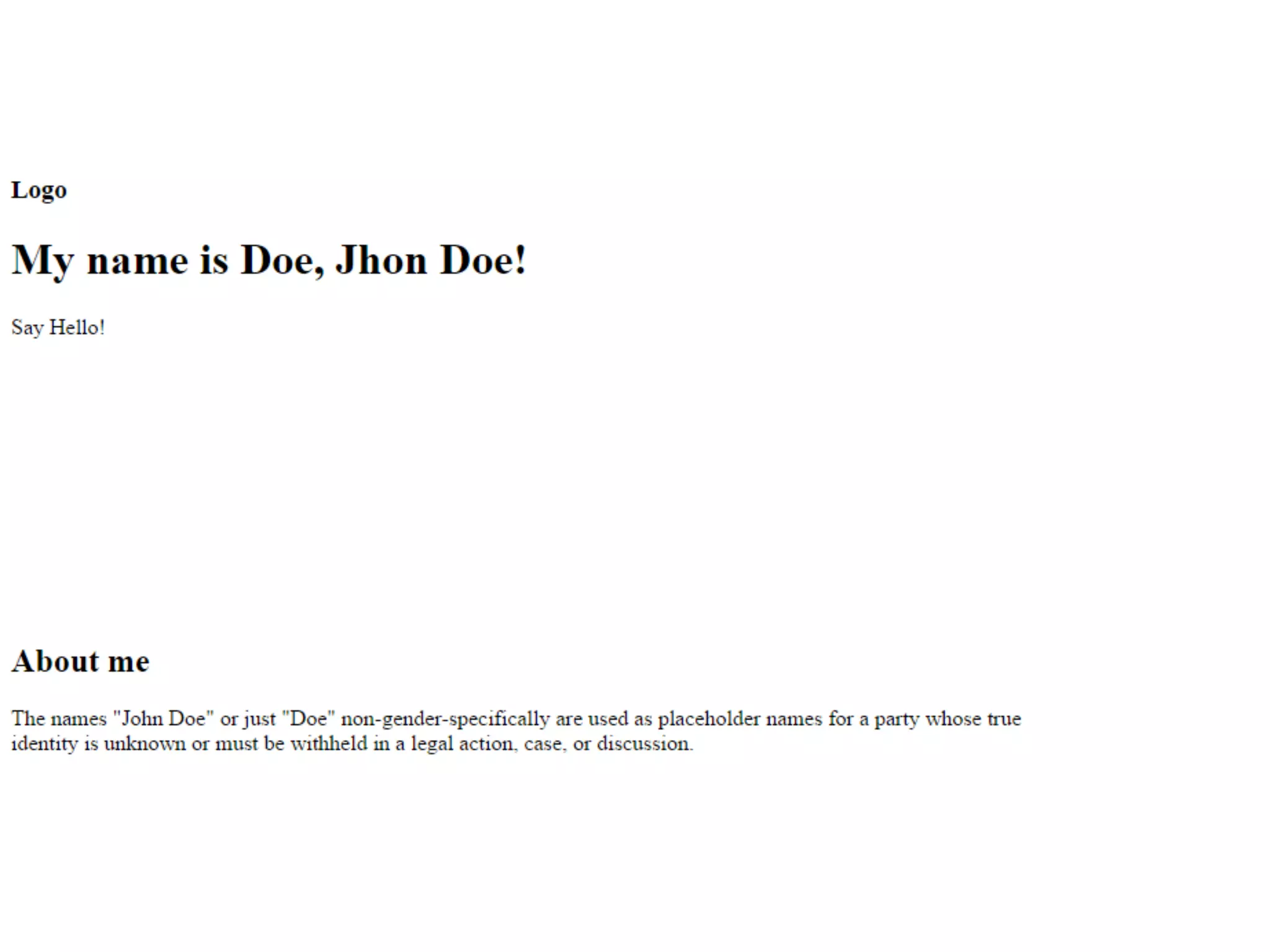
Populate Body : Header section
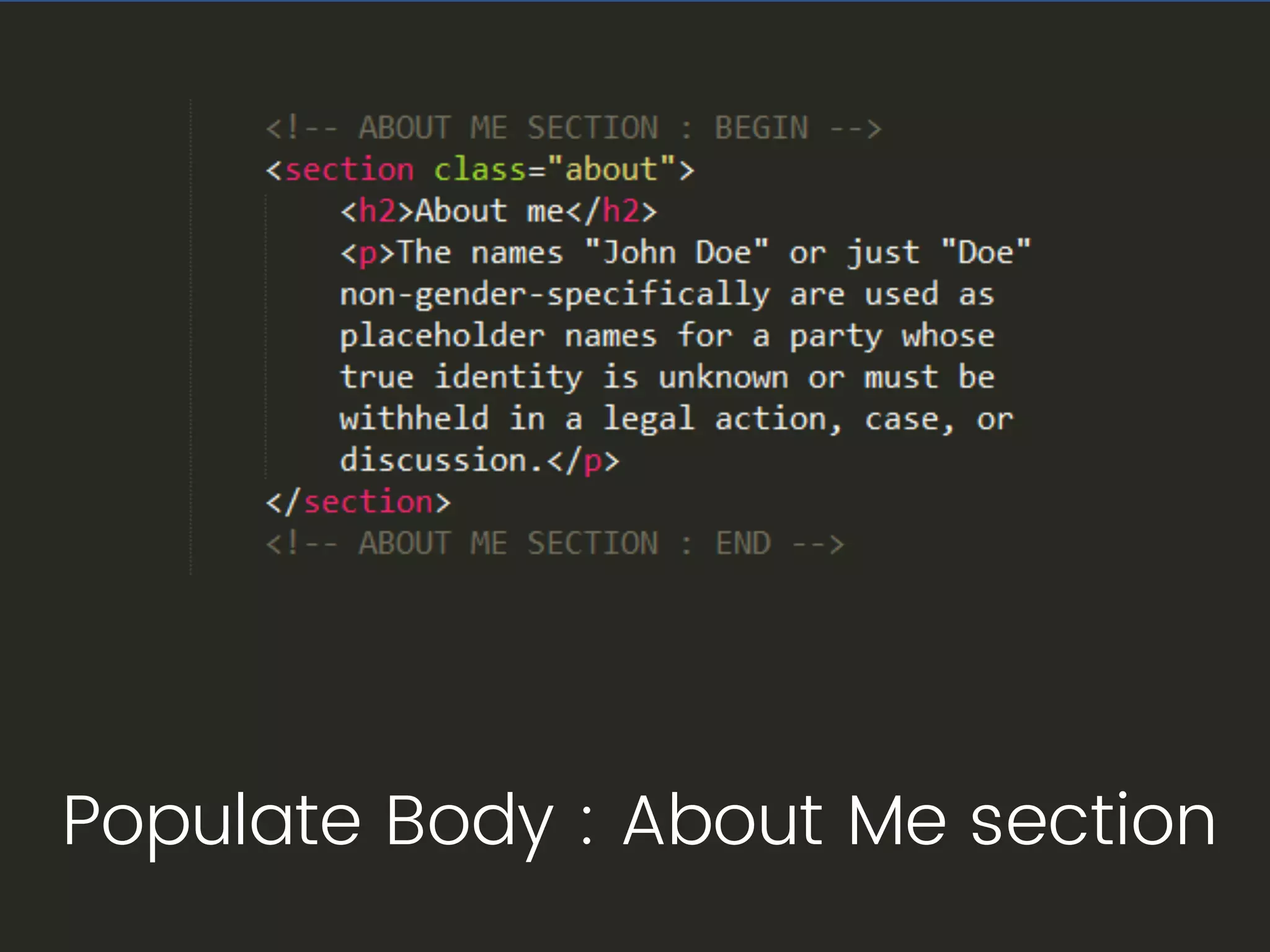
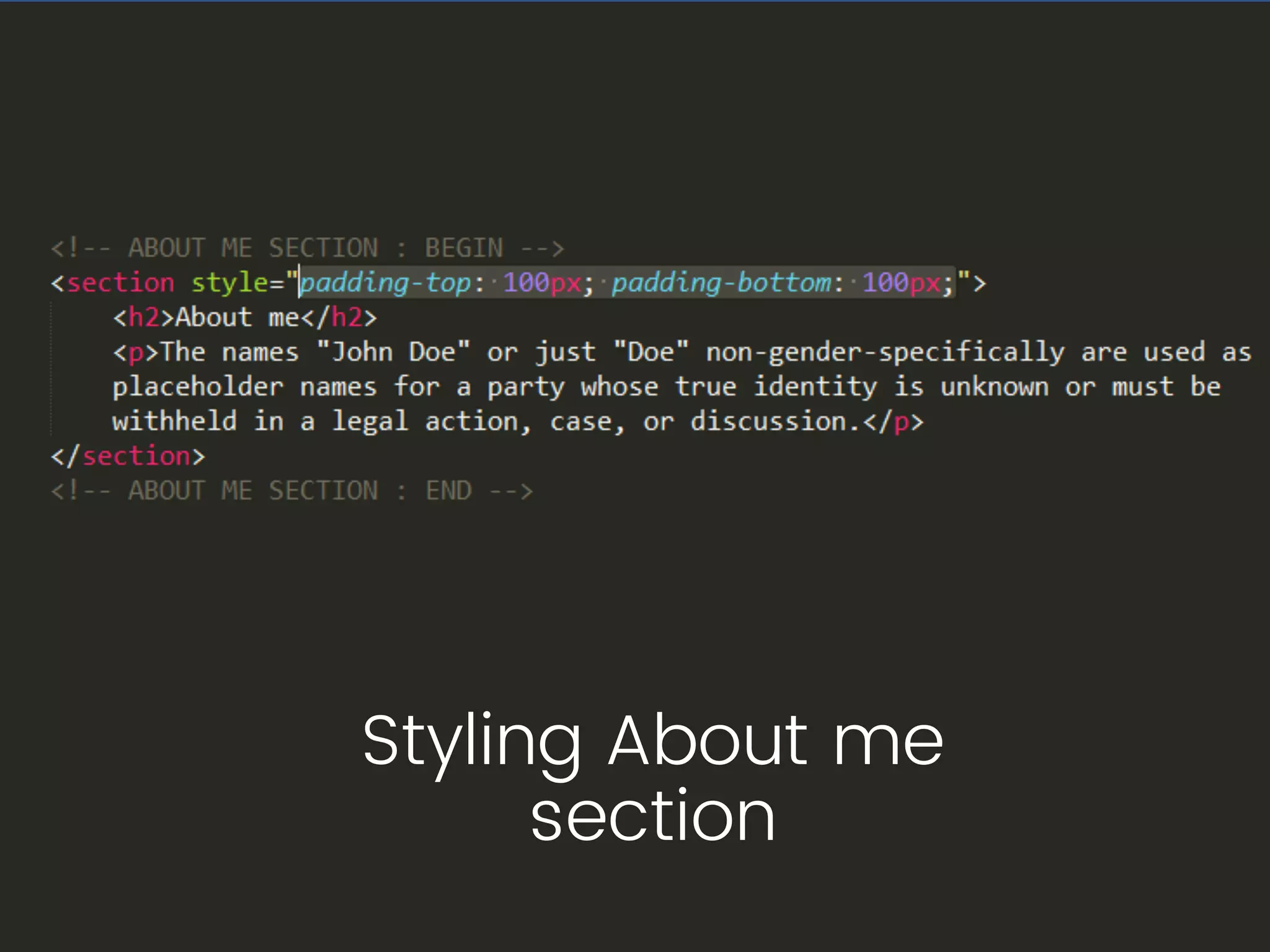
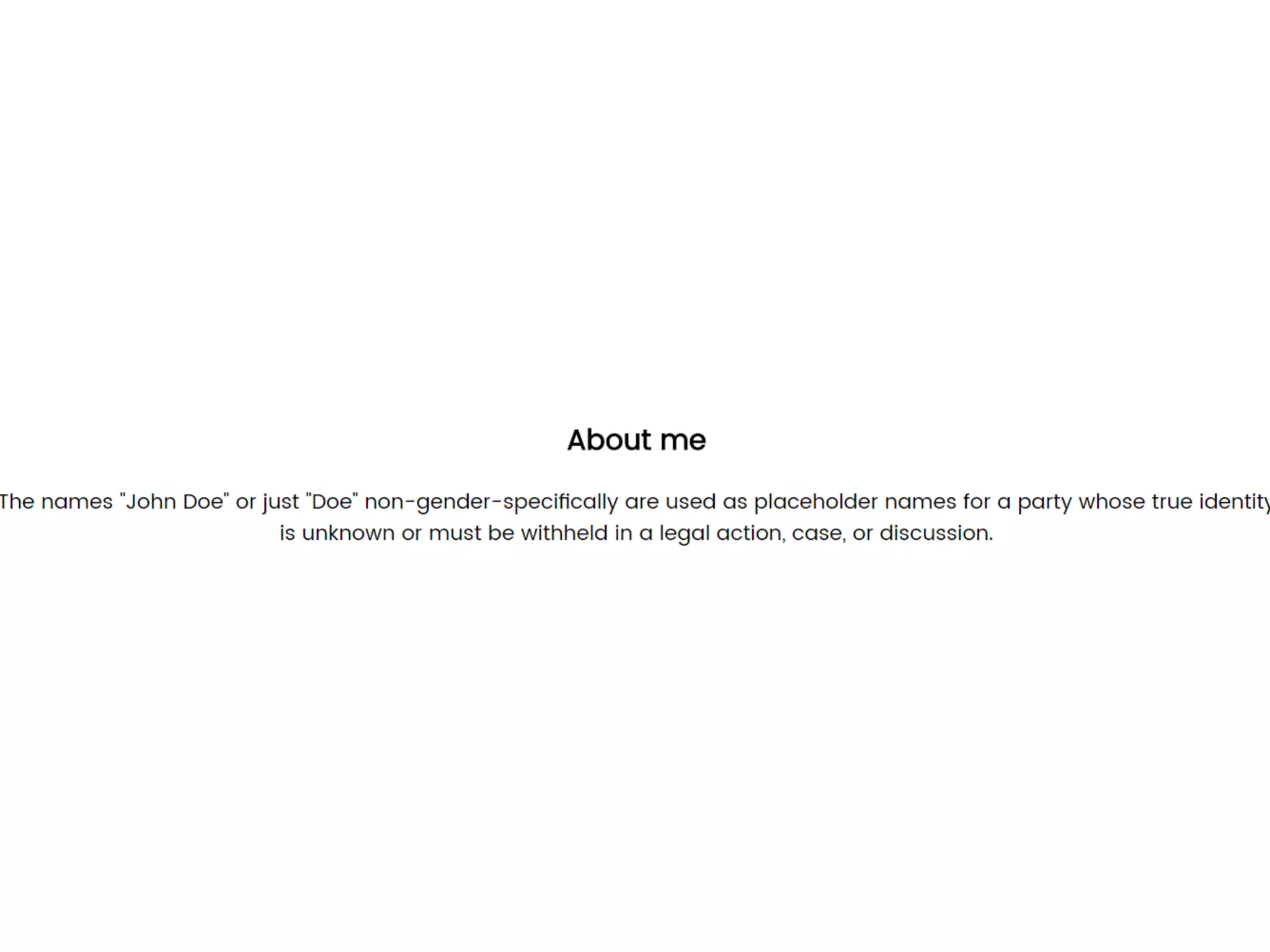
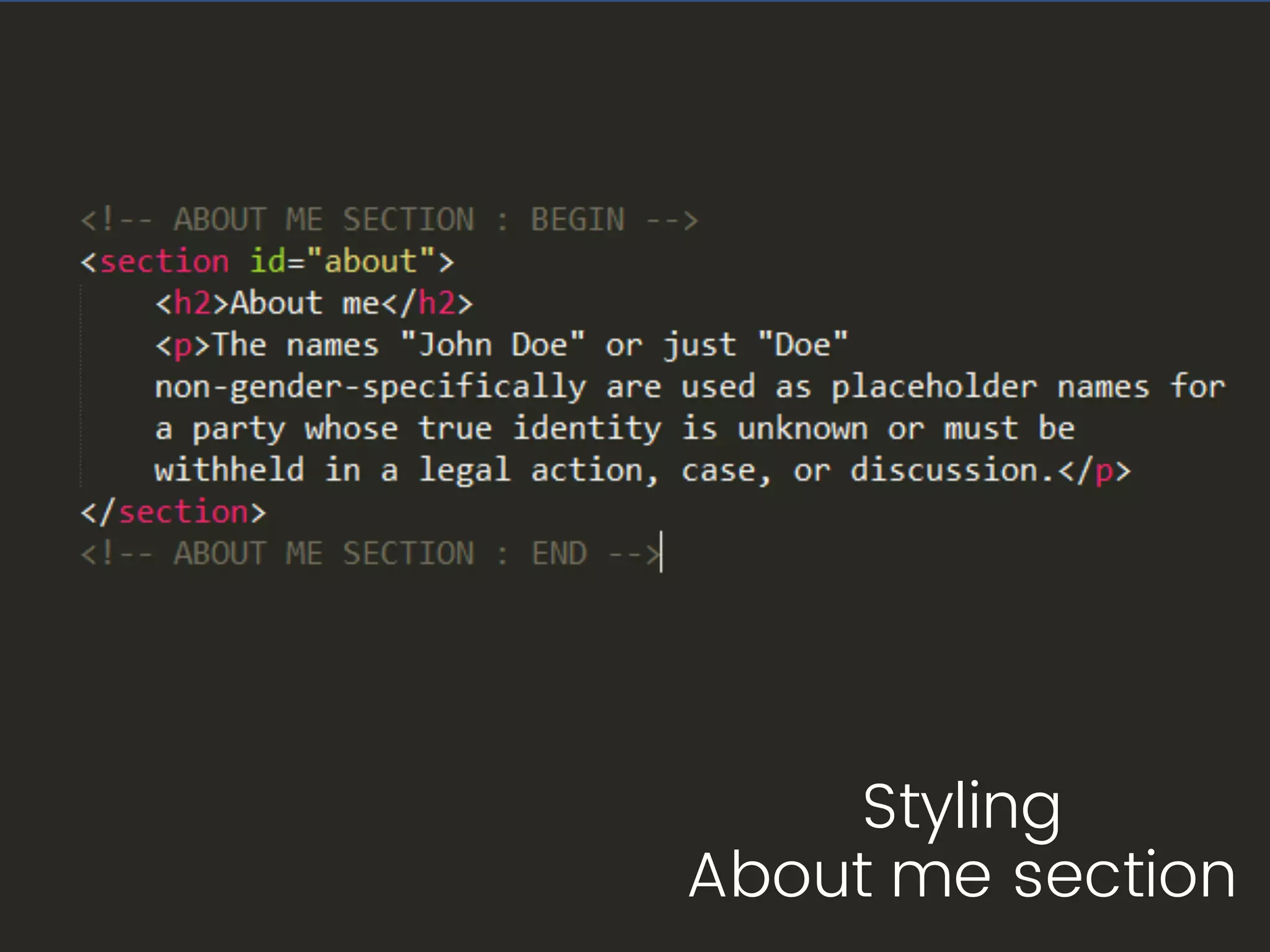
Populate Body : About Me section
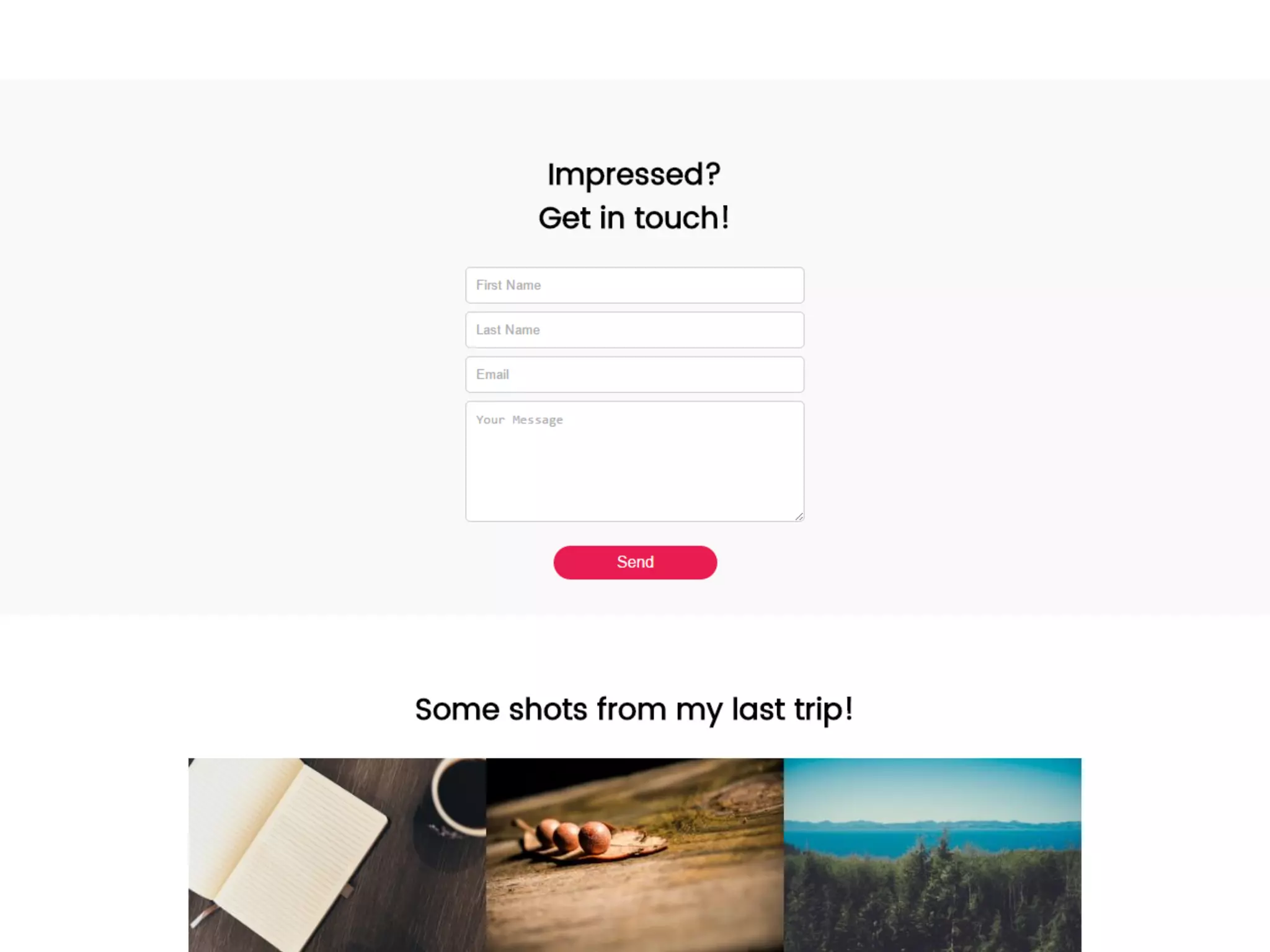
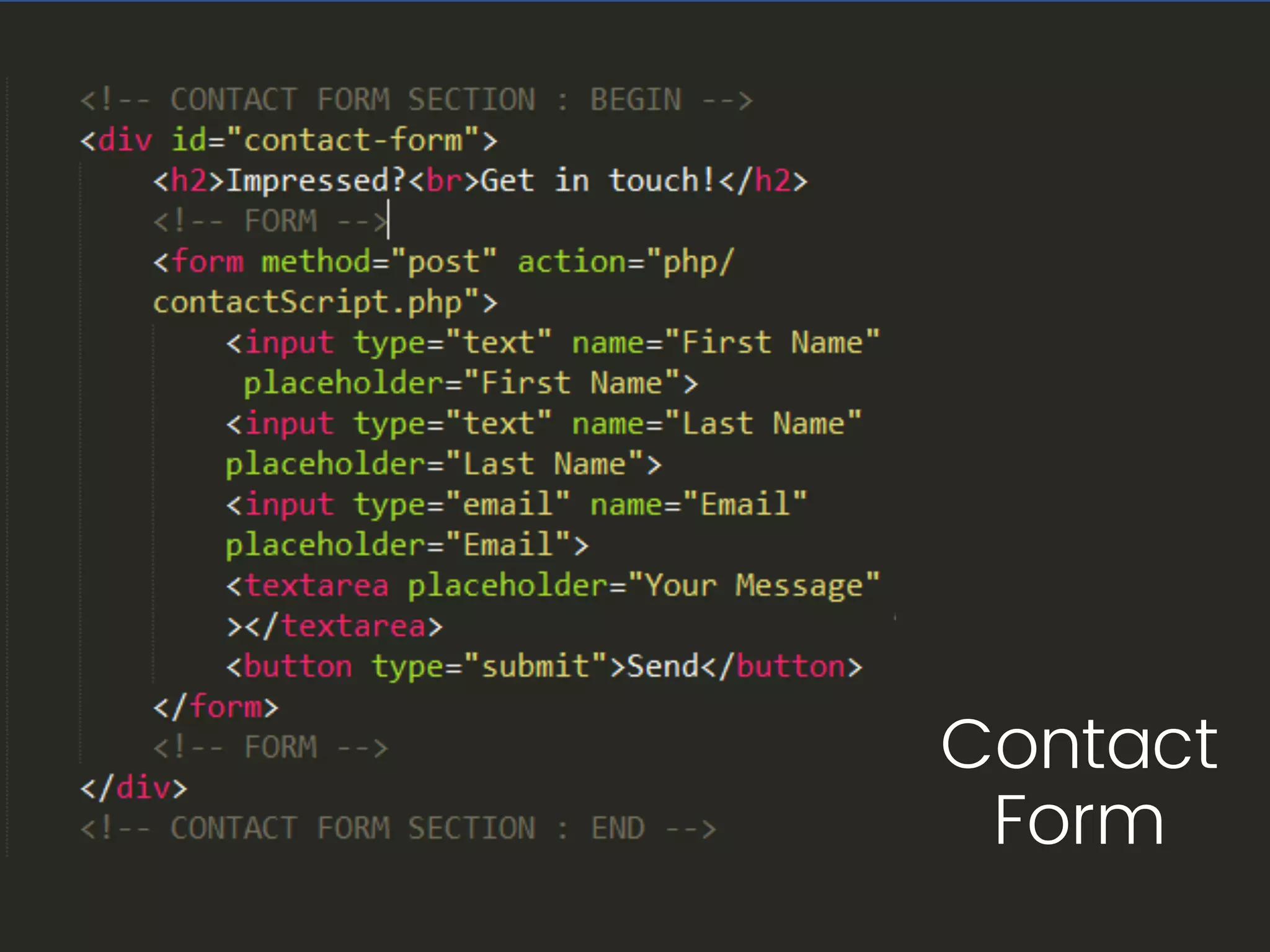
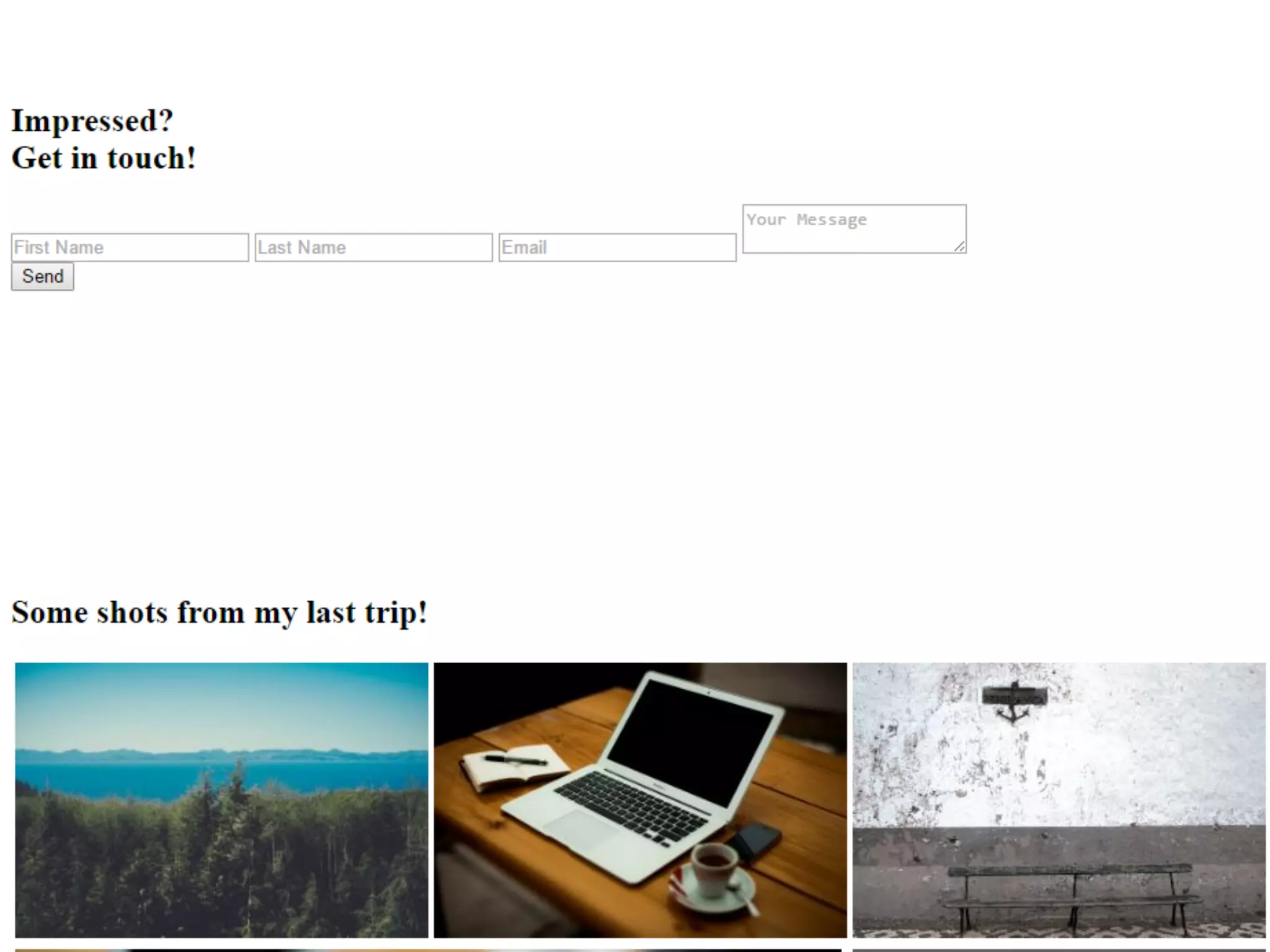
Contact
Form
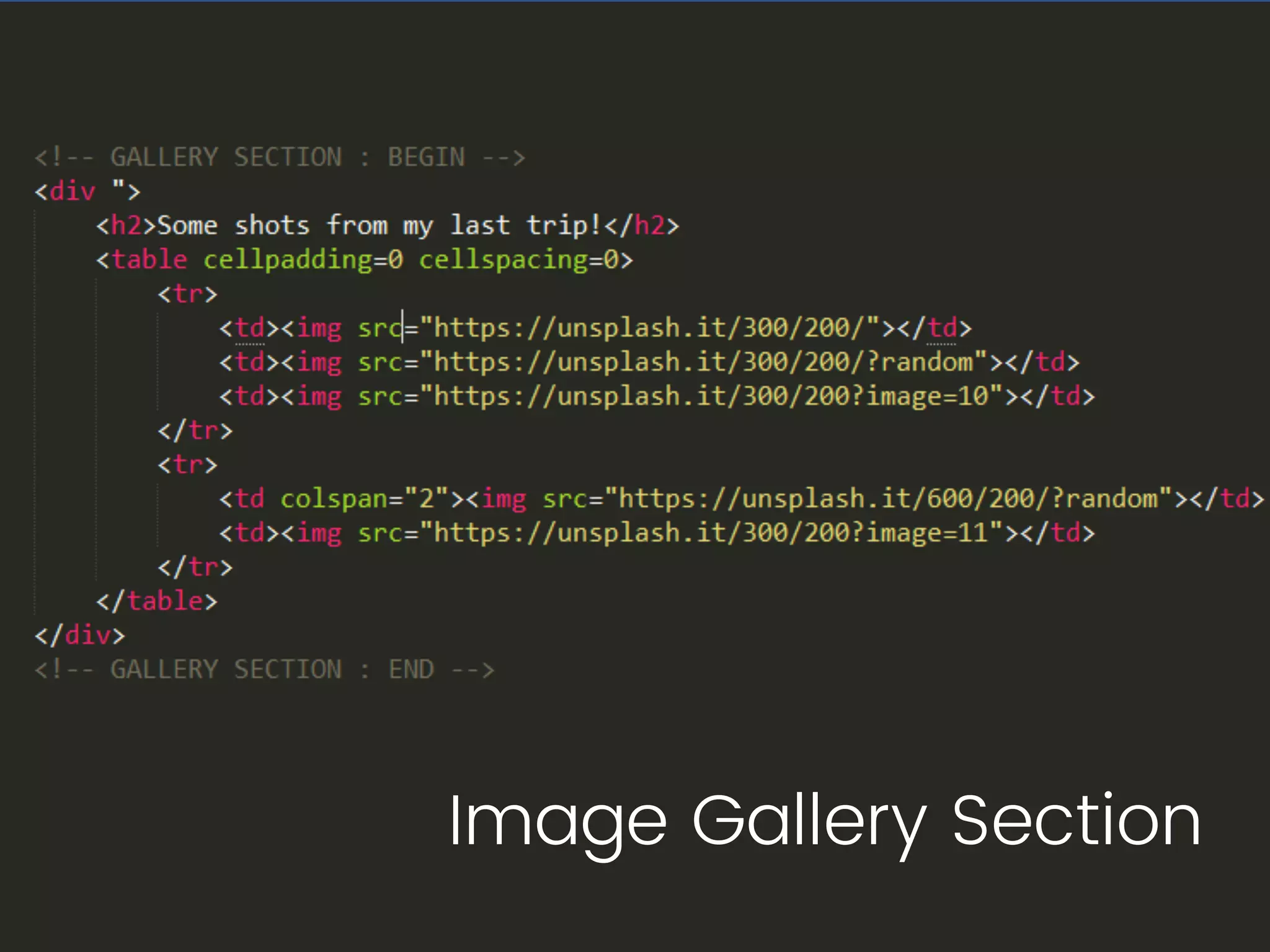
Image Gallery Section
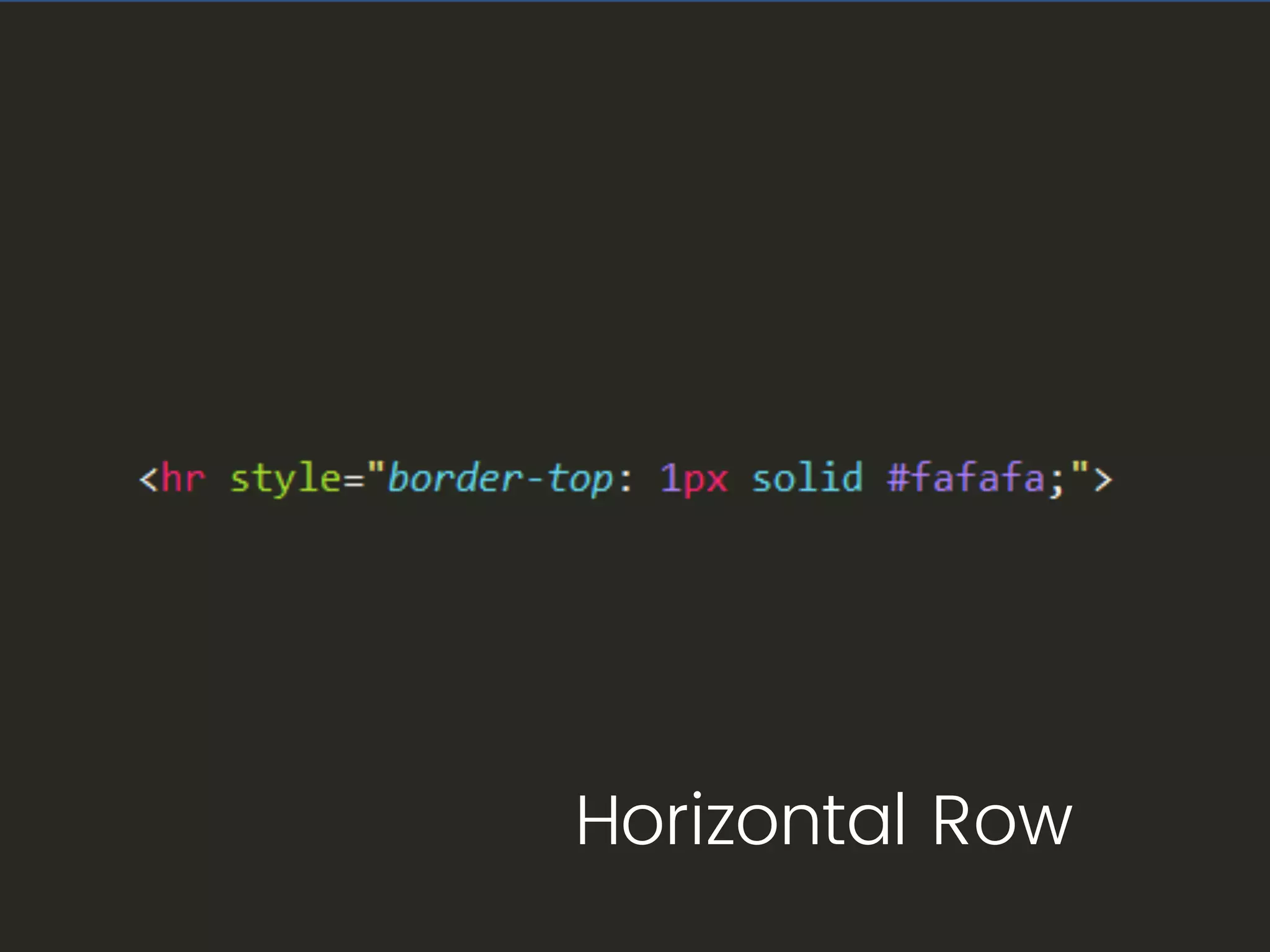
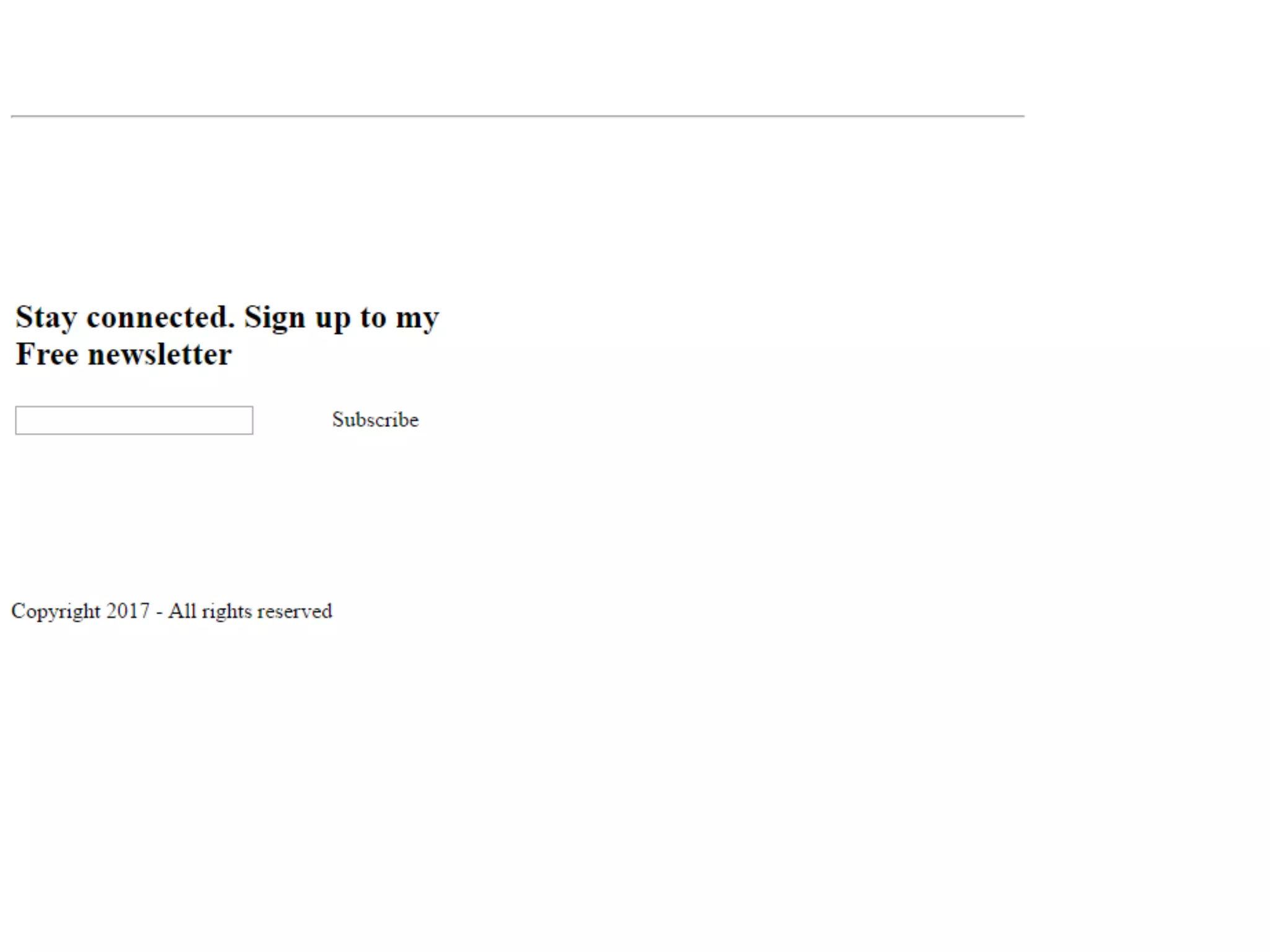
Horizontal Row
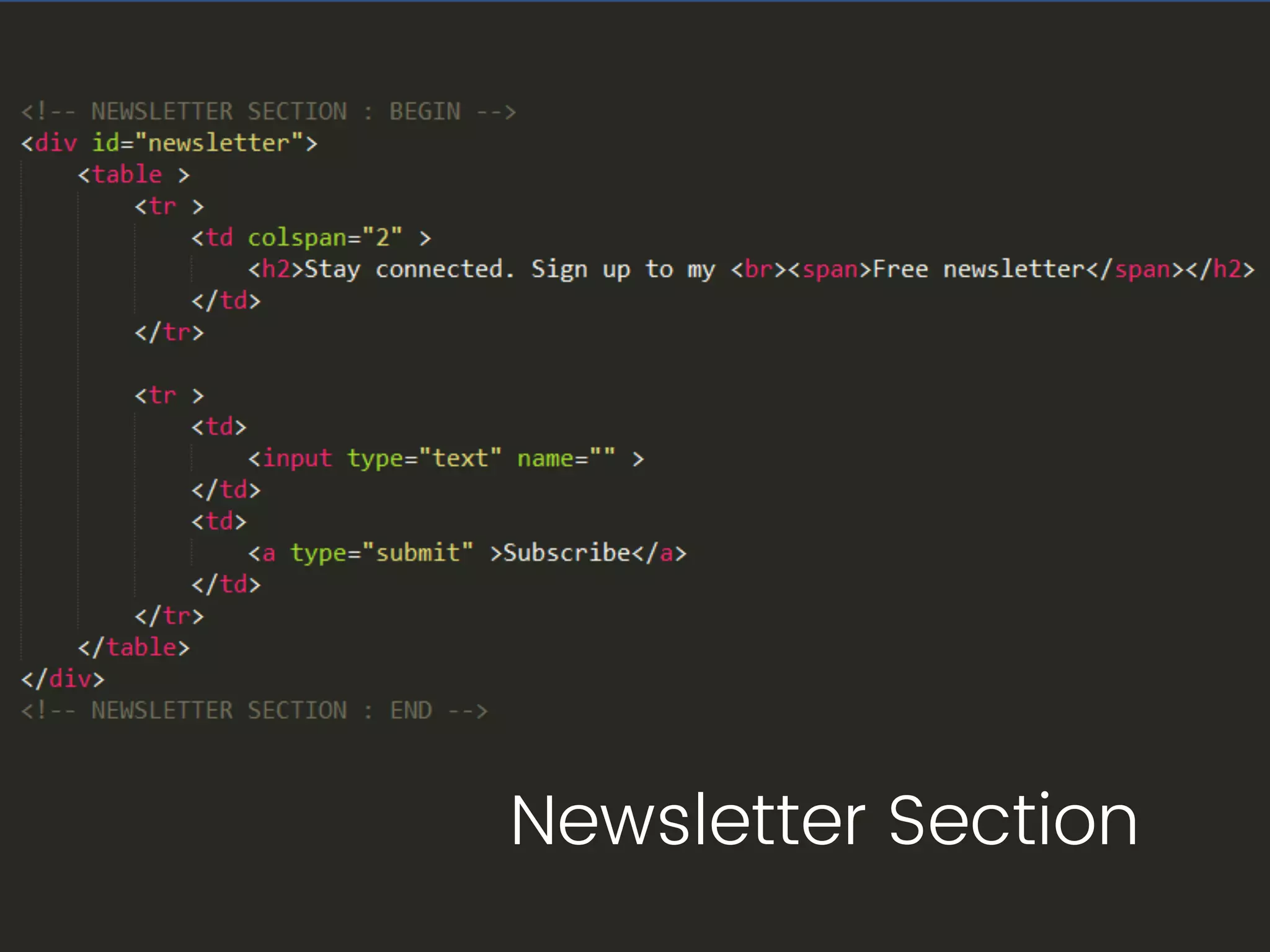
Newsletter Section
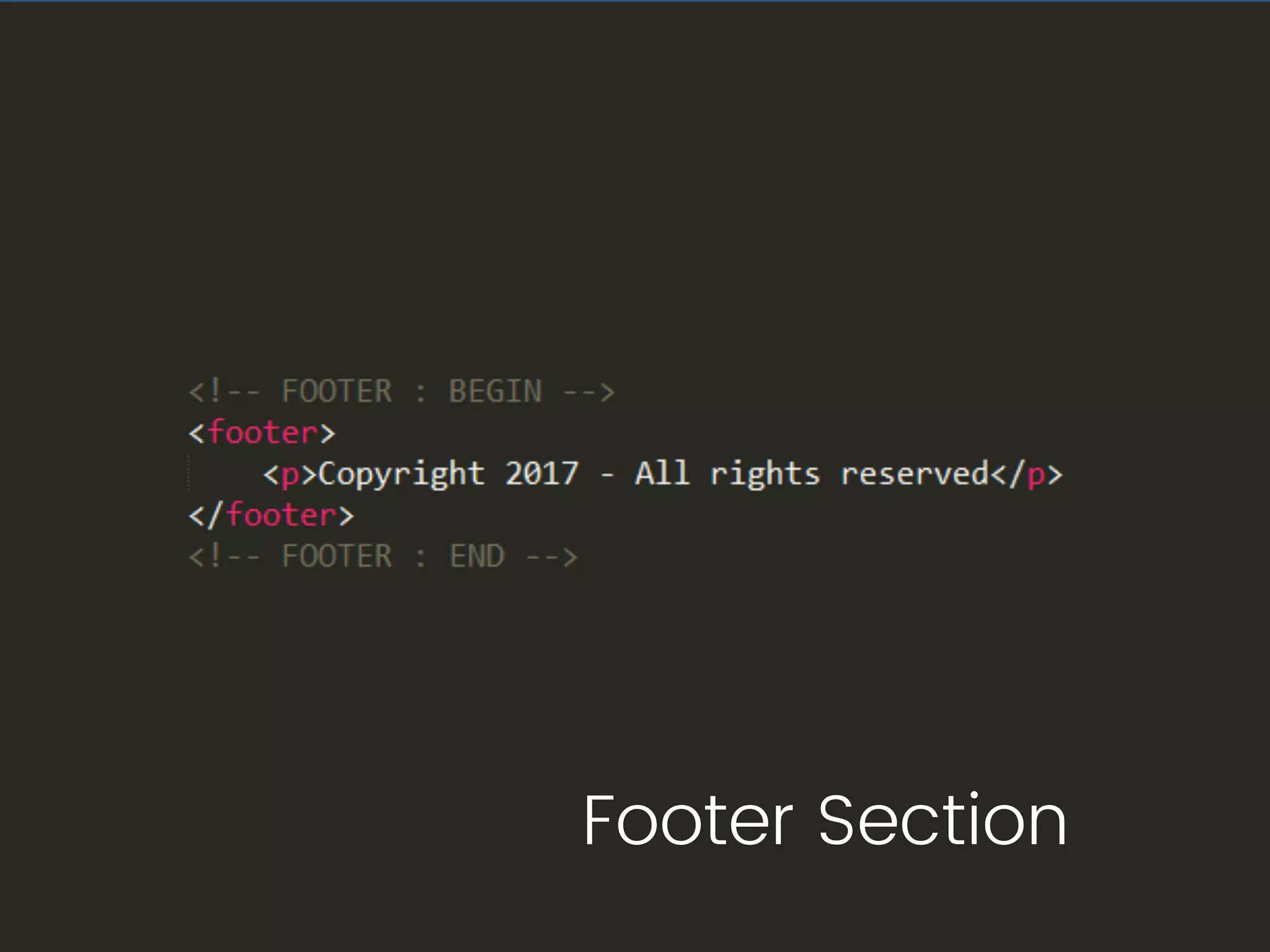
Footer Section
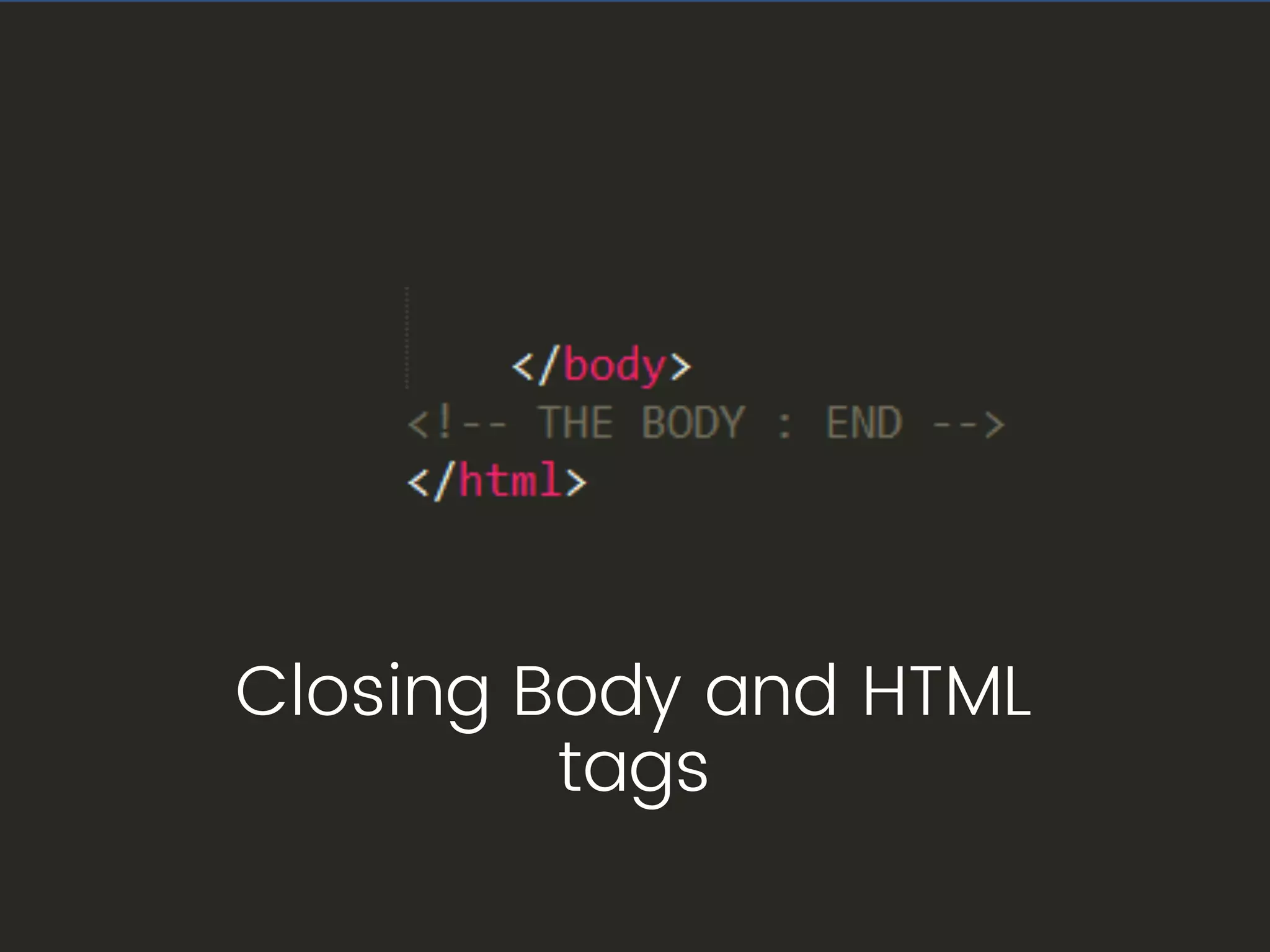
Closing Body and HTML
tags
Image
Image
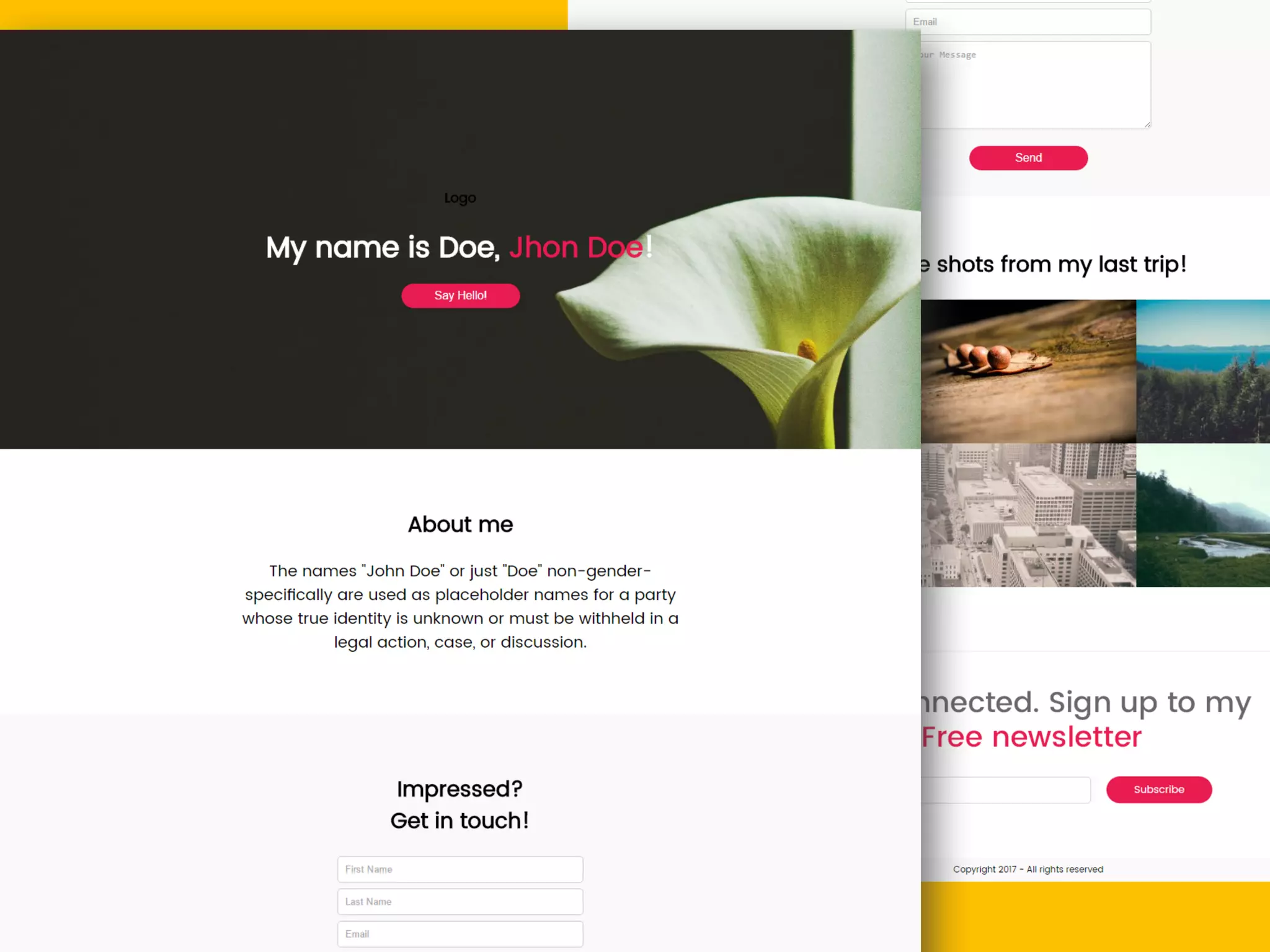
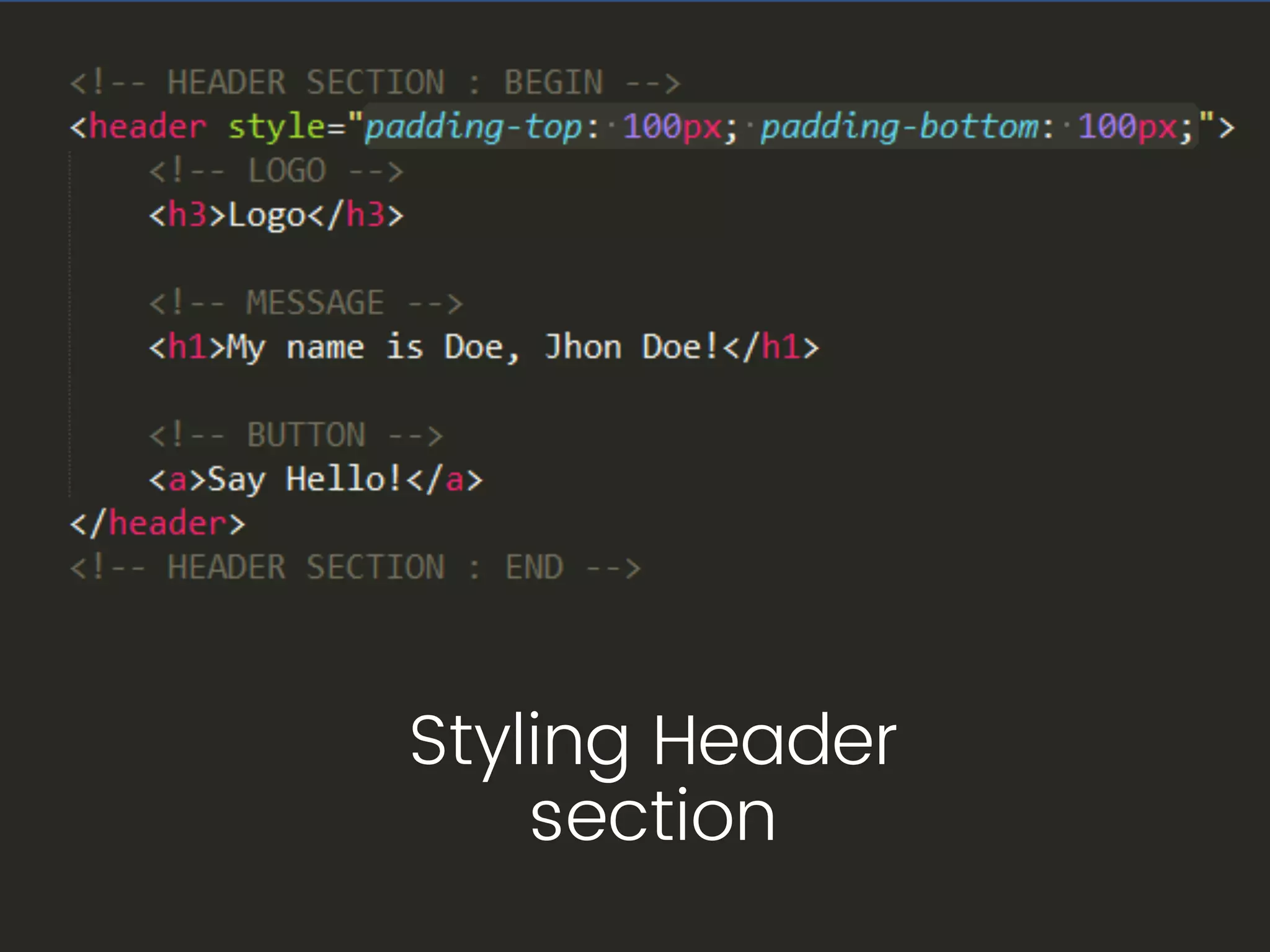
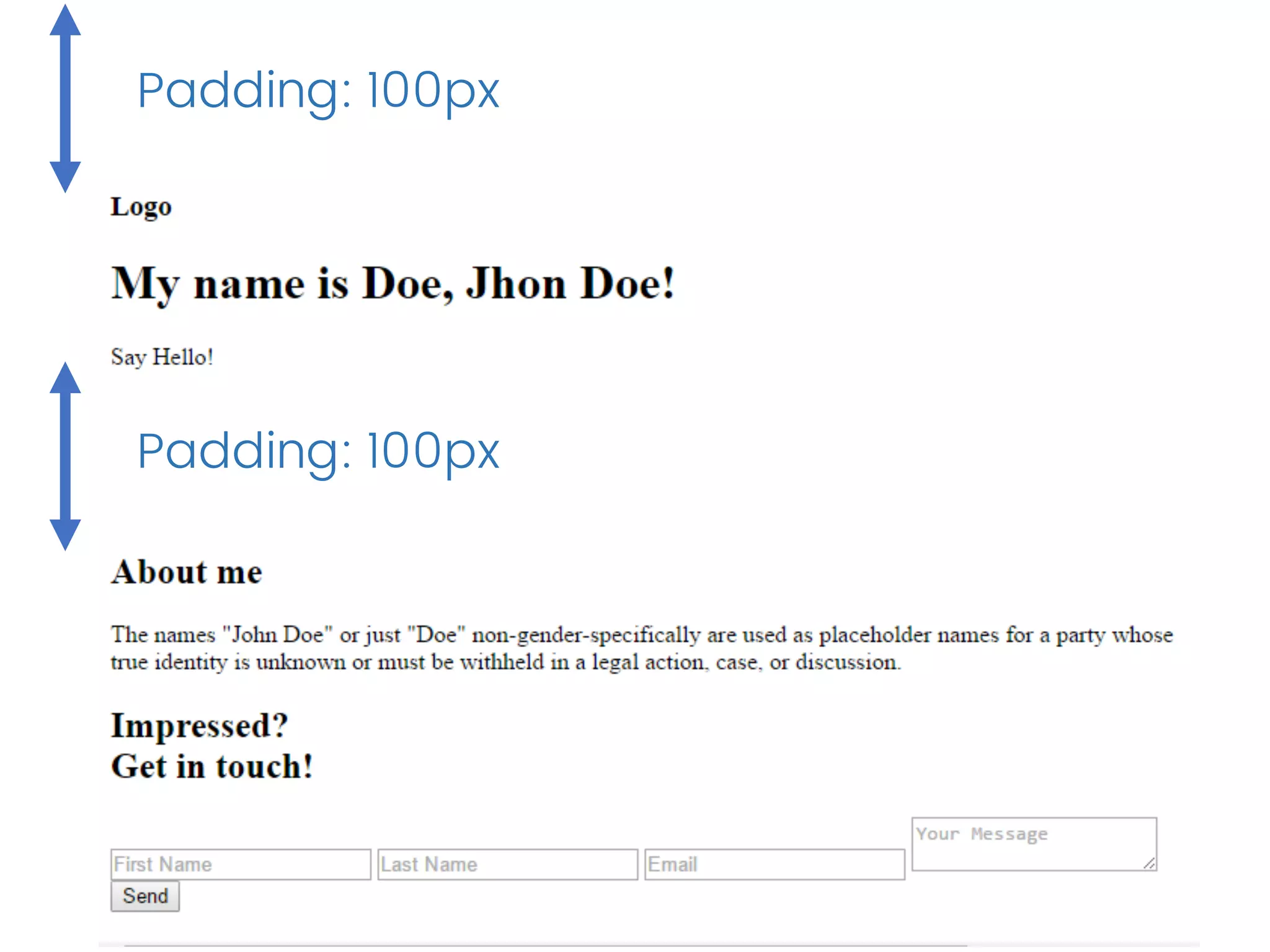
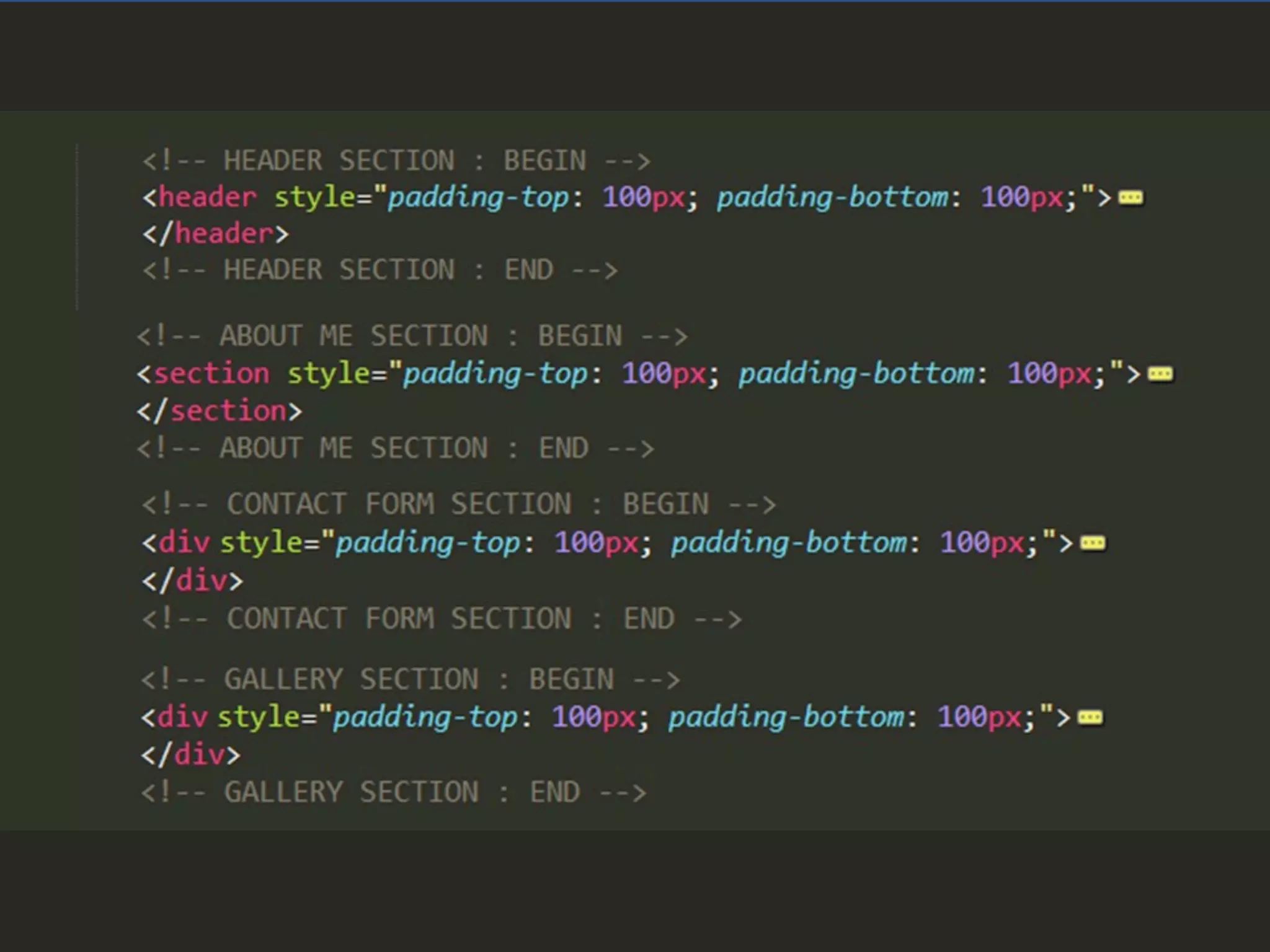
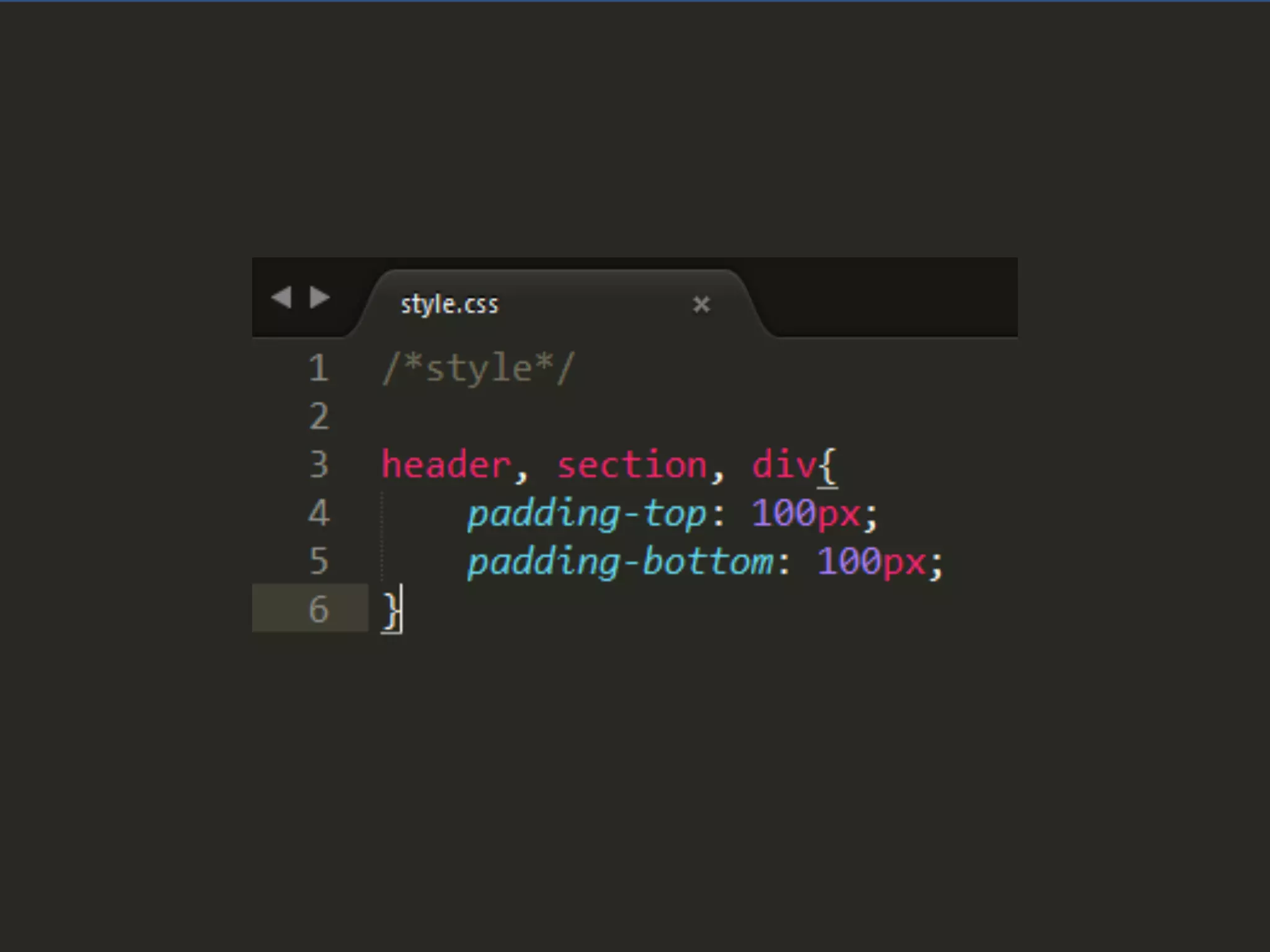
Styling Header
section
Padding: 100px
Padding: 100px
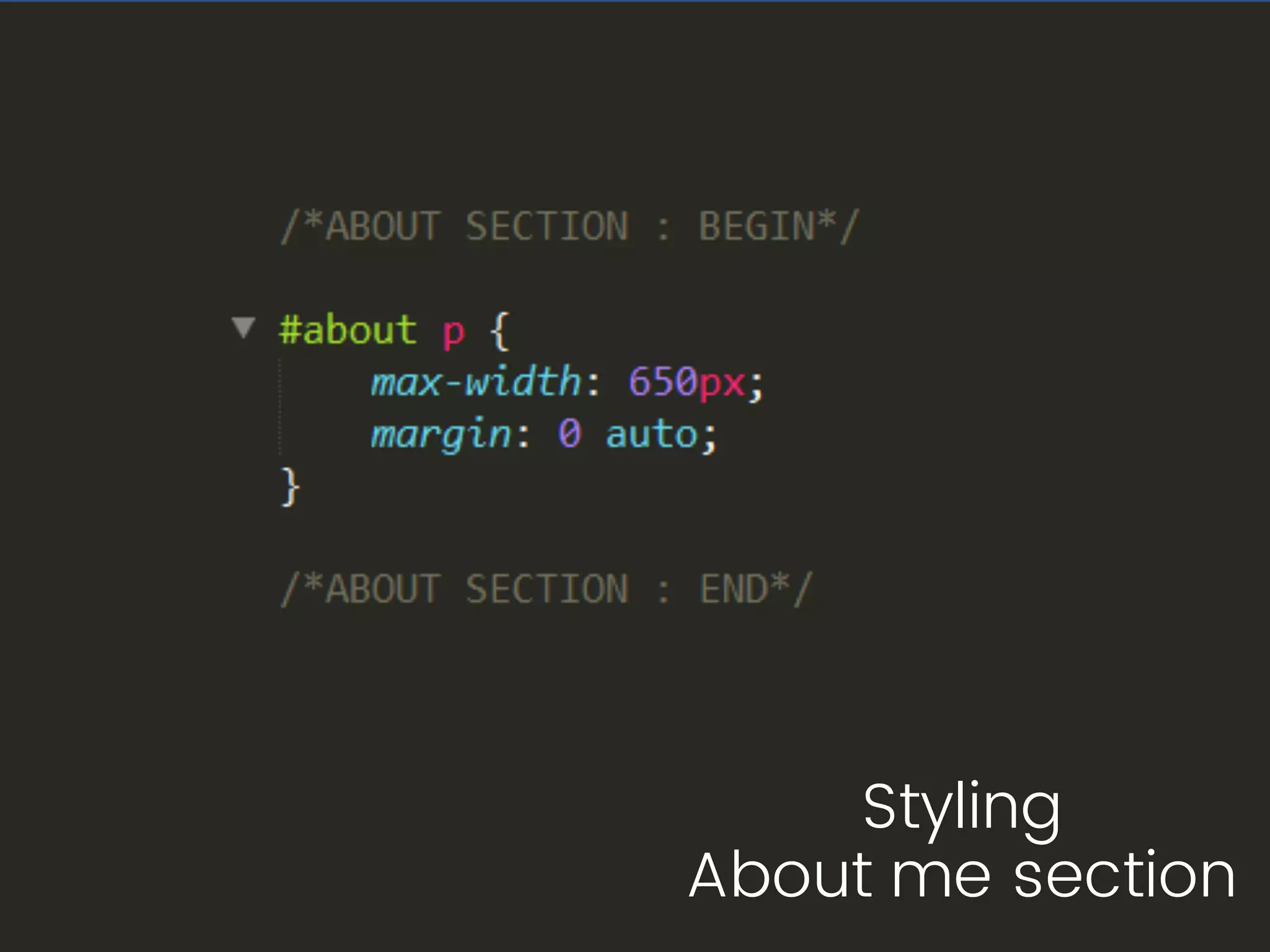
Styling About me
section
Image
Image
Image
Image
Image
Image
Image
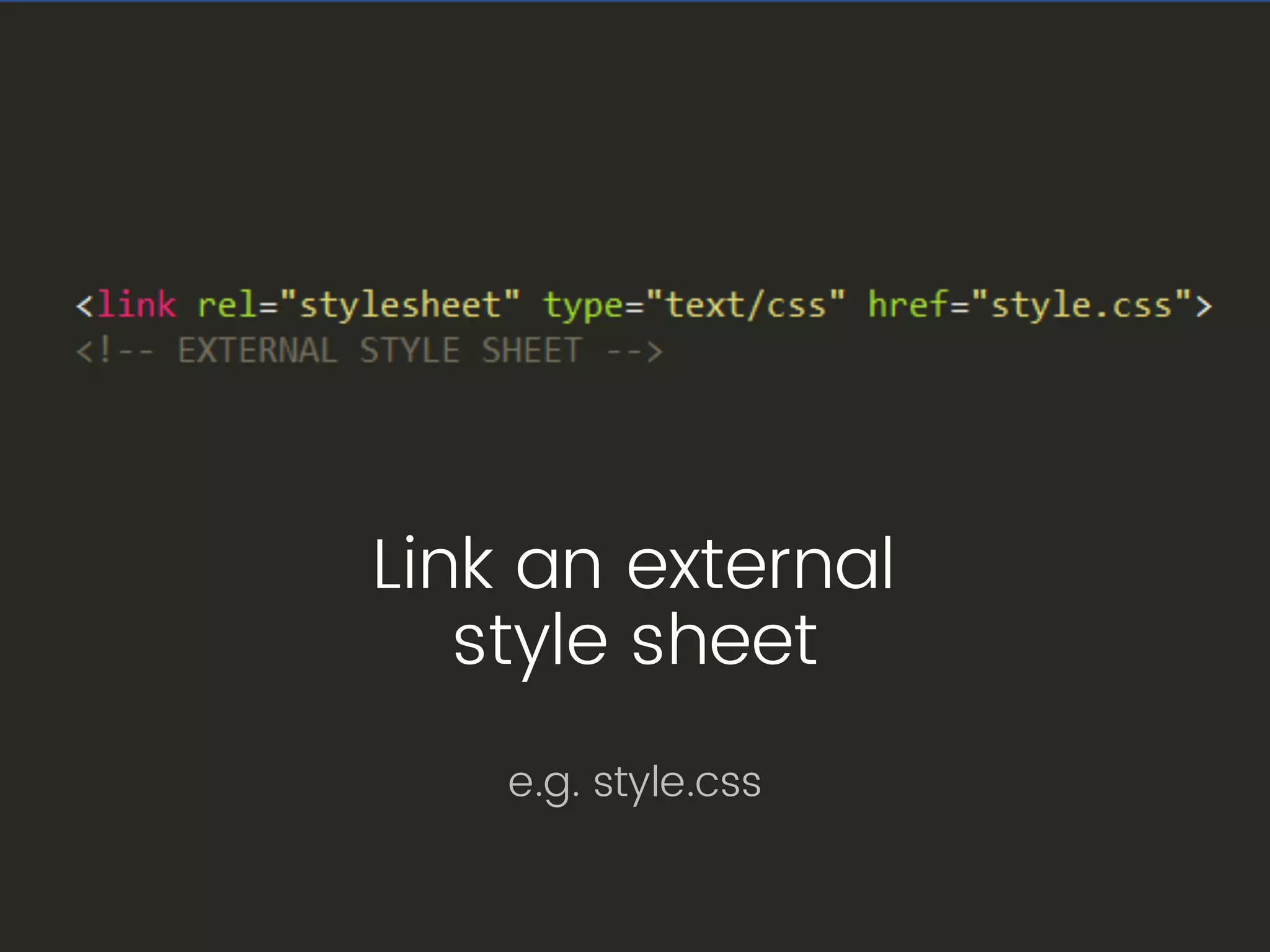
Link an external
style sheet
e.g. style.css
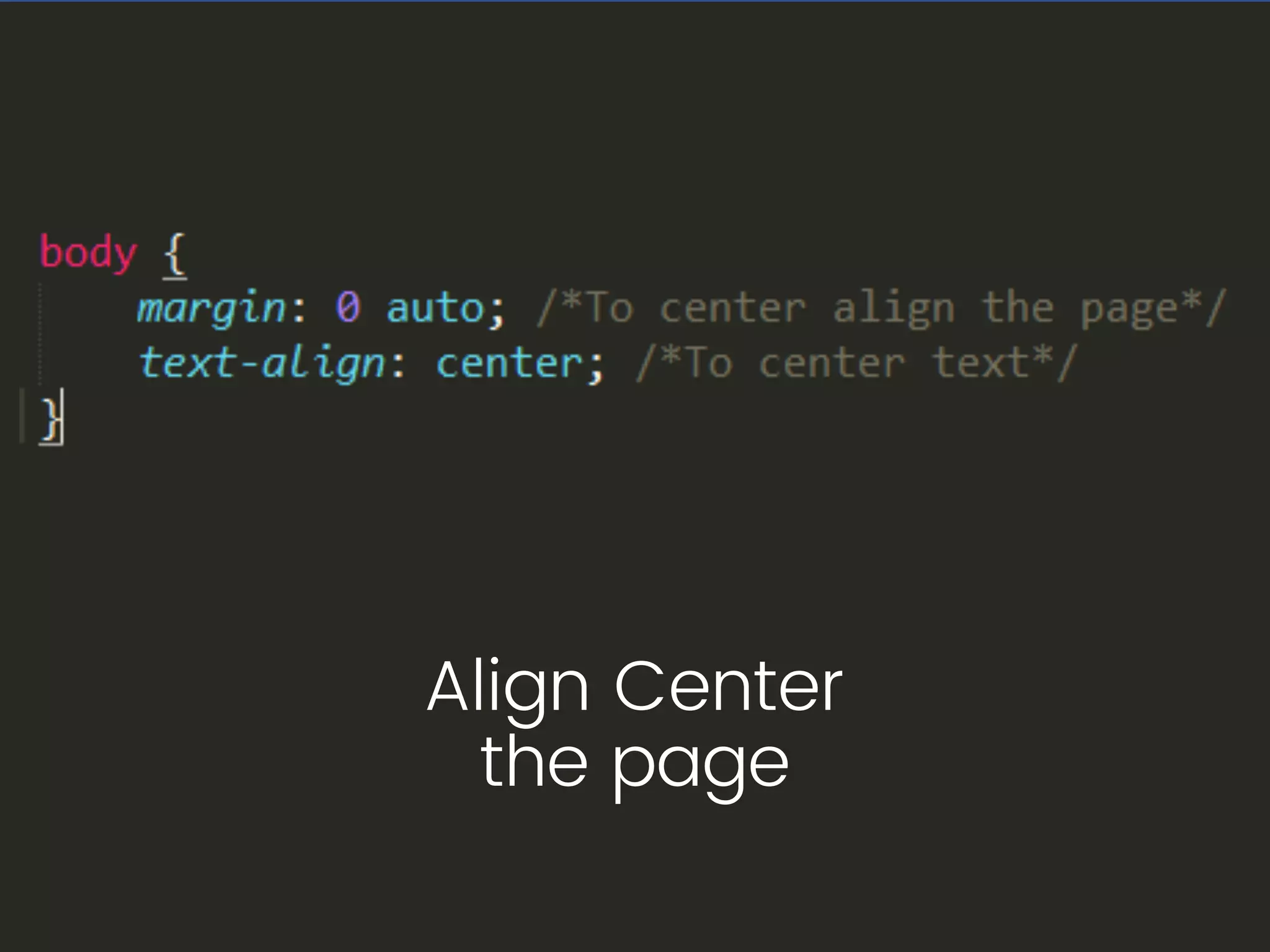
Align Center
the page
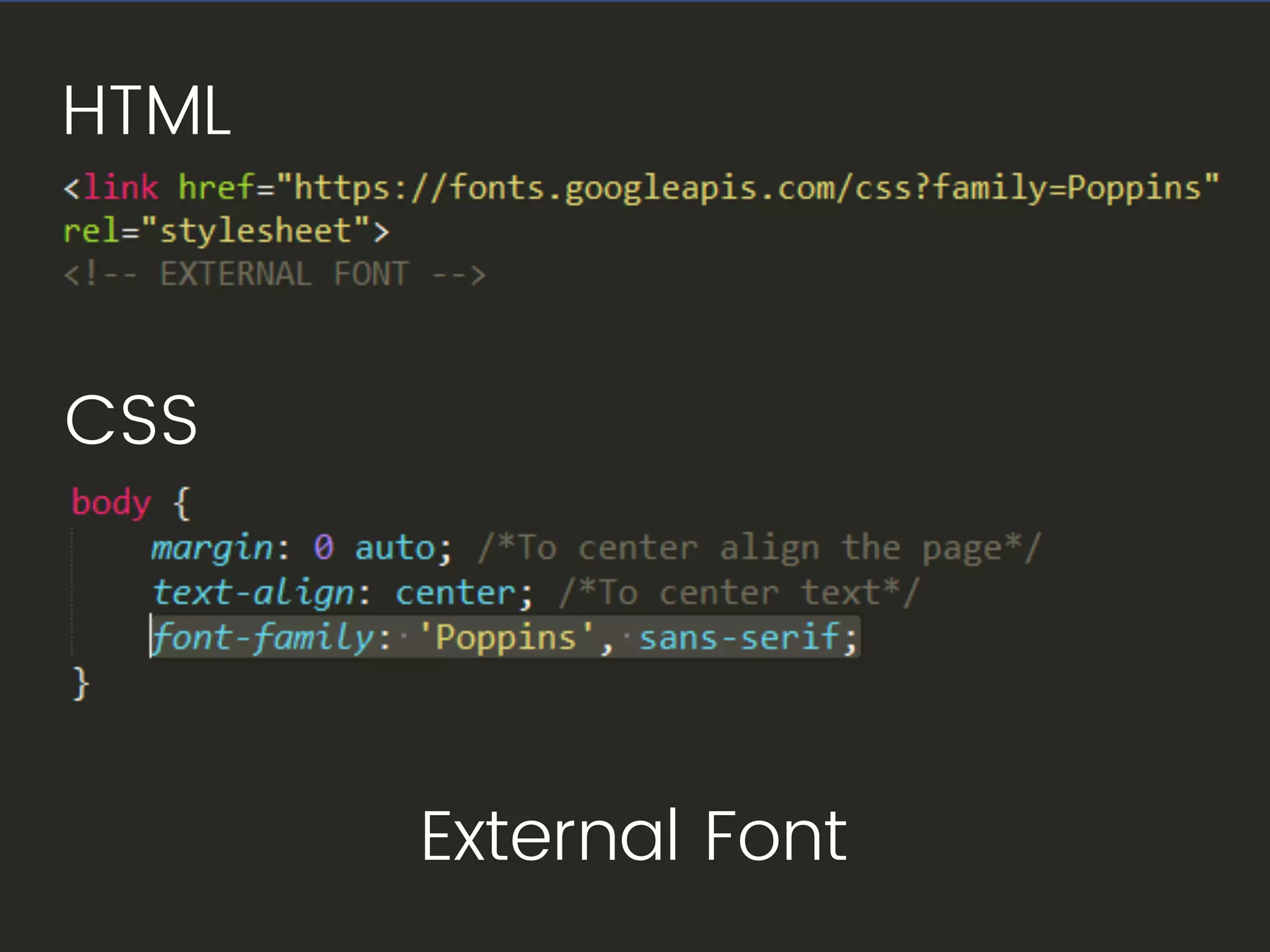
External Font
HTML
CSS
HTML
Image
Image
Image
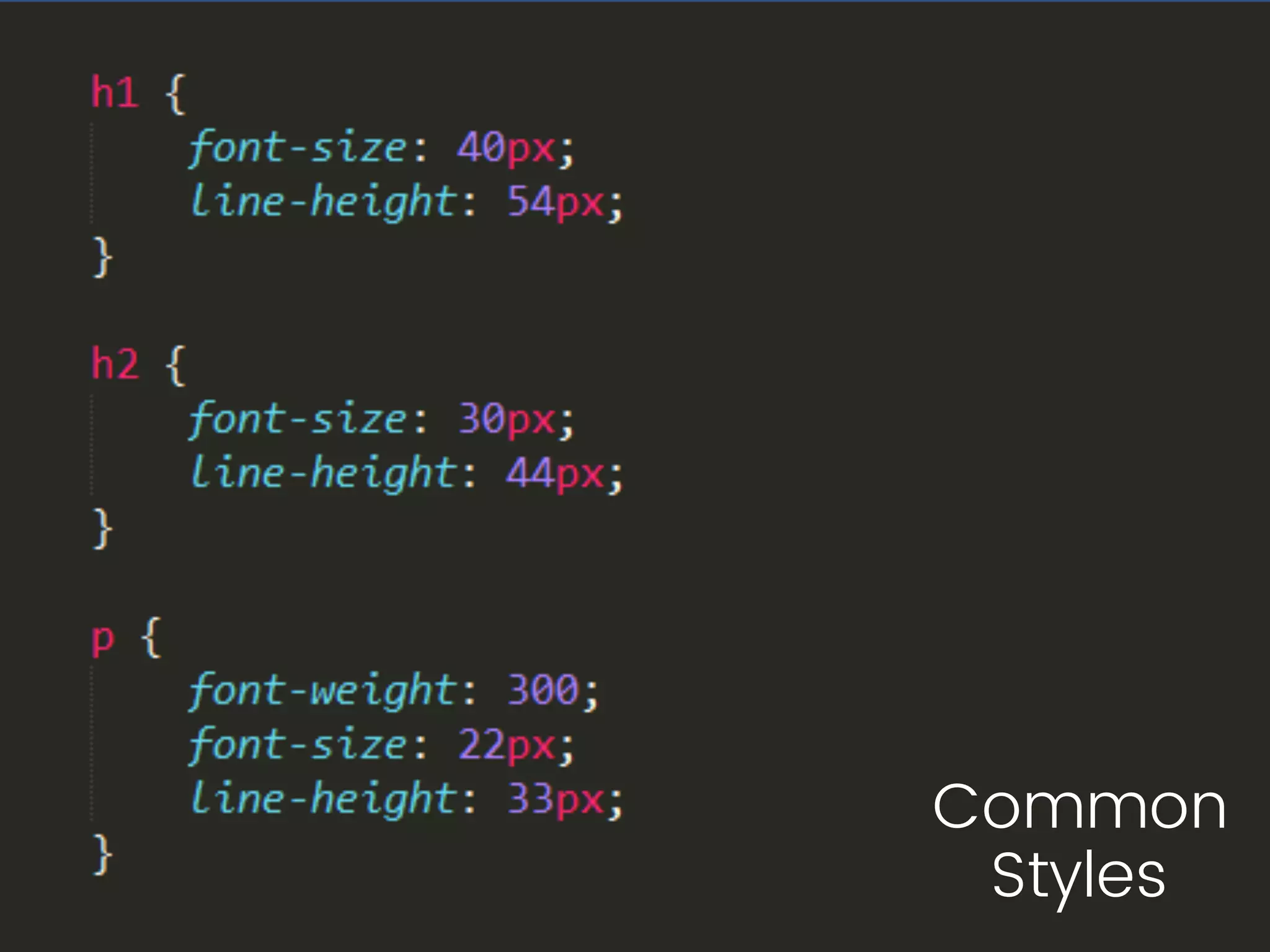
Common
Styles
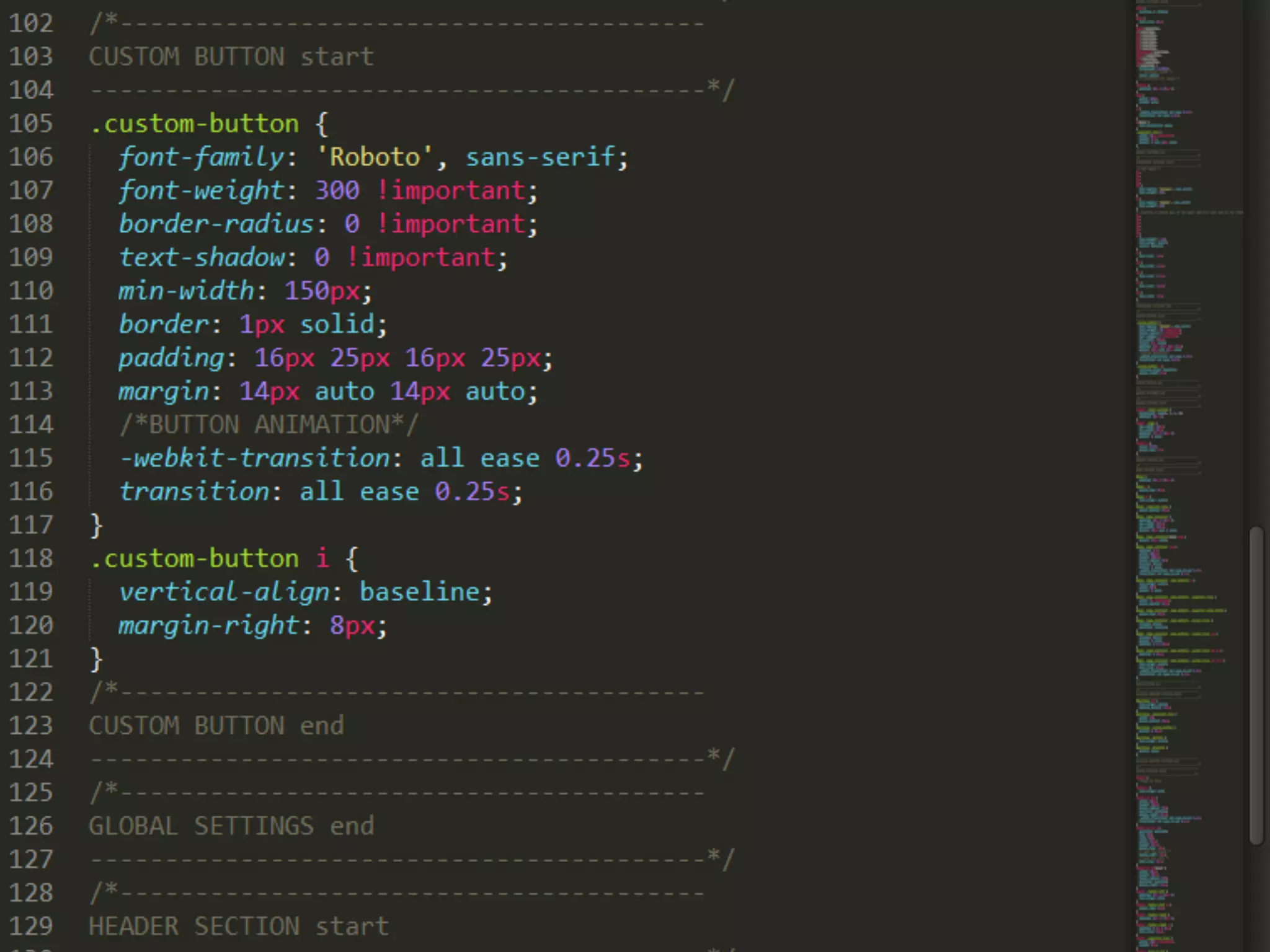
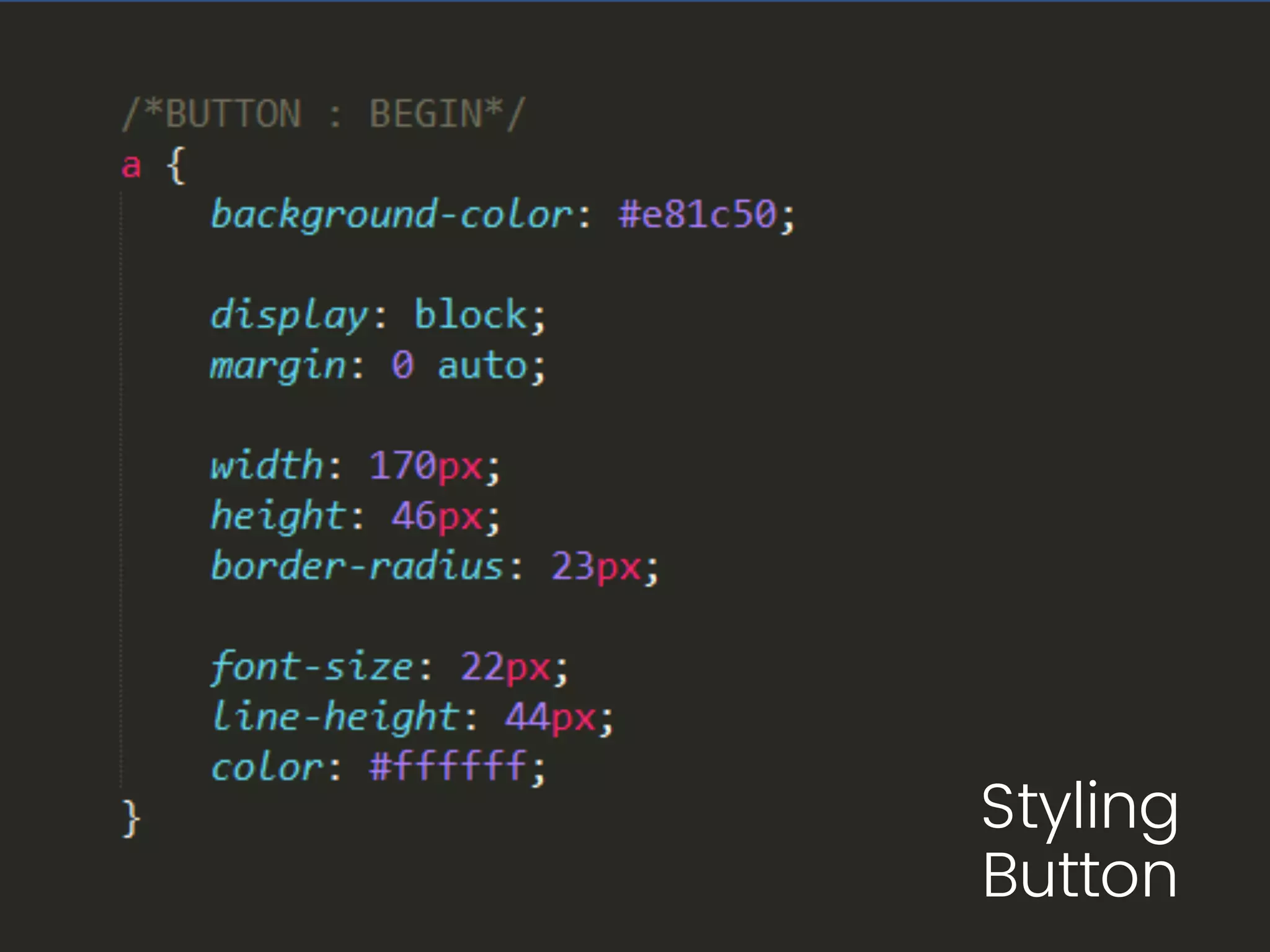
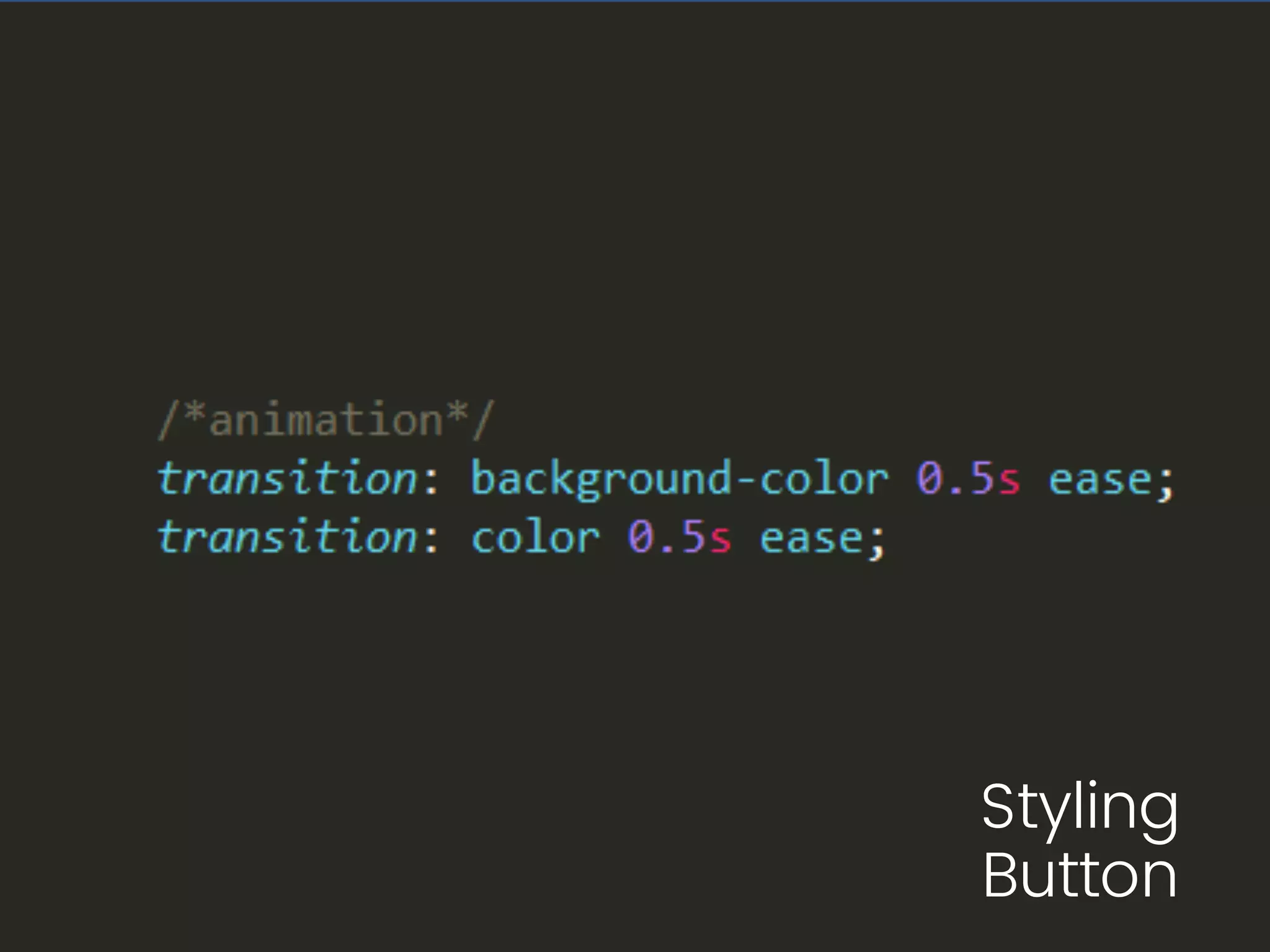
Styling
Button
Image
Image
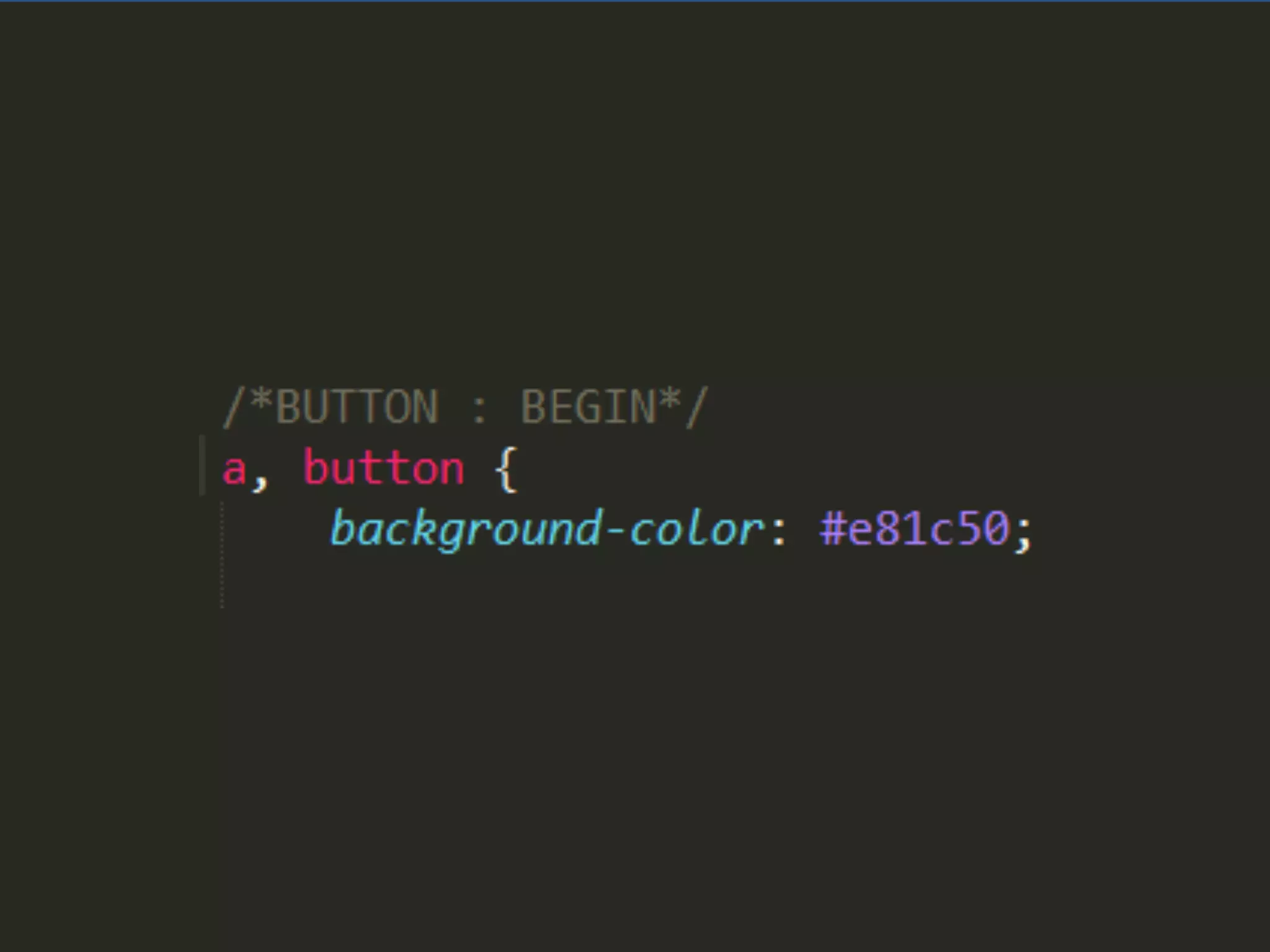
Styling
Button
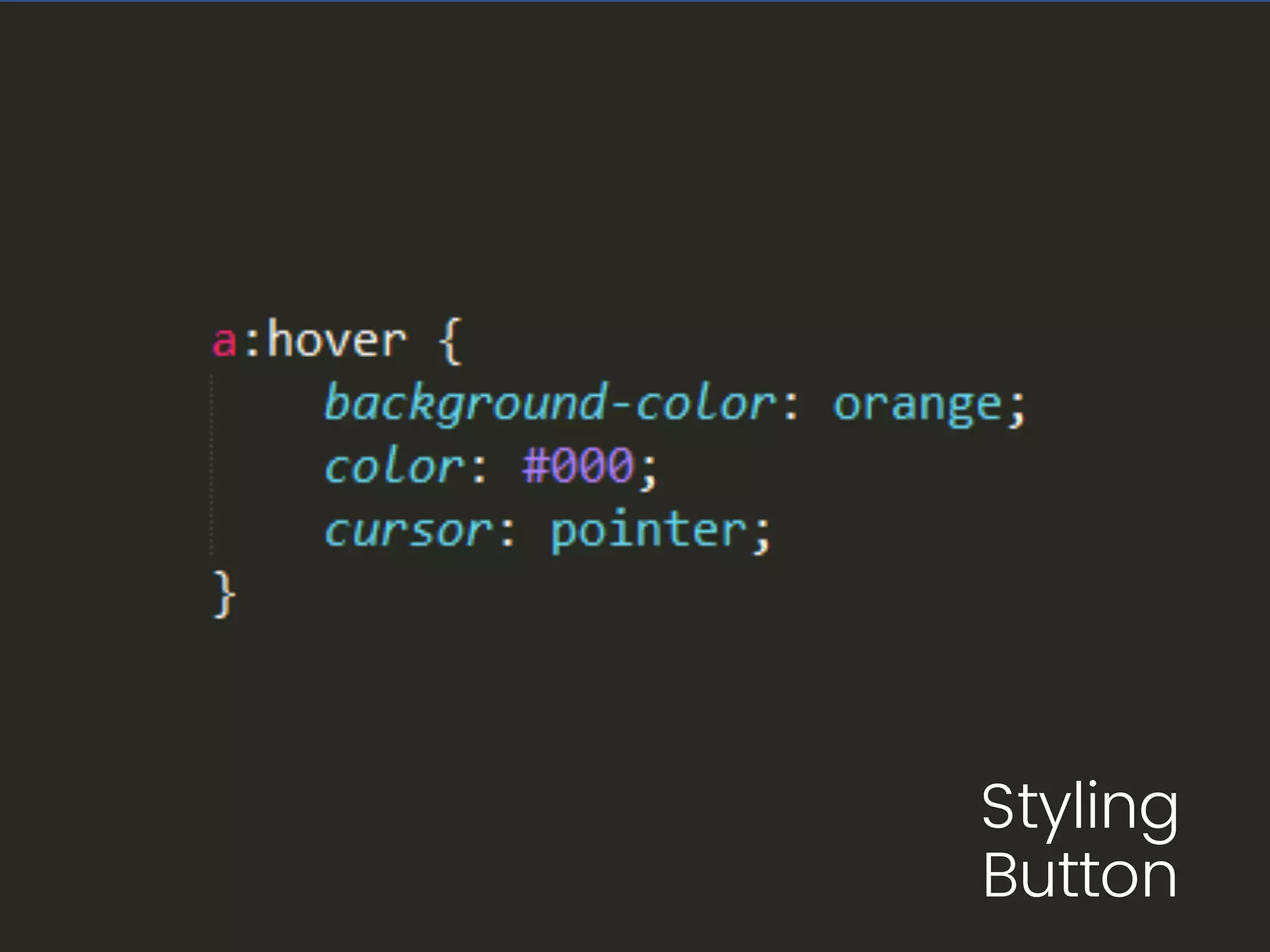
Styling
Button
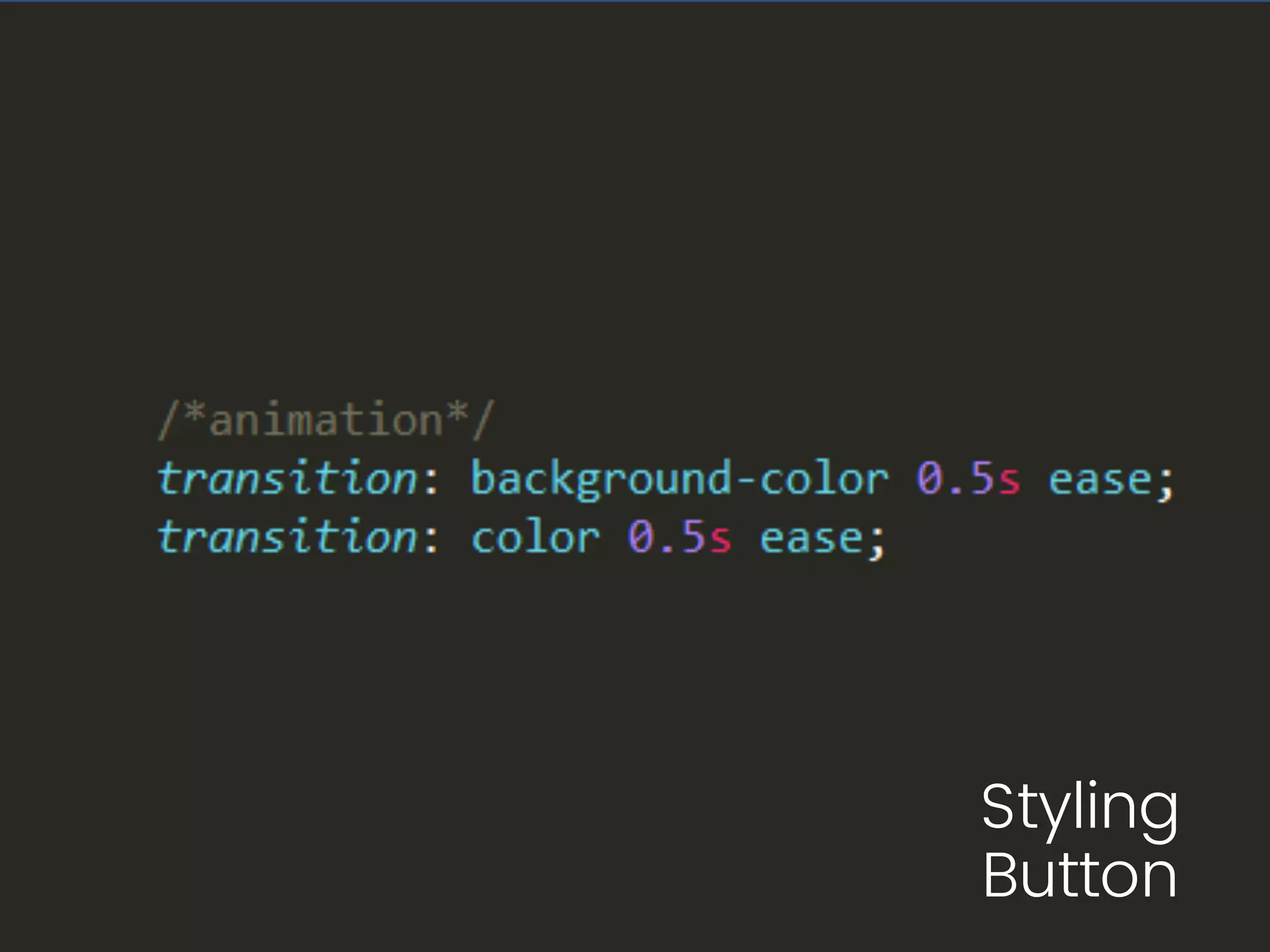
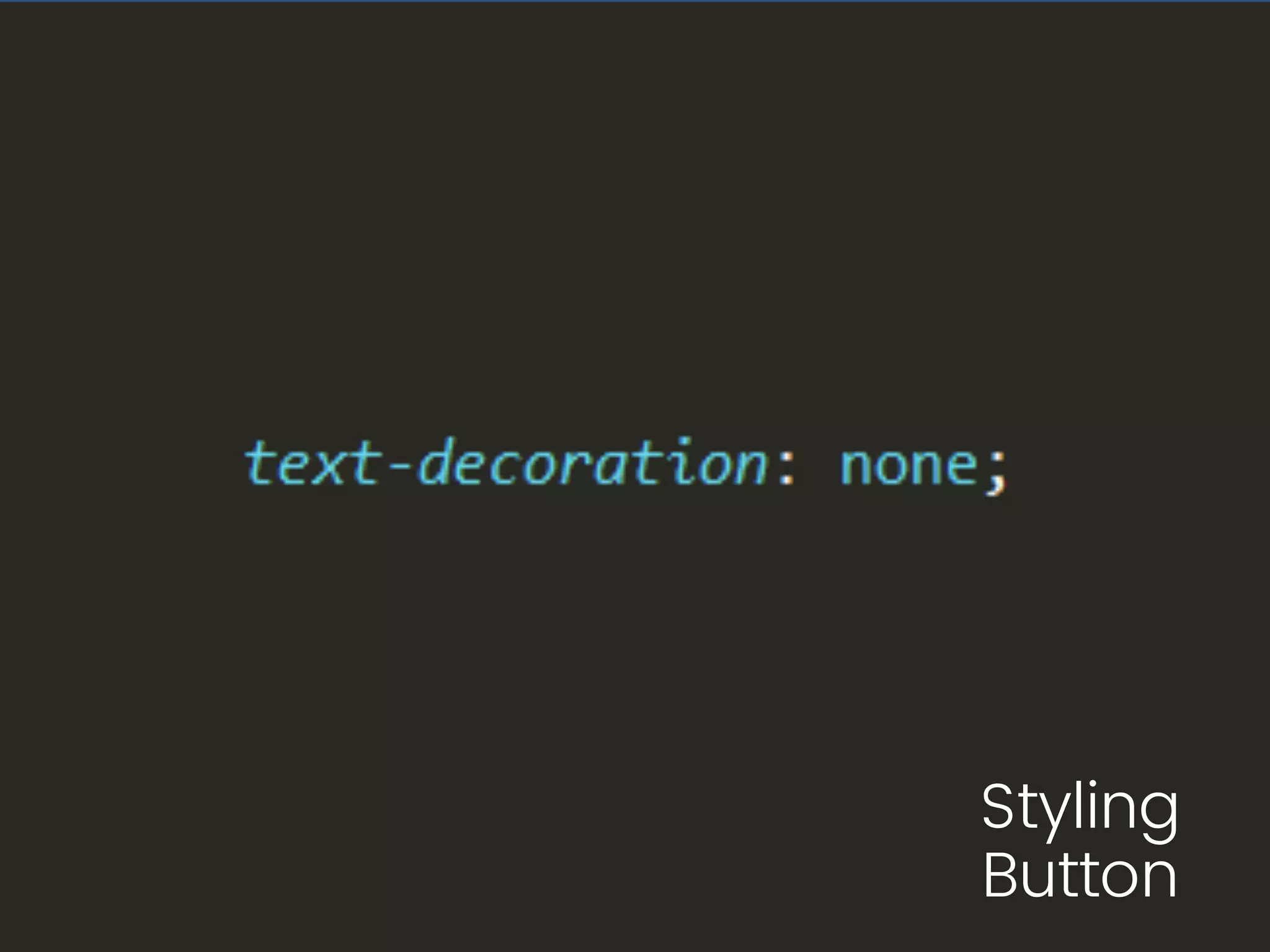
Styling
Button
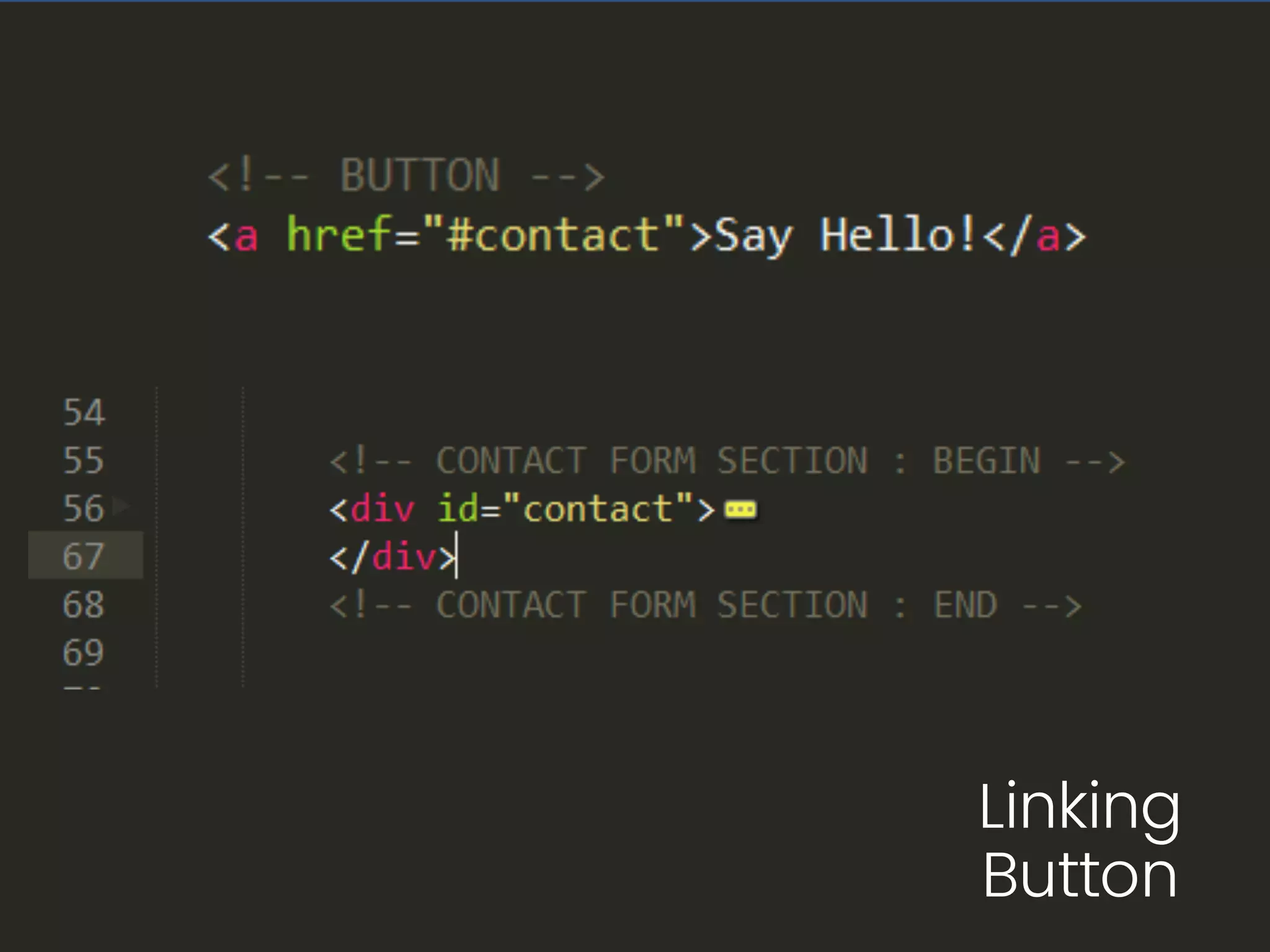
Linking
Button
Image
Styling
Button
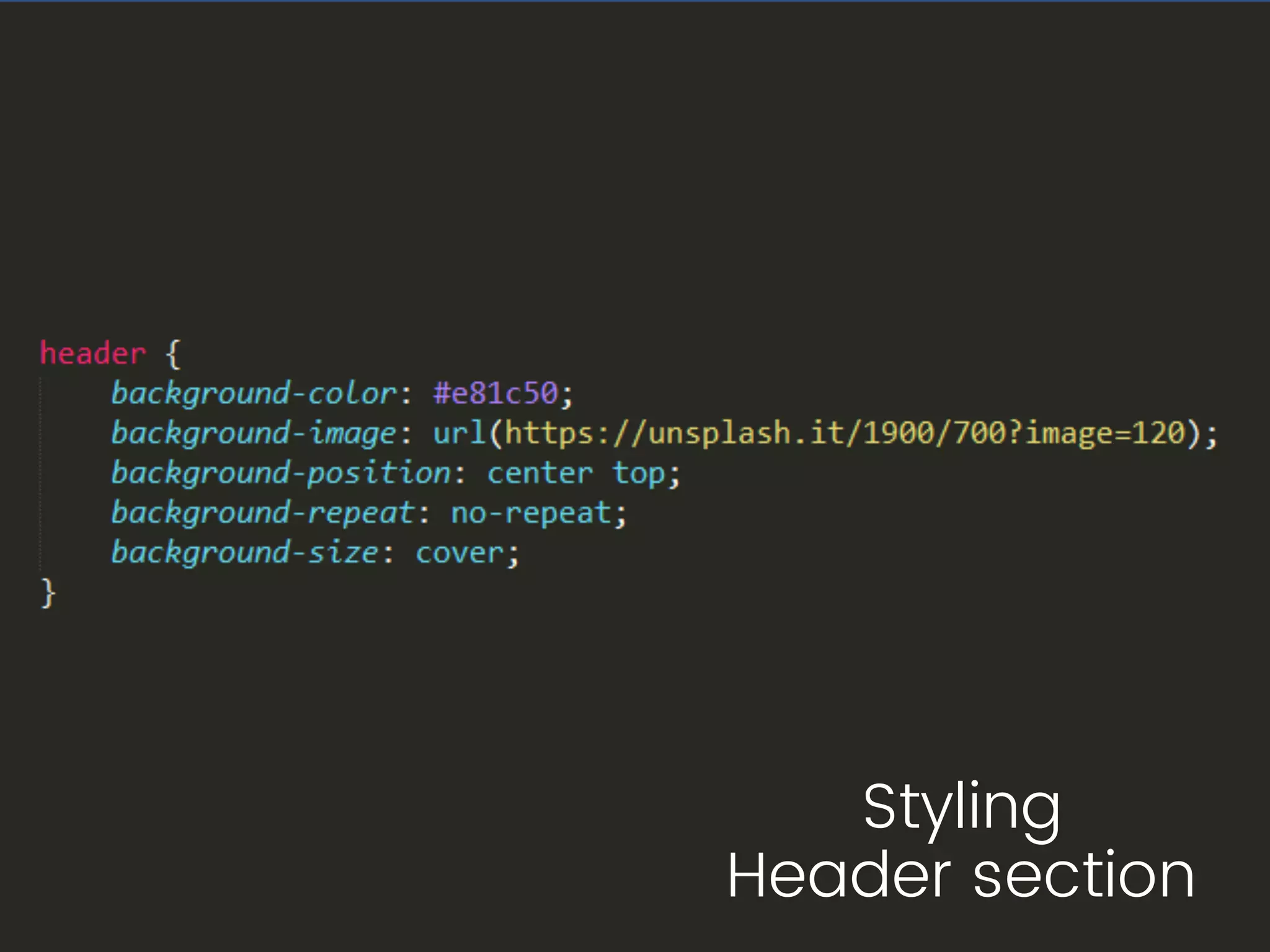
Styling
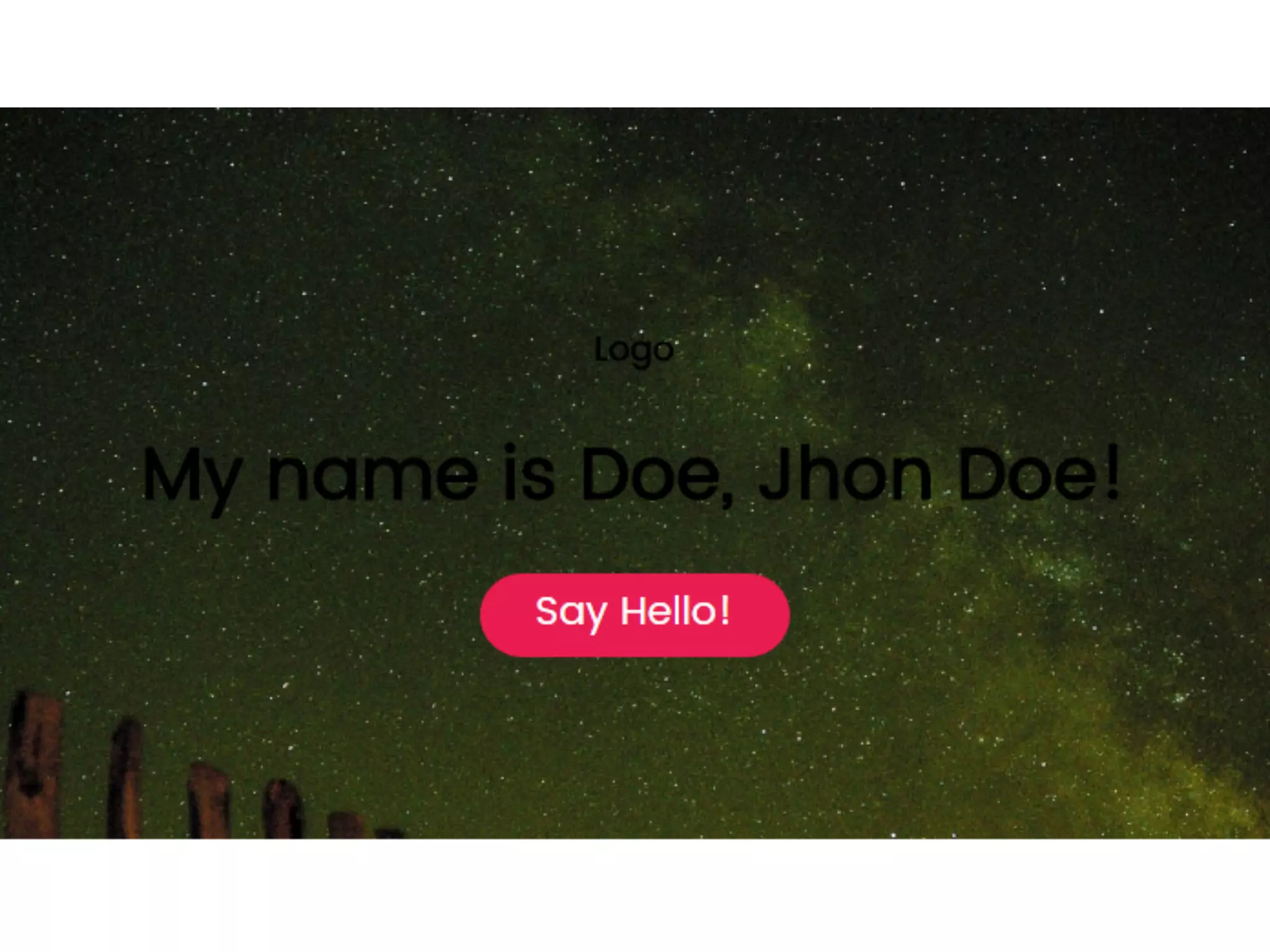
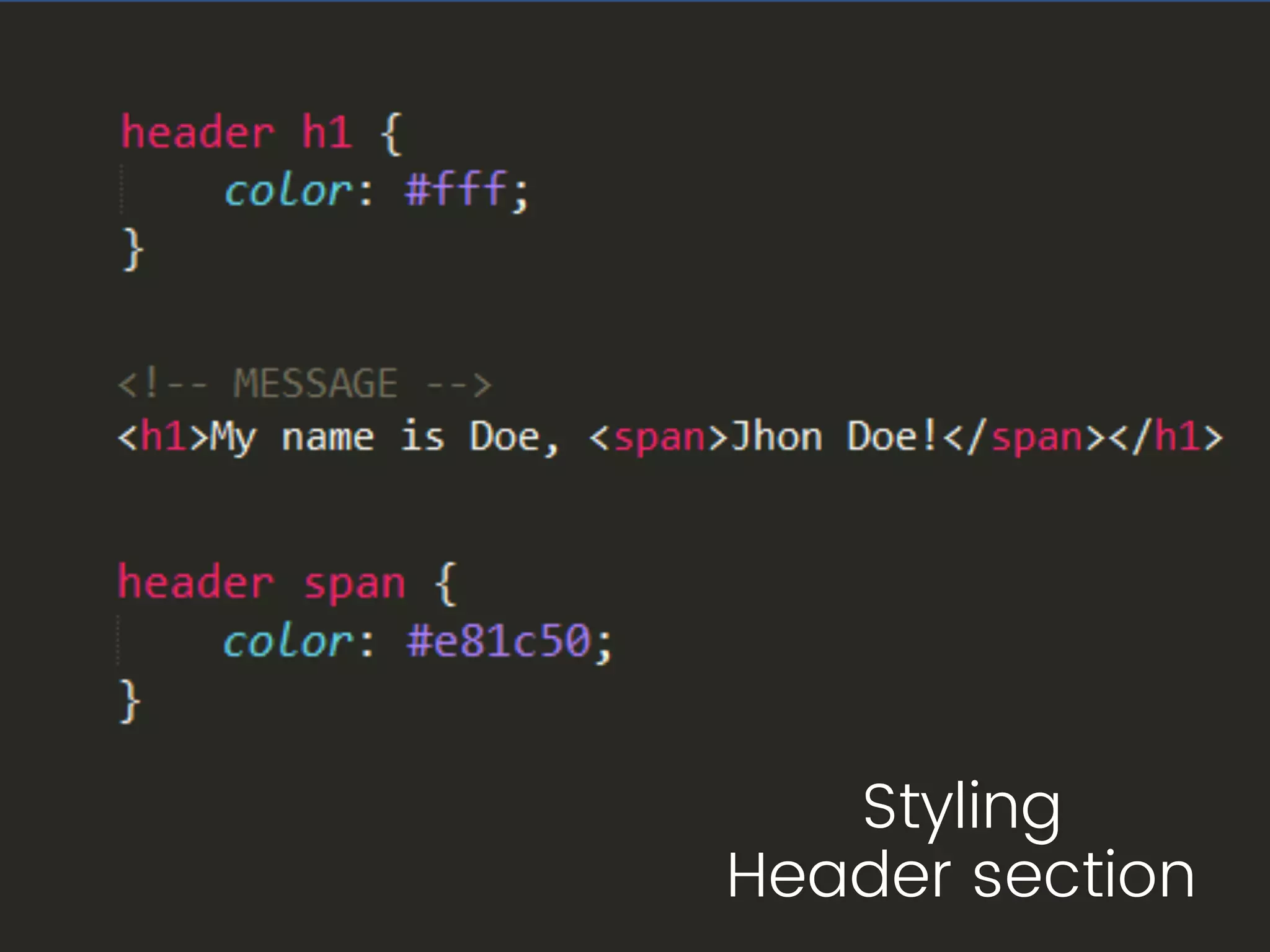
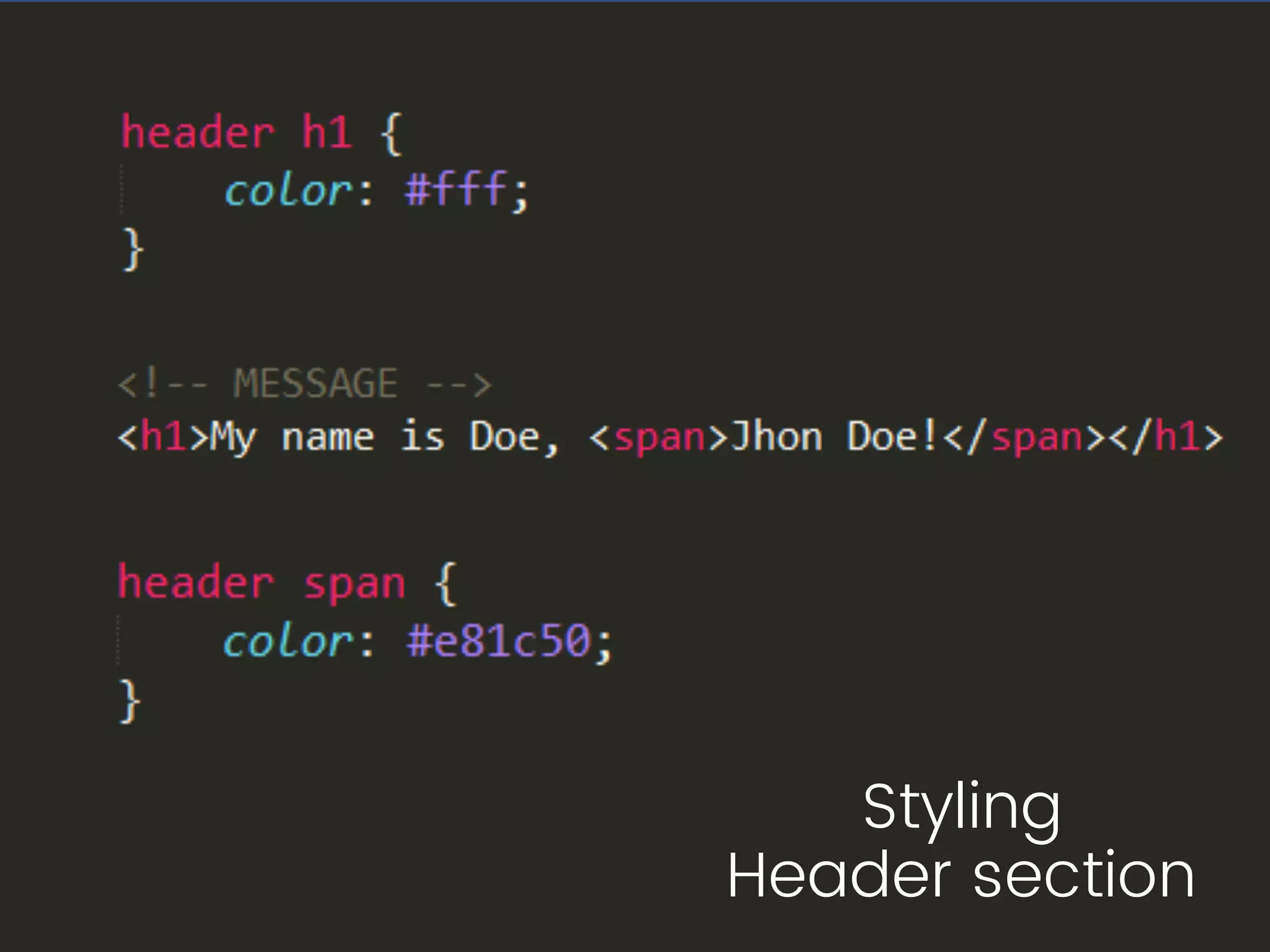
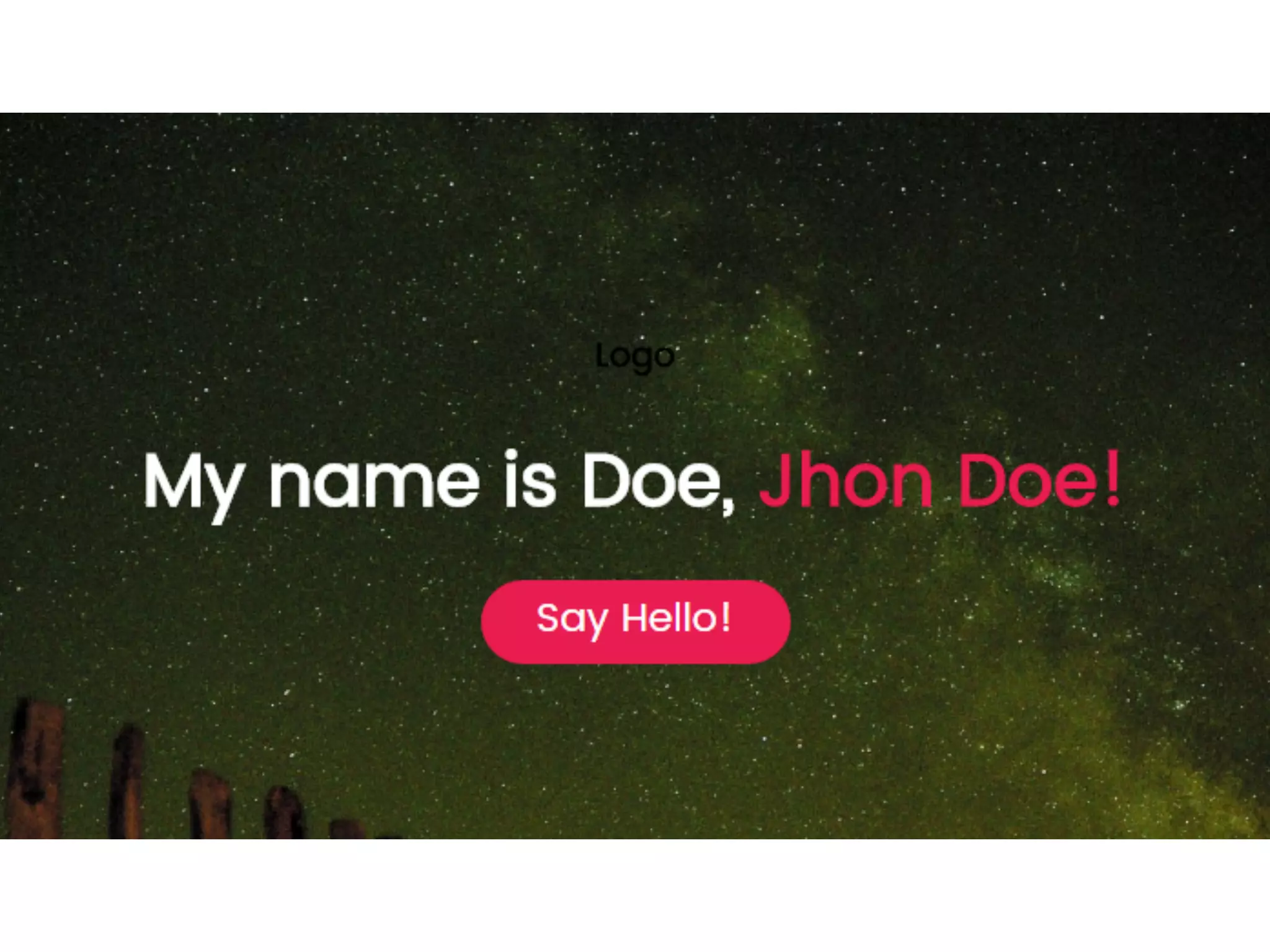
Header section
Image
Styling
Header section
Styling
Header section
Image
Image
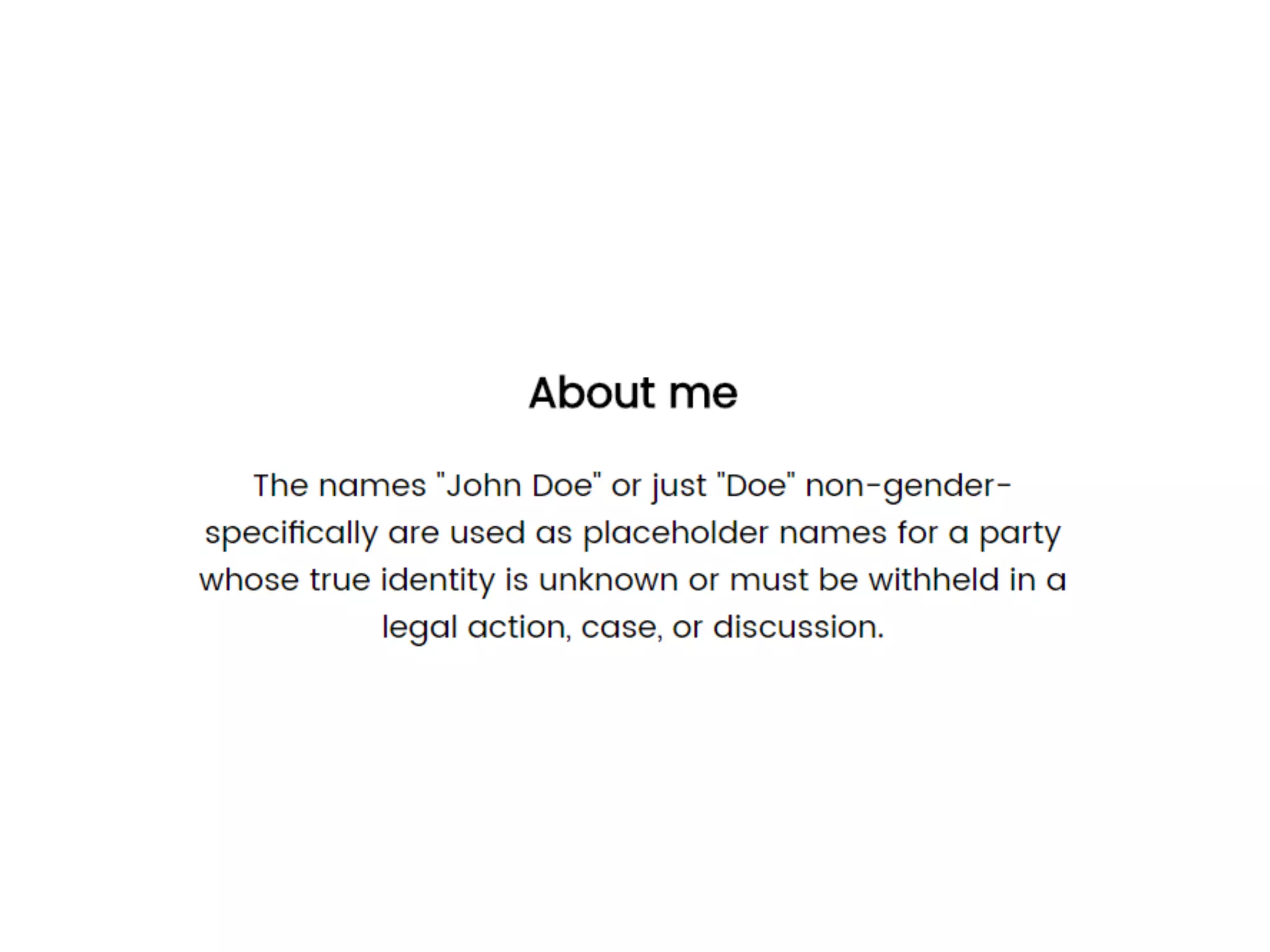
Styling
About me section
Styling
About me section
Image
Styling
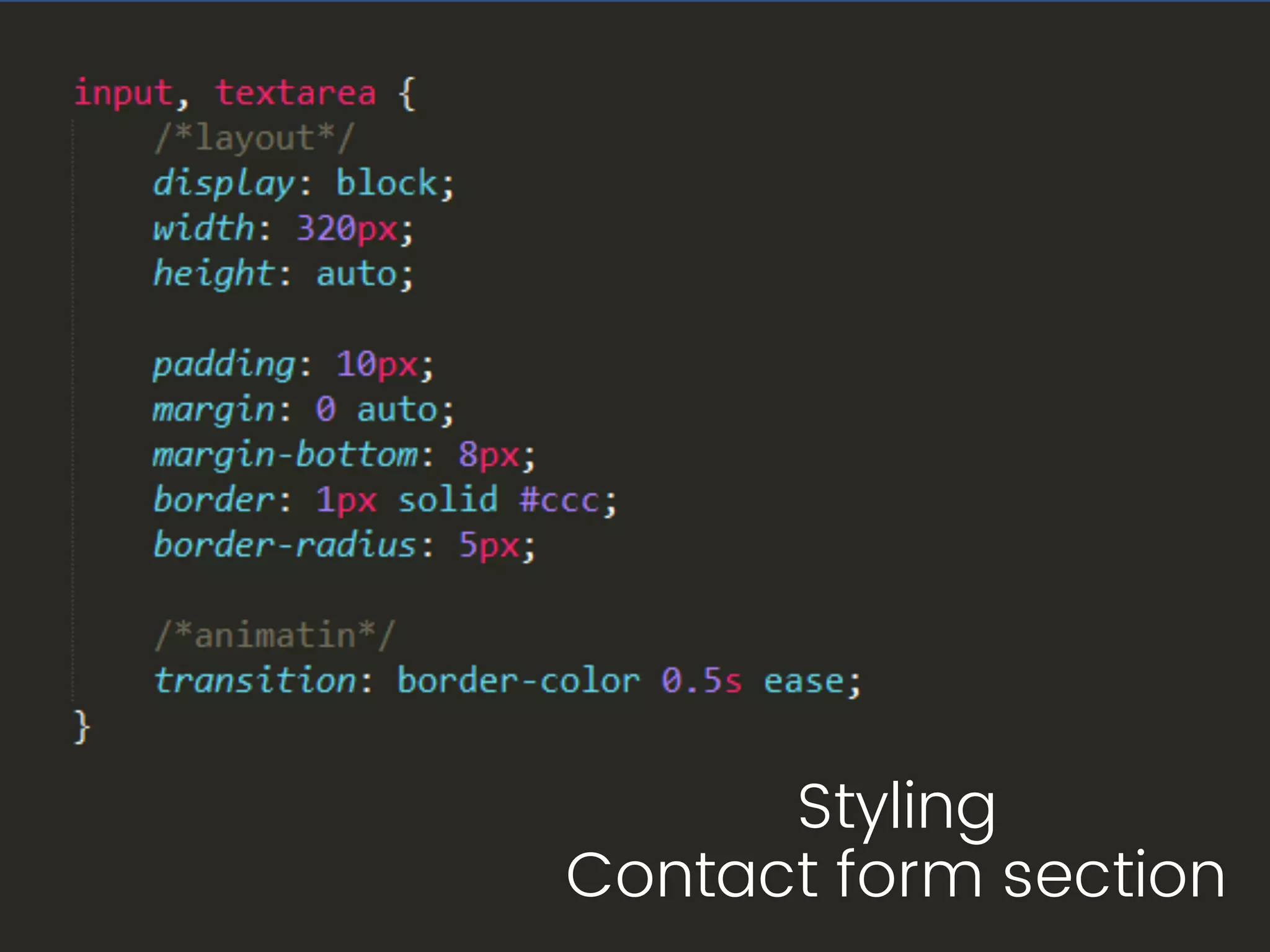
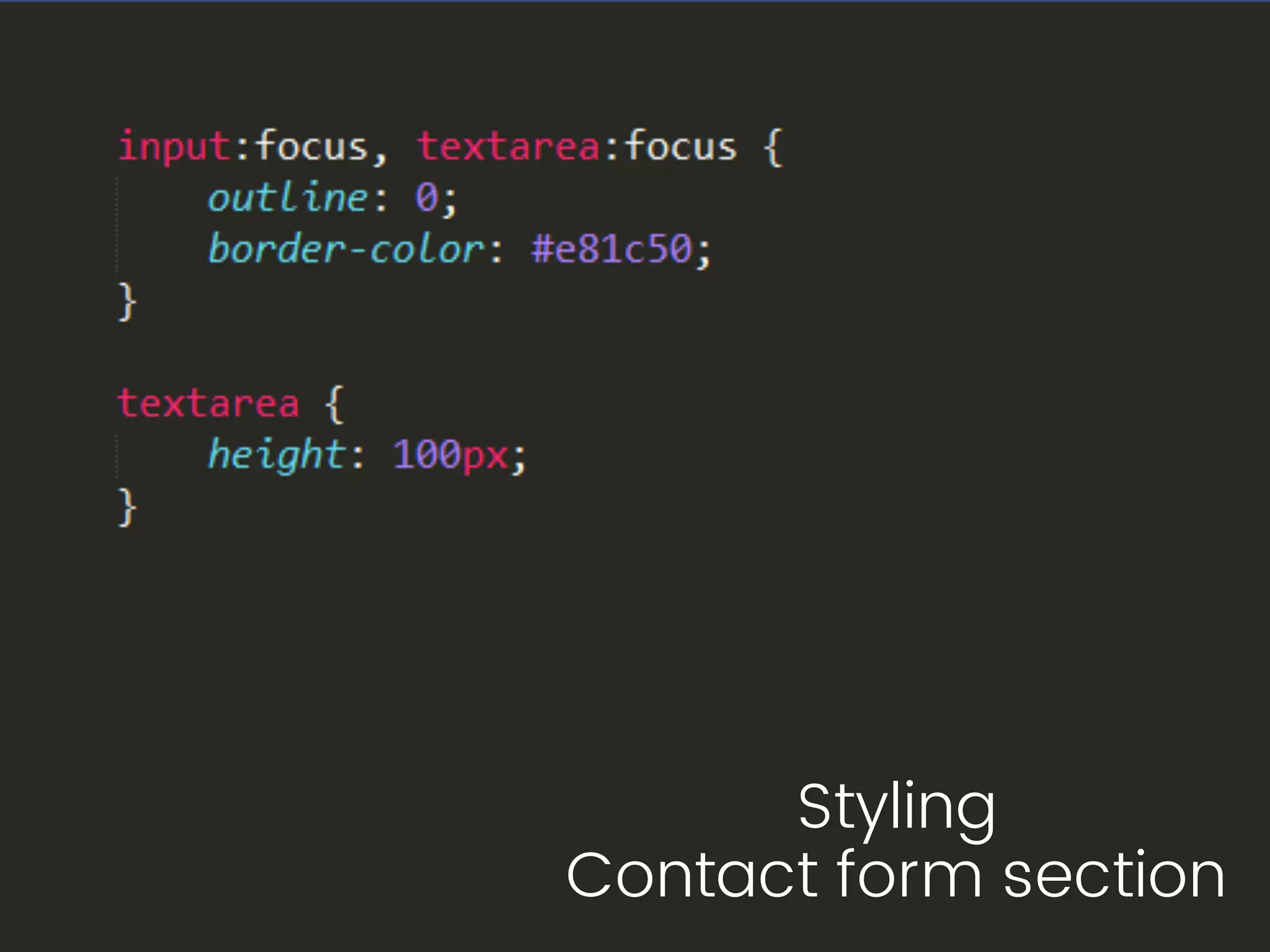
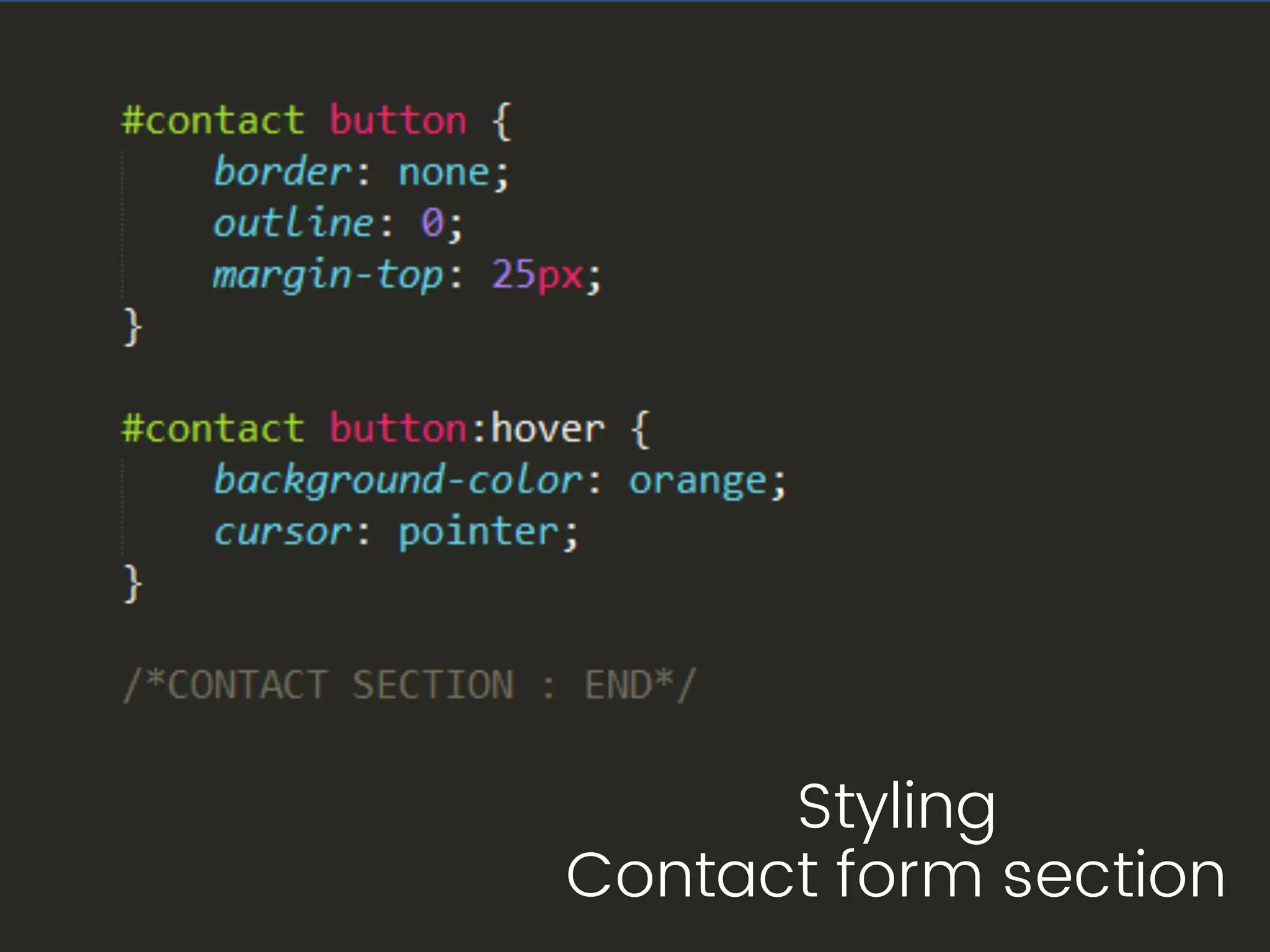
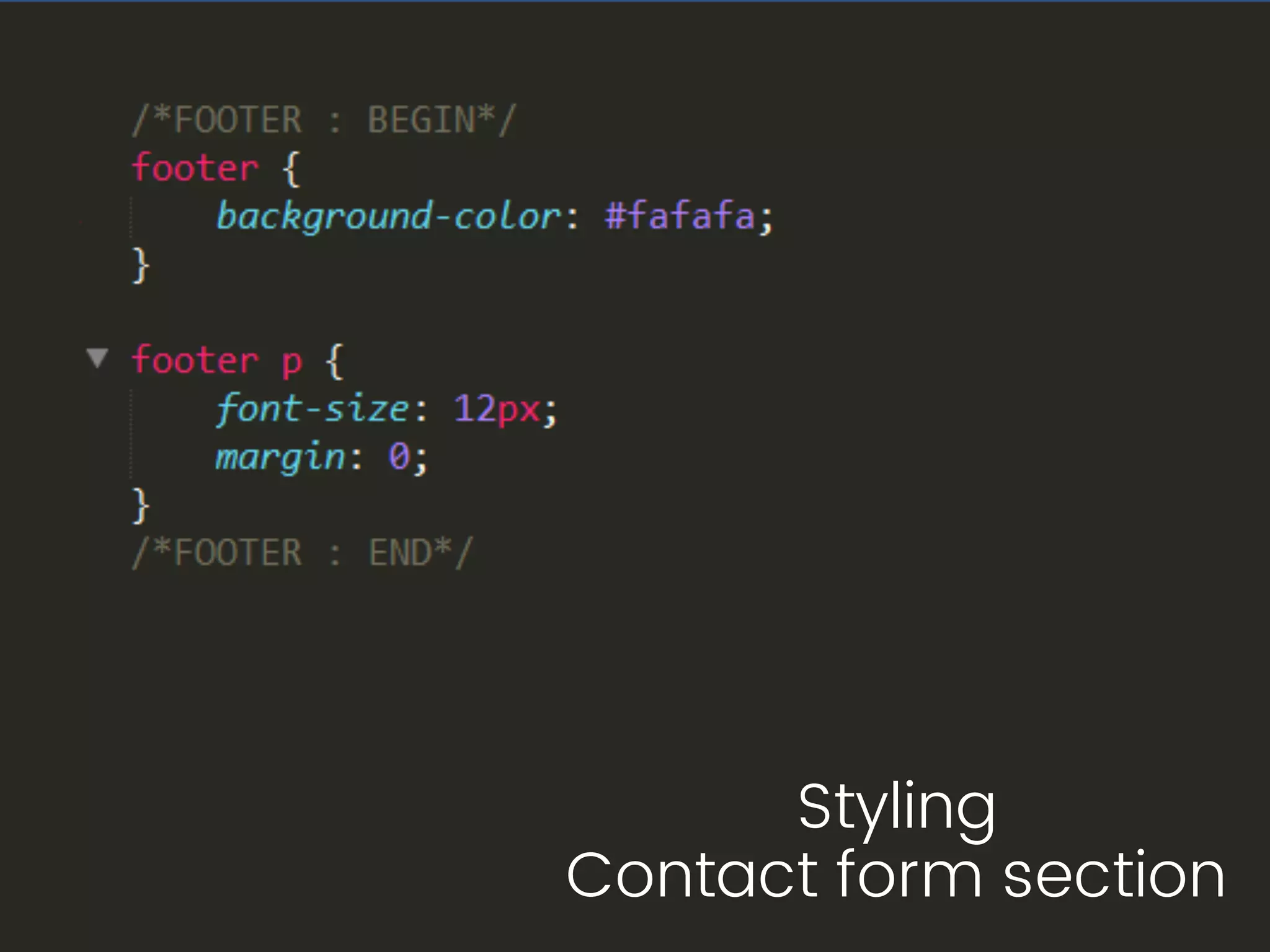
Contact form section
Styling
Contact form section
Styling
Contact form section
Mobile Layout
with Table tag
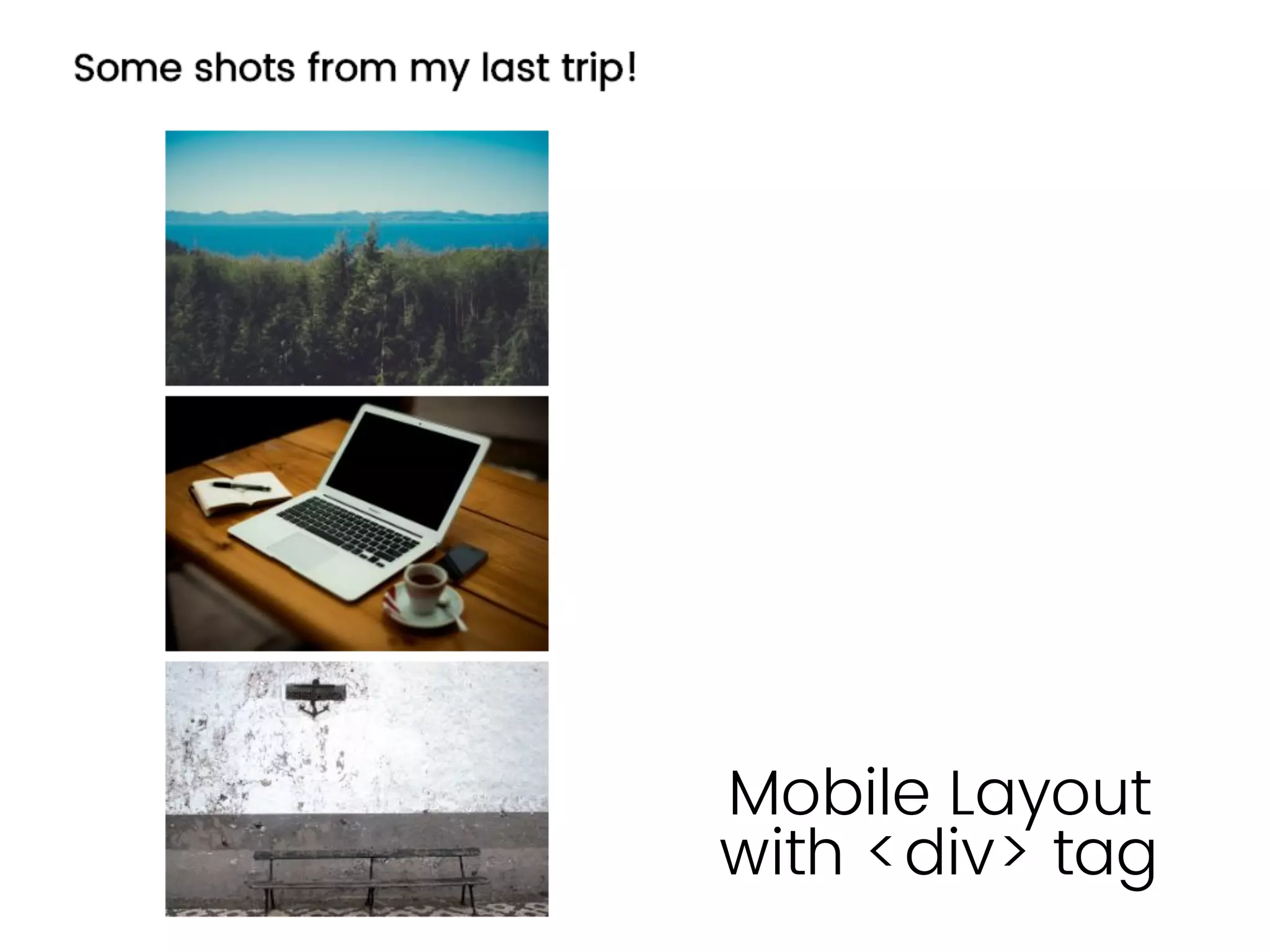
Mobile Layout
with <div> tag
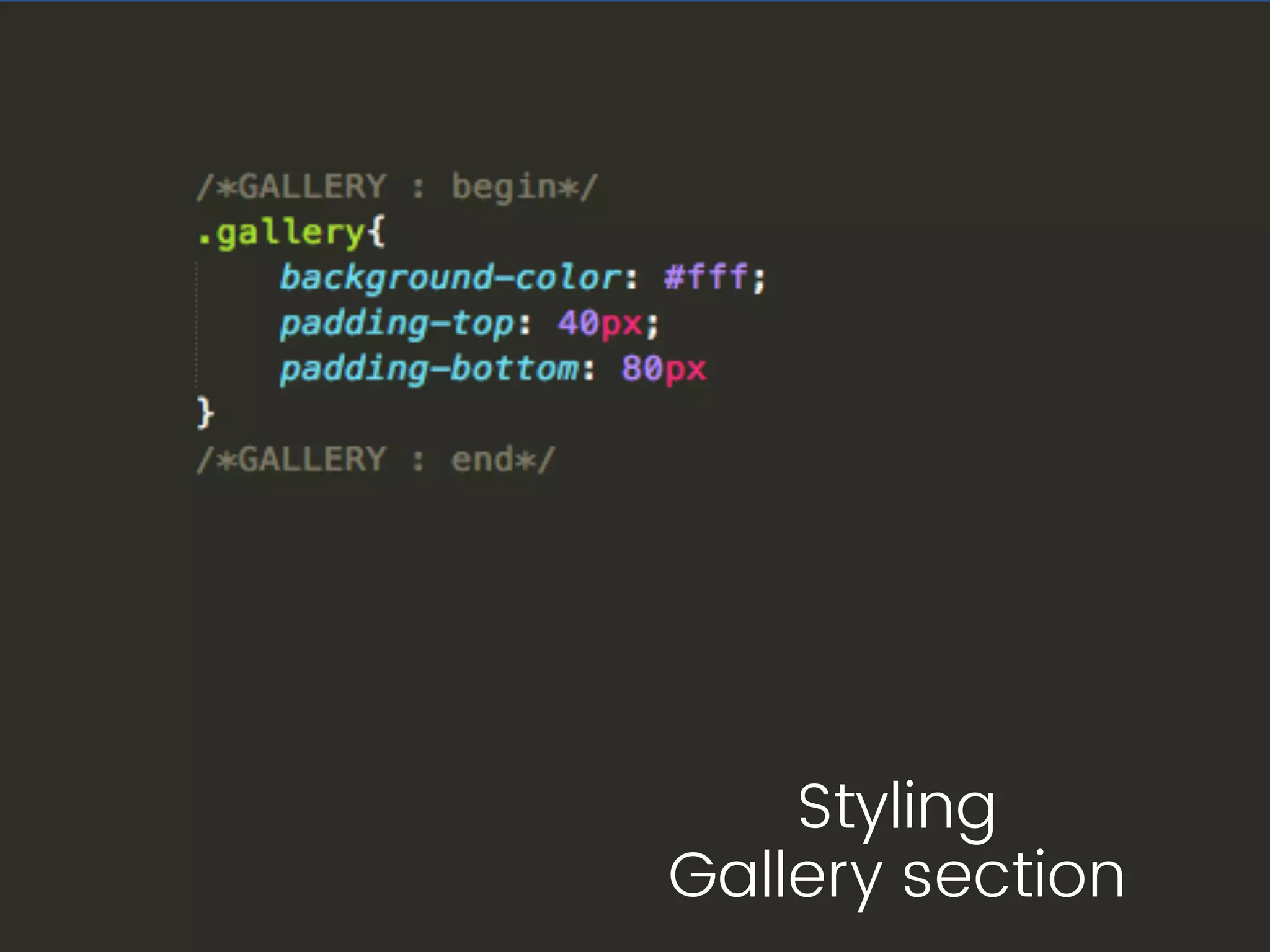
Styling
Gallery section
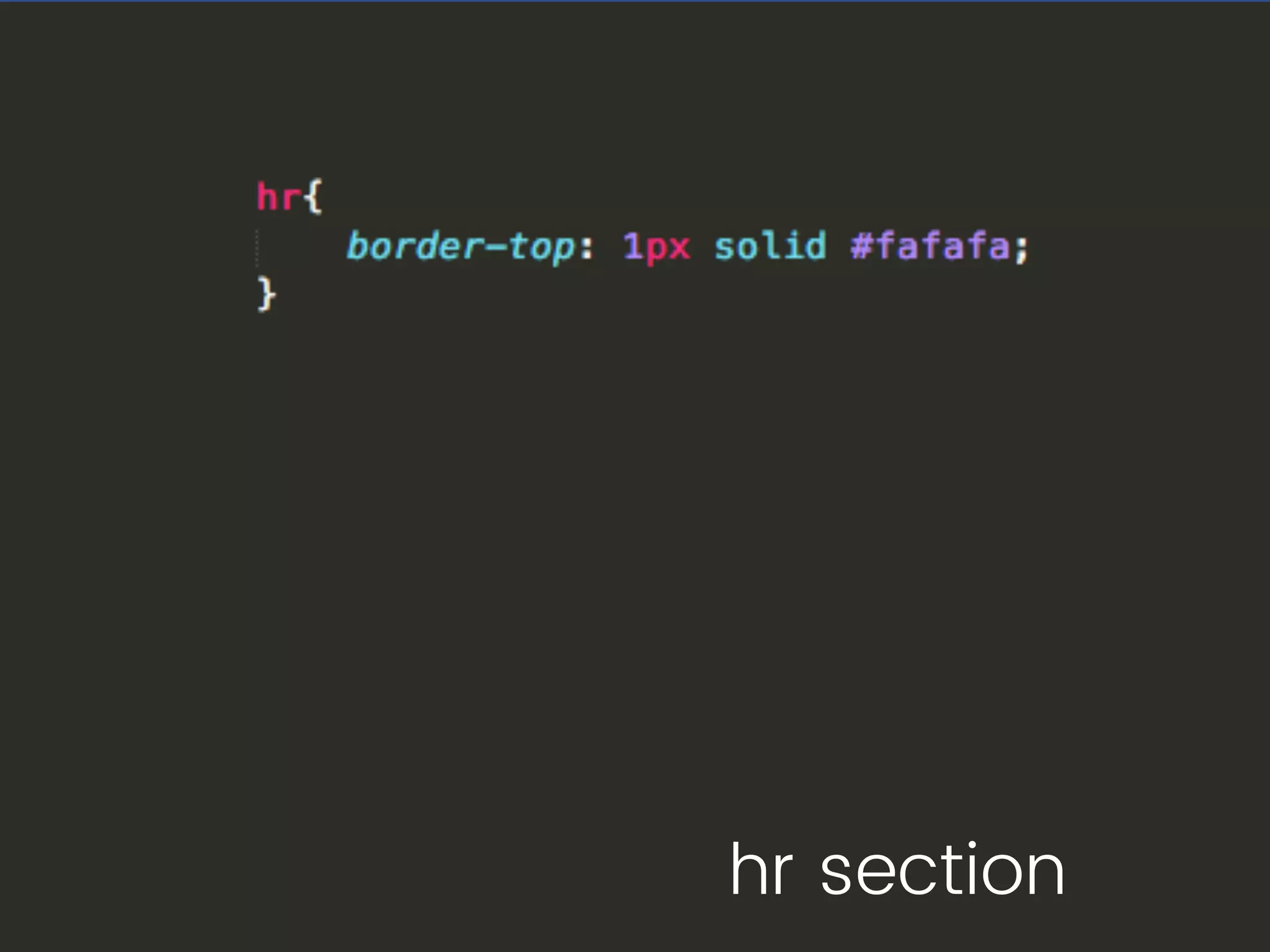
hr section
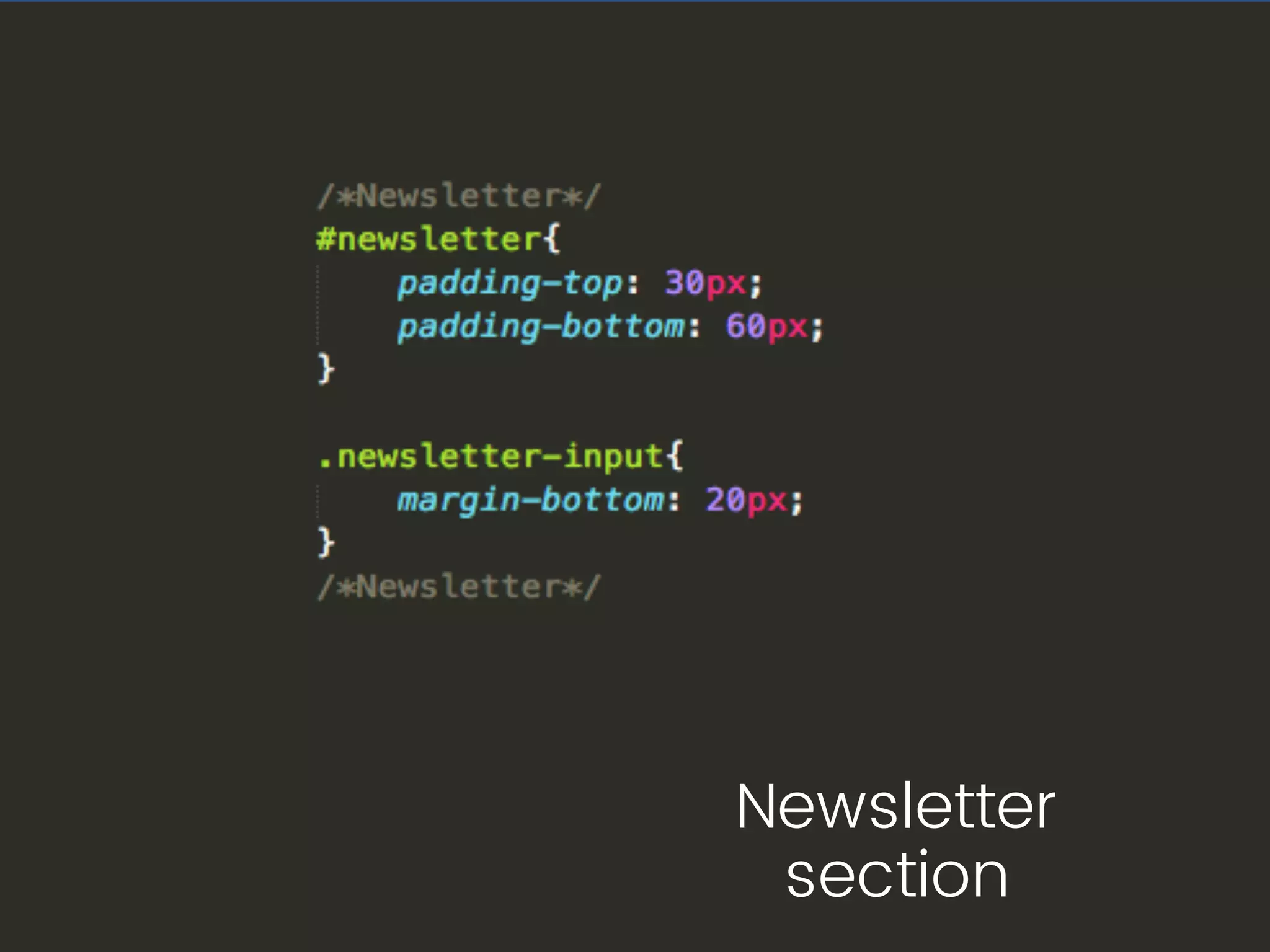
Newsletter
section
Styling
Contact form section
https://codepen.io/sami3d/pen/YZbGmq
Image
Image
Image
Image
Image
Why do they get rendered
differently?
โ€ข They are hosted in a 3rd party server
โ€ข Because of security issues
โ€ข Different email clients uses different
rendering engine
Solution?
โ€ข We design them considering its 1995!!
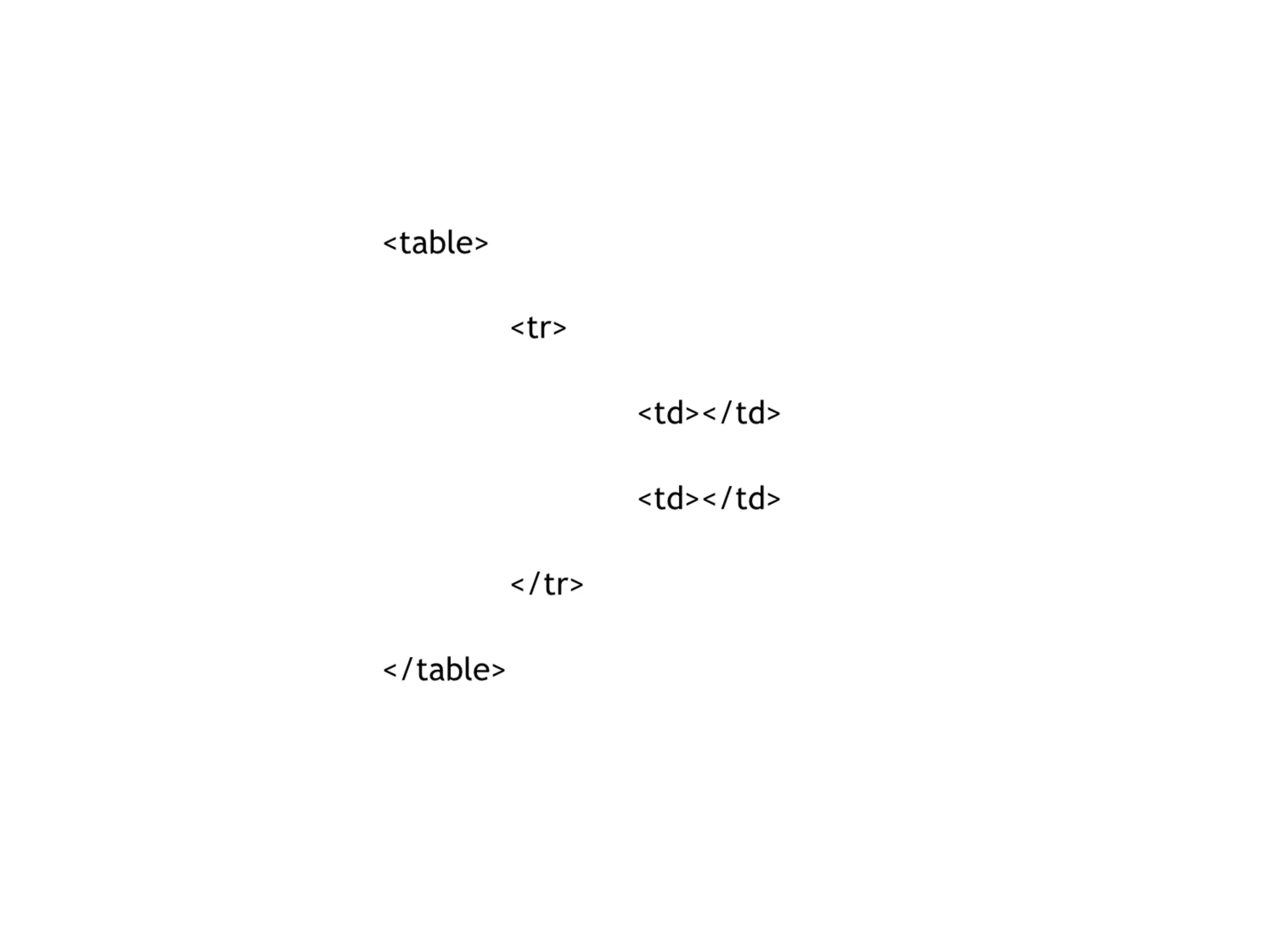
โ€ข We use tables
โ€ข We use inline css
โ€ข We avoid complicated Layouts
โ€ข We avoid HTML5 and CSS3
Image
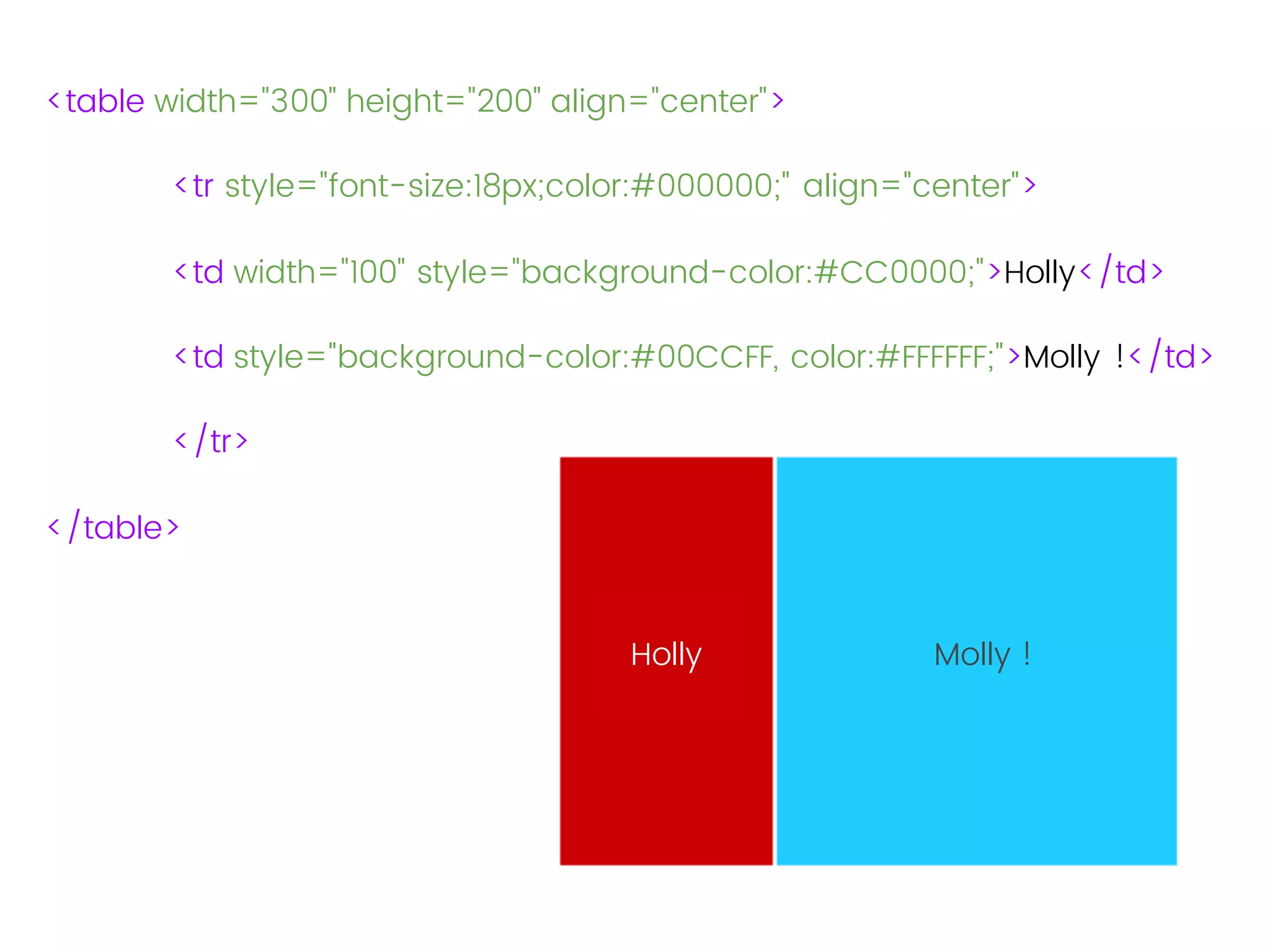
Nothing !
<table width="300" height="200" align="center">
<tr style="font-size:18px;color:#000000;" align="center">
<td width="100" style="background-color:#CC0000;">Holly</td>
<td style="background-color:#00CCFF, color:#FFFFFF;">Molly !</td>
</tr>
</table>
Holly Molly !
Some tips:
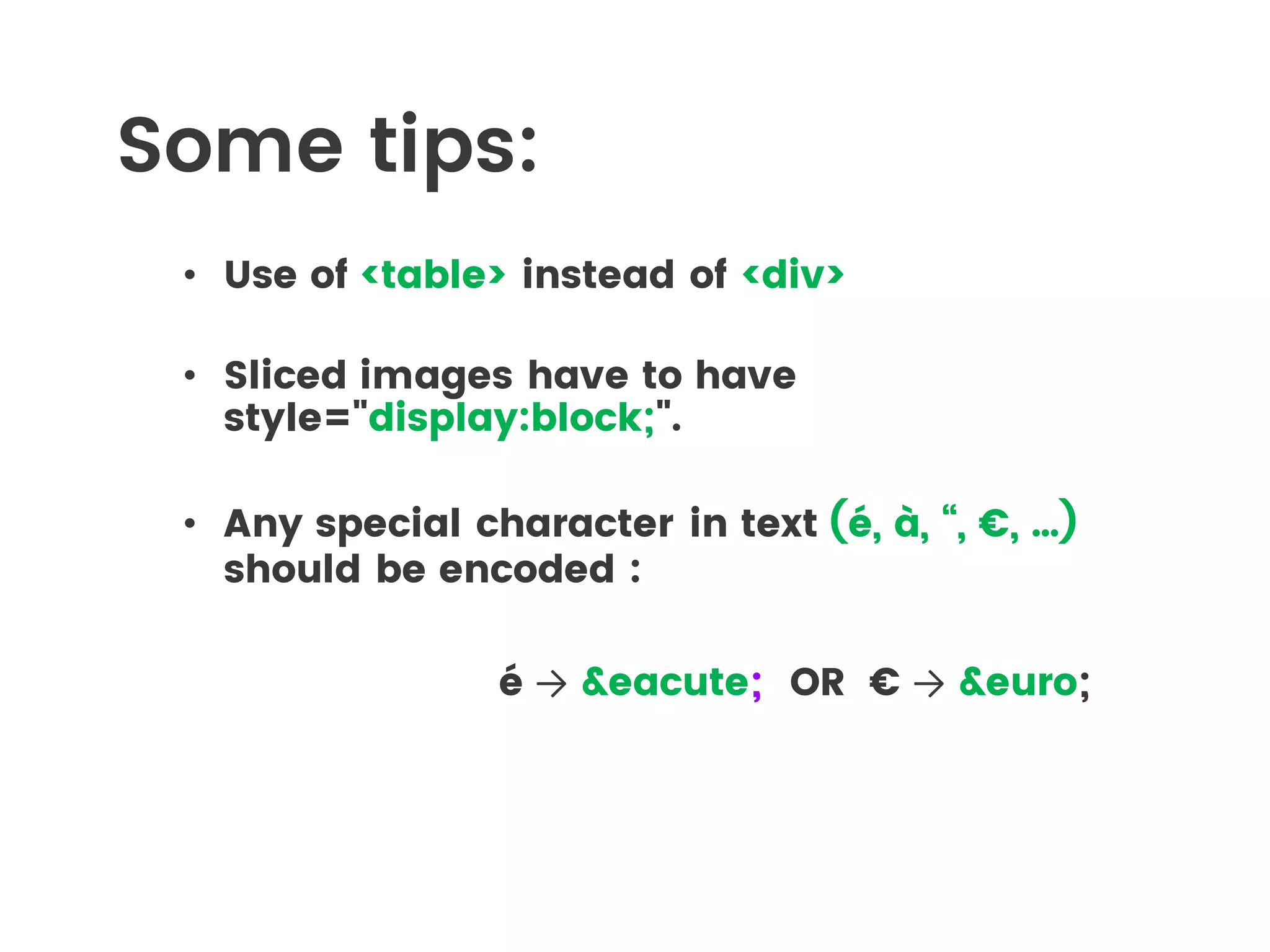
โ€ข Use of <table> instead of <div>
โ€ข Sliced images have to have
style="display:block;".
โ€ข Any special character in text (รฉ, ร , โ€œ, โ‚ฌ, โ€ฆ)
should be encoded :
รฉ โ†’ &eacute; OR โ‚ฌ โ†’ &euro;
Some tips:
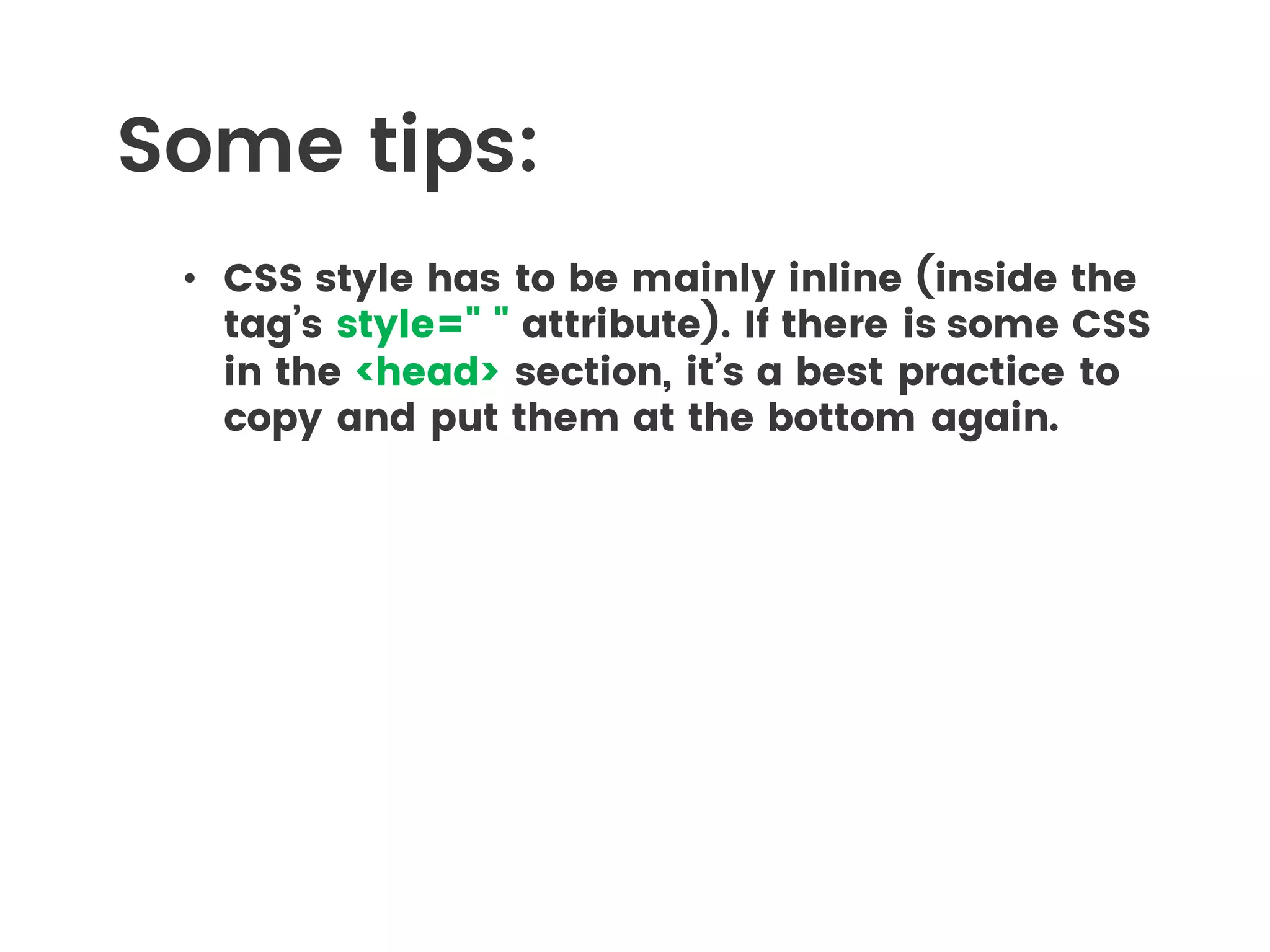
โ€ข CSS style has to be mainly inline (inside the
tagโ€™s style=" " attribute). If there is some CSS
in the <head> section, itโ€™s a best practice to
copy and put them at the bottom again.
Some tips:
โ€ข โ€œPixelsโ€ (image of 1x1 pixel),
like any content, has to be
before closing </body></html>
tags
Image
Image
THE NET NINJA
Interactive Lessons
Video Tutorials
Image
Things we have discussed
โ€ข What HTML and CSS is
โ€ข Structure of a HTML Document
โ€ข HTML editing software
โ€ข How to create a webpage
โ€ข Text, links, lists and images
โ€ข Various other HTML tags
โ€ข Adding CSS to a webpage
โ€ข Adding JavaScript to a webpage
โ€ข Where to learn more
Intro to HTML & CSS

Intro to HTML & CSS