 Boei
Boei Slack: Post Boei widget data to your channel
Boei can easily be connected to Slack. You won't even need a developer. It is super simple!
You can use this to send widget data from Boei to Slack.
Step 1. Add Incoming Webhooks to Slack
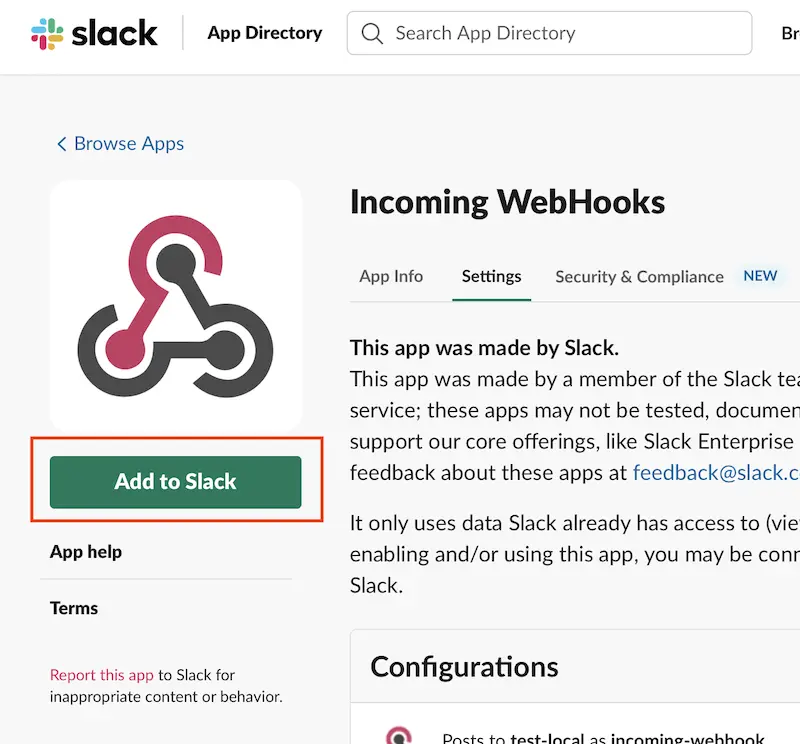
Open Incoming WebHooks app on Slack and click "Add to Slack".
Image
Step 2. Choose channel
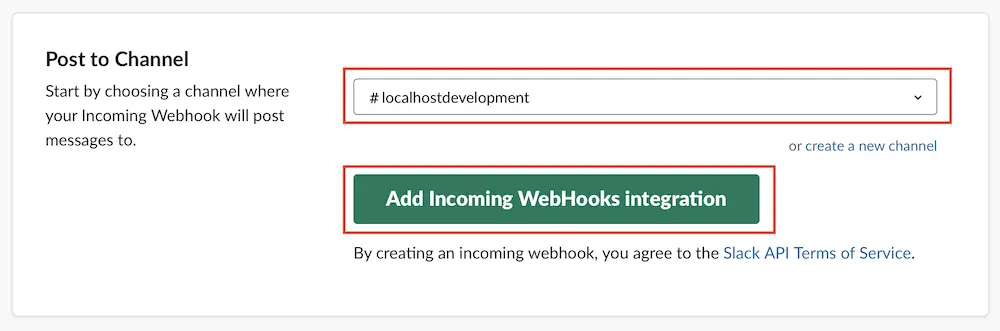
Choose the channel on which you want to receive widget data from Boei.
Image
Step 3. Copy URL to Boei and test
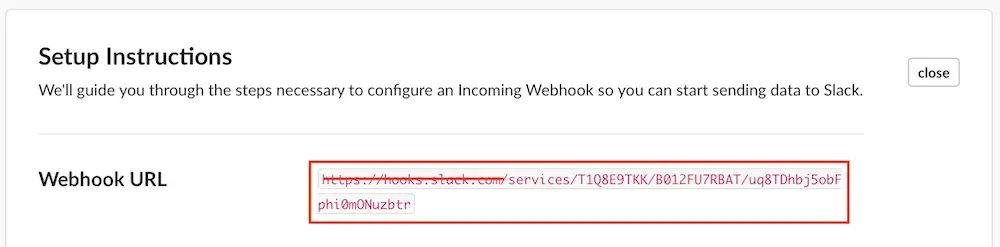
You now get an URL from Slack. Copy-paste the part after slack.com/ to your Boei settings.
If you have multiple widgets, then copy-paste the Slack Webhook URL in each of them.
Image
Give it a test to see if everything is set up correctly.
 from Utrecht
