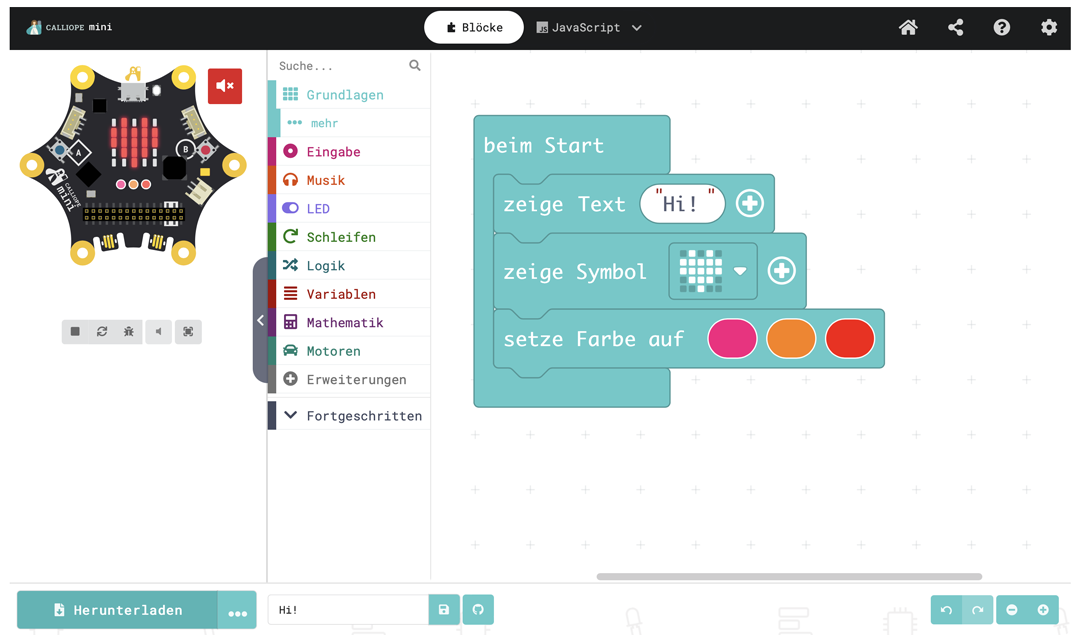
MakeCode
The MakeCode editor enables full control over the Calliope mini and the integration of any external sensors through (custom) extensions. Programming can be done by arranging code blocks, using JavaScript, or Python.
We regularly offer training sessions for getting started and transitioning to MakeCode. The schedule is here.

Calliope mini Blocks
The Calliope mini Blocks editor enables programming of the Calliope mini using the Scratch programming language. This allows applications to be controlled on the computer with the Calliope mini and vice versa.
The editor can be used in the browser or on the iPad.


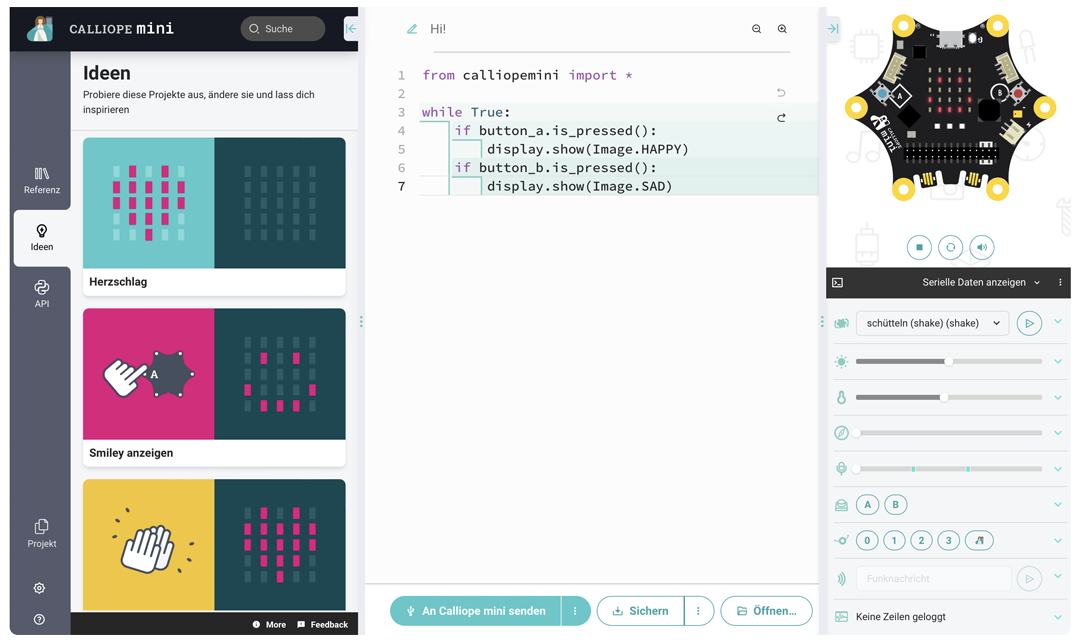
Python
MicroPython is a version of Python specifically adapted for microcontrollers. Python is an excellent first text-based programming language.
Calliope mini App
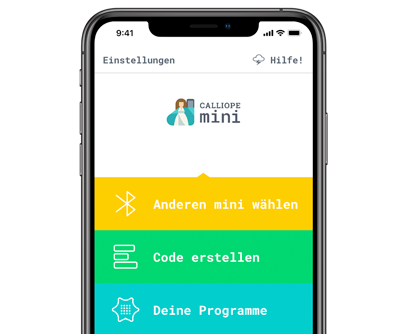
The Calliope mini can also be programmed with mobile devices! With the iOS or Android app, the editors can be used directly from a smartphone or tablet.


MakeCode Arcade
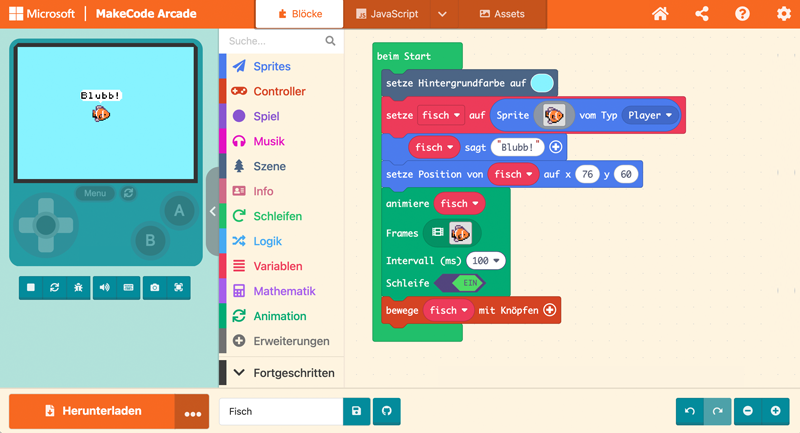
MakeCode Arcade is a browser-based programming environment specifically designed for developing games and supports programming using block-based coding or JavaScript/Python.
It offers many templates and tutorials and allows you to test games directly in the browser or transfer them to the GameKit.
Arduino IDE
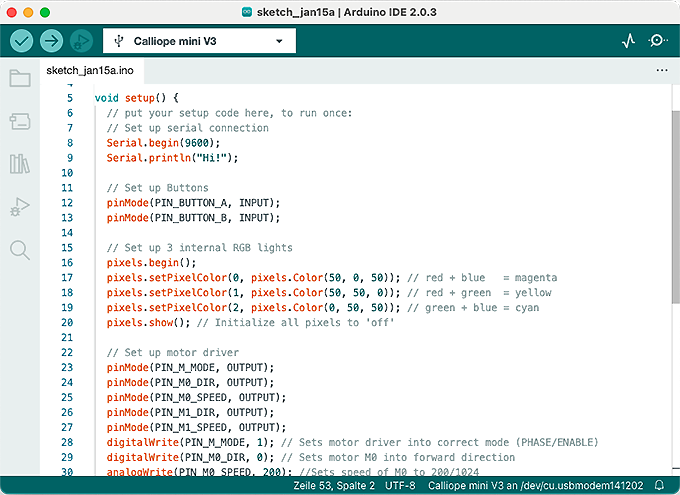
The Arduino IDE is very popular in advanced courses and among students. Now it also supports the Calliope mini for those who prefer purely text-based programming environments. After integration, sketches can be uploaded directly to the Calliope mini and data can be displayed on the serial output.

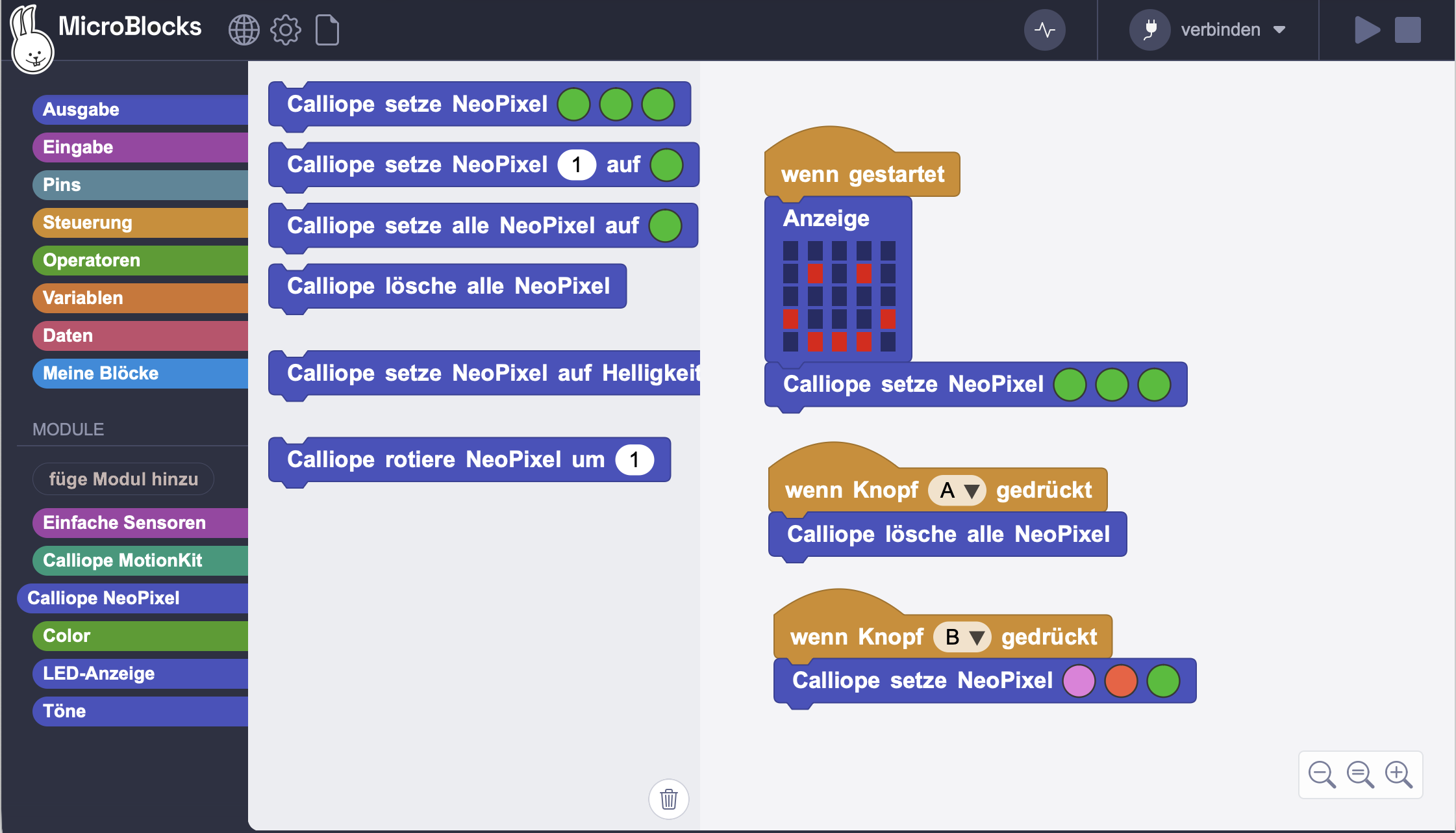
microblocks
MicroBlocks is very similar to Scratch. This editor, developed by part of the original Scratch team, focuses on physical interaction.