Free worldwide shiping on $150+
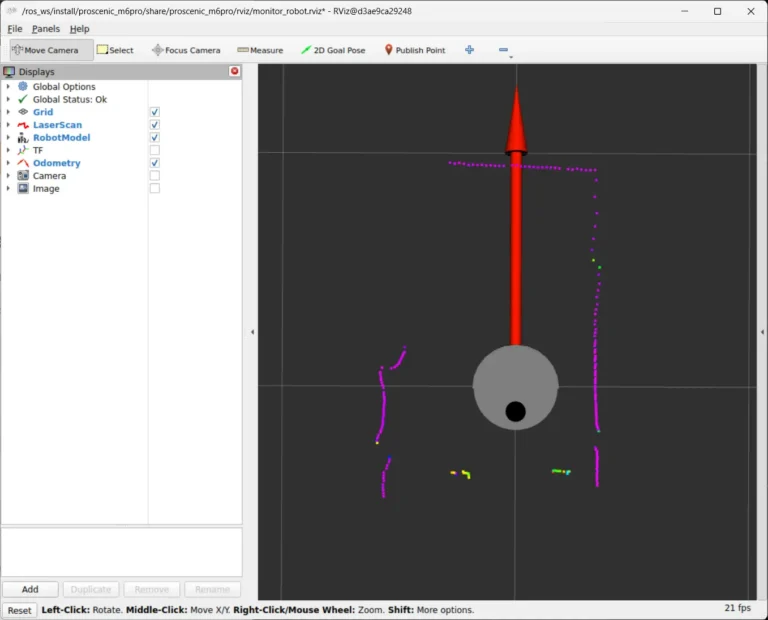
Tutorial Part 2: Drive, Map & Navigate Your Proscenic M6 Pro in ROS 2
Tutorial Part 1 got SangamIO running on the vacuum, exposing its motors, wheel encoders, IMU…
Free worldwide shiping on $150+
Tutorial Part 1 got SangamIO running on the vacuum, exposing its motors, wheel encoders, IMU…
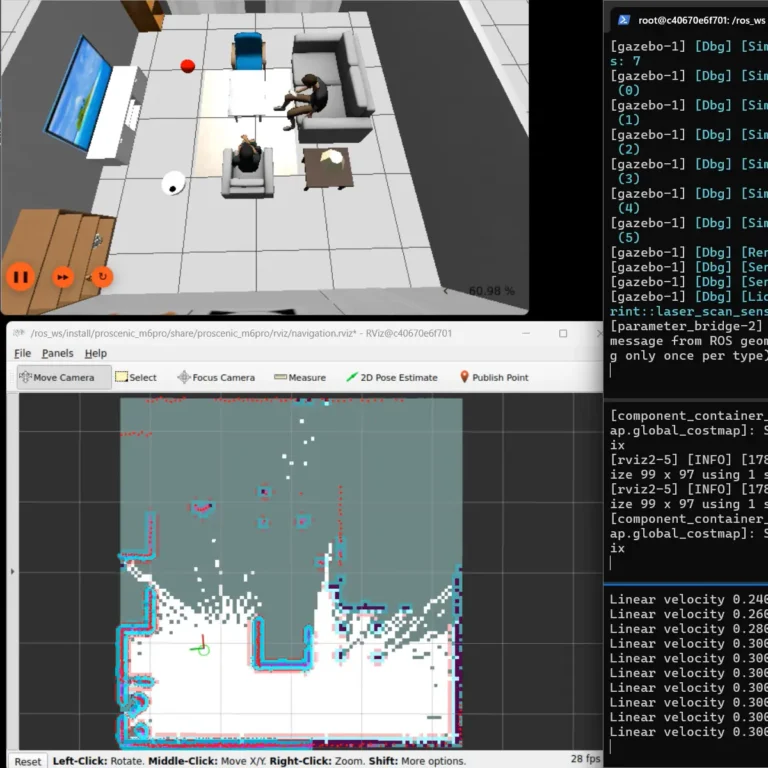
Run a full Proscenic M6 Pro vacuum simulation in Gazebo with the oomwoo ROS 2 image: SLAM mapping, autonomous Nav2 navigation, manual driving and bumper sensors — no hardware needed.
Turn a Proscenic M6 Pro robot vacuum into a ROS 2 robot: root it over ADB, flash the open-source SangamIO firmware, and bridge its LiDAR, odometry and motors into ROS 2 Jazzy as /scan, /odom and /cmd_vel.
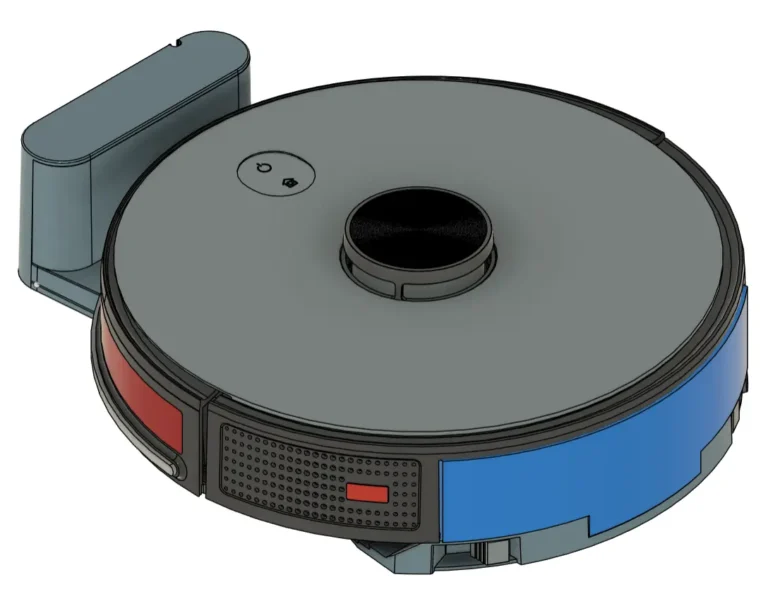
I’m starting a new build-in-public project: oomwoo, an open-source robot vacuum you build yourself. Raspberry Pi, ROS 2, 2D LiDAR, Home Assistant, 3D printed, local-first — and open from the first commit.
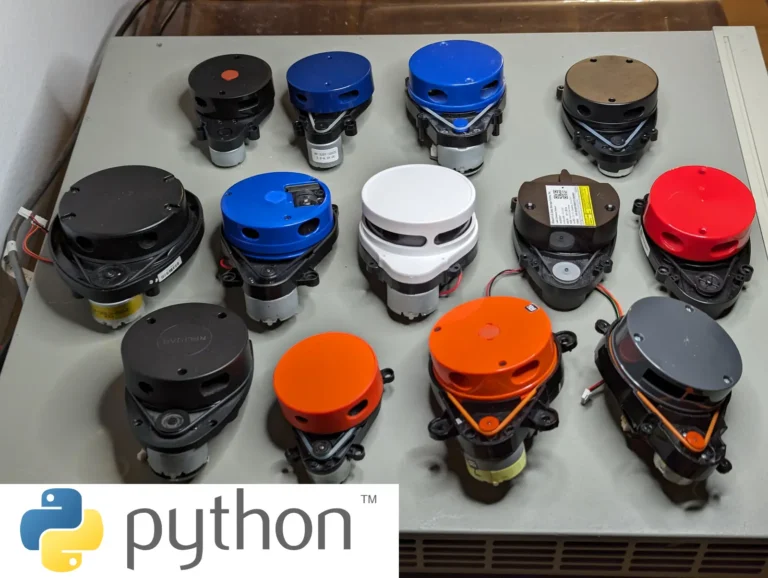
lds2d is a pure-Python driver for 2D LiDARs on Linux including the Raspberry Pi —…
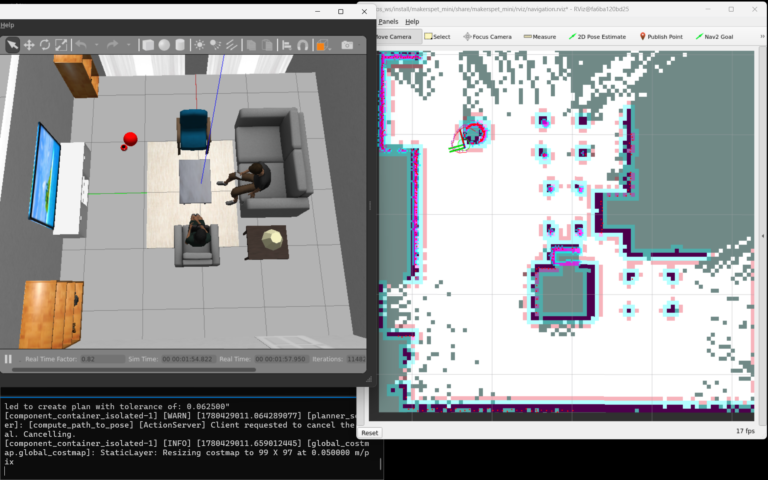
This post is work-in-progress. Please check back for updates. Step 1 – Install Software Prerequisites…
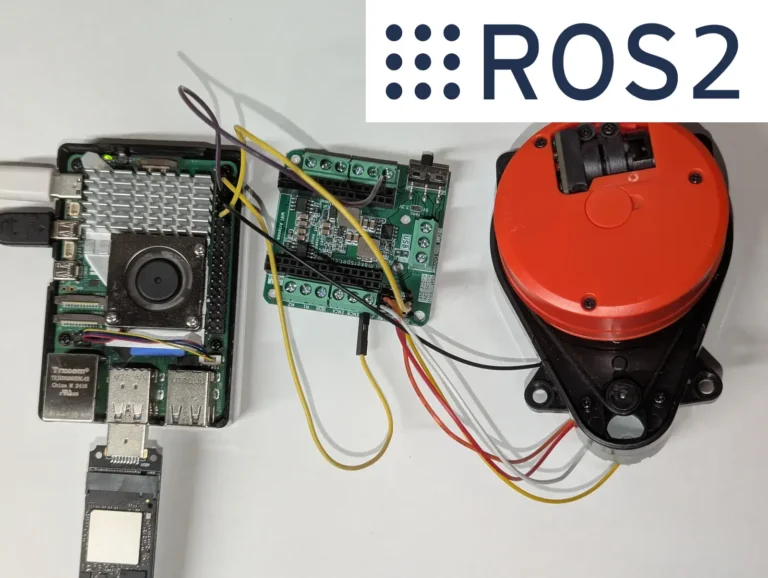
Publish the LDROBOT LD14P, Xiaomi LDS02RR, or 3irobotix Delta-2A to a ROS 2 /scan topic straight from a Raspberry Pi 5 — no microcontroller, and ROS 2 runs in a container. A C++ LaserScan driver built on kaiaai/LDS.
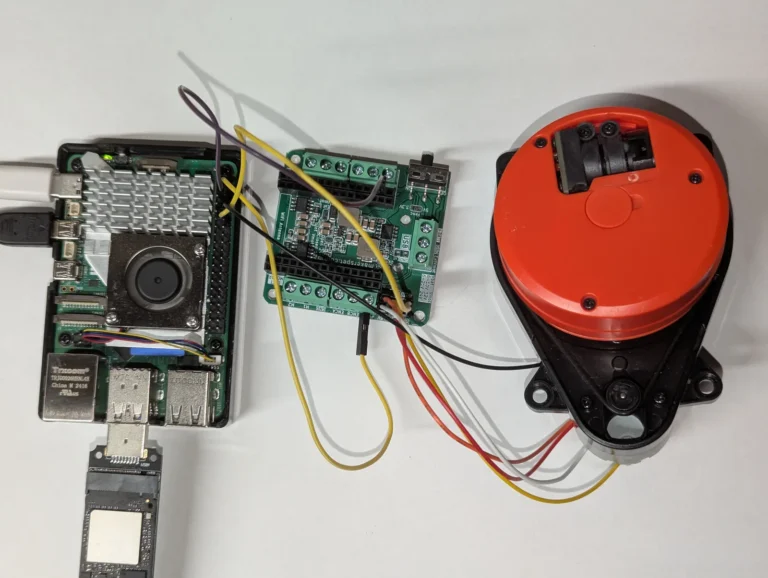
Read distance data from a 3irobotix Delta-2A on a Raspberry Pi in Python — and run the PID + PWM loop that spins its motor at 6 Hz via the Maker's Pet driver board, no ESP32 required.
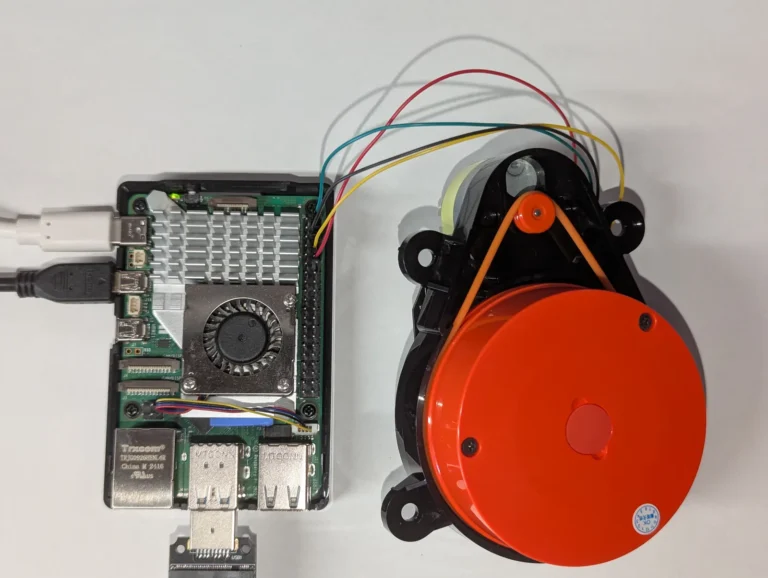
Read distance data from the ~$15 Xiaomi LDS02RR on a Raspberry Pi in Python — and run the PID + PWM loop that spins its motor at 5 Hz, which the LDS02RR cannot do for itself.
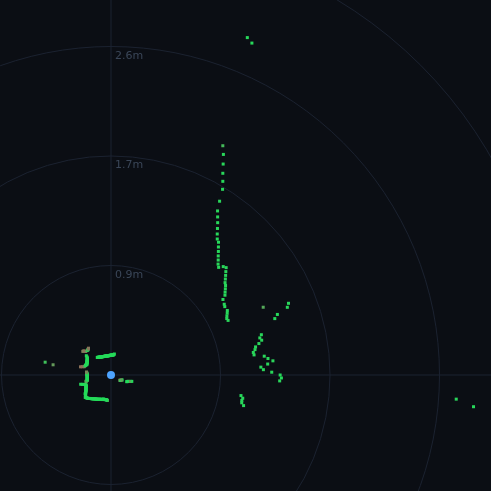
Turn the LD14P's raw distance data into a live polar radar you watch in any web browser — served straight from a headless Raspberry Pi with Flask. Part 3 of the LD14P + Raspberry Pi series.
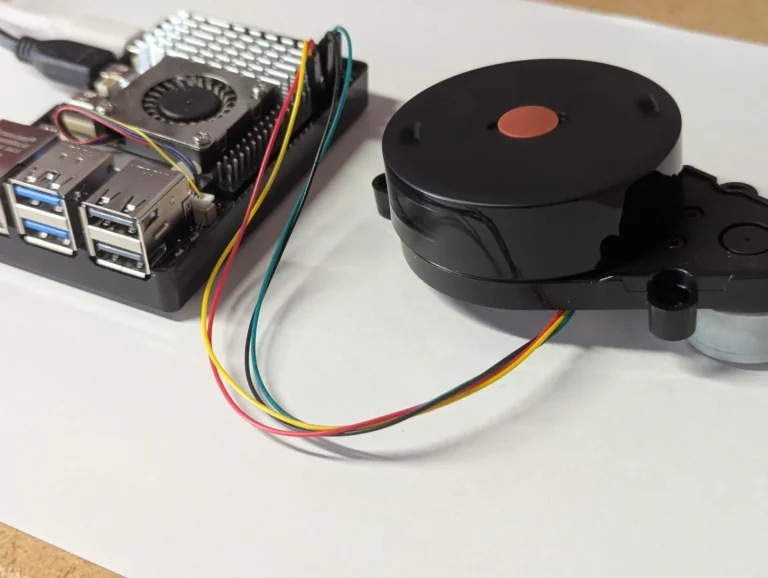
Part 2: stop, start and set the scan speed of the LDROBOT LD14P LiDAR from Python on a Raspberry Pi 5, over UART.
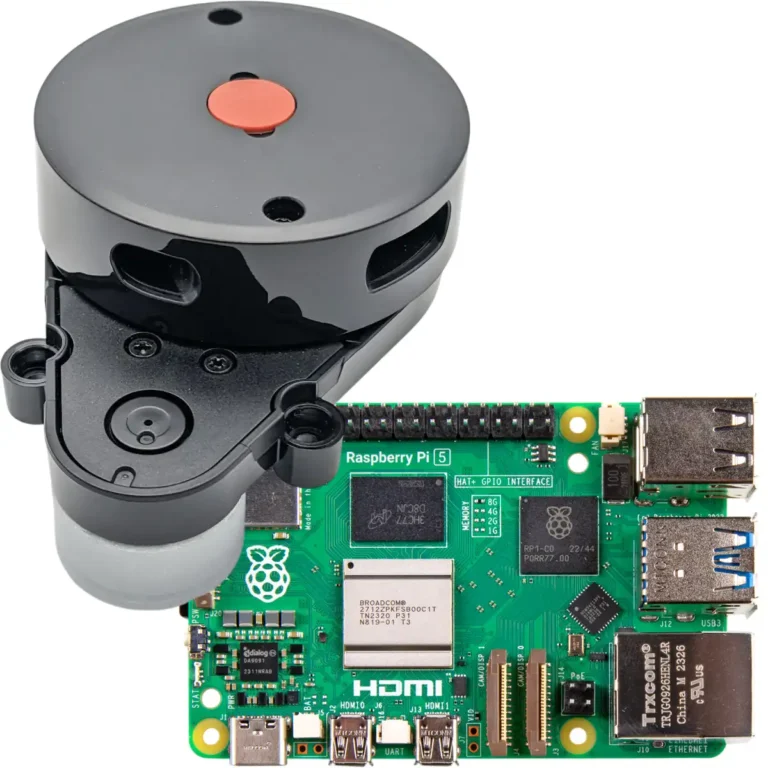
Stream live distance data from an LDROBOT LD14P 2D LiDAR on a Raspberry Pi 4 or 5 using Python and pyserial. Wiring, UART setup, and full source code.
Questions about a kit, an order, or your build? Drop us a note — we usually reply within a day.
