Product Description

Intuitive Synth Sound Creator
THINGS allows you to create hi-quality synth sounds even if you have zero experience in synthesis. Sampleson implemented what they called "Descriptors" which are objects and ideas that will help you understand the effect of a knob and the kind of sound it will produce.
All of the parameters can be assigned to a CC contoller (right-click over the desired slider/knob) and automatable via DAW.
Arpeggiator Features
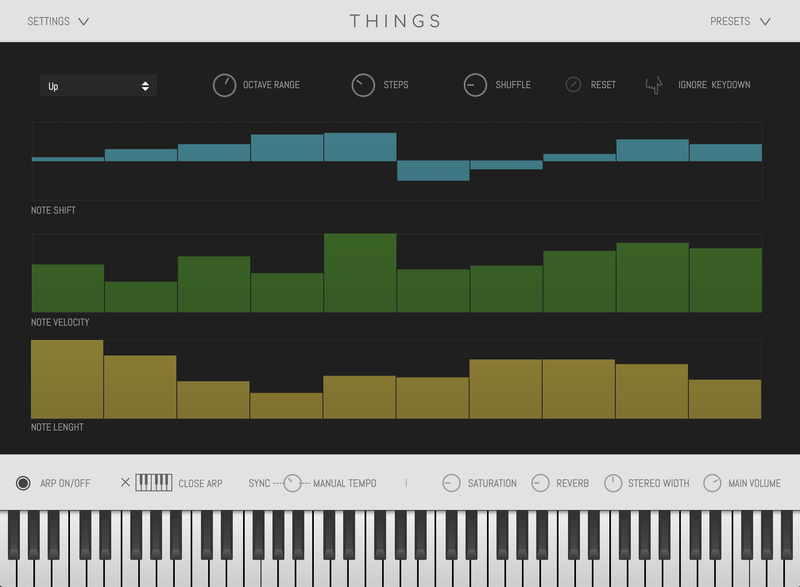
- 4 to 32 steps selector
- Octave range switch
- Note Shift automation
- Note Velocity automation
- Note Length automation
- Arpeggio direction (4 modes)
- Shuffle amount knob
- Ignore key-down option
- Sync to host and manual tempo
Components
THINGS contains 32 oscillators and 30 FX processors and filters. It's sounds were designed using a mixture of techniques and processes (additive, subtractive and FM synthesis).
- RUBBER BANDS: Real-time parameters: Gum amount, Time, Gain and Character (main knob). Automatable parameters: Real-time parameters: Gum amount, Time, Gain and Character.
- ARCADE: Real-time parameters: Softness, Time, Gain and Colour (main knob). Automatable parameters: Softness, Time, Gain and Colour.
- CRYSTAL: Real-time parameters: Delay, Worm, Gain and Colour (main knob). Automatable parameters: Delay (on/off), Worm (on/off), Gain and Colour.
- CLOUDS: Real-time parameters: Softness, Time, Gain and Colour (main knob). Automatable parameters: Softness, Time, Gain and Colour.
- ALIEN TALK: Real-time parameters: Number of Aliens, Anger, Gain and Speech speed (main knob). Automatable parameters: # of Aliens, Anger, Gain and Speech speed.
- AIR: Real-time parameters: Attack, Release, Gain and Speed (main knob). Automatable parameters: Attack, Release, Gain and Speed.
- HORROR: Real-time parameters: Gain, Attack, Evolve and Evilness (main knob). Automatable parameters: Gain, Attack, Evolve and Evilness.

Features
- Polyphonic Synth
- Built upon FM, additive and subtractive synthesis.
- Automatable DAW controls for all of the parameters.
- 32 steps arpeggiator
- FX Section
- HD Scalable interface.
- Mono and Stereo flavors via "Width" knob.
- No extra purchases needed (like Kontakt, UVI, etc) or any other 3rd. party player.
- Ready to be loaded into major DAWs (Cubase, Logic Pro, GarageBand, Cakewalk, Reaper, BitWig, Nuendo, FLstudio, etc)
- Win 32/64 bits and Mac VST/AU/Standalone versions included
- About ~65MB installed.
- No online activation required.
System Requirements
macOS
- OSX 10.7 or later (Monterey compatible)
- Host must support VSTi or AU plugins.
- 70 MB HDD
- 4GB RAM
Windows
- Windows 7 or later
- Host must support VSTi plugins.
- 70 MB HDD
- 4GB RAM
Important Note: Pro Tools is not supported.
View Installation Instructions
Please Note: Stage54 is used as an example.
Mac
Download Installer
1. Navigate to your Sounds Space User Account and locate Stage54 > Click the blue 'DOWNLOAD' button.
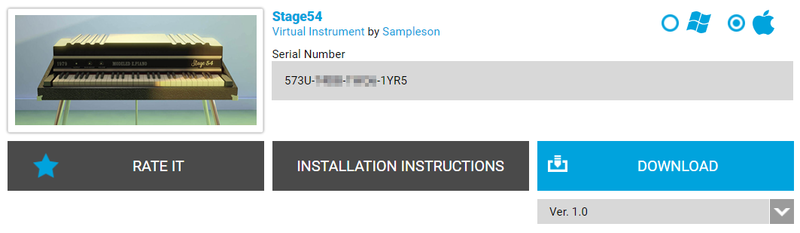
2. Click 'I want this!'.

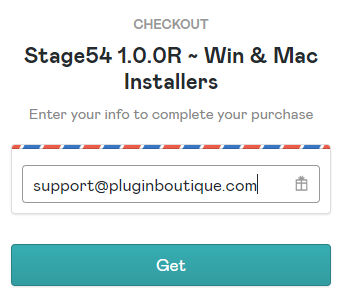
3. Enter your email address > Click 'Get'.
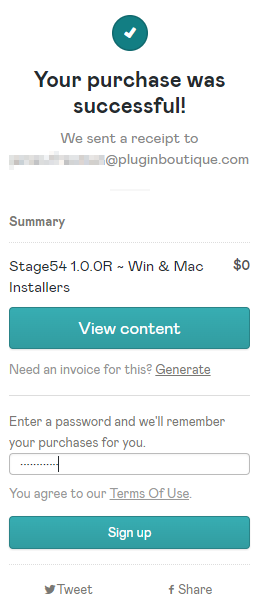
4. Click 'View content' to proceed straight to your downloads > Alternatively, enter a password to create an account for future access to your download > Click 'Sign Up'.
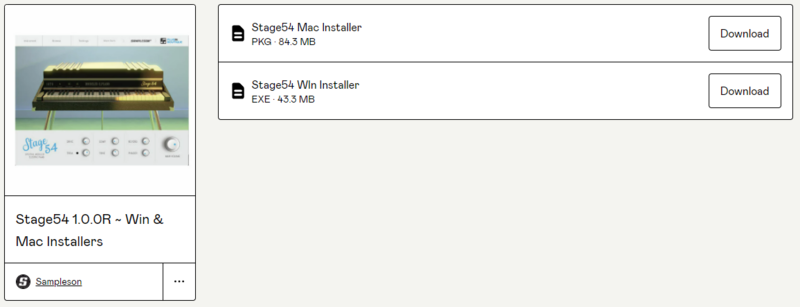
5. Locate the 'Stage54 Mac Installer' > Click 'Download'.
Installation
1. Navigate to your Downloads folder and locate the 'Stage54 Mac Installer.pkg' > Launch the installer.

2. Click 'Continue'.
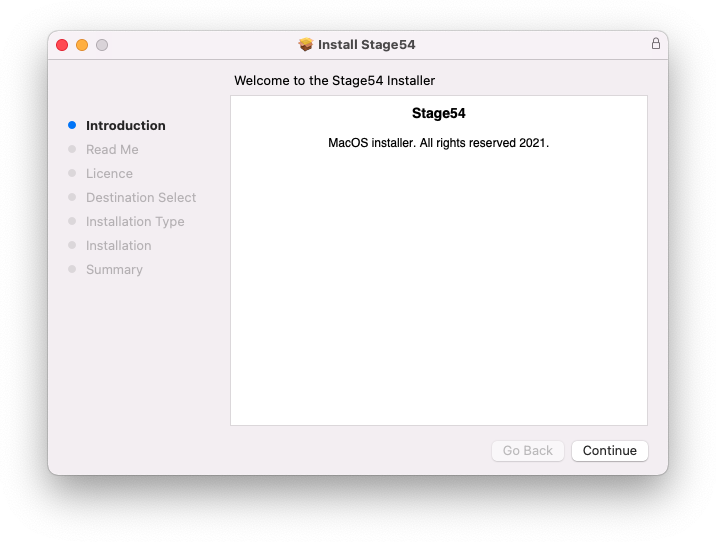
3. Click 'Continue'.
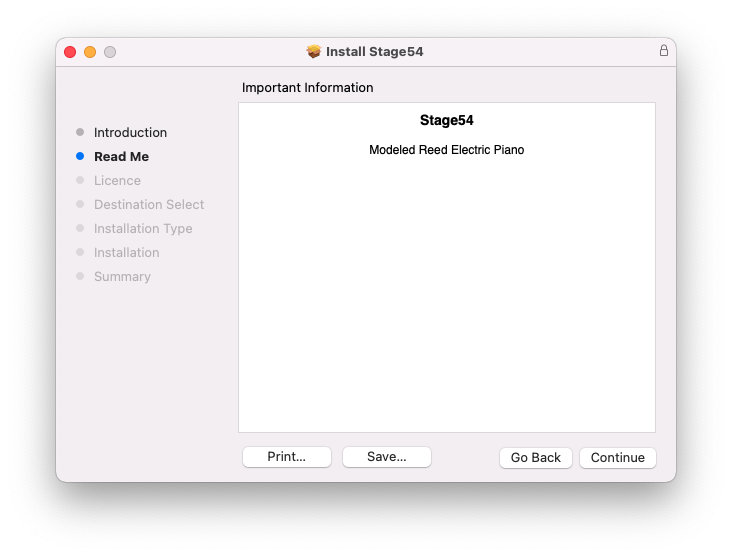
4. Click 'Continue'.
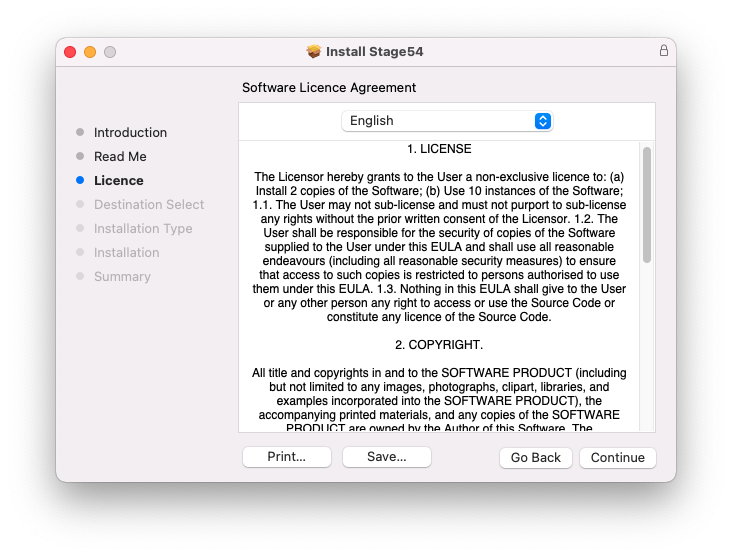
5. Click 'Agree'.
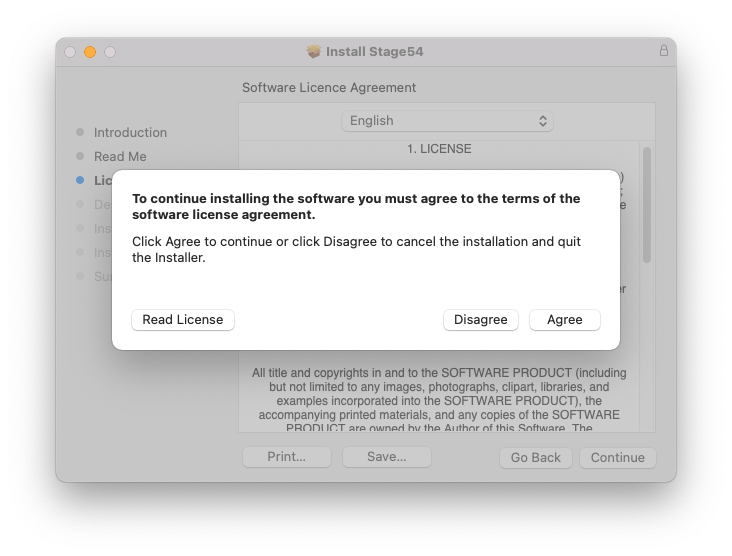
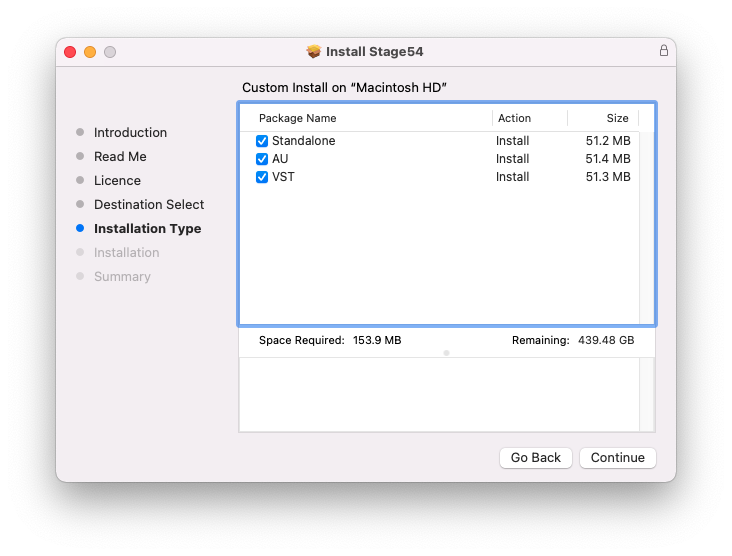
6. Click 'Continue'.
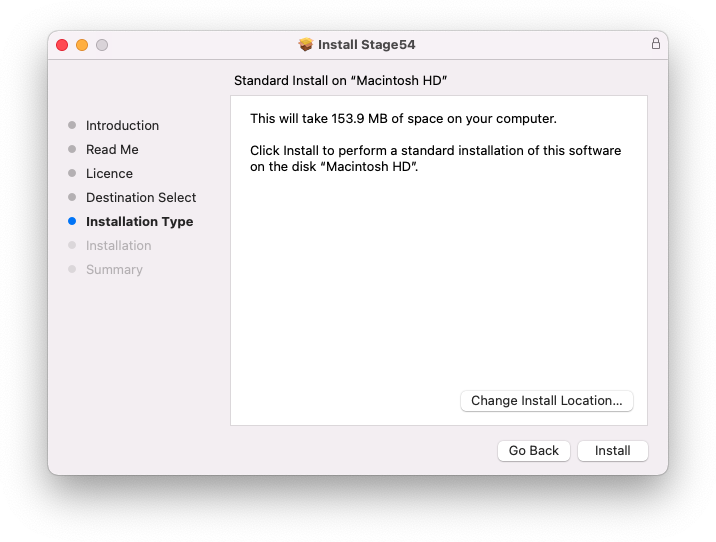
7. Click 'Install'.
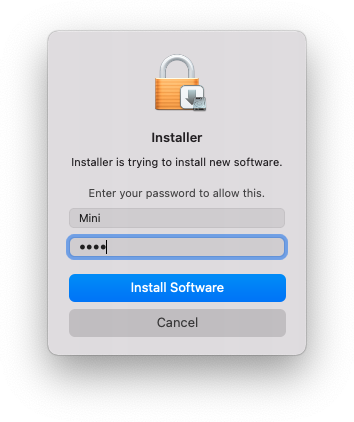
8. Enter your system password > Click 'Install Software.
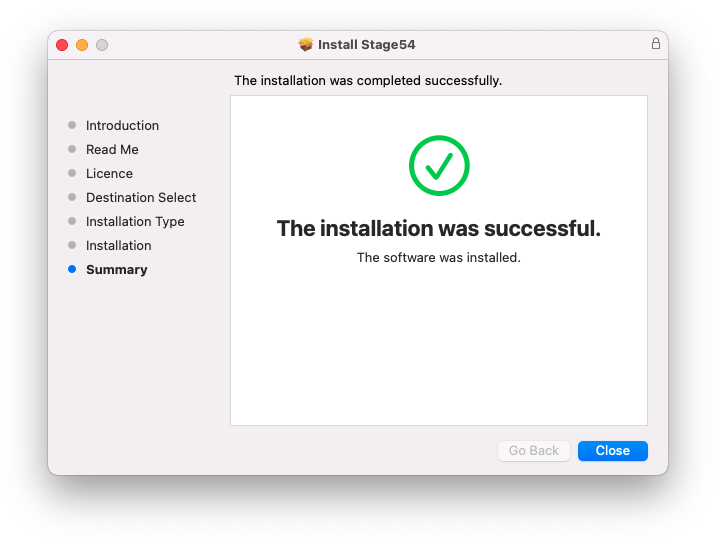
9. Click 'Close'.
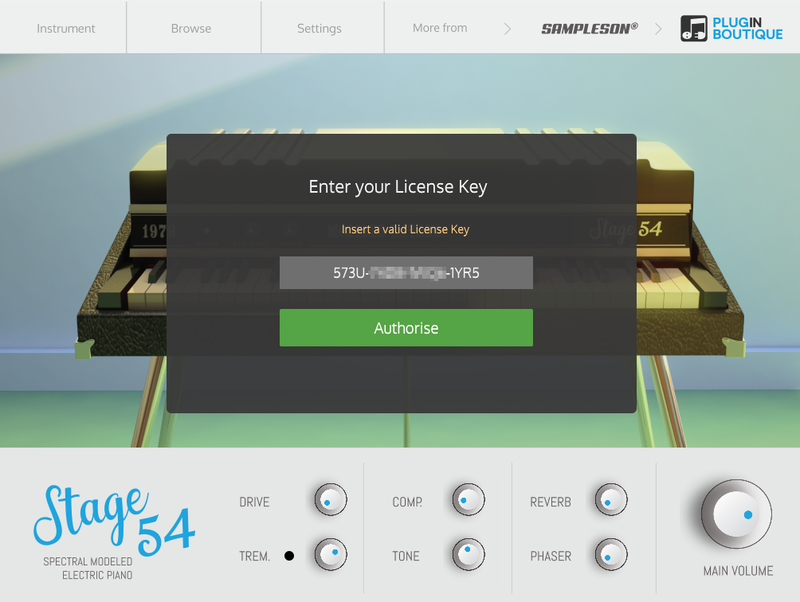
10. Launch your DAW > Create a new Virtual Instrument track > Insert Stage54 onto the channel > Paste your 16-digit serial number found within your Sounds Space User Account into the box > Click 'Authorise'.
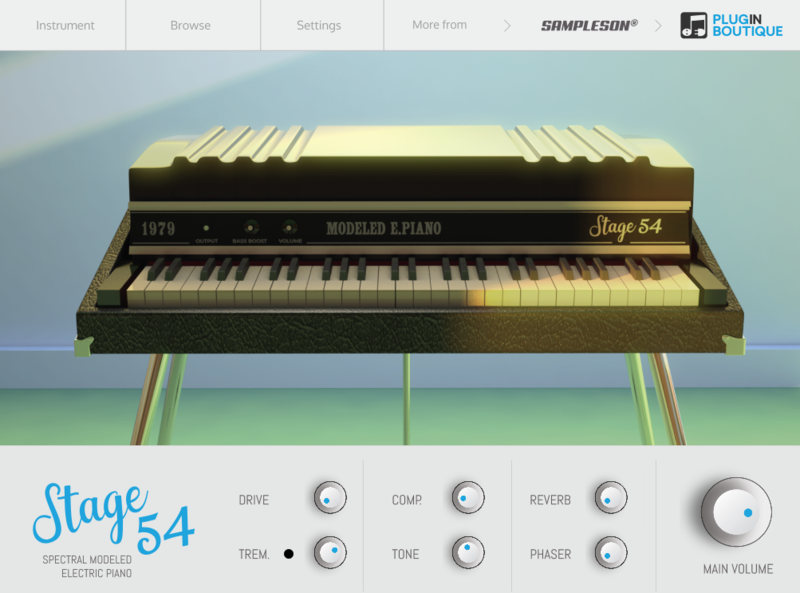
Stage54 is now installed, activated, and ready to use within your DAW.
Windows
Download Installer
1. Navigate to your Sounds Space User Account and locate Stage54 > Click the blue 'DOWNLOAD' button.
2. Click 'I want this!'.
3. Enter your email address > Click 'Get'.
4. Click 'View content' to proceed straight to your downloads > Alternatively, enter a password to create an account for future access to your download > Click 'Sign Up'.
5. Locate the 'Stage54 Win Installer' > Click 'Download'.
Installation
1. Navigate to your Downloads folder and locate the 'Stage54 Win Installer.exe' > Launch the installer.

2. Click 'Next'.
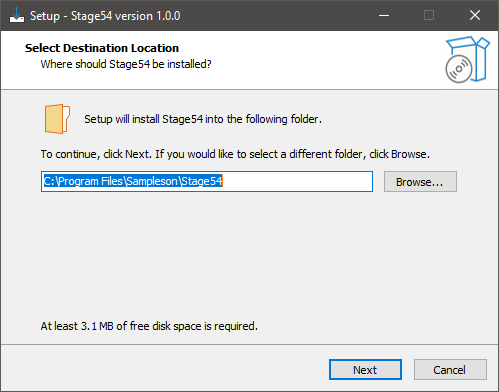
3. Click 'Next'.
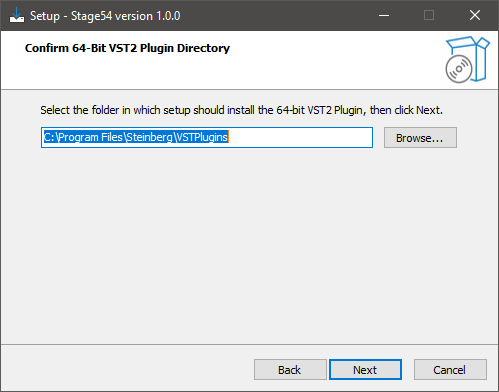
4. Click 'Next'.
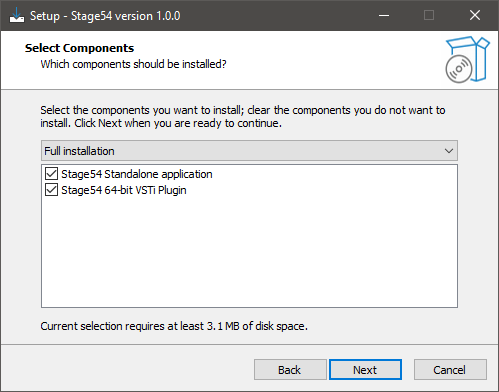
5. Click 'Next'.
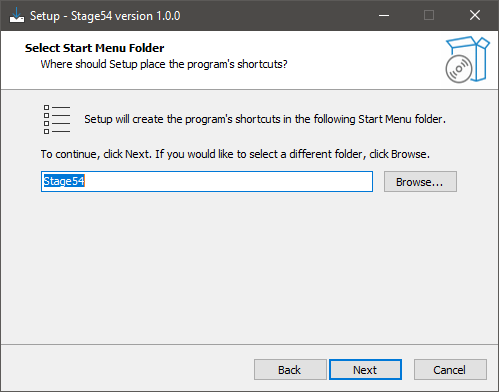
6. Click 'Install'.
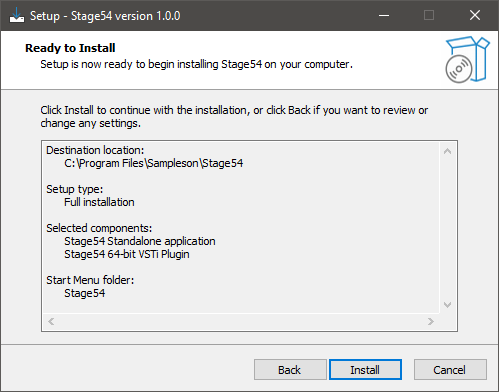
7. Click 'Finish'.
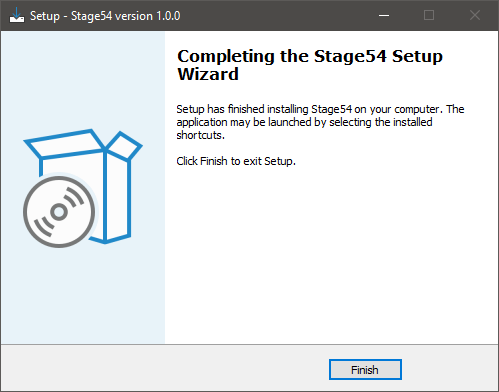
8. Launch your DAW > Create a new Virtual Instrument track > Insert Stage54 onto the channel > Paste your 16-digit serial number found within your Sounds Space User Account into the box > Click 'Authorise'.
Stage54 is now installed, activated, and ready to use within your DAW.
$39.00

Digital Product - Delivered via Email.
32 & 64 Bit