
Producing a professional broadcast every week on a limited budget, with limited staff was a challenge. Switcher provided an easy, intuitive app to produce a multicamera live video stream using equipment we already owned! We didn't anticipate the impact of streaming our services ... people are being drawn to our church, initially by seeing our live broadcasts.
David Hillyer
Westview Alliance Church
I recently made the decision to do multicamera Facebook Lives at the radio station I produce. I found this wonderful app and decided to check it out. The trial was so amazing that we just purchased it and use it multiple times a week.
Kaleb Smith
Radio Producer at 99 KUPI
Switcher combines the advantages of these other systems and eliminates the disadvantages, marrying the affordability and accessibility of smartphone cameras with the power of multicamera streaming.
Paul Alan Clifford, M.Div.
Freelance Writer, Creator of ChurchTechU.com

Multicam App
Build a multicamera studio with the gear you have
No expensive hardware, complex setups, or tech knowledge needed.
Trusted by 14,000+ teams, creators, and organizations
14-day free trial Cancel anytime
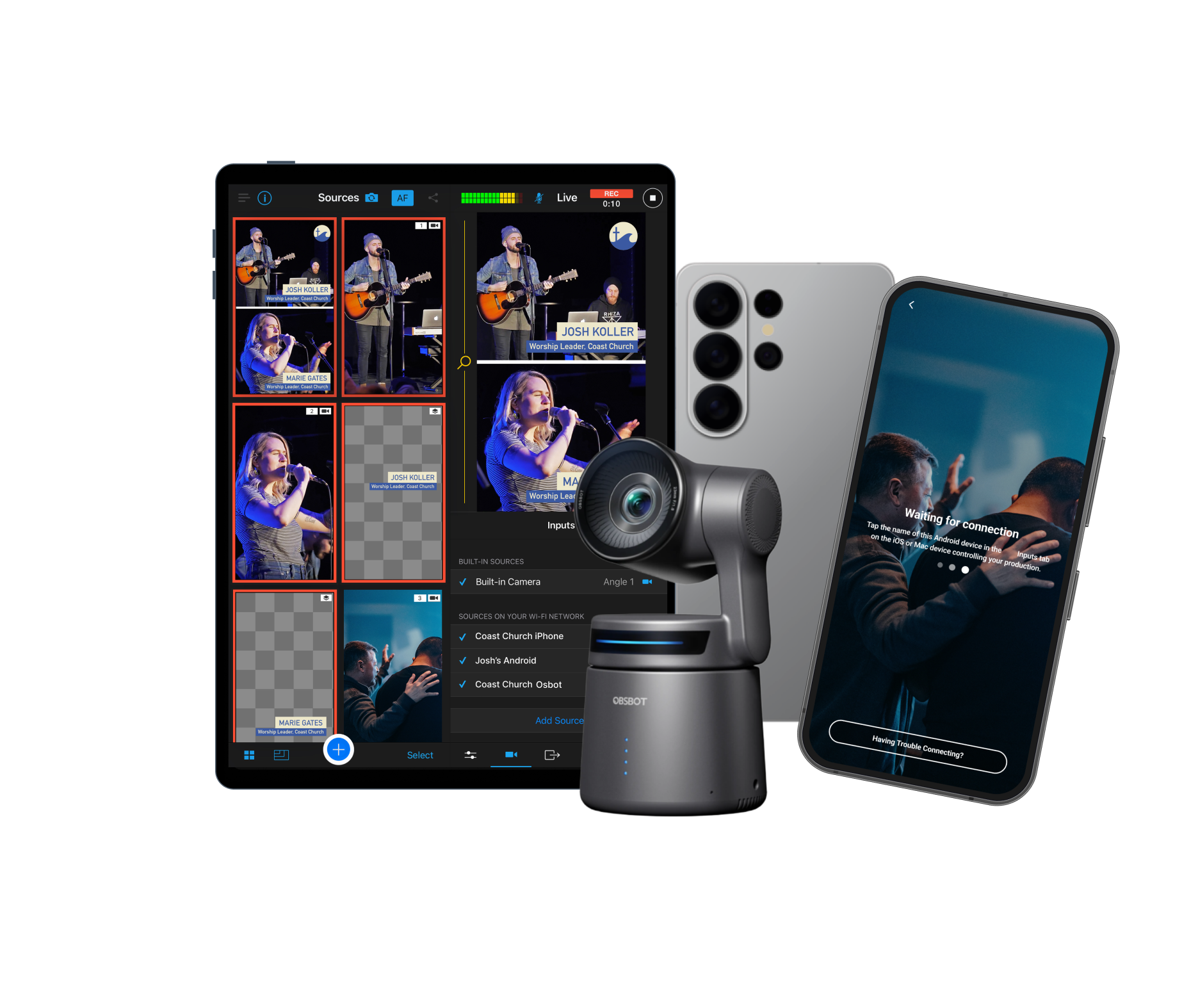
Live stream with multiple cameras
Sync every camera you have
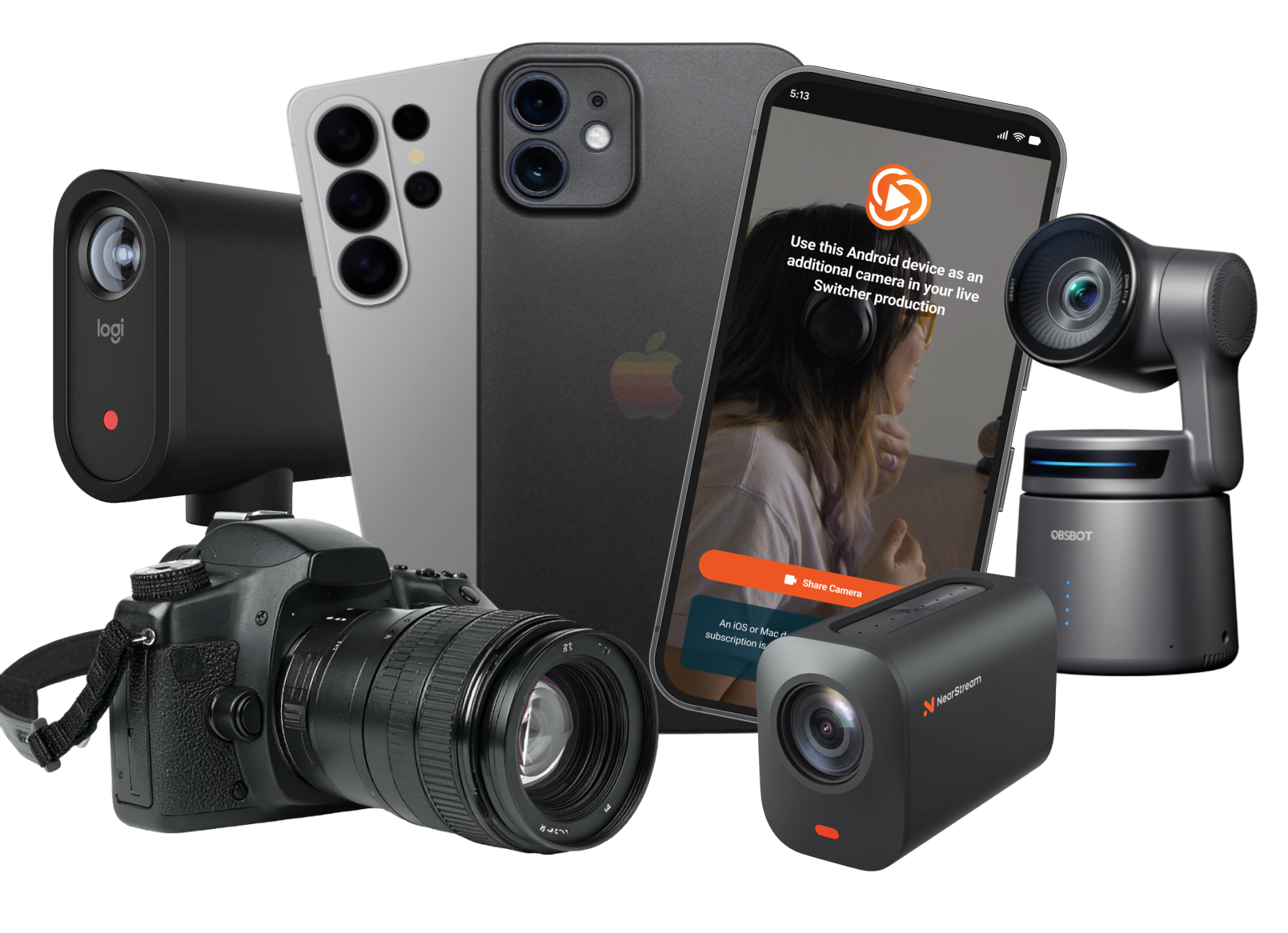
Turn your iPhones, iPads, Androids, webcams, NDI cameras, and HDMI cameras into a multicam studio
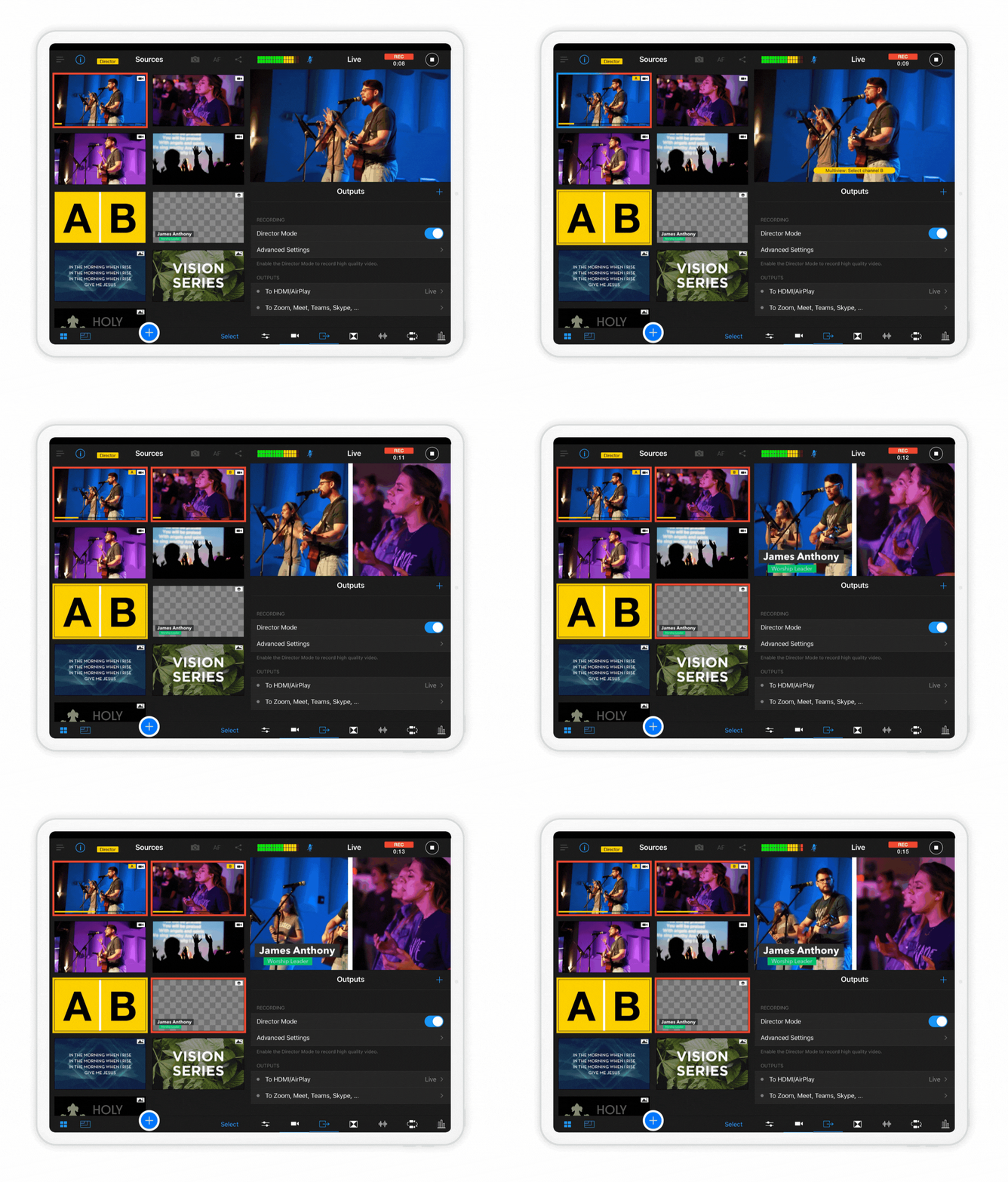
Transition between cameras live
Capture every moment with up to 9 different camera angles
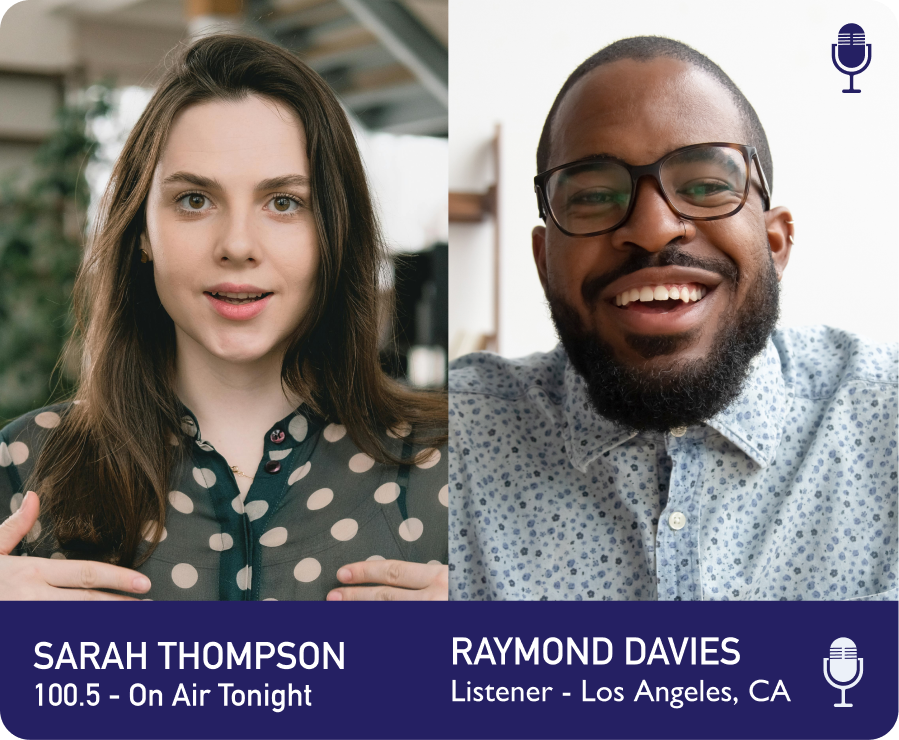
Collab with remote guests
Bring in up to 5 interviewees, co-hosts, or speakers from anywhere
Don’t buy expensive gear
Skip complex consoles and software — start with a Mac, iPad, or iPhone
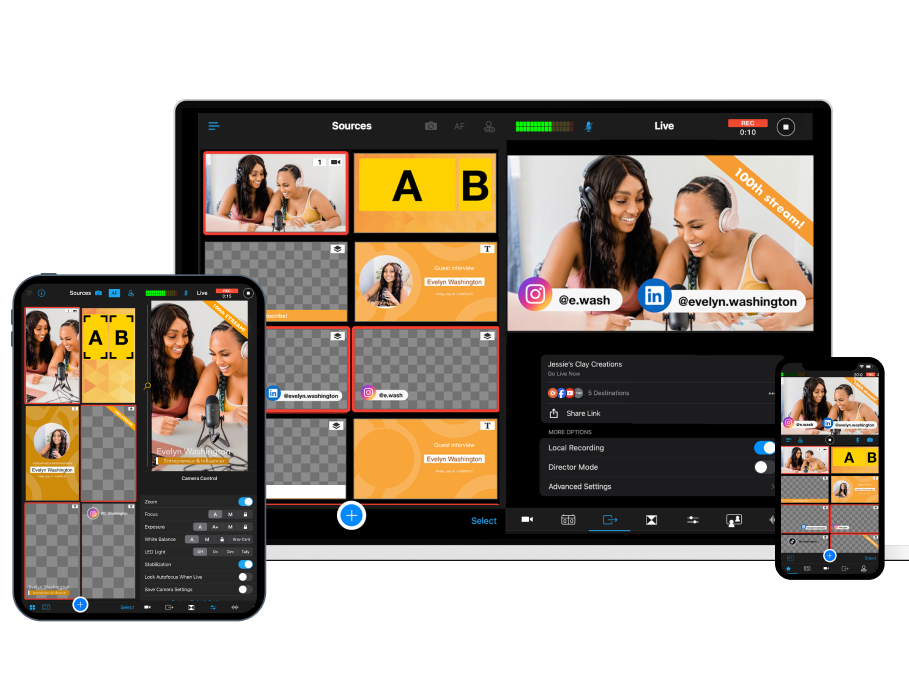
Mix layouts and inputs in real-time
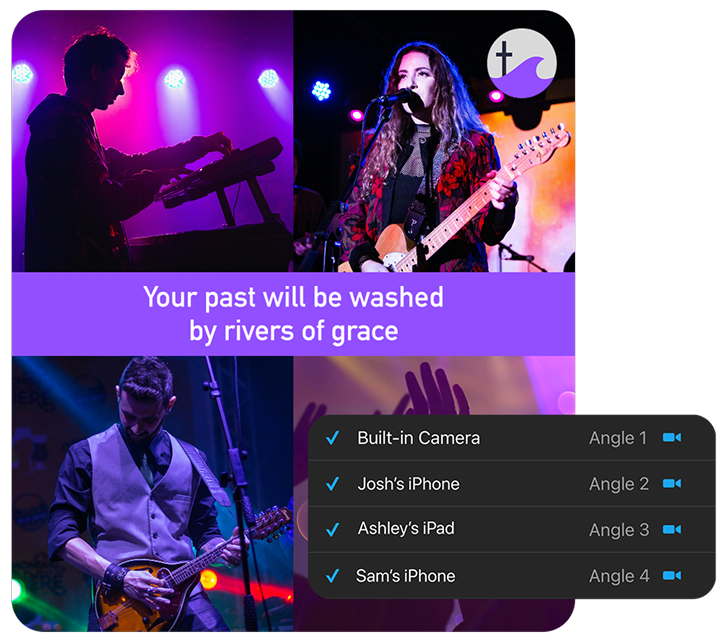
Build multi-view layouts
Use the Scene Builder to display multicamera views, split-screen, or picture-in-picture layouts
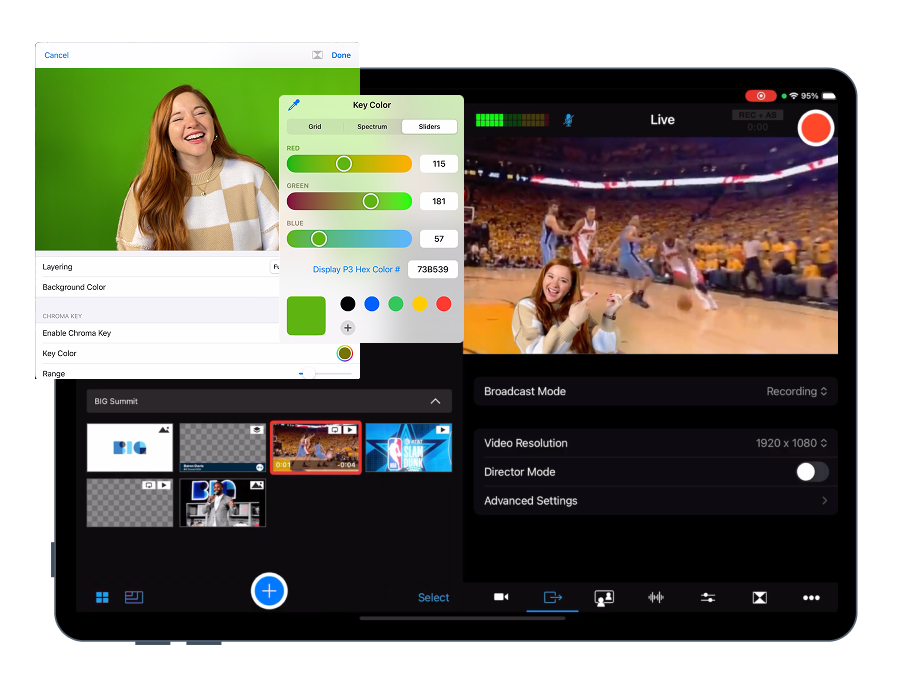
Use green screen (Chroma Key)
Overlay live camera feeds on custom backgrounds without external software
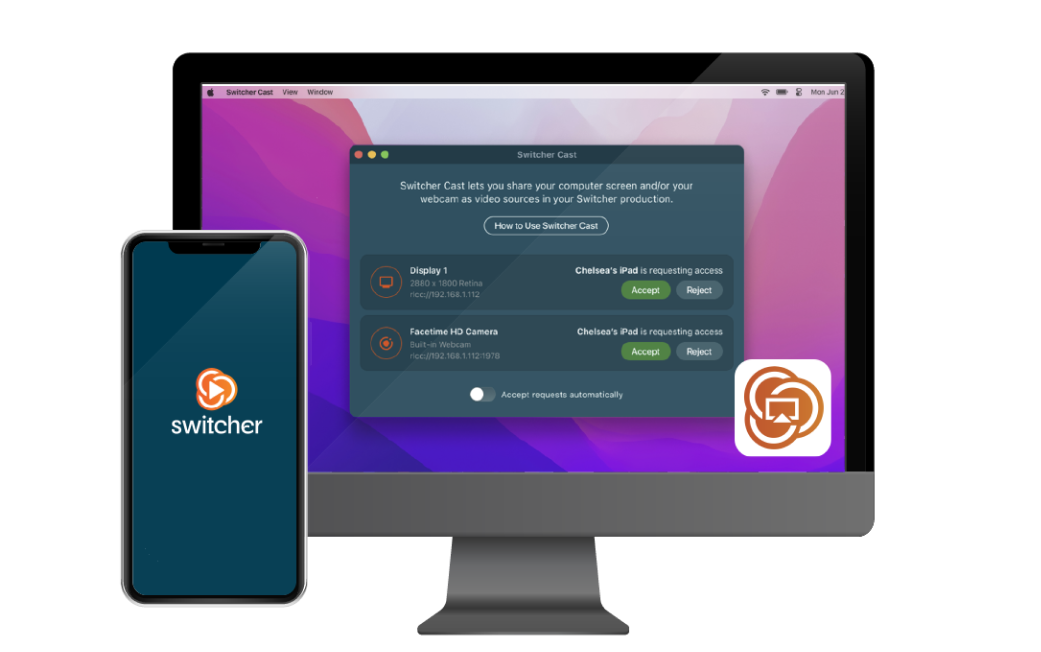
Share screens as a source
Bring in Mac, PC, or iOS screens via Switcher Cast

Capture every moment, replay what matters
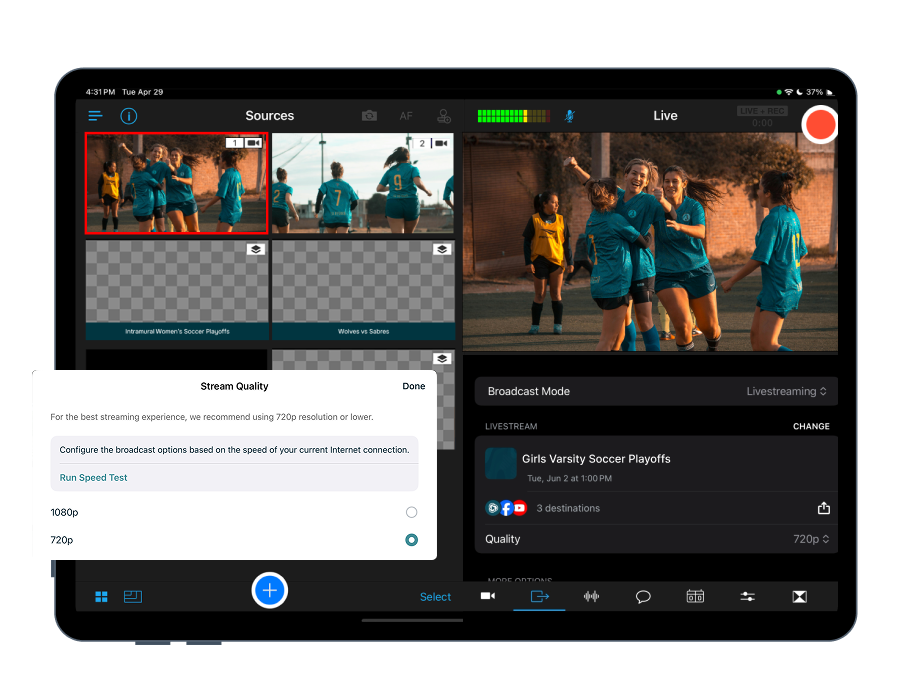
Stream in HD
Broadcast at 720p or 1080p, with no time limits on live or recorded video
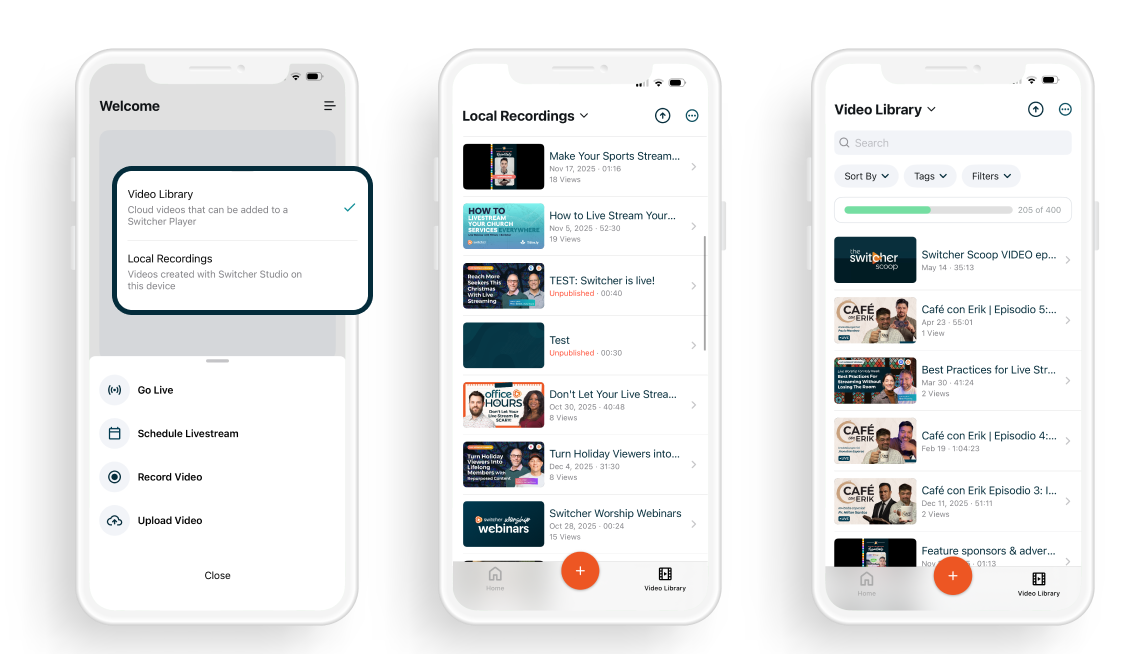
Save local & cloud recordings
Keep full-quality recordings on your device and in the cloud
Use director mode
Capture HD video & audio from all sources for later use
Replaces $2,000–$10,000+ in production gear
Hardware switchers, capture cards, dedicated production software, dedicated camera equipment — Switcher does the work of all of them, running on the devices you already have.
Don't stitch tools together. Switcher gives you everything you need in one place.
iPhones and iPads
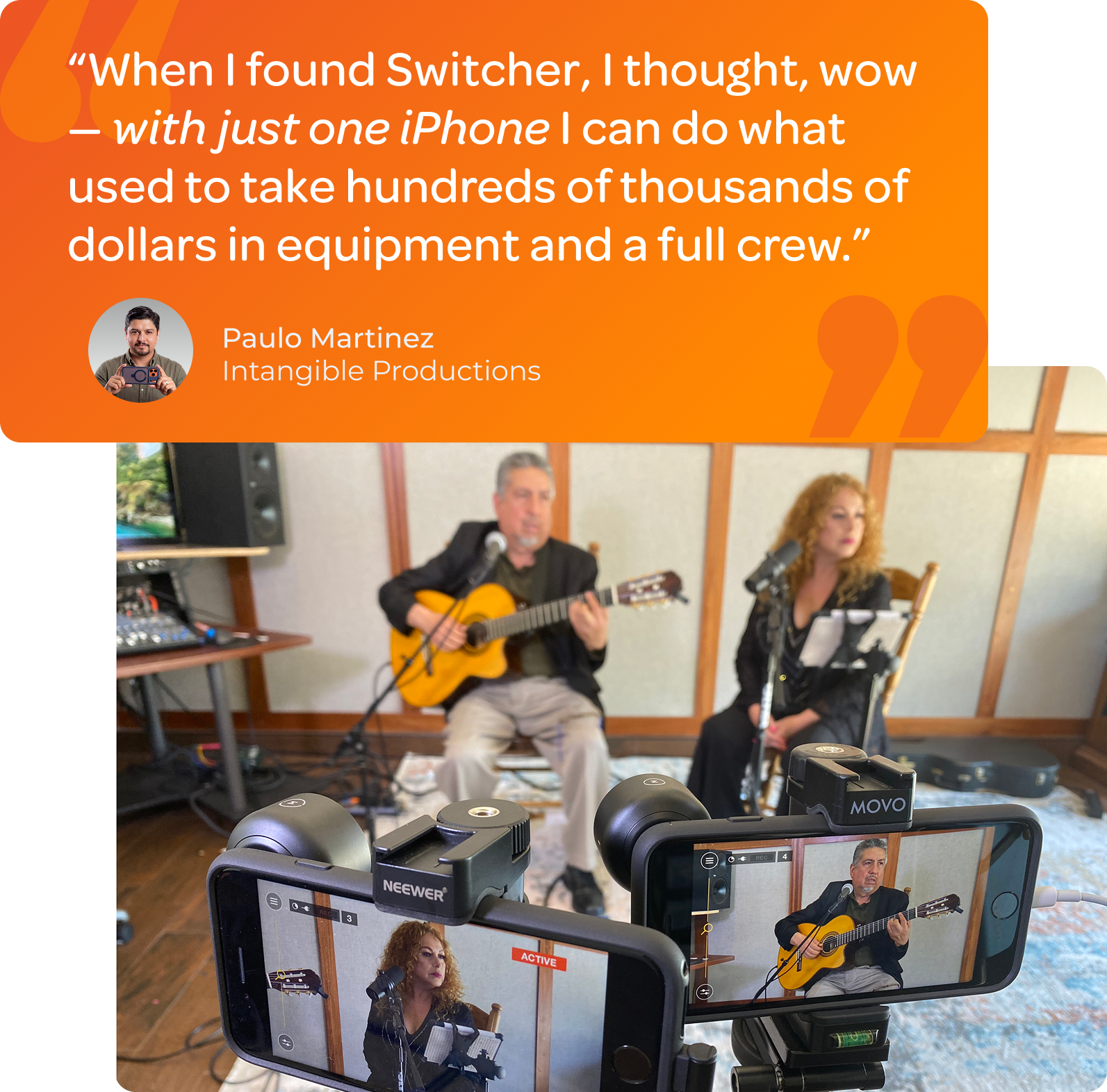
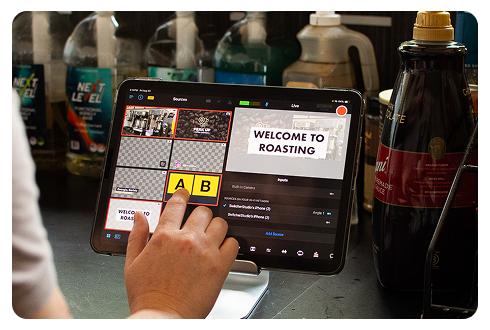
Why limit yourself when iPhones and iPads can do so much? With Switcher, you can connect up to nine iOS devices and turn them into high-quality camera angles for your live stream. Set them up around your space to capture every moment — from wide shots to close-ups — without needing to invest in extra gear. And with our video production software, transitioning between angles is as simple as tapping your screen.
Multiview scenes
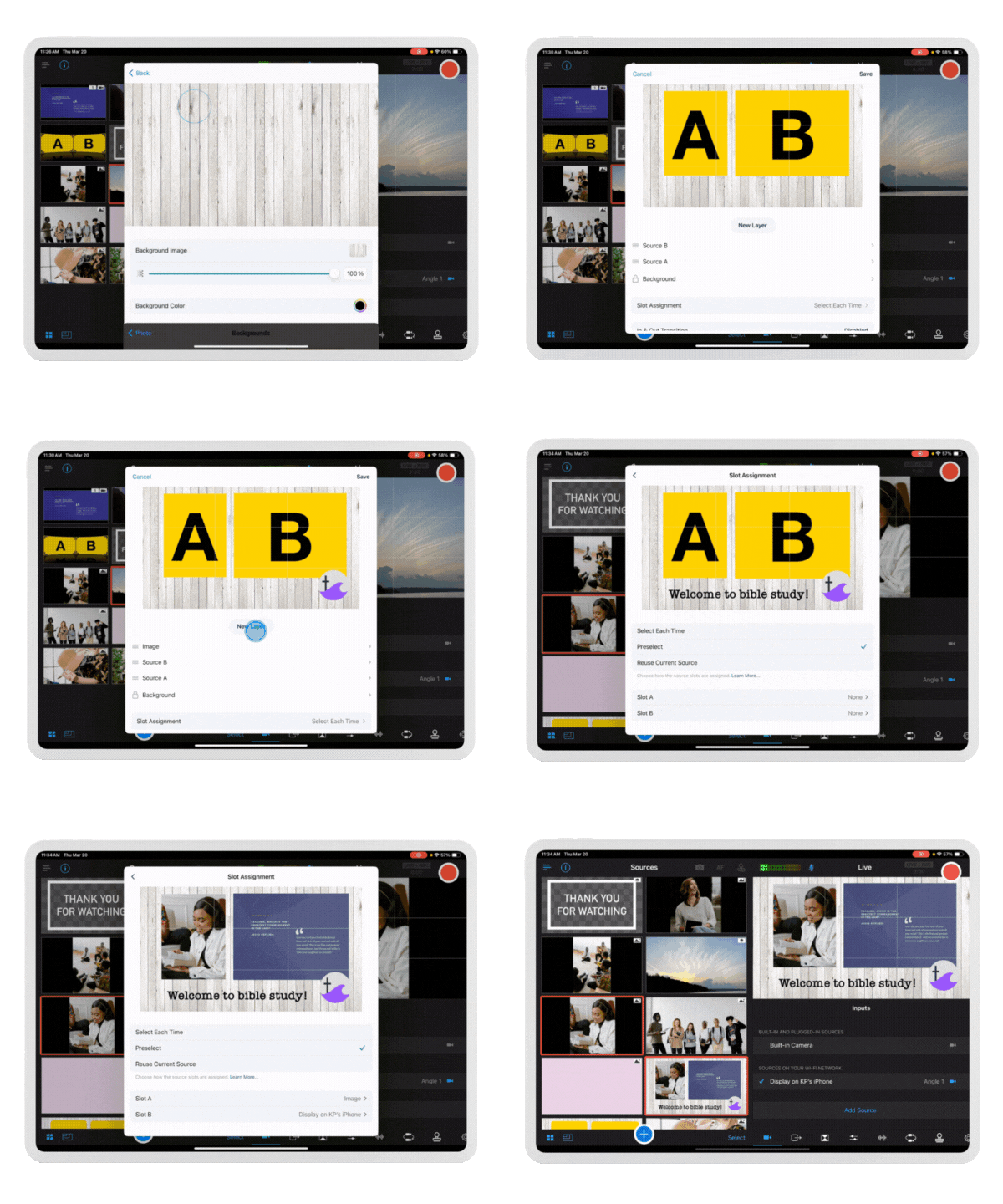
With so many cameras and sources to choose from, why stick to showing one at a time, especially when you want a headache-free stream? With Scene Builder, you can group assets like camera angles, prerecorded video, and text into a single layer. With just one tap, your multiview layout appears on screen. Showcase multiple views of a sermon or highlight the action from every angle of a game without the hassle of transitioning sources on the fly.
Professional cameras
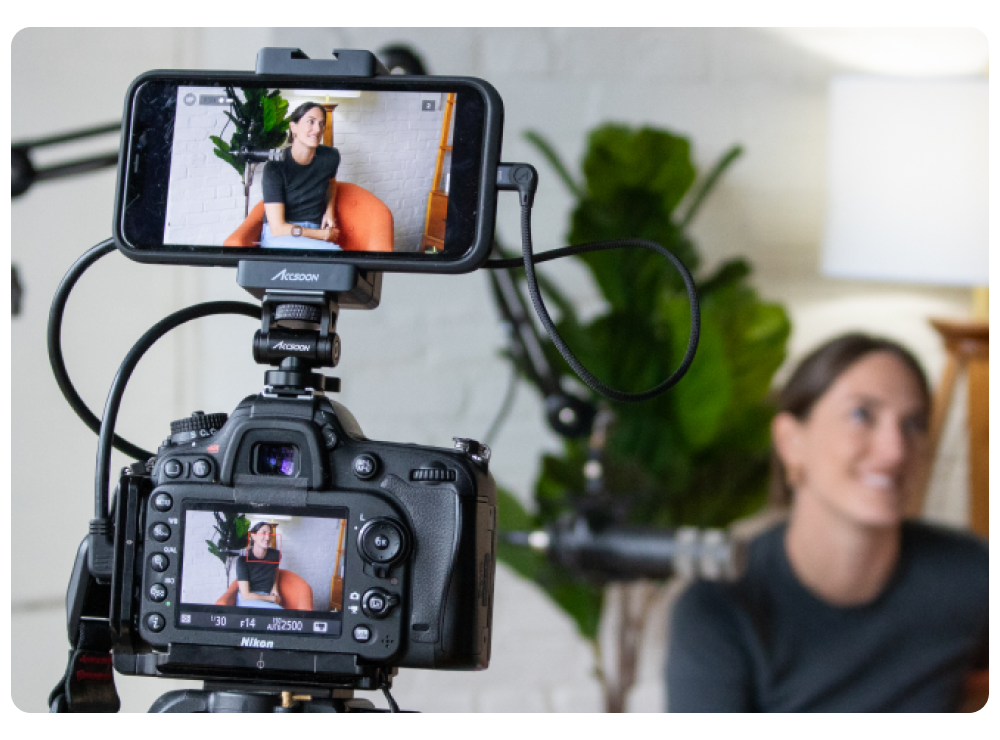
Of course, if you’re ready to take your stream to the next level, we can help with that too. Thanks to Switcher’s direct integration with the Accsoon SeeMo, any camera with an HDMI connection can be used as a source in your production. So whether it’s a DSLR, mirrorless camera, or GoPro, connect your camera directly and stream every detail with stunning clarity.
Remote guests
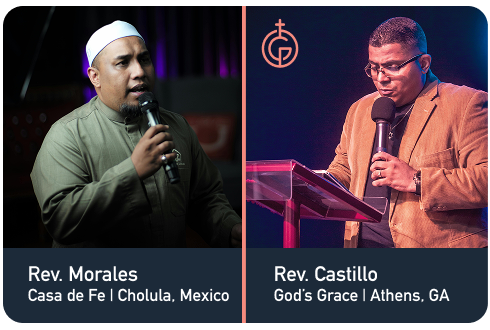
Spice up your stream with fresh voices. Remote guests can join your stream from anywhere in the world using nearly any smartphone or webcam. Host up to five guests at a time for dynamic, multi-perspective conversations — perfect for remote commentators or out-of-town speakers. Want to present a slideshow or demo? Guests can even share their computer screens as video sources, giving you more flexibility and control in every broadcast.
Screensharing & multisource cameras
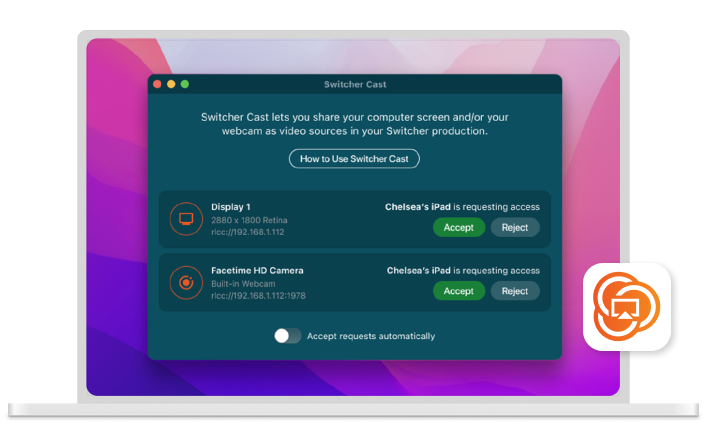
Switcher also helps you connect different sources, from webcams to screens. With our free Switcher Cast app, you can easily bring in Mac webcams, as well as screens from Mac, PC, and iOS devices. For example, share your screen to display a bible study presentation or player lineup showcase. We make it easy to integrate these sources and elevate your stream without the hassle of complicated setups.
