Not all USB ports are equal 🚨
Your mouse, keyboard or controller could be plugged into a slower / higher latency USB path without you realising.
- Find CPU-direct ports
- Avoid chipset-routed ports
- Reduce input delay
- Test your USB devices inside the HD OPTI app
🚨 WALLPAPER ENGINE USERS — RUN A SCAN NOW
Kaspersky found malware hiding in malicious Steam Workshop wallpapers.
How to check your PC:
1. Open Windows Security
2. Go to Virus & threat protection
3. Click Scan options
4. Run a Full scan
5. Then run Microsoft Defender
🚨 Is NetBIOS over TCP/IP still enabled on your PC?
This is legacy networking that most modern setups do not need anymore.
Disable it to help reduce unnecessary network exposure, cut background broadcasts, and improve your security posture.
Network Adapter → IPv4 → Advanced
🚨 Windows 11 Privacy Tip 🚨
Turn OFF “Recommendations & Offers” to reduce annoying ads, tracking, and background suggestions in Windows.
Settings → Privacy & Security → Recommendations & Offers and then disable everything in there
WINDOWS USERS 🚨
Want a quick FPS boost and a snappier PC?
Search “Transparency Effects” in Windows and turn OFF:
- Transparency Effects
- Animation Effects
🚨 YOUR PC IS SLOW BECAUSE OF THIS 🚨
Every app starting with Windows steals CPU + RAM before you even touch your mouse.
Fix it in 20 seconds: Settings → Apps → Startup Turn OFF anything that is not essential ❌
Go check yours now, Windows enables way more than you think.
Get Your PC Optimized Today 🚀
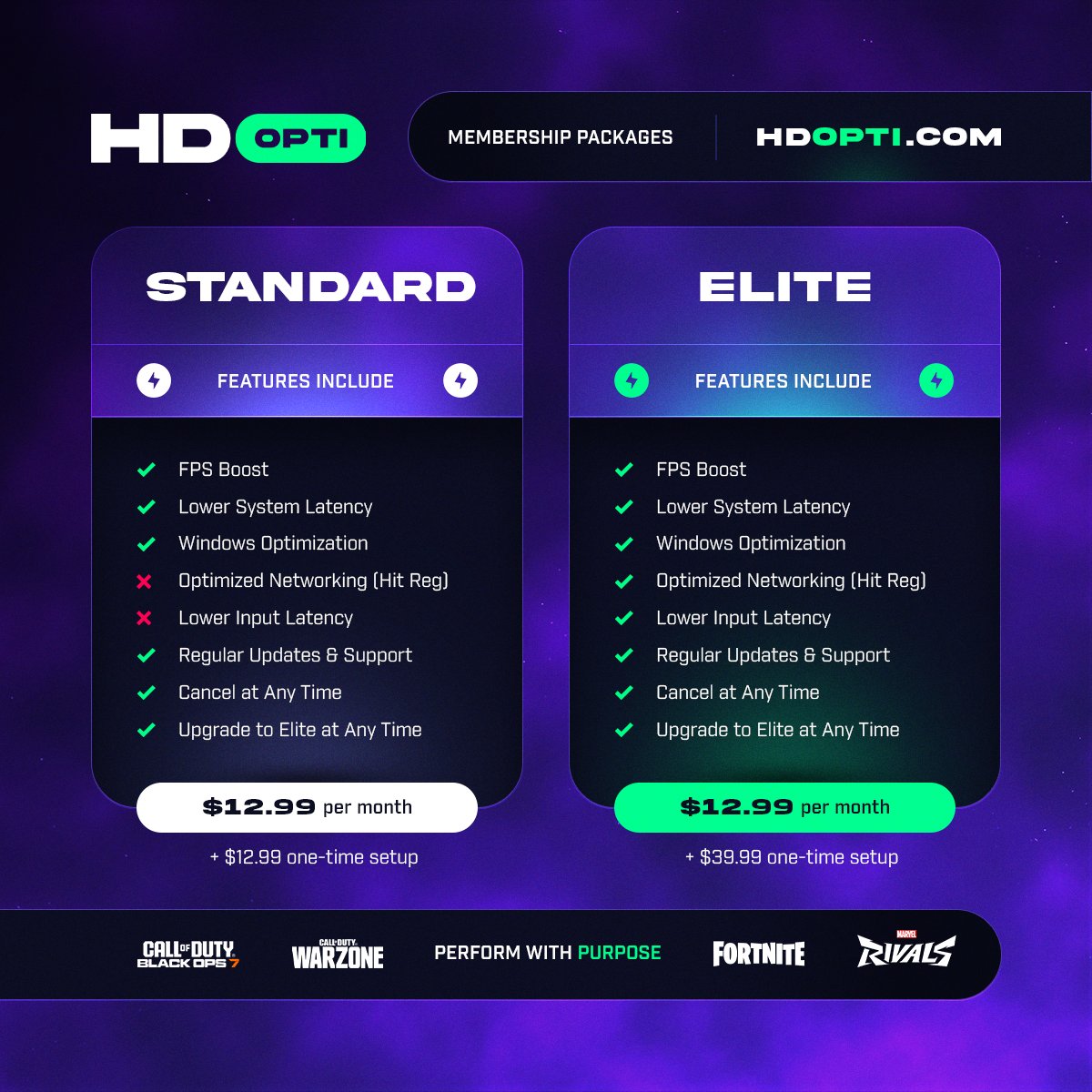
@HDOPTI automatically optimizes your PC for maximum performance and smoother gameplay.
✅ No Appointment Needed
✅ Download
✅ Click Apply
✅ You're Done
Get optimized today 👉 HDOPTI.COM
🚫 Disable File Explorer Search Suggestions in Windows 11
Want a cleaner search bar with fewer unnecessary suggestions and less saved search history?
1. Open Registry Editor
2. Go to: HKEY_CURRENT_USER\Software\Policies\Microsoft\Windows\Explorer
3. Create a DWORD called:
Windows 11 QOL tweak you need to enable 👇
Instantly close frozen apps without opening Task Manager:
1️⃣ Open Settings
2️⃣ Go to System > Advanced
3️⃣ Enable “End Task”
You can now right click on an app in task bar and end task on the app.