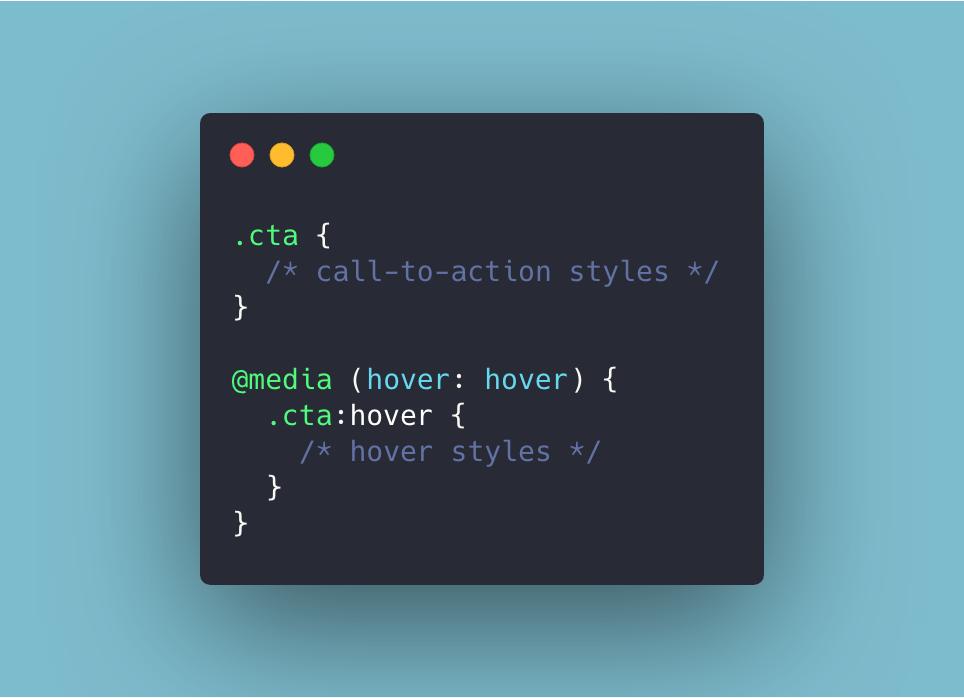
Rather than guessing at screen widths to remove hover states in your #CSS, you can use the hover media query. This tests whether the device's primary input mechanism can hover over elements.
Using the :focus-within #CSS pseudo-class can be really handy for styling parent elements whose children have received focus.
For example, adding styles to a form while the user fills it in:
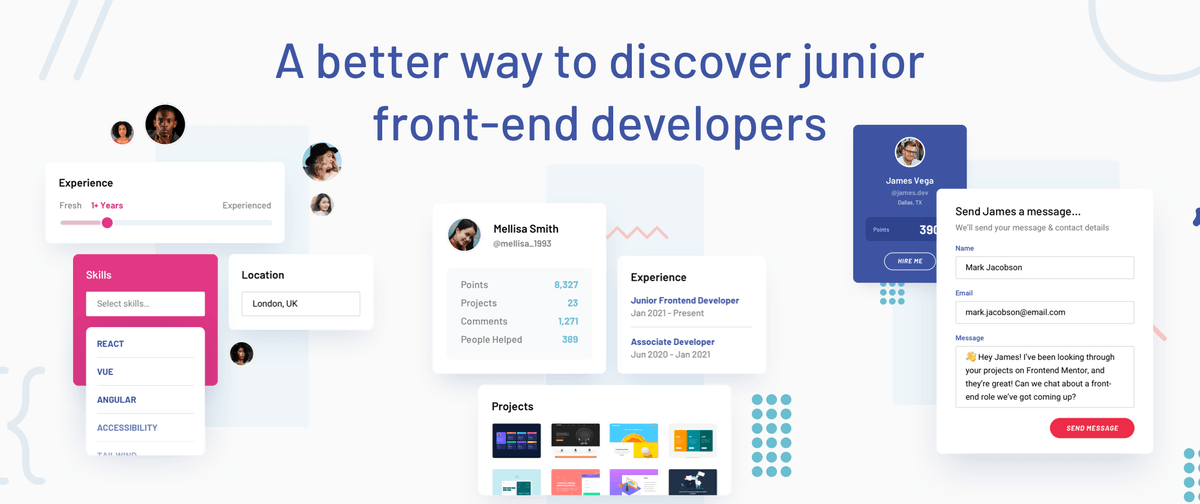
We're delighted to announce our upcoming Frontend Mentor Hiring platform! 🎉
If you want to discover junior front-end devs with hands-on experience building projects, this could be perfect for you!
Our mission will be to connect great companies with our incredible community 👇
Are you just starting to build front-end projects but don't know where to begin? We've got you sorted 🤗
Here are four small free HTML & CSS-only projects to get you started...👇
Adding smooth scrolling to a page used to only be possible with JS. Now you can do it in a single CSS declaration! 🥳
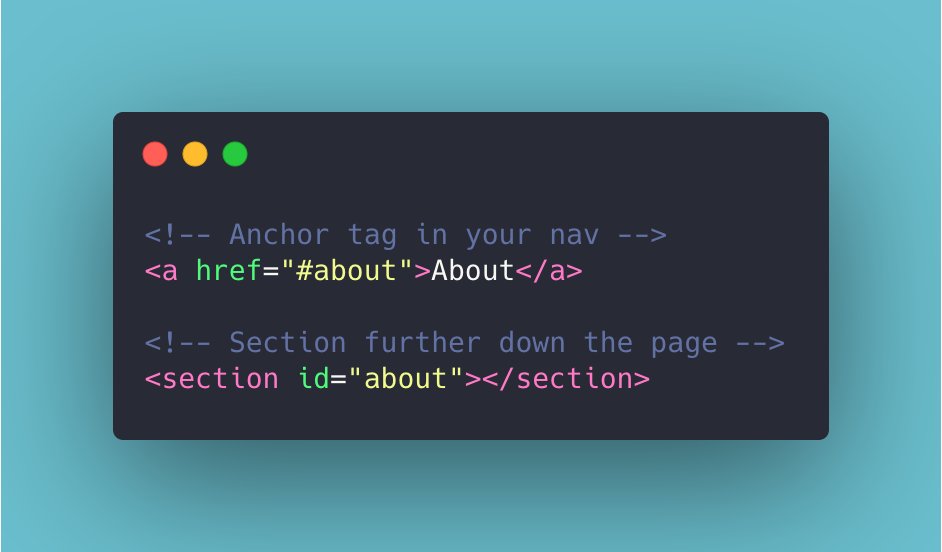
First, get your HTML set up with your navigation hrefs pointing to IDs throughout the page.
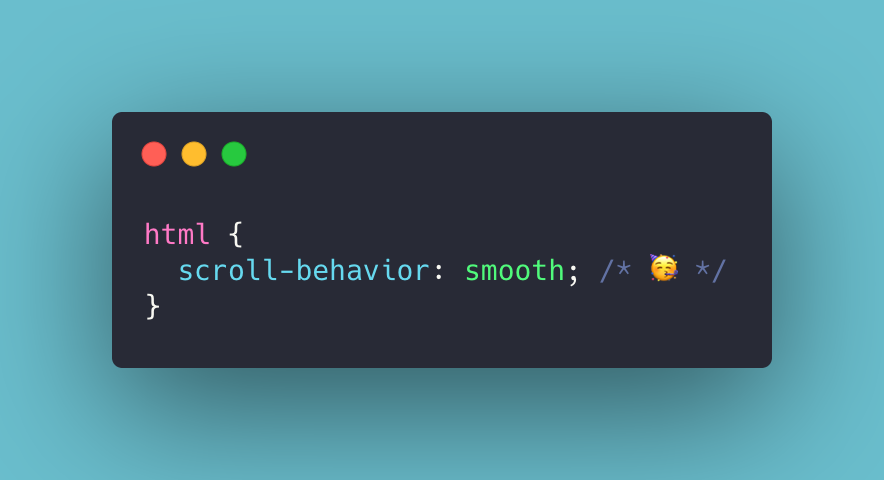
Then drop-in scroll-behavior smooth in the CSS and you're done! 🚀
🚨 PRO subscription giveaway 🚨
Erm...we've just crossed over 300,000 registered members on the platform!! 🤯
To celebrate, we're giving away 3x free one-year PRO subscriptions! 🤗🎁
To enter:
1️⃣ Follow us
2️⃣ Like & retweet this
Good luck! We'll draw 3 winners in 48 hrs 🎉
🎉 We've just had our 250,000th sign up on Frontend Mentor!! 🎉
To celebrate hitting a quarter of a million (🤯) registered members, we're doing a PRO subscription giveaway!
We're offering a one year PRO subscription to the lucky winner! 🎁
To enter, simply retweet this tweet!
🚨 PRO subscription giveaway 🚨
It's our 3rd birthday today!! 🥳🎉🎊🎂
We're offering a one-year free Frontend Mentor PRO subscription to a lucky winner to celebrate 🎁
To enter, simply retweet this message. A winner will be chosen at random in 48 hours. Good luck! 🍀
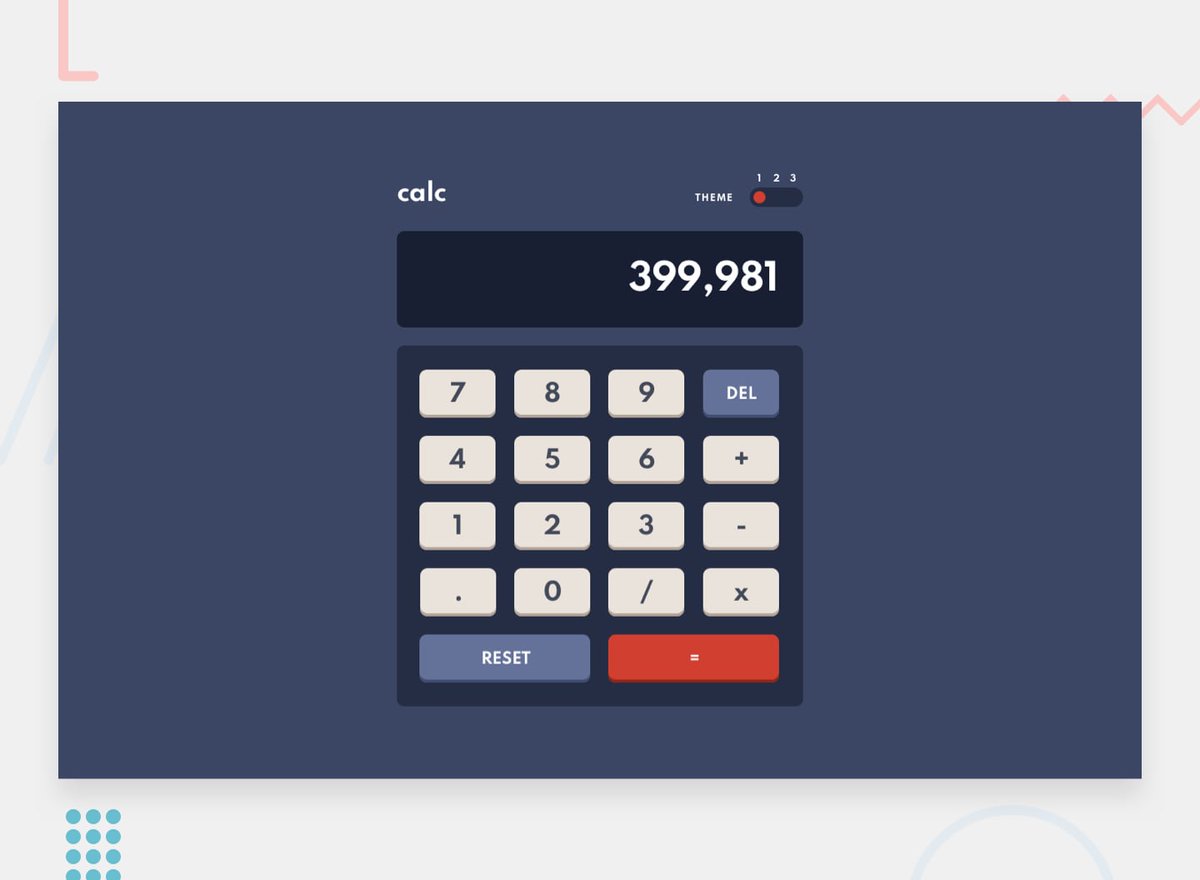
We've just launched a new FREE challenge! 🎉
This calculator app will be a perfect opportunity to practice CSS Grid and work on your JS skills.
The 3-palette theme switcher will be a nice additional test 😈
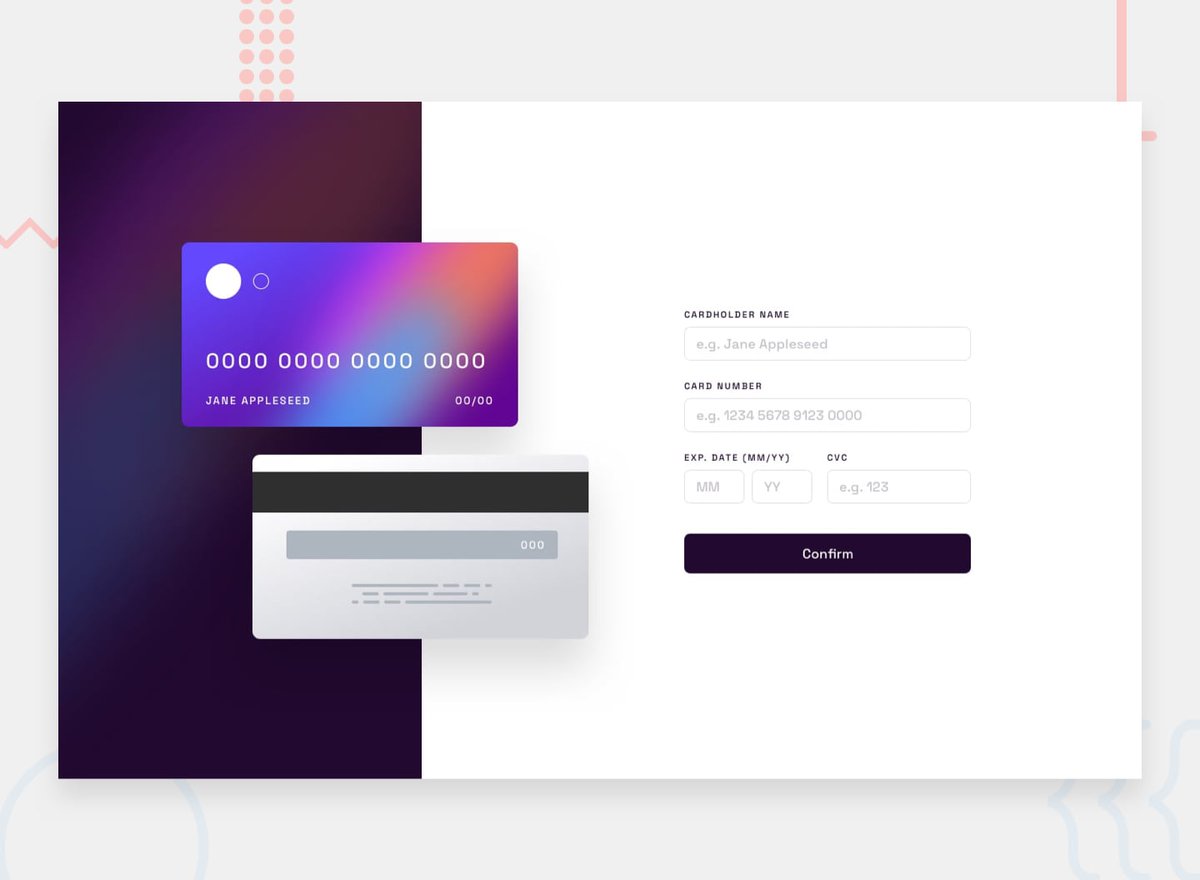
We've just launched a new FREE challenge! 🎉
This interactive card details form will be an excellent way to practice DOM manipulation and form validation while also putting your HTML and CSS skills to the test.
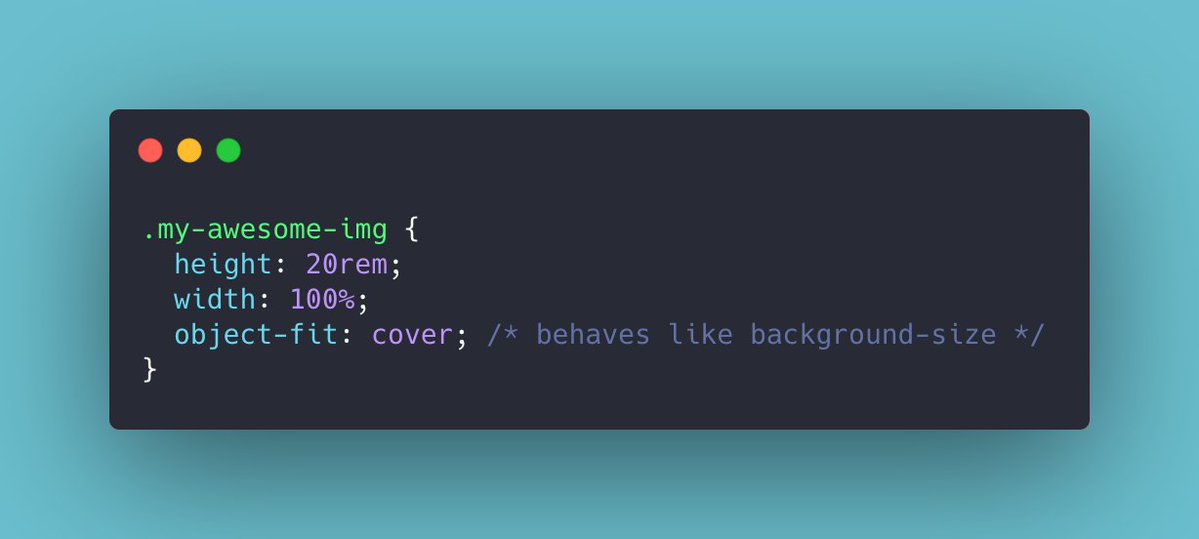
If you need to set a height & width on an img element but don't want it to become distorted, use object-fit.
This handy CSS property will allow you to resize the image while maintaining its aspect ratio. It behaves like background-size allowing values like cover and contain! 🙌
One of the most powerful patterns #CodeNewbies can learn is the container element.
It makes controlling the width of content much easier than using padding or margin on inner elements.
You can also set wide & narrow modifiers to vary the width of content throughout the page 🚀
🚨 PRO subscription giveaway 🚨
We've reached 10 000 members on our Discord Server 🥳🎉
To celebrate, we're giving away 1 free one-month PRO subscription 🎁🤗
To enter:
1⃣ Follow Frontend Mentor on Twitter
2️⃣Retweet this
Good luck! We will draw a winner in 24 hours 🤩
🚨 PRO subscription giveaway 🚨
We've just hit 400,000 registered members on Frontend Mentor!! 🥳🎉🎊
To celebrate, we're giving away 4x free one-year PRO subscriptions! 🤗🎁
To enter:
1️⃣ Follow us
2️⃣ Retweet this
Good luck! We'll draw the 4 winners in 24 hrs 🎉