






Build a personalized community where you have full control
Bring your members together in one seamless hub — discussions, groups, events, and real connections.


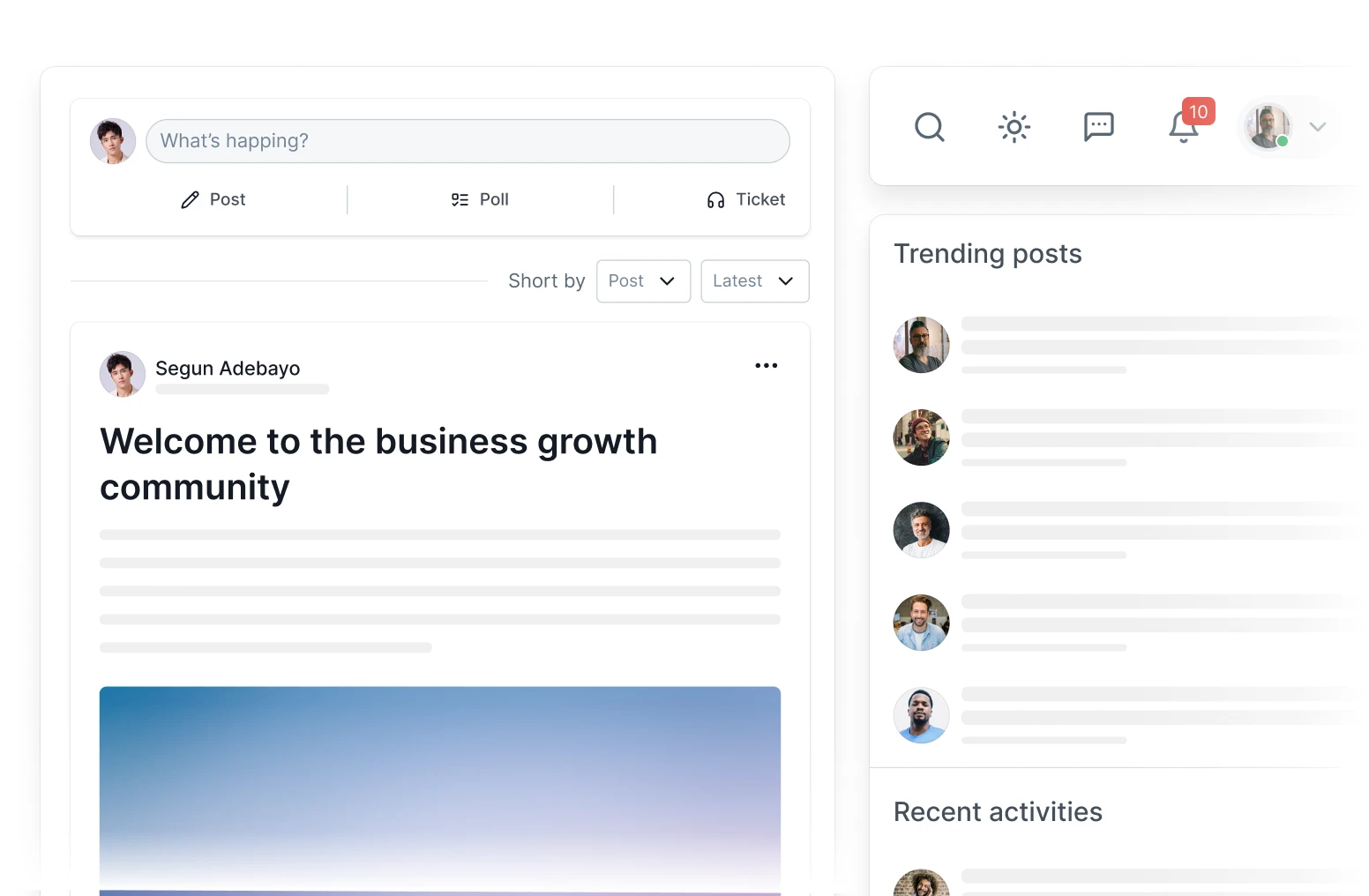
Real-time community hub
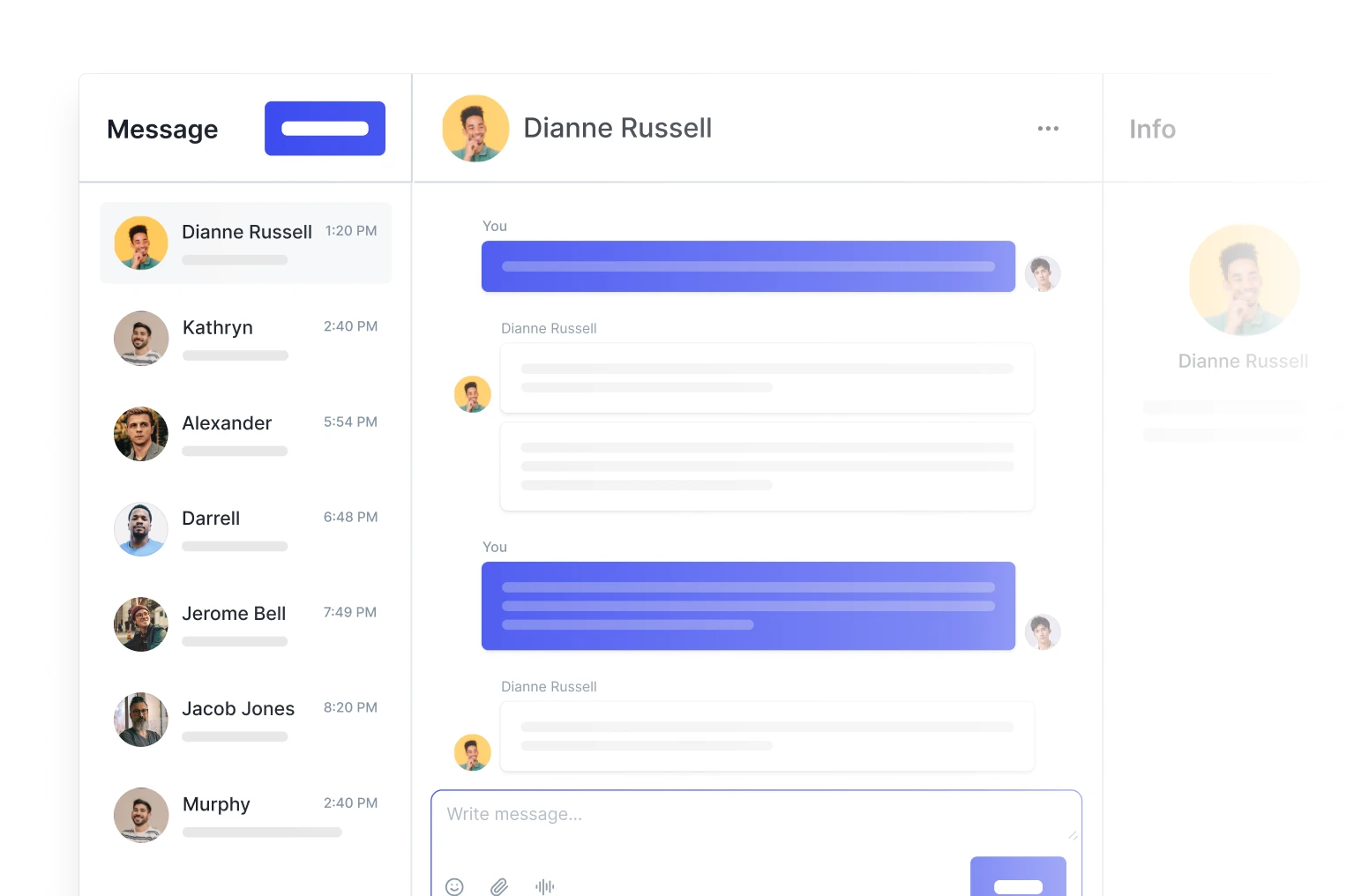
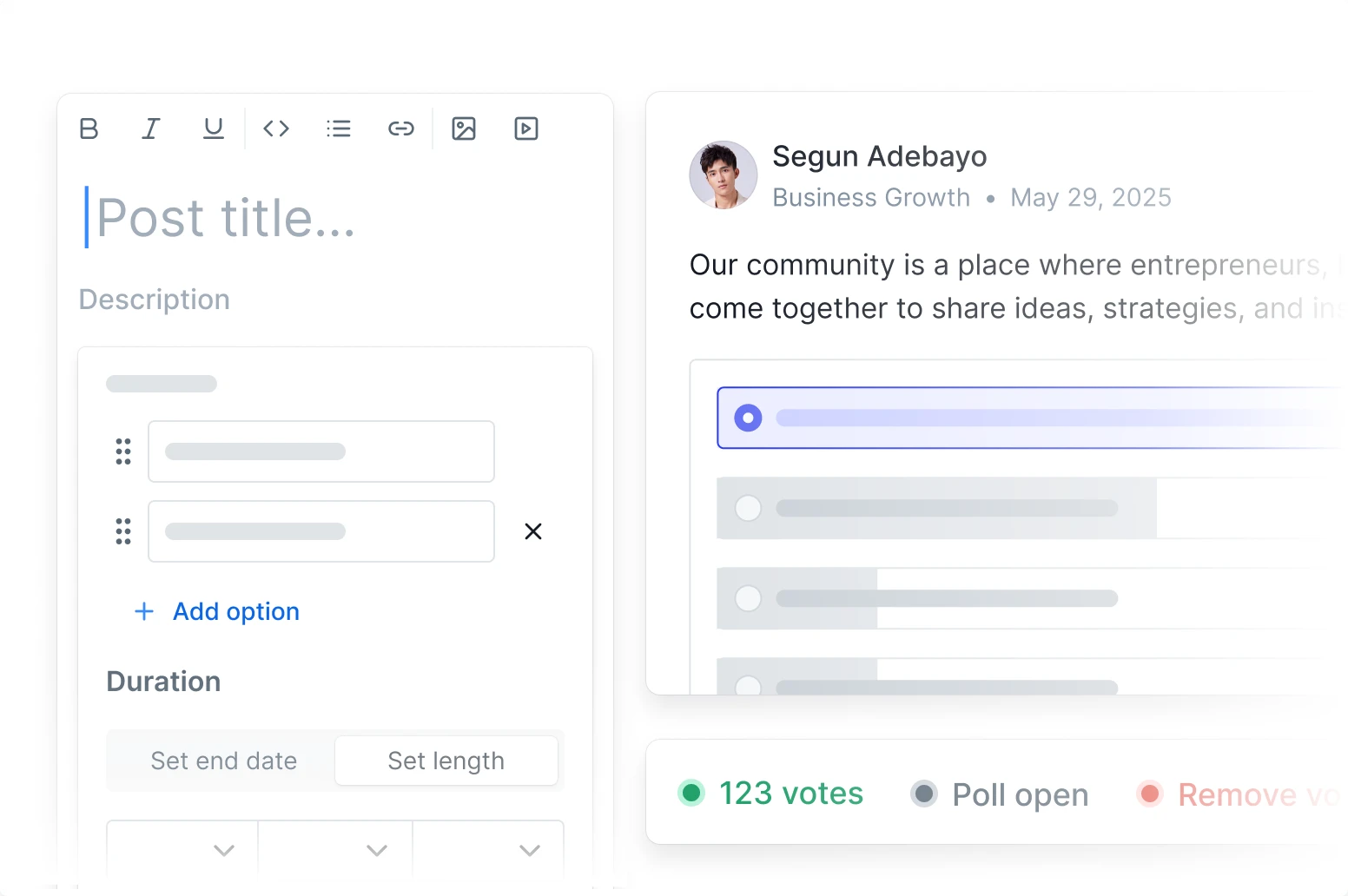
Everything you need activity feed, discussions, messaging, events, and support all in one plugin. No more switching tools.

Collections & group management
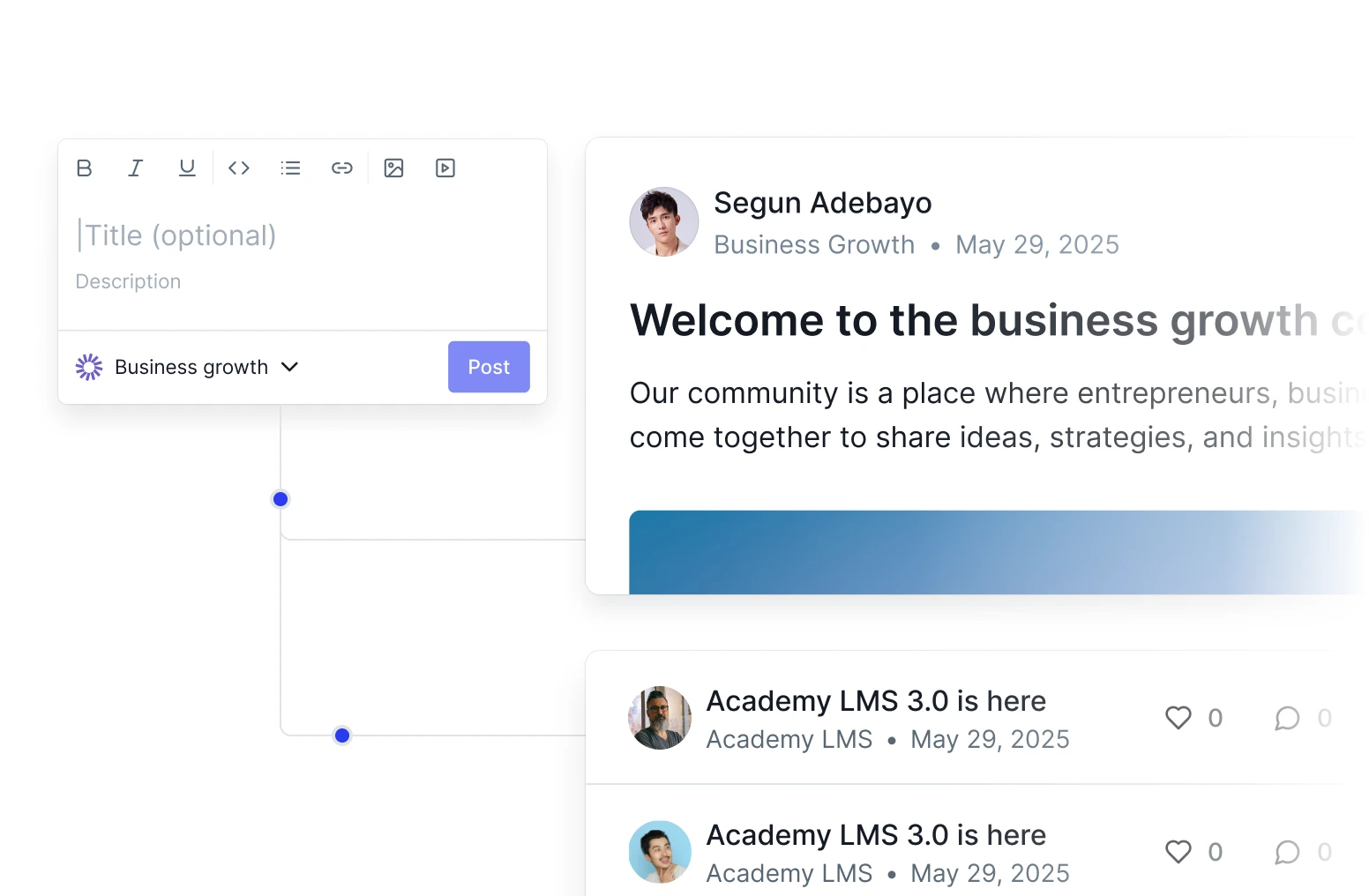
Create public, private, or hidden groups with custom rules. Perfect for teams, courses, or exclusive circles.

Roles & moderation tools
Flag spam, assign roles, approve content, and manage visibility. Keep your community safe and welcoming.
Build, engage, and connect all inside WordPress
ZenCommunity gives your members everything they need to share ideas, collaborate, and grow together.

Turn visitors into loyal contributors
Motivate participation with fun, social, and rewarding interactions that keep members coming

Leaderboards & recognition
Showcase top members and inspire friendly competition with real-time contribution rankings.
Mentions & hashtags
Tag others with @mentions and create trending topics with #hashtags — just like social media.
Bookmarks & notifications
Save important posts for later and get instant alerts on replies, likes, and updates.
Full control, your way
Manage growth, privacy, and branding without code so your community always reflects your
Granular privacy controls
Set communities or groups as public, private, or secret with custom access rules.
Global search & directory
Let members find people, posts, or content instantly with powerful, unified search.
Branding & custom slugs
Personalize colors, logos, and URLs to match your brand — no developer needed

Frequently asked questions
Empower your community with a complete set of tools designed to foster engagement, streamline communication, and provide seamless support
Do I need coding skills to set up my community?
No! ZenCommunity works right inside WordPress. You can launch discussions, create groups, customize branding, and manage members — all from your dashboard. No developer required.
How does ZenCommunity handle spam or toxic behavior?
Built-in moderation tools let you flag, hide, or remove unwanted content. Assign trusted members as moderators, and use role-based permissions to keep your space safe and welcoming.
Can members find each other and relevant content easily?
Yes! A searchable member directory and global search let users find people, posts, or topics in seconds. Hashtags and mentions also help surface conversations.
What kind of media can members share?
Members can post text, images, videos, GIFs, and links — and use emojis, @mentions, and hreaded replies to keep conversations engaging and organized.
Can I customize how my community looks?
Yes! Match your brand with custom colors, logos, and URL slugs. Your community will feel like a natural extension of your website — not a generic plugin.
