
Dark Mode & Accessibility
for WordPress
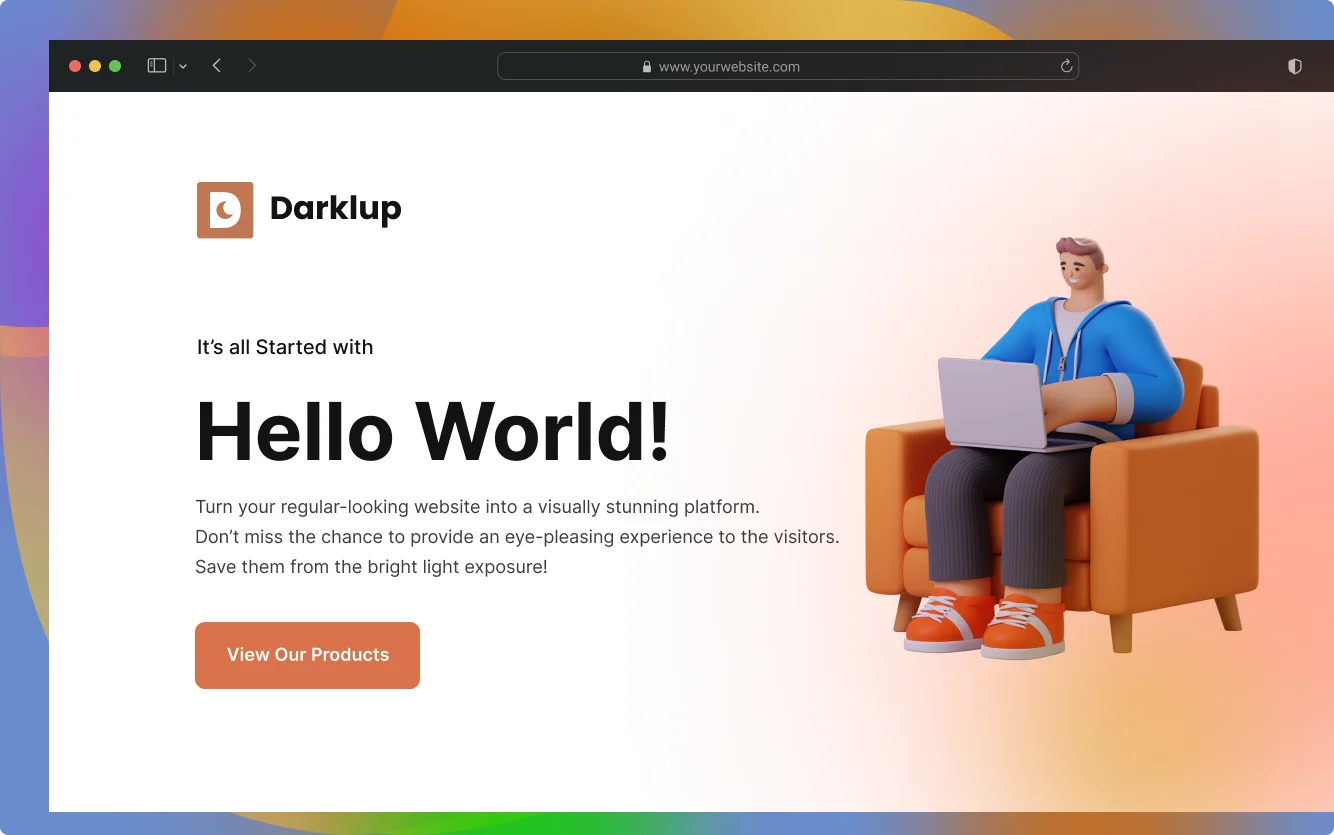
Over 80% of users prefer dark mode. Give every visitor a better experience. Reduce eye strain with stunning dark mode and empower users with 12 built-in accessibility tools.

Add Accessibility Without Rebuilding Your Site
Your visitors have different needs. Some prefer dark mode. Some need larger text. Some rely on screen readers. Darklup gives every visitor a panel they can control themselves so your site works for everyone.
- 11 ready-to-use accessibility controls
- Works instantly on any theme
- Floating panel with user-friendly UI
- Fully customizable behavior
Accessibility Menu
ALT + A
Dark mode that works before they ask. Automatic. Scheduled. Stylish.
Three features that make dark mode feel effortless for your visitors and for you.
Activates automatically on every OS
Automatically turn on dark mode for every operating system. Ensure a hassle-free dark mode transition for every visitor to your site before they even click anything.
Set a schedule. Let Darklup run it.
Set dark mode based on your schedule without any hassle. Darklup has the most advanced time-based setting to start and end dark mode on your website.
Customizable Floating Switches
Change the appearance of your floating switch button with 15+ unique pre-optimized styles. Versatility always matters for website visitors.
Dark Mode That
Actually Thinks.
Most dark modes just flip a switch and hope it works. Dynamic Color Mode looks at every element on your page, text, buttons, images, backgrounds, and adjusts each one properly. No setup needed. No broken layouts. No weird color issues.
Smart by Design,
Automatic by Default.
Four steps run in the background in milliseconds, so visitors just get a clean, perfect dark mode every time.
Darklup scans every visible element on the page, text, buttons, cards, images, backgrounds and icons
Each color is evaluated based on how bright it looks to the human eye, not just its hex value.
Light elements are darkened. Dark ones stay or get slight tweaks. Each element is handled on its own, never all at once.
Portfolio, WooCommerce store, blog or corporate site, it adapts to your design. No theme or plugin conflicts.
Any Site. Any Design.
Always Looks Right.
Dynamic Mode adapts to your site, not the other way around.
Hero images stay crisp. Bright galleries shift into clean dark tones. No color inversion, no washed out photos, just your work at its best.
Product images stay true to life. Price badges, CTA buttons and trust signals adapt cleanly. Shoppers get a premium dark experience with zero CSS tweaks.
Long form reading in dark mode feels great when done right. Body text, headings, quotes and images all adapt without hurting readability.
Brand colors stay intact, not broken. Logos, accents and team photos render as they should. Your site looks professional in both modes.
Advanced Image
Replacement Support.
No more confusion about the appearance of the image in dark mode. Now you can easily set different images for the dark mode and light mode. Images will automatically change based on visitors' dark/light mode settings.
Get Darklup Pro →

Custom CSS
Support.
Change the color of a particular section of your website with your coding expertise. Because Darklup will give you the full opportunity of using custom CSS support settings.
Get Darklup Pro →
WooCommerce
Integration.
Your store is too important to break. Darklup makes WooCommerce dark mode ready, product pages, cart and checkout, no code needed.
Make your payment directly into our bank account. Please use your Order ID as the payment reference. Your order will not be shipped until funds have cleared.





WALL OF LOVE
People's Thoughts on Darklup

Stig
@stigsolberg
I had a customer asking me for dark mode on their website. I searched the web and tried out all the plugins available. I really loved Darklup and got a unlimited site license to use on all my clients website. I really look forward to se the development of Darklup.

leopage
@leopage
I love the dark mode, which is now available in almost every good app. But I have always missed it on websites. So it’s even nicer that I can now make my own website “darkmodefriendly” with DarkLup!
Ronen
@ronenpg
with lot’s of options to custom your button, the color and much more, great support for any issues, working great on my websites!

Yam Yuen
@nnpnam
I believe that Darklup is the best all-in-one dark mode plugin for WordPress. I have been pleased with the quality customer service that I have received from Darklup. I highly recommend it!
The best plugin for those who wants to implement Dark/Light mode in their websites. Its easy to use and feature rich

Ashishsalunke
@ashishsalunke
I purchased the plugin for personal sites to improve the user experience. Nice thing that I personally like about the plugin is it’s really simple to use. They take care of every little thing that matters from the users point of view.

eigme
@eigmE
Definitely a complete dark mode plugin for WordPress. We use several sites for our own and client-side. We find it very useful and increase conversion, dwell time and pleasure eyes with low contrast light. Can use any color, that easy to build the brand. Hats off to you Darklup.
Super fast. Lightweight. Get the Pro Version Now.
Dark mode, accessibility panel, 15+ switches and more, all in one plugin.
