Writing tools are included with Advanced. Included with every plan: one-click AI SEO & metadata.
Explore by category
Everything you need, organized around your workflow
Open a category to browse its features. Everything stays on this page, but only the section you are interested in needs to be visible.
Writing and PublishingCreate, organize, and publish polished content.22 features
Most used
Editing
A powerful editor with every tool you need, designed to stay out of your way.
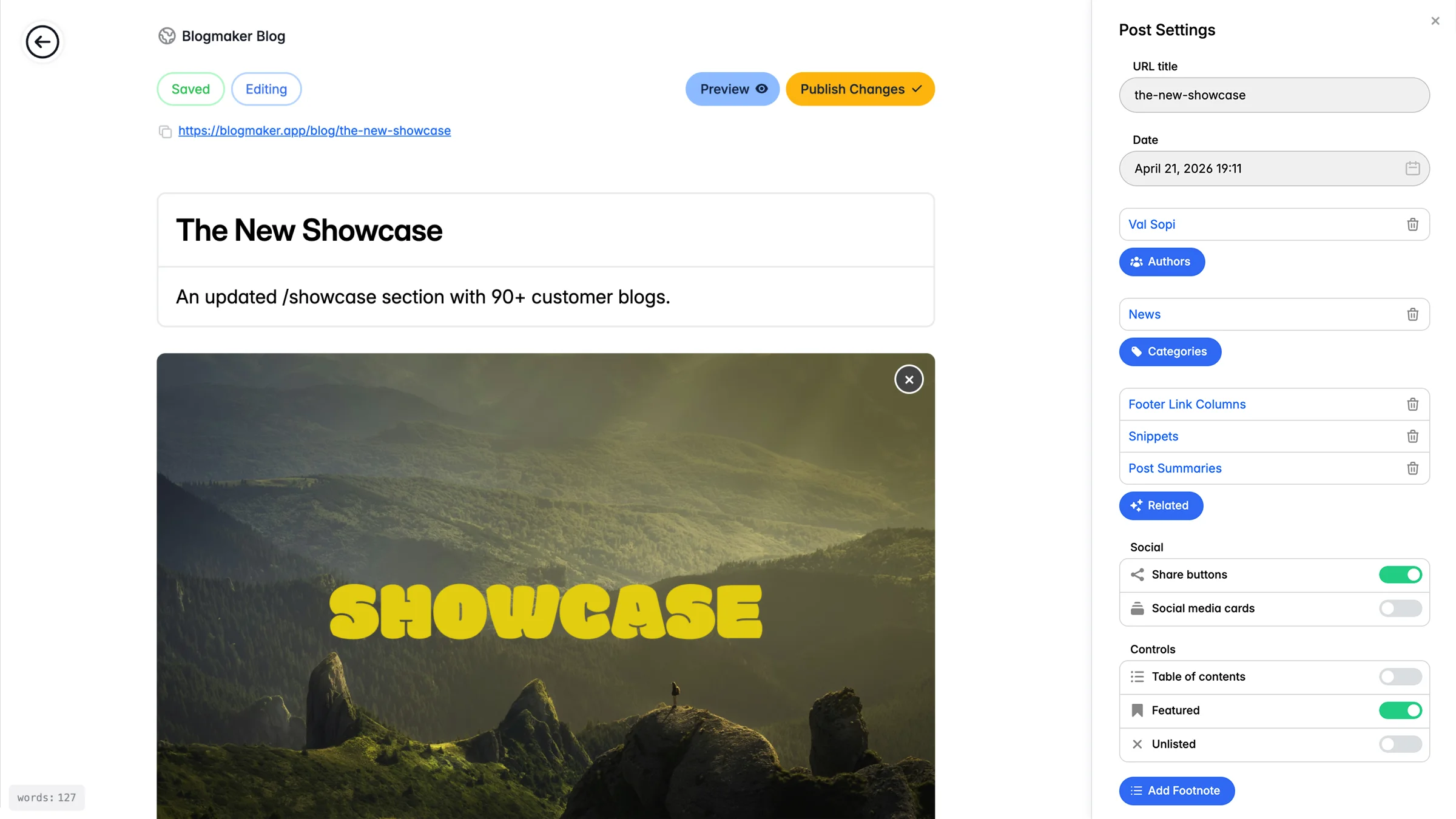
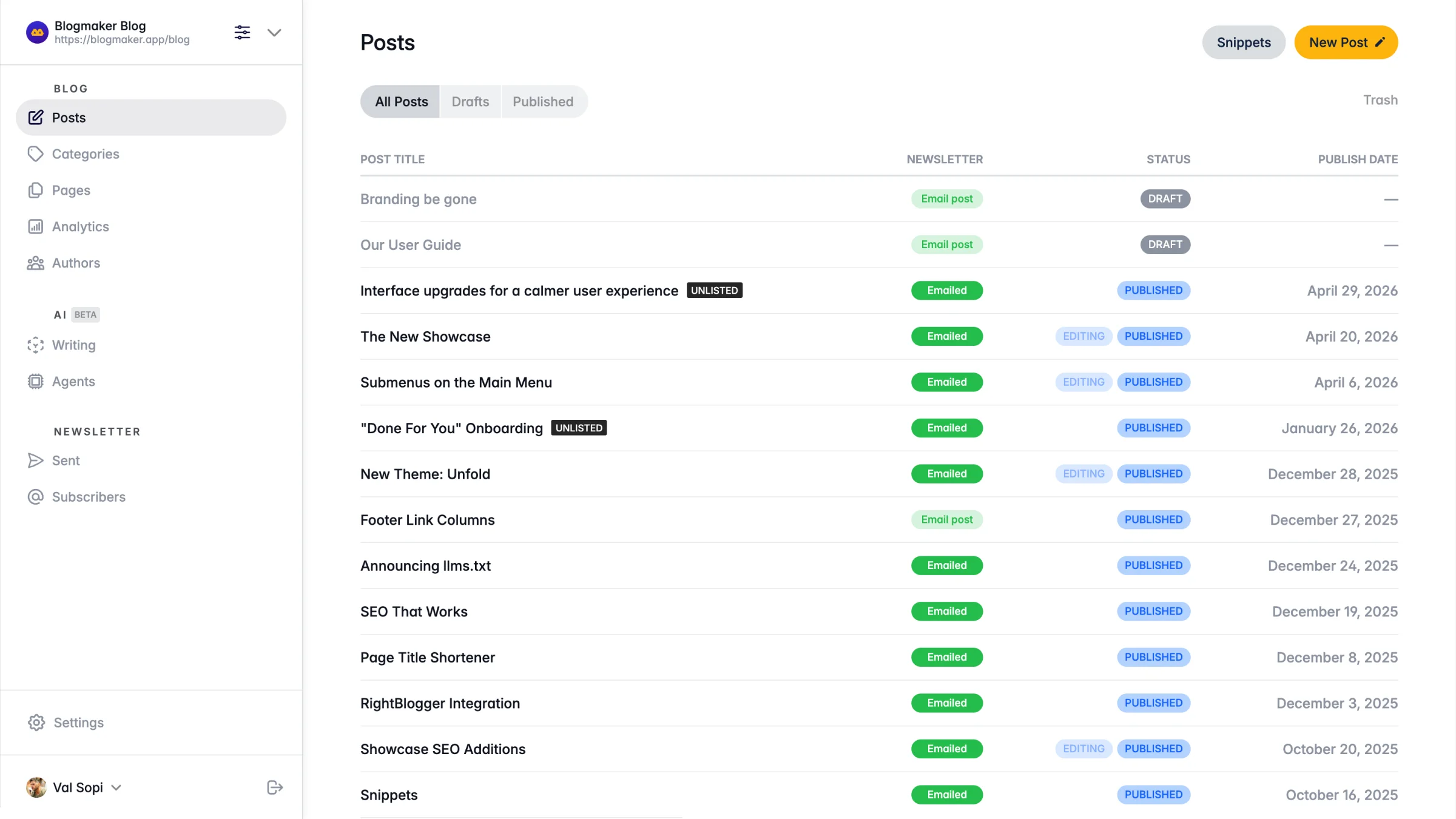
Posts
Create articles and organize them into categories and tags to keep your content structured.
Pages
Create standalone pages that appear in the header or footer of your blog.
Categories
Organize posts into categories to structure content and help readers explore your blog.
Tags
Group related posts and help your readers discover more of your content.
Authors
Invite others to write for your blog and publish under their name and profile photo.
Scheduled Posts
Write today and schedule publishing so posts appear automatically at the right time.
Related Posts
Show similar articles at the end of each post and guide readers to what's next.
Recent Posts
Show your latest posts below each article and keep readers exploring your blog.
Featured Posts
Highlight important posts and keep them featured at the top of your blog.
Reusable Content
Create linked text, editor sections, and CTA cards once, then use them across posts and pages. Learn how it works.
AI-Generated Metadata
Generate editable SEO, social, URL, schema, category, tag, and related-post suggestions from your article, then choose exactly which fields to apply.
Twitter Cards
Show your post with a unique title, description, and image when it's shared on Twitter.
Facebook Cards
Show your post with a custom title, description, and image when it's shared on Facebook.
Image Galleries
Insert multiple galleries in a single post and open images in a polished lightbox.
Image Uploads
Upload JPG, PNG, GIF, and WebP images directly into posts and pages, including featured images and galleries. See recommended sizes.
Popular
Free Stock Media
Search Unsplash and Pexels inside the editor, use any stock photo as the post's main image, or insert credited photos and videos without leaving your draft. Alt text and captions stay editable. Learn how it works.
Video Uploads
Upload MP4 or WebM video files up to 50 MB, add a poster image, and control their size and playback.
YouTube & Other Embeds
Paste a public URL to embed YouTube, Vimeo, podcast players, forms, maps, presentations, social posts, and more.
Code Blocks
Insert standalone code, embeds, and custom HTML and have them render in your posts.
Table of Contents
Turn headings into a nested table of contents for long and structured articles.
Footnotes
List your resources and have Blogmaker show them neatly at the end of the post.
Design & LayoutMatch your blog to your brand without rebuilding it.5 features
Quick start
Color Schemes
Choose a color scheme in Design Studio, then fine-tune individual colors. Keep your selected palette visible even when its controls are collapsed.
Popular
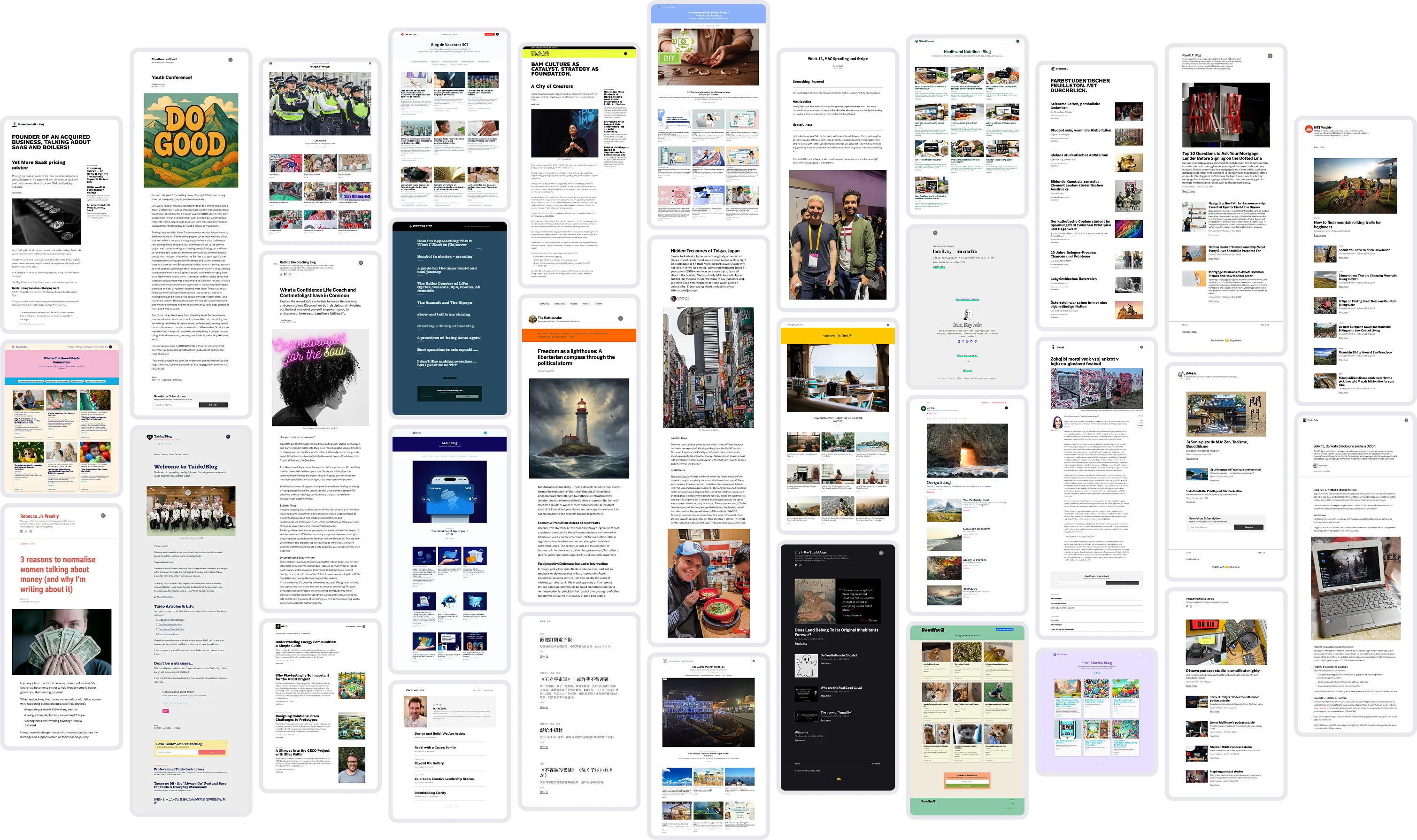
Visual Design Studio
Customize branding, typography, headers, footers, and content layouts in Design Studio. Preview desktop, tablet, and phone designs, then publish your draft.
Translations
Translate interface elements so your blog matches the language you write in.
Pagination
Set pagination rules and have them repeat across the homepage and category pages.
Social Icons
Manage your profile links and custom icons in General. Show them in the header, banner, or footer, and hide footer icons independently.
Reader InteractionsHelp readers subscribe, discover, and share your work.6 features
Email Collection
Place email capture forms in any post or page, optionally collect names, and manage every address in a filterable, exportable list.
Popular
Contact Forms
Add contact forms anywhere, receive owner notifications, and review, filter, export, or answer messages from one inbox.
Growth essential
Newsletter
Choose site-wide signup or forms placed exactly where you want. Manage newsletter branding, welcome emails, and wording in Forms, then email published posts to confirmed subscribers.
Private Posts
Give subscribers access to exclusive posts published only for them.
Sharing Buttons
Choose the sharing platforms, order, and text or icon style under Content in Design Studio. Control whether buttons appear on posts and pages.
Search
Give your readers a quick way to find any of your articles by title or content.
Platform & HostingDomains, SEO, analytics, security, and managed infrastructure.14 features
Your Content
Your posts belong to you. Blogmaker simply provides the tools to run a hosted blog.
Free Subdomains
Use a free (sub).bmaker.app domain and start blogging in minutes.
Your Custom Domain
Connect your own domain and publish worldwide under your brand.
Serve on /subdirectory
Host your blog within a /subdirectory of your main website.
Core feature
SEO Ready
Built-in on-site SEO helps your writing rank and reach more readers.
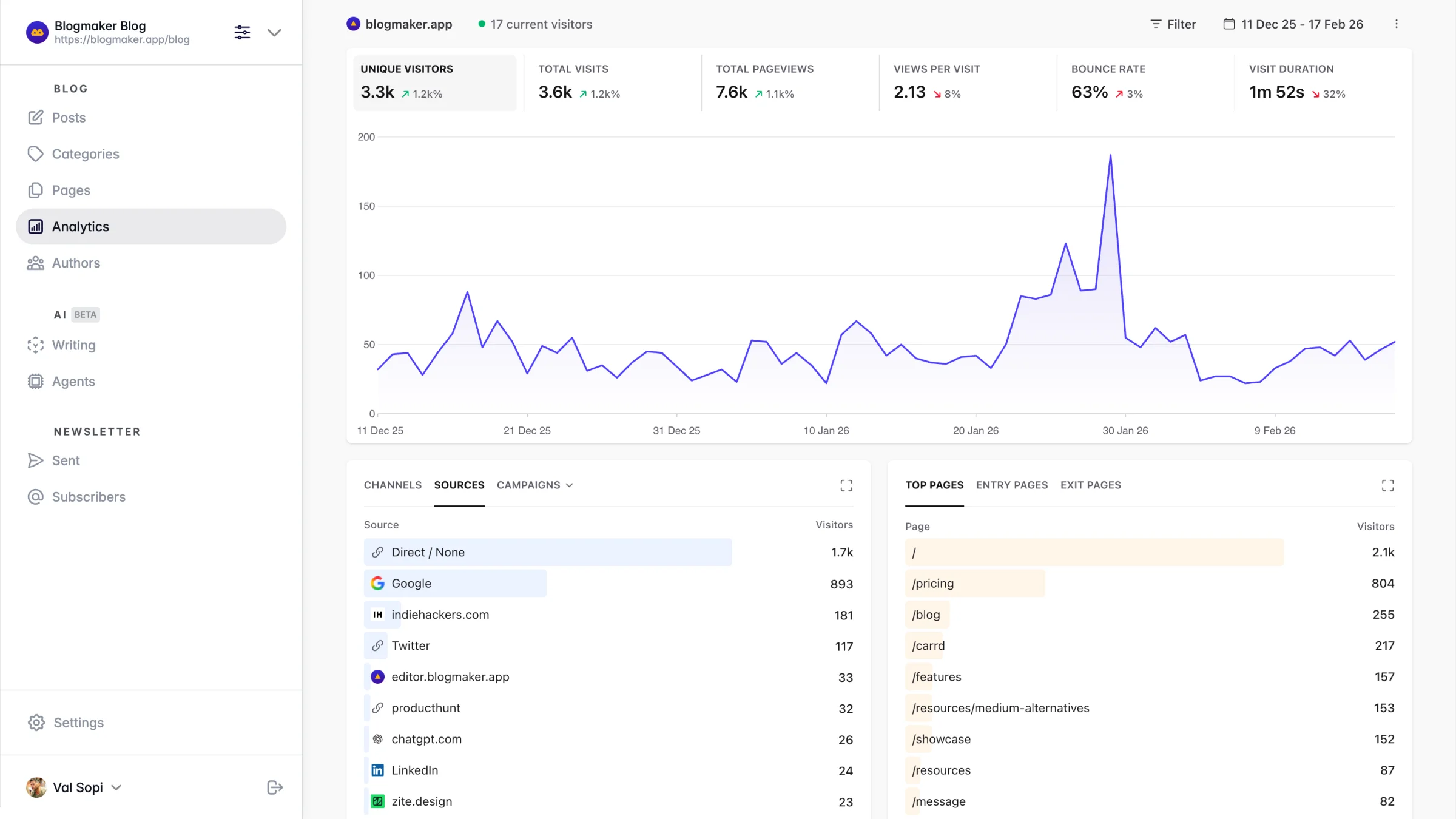
Built-in Analytics
Use privacy-first analytics right out of the box to understand your audience.
Your Analytics
Add any third-party scripts to track visits and page views from visitors to your blog.
No Coding Required
Everything works out of the box and is ready to go with no code needed.
Included
Hosting Included
Fast, secure, and fully managed hosting is included.
Constant Backups
Automatic backups keep your published content safe and secure.
Free SSL Certificate
Your blog includes its own SSL certificate, ready within minutes.
Two-Step Verification
Protect your account with a passkey, security key, or authenticator app.
Sitemap
Your sitemap updates automatically every time you publish.
RSS Feed
A ready-to-use RSS feed lets others follow your content easily.
Fully Supported
We're here to help you succeed. Reach us anytime at hi@Blogmaker.app.
Advanced FeaturesConnect an AI assistant with MCP, or extend Blogmaker with APIs and code.9 features
Customizable CSS
Use Custom Codes in Design Studio for CSS, HTML, and scripts. Save and preview a draft before publishing it.
robots.txt
Edit your robots.txt file to allow or disallow crawlers on any section.
Markdown for LLMs
Posts are automatically available as clean Markdown for improved LLM support.
Code Injections
Insert code in the header or footer that repeats across every page.
Non-auth JSON API
Your blog generates JSON files that can be called from any external build.
Developer favorite
Publishing API
Create drafts, edit native content, upload images, and publish from your own tools. Explore API v2.
MCP Connection
Connect a compatible AI assistant to write and revise drafts, upload images, publish, and explore analytics on Advanced. Sign in and approve access to one blog at a time. Set up MCP.
SEO safeguard
Redirects
Redirect old URLs to any destination without losing visitors or SEO.
Embed Latest Posts
Add a simple script to display your latest posts on any website.
Why teams choose BlogmakerExplore the practical benefits of a fully managed publishing platform.12 benefits
Zero Maintenance Publishing
No updates, plugins, or upkeep: Focus on writing while the platform handles security, updates, and reliability.
Hosting Included & Fully Managed
Everything runs for you: Secure hosting, SSL, speed, and uptime are handled automatically.
Fast & Lightweight Performance
Built for speed from the ground up: Pages load quickly, improving user experience and search rankings.
Built-In SEO Infrastructure
Designed to rank in search: Schema, metadata, sitemaps, and performance optimization help you grow organic traffic.
Authority & Business Credibility
Publish like a professional brand: Create a trusted presence that strengthens reputation and expertise.
Audience Ownership
Build direct relationships: Capture subscribers and communicate without relying on social platforms.
Professional Social Sharing
Give shared posts a consistent look: Customize generated social-card colors and inspect the image preview in Design Studio.
Multi-Author & Team Ready
Built for collaboration: Manage contributors and scale publishing across teams.
Full Customization Without Complexity
Preview before publishing: Customize each component visually, add CSS or custom code when needed, and review the draft before it goes live.
Secure & Reliable Infrastructure
Built for peace of mind: Security upgrades, monitoring, and reliable infrastructure keep your site safe.
Accounts You Can Lock Down
A stolen password is not enough: Optional two-step verification protects every account with passkeys, security keys, or an authenticator app.
Migration & Support You Can Trust
Help when you need it: Smooth migrations and responsive support ensure you're never stuck.
Designed for Long-Term Growth
Built for authority, not quick posts: Everything supports sustainable SEO growth, credibility, and audience building.
Ready to publish?
Start a professional blog without managing plugins, hosting, or maintenance.
 Blogmaker