
Everything Yoomru does
Built for one job: keeping your store present on social media without you thinking about it.
Eleven networks, one setup
Connect the accounts you already post to. Every Page, board and location arrives as its own channel, and the tokens that expire are refreshed for you.
Every account is its own channel
- A Facebook Page, a Pinterest board and a Google location are three separate channels
- Instagram adds two: the feed account and a Story channel of its own
- Auto-share, the post template and the schedule are all set per channel


You hear about it first
- Tokens that expire are refreshed in the background before they run out
- A rejected channel is disabled and flagged, not left failing quietly
- Reconnecting keeps the settings, labels and everything already scheduled
Instagram · The Aurora Linen Dress. Tap for the exact error.
The network rejected its access. Reconnect to resume posting.
Posts fall back to their template text until next month.
The eleven, and what each one takes
Every network has its own page: the formats it accepts, the limits it enforces, and how Yoomru works inside them.
Facebook
Share products to your Facebook Pages: images, link cards and a first comment included.
Instagram
Post to Feed and Stories on business accounts, with auto-fitted images and story canvases.
 X (Twitter)
Product announcements with up to 4 images or a video, kept within the character limit.
X (Twitter)
Product announcements with up to 4 images or a video, kept within the character limit.
 TikTok
Publish product videos and photo posts straight to your TikTok account.
Pinterest
Turn products into pins with images, titles and destination links to your store.
TikTok
Publish product videos and photo posts straight to your TikTok account.
Pinterest
Turn products into pins with images, titles and destination links to your store.
 YouTube
Upload auto-generated product videos, ready for Shorts.
YouTube
Upload auto-generated product videos, ready for Shorts.
 LinkedIn
Post to your profile or company pages with media and rich link cards.
LinkedIn
Post to your profile or company pages with media and rich link cards.
 Threads
Share products as text, images or link attachments.
Google Business Profile
Publish posts with CTA buttons to your business locations.
Telegram
Post to channels, groups and chats with albums, silent posts and link buttons.
Threads
Share products as text, images or link attachments.
Google Business Profile
Publish posts with CTA buttons to your business locations.
Telegram
Post to channels, groups and chats with albums, silent posts and link buttons.
 Discord
Send product updates to your server channels via a bot.
Discord
Send product updates to your server channels via a bot.
It posts by itself
A product going live in Shopify is the trigger. Planners keep the back catalog moving on a schedule, on your store's clock.
Publishing a product is the trigger
- Hold every launch for a review window before the first post goes out
- Stagger channels so one product does not hit every network in the same second
- A per-channel collection filter decides which products each channel receives
Facebook
Posted
Instagram
Posted
Pinterest
Queued
The back catalog keeps working
- Filter by collection, tag, product type, vendor or creation date, with a live match count
- Random order never repeats a product until the whole catalog has been through
- Interval or weekly, and a planner pauses itself if its channels disappear
On your clock, at the right minute
- Products with a future availability date post the moment they go live, not before
- Every time in the app is your store's clock, not a server's somewhere else
- Sleep hours push a slot to the end of the window instead of skipping it
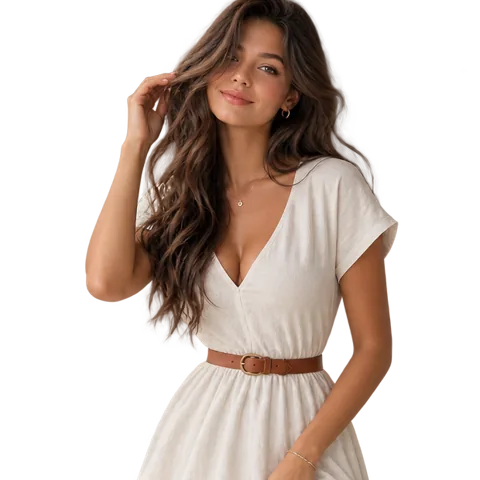 Instagram
09:00
Facebook
09:05
Pinterest
09:10
Instagram
09:00
Facebook
09:05
Pinterest
09:10
Written for you
One post, tuned per network. Templates fill themselves from the product at publish time, and AI writes the caption when you would rather not.
One post, tuned per network
- Write once and let the other channels sync from it, or break any of them off
- Media modes, links, first comments and titles appear only where the network has them
- Invalid combinations are caught while you write, not after the post fails
+ Add
#newarrival #linendress
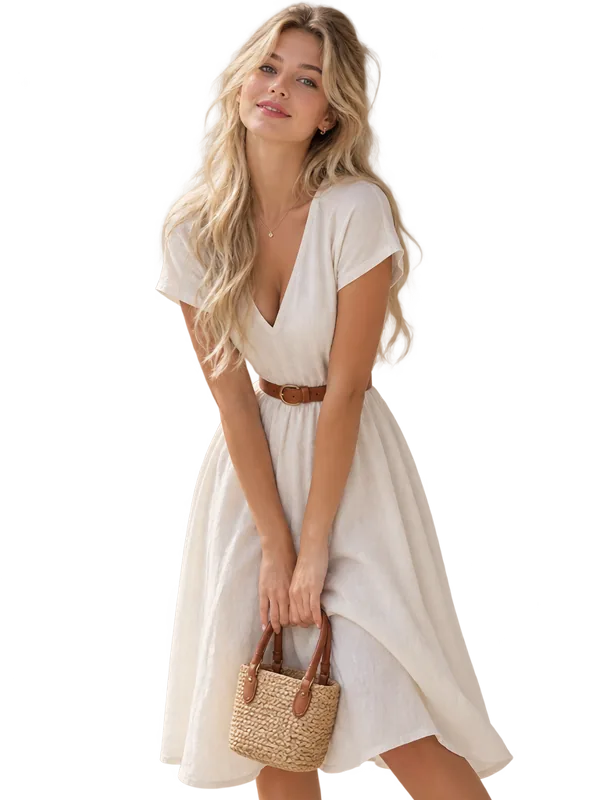
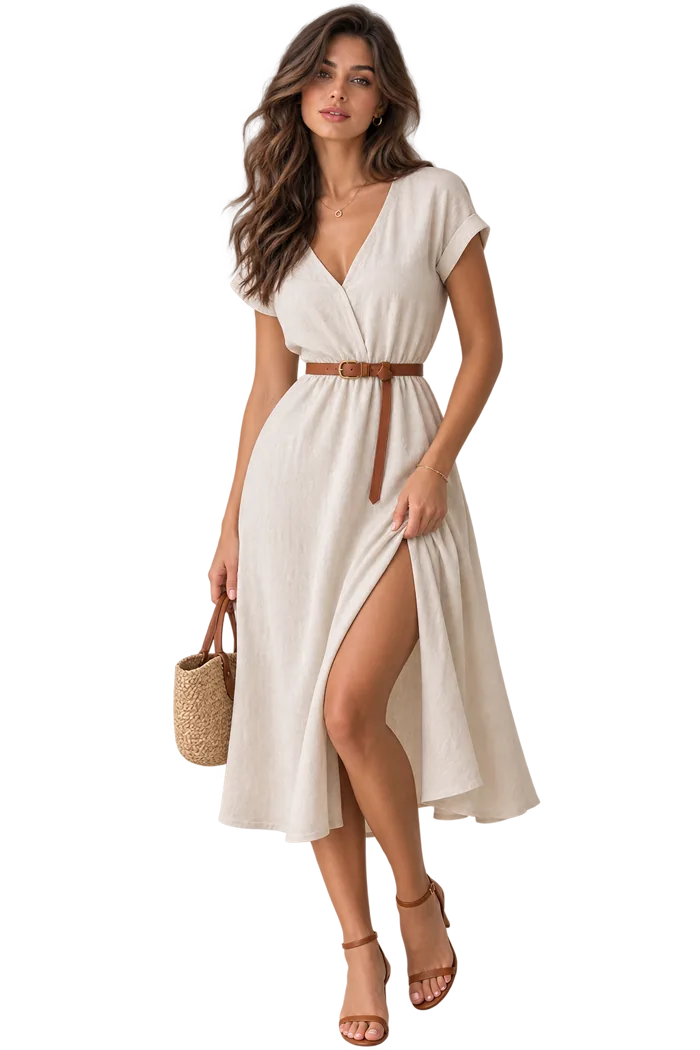
Write it once, it fills itself in
- Prices, stock and tags resolve when the post publishes, not when you wrote it
- Around thirty tokens, including metafields and per-network values
- Set a template once per network, override it on a single channel when needed
- The posted link is the product URL, or a custom one carrying UTM tags, shortened if you want
Shop it at {product_url}
{product_hashtags}
Shop it at aurorastudio.com/linen-dress
#linen #dress #newarrival
Captions written per product
- The prompt is yours to edit and shown in full, never hidden behind a button
- Reusable templates whose prompts take shortcodes, filled per product
- A failed generation falls back to the template text rather than skipping the post
This exact text goes to the AI. Edit it however you like.
Nothing to design, nothing to shoot
Video, AI UGC, collages and review cards, all made from the product photos and reviews you already have, themed from one brand kit.
50+ templates, rendered from your catalog
Vertical 9:16 video for Reels, TikTok and Shorts, built from the product's own photos and your brand kit. Every clip below came out of the renderer. Hover one to watch it run.
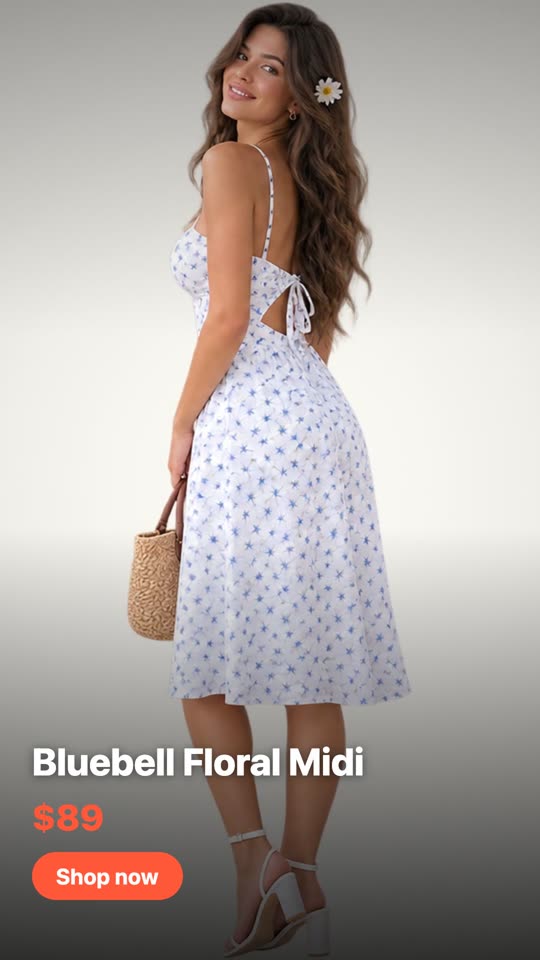
Product Showcase
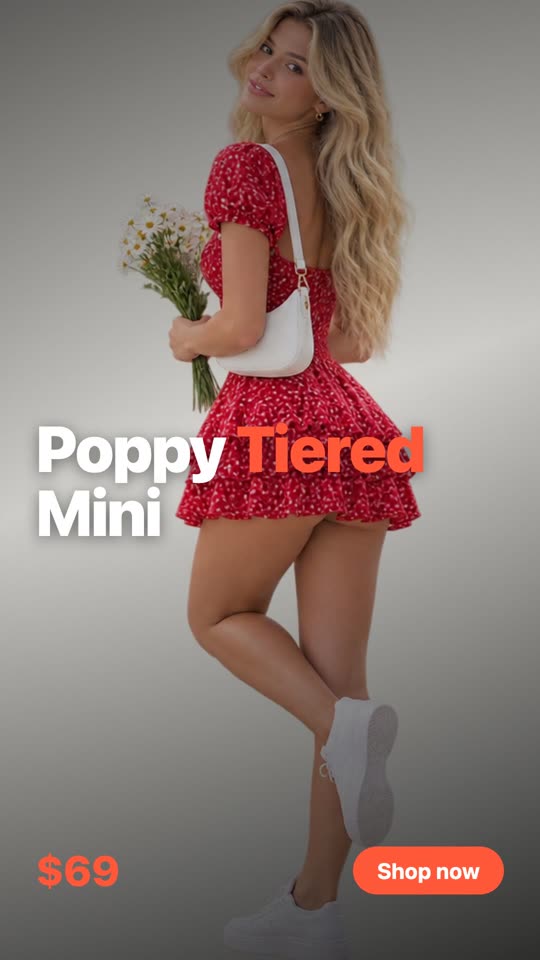
Bold Type

Flash Sale

Lookbook
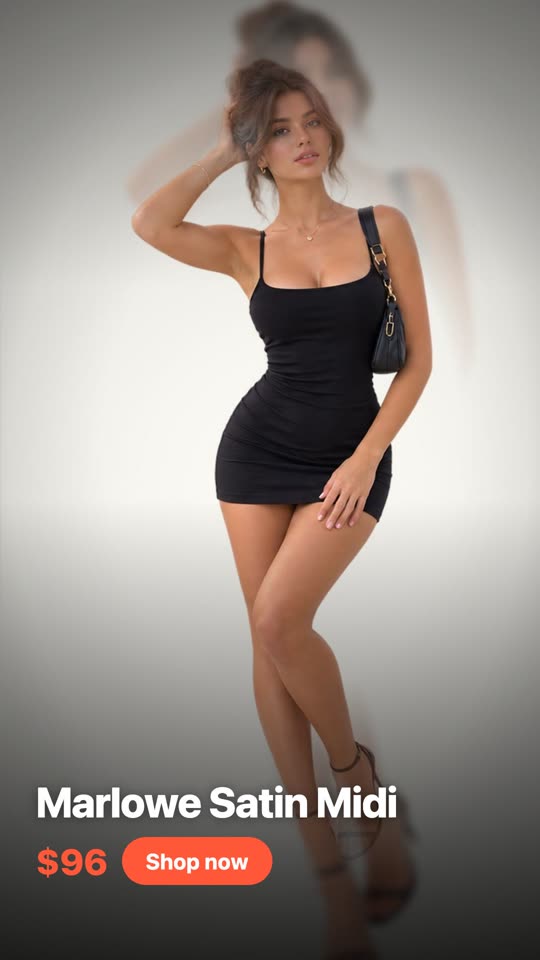
Parallax
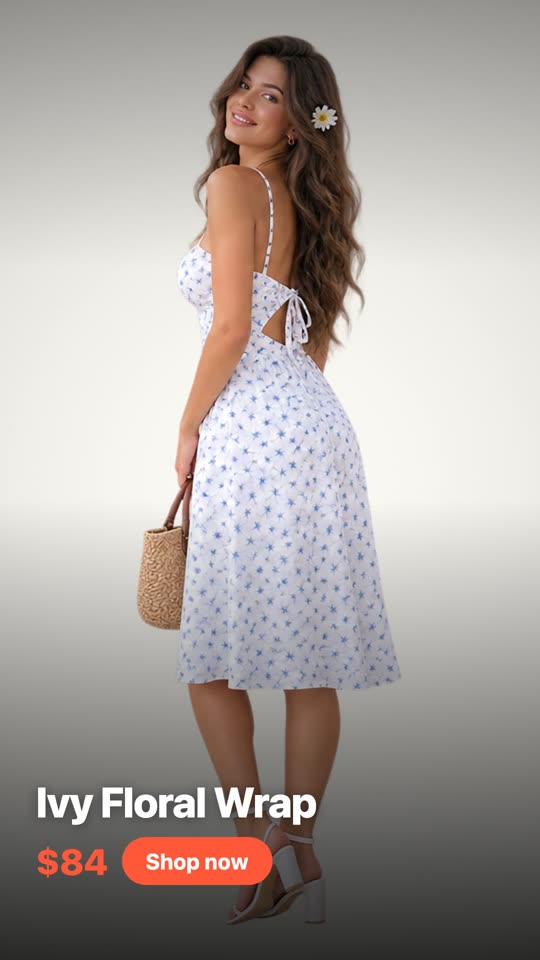
Shutter
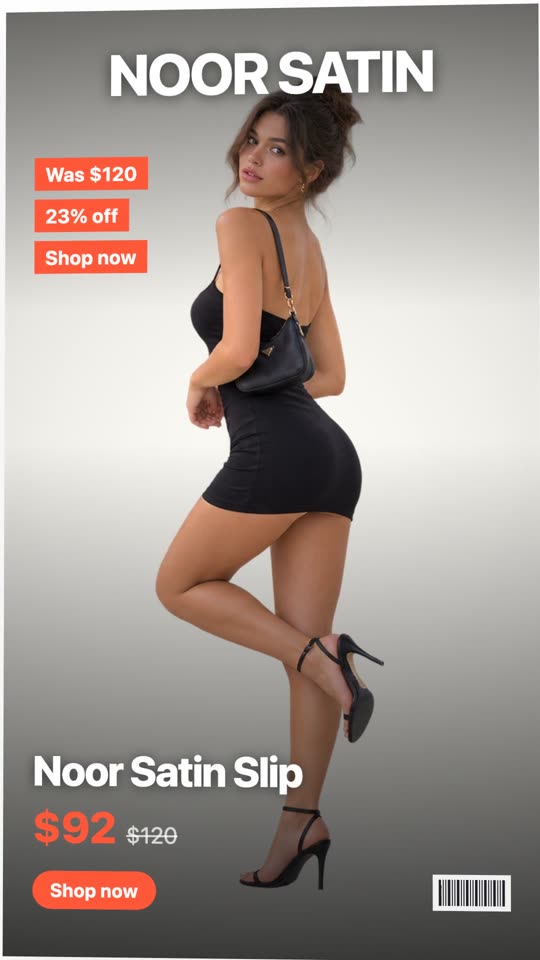
Magazine Cover
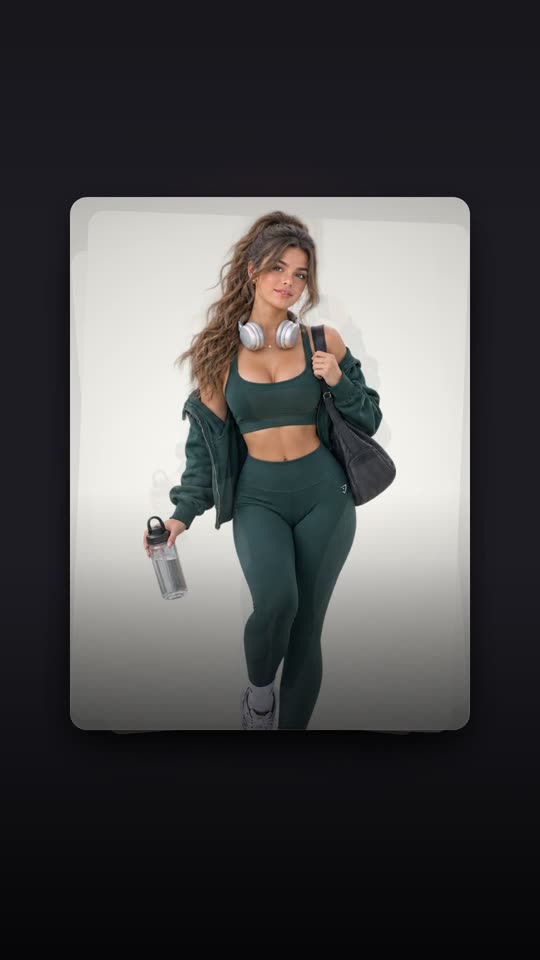
Card Deck
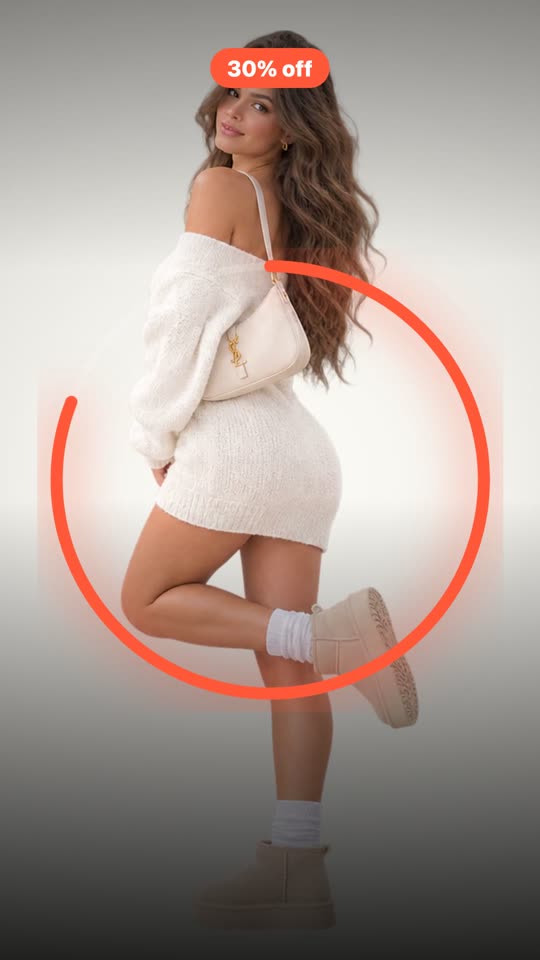
Countdown
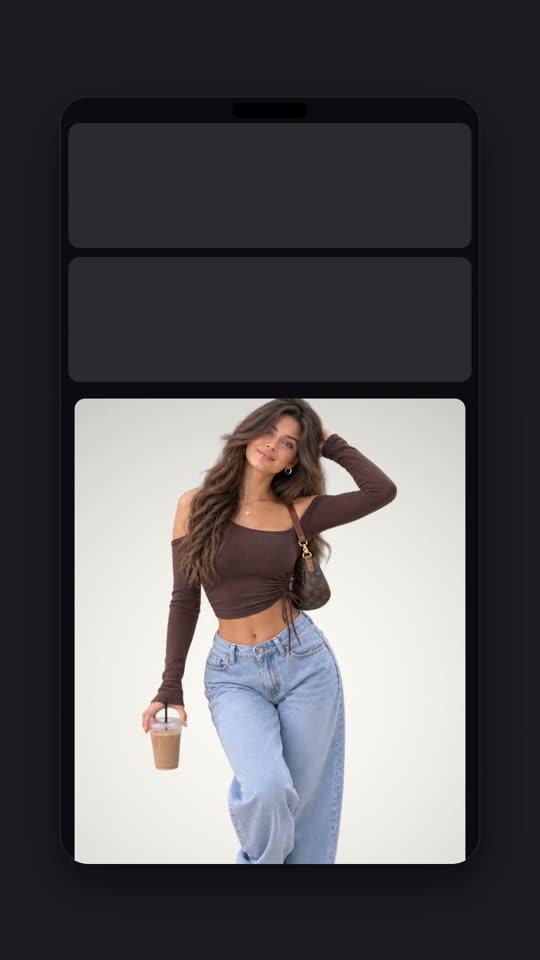
Phone Frame
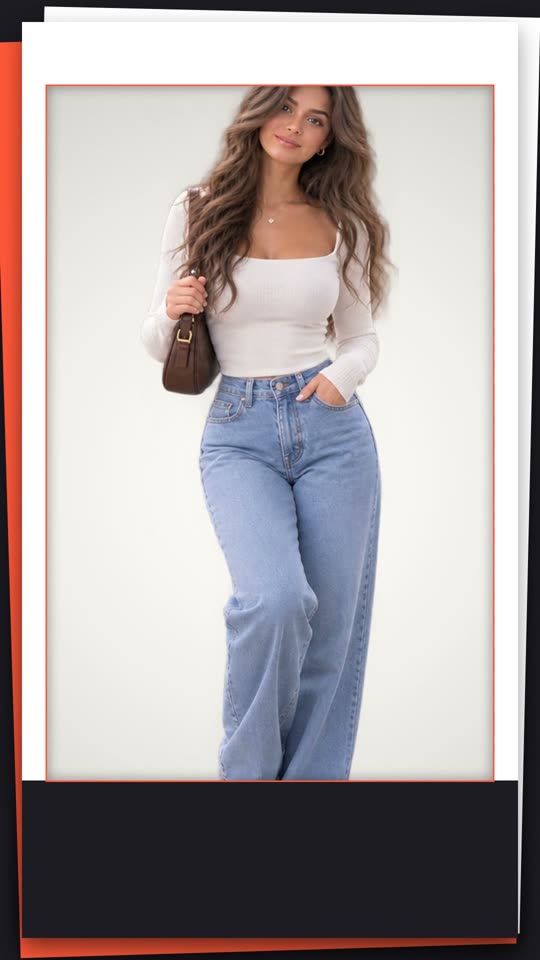
Paper Cut
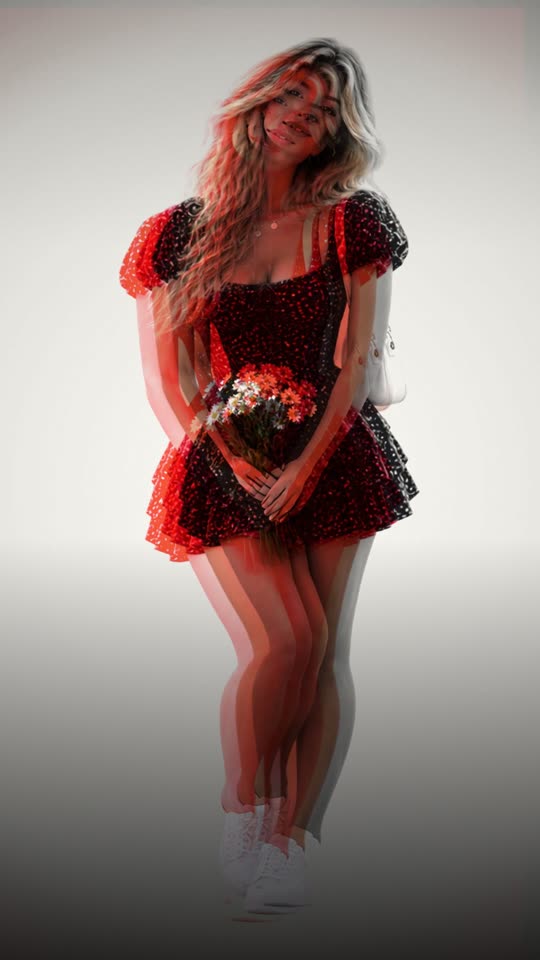
Risograph
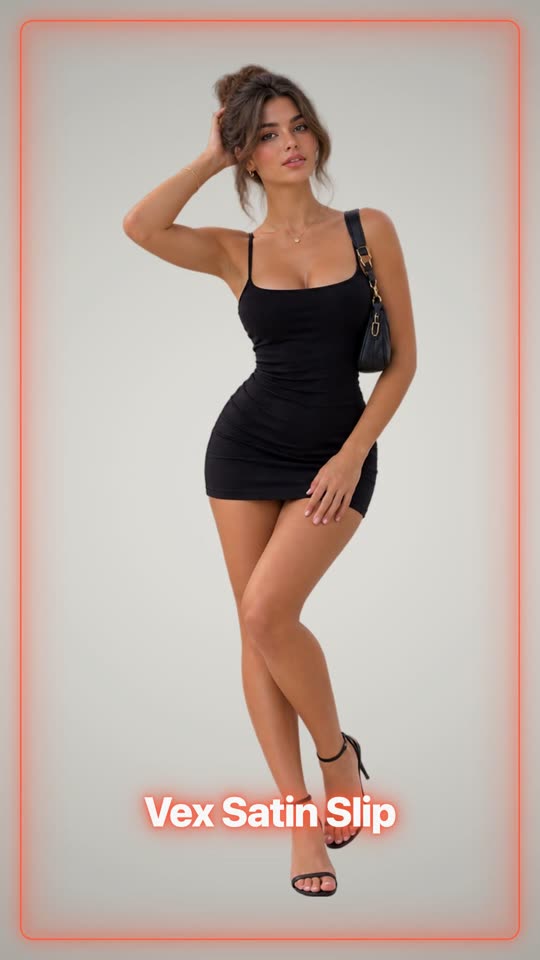
Neon

Split Flap
Your product, on a person
The creator-style clip that actually performs, without a model, a studio or a shoot. Pick a scene, and your product is put on it: worn, held, or set down where it belongs. Every clip below is the scene itself, waiting for a product.

Mirror selfie

Street walk

Café table

Turn in daylight

Doorway pose

Evening stairs

Counter routine

Hand swatch

Vanity close-up

Morning pour

Counter styling

Fridge grab

Hand detail

Getting ready

Neckline close-up

Desk setup

Unbox on the bed

On the move

Shelf styling

Sofa corner

Window light

Treat reaction

Play on the rug

Walk-out
Ten layouts, built from the photos you have
A branded image instead of a bare product shot. Every network takes one, including the ones that will not take generated video, and one good photo is enough: layouts that show several frames re-crop the same shot rather than tiling it.
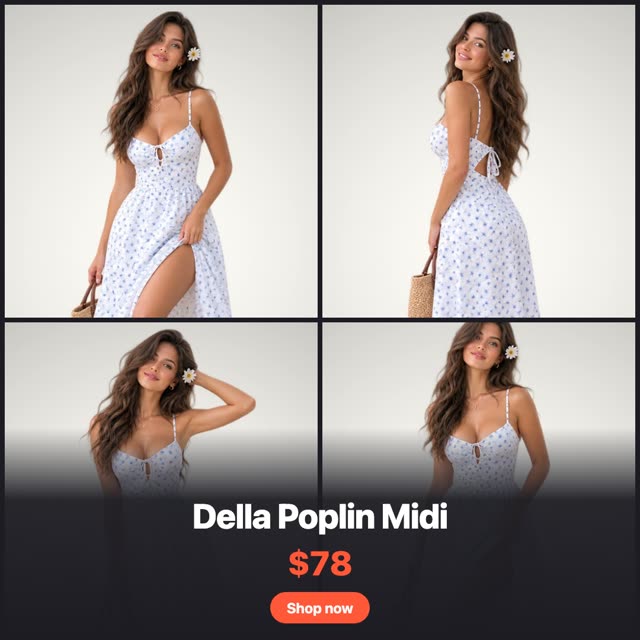
Grid Four
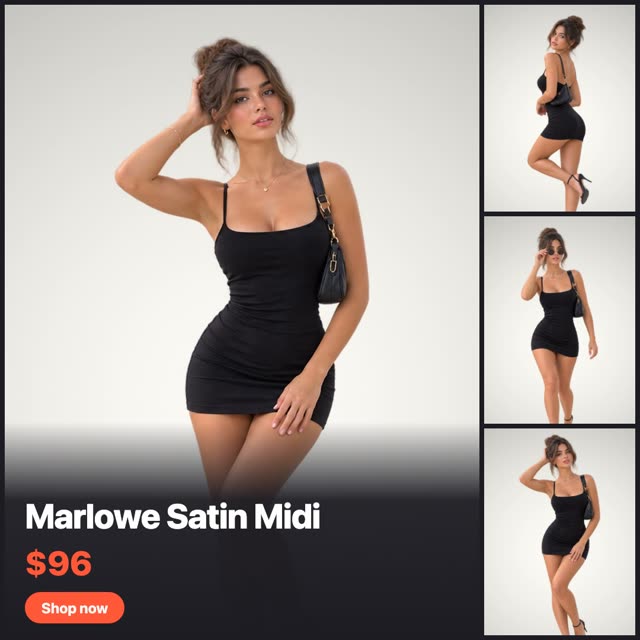
Hero + Three
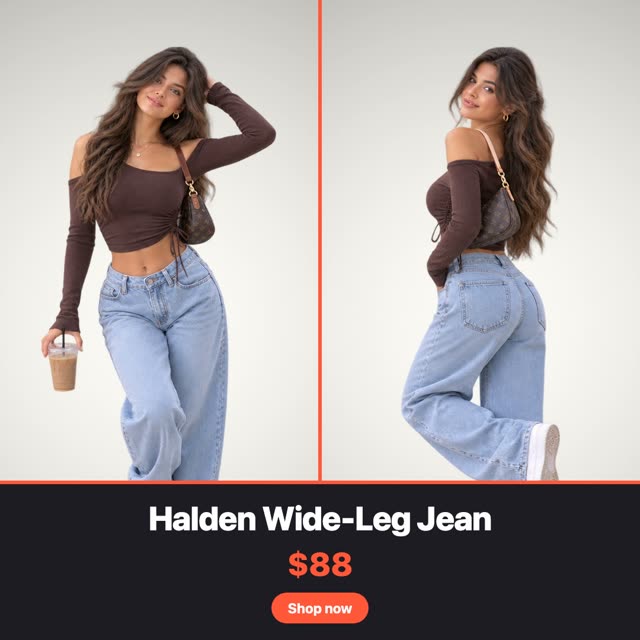
Split Pair

Price Card
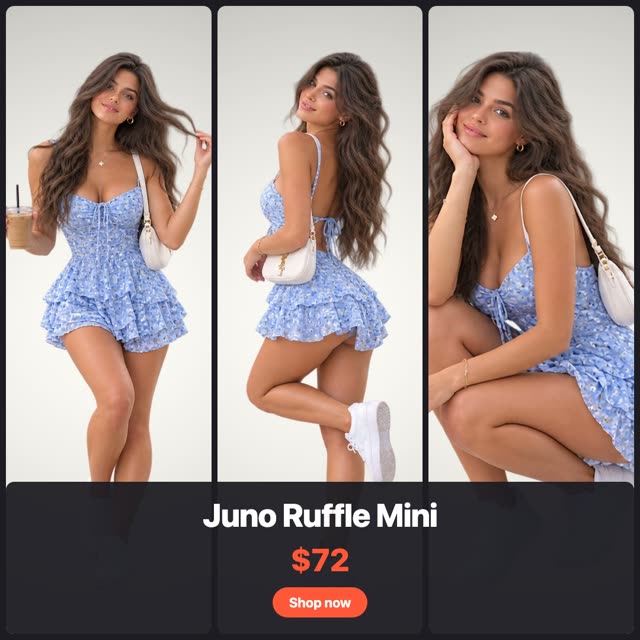
Column
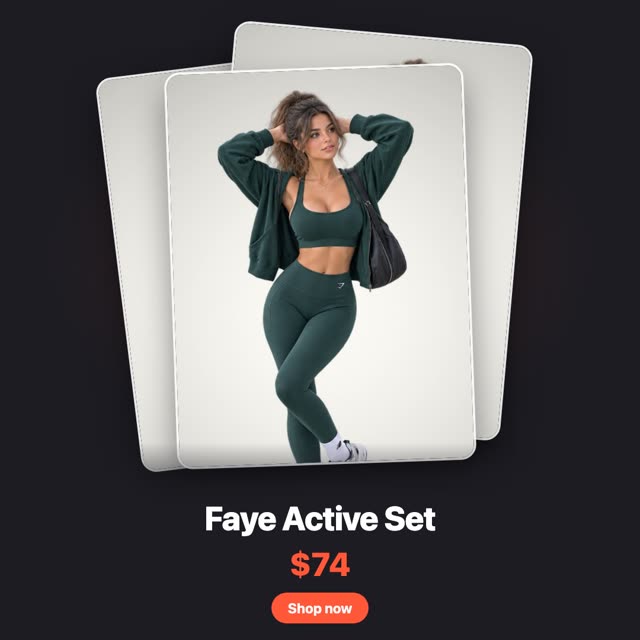
Stack
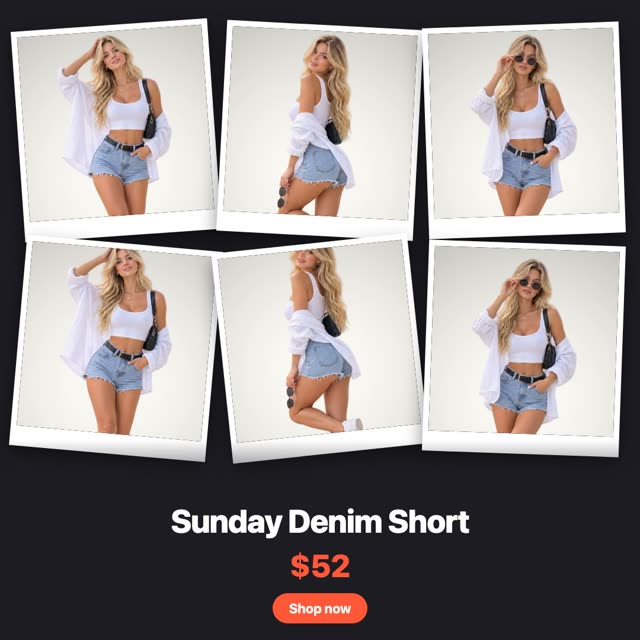
Polaroid Wall
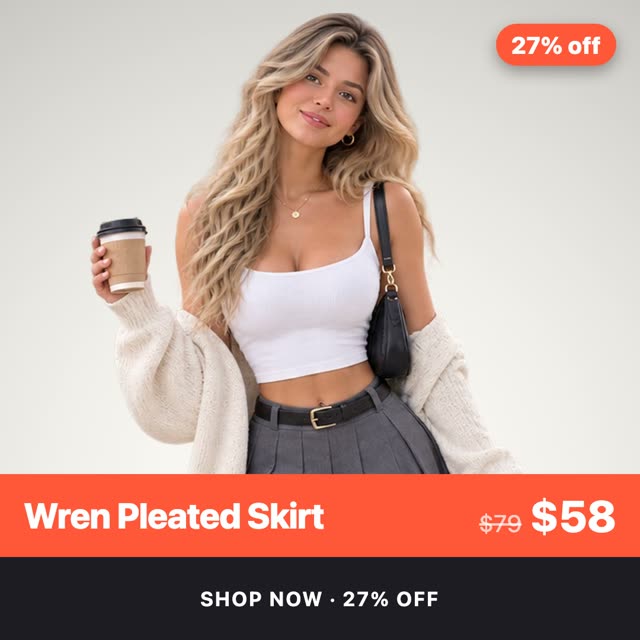
Band
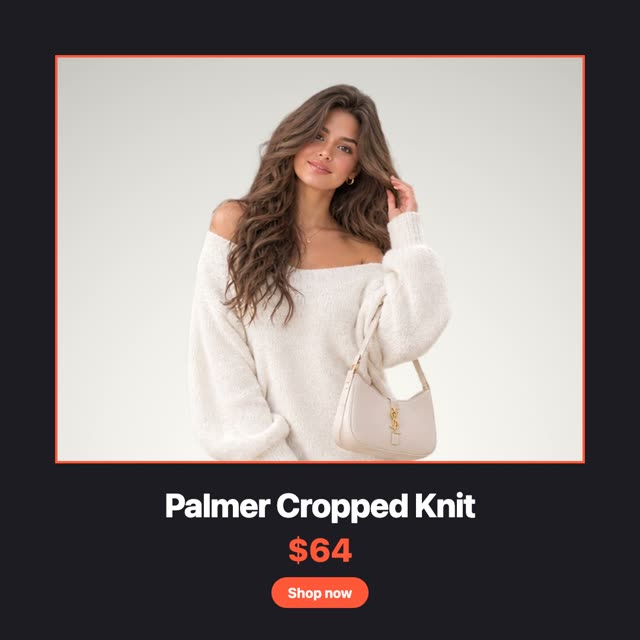
Frame
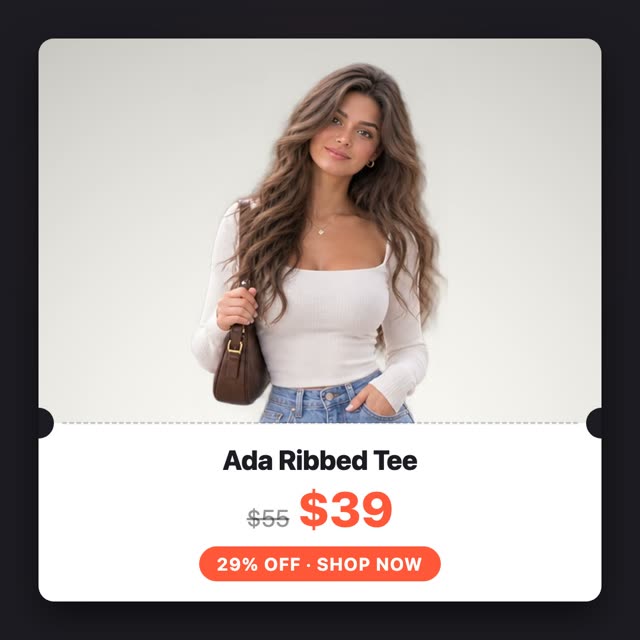
Ticket
Your product, on a person
- 24 scenes across 8 product categories, so a mug and a t-shirt get different treatment
- Clothing is worn by the model, everything else is held or placed in the room
- You approve the still before it becomes a video, and starting over costs nothing extra
- 50 AI credits per video, refunded in full if a generation fails
A branded image, not a bare product shot
- Ten layouts, from a four-up grid to a perforated ticket stub
- Square, portrait, story and pin sizes, picked per network automatically
- One product photo is enough: repeated frames are re-cropped, never tiled
- No AI involved, so it costs no credits at all
Reviews become something postable
- Ten card designs, each rendered as a sample with your own colours so you pick by look
- Filter by minimum rating, verified buyers or reviews with photos
- Square for feeds and 9:16 for Stories, chosen automatically per channel
“The linen is so soft and it has not lost its shape after a dozen washes. Living in this dress.”
Your logo and colours, set once
- Pull the logo straight from your Shopify brand settings in one click
- Background, text and accent colours, plus the call-to-action wording
- Change it once and every future video and card follows
Inside the admin you already use
The calendar, the product page and the bulk actions live where you work, so scheduling a post is never a trip to another tab.


Its posts, on the product page
- A summary line, then that product's posts with channel, status and date
- Schedule post opens the composer already pointed at this product
- Open calendar jumps to the calendar filtered down to it
 Yoomru
3 published · 1 upcoming
aurorastudio
Published
Jul 11
Aurora Studio
Published
Jul 11
Dresses
Published
Jul 11
@aurorastudio
Scheduled
Jul 14 · 09:00
Yoomru
3 published · 1 upcoming
aurorastudio
Published
Jul 11
Aurora Studio
Published
Jul 11
Dresses
Published
Jul 11
@aurorastudio
Scheduled
Jul 14 · 09:00
Twenty products, one action
- Select products on the Products index and choose Publish with Yoomru
- One product opens the composer for it
- Several open a new planner with them already picked, starting at Schedule
Publish with Yoomru
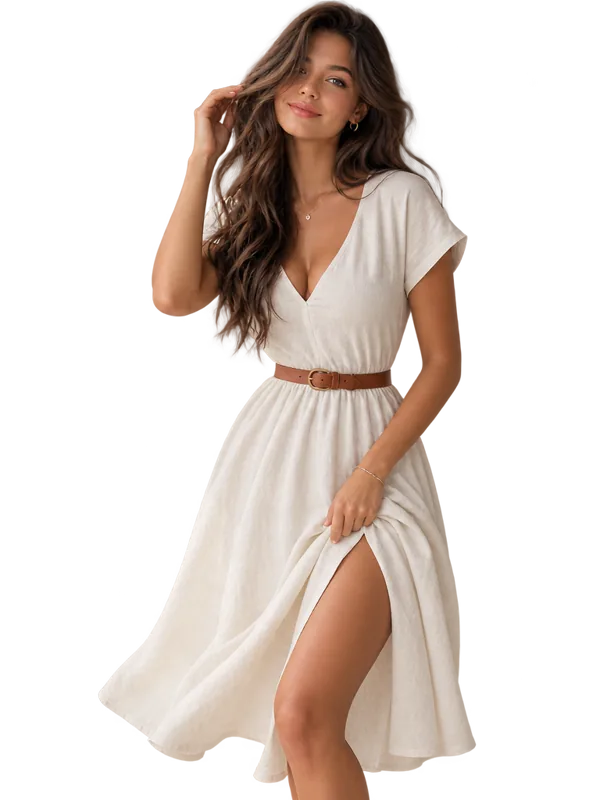 The Aurora Linen Dress
$89.00
Bluebell Floral Midi
$89.00
Cornflower Ruffle Mini
$72.00
Everly Ribbed Top
$46.00
The Aurora Linen Dress
$89.00
Bluebell Floral Midi
$89.00
Cornflower Ruffle Mini
$72.00
Everly Ribbed Top
$46.00
See it on your own store
Free plan included. Five minutes from install to the first post.
