3D World0:24
Walk a 3D World gallery
A folder of screenshots hangs on the walls of the Museum hall, and the walker tours it stop to stop. The walk exports as an MP4 with footsteps and room tone.
Click through your product one time. 1ShowcaseTool destroys the secrets on screen, directs the camera, and turns that single take into a step-by-step guide, a film, a 3D mockup — or a gallery people walk through. All of it runs on your machine.
No account, no time limit. Pro is $29 once.Real takes from the app — a gallery walked, a device orbited, a recording edited by asking. Press play; nothing loads from YouTube until you do.
See every showcase →A folder of screenshots hangs on the walls of the Museum hall, and the walker tours it stop to stop. The walk exports as an MP4 with footsteps and room tone.
A landing-page capture stands in an unbranded laptop while the camera follows a custom, keyframed orbit around it.
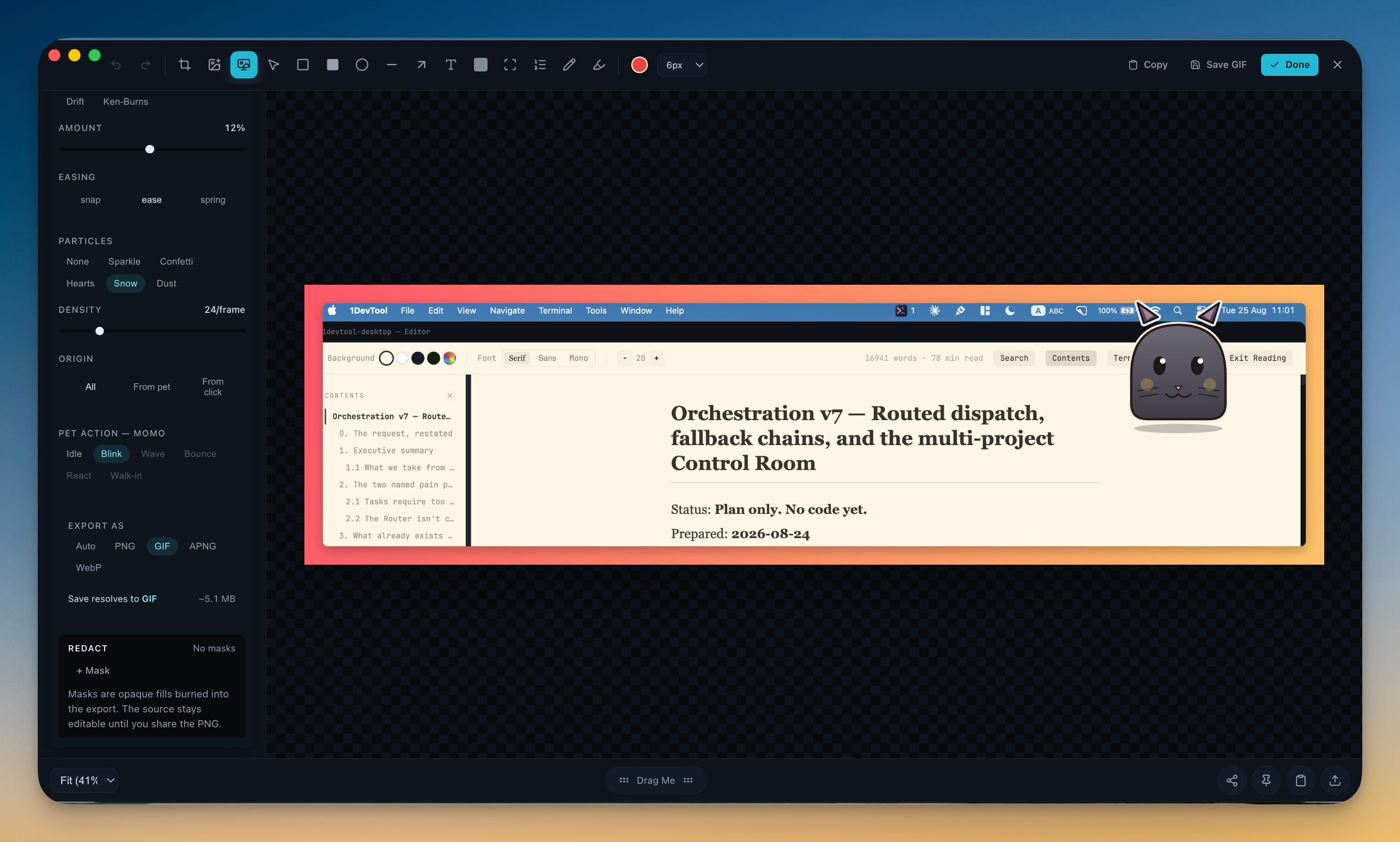
Type into Ask the studio and the AI you picked edits the take — here OpenAI Codex sets a 2× zoom and swaps the cursor, and each change lands on the timeline under undo.
The app follows the order you work in: capture the flow, protect it, direct it, explain it, stage it — then hang it on a wall. Each room below is labelled the way a gallery labels its work: what it is, and the numbers that make it true.
The four capture sources differ in what they can promise about your secrets — the browser recorder redacts before a frame is captured, the desktop ones hand you the tools to do it after.
A paired Chrome extension captures each step and destroys secrets inside the page. A follower can replay it live.
ChromePick a single window and press the hotkey once per step. Nothing else on your screen is recorded.
macOS · Windows · LinuxClick through normally and each click is captured as its own step. Your keyboard is never read.
macOSA continuous take with microphone and system sound — the raw footage the studio turns into a film.
macOS · Windows · LinuxMasks are burned into the pixels — not a blur someone can reverse. Pick a value and destroy it everywhere it appears, and nothing can be generated, exported or shared until you have looked at every step.
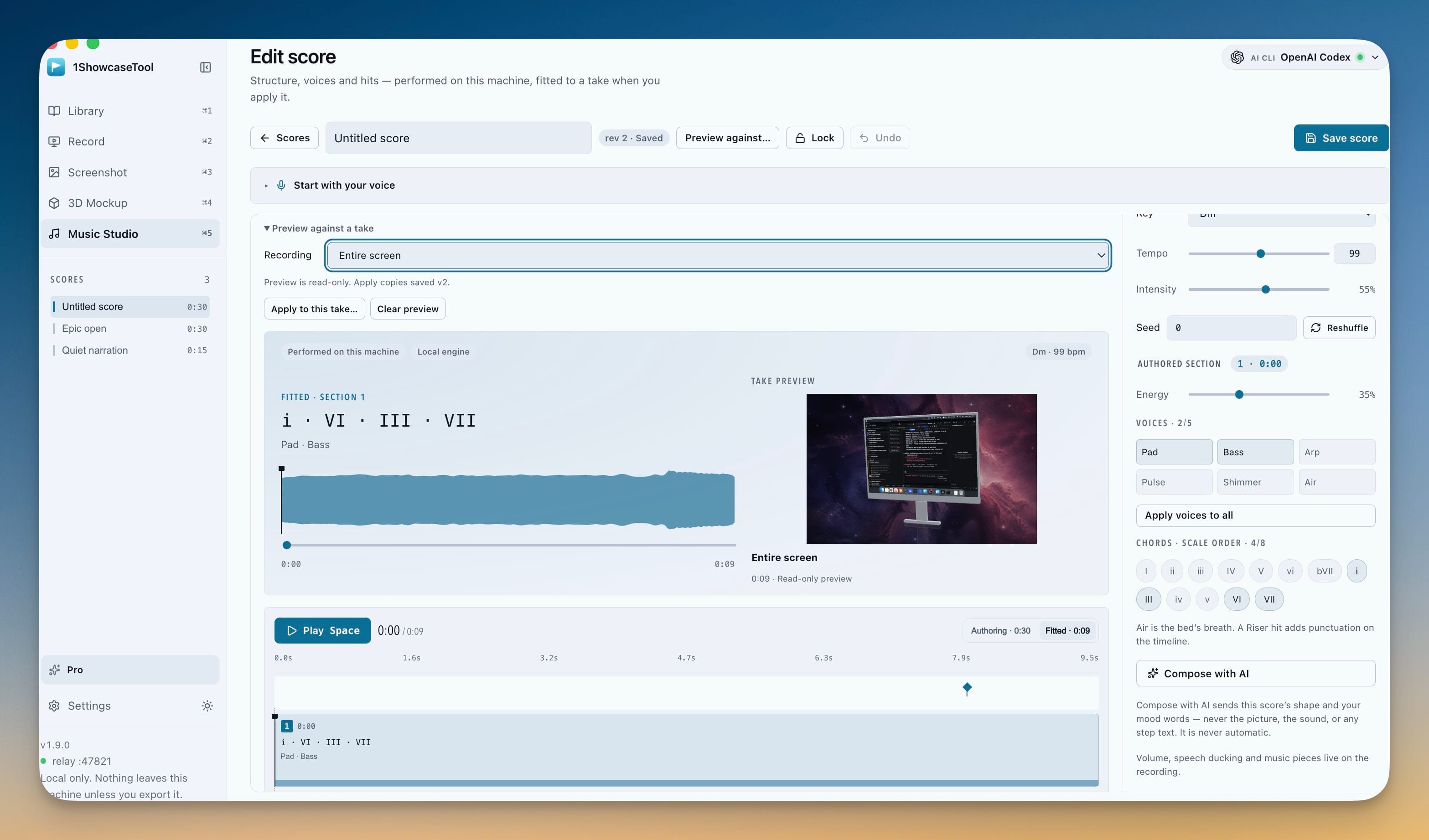
The camera pushes in on your clicks and pauses, the pointer glides instead of twitching, and captions land where they should. Then Music Studio writes a score as notes this app performs — and fits its chord changes to your cuts.
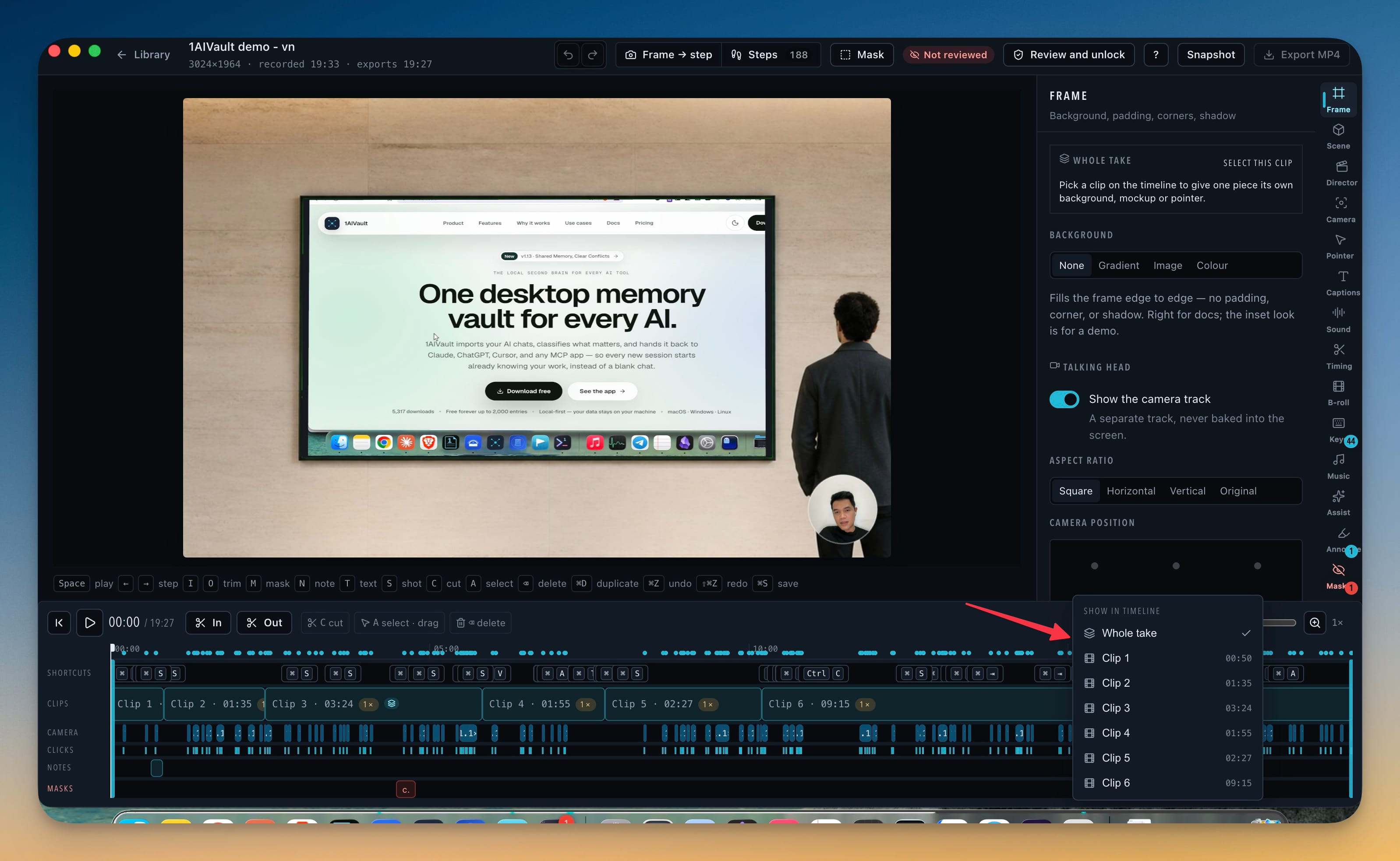
The guide is written by an AI coding CLI you already have — or your own key — from redacted text alone. Then it leaves as whatever the reader needs: a PDF, a SCORM package, or a click-through demo like this one. Try it.
Production is healthy · 3 services
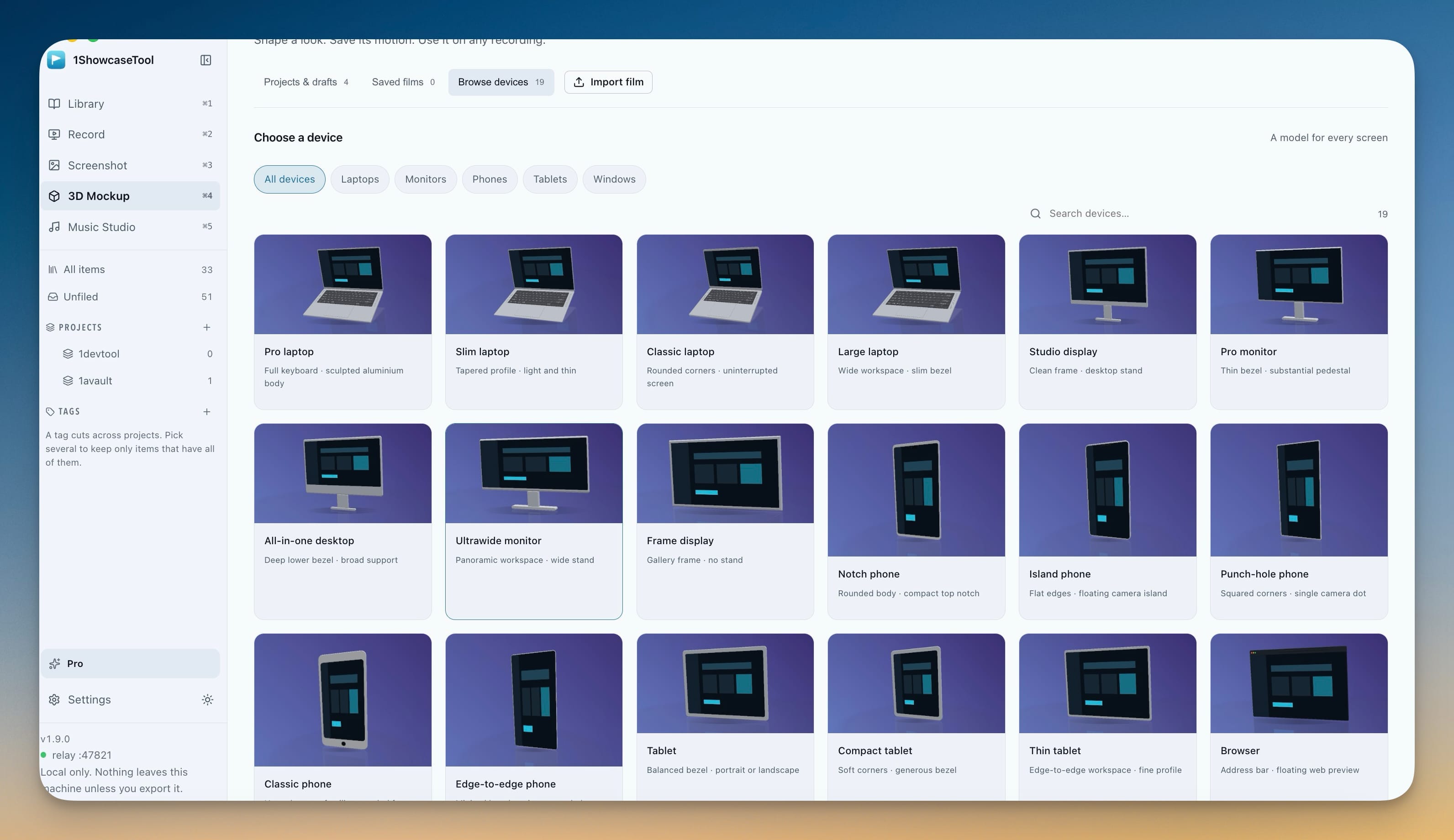
Drop a screenshot into a drawn scene, put a loupe on the detail, or stand it in one of 23 unbranded 3D devices and keyframe the camera. Save that look as a film, and any later recording can wear it.
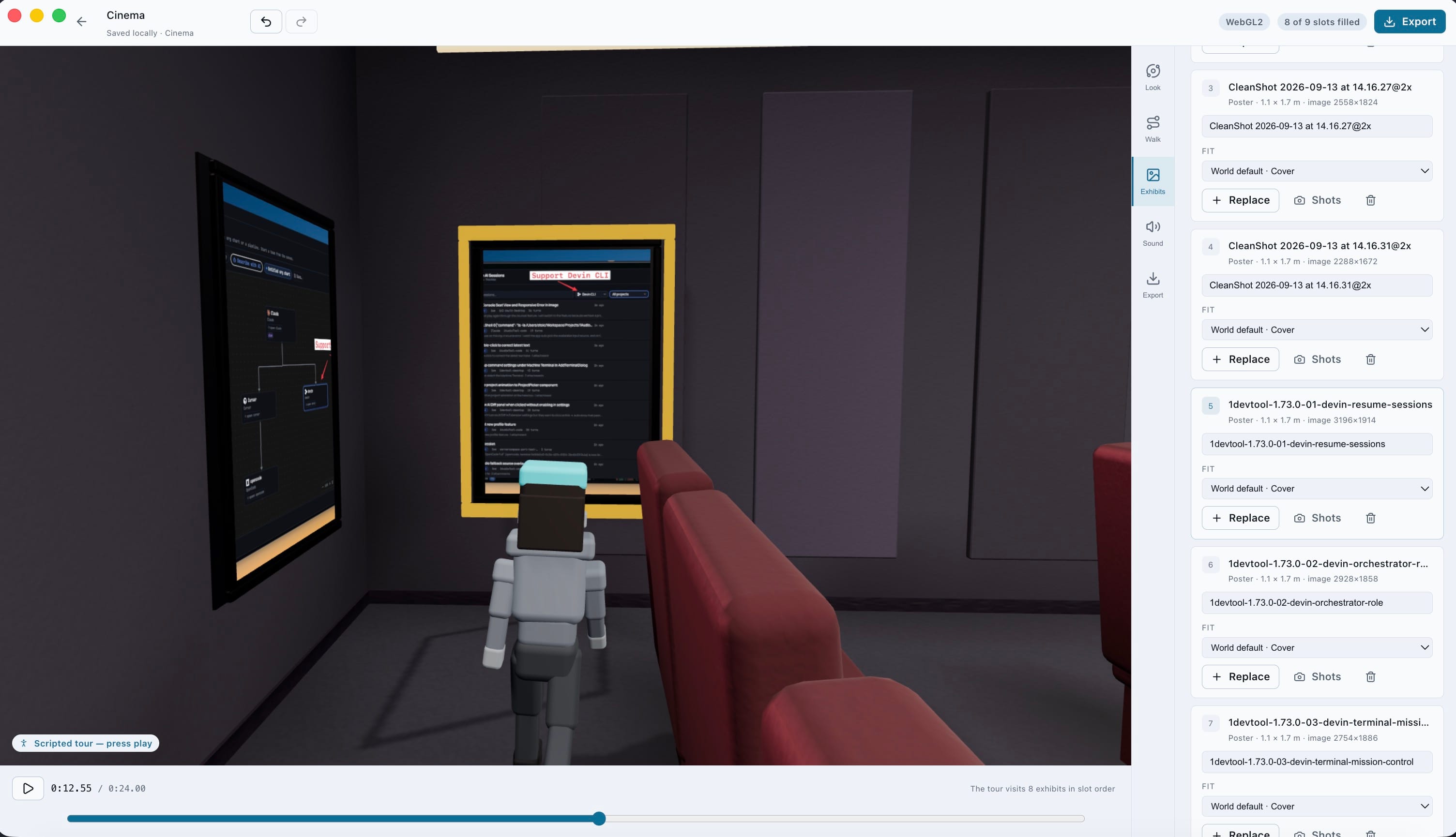
Pick a venue, drop a folder of screenshots and clips on it, and they hang in filename order. A scripted Tour walks stop to stop — or take the walker yourself with WASD — and the walk exports as an MP4 with footsteps and room tone.
| Venue | Exhibits |
|---|---|
| Museum hall | 12 |
| Modern gallery | 10 |
| Expo floor | 12 |
| Cinema | 9 |
| Airliner cabin | 14 |
| Metro car | 12 |
| Space station | 10 |
| City rooftop | 8 |
| Showroom store | 14 |
| Loft hangar | 11 |
All of these export on the free tier. Each one is a file on your disk — host it, attach it, post it. Nothing is uploaded to make it.
| From | Files | Good for |
|---|---|---|
| Guide | HTMLPDFMarkdown + steps/Narration scriptMP4 walkthroughSCORM 1.2PowerPointClick-through demoScrollytelling pageCarousel PDFCarousel PNGs | Docs, onboarding, LMS courses, sales demos, LinkedIn |
| Recording | MP4 · H.264SRTVTTYouTube chapters | Launch videos, changelog clips, tutorials |
| Screenshot | PNGWebPGIFAPNGBefore/after sliderWipe APNG | Release notes, docs, social posts |
| 3D Mockup | PNG · transparentMP4 · to 4KFilm · JSON | Landing-page heroes, app-store shots |
| 3D World | Walkthrough MP4PNG still | Release reels, portfolio tours |
| Project | .1showcase bundle | Moving a take to another machine, still editable |
Your first 10 guides export without a mark. After that — and on every screenshot, mockup and world — free exports carry “Made with 1ShowcaseTool”.
Download freeTwelve months of updates, and the version you have keeps working after that. No subscription.
See pricingRecording, redaction, rendering and transcription happen locally; sessions and screenshots stay on your disk and credentials go to the OS keychain. What leaves is what you export or share — and, if you have AI write a guide, the redacted step text goes to the CLI or provider you picked. Never a screenshot, never a secret value.
The browser recorder destroys secrets inside the page before a frame is captured. Desktop captures get masks that are burned into the pixels — opaque fills or Secure pixelate, never a reversible blur — and on macOS OCR can suggest where they belong. Nothing can be generated, exported or shared until you confirm you have reviewed every step.
No. Guides can be written by an agent CLI you already use — Claude Code, Codex, Gemini, Kimi, Amp, OpenCode, Qwen, Antigravity, Cline, Grok, Hermes, Cursor or Aider — or with your own Anthropic, OpenAI, Gemini, Azure OpenAI or OpenAI-compatible key. Recording, the studio, 3D and every export work without AI.
Yes — no account, no time limit, no guide cap, and every recorder and exporter works. Your first 10 guides export without a mark; after that, and on every screenshot, mockup and world, free exports carry “Made with 1ShowcaseTool”. Pro removes the mark for good and adds look presets, caption and annotation styling, extra languages and Compose with AI.
macOS on Apple silicon and Intel, Windows, and Linux as an AppImage or deb. The auto screen recorder and OCR mask suggestions use Apple frameworks, so those two are macOS-only.
3D World — ten walkable venues that hang your screenshots and clips and export the tour as an MP4 — plus four new guide exports (click-through demo, scrollytelling page, carousel PDF and PNGs), drawn scenes, a loupe and before/after exports in the screenshot editor, and four more 3D devices.
Record the flow once. Walk out with the guide, the film and the room.
Download freemacOS · Windows · Linux