Безопасность
В KDE Linux реализованы надёжные обновления системы с возможностью отката к предыдущим версиям в случае неполадок.
Весь код открыт и доступен для аудита, никакие данные не отправляются в KDE без вашего явного разрешения.

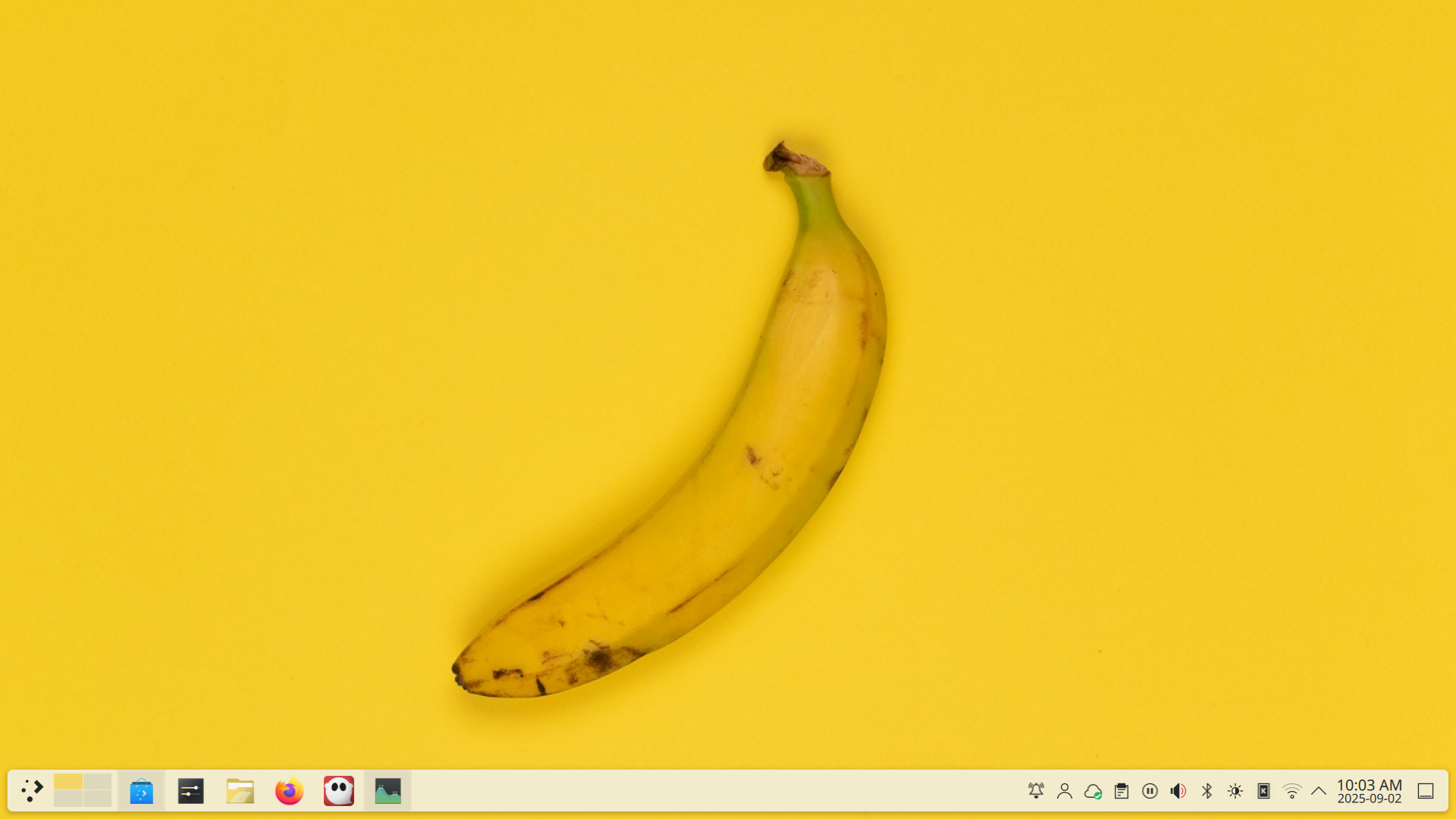
Помогите KDE создать следующую важную вещь!
KDE Linux is a free, open-source, user-focused operating system being built by KDE to include the best implementation of everything KDE has to offer, using the most advanced technologies. Learn more on the project’s README.
Создаваемая с учётом требований безопасности, удобства поддержки, функциональности и современности, KDE Linux станет лучшим выбором для домашнего использования, корпоративных рабочих станций, государственных учреждений, предустановки на компьютерах, которые можно купить, и многого другого.
…В конечном итоге. Мы ещё не достигли этих целей, и нуждаемся в вашей помощи, чтобы сделать их реальностью.
Участвовать в проекте KDE Linux можно разными способами:
Помогите KDE Linux достичь более широкой аудитории, особенно если вы технический журналист или другой лидер мнений. Чем больше людей знает о KDE Linux, тем больше у проекта шансов получить необходимую поддержку для успеха.
Используйте KDE Linux в качестве основной системы или установите её на запасной компьютер, особенно если вы разработчик или опытный продвинутый пользователь. Внимательно следуйте инструкциям по установке. Обнаружение ошибок в процессе установки и несоответствий в документации также очень важно.
Test less-common hardware, especially NVIDIA GPUs and using the experimental delta update feature on spinning hard disks. Other testing on less-common hardware is also appreciated.
Report bugs: issues with KDE Linux itself (initial system setup, device compatibility, integration between components, etc.) should be reported on invent.kde.org. Issues in KDE software — especially the experience of using it in a Flatpak — should be reported on bugs.kde.org.
Help develop KDE Linux, especially if you have an interest in operating systems (particularly image-based ones). There’s lots to do. Chat with the devs and submit merge requests. If you’re working on a similar OS, tell us about your experience, and we can compare notes and work on solutions together. Shared knowledge improves all projects.

Помните, когда Linux был неизведанной землёй и всё было новым и увлекательным? KDE Linux — это всё то же самое, только заново: мы создаём операционную систему будущего, опираясь на влияние и ресурсы KDE, и вы можете стать её частью. Здесь усилия каждого имеют значение в мировом масштабе.

Если операционная система альфа-качества не для вас, установите любую из выпущенных версий на странице «Дистрибутивы».
В KDE Linux реализованы надёжные обновления системы с возможностью отката к предыдущим версиям в случае неполадок.
Весь код открыт и доступен для аудита, никакие данные не отправляются в KDE без вашего явного разрешения.
Рабочее окружение Plasma знакомо и интуитивно понятно, предлагая панели, средства запуска приложений, значки и меню именно там, где вы ожидаете их увидеть.
Настройте систему так, как нравится вам, с помощью встроенных в Plasma возможностей персонализации. Продемонстрируйте свой стиль или превратите её в высокопроизводительный рабочий инструмент!
KDE Linux предлагает богатый каталог профессиональных приложений для любых задач, абсолютно бесплатно.
KDE Linux создан для успешной конкуренции с современными настольными операционными системами. Оцените, насколько он вам подходит:
/usr, transactional image-based updates, OS rollback, Btrfs snapshots for user files, and a built-in backup systemKDE Linux is an opinionated image-based operating system. If you know what these terms mean and they aren’t your cup of tea, you can find plenty of user-friendly KDE-focused operating systems with traditional package management tools on the Distributions page.
For even more options — including power-user operating systems designed to be built by hand and customized by highly-opinionated technical experts — see the Distributions page on the KDE wiki.
На данный момент доступно только тестовое издание. Чем больше этих утверждений описывают вас, тем комфортнее вам будет его использовать:
Много информации в интернете и от ИИ-чатов неверна, устарела или неприменима к KDE Linux.
Прежде чем обращаться к этим источникам, сначала поищите ответ в документации KDE Linux. Типичные темы:
KDE Linux is a publicly-developed volunteer-run project, led by longstanding and enthusiastic members of the KDE community. The project receives financial support and other backing from KDE e.V., the German nonprofit organization behind KDE.
Да! KDE Linux — это операционная система от сообщества KDE, представляющая собой «эталонную реализацию» с Plasma и приложениями KDE.
Хотя она и проектируется как подходящая для общего применения, KDE Linux может быть менее оптимизирована и настраиваема для конкретных задач по сравнению с другими операционными системами. KDE Linux не является попыткой отговорить людей от их использования, а скорее призвана повысить качественный уровень для всех ОС, ориентированных на KDE.
KDE Linux is an image-based Linux distro created using Arch Linux packages, but it should not be considered an “Arch-based distro”; Arch is simply a means to an end, and KDE Linux doesn’t even ship with the pacman package manager.
KDE Linux leans on systemd for a great deal of functionality. Updates are atomic and image-based, with the last few OS images cached on disk. Only the Wayland session is supported. Apps primarily come from Flatpak.
Learn more about KDE Linux’s architecture.
Приветствуется любая помощь! Обсудить разработку с разработчиками KDE Linux можно в Matrix, а об ошибках или запросах на слияние сообщайте на invent.kde.org.
The registered trademark Linux® is used pursuant to a sublicense from the Linux Foundation, the exclusive licensee of Linus Torvalds, owner of the mark on a worldwide basis.
macOS® and Windows® are registered trademarks of their respective owners.
