MySudo®

Powered by Anonyome Labs™

Coming soon

MySudo Password:

Securely create, store, and autofill your login and Sudo information

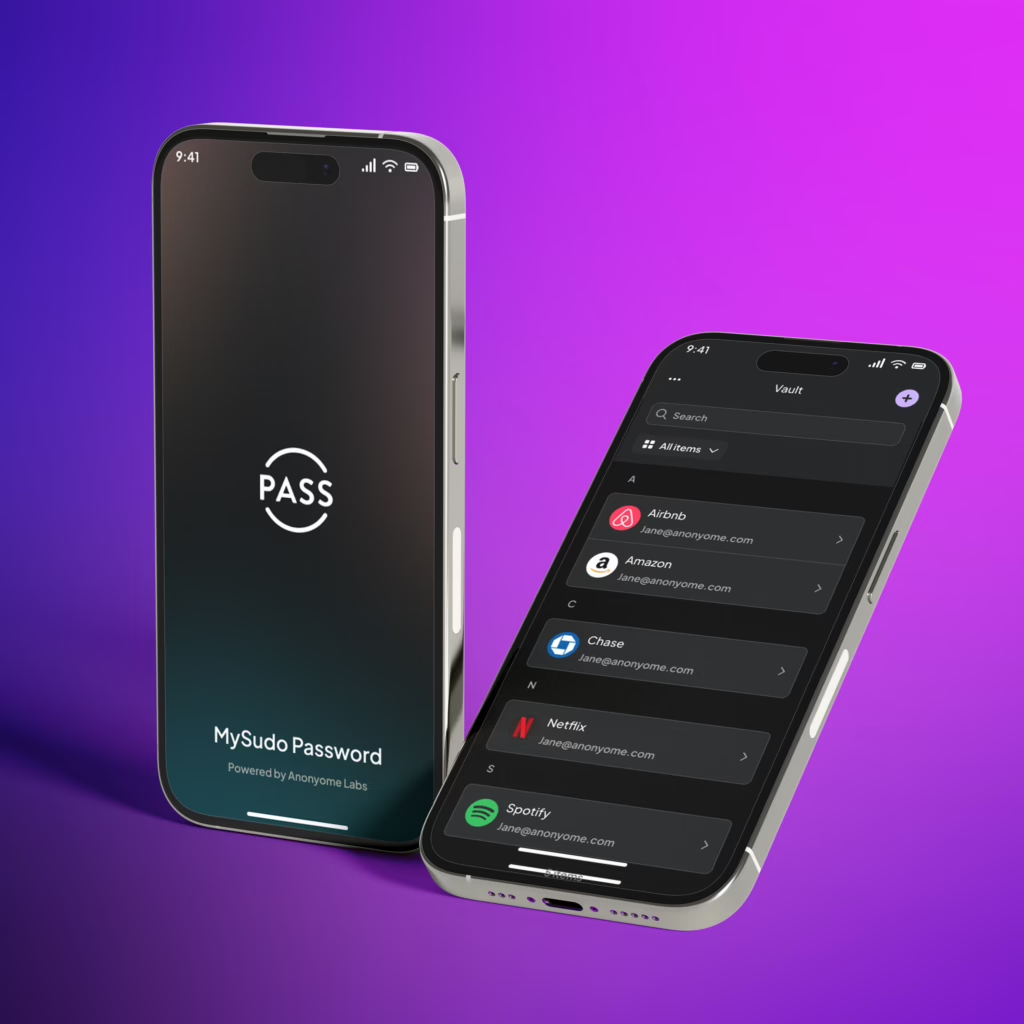
Manage all your accounts in one secure vault

Image
Coming soon
MySudo Password:
Securely create, store, and autofill your login and Sudo information

Manage all your accounts in one secure vault

Image
Image
Image

Don't risk account takeover and identity theft

Store and protect your most sensitive data

Image

Over 80% of account takeover comes from weak or stolen passwords.

Image

Hacking tools can crack 96% of common passwords in less than 1 second.

Image

Hackers exposed over 22 billion passwords in 2022 alone.

Image

On average, people manage 250+ passwords.

A password manager is a secure digital vault that remembers and protects all of your passwords so online life is faster, simpler, and safer. 

Image

Protect your accounts and your identity

Store your login information and identity credentials in one secure place

Image

Store all credentials and Sudos

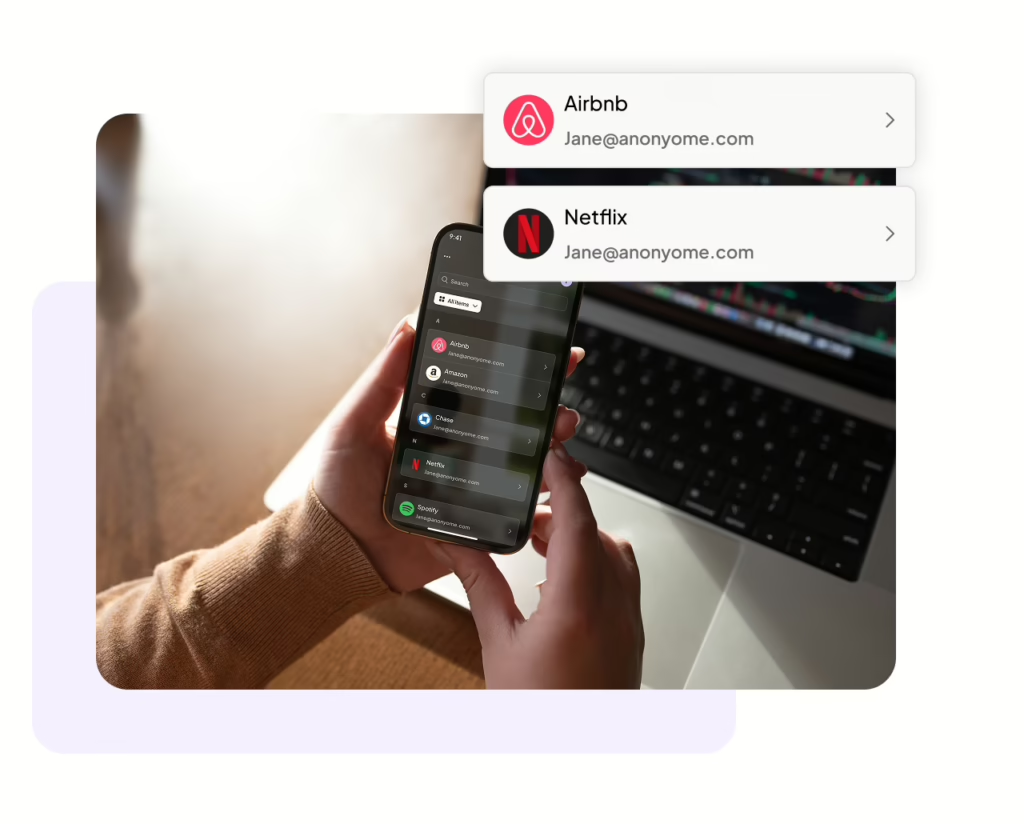
Protect your whole life in one place. Securely store all of your login credentials and Sudo details inside of MySudo password.

Autosave and autofill every credential

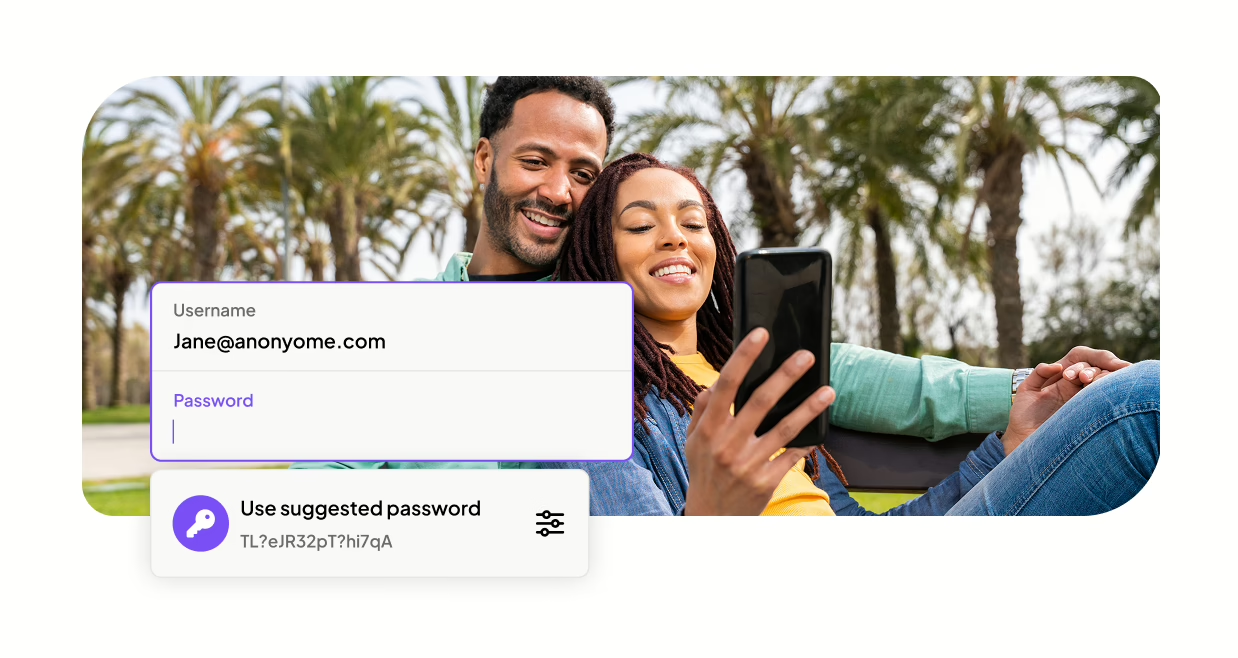
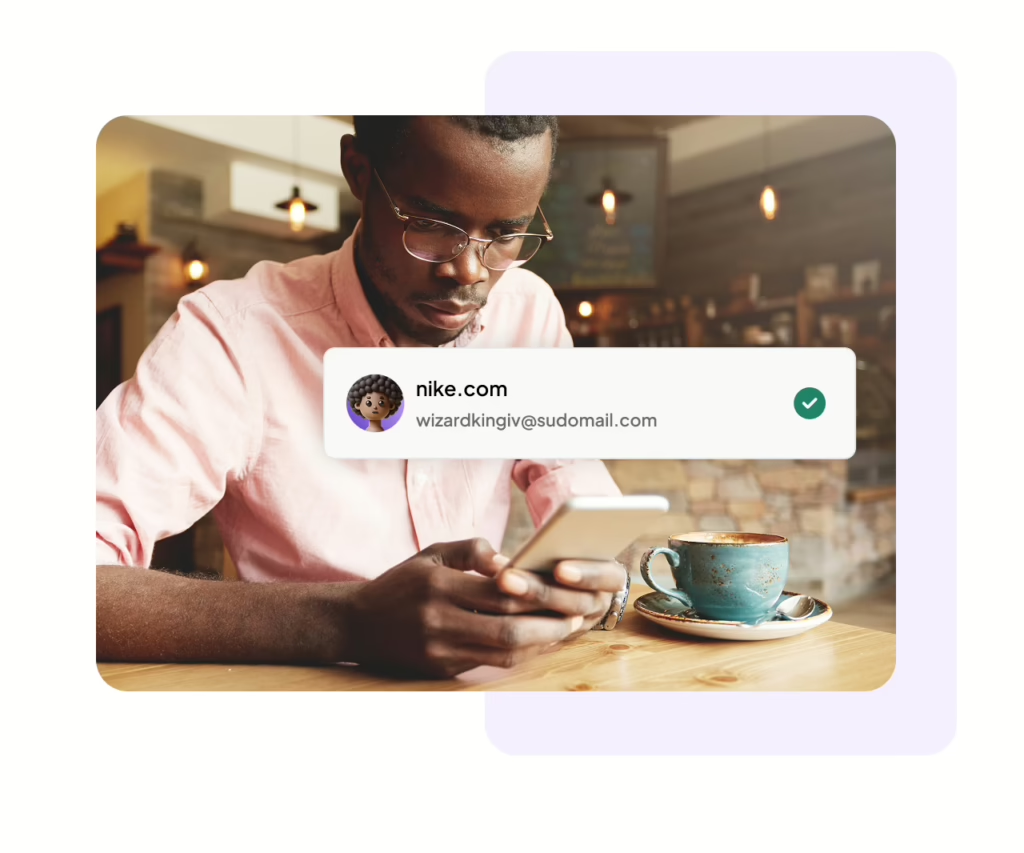
Stop relying on memory, habit, and sticky notes. Autofill the correct username and password when logging in for all your accounts. Seamlessly autosave new logins when creating accounts.

Image

Generate unlimited strong passwords

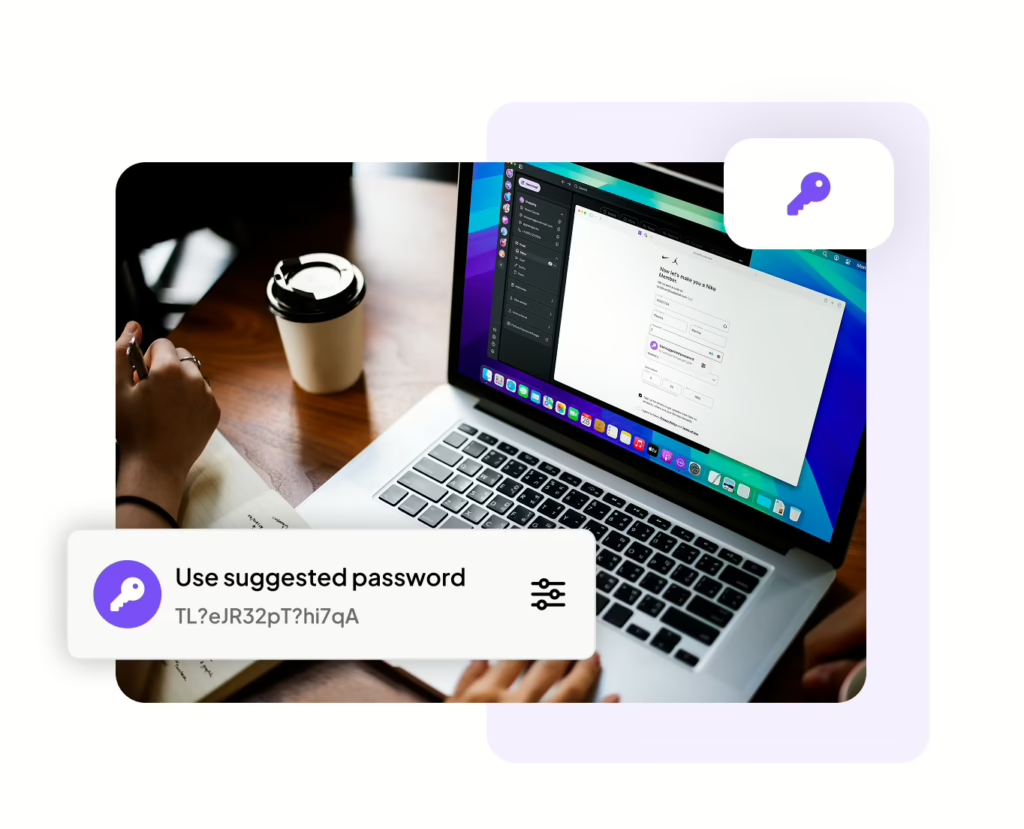
Produce a unique password for every account. Easily generate new strong passwords and customize password rules to meet field requirements.

Image

Protect your email with email aliases

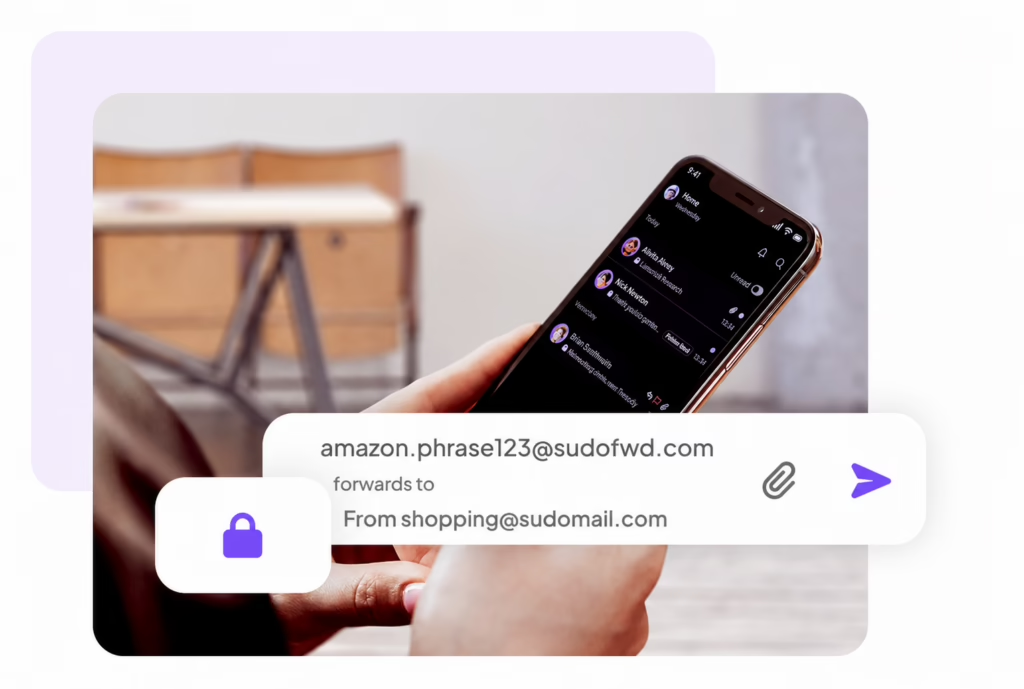
Create a custom email alias for every account. Generate new email aliases for all of your accounts. You can select the desired email inbox you’d like the email contents to be forwarded to. 

Image

Maximize your privacy with the MySudo Suite

Protect beyond your passwords and secure your identity and internet connection

Digital identities that empower you to call, text, email, browse, and pay privately.

Fast, encrypted internet connection anytime anywhere.

Securely create, store, and autofill your account information.

Maximize your privacy with the MySudo Suite

Privacy built by a privacy company

Image

PCI-DSS Certified

Image

SOC 2 Compliant

Private from day 0

Your privacy starts at setup, not later.  Your encryption keys are generated the moment you open any product in the Suite, and from there you decide what you share with us. We only ask for personal details if something genuinely requires them, and never as the price of using our apps. 

Encryption by default

MySudo protects your communication with end-to-end encryption with other MySudo users and immediate encryption when interacting with non MySudo users. Your app data is encrypted, no one, not even us can read your communications.

Never for sale

The privacy and security of your data is our first priority, and is in every product decision we make. We cannot and do not sell any personal information or activity. Our business is providing your privacy tools, not selling your personal information.

We're here to help

Head to our Support hub or reach out on X @MySudoApp or email at support@mysudo.com

What information can I store in the password manager?

You can save all sorts of sensitive information in MySudo Password:

  • Logins (usernames passwords, and passkeys)
  • Credit cards
  • Bank accounts
  • Driver licenses
  • Memberships
  • Social Security Numbers (SSNs)
  • Passports
  • Identities
  • Secure notes.

MySudo Password stores all your important credentials and documents in one safe place.

Your master password unlocks your secure vault and forms part of the encryption key that protects your data. Your master password must be at least 10 characters.
Store your master password securely. We cannot recover your master password if you forget it.


On mobile, you can enable biometric unlock (Face ID, fingerprint) for convenience.

Your master password and secret code are different, and it’s important to know what each one does. You use your master password to unlock the app and your vault. You use your secret code to set up MySudo Password on other devices and browsers.