Avatar of Jakub Steiner

Jakub Steiner

@jimmac

GNOME 51 Wallpapers

With GNOME 51 out the door, it's wallpaper reveal season again. This time around it's evolution, not revolution — the set sticks to its geometric roots.

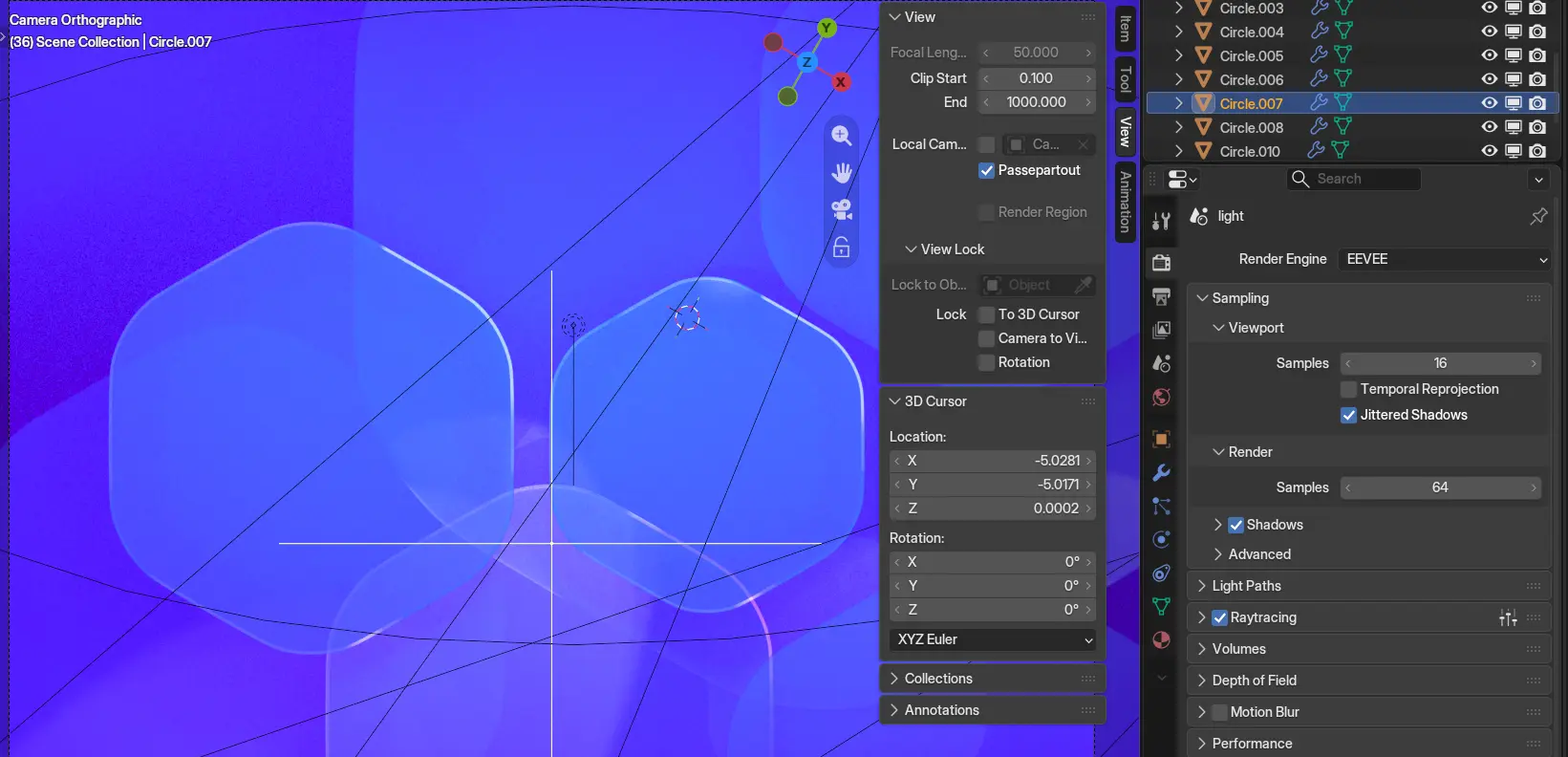
The default is really just a stylistic touch up of the 50 hexagons. The subtle rim highlight received a spotlight and now shines extra bright.

Default rounded hexagons

I do keep hoping landscape nature photos eventually join the lineup, but capturing the same scenery under different conditions so the light and dark variants actually make sense is trickier than it sounds. That one's still on the wishlist.

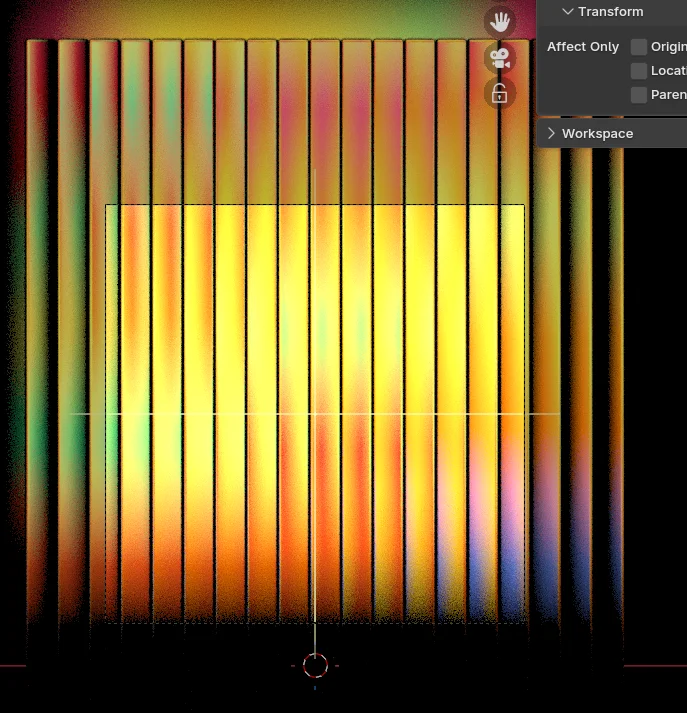
As usual, plenty of concepts didn't make the cut. For every wallpaper that ships, there's a good pile of experiments that never got past the "that's kinda neat" stage.

One thing we keep struggling with is performance in the Appearance panel. The images now include an embedded small thumbnail, so hopefully a faster way to build the initial cache of thumbnails is on the horizon.

A concept that didn't make it

We've also started embedding attribution and license straight into the images themselves, so the credits travel with the file instead of living only in the repo. And with Loupe displaying the metadata nicely, you get to see it conveniently.

Avatar of Carlos Garnacho

Carlos Garnacho

@garnacho

On mobile and peer pressure

Guadec happened. It was a extremely well organized event, with plenty of good talk, people that I was longing to see again, and new faces to put a name on.

My experience was however very much soured by interactions with other people within the community, against myself and other members of the community. To the point that I had to take the time to relieve the distress it has caused me, hence the time it took me to write this down.

The mobile shell initiative

The development for a “mobile” GNOME Shell started somewhere around 2022, and at least the supporting parts of it passed as a project sponsored by the first and only round of GNOME projects sponsored by Germany’s Sovereign Tech Fund, as “Increase Range and Quality of Hardware Support”, this was acknowledged in the final STF report.

Making GNOME Shell behave natively on a new form factor is a massive undertaking, and the planning was not sufficient. The first, most glaring mistake was to drive this project from the start with minimal involvement from the existing project maintainers. No consultation happened at any point in planning, not just to ensure the goals were in scope, but also to ensure the project is stewarded towards a point that everyone can walk away with a sense of completion.

The second biggest mistake was in planning for upstreaming, instead the work piled up on a branch in a personal repository.

To be fair, the supporting bits got merged over time, and there’s got to be some breathing room for new initiatives. But sooner or later there’s the harsh reality that the work has to be divided into tractable pieces and pushed in a structured manner through the review process, in order to end up with the work merged upstream.

The Mutter low level pieces were merged over the course of 1 year after the STF project, divided in 3 (1 2 3) merge requests, and some of the corresponding GNOME Shell changes to make use of this (no longer) new infrastructure were merged as well.

But meanwhile the mobile-shell branch kept piling on, north of 300 patches, with substantial changes to code (diff is +120437 -7156, by my accounting) and UI. The original author did not make attempts to upstream the changes, and the few efforts from other participants to upstream bits of it or as a whole did not last long, unfortunately. The work is nowadays sitting on its separate repository, using a separate issue tracker.

The mobile BoF at Guadec

This jagged interaction between the people acting as maintainers and the people driving the mobile-shell initiative lead to difficulties in making this work upstreamed in a timely fashion, much to everyone’s disappointment. In this situation, we arrive to this year’s Guadec. There is of course an interest in upstreaming the changes, from Mutter+Shell core developers and maintainers included, so we attend this BoF.

What happened there could be best described as a maintainer shaming session, specifically towards Jonas Adahl, Florian Müllner and myself, for “discriminating/demotivating newcomers”, “wanting to steal the spotlight”, “stalling things on purpose”, … essentially choosing slander as a way to put the blame on us for not having merged the work as-is. Even though this attack was driven by a few closely related to the initiative, it happened in front of 20+ people.

This was not ok

Even though I understand the frustration behind, I find the tactics used on us inexcusable.

Look, the community guidelines at conduct.gnome.org are a bar to meet for everyone, towards everyone. And the guiding principle of them all is pretty simple, we all row the boat roughly in the same direction. Once the basic principles of respect are lost between us, the boat does sink. The main asset that keeps Free Software moving forward is not the code, but the people.

Jonas, Florian and myself are lucky to be paid by our employer to work upstream on GNOME, but I can say for myself (and perhaps the three of us) that I work at Red Hat because I work on GNOME, rather than the other way around. We go well beyond our duties, in ways our employer does not care in the slightest if we do, and in ways it consumes our free time as well. We have looked to nurture the community, mentoring in GSoC and Outreachy more times than it’s worth counting. The accusations of discrimination fall entirely flat.

We so far had no trouble in collaborating with the main developer behind the mobile shell work either, there’s 226 merge requests merged from him in GNOME Shell and 151 in Mutter attesting that.

This strain on relationships is not baggage free. I don’t see myself working with the individuals that drove this attack pretty much anymore with any productive outcomes, and I will avoid that to the extent of my capabilities. There is an unbelievably long road to undo the damage they’ve done.

How to improve from here

The mobile fork is currently sitting in a separate repository, based on a now old release, and contains a number of back-and-forths, FIXMEs, WIPs, and code that has been either already done (albeit differently) or entirely refurbished upstream.

A rebase that is mindful to all these and brings the branch to a plausible up-to-date state is likely to take days to weeks. At this point, it could make more sense to identify the possible topics to split into multiple (many) merge requests, and cherry-pick the patches individually.

After these merge requests are done, they should go through review, and the style/architectural differences between the original author and the maintainers’ mindset be settled. Changes could be merged incrementally, advancing towards the common end goal.

It looks like I just described the software review process in a nutshell, and I very much did! But I feel it is important to point out that nothing of this has happened yet with these patches in a proper or substantial way.

In a shred of constructivism during the Mobile BoF, Markus Göllnitz offered himself to do this on behalf of the original author. I am looking forward for these steps to happen, and will collaborate with Markus on it.

I deep down hope that this blog post also serves as a cautionary tale about how wanting to rock the boat instead of rowing together may stall initiatives, and eventually poison relationships.

Avatar of Michael Catanzaro

Michael Catanzaro

@mcatanzaro

Privilege Escalation Vulnerabilities in NetworkManager Plugins

Andreas Gabriel Berbescu has reported several root privilege escalation vulnerabilities in various NetworkManager VPN plugins. If the VPN plugin is installed, then an unprivileged user can escalate to root by loading a malicious VPN configuration file:

While most obviously bad for multi-user systems, root privilege escalation is also a serious defense in depth problem for single user systems. You are vulnerable if you have the VPN plugin installed; it does not matter whether you actually use it or not.

These are not vulnerabilities in NetworkManager itself. The VPN plugins are each separate projects, with their own separate maintainers, hosted by GNOME rather than by freedesktop.org. The status of each project is a little different:

  • The NetworkManager-vpnc and Network-Manager-fortisslvpn git repos have both been archived. Contributions are no longer accepted, and you should uninstall them immediately. NetworkManager-vpnc users should migrate to NetworkManager-libreswan, and NetworkManager-fortisslvpn users should migrate to NetworkManager-openconnect.
  • network-manager-sstp is currently unmaintained, but it is not obsolete. If you are interested in SSTP, this project needs a new maintainer.
  • network-manager-iodine is maintained, and the maintainer has created a merge request to resolve this issue.

For more information on NetworkManager VPN plugins, see Josephine’s VPN plugin overview and announcement.

What does AI Alignment mean in open source?

What does AI Alignment mean in open source?

In July, I shared an update about my new role as AI Alignment Community Architect at Red Hat, focused on Fedora. This post clarifies what that role entails, why "AI alignment" is more than a technical term, and how I plan to support the Fedora community in leveraging LLM-gen-AI.

I organized this blog post into three sections:

  1. Reclaiming AI Alignment: The meaning behind the term.

  2. Model builder engagement: Why do we need bidirectional feedback loops?

  3. My work in Fedora: Upcoming priorities this quarter and the path forward.

Note

I use the term “LLM-gen-AI” throughout this article aligned to the Software Freedom Conservancy’s recommendations. This is in support of addressing this technology in community-first terms.

Reclaiming AI Alignment: The meaning behind a term

As I defined my new role, I carefully considered the title. The Fedora community sentiment toward LLM-gen-AI is deeply divided: some rally against it, while others push for rapid adoption without wider community consensus. I needed a title that signaled a neutral, balanced approach. My mandate at Red Hat is to support upstream projects in adopting AI, focused primarily on Fedora. Working in the “AI” space at Red Hat is fascinating because I am exposed to diverse ways that customers use and deploy innovative open source technology. Additionally, Red Hat provides real value by supporting customers in their “hybrid AI” journeys. Many of my Red Hat colleagues consistently push for more Free Software and open source answers for customers and enterprises building infrastructure to support AI inference, local models, and more. Red Hat has a responsibility to innovate when new technology opportunities emerge that its customers are acting upon. With this in mind, I am more convinced that LLM-gen-AI is something that open source maintainers and contributors can leverage for real workloads. There are opportunities to solve real problems and routine maintenance tasks for complex projects. LLM-gen-AI used right can support maintainers in automating boring, cyclical work so they can focus more on the exciting work of innovation and focused engineering efforts within their projects. Or even going outside and spending time offline.

However, I distinguish "AI alignment" from "AI adoption." "AI adoption" communicates a pre-defined, non-negotiable stance where the goal is simply to increase usage. "AI alignment," by contrast, communicates that LLM-gen-AI use exists on a spectrum.

My intent in Fedora is not to insist, but to negotiate and compromise. I want to align how our community uses these tools with our existing values, norms, and culture.

CHAOSS AI Alignment Working Group & model builders

My approach to "AI alignment" is influenced by the CHAOSS Project. I co-chair the CHAOSS AI Alignment Working Group with Emma Irwin and Coraline Ada Ehmke. Recently, Emma, Adrian Edwards, and I presented at FOSSY 2026 on this topic in greater detail. This experience frames my definition of "alignment" as I move forward in my new role.

Traditionally, "AI alignment" is a term used by model builders to describe processes where communities have little influence. As LLM-gen-AI grows in widespread use, the power gap between those model builders and the communities they impact will widen. This creates an unsustainable dynamic in the safety and well-being of our communities with these new tools.

We need more than just "AI adoption". We need bidirectional feedback loops. Free Software communities deserve a seat at the table. This is not just for iterating on model development, but for defining how we integrate LLM-gen-AI tools sustainably and responsibly.

To achieve this, we (i.e., open source community citizens) need a stronger value proposition for engagement with model builders. Whether commercial or altruistic, we must persuade model builders that a community-driven approach is a critical advantage. If we refuse to engage, we risk Free Software values and culture being shut out of conversations entirely. So, I believe it is better to be an advisor than a bystander. Advising is its own form of open source contribution. Therefore, I lend my support toward the wider notion that "AI alignment" fosters two-way conversations that ensure model builders actually listen to the communities their work impacts.

My work in Fedora: What I hope to work on next

September 2026 is my first full month in this role. While there is still much to define, a few priorities have emerged. Here is where I will be focusing my initial energy:

  • Migrating "This Week in Fedora": Aurélien Bompard (@abompard) created a useful tool for AI-curated, human-reviewed weekly summaries. Currently, it lives on a personal fedorapeople.org space. I am beginning to work with Aurélien to migrate this to a weekly WordPress article on the Fedora Community Blog, since we first began talking about this in July. I am already submitting pull requests to support this transition.

  • Launching LLM-gen-AI Agent Skills: Together with the AI/ML SIG, we are building the Fedora Agent Skills Library. These define best practices for using LLM-gen-AI agents to automate routine maintenance. My immediate task is community architecture: setting up the repository for contributions and improving documentation so these skills are accessible and scalable.

  • AI/ML SIG Documentation: As the Fedora Docs Team works to identify "team captains" for specific topics, I am volunteering to lead AI/ML SIG documentation. This involves importing or deprecating content in the Quick Docs site and migrating extensive Wiki documentation to the Fedora Docs site, creating a central, discoverable home for all things LLM-gen-AI in Fedora.

  • An update to the Fedora AI-Assisted Contributions Policy?: Honestly, I am not sure about this one yet. But it seems apparent to me that eleven months after the Fedora Council first introduced the Fedora AI-Assisted Contributions Policy, it is time for an update. Nearly a full year of lived experience has happened within the framework of this lightweight policy. Furthermore, a coalition of Fedora contributors agree that an update is needed, but there is not a single, shared view of what those updates should be. It will take more community input and feedback to shape the next iteration to that policy. I anticipate facilitating inclusive future community conversations about what those changes should be.

I am both excited and nervous to work with fellow Fedorans on these initiatives. I know there are strongly-held opinions on both sides of the LLM-gen-AI debate. (An understatement!) I accepted this role because I believe participation is more constructive than standing on the sidelines. My goal is to navigate this work in alignment with Fedora’s Four Foundations: Freedom, Friends, Features, First.

Until next time!

Since March 2026, I invested a lot of time into migrating my blog to a new publishing system and improving the website user interface. However, now that my site is fully functioning on a technical level, it is refreshing to begin writing content again here. There is more to come from me in this space. Expect new content about my work in Fedora and the LLM-gen-AI space, and other open source and personal items too.

Avatar of Aryan Kaushik

Aryan Kaushik

@aryan20

GUADEC 2026 Experience

¡Hola!

36 hours of travel, multiple buses that didn't want me, one unexpectedly early morning, a trip to Porto, a lot of GNOME, and an unreasonable amount of coffee. That's GUADEC 2026 for me. For more details, read on!

Usually, I churn these out in about a week after the conference, but this time it took a bit longer due to extreme workload, another conference just after GUADEC, and the travel chaos.

Let's start :)

Unlike last year, I went easy on myself and didn't delve into giving a talk each day of the conference.

My main talk on Open Forms BoF on GNOME Foundation Internships - Unrecorded 😅

The main talk was on Day 1 of the conference, which was quite exhausting, not due to the talk but because I had to wake up on time. I had the pleasure of sharing my journey developing open forms and why it exists.
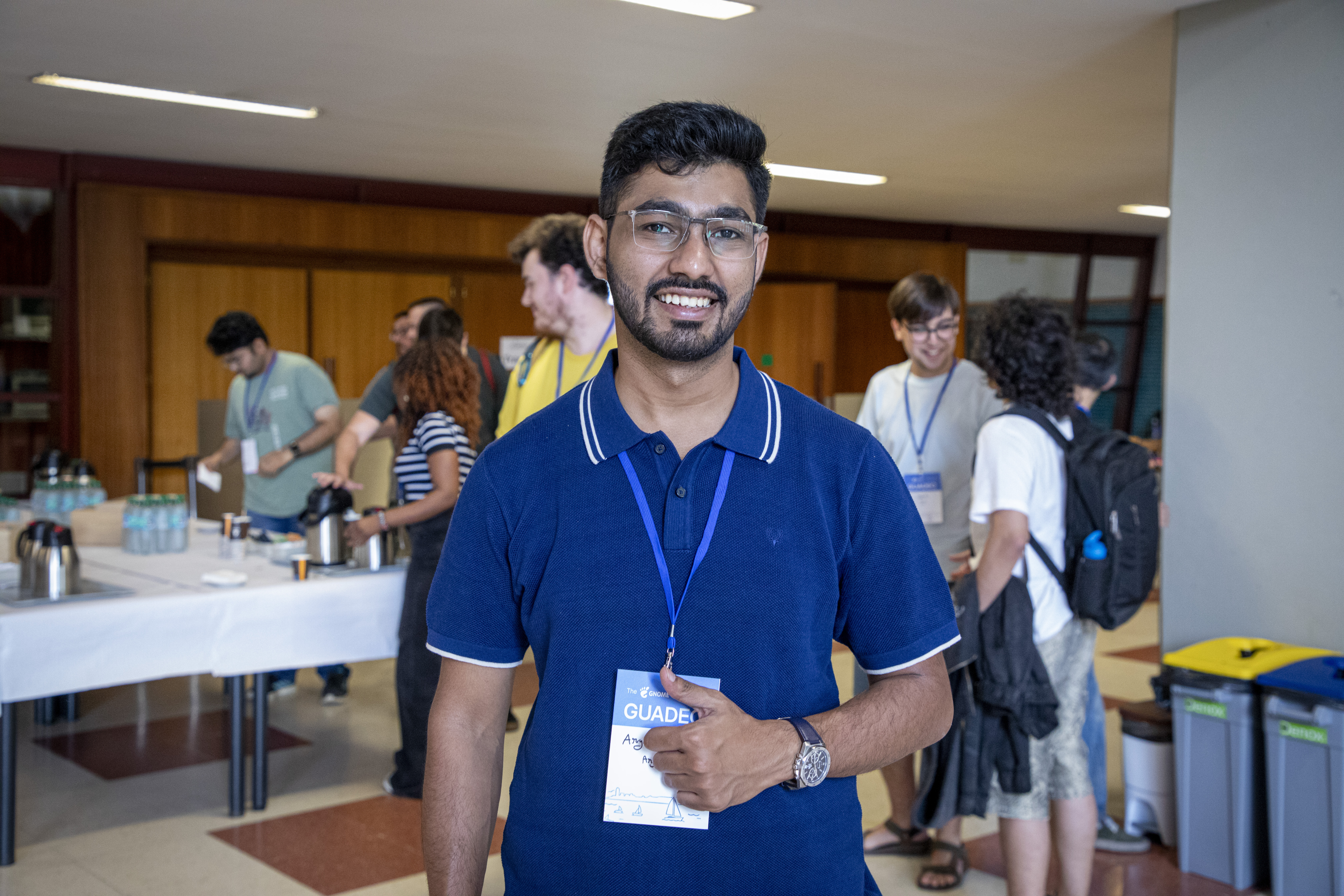
Potrait of me

Attending GUADEC was much easier this year. If you haven't been following my blogs, then last year was quite a rollercoaster with travel and visa issues. You can read last year's rant at https://aryank.in/posts/2025-09-06-guadec-2025-experience/ , but now I finally have a 2-year visa, so no more pain for some time :D

Anyway, let's proceed with the blog :D

The touchdown
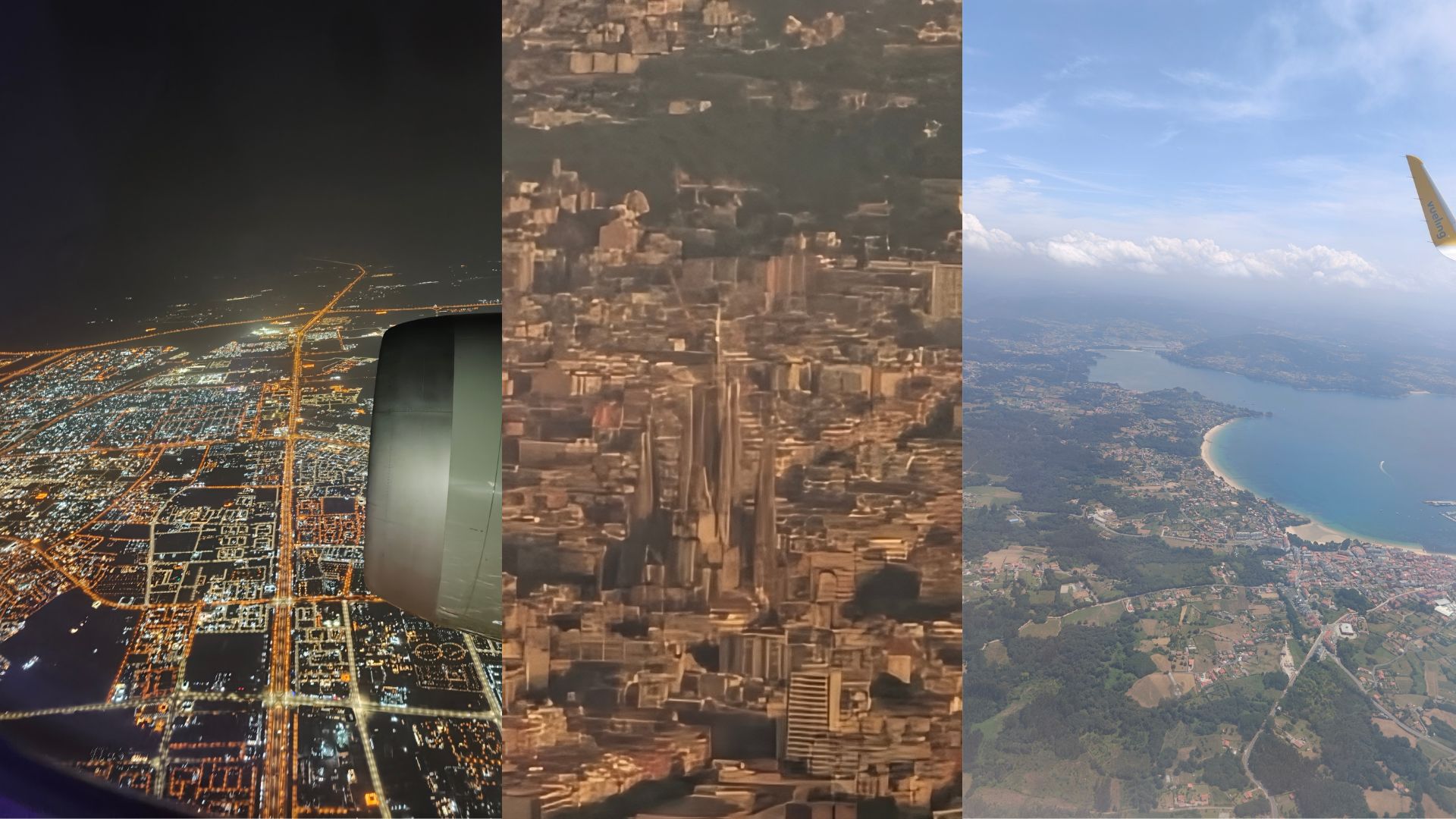
Views from the flight

Due to a lack of flights to A Coruña, I had to take connecting flights through other cities to reach my destination (as I believe most did as well).

All in all, it was about 36 hours of travel to reach A Coruña. From Bareilly to Delhi, then to Qatar, then to Barcelona, and finally to A Coruña.

Phew, if it wasn't the excitement of attending GUADEC, I might have surrendered midway.

In Qatar, I found two of my good friends waiting for their connecting flights as well. Turns out, we had the same layover and connecting flights onwards. Seeing the struggles Aaditya went through for previous additions of GUADEC in securing his visa, I was insanely happy that he succeeded this time!
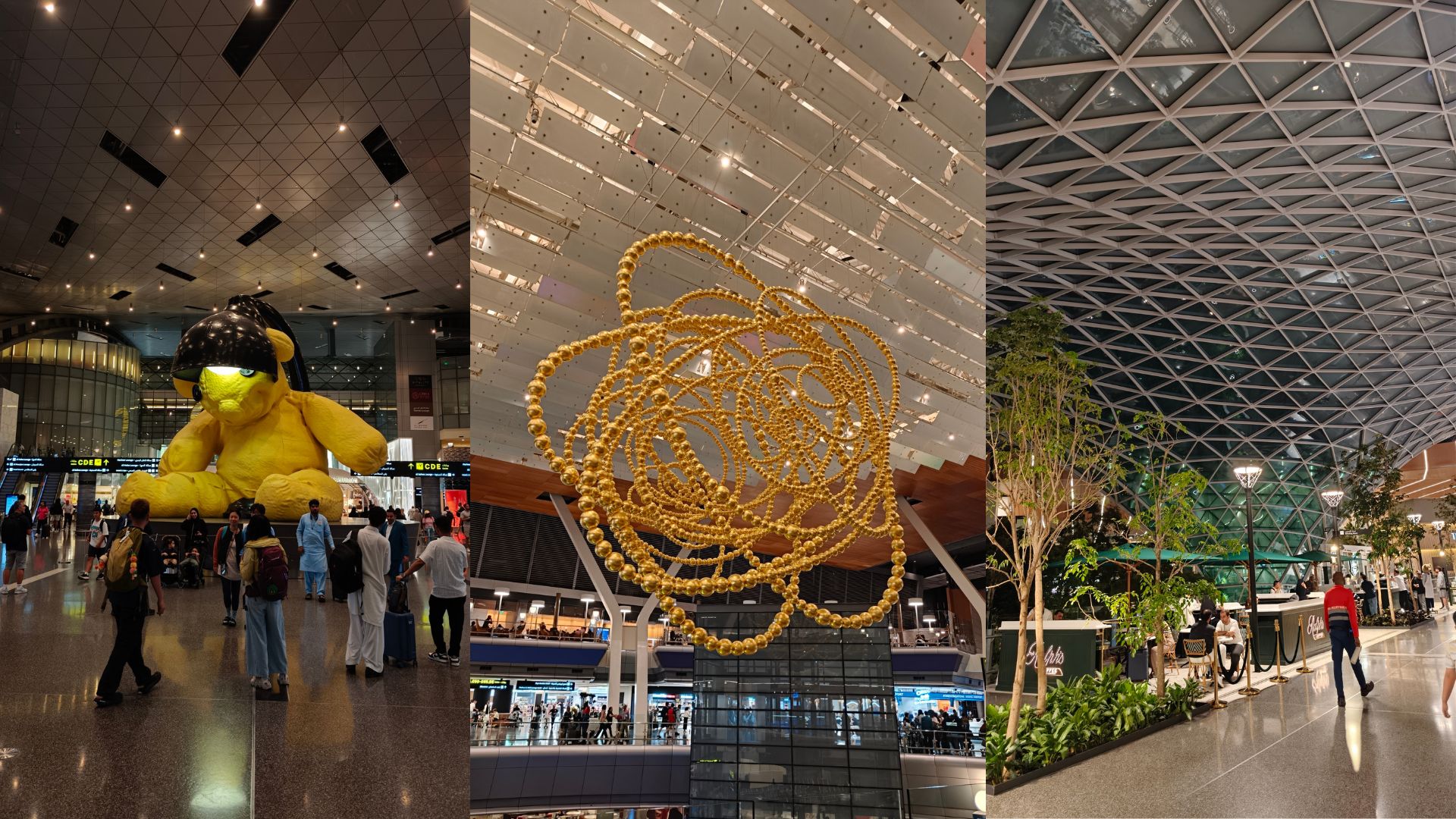
Qatar airport image

Having the company of Aaditya and Sailesh, we made a quick exit at Barcelona to visit La Sagrada Familia before catching our connecting flight to A Coruña.
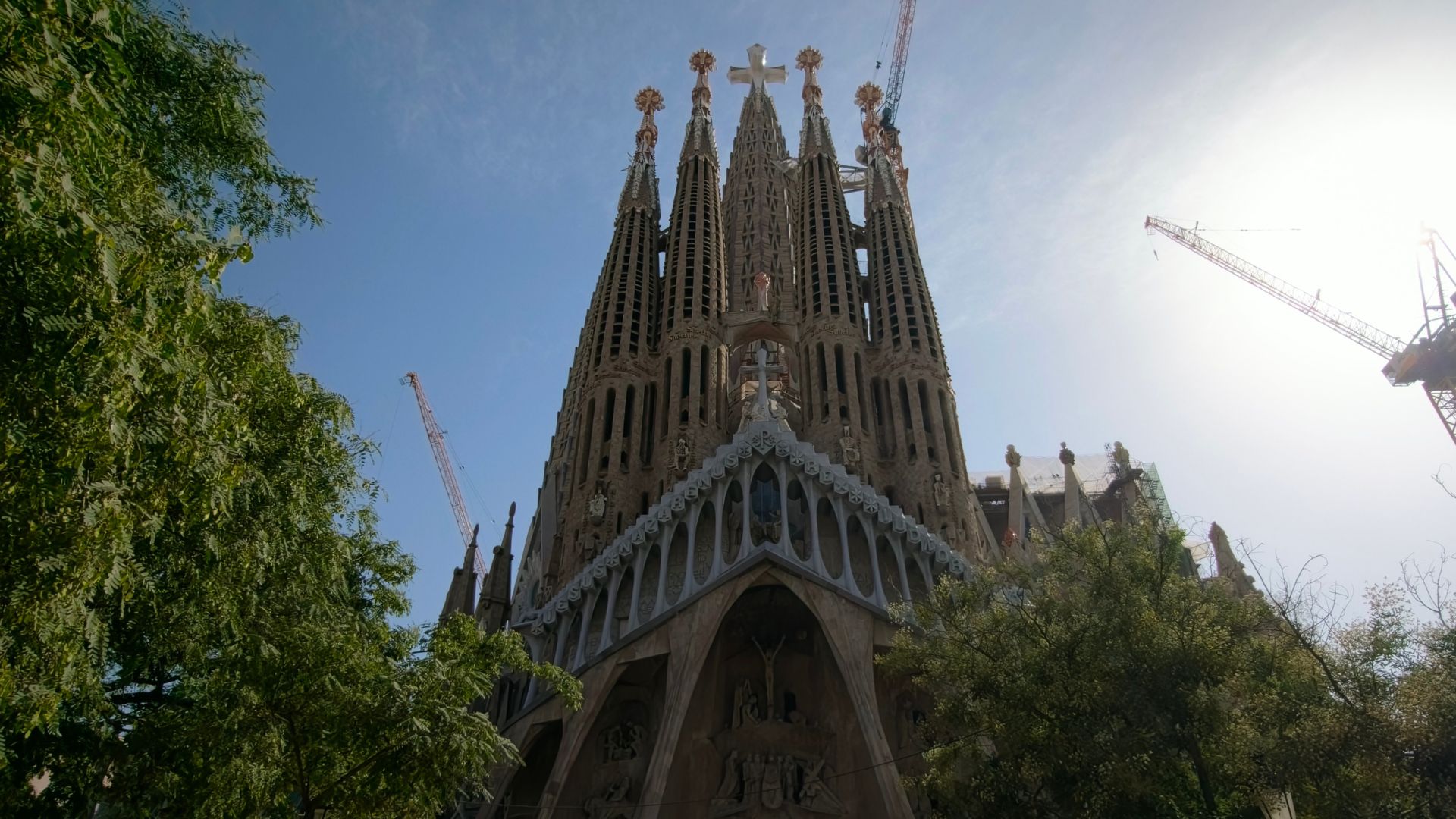
La Sagrada Familia image

It was a super short visit, and we couldn't even go inside the basilica. Nevertheless, seeing it from the outside was still breathtaking. Can you say you travelled to Spain and didn't see La Sagrada Familia?

The pre-conference party

I was looking forward to attending it, but the long journey, combined with the exhaustion from travel, made it quite challenging to muster the energy for the party. Also, my hotel was way too far from the venue, making it even more inconvenient to attend.

Not to mention, I was famished, and any longer without food and I would have turned into a hangry mess.

So unfortunately, I had to skip the pre-conference party and head straight to find some food.

But but but, even though the hotel was far, it was at the perfect spot possible. Close to the attractions, the market, the beach, everything. Thanks, Canonical!
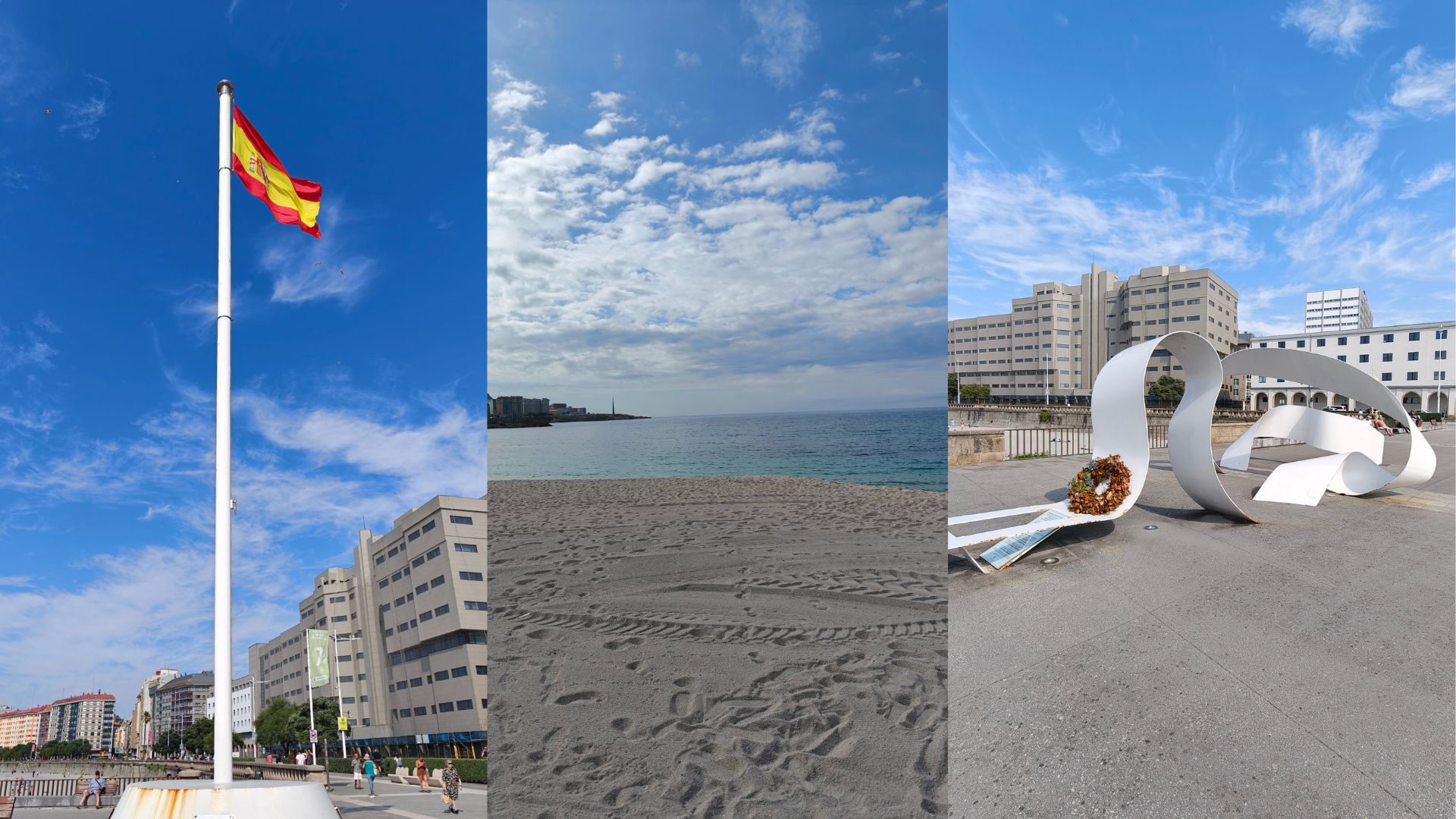
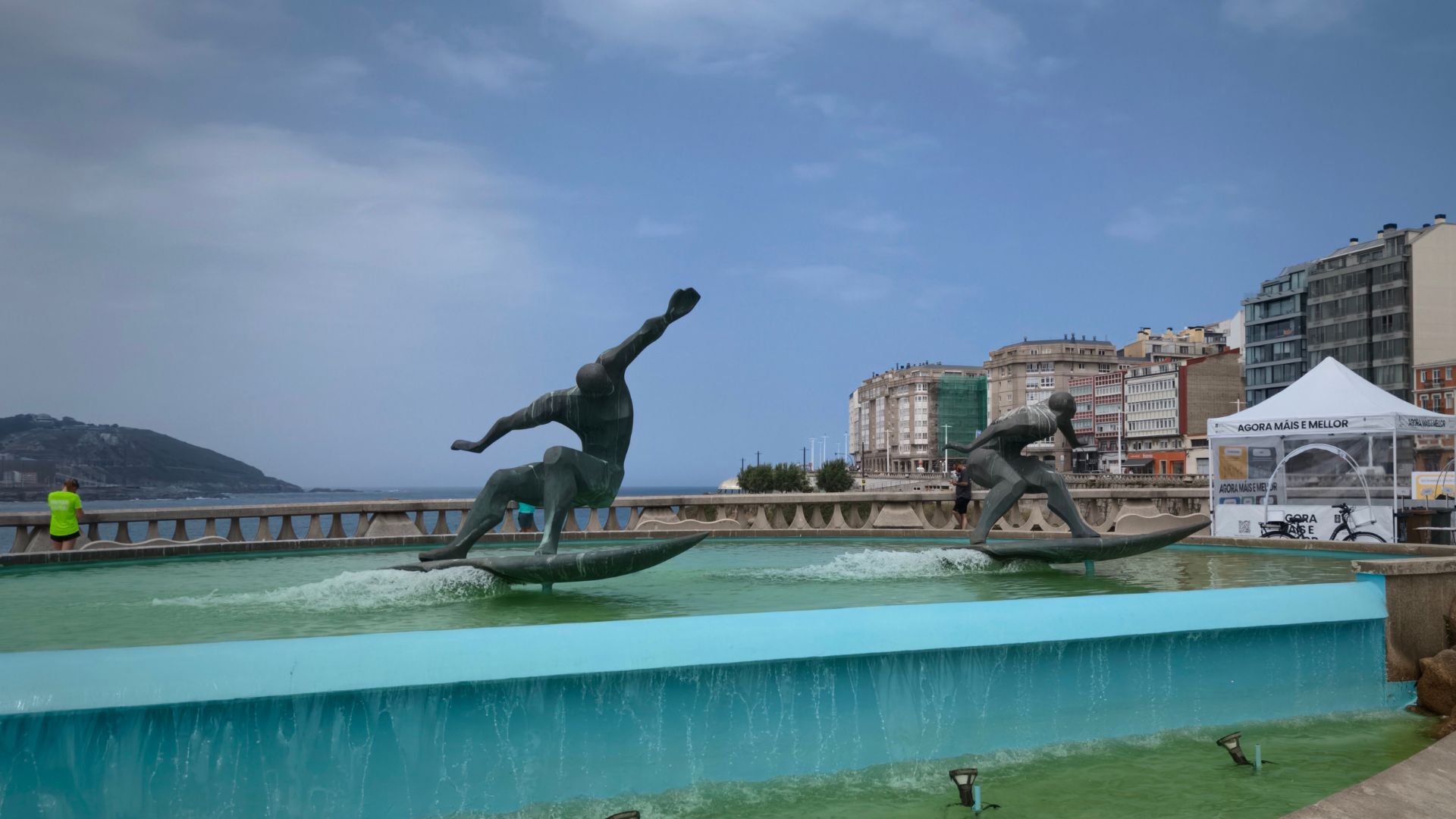
Riazor beach image Surfer statue image

The first day of the conference

My first day is always a shocker. And my journey with the bus in the EU has always given me pain at least once, haha. When I boarded, just like last year, I was again denied entry, as on the UDC line you can't tap your bank card, which wasn't the case with the airport bus, and the only bills I had were 100 EUR (Thanks to my chosen forex service :( ).

Thankfully, a student paid for my bus fare even without asking (kindness is still alive, people).

As soon as I boarded, I downloaded the A Coruña public transport app so that I could pay myself for future rides.

This actually portrays how poor my planning was this year. Every year, I spend at least a month knowing everything about the city, this year, I hardly spent a day, didn't even check what to visit :) Lesson learned for next time! Kudos to the GUADEC team, as the website clearly mentioned the public transport and other logistics, which I overlooked.

After reaching the venue, I spent 10 minutes wondering where the conference was. The map link on the website was for the university, but not the exact building. Eventually, I found another attendee who guided me to the right location.
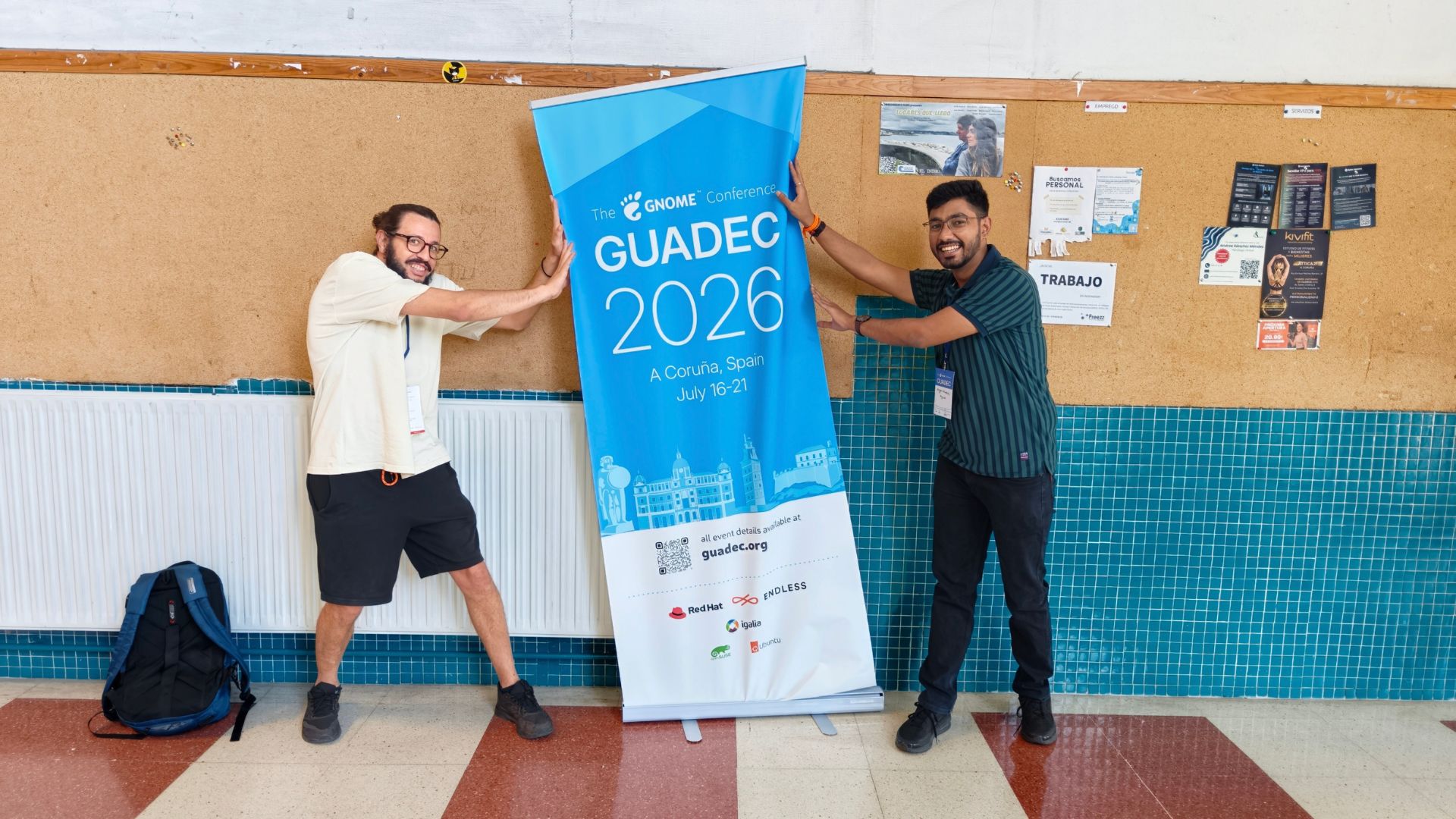
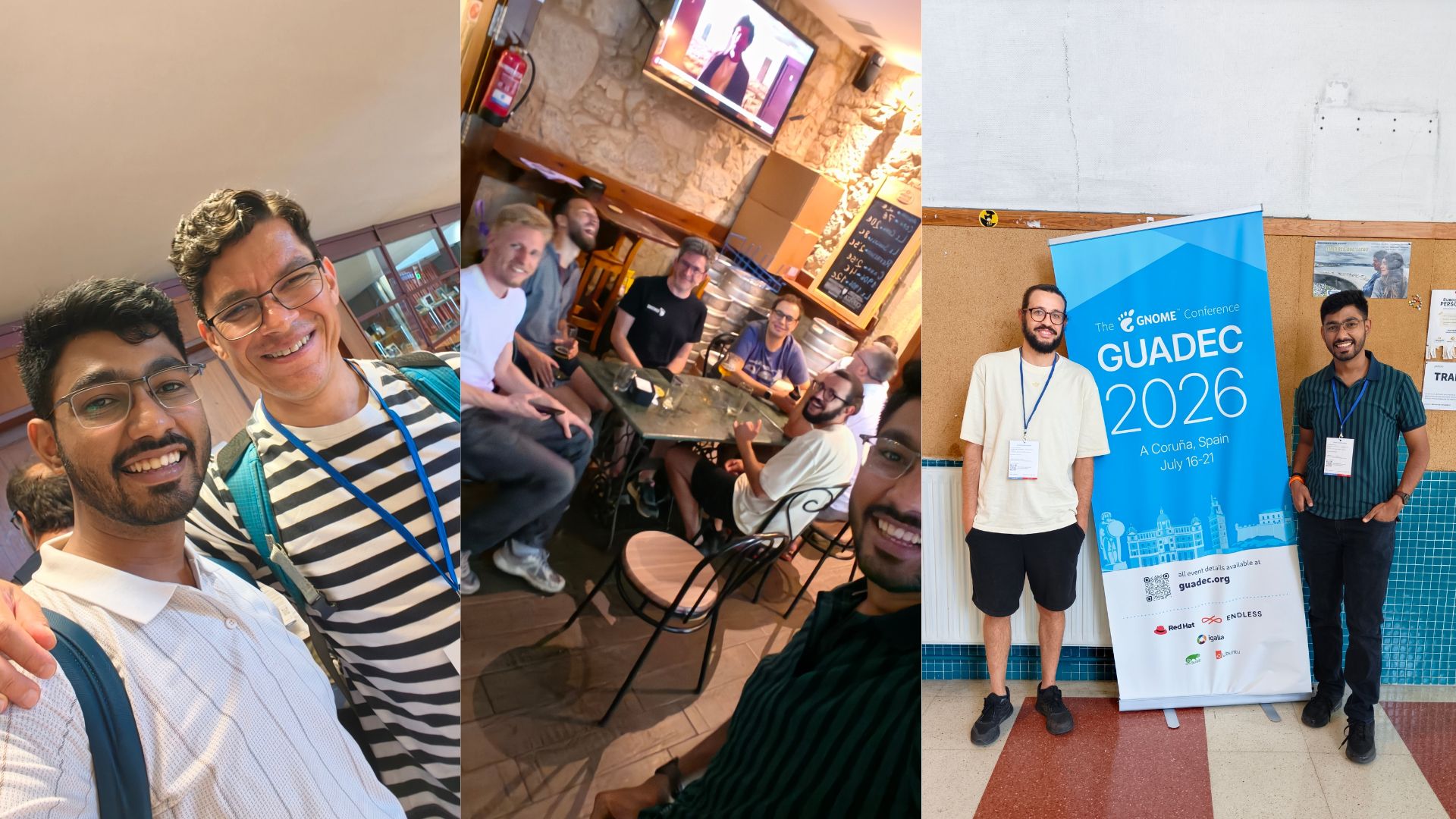
GUADEC 2026 banner image

Upon entering, I met Anisa, Kristi, Asmit, Deepesha and so many more familiar faces. I had a fun time asking everyone to guess my name to figure out who actually cares :) Joking on that part, I'm terrible with names and faces myself, but it's always fun to make things awkward lol.

We started with the conference welcome session, where, of course, I didn't hear any of it properly, being too busy catching up with everyone around.

I then had to quickly rush for Aaditya's session. Which was full of energy and insights, as always. GNOME Nepal has been doing amazing!
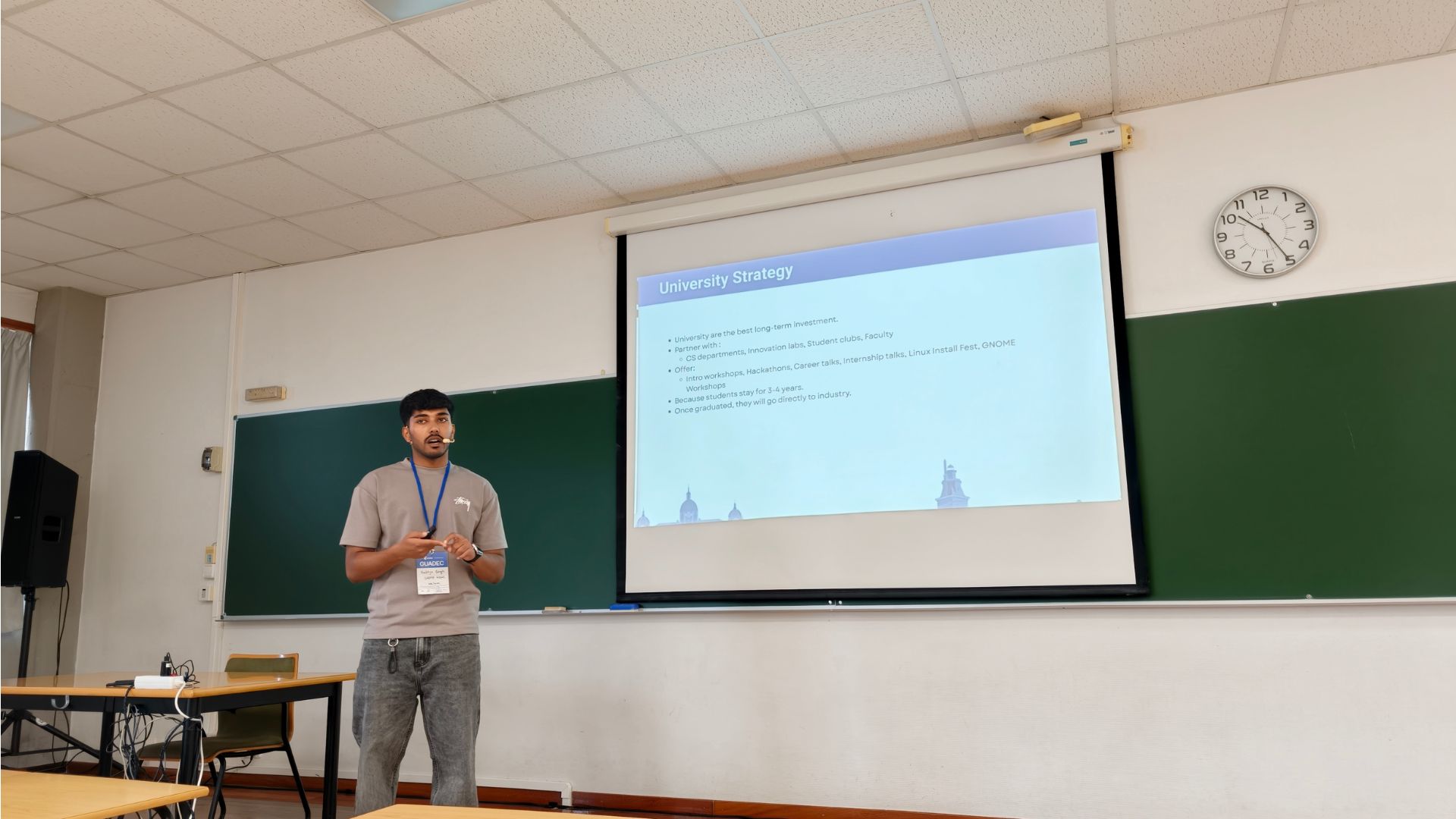
Aaditya's session image

Following his session was mine! Again, the first talk I hadn't prepared at least 100 times. But I believe it was one of my finest yet! Lesson learned again, too much preparation sometimes makes the talk boring, uncertainty makes it lively and engaging.

Following which, was Sailesh's session, which was equally engaging and informative.

The day went on with multitudes of sessions and amazing talks as GUADEC usually does.
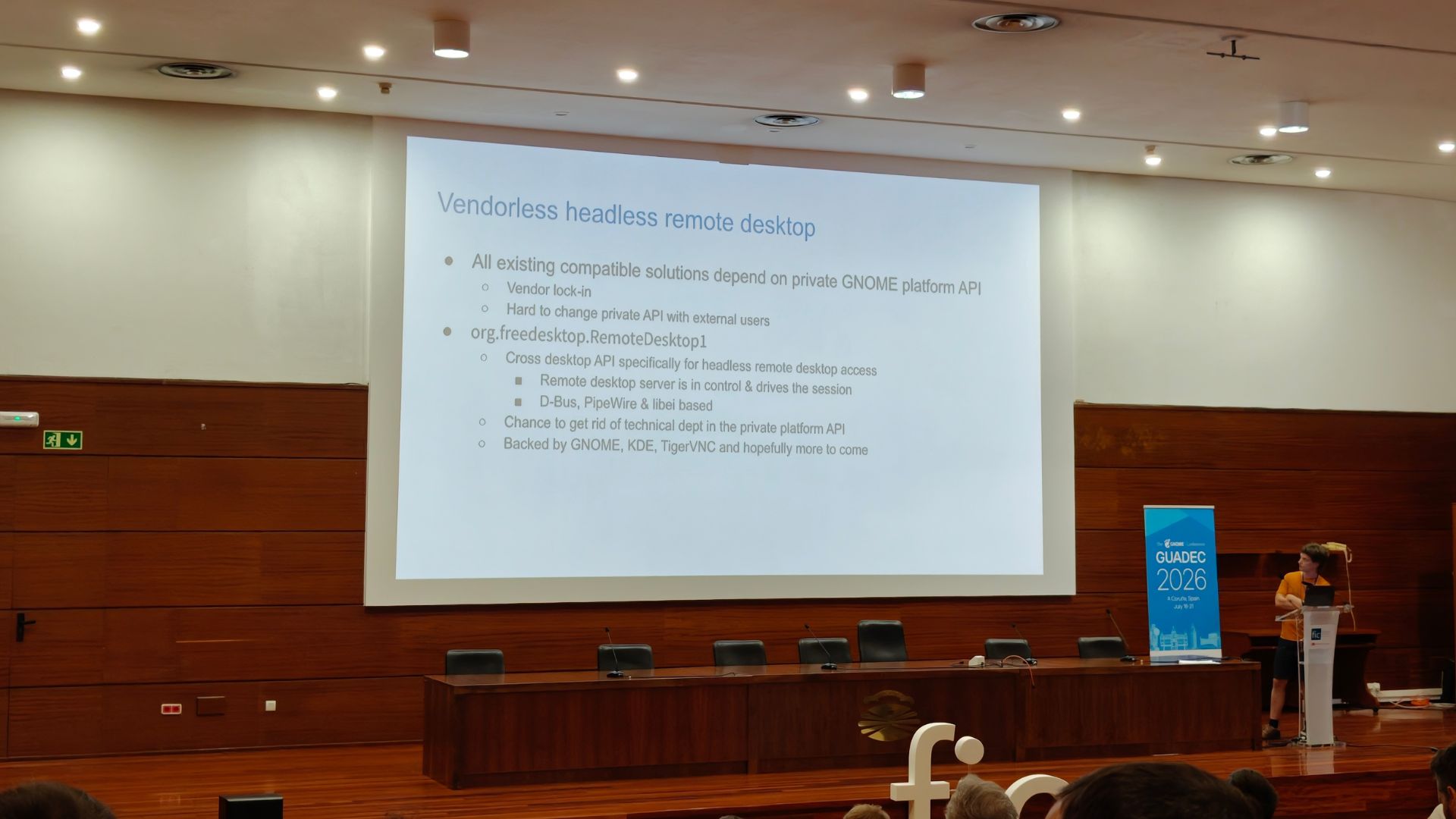
Conference session image

Then, Felipe asked me, if I'd like to join him for the community update at the end of the first day, and of course I said yes.

From being an intern in 2022 to now being a part of the Internship committee and presenting at the community update, it has been an incredible journey. The growth, learning, and experiences I've had along the way are truly priceless.

If you want to watch - the community update
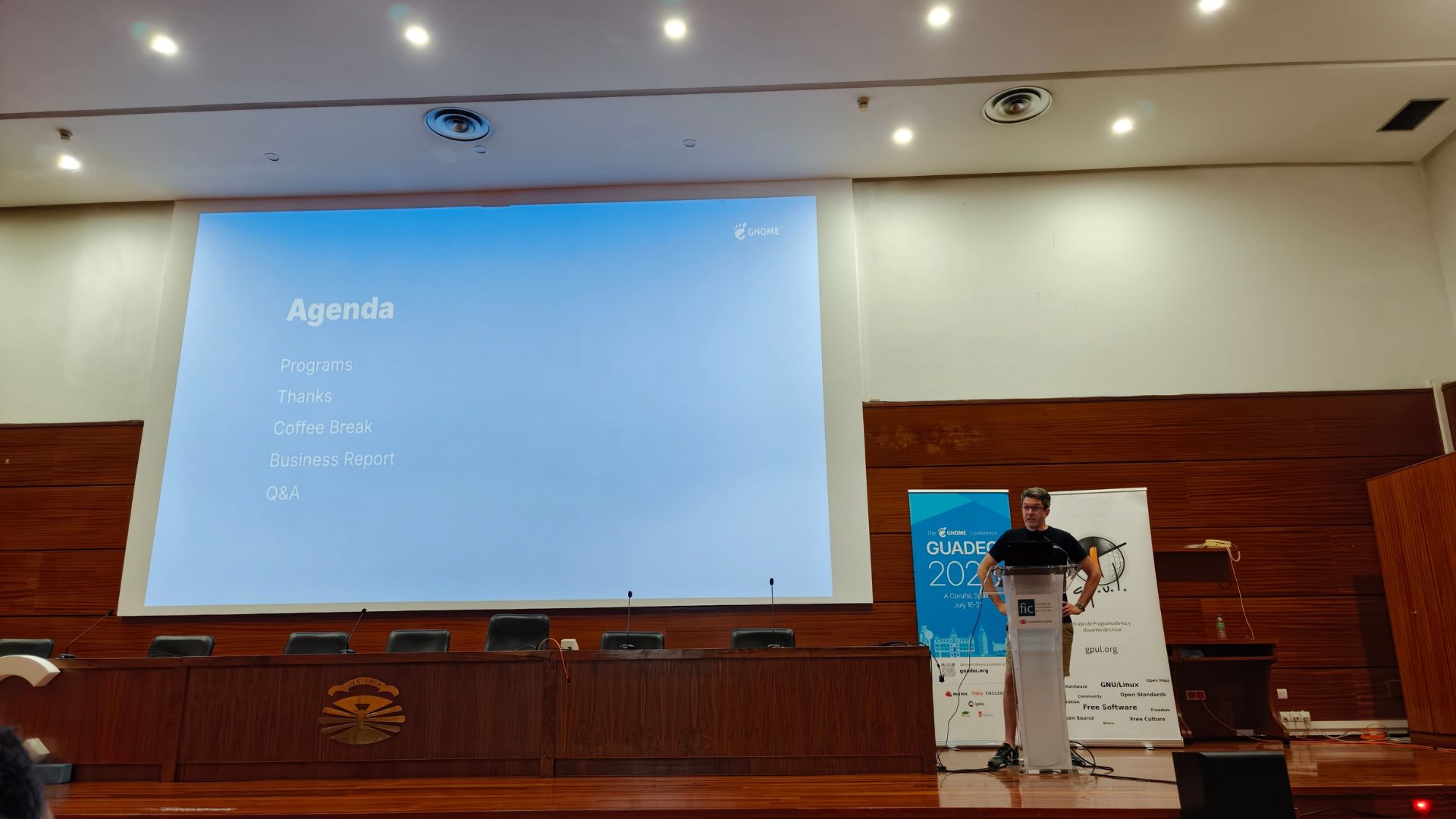
Community update image

The second day of the conference

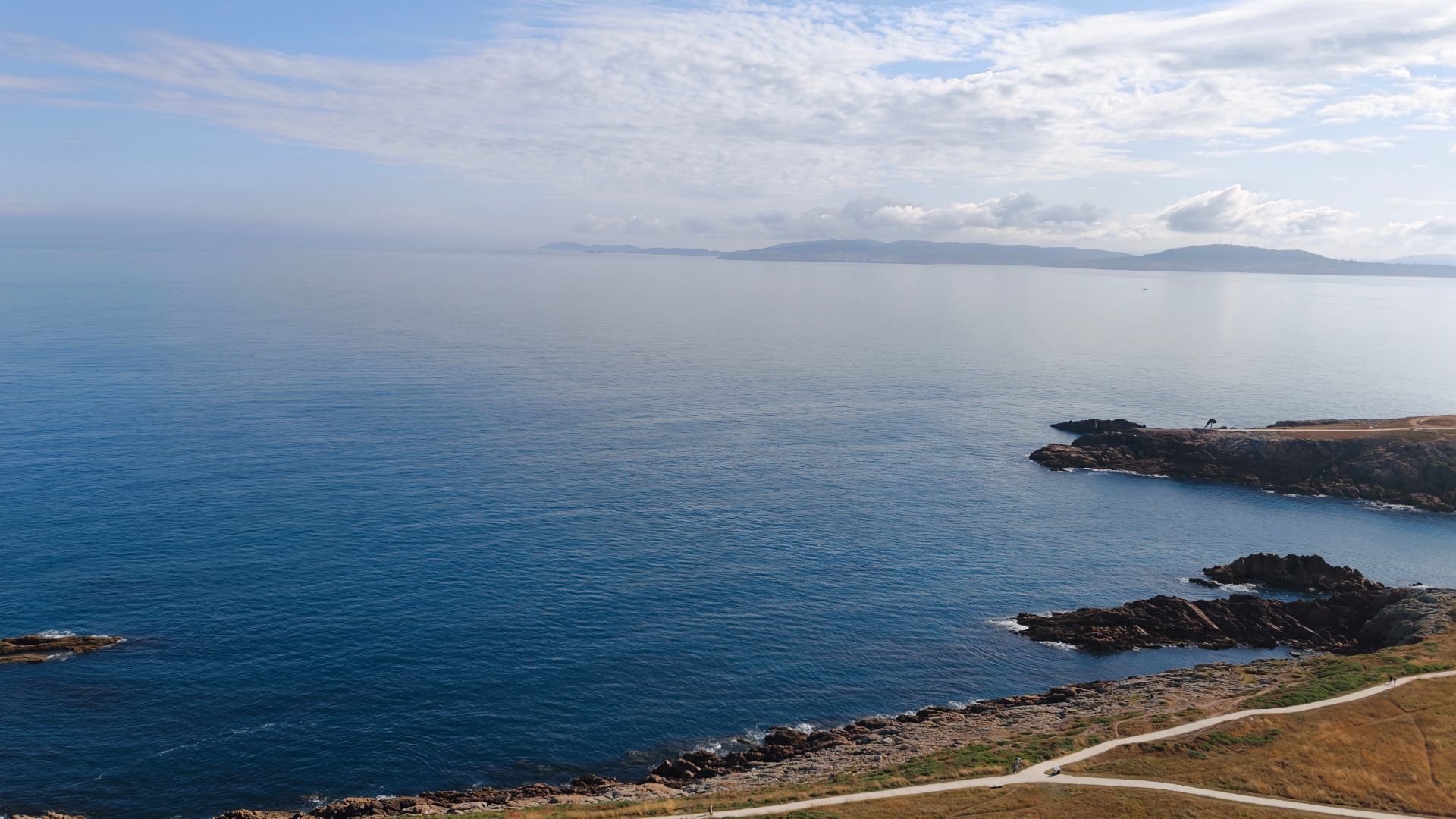
While staying at the conference, we rarely get the time for sightseeing, so I did what my brain can not fathom... I woke up early :) And that was so worth it, went on a super early morning trip to the Tower of Hercules. Thankfully, I did a bit of searching on the bus and learned that you can go to the top, and so I did! And no pictures, no stories or whatever I say can justify the visual bliss I received. I just fell in love with A Coruña right there. But I had a conference waiting for me, so on we go.
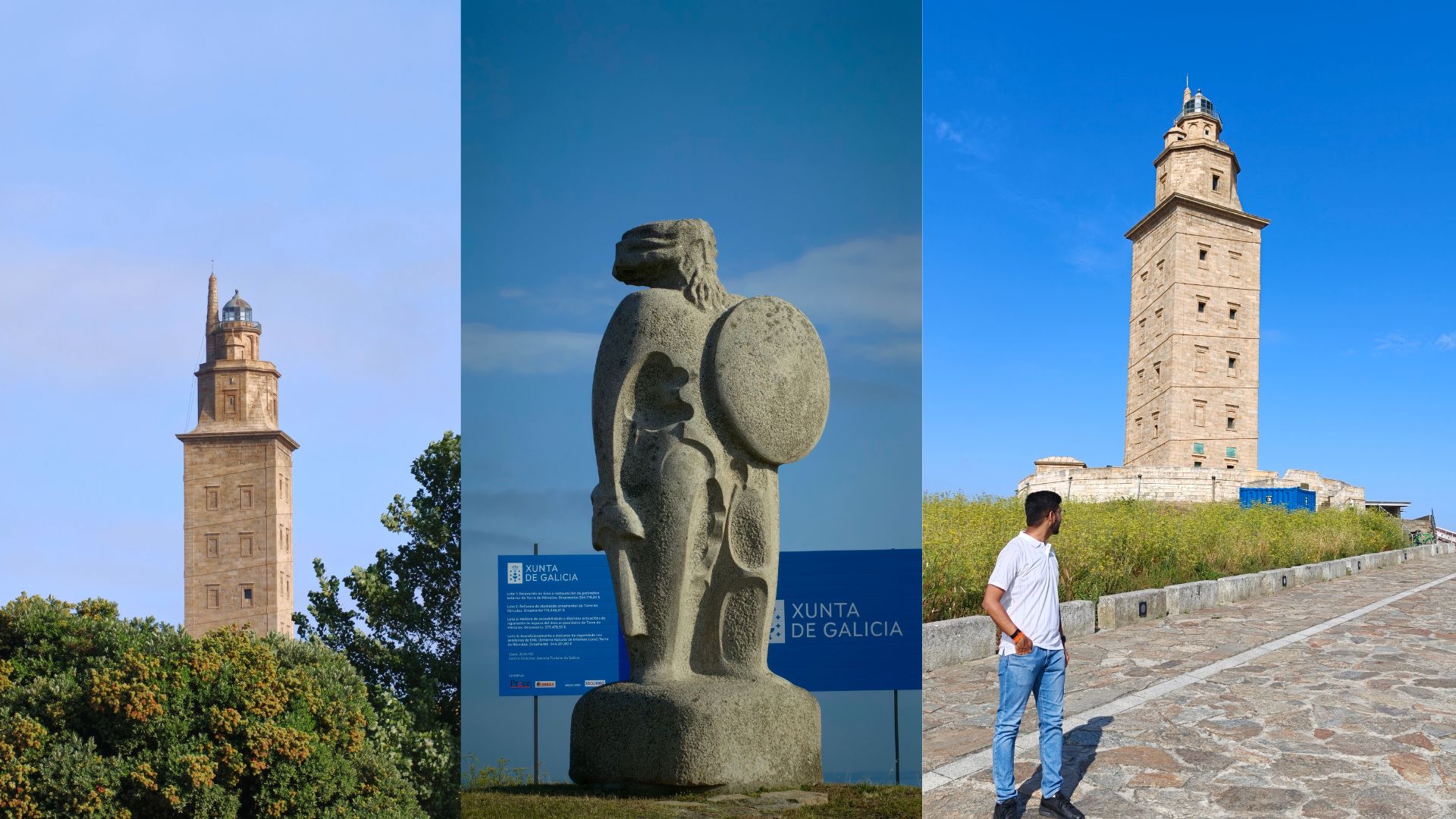
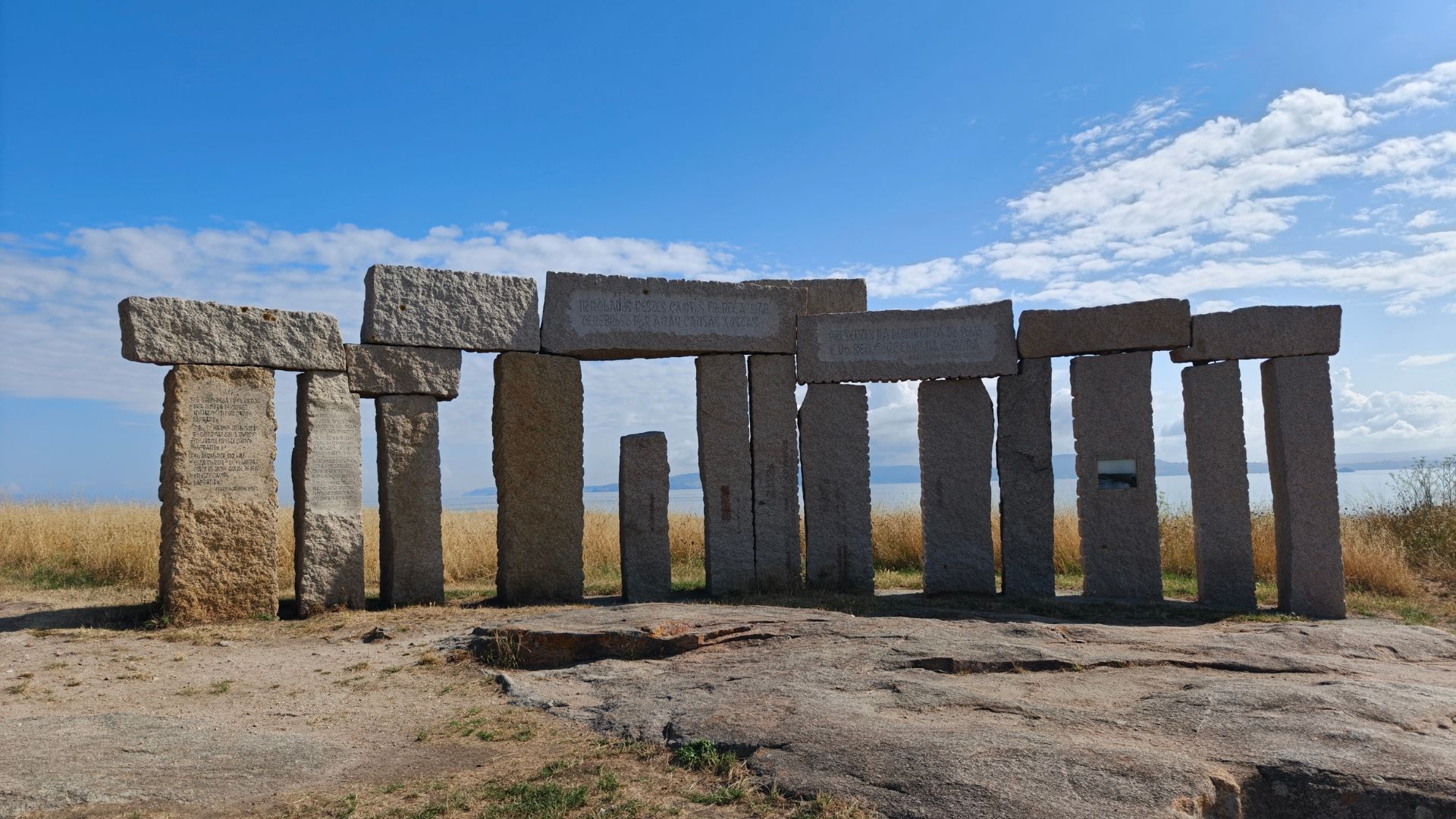
Tower of Hercules image Stone monument image

The highlight talks for me were "When Porting Isn't Enough: Rewriting a Python GTK2 Application for GTK4", "GNOME Internationalization: accessibility for all over the world!" and "Session Save/Restore"
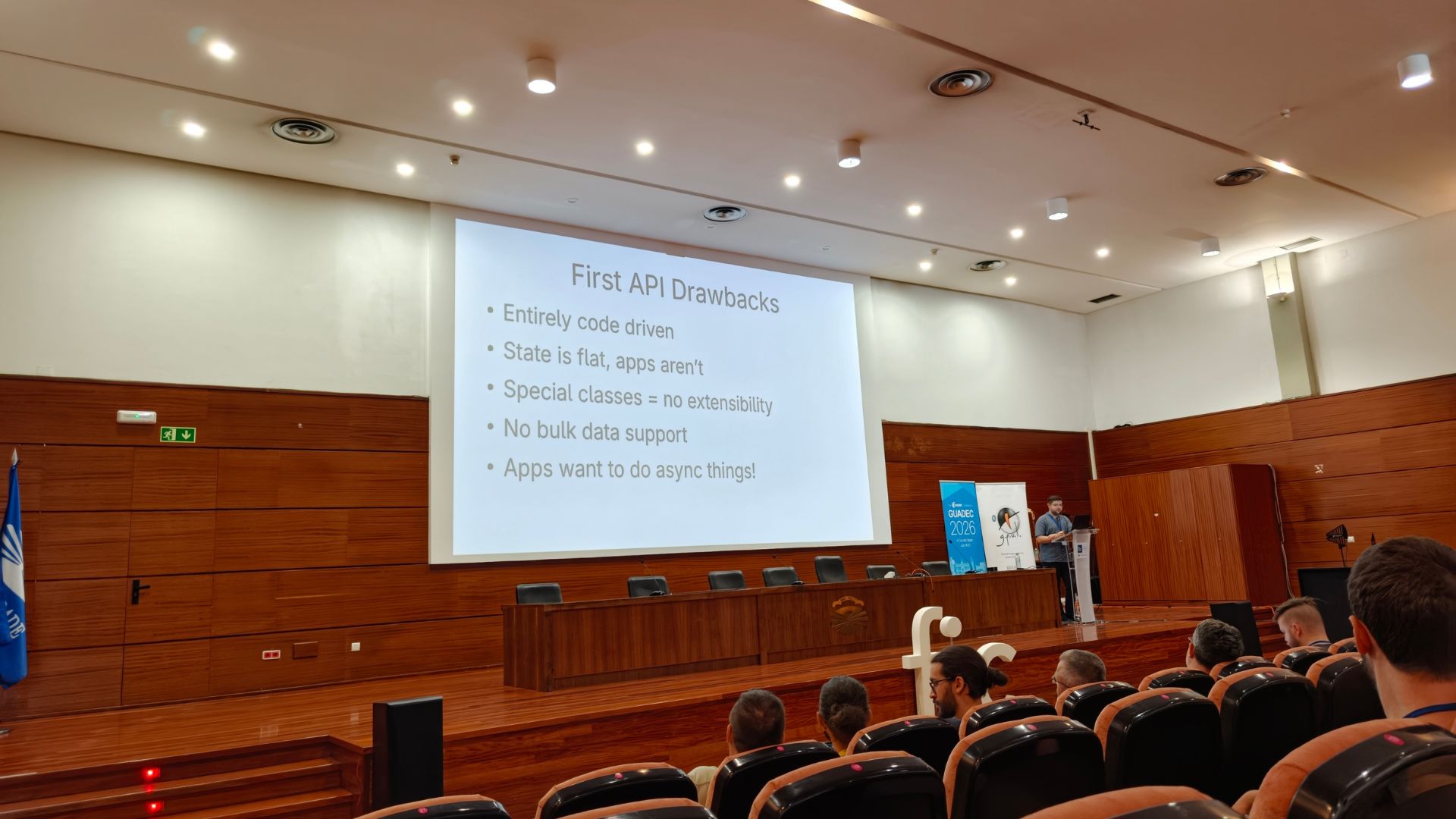
Session Save/Restore talk image

The one that particularly piqued my interest was the Internationalisation talk. It was fascinating to see how GNOME is making efforts to ensure accessibility and usability for people all over the world, and how what phrases we think are simple or sufficient in our context can be completely different in other languages and cultures. Always insightful and eye-opening!
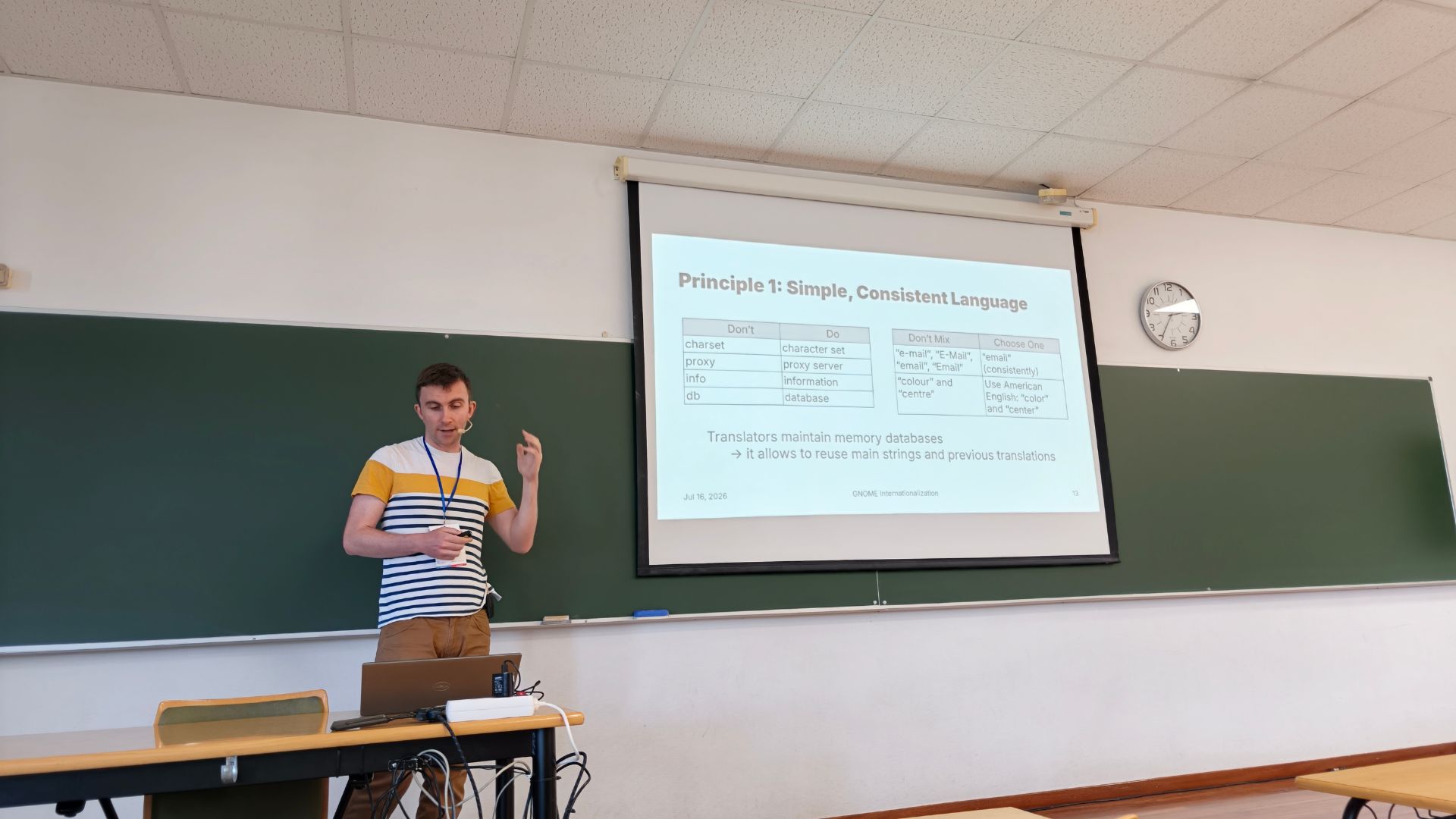
Internationalization talk image

Then, just before the lightning talks, we had "The Future of Boxes" session by Felipe. Having discussed it with him in the past, and having had the pleasure of being one of the people who got to test it before the official release (and annoy Felipe with nitpicks), it was fascinating to see the improvements and new features being showcased.
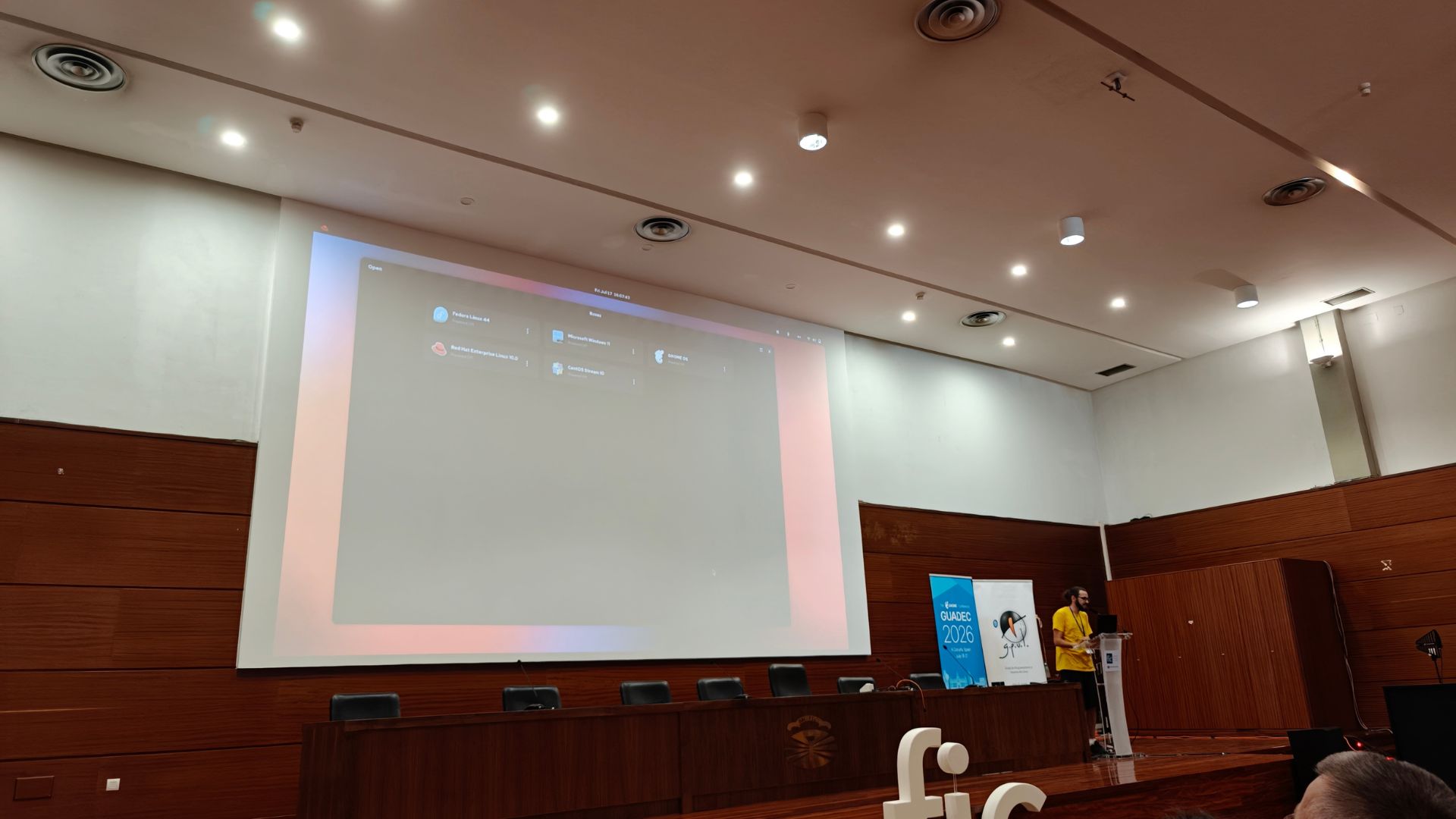
Future of Boxes talk image

Boxes looks really promising with the new features and improvements, and I can't wait for the stable release.

Then we had the intern lightning talks, where several interns shared their projects and experiences. It was inspiring to see the fresh perspectives and innovative ideas brought forward by the new members of the community.
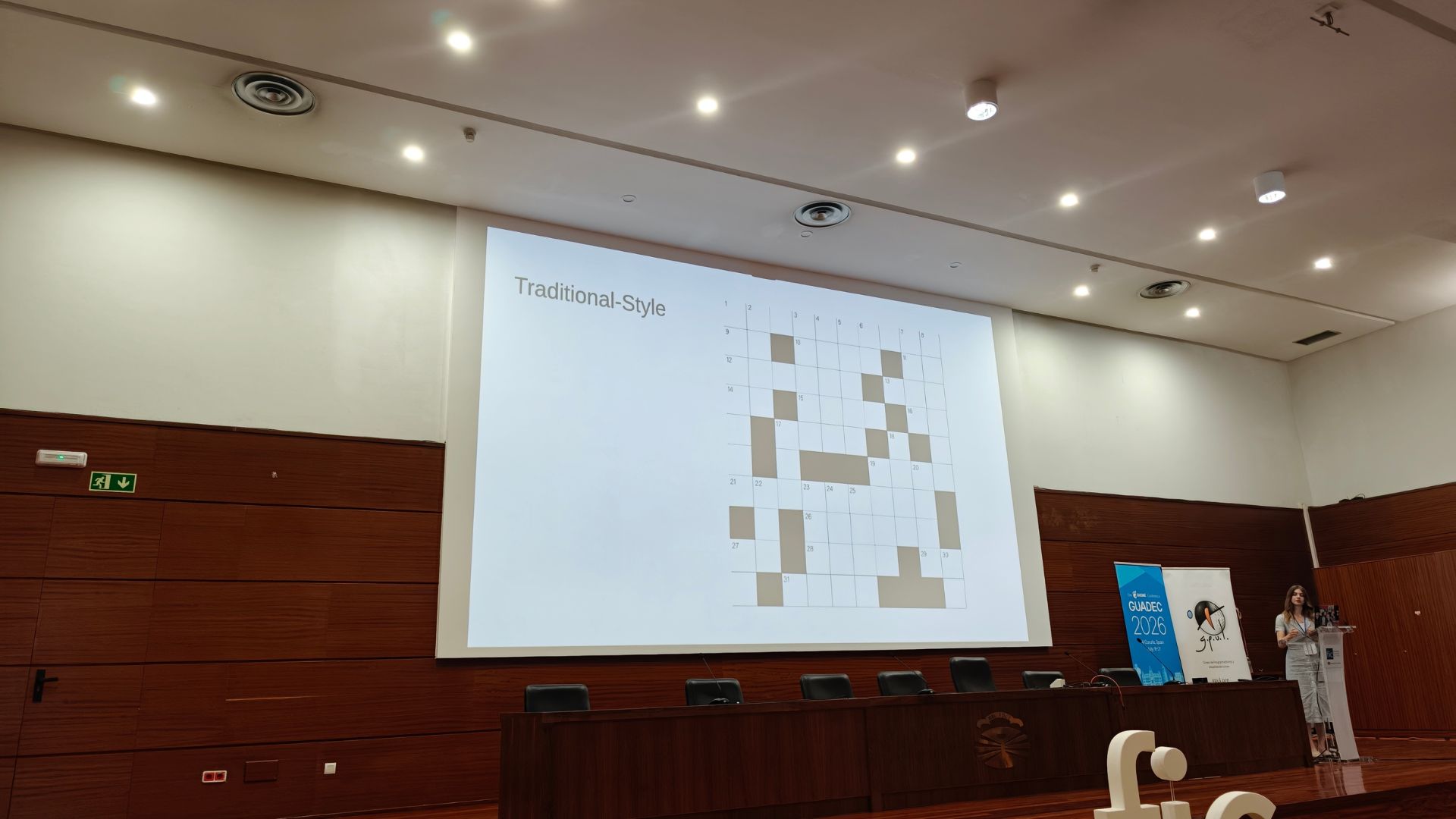
Intern lightning talk image

The third day of the conference

As you can guess by now, it was great as well!

The highlights? Those were the super longggggg AGM, but also the engaging discussions and the sense of community that made it all worthwhile. Followed by State of the Shell, a must-watch ALWAYS!

And we ended the day with a great conference dinner.

Instead of taking the bus to the dinner venue, I walked. This is something I learned at last year's GUADEC: if you really want to experience the city and its atmosphere, walking is the best way to do it. You find monuments not listed anywhere, hidden gems in the streets, and get a true feel of the local life.
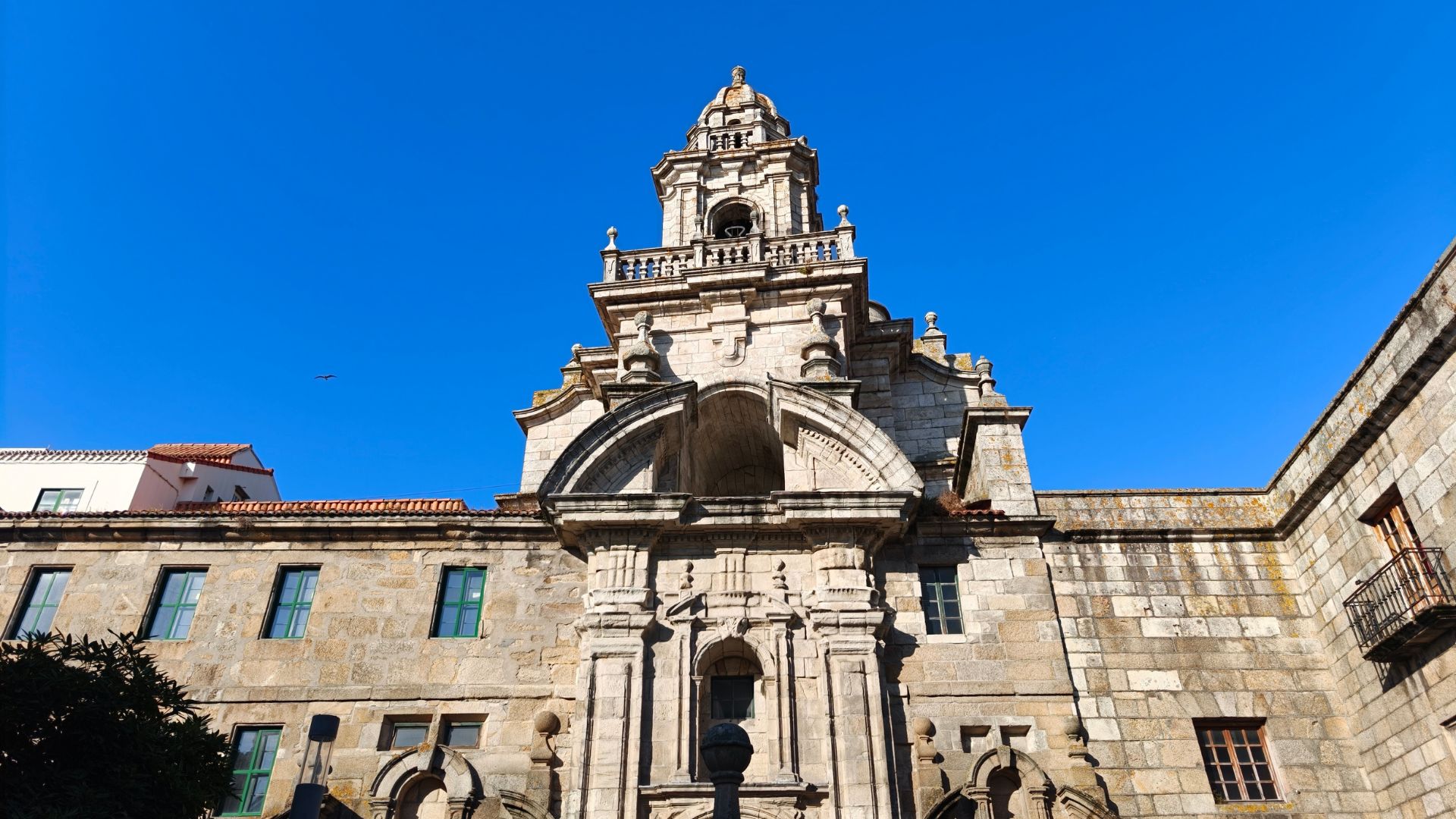
Monument found while walking image

The food was amazing, the company was great, and the atmosphere was just perfect.

The highlight? Drinking Queimada. The traditional Galician drink was both fun to watch being made and delicious to taste. The funniest bit was seeing people who have experience with alcohol still being afraid just from the extremely potent smell. It felt like I could get intoxicated just via that aroma alone.
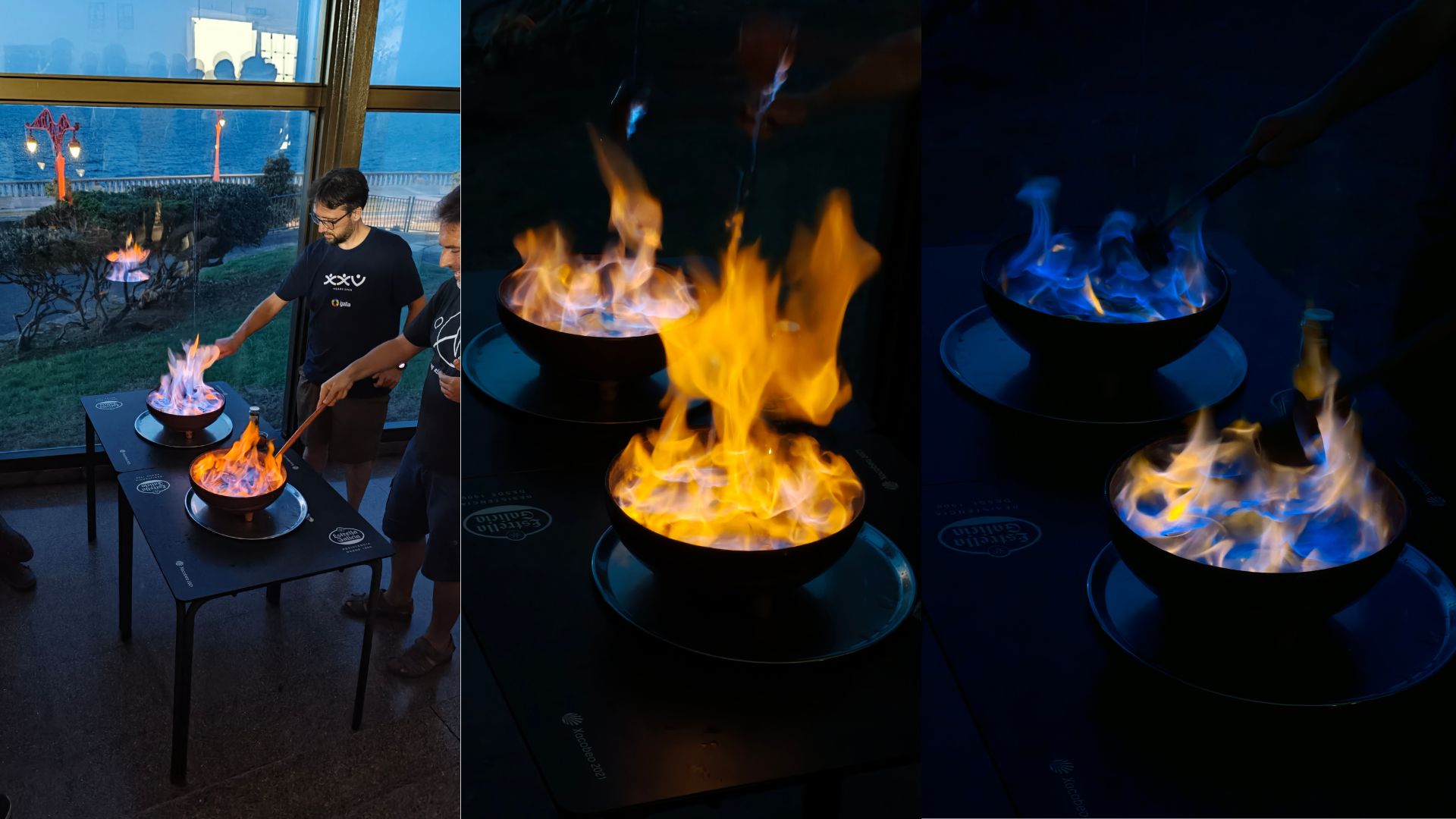
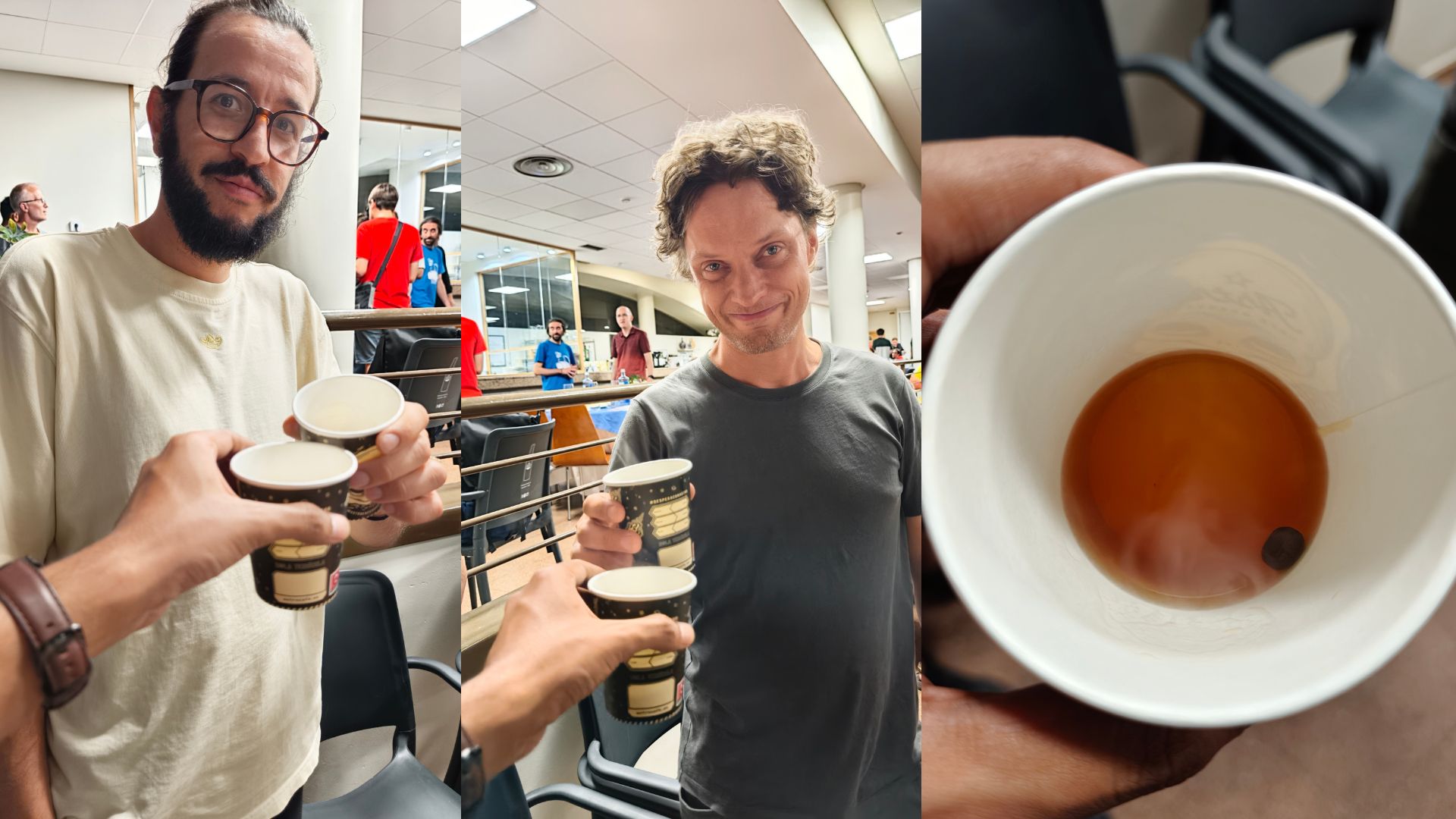
Queimada being made image Drinking Queimada image

But the taste? It was pretty amazing! Although I was offered another glass, I had to refuse. Remember, kids (me being one too) drink responsibly!

I thought that this was it, that's the end of the day, but it wasn't. Me, Felipe, Alan, Tobias, Jakub Steiner, and a few others decided to walk to Maria Pita Square to watch football. Now, I was an imposter there, as I had no clue what was going on in the match. But the vibe is what made it fun!
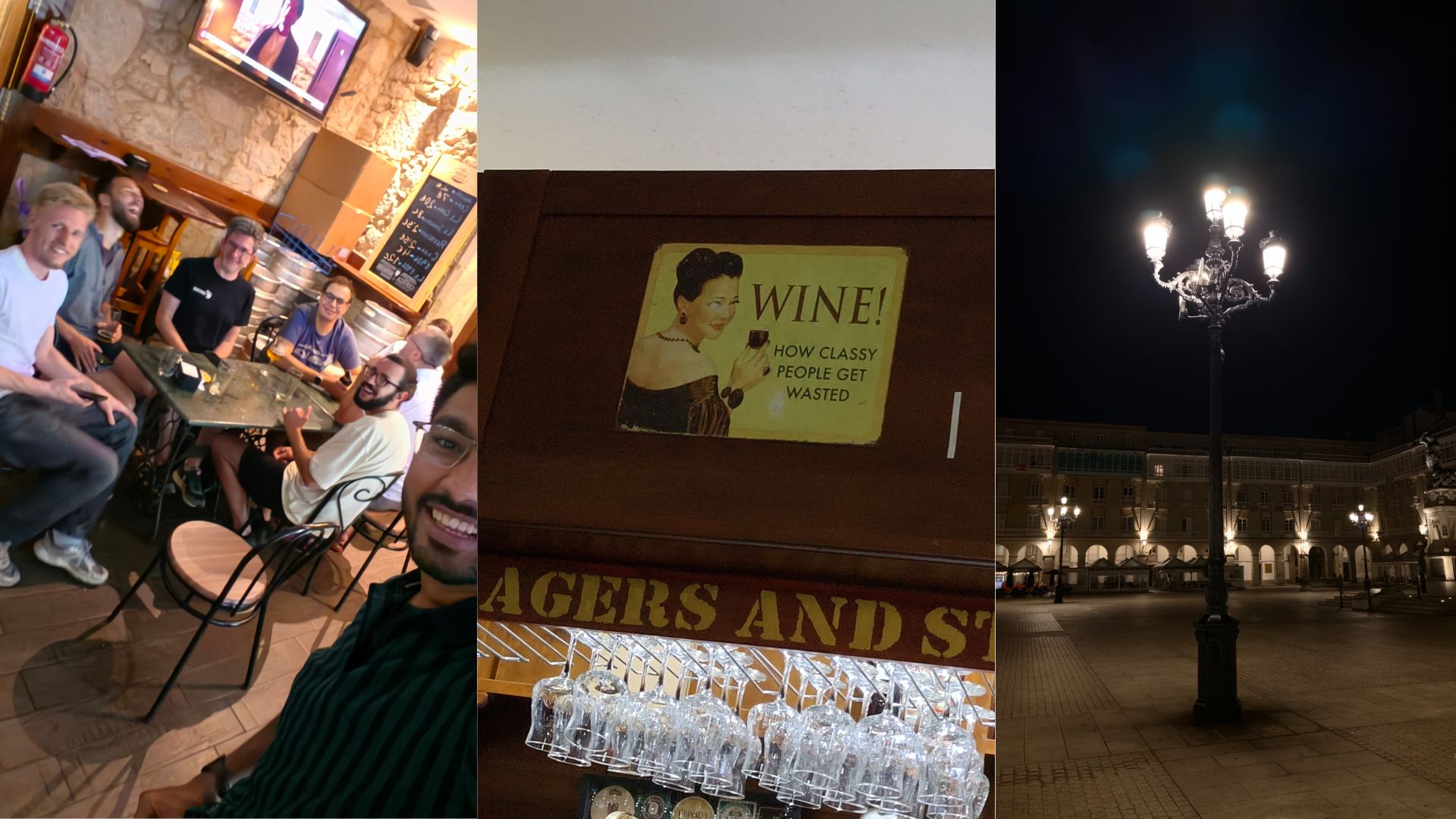
Watching football with friends image

We then had a good discussion on Indian currency notes, where I handed Felipe some to take back home. I never thought my own country’s currency could spark such interest and conversation among international friends. For me, they are pretty boring hehe.
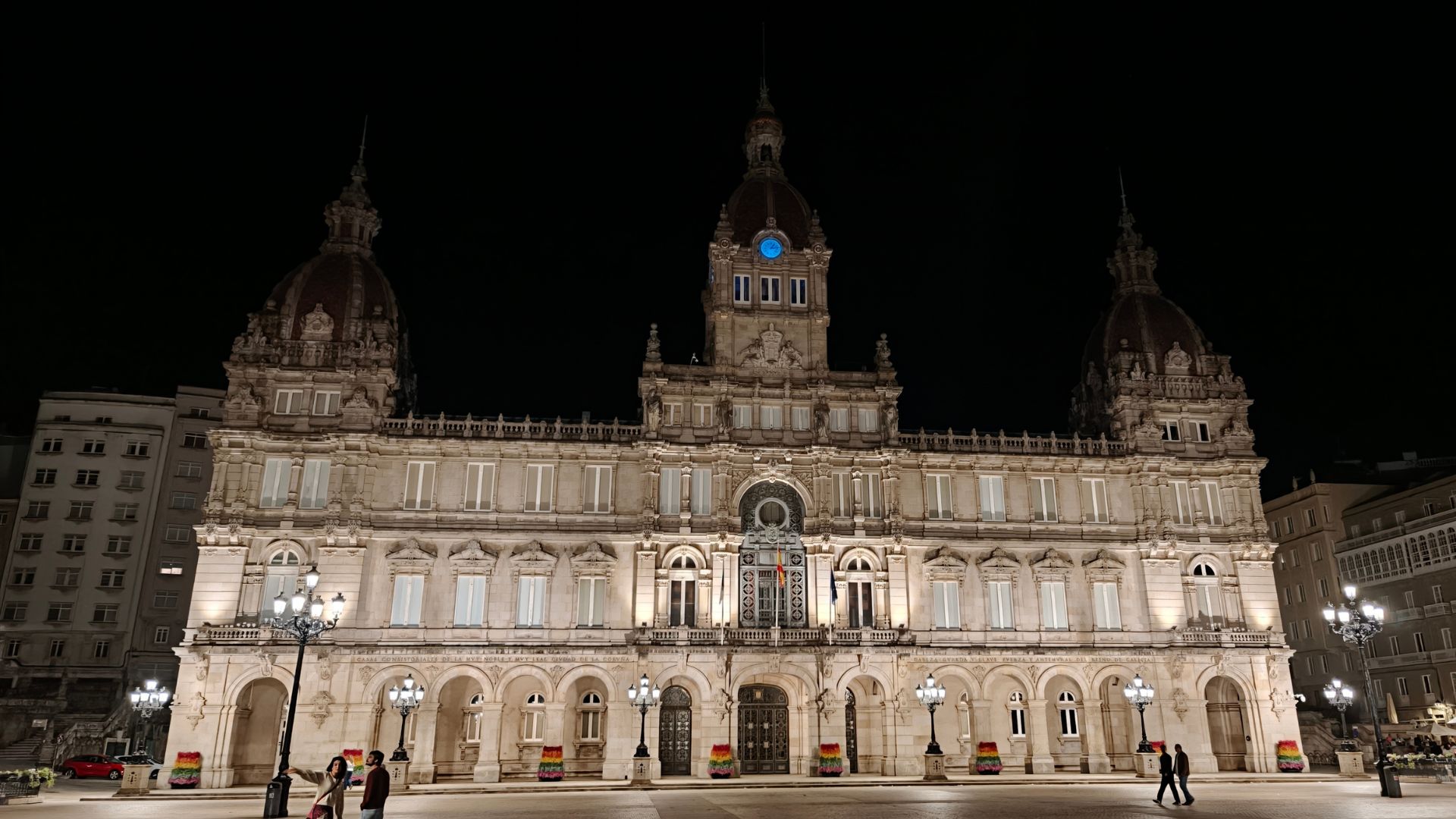
Maria Pita Square at night image

The BoFs

Being a GNOME GSoC'22 Intern, and now a part of the GNOME Internship Committee, I had my third and final talk (kind of), the GNOME Internship Committee Meetup, where we discussed the future of the program, the challenges we face, and how we can improve it.

As it was Sunday, the bus service was heavily disrupted, a bus denied me again, citing that they won't drop me in the city, only at the airport. So, I had to walk to the venue, my legs gave out after it, and I was partially drowning in sweat by the time I reached (not a great sight). But I had to be there! Thanks to a pizza party earlier that day, sessions were delayed, and I could relax somewhat before the discussions began.

I was continuously on chat with Felipe, ranting about the bus situation and my struggle to reach the venue on time.

Thanks, Felipe, for organising it and inviting me to be a part of it. It was great to see the progress we have made and the plans we have for the future.

The same day, we also made plans to watch the World Cup Final at Maria Pita Square. Due to bad network and an insanely packed area, we couldn't find each other, but man, what a time to organise GUADEC. Even though I was again an imposter there, I was there more for the vibe.
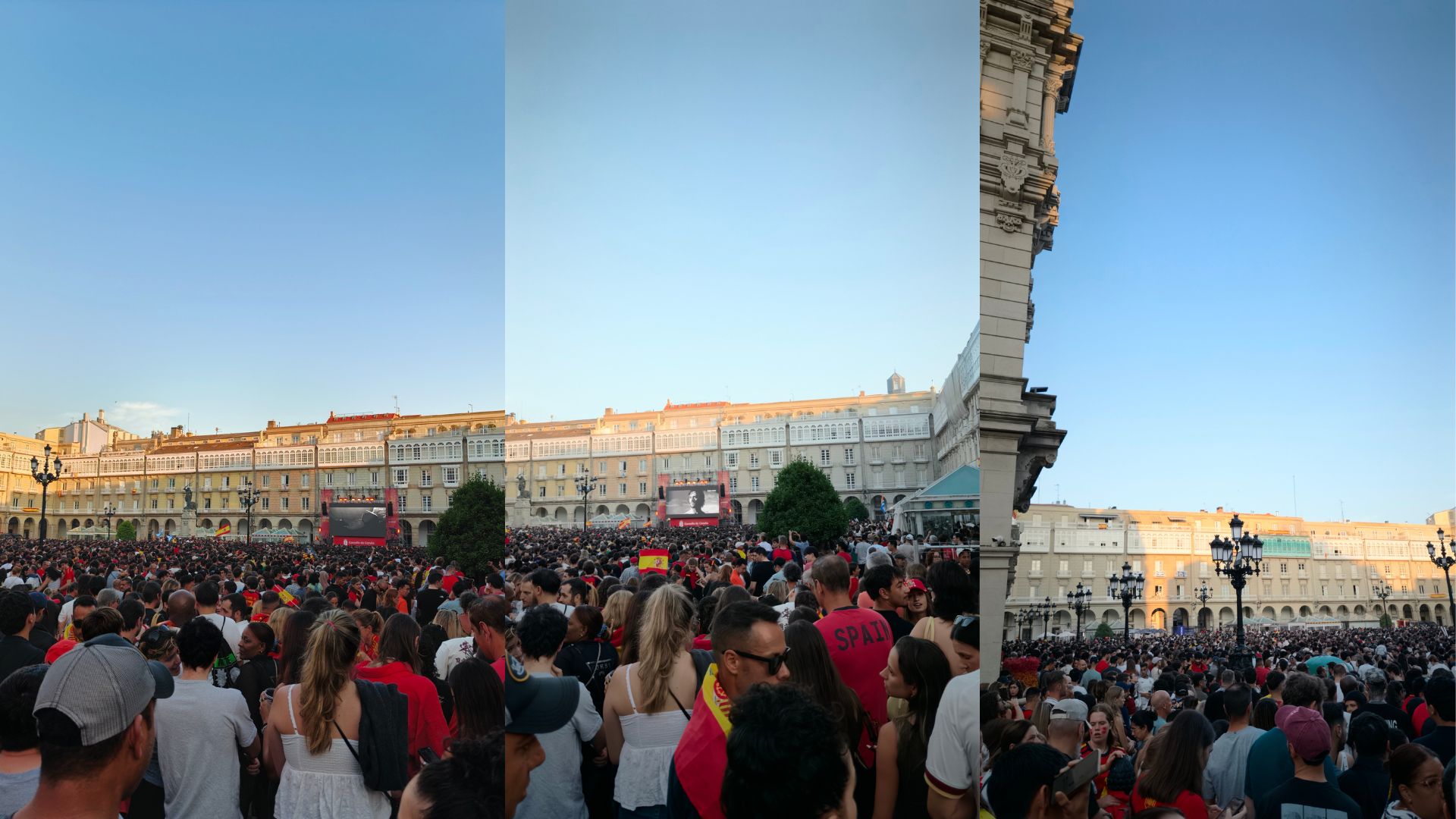
Crowd watching World Cup Final image

When the match went into overtime with the score still being 0-0, I left for my hotel, as I had no clue who could win, and a city with disappointed fans packed in one area is not something I would vibe with :)

But I'm so gladddd that Spain won! I was in my room when my college friend Shreyash motivated me to go out again and not waste it, so I did. And I have to say, that was soooo gooodddddd, all the crazy fans, the vibe, the sounds, people using horns to play songs and rhythms. IT WAS BLISS IN NOISE.
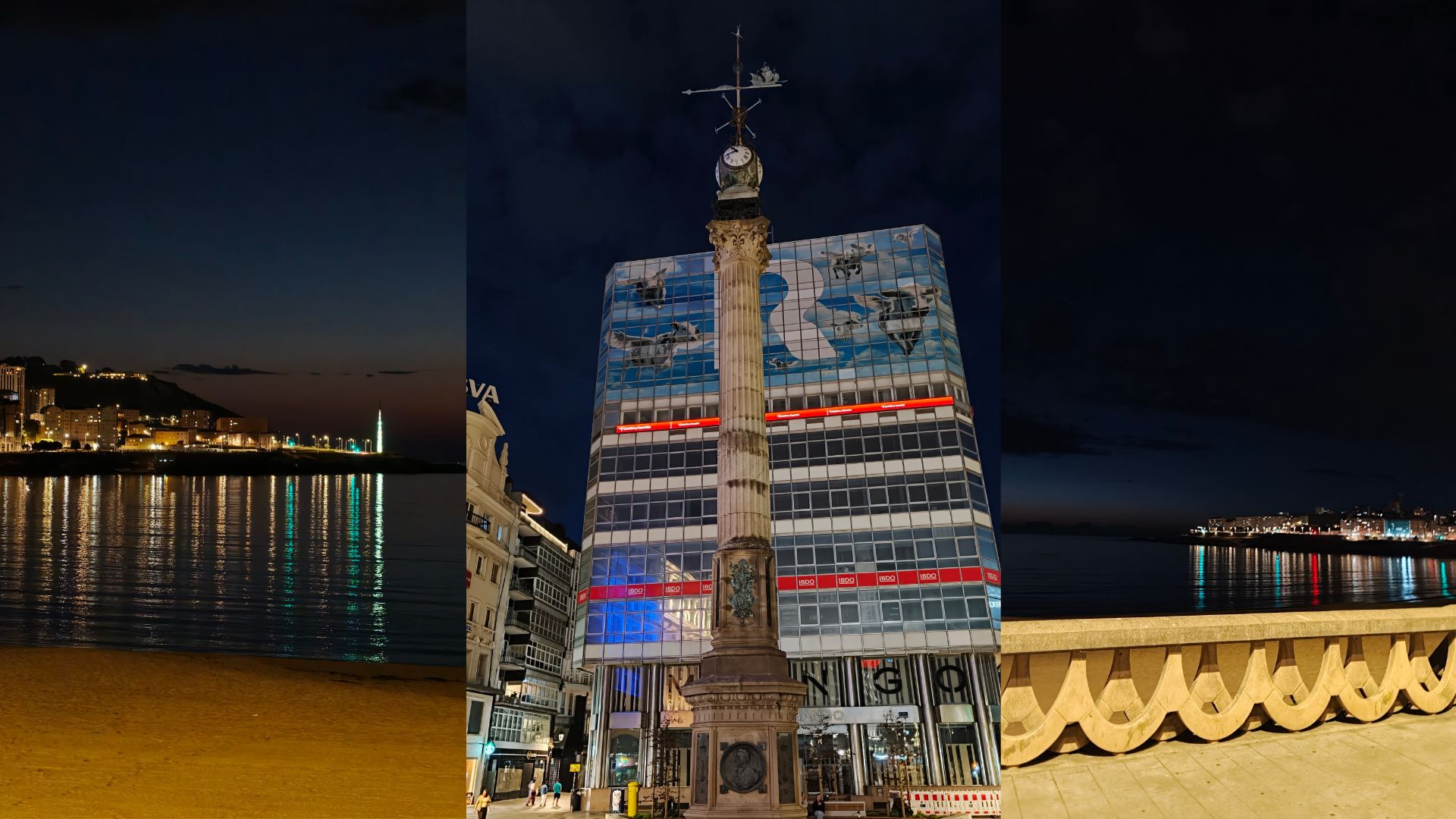
City at night image

The Final BoF Day

After attending the BoFs, as per Emmanuel's recommendation, I went and visited the Aquarium, making sure to go at the time when they offer food to the Seals.

Thank you, Emmanuel, for the inspiration, as otherwise, an aquarium would have been pretty down the list. Watching the Arctic shore, the spectacular underground water tank and a real warship I spotted in the Arctic would make it forever memorable (the Aquarium was on the shore, so you could see the ocean).
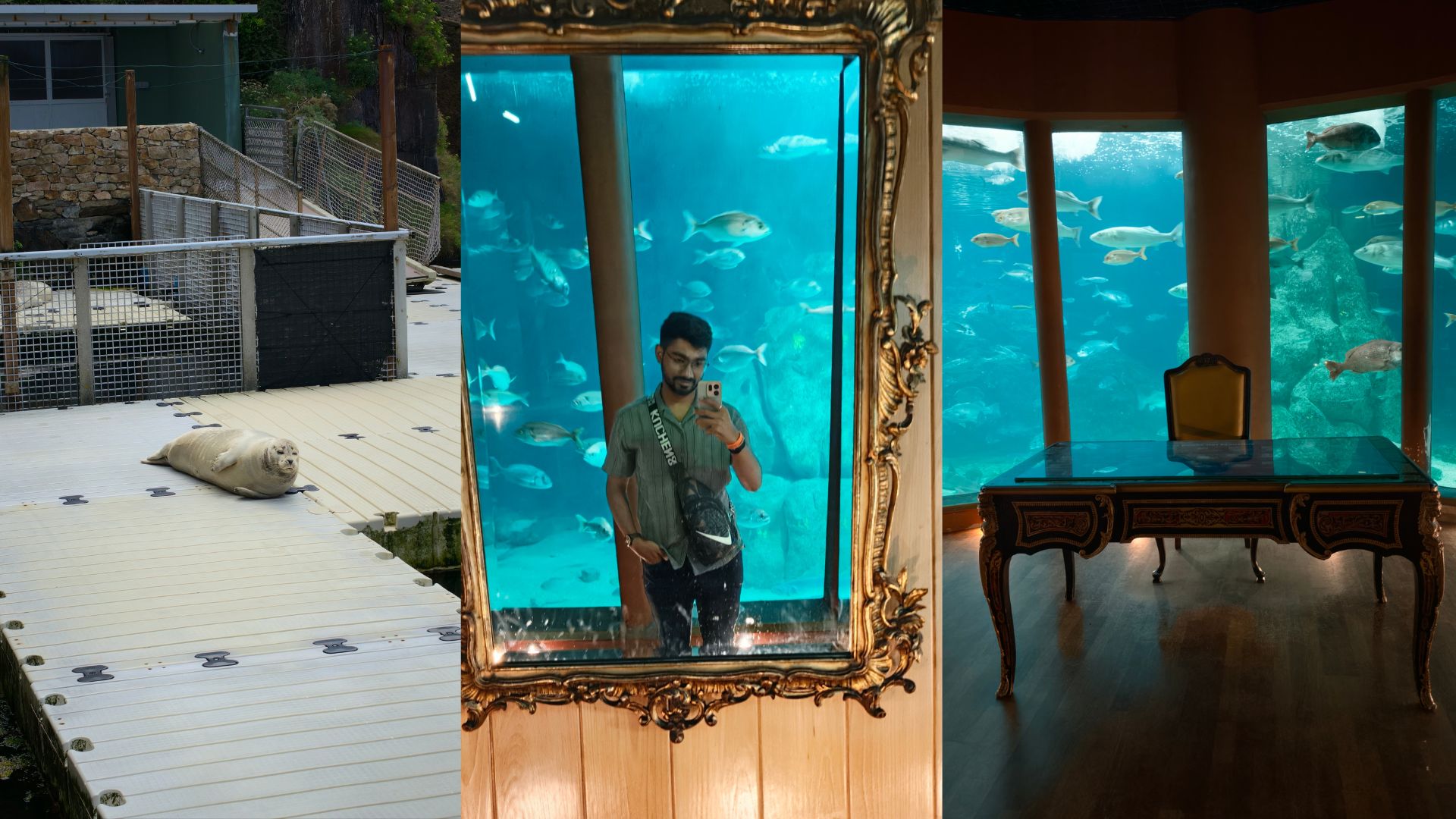
Aquarium image Arctic shore image Warship spotted in the Arctic image

The Porto tour

As this year the day trip was self-organised, I took a detour and went to Porto. It was a short trip at best, and quite draining for my wallet, but totally worth it for the experience and the memories made.

I absolutely loved and hated their topography. The steep hills and narrow streets made each spot a marvel to click pictures, explore and absorb, but navigating those same hills made my legs ache and my stamina tested.
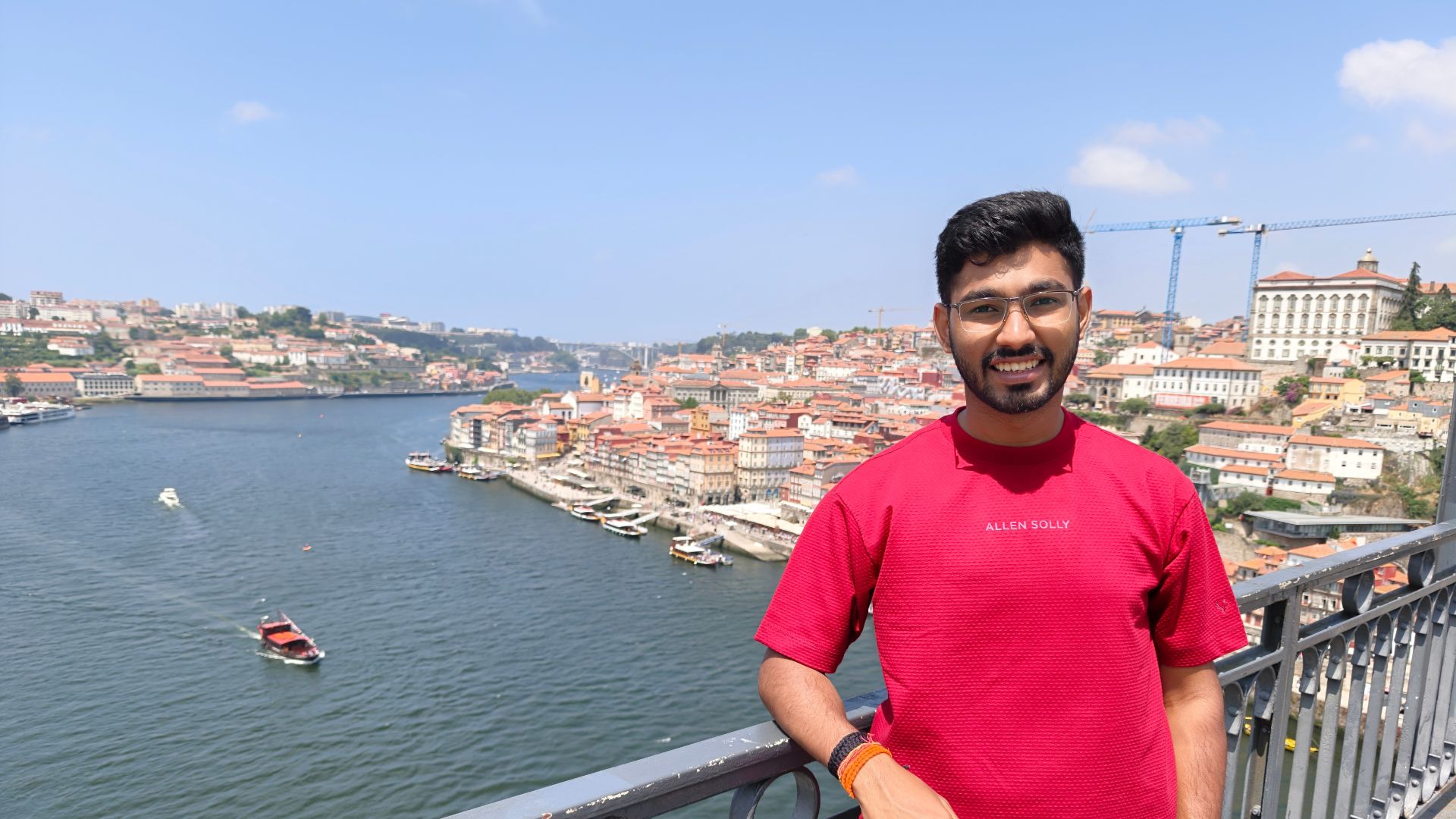
Porto image

Coffee Conference

I am going to call GUADEC the "Coffee Conference" because of all the amazing coffee experiences I get there. Last year, after discussions with Federico, I learned a lot and bought a Bialetti Moka Pot. And, it was such an amazing investment. Not only that, I asked him jokingly to bring me beans from his area next year.

This year, Federico actually brought me some beans, and it was such a treat. The aroma, the taste, everything was just perfect. It felt like a little piece of Mexico had come to my home.

Just like last year, this year's splurge was a grinder. Federico recommended multiple times that grinding at home is a completely different experience. So, I went ahead and bought one. Although it was a heavy splurge, it was totally worth it for the experience and the quality of coffee it produces.
GUADEC 26 peeps

I used to get pre-ground, as there isn't any grinding facility nearby, and as they were in bean form, that was sufficient reason for me to finally drop the hammer.

Meeting people

At last, I met many new people and got to learn a lot. Made new friends, got to meet people I look up to and many more.

And I really missed Aarti and Sri :( I wish they both were there.
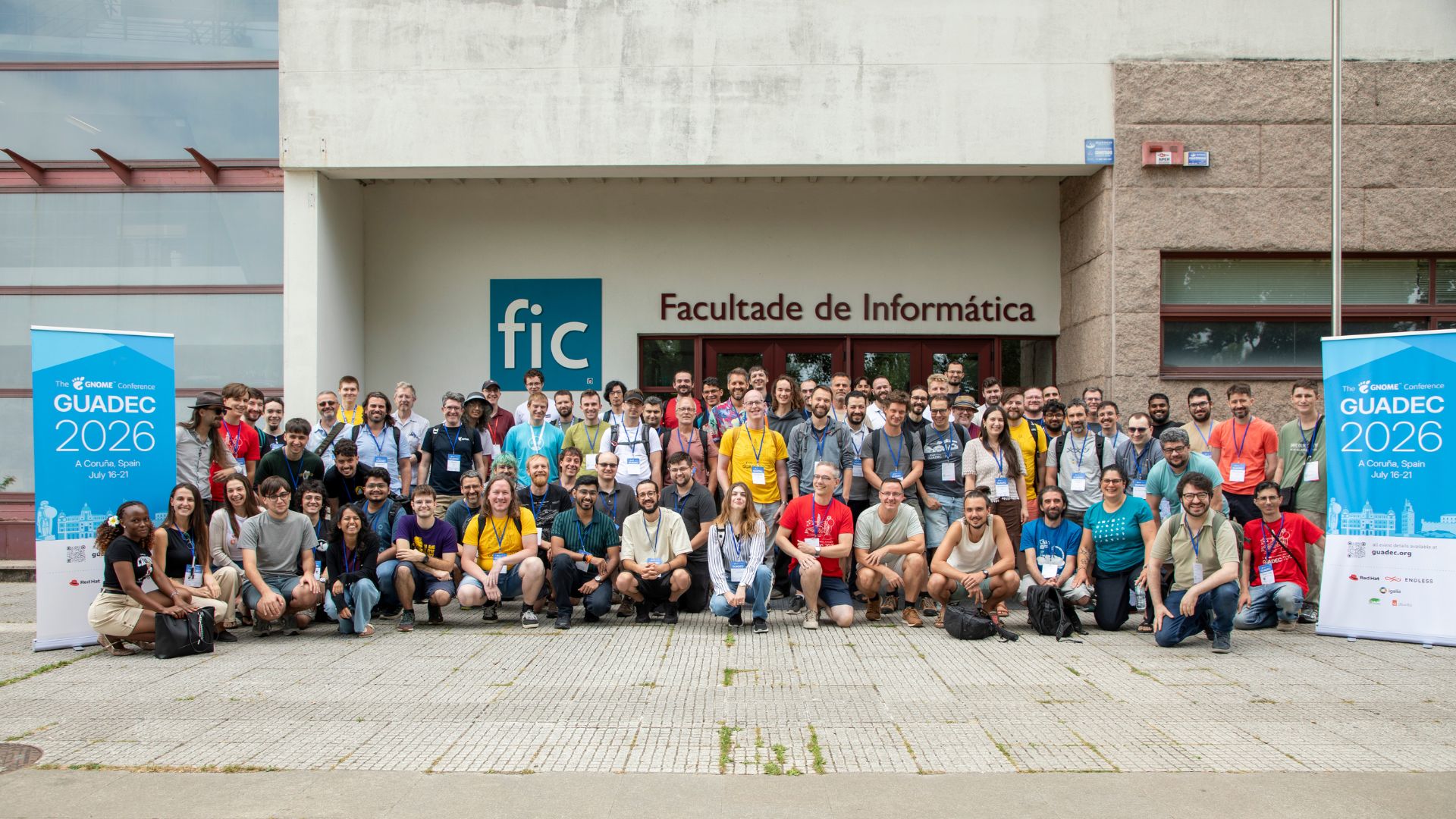
GUADEC 26 group photo

The Return

During return, I again got to meet Sailesh, Aaditya and Federico :D I wanted to bring some good white wine to India, as Spain had some really nice one, so I took Federico's help in picking one from Duty Free, and I'm gald I did, got to learn so much about picking the right one, and it was all so much. Btw, it tasted awesome, so thanks again :)
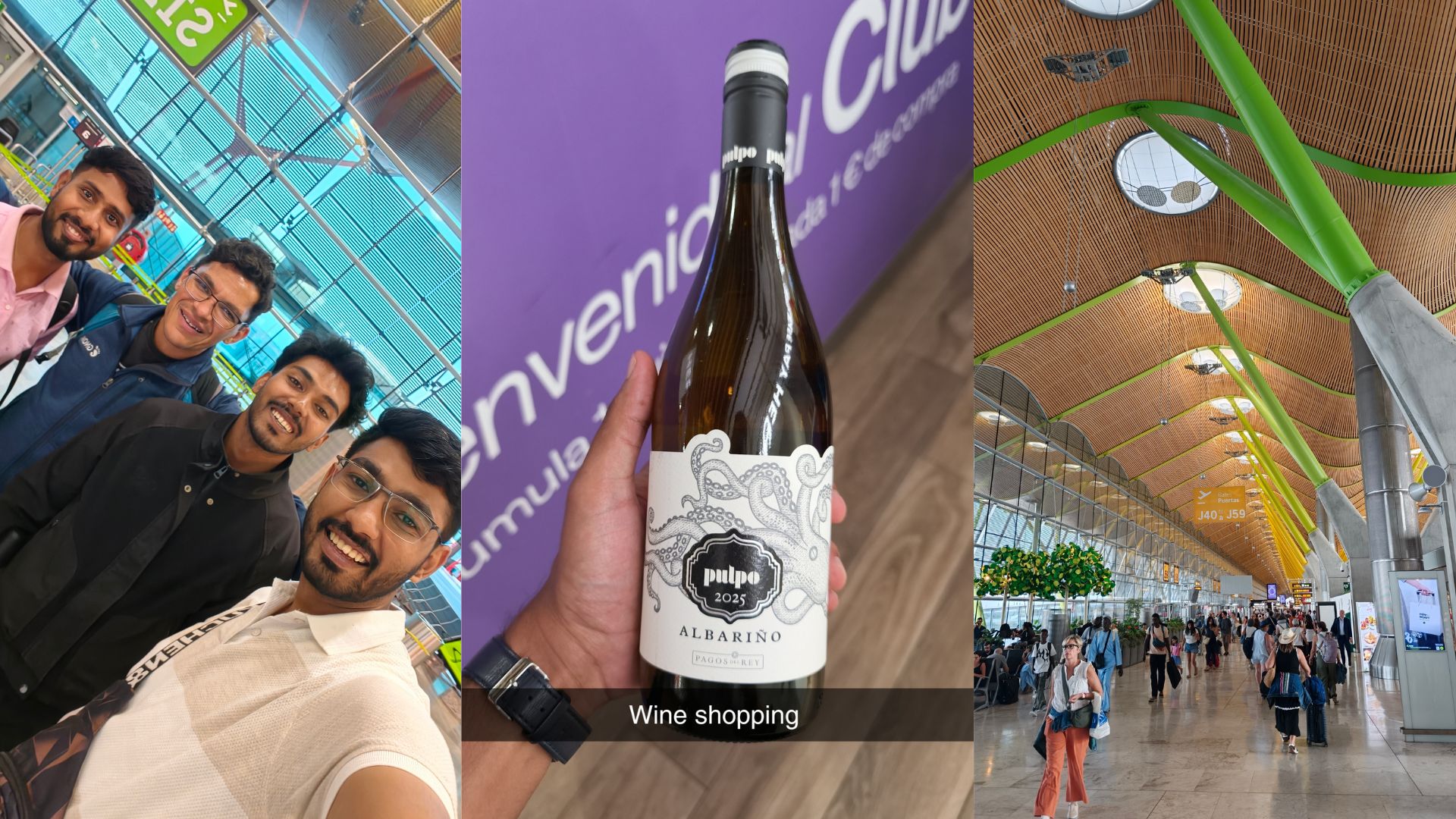
Wine shopping image

Another special thing that happened was that just a day after I landed back in India, I had my college graduation. I got to regroup with my old friends, receive my degree, and, well... clicked a lot of pictures :P But this was one of those moments that will keep it memorable for me.

The End

When I attended GNOME Asia Summit as a GSoC intern in 2022, I never imagined I'd return a few years later as part of the Internship Committee and present at the community update. Looking back, that's probably what I'll remember most about GUADEC 2026, not any particular session, but how much this community has changed my life.

Thanks to all the people for making the event so great. I would also like to thank Ubuntu CDA for sponsoring the trip :)

I hope I used it to the fullest and made the most of it. :D

Avatar of Jakub Steiner

Jakub Steiner

@jimmac

Innit

I've been doing weeklybeats 2026 almost entirely on the Dirtywave M8 -- often on a Sunday night, in bed, on an actual hw. This was before Tim went and elevated a hardware abstraction layer into a proper iOS App (which I still very much recommend). This particular tune though, "Innit", is an oddity for me: it lives on the Analog Four, a box I got from a friend ages ago for an absolutely irresistible price. It mostly collected dust. I'd make a few tunes here and there but never really dug into the stuff that makes it unique. Other than having individual channels ready for effects pedals and exposing the Elektron sequencer via CV for your eurorack addiction (stuff that I for sure will never use).

I've been putting off learning about the performance macros forever, and I hate myself for it. Luckily the amazing Ivar Tryti revealed his mastery on Youtube which helped a lot. The concept is simple: you bundle up to five track parameters onto a single macro knob. Ten of them live on the performance page making is far less stressful of a navigation when performing. There's a setup cost, you need to precisely tune the parameter interactions, but once that's locked in, live performance becomes a far less stressful affair. You can also live map any or all of these ten mappings onto a single encoder for otherwise physically impossible twistings. This is easily remappable during the performance.

I'm still a noob at this, but the point is the same as always: there's real joy in performing and building up energy for the drop in real time -- way more satisfying than preprogramming the whole sequence.

Avatar of Felipe Borges

Felipe Borges

@felipeborges

Wrapping up Google Summer of Code 2026 with GNOME!

It’s been another fantastic year for Google Summer of Code with GNOME! This year, six contributors worked on a range of interesting projects across our ecosystem.

Our contributors have been blogging about their progress on Planet GNOME throughout the summer. In case you missed their updates, here is a breakdown of what they have worked on:

Our interns also presented their work during GUADEC. You can watch their lightning talks on YouTube.

This would not have been possible without the support of our community mentors. A huge thank you to Jonathan Blandford, Federico Mena Quintero, Alex Băluț, Yatin, Adrian Vovk, Jonas Ådahl, Robert Mader, Carlos Garnacho, and Philip Chimento. Mentoring takes a lot of time and energy, and it plays a vital role in onboarding new contributors to our community.

If you are a GNOME developer and interested in mentoring a project next year, you can already start working on your project ideas and submit them at gitlab.gnome.org/Teams/internship/project-ideas.

If you are a newcomer interested in starting your journey toward becoming a GNOME contributor, check out gsoc.gnome.org and stay tuned to Planet GNOME and our social media channels for updates on the 2027 program!


Avatar of Ramayanapu Jagath

Ramayanapu Jagath

@meow_meow

GSoC Final Report

Google Summer of Code 2026: Native App Uninstallation in GNOME Shell

This summer, I spent my Google Summer of Code working on something I’ve wanted to see for a while, making it possible to uninstall apps right from the GNOME Shell app grid. Before this, if you wanted to remove an app, you had to open up GNOME Software, hunt it down, and delete it from there. My goal was to completely remove that friction. By connecting GNOME Shell and GNOME Software behind the scenes using D-Bus, I made it so users can securely delete apps with just a couple of clicks right from the desktop


GitLab Links to Code

GNOME Shell: App Grid Uninstallation Frontend

This Merge Request covers all the frontend work I did in GNOME Shell. The brain behind it all is a new class called AppStoreIntegrationManager. Think of it as both a state tracker and our bridge to GNOME Software. When it boots up, it connects to GNOME Software asynchronously over D-Bus using the org.gnome.Shell.AppStoreIntegration interface.

To keep the app grid feeling snappy, I didn’t want to query the app store every single time a user right-clicks an icon. Instead, the manager grabs the dictionary of uninstallable apps and caches it in memory. To make sure this cache is always accurate, it listens for installed-changed signals from Shell.AppSystem and quietly updates itself in the background.

Because the data is cached, the UI just has to react to it. When you open the context menu, it checks if the app is in our cache; if it is, the “Uninstall” button appears. This is a great way to prevent users from accidentally trying to delete core system apps. Once a user clicks uninstall, the frontend checks if the app supports purging user data. If it does, a confirmation dialog pops up with a checkbox to wipe those files. After confirming, the app goes into a tracking Set (_uninstallingApps). This immediately tells GNOME Shell to remove the app icon from the grid right away, giving the user instant visual feedback that the app is gone. Finally, if the background job finishes successfully, it happens silently without spamming the user with notifications. However, if the uninstallation fails for any reason, a system notification pops up to let the user know what went wrong.

GNOME Software: App Store Integration Backend

This Merge Request focuses on the backend GNOME Software. It’s essentially the engine that listens to GNOME Shell and handles the actual uninstallation and data purging. To make this work, I built a custom GObject called GsAppStoreIntegrationBackend. This object exposes the necessary D-Bus methods and acts as a safe router, directing GNOME Shell’s queries straight into the GsPluginLoader.

When the Shell asks for the list of uninstallable apps via the GetUninstallableApps method, we can’t afford to make it wait while we search the entire software catalog. Instead, the backend fires off a GsAppQuery using gs_plugin_job_list_apps_new to quickly grab only the installed apps. I also built in a strict safety net: if an application is tagged with the GS_APP_QUIRK_COMPULSORY quirk, we automatically strip it out of the response. That way, GNOME Shell never even gets the chance to offer a “Delete” button for critical OS components like Settings.

I also spent a lot of time on secure data deletion, which is super important for sandboxed apps like Flatpaks. To pull this off, I extended the core plugin architecture by introducing a new flag, GS_PLUGIN_UNINSTALL_APPS_FLAGS_PURGE_DATA, to the GsPluginUninstallAppsFlags enumeration. Now, if a user checks that ‘wipe data’ box on the desktop, the backend attaches this flag to the uninstall job. I modified the Flatpak plugin (gs-plugin-flatpak.c) to intercept it. Once the standard uninstall finishes successfully, the plugin spots the flag and calls gs_utils_rmtree() to safely and recursively scrub the isolated app data right out of ~/.var/app/<app-id>.

GUADEC 2026 Presentation

Honestly, one of the absolute highlights of my summer wasn’t even the code, it was getting to share this project with the wider GNOME community at GUADEC 2026! I had a blast giving a talk about how this feature actually works under the hood. I walked through the technical hurdles of bridging GNOME Shell with GNOME Software.

You can check out my presentation here


What’s Next?

This project might be wrapping up, but my time with GNOME is just getting started. My immediate goal is to finish up the its and bits and get it merged. Once that’s done, I’m already looking at my next feature to add, implementing drag-and-drop uninstallation into the app grid

A huge thank you goes out to my mentor, Adrian. His patience and guidance meant everything to me this summer. He didn’t just review my code; he took the time to help me really understand the bigger architectural picture. Because of him, I’ve grown so much as a developer. I loved how he would take the time to explain the deep history of Linux architecture to me, like how default applications and URL schemes eventually paved the way for XDG Intents. Combined with all the practical debugging techniques he showed me, he really helped me level up this summer.

It’s been an amazing ride, and I’m so excited to continue my journey with GNOME and the open source world!

Avatar of This Week in GNOME

This Week in GNOME

@thisweek

#265 New Commitments

Update on what happened across the GNOME project in the week from September 4 to September 11.

Felix announces

Hey everyone, there won’t be a new issue of TWIG from me today… for a good reason! I’m happy to announce that Brage Fuglseth is now officially part of the TWIG team. Going forward, we’ll be alternating weeks, taking turns publishing TWIG. Today’s issue will be handled for the first time by Brage!

TWIG has been running successfully for 265 weeks now, and I’m thrilled to have an additional editor on board. With that, the future of TWIG is looking brighter and more sustainable than ever, welcome aboard, Brage!

GNOME Core Apps and Libraries

Mutter

A Wayland display server and X11 window manager and compositor library.

Yves Auxier reports

Mutter has landed support for custom pointer input acceleration profiles in time for the GNOME 51 release in this merge request!

For more details, you can check the custom-accel-config GSetting key on your system under org.gnome.desktop.peripherals.{device_type} and change your pointer acceleration profile to custom, and your desktop will use a user-defined pointer acceleration curve; the change was made in this merge request.

There are a couple other changes which you can also see in the NEWS file in the mutter git repository.

Calendar

A simple calendar application.

Hari Rana | TheEvilSkeleton (any/all) 🇮🇳 🏳️‍⚧️ reports

GNOME Calendar has received tons of improvements in the past few months:

  • The event editor dialog has been cleaned up and reworked to allow focusing and selecting text on read-only events, as opposed to the current version which simply disabled everything. The rework introduced a couple of bugs that would have warranted to revert all of them, but Niklas Wimmer has heroically saved the rework by fixing the remaining issues: !792, and !798
  • The codebase has received a nice cleanup that removed 1500 lines of code and fixed a bug.
  • Addresses can now be opened in GNOME Maps (or other maps app) from the event popover, thanks to Alistair Francis.
  • The week view now adapts to high contrast
  • Calendar now supports Microslop Teams links.
  • Keyboard navigation in the month view has received a nice upgrade: it is now possible to focus the event widget in front of its cell using Shift+Tab (see screen recording)
  • Georges has made some crazy rework and optimization on how events are being retrieved and displayed, making the experience significantly smoother: !742, !757, and !761
  • Empty notes in the event editor dialog will now display “Notes” as a placeholder, thanks to Zelda Ahmed.

Third Party Projects

Jogger

Fitness tracker

baarkerlounger reports

Jogger fitness tracker had a big new release this week.

New features include importing FIT workouts from Garmin devices, setting and tracking progress towards weekly monthly or yearly goals, tracking gear like shoes or bikes, auto-pausing workouts, grade adjusted pace metrics and a new 3D-flyover map view.

There are also big improvements to the statistics pages with better charts and a new “personal bests” tab and calendar/streak view.

Thanks to everyone that has helped translate Jogger on weblate or has raised issues on codeberg.

Gitte

A simple Git GUI for GNOME

Christian reports

Gitte, a simple Git client for GNOME built with GTK4, libadwaita and Relm4, just got its 0.10.0 release! 🎉

The headline feature this time is side-by-side diffs: you can now compare the old and new versions next to each other, with separate settings for the working copy and history views. If you need more context, Ctrl+Shift+E toggles between showing the whole file and just the changed context.

Git LFS and submodules are supported now as well. You can set up LFS, manage tracked patterns, inspect its status and start tracking files straight from the working copy. Submodules can now be added, updated, synced, configured, deinitialised and removed from within Gitte.

A few more things can now be managed per repository: you can add, rename, delete and fetch individual remotes, and delete remote branches together with their tracking configuration if you want. Commit and tag signing can be configured too, including the signing format and key, and the revamped signing-status dialog helps you figure out what needs fixing when the configuration isn’t quite right.

There are some handy new shortcuts and actions: F4 opens the current repository in a terminal, and Ctrl+G / Ctrl+Shift+G take you to the next or previous search result. You can add several selected files or patterns to .gitignore at once, choose whether a new branch should be checked out immediately, and optionally have Gitte open the repository in the current working directory when started without a path.

On the UI side, you can now choose a light or dark appearance or keep following the system setting (the old standard). Commit information now sit directly beside the graph lanes, working-copy filters make it clearer when they are active and offer reset actions, and most context-menu actions now work with multiple selections. Commit messages and stash details can be selected and copied, code and diffs use the system’s monospace font, and sidebar and list pane widths stay put when resizing the window.

Performance also got some attention in this release. Repository startup and commit-graph loading are much faster, especially with lots of remotes and remote branches, as are staging, unstaging and discarding all changes. Working-tree status and safety checks before rewriting history are faster too, particularly with large untracked directories. Diffs outside the visible area are rendered lazily, and large diffs initially show the first 500 lines until you choose “Show All”.

And of course there is the usual pile of fixes: staging selected lines now works across multiple hunks, diffs refresh correctly when hunk headers change, and “Edit Commit” now lets you actually modify the commit instead of just stopping the rebase at it. Rebases also resume correctly after commands that pause the operation. Context menus open at the right size, and macOS got fixes for window controls in collapsed-sidebar mode and for finding Git, GPG and Git LFS installed outside the default application environment.

Under the hood, many Git write operations have moved from libgit2 to the Git CLI for more consistent behaviour, the Flatpak package got smaller by stripping the bundled Git binary, and test coverage has grown. There are also updated Basque, Cornish, Finnish, Slovenian and Ukrainian translations, plus fresh dependencies.

Get it on Flathub, for macOS or have a look at the Code.

Image

Image

Image

Image

Image

Rat Cornu says

ratic music player had a small release this week for music sorting in the application.

The main features of it are the ability to sort musics by their path on your system, the fact that musics in groups (albums, artists and playlists) can be sorted as well, and a “natural” sort has been added for albums.

You can check the v0.4.1 directly on flathub, on the repo, or even come discuss with us on our matrix room!

Thanks again for all the people that contribute to the localization on weblate.

Nathan Perlman says

Rewaita received a small update this week, mainly just adding features users have requested in the past. This is what has been done in v1.1.7:

  • Firstly, you can edit existing themes to make them your own! This has been requested since 2025, and I finally got around to adding it.
  • You can also create new themes from images, similar to pywal.
  • Some miscellaneous theming fixes and polish improvements where needed.

I hope you all enjoy this release! You can get Rewaita on Flathub or the AUR if you don’t have it, and want to give it a try.

Image

That’s all for this week!

See you next week, and be sure to stop by #thisweek:gnome.org with updates on your own projects!

Avatar of Ondřej Holý

Ondřej Holý

@oholy

What’s new in GVfs for GNOME 51?

It has been quite a long time since my last post with release news for GVfs. I haven’t had much time for upstream development recently. Furthermore, I was out for health reasons for almost the entire last year, so development has been mostly focused on bug fixes. Still, there are some changes in GVfs 1.62 and 1.60 worth mentioning.

Auto-unmount of inactive backends

The biggest addition is the auto-unmount feature (!330), which fixes a very old feature request (#31). This feature introduces a mechanism where certain backend can be automatically unmounted after a defined period of inactivity. This was enabled for the most of auto-mounted locations (i.e., admin, computer, http, network, recent, trash). This solves a long-standing issue where auto-mounted locations couldn’t be easily unmounted via the file manager, causing their daemons to run until the end of the session and needlessly waste system resources.

Security fixes

The current influx of CVEs hasn’t missed GVfs. The highlight of the 1.62 release is a fix for a local privilege escalation issue (CVE-2026-88924), which I describe in more detail in a separate post. Aside from that, several other lower severity CVEs were addressed (CVE-2026-28295, CVE-2026-28296, CVE-2026-84267, CVE-2026-84268, CVE-2026-84269, and CVE-2026-84270). Also other potential security vulnerabilities that didn’t receive specific CVE assignments were patched across these releases.

Deprecating backends

I am also continuing to clean up the codebase. As part of this effort, the legacy burn backend and several deprecated APIs have been completely removed. Additionally, the afp and archive backends were marked as deprecated and will be removed in future releases. The google backend has also been disabled and marked as deprecated, however, there is an ongoing effort to restore this functionality, but it did not make it into this release cycle though.


I would like to thank all the GVfs contributors who helped keep the project moving forward, especially while I was away. Let me know in the comments if you have any thoughts on the recent changes!

Avatar of Ondřej Holý

Ondřej Holý

@oholy

Local privilege escalation in GVfs

A security vulnerability (#875) in the gvfsd-admin daemon that allows local privilege escalation was recently discovered and is tracked as CVE-2026-88924.

What is the issue?

The problem relates to how the daemon creates a private D-Bus socket. Previously, the socket was created with root privileges, and then a chown() call was used to change its ownership to the invoking user. Because this happened inside a user-controlled directory, a local attacker could exploit a race condition by quickly replacing the newly created socket with a symlink pointing to a root-owned file (e.g., /etc/pam.d/su). This would grant the attacker ownership of that critical file, leading to a local root privilege escalation.

Who is affected?

To exploit this vulnerability, an attacker needs local code execution within an active graphical session and must belong to a privileged desktop group (like wheel or sudo). The gvfsd-admin backend must also be installed. Unfortunately, these conditions are met by default on many standard desktop installations.

What to do?

The fix is already merged (!352). The issue was resolved by using setfsuid() to set the correct filesystem UID before the socket creation. New versions 1.62.0, 1.60.3, and 1.58.5 containing this fix have just been released. I strongly recommend all users and distribution maintainers to update as soon as possible.


Finally, I would like to thank the security researcher lain for discovering the vulnerability and providing a very detailed report!

Avatar of Matthias Klumpp

Matthias Klumpp

@ximion

JPEG-XL as default in AppStream, and better media processing

Two weeks ago, I released AppStream 1.2.0. This release contains a lot of great changes, but one of the most important ones concerns how media are being handled, and AppStream’s default image export format.

AppStream is a Freedesktop metadata standard to describe software components. That can be anything from system services over fonts to console and graphical applications. AppStream metadata is supposed to give users enough information to decide whether they want to install a piece of software, to represent that piece of software, and to give the operating system enough information to decide whether a software component should be installed automatically and (to some extent) what capabilities and relations it has, to provide the user with sensible options.

Especially for the first two goals, and especially for GUI applications, AppStream supports icons and screenshots, which are used to showcase applications. Today, AppStream is used by all kinds of services, from Linux distributions over firmware updates to Flatpak and desktops directly. AppStream’s original design however comes from the perspective of Linux distributions in 2011, where you may want to browse the software catalog offline, without delay, and without pinging an external server (which could be a privacy concern).

Therefore, a common way to deploy an AppStream-enabled software repository is to ship all icons of all applications in the repository to the user as part of the repository metadata download. AppStream does support remote icon downloads nowadays, and for a while I thought that this would become the default eventually. However, especially in today’s world, having a bandwidth-saving, instantly responsive, privacy-protecting application browsing experience seems more important that ever.

PNG images are great!

The only format that AppStream supports for icons and screenshots (which are downloaded on-demand from your distributor’s CDN) has always been exclusively PNG. PNG images are perfect for icons, because they compress well (especially for common icon shapes), are fast and simple to load, and can be loaded anywhere, by any toolkit or webbrowser. They also ensure we deliver faithful screenshot images, even though we may have scaled or re-rendered them. Still though, PNG images are less great for screenshots, as they are not very efficient, which puts strain on any CDN that has to deliver them, as well as on people’s internet connections when browsing screenshots. Having smaller thumbnails alleviates that problem a little, but does not fully solve it.

But even for icons, PNG could be improved upon: In many cases, icons are re-downloaded with the repository metadata again and again, so having a large icon tarball adds up to the data transferred during metadata refreshes. AppStream also now supports large 128x128px icons, which nobody in 2012 expected we would need, adding even more data that will be re-downloaded. Saving some space here translates directly to lower bandwidth costs as well as faster downloads for users.

To improve PNG file sizes, the AppStream Compose library, which handles all image processing and metadata catalog composition, was running optipng on all generated PNG images. That does create smaller PNG images, but they were still relatively large compared to other image formats.

For a long time though, there was no alternative to PNG images for icons: There was no lossless image compression format that could give us the same quality as PNG images and that was also widely supported.

JPEG-XL vs PNG in AppStream

Since 2021 we have JPEG-XL (JXL), which offers a true lossless mode with often better compression than PNG. The issue was that JPEG-XL wasn’t widely supported. Then, in 2025, the PDF Association selected JPEG-XL as the preferred image format for HDR images in PDFs, and now we are finally getting browser support and more ubiquitous availability of the format (you can try it right now in Firefox!).

For screenshots, using JXL’s lossy mode, it has obvious and extreme size advantages over PNG, so supporting JXL or WebP for screenshot images was an obvious choice. If JXL would support the lossless case very well as well though, we could serve many use cases with the same exported image format, which is very attractive to me.

So, the obvious next question was whether it was worth the pain of switching the icon format, so I did some measurements on real icons. For that I used the AppStream component icon pool that Debian Unstable ships, which is almost 5000 application icons of various sizes, and converted them to PNG:

Icon sizeIconsPNG totalJXL totalPool savedPNG avgJXL avgMedian savedMean saved Worst BestLarger as JXL
48×48 1544 3.7 MiB 3.0 MiB 17.8%2.4 KiB2.0 KiB 17.9% 16.7%-118.7%60.0% 206
64×64 2018 7.0 MiB 5.8 MiB 17.8%3.6 KiB2.9 KiB 18.0% 15.8%-112.7%70.0% 279
128×128 1411 11.2 MiB 8.7 MiB 22.0%8.1 KiB6.3 KiB 20.1% 17.5% -89.7%61.0% 209
TOTAL 4973 21.9 MiB 17.5 MiB 19.9%4.5 KiB3.6 KiB 18.6% 16.6%-118.7%70.0% 694

PNG images saved with libpng at effort=4, compression=9, then optimized using optipng -o2, JXL images encoded using vips jxlsave lossless=1 effort=7 strip=1 via VIPS/libjxl.

As the table shows, using lossless JXL images over size-optimized PNG images (using optipng’s default settings) provides a roughly 20% gain. This does not look like much, until you consider how often these files are downloaded: A 20% file size reduction may only save 1-2 MiB of disk space, but if they are downloaded over and over again by many clients, it will save a lot of bandwidth.

Interesting JXL encoding findings

As a sidequest, I was curious why some images were larger than their PNG counterparts when encoded with JXL, and what the ones that were significantly smaller were.

In short, the biggest size reductions for JXL existed on images that were already small as PNG, and contained large, flat color surfaces with hard edges and simple shapes. They were not very interesting, and much of JXL’s wins come from accumulating smaller gains across all files, which compound the bigger icons get (especially at 128x128px, where JXL truly shines).

The events were JXL loses to PNG are more interesting: For example, it does quite poorly with pixel-art images that have a lot of repeating patterns. Those are encoded well by PNG, but less efficiently by JXL. Take for example Vonsh:

Image
Icon of Vonsh, an SDL-based snake game, which PNG compresses better than JXL

My guess is that while PNG can exploit the repeating pixel patterns for compression, JXL’s predicts surrounding pixels from its neighbours, which fails too often and makes it pay almost full entropy per pixel. In this single rare case, the PNG is at 5.4 KiB, while the JXL is almost 8 KiB in size.

Other cases I looked at were arguably buggy input data, where color channels were hidden under the alpha channel of the input image. PNG could probably again exploit repeats, while we were forcing JXL to encode pixels that were invisible in the final image. This is arguably a problem with the original input data. Currently, AppStream does not make any changes to icons at all, but in future we might add a filter that removes invisible colors from images to solve this pathological case (it was only two icons out of 5000 though, so it is not a high priority).

The third case I found where JXL loses to PNG were icons with checkerboard-like patterns:

Image
Icon of x3270, an IBM 3270 Terminal Emulator

For those, PNG can likely again exploit the repeating patterns, while a checkerboard layout is pretty bad for left/top predictors like JXL’s. However, in this case the size difference (and loss for JXL) is only 450 bytes, so even though JXL loses to PNG, it does so not by much.

JXL in AppStream

Given these findings, JPEG-XL is the default image format starting with AppStream 1.2.0. AppStream Compose will encode all images losslessly as JXL, while screenshots are encoded in lossy mode at Q=90 effort=7. Since the optipng step does not happen for JXL images, this comes at no speed penalty and is even a bit faster on modern x86_64 CPUs (where libjxl can use SIMD). PNG is still available, and Compose can be told to switch between the two formats.

Upsides of JXL in AppStream right now

If you use JXL in Compose or the recent release of appstream-generator, you will get much smaller images and, for screenshots, will benefit from other JPEG-XL features such as progressive decoding, providing a far nicer user experience. libAppStream has supported JXL icons since version 1.1.3, so your clients will need that version or a newer one, and all software centers will have to support loading JXL images (which all of them do, provided the right plugins are installed).

Downsides of switching to JXL too quickly

JXL is a very new format, so web browsers might not yet display it if you are serving webpages. Your clients may also have bugs in processing JXL images, as the format is still “new”. For example, switching on JXL in Debian sent KDE Discover into an infinite loop on startup while trying to load the icons (an issue which has been fixed, but clients will need that patch first before JXL is switched on).

This currently makes JXL enablement only possible when you know that your clients can support it. This is the case for me in Debian Unstable and Debian 14, which are using JXL images for a few weeks now, but not for any older releases. Platforms like Flatpak have it even harder, because they do know even less about their clients. So, even though it has big advantages, you may want to hold off on using JXL right away, and force PNG by setting the ImageFormat key to png in appstream-generator‘s configuration, or passing --image-format=png to appstreamcli compose.

It is also worth mentioning that JPEG-XL is much, much slower on systems that do not have SIMD instructions or for which the libjxl/jxl-rs library does not have them (such as apparently riscv64 right now). If this is a concern, you might not want to switch to JXL right away.

Media pipeline improvements

Besides the JXL default change, AppStream 1.2.0 also comes with a complete overhaul of its media processing pipeline. While libappstream, AppStream’s main library, does not do any media processing and comes with very minimal dependencies to be embedded in client applications and used on servers, the same can not be said about libappstream-compose, AppStream’s library to build metadata generating applications (the server-side part, usually).

The compose library has to render fonts into font specimen cards, inspect translation files, render SVG images, decode all kinds of raster images, inspect video files, etc. Especially the fonts, and the fact that fonts can appear in SVG images, has caused issues in the past, as libappstream-compose is a heavily threaded library and most font libraries can only work from a single thread. This forced the library to essentially go into single-thread mode anytime anything that could touch a font was being processed.

AppStream also originally was created for a “safe world” where applications were vetted by the distributors before their metadata was processed. This is increasingly not the case, so it made sense to put at least a few guardrails on the most complex part of the pipeline: The media processing. As part of the change, media processing was split out into a separate worker process. This solved two problems at once: Font handling was isolated in a single-threaded binary – if we wanted to handle fonts in parallel, we could simply spawn more workers. And, being in a separate process, the media processing could now be sandboxed.

As part of the multiprocess changes, Compose also switched from using GdkPixbuf to VIPS for image processing. The latter allows for much more fine-grained control over the image output and encoding, and comes with a lot of well-maintained filters and operations, which made it possible to eliminate a fair chunk of AppStream’s hand-rolled image processing operations. As part of this transition, we unfortunately lost the ability to read XPM images, which dropped about 20-30 applications from the pool at Debian. But in the name of security, this is a sensible choice, especially since most XPM icons were very small and low-resolution, and applications using them could benefit from adding a high-quality PNG icon anyway. With VIPS, we also now restrict the amount of image formats we can load to a sensible set, so extremely niche or unexpected formats will be outright rejected (this includes sane-but-unusual formats for screenshots and icons, such as TIFF images).

The Compose library, with all of these changes, will now just request high-level operations (e.g. “render a font card for this font to a JXL image”) from the worker, and provide it with input data in sealed memfds and output locations as FDs as well. On Linux systems, the worker will use Landlock if available, to block all write access to the filesystem, deny device access and deny TCP and UDP as well. The sandbox can certainly be tightened a fair bit in future, but this was a good and safe start to gain some experience with it without having things break too easily, given the many places Compose is used in (also, Landlock’s API is surprisingly nice to use, so it was easier than I thought to add in this early version).

With all of these changes, the libappstream-compose library is now also officially marked API-stable, so you should be able to rely on it in future to build new things (its API has barely changed in the past, and now with the new media API and defaults change in place, it was time to declare it stable).

I want to see / try this!

Currently, the easiest way to have a look at the new data is to check out Debian Unstable. If you have a JXL-enabled browser, you can also see the icons in AppStream Generator’s HTML pages for Debian Sid. If you are using appstream-generator for your distribution, you will also get much more pleasant statistics and HTML pages, as well as fully deterministic media output and a whole bunch of security updates, so, update to its recent 1.0 release.

Please keep in mind that if you switch to JXL, the client tools receiving the image data have to support it. Support varies depending on the Linux distribution, so, test it first and switch the default back to PNG in case you encounter any issues.

What’s next?

With so many features and changes landed, the next changes in AppStream will focus on improving what already exists and fixing any issues (there will be more blogposts about the other features 1.2.x delivers!). Testing with the entire Debian archive as data source makes me fairly confident though that there will not be many problems. In the longer term, tightening the media processing sandbox will also be something we might want to do, e.g. by hiding parts of the filesystem tree or filtering syscalls.

For JPEG-XL, one obvious question is “Will you add support for it to the Freedesktop icon-theme specification as supported format alongside PNG, SVG(Z), and XPM?”. For on-disk icon repositories, JXL’s space-savings are less compelling, and it being HDR-capable is also not necessarily a killer feature (PNG can go a long way!). However, JPEG-XL’s ability to immediately decode larger images at reduced resolution without resampling could legitimately be very powerful here, as applications could ship a single large image and quickly decode it at 1/2, 1/4 or 1/8 the size for different purposes in their UI. JPEG-XL also supports spot-color extra channels, which applications could use as masks to recolor raster icons at render time. This could be incredibly nice to color symbolic icons on-the-fly without any SVG and CSS. JXL also provides richer metadata, which might be neat for (license/author) documentation. So, the answer here is: Maybe it makes sense to allow another format, but this will have to be discussed first, as it would force JXL into every toolkit and desktop, which is a much bigger ask than supporting it only in AppStream.

As always, let me know what you think and please report any issues or bugs directly against AppStream or AppStream Generator if you encounter problems that are with the tools, and not with a project’s metadata.