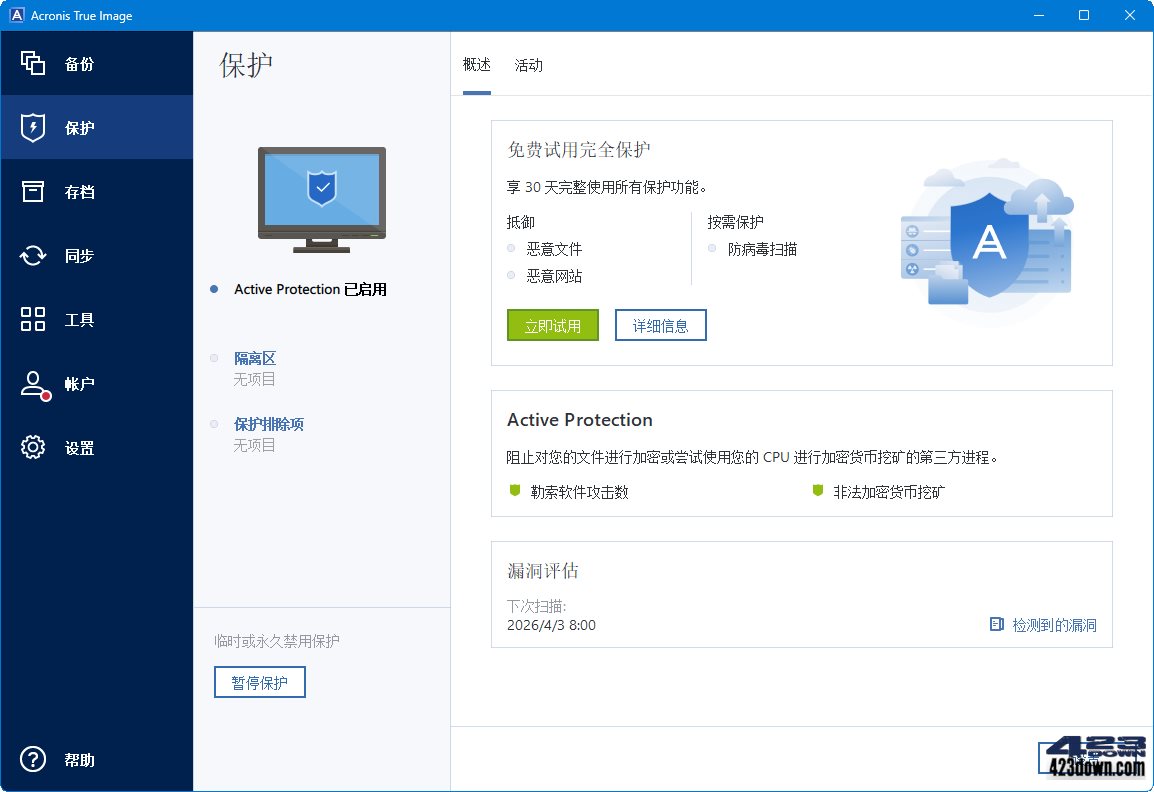
Acronis True Image 2026 中文最新版(安克诺斯,业界常称ATI备份软件)是一款顶级的专业数据备份软件与灾难恢复解决方案。软件提供完整的系统/磁盘克隆、增量与差异备份、异机还原、Active Directory保护及勒索软件防护功能,确保您的操作系统、应用程序、文件及数据安全,堪称全面的系统备份还原软件。
新版变化
Acronis True Image Release Notes
https://www.acronis.com/en-in/support/updates/changes.html?p=41910
Acronis True Image 2026 Build 42902 Update 1 (2026/04/01)
Acronis True Image 2026 新版特性:
- AI 主动防御:基于机器学习的勒索软件行为检测,实时拦截加密攻击并自动恢复被篡改文件
- 混合云备份:支持本地+云端双重存储策略,新增Web过滤引擎与移动设备 Wi‑Fi 自动备份
- 全盘镜像恢复:增强磁盘映像与差异备份效率,支持系统级裸机恢复与异机迁移数据
- 统一管理:跨 Win、macOS、iOS、Android 多端保护,集中控制台监控备份状态
Acronis True Image 2025 新增功能:
1. 云备份与跨平台增强
- 全设备云同步:支持PC、Mac、手机实时备份,新增阿里云、谷歌网盘深度集成。
- 混合存储策略:可同时备份至本地硬盘、NAS和多个云服务,并智能分配存储空间。
2. 系统迁移与克隆升级
- 一键换机迁移:优化异机还原功能,支持不同硬件设备的系统迁移,保留激活状态。
- 增量克隆提速:克隆速度提升40%,支持克隆过程中实时修改目标盘分区大小。
3. 安全与兼容性强化
- 勒索软件防护:新增备份文件加密锁,阻止未授权修改或删除备份。
- 支持Win12预览版:兼容最新系统及GPT分区格式,修复UEFI启动兼容性问题。
4. 性能与易用性优化
- 低资源占用量:后台备份时CPU/内存占用降低30%,减少对游戏、视频剪辑的影响。
- 智能备份计划:根据习惯自动选闲时备份,支持“仅充电时备份”选项(移动设备)。
5. AI功能新增
- 智能去重:自动识别重复文件(如照片、文档),节省备份空间。
- 灾难恢复:AI诊断系统故障并提供针对性恢复方案(如驱动冲突修复)。
Acronis True Image 2024 下半年之后更名为原名称 Acronis True Image
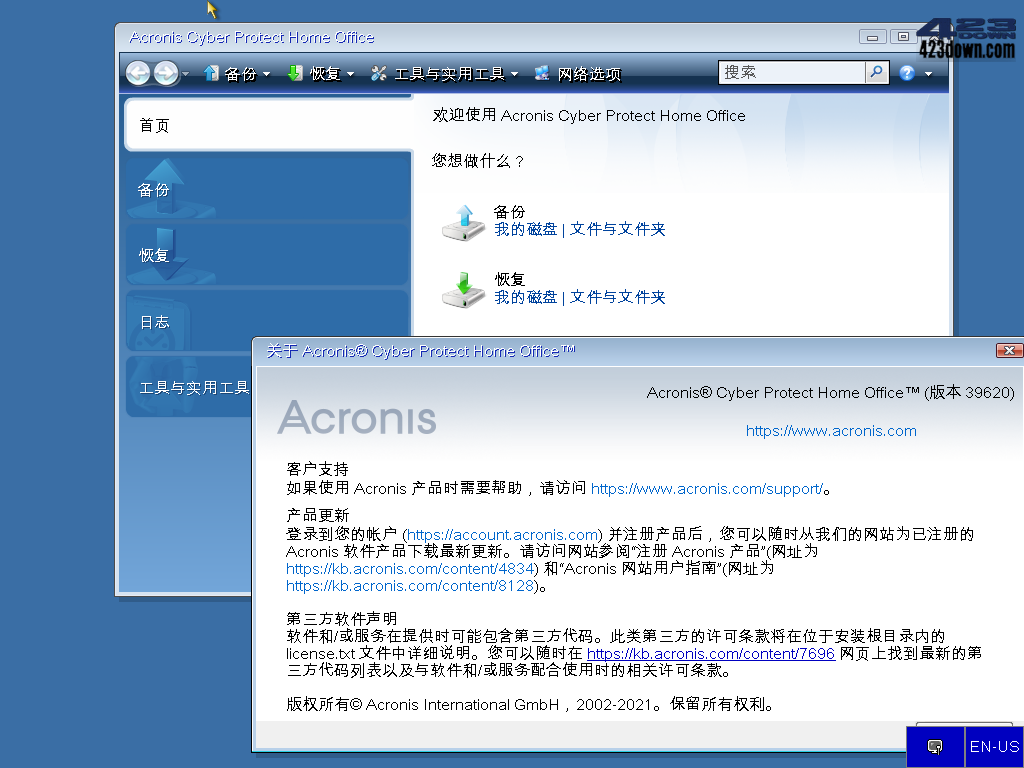
Acronis True Image 2021 后更名为 Acronis Cyber Protect Home Office
特点描述
语言:多国语言(含中文)
产品:启动镜像包含的版本
﹂Acronis System Report
﹂Acronis System Report (64-bit)
﹂Acronis True Image Home √
﹂Acronis True Image Home (64-bit) √
提示:可以用鼠标选择启动项目或键盘方向键操作选择版本
启动界面多国语言含简体中文,选择语言:按F10或Ctrl+M
下载地址
Acronis True Image 30.2.1 Build 42902 Multilingual (2026/04/01)
Acronis True Image 2026 Build 42902 Multilingual
https://dl.acronis.com/u/AcronisTrueImage.exe
https://dl.acronis.com/u/AcronisTrueImage_42902.exe
Acronis True Image 2026 Build 42902 Multilingual Bootable ISO
https://dl.acronis.com/u/AcronisTrueImage.iso
https://dl.acronis.com/u/AcronisTrueImage_42902.iso
AcronisTrueImage2026自动重置30天订阅版激活补丁 (2026/04/03)
https://423down.lanzouv.com/iKdOS3mfh43a
ATIH-WinPE 29.4.1.42072 Bootable Mini 精简镜像版 (2025/05/16)
- minimal size, fast loading;- direct booting, no excess menus;
- support for both BIOS\UEFI;- based on WIN-PE 11 of choice;
https://423down.lanzouo.com/il1xx2wd12ri
 傲梅轻松备份AOMEI Backupper v8.3破解版
 SnapShot(硬盘备份软件)v1.51.0.121 汉化版
 Acronis True Image 2026 (ATI2026)精简版
 GoodSync数据同步备份软件12.9.28.8破解版
 FastCopy文件快速复制工具5.11.2中文破解版
😍听劝,这软件的河蟹版就PE版本好用……
哪里有
专有格式,已弃用
不会弹窗吧
“AcronisTrueImage2025重置激活补丁”现在运行补丁没有反应,麻烦站长有时间的时候看看。
“AcronisTrueImage2025重置激活补丁(自动重置激活30天订阅功能版)”运行后,没有反应,麻烦站长有时间看看。
现在系统备份和还原,单机版的话感觉SnapShot最方便,速度又快。
SnapShot任何一版本,只要过段时间一定会运行出错,还原失败🐷已彻底抛弃
有免费的"再生龙"可用 这个软件就没多少必要了
请问“再生龙”指的是什么软件?
再生龙有很多限制,比如它要求目的分区必须大于或等于源分区,不支持差异备份、必须要重启到再生龙环境下才能使用~~~~备份软件看看适合自己的才是最好的。
你懂不懂兄弟?开源软件的质量跟商业软件还是有很大差距的,但凡你用下两个软件呢。
同上
老大,用了更新补丁之后Acronis直接报告试用过期了,是不是补丁过期用不了了?