


GhostPrompter is the desktop teleprompter built for Windows and Mac. Look natural on camera and stay confident during presentations while reading your script with a click-through overlay and optional voice-activated scrolling.















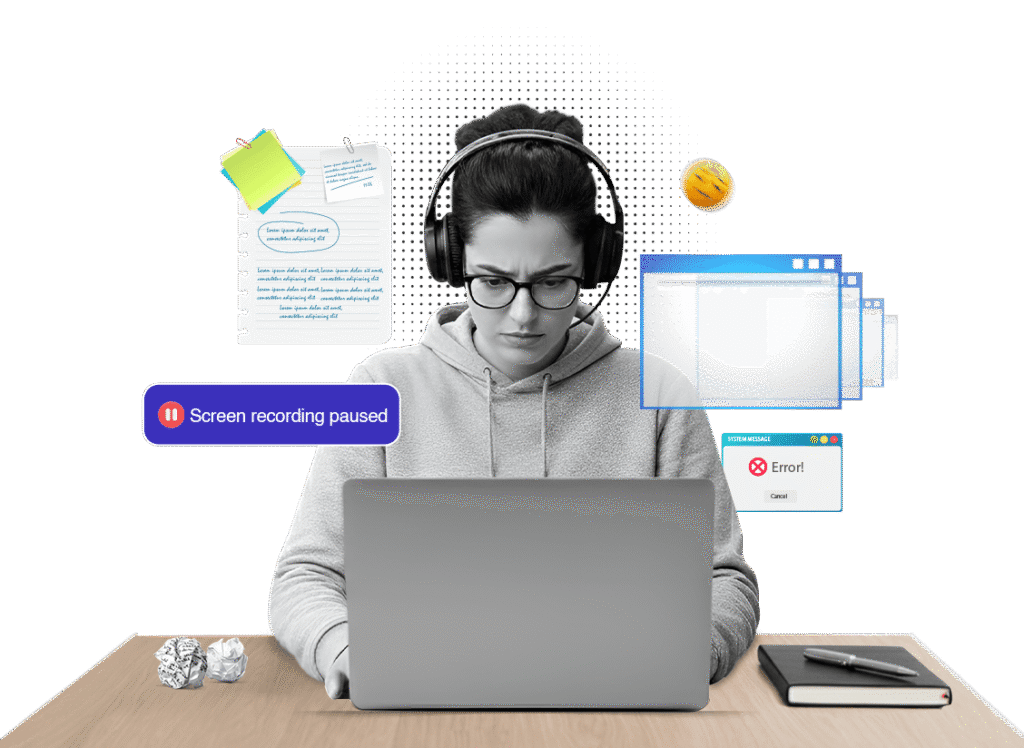
You know what you want to say. Then one of these happens:
By the time you’re done, the content is fine,
but the delivery feels off.
Covers buttons, code, and content you need to interact with
You adjust to the machine, not the other way around
The moment you click or type, everything falls apart
GhostPrompter sits on top of your screen as a transparent desktop teleprompter with a seamless Click-Through Overlay — completely out of your way.
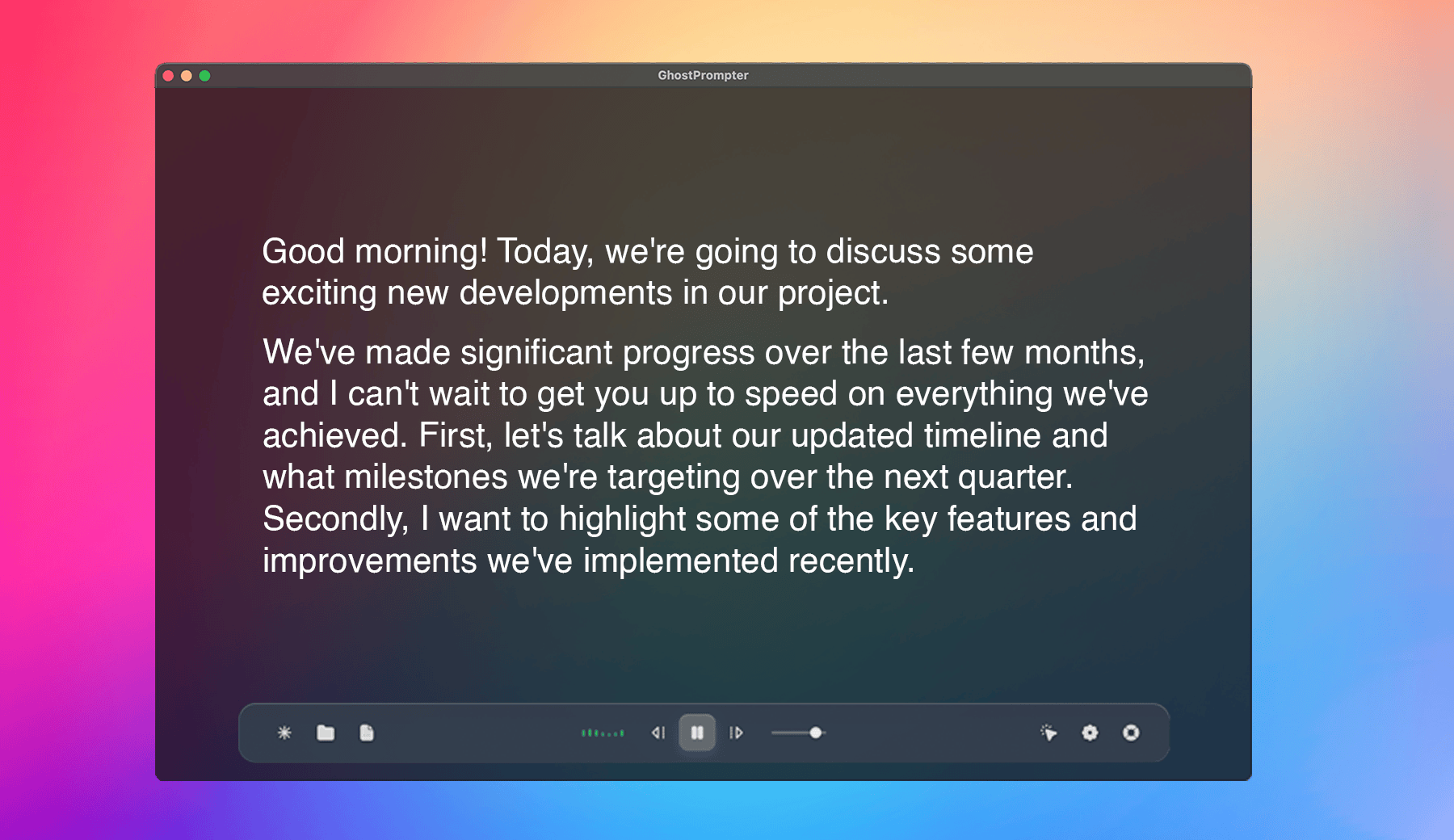
The overlay floats above everything — visible to you, transparent to everything else. Read while you work. Nothing interrupts
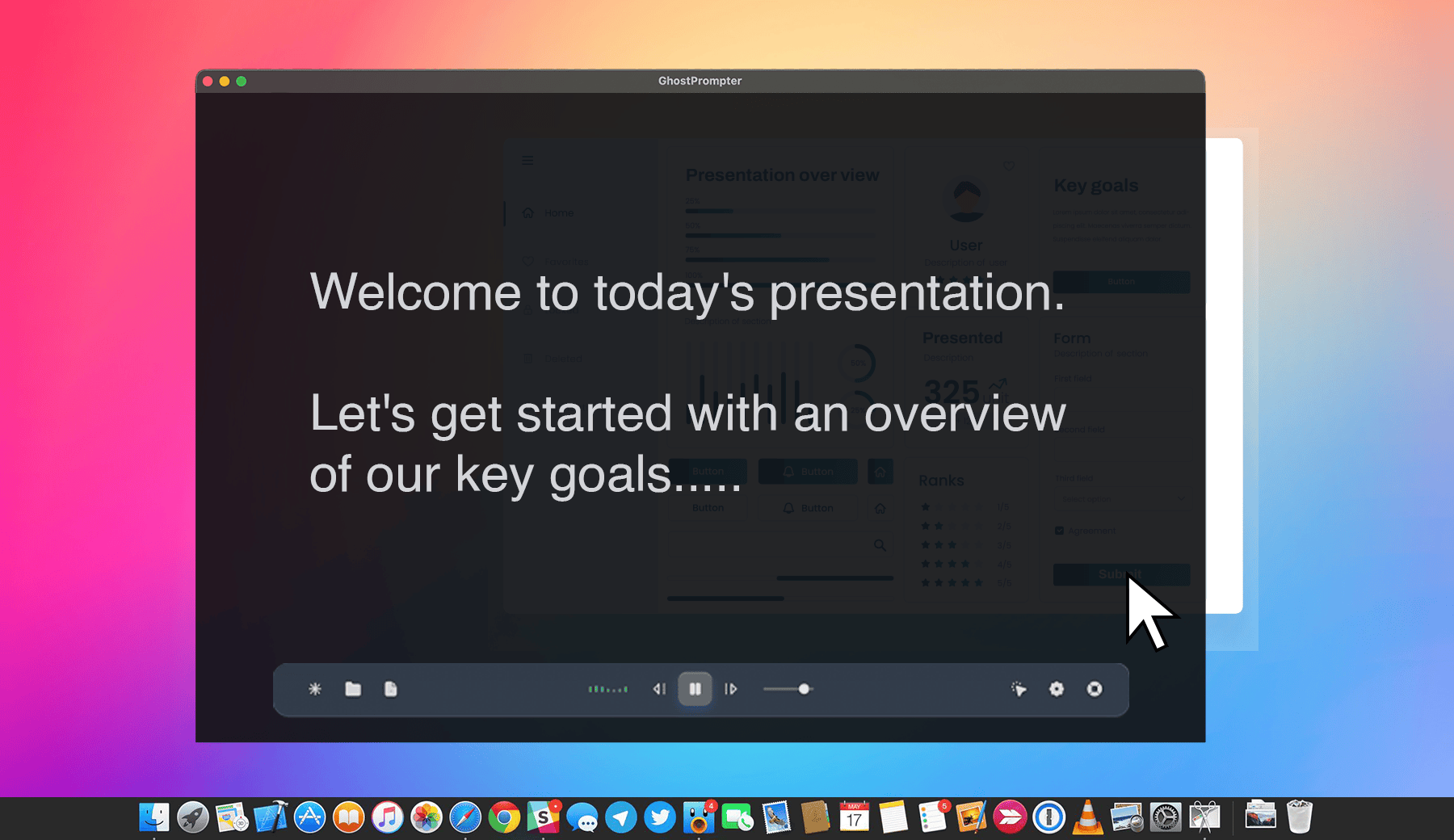
Every button, editor, and tab behind the overlay responds exactly as it should. No blocked inputs. No workarounds
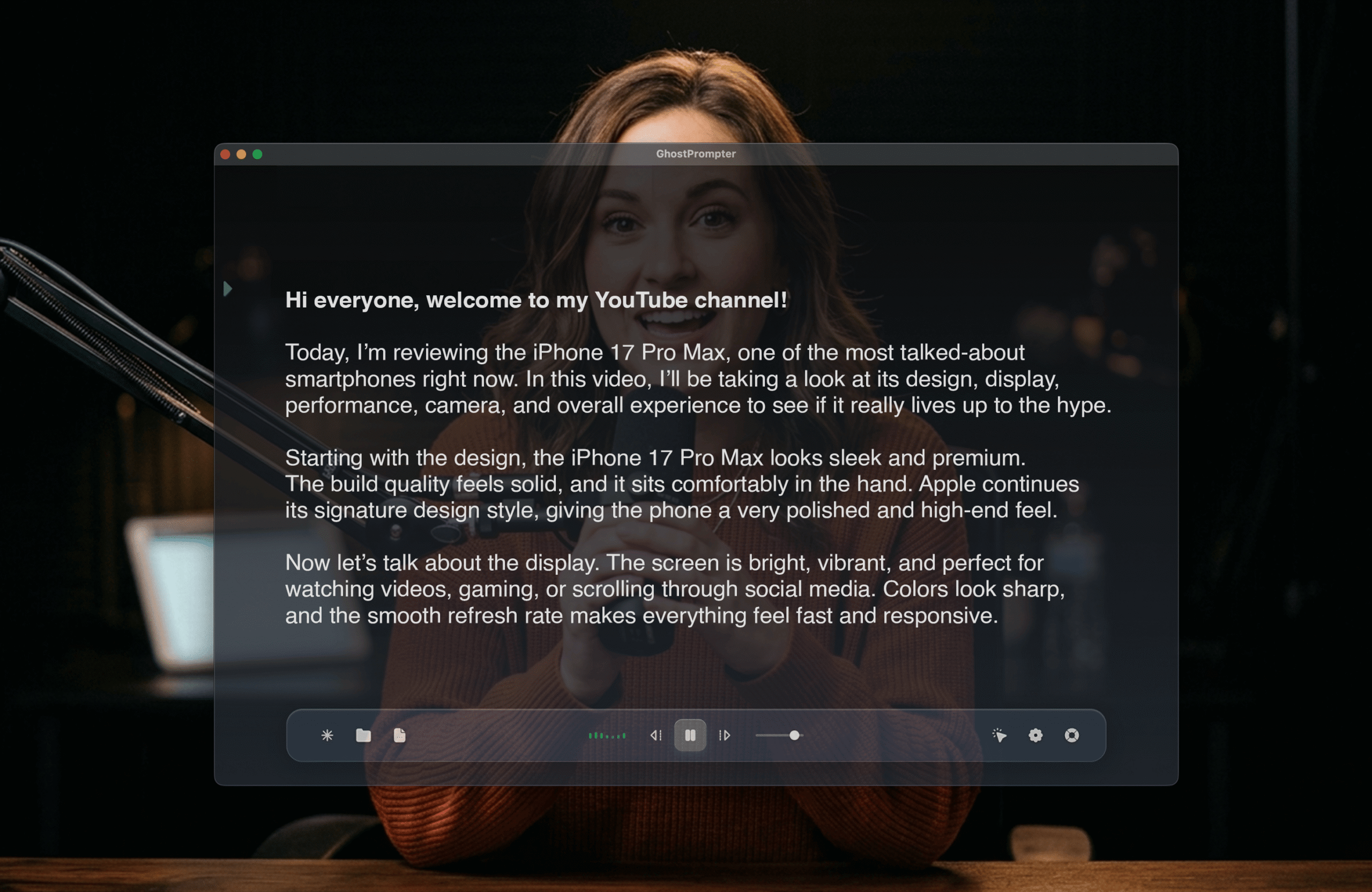
No pausing. No tab-switching. No momentum loss mid-recording. Your take stays clean from start to finish.
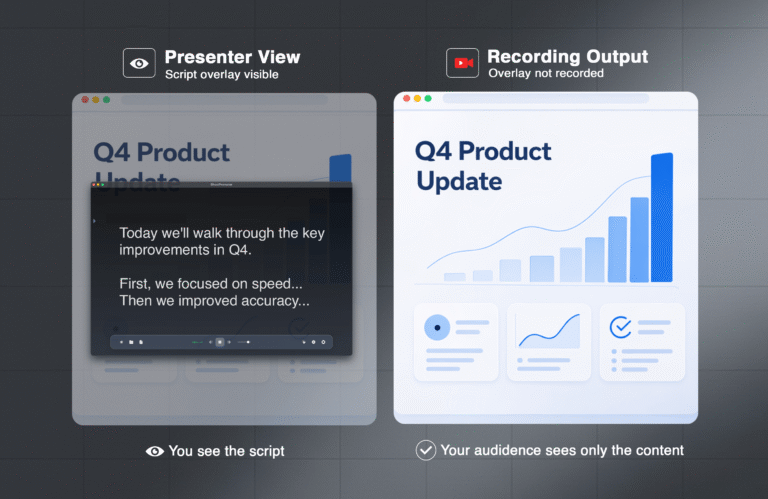
The script is yours alone. Doesn't appear in recordings, screen shares, or live streams, regardless of what tool you're using.
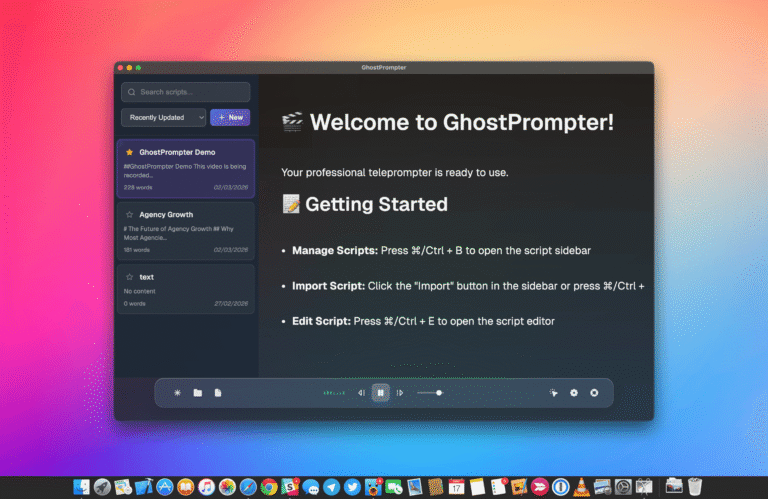
Write, organize, and reuse scripts directly inside the app. Everything ready before you hit record.













This is what makes it the best teleprompter app for desktop users.
Speak faster? The script keeps up.
Pause for emphasis? It waits.
GhostPrompter includes voice-activated scrolling when you want it and manual control when precision matters.
Two modes. One goal:
You stay in control.
No forcing your delivery to match a machine.
Your audience never sees the teleprompter. Only you do. As a native teleprompter app for Desktop, it is the ideal teleprompter for YouTube videos because it stays hidden from OBS, Loom, and Zoom.
When you have to speak clearly while doing real work.
Keep your talking points visible while navigating tools or dashboards. Handle tough questions without breaking flow
Guide prospects through every feature, price, and objection—without missing a step or losing momentum mid-demo
Read your script while clicking, typing, and switching tabs. Ideal for tutorials, demos, and walkthroughs
Hit every point without glancing away or pausing to recall what’s next — whether presenting live or recording
No more retakes. No more edits to hide mistakes. Deliver clean recordings in one smooth take
Keep your stories, examples, and key points right where you need them—without anyone knowing
One payment. Yours forever. No subscriptions. No nonsense.
Everything you need to know before presenting with confidence.
Yes. Native desktop apps are available for both macOS and Windows.
No. It stays completely invisible to your audience. Only you see the script.
Yes. GhostPrompter works alongside most recording, streaming, and video conferencing tools without interference.
Click-through interaction. You can read your script while clicking, typing, presenting, or demoing — without blocking your workflow.
Yes. You can write, organize, and update scripts directly without juggling multiple notes or documents.
No. It’s a one-time payment with lifetime updates.
Yes. If you need multiple licenses for a team, just contact us for custom pricing.
No more pauses. No more broken demos. No more wondering if your audience noticed you reading. Just smooth, confident presentations and recordings—in one take.
