Color Grading LUTs for Photo & Video
Free and PRO LUTs from PHLEARN for cinematic, warm, cool, vintage, and day-for-night color, plus tutorials on what a LUT actually does and how to apply one in Photoshop, Lightroom, Premiere, Final Cut, DaVinci Resolve, and more. From Aaron Nace.
What You’ll Learn
A LUT is a color recipe that works the same in every program, which is why one pack can grade both your photos and your video. These tutorials teach what is inside a LUT, how to install and adjust one, and how to build your own.
- What a LUT is. How a lookup table maps color, why it works across photo and video apps, and what it cannot do.
- Installing and applying. Photoshop’s Color Lookup layer, Lightroom profiles, and thirteen different video and photo programs.
- Adjusting to the shot. Opacity, blend modes, masking a LUT to skin or sky, and correcting exposure and white balance before the LUT so it lands right.
- Signature looks. Cinematic teal and orange, ice-cold and warm-summer grades, vintage film, and turning day into night.
- Making your own. Building a grade in Photoshop and exporting it as a LUT you can reuse anywhere.
Where to Start
Download the free LUT sample pack to try the workflow on your own photos, then watch How to Master LUTs for Photo & Video for the complete method. If you want to understand the grades rather than just apply them, the Color Grading tutorials teach every adjustment a LUT contains.
Free and PRO Tutorials
The free sample pack contains complete, usable LUTs. The PRO packs are larger, cover more lighting situations, and are included with a PHLEARN PRO membership along with every PRO tutorial. Individual packs can also be purchased on their own.
Frequently Asked Questions
Do LUTs work on photos as well as video?
Yes. In Photoshop a LUT is applied with a Color Lookup adjustment layer, in Lightroom and Camera Raw as a profile. The same file grades a video clip in Premiere or Resolve, which is why they are useful for anyone who shoots both.
Why does a LUT look wrong on my photo?
A LUT assumes a normally exposed, neutral image. Correct exposure and white balance first, then lower the LUT’s opacity if the look is too strong. The adjusting tutorials here cover the fixes.
LUT or preset: which should I use?
Presets live in Lightroom and can include exposure, detail, and masking; LUTs are color only and portable across programs. Use presets for whole-shoot Lightroom work and LUTs when you want the same color on photos and video.
Where to Go Next
LUTs are one-click color; the technique lives in Color Grading. For Lightroom equivalents see Lightroom Presets, for Photoshop automation Photoshop Actions, and for building a consistent look Styling.
Try the Free Pack
Cinematic and warm-summer LUTs you can apply to photos and video today, with the install guide.
On This Page
PHLEARN PRO
Every PRO tutorial in this category, with sample and RAW files, plus the full PRO library.

Ice cold cinematic color. Bright and warm summer vibes. Instant color grading for your photos and videos in just a few clicks. Don’t believe us? Take this free sample pack for spin on your own work!
5 LUTs | Quick Install Guides
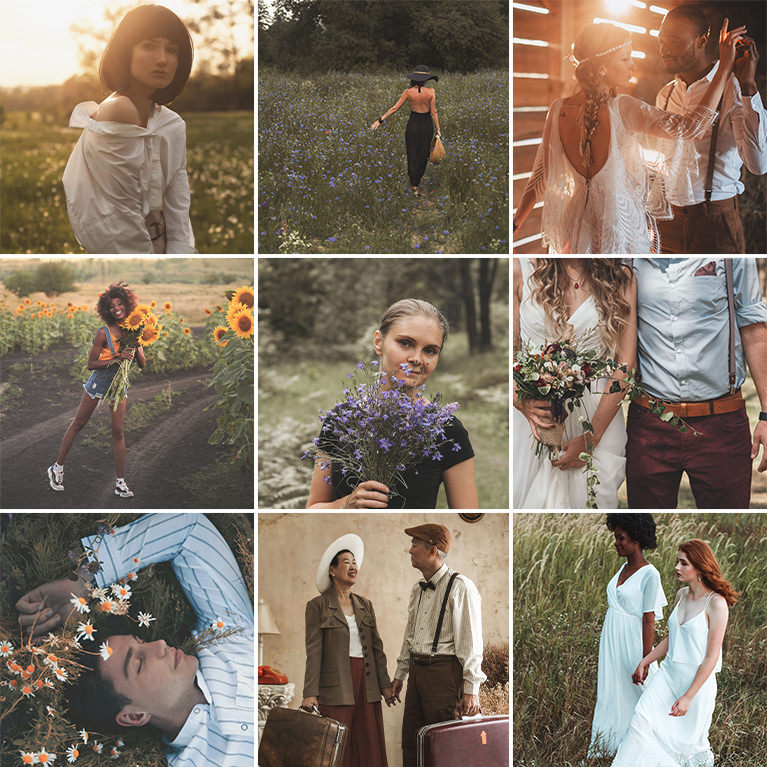
Warm tones, soft contrast, and a timeless, vintage feel. Give your photos and videos some rustic love with these Rustic Color Grading LUTs.
5 LUTs | Quick Install Guides
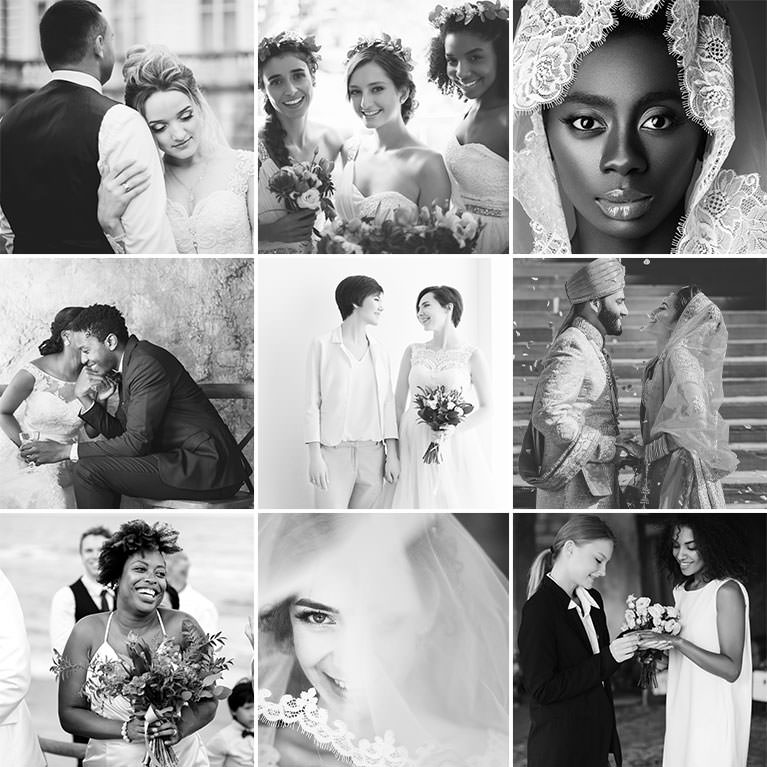
Give your wedding photos and videos a vintage, timeless feel with these stunning black and white looks.
5 LUTs | Quick Install Guides
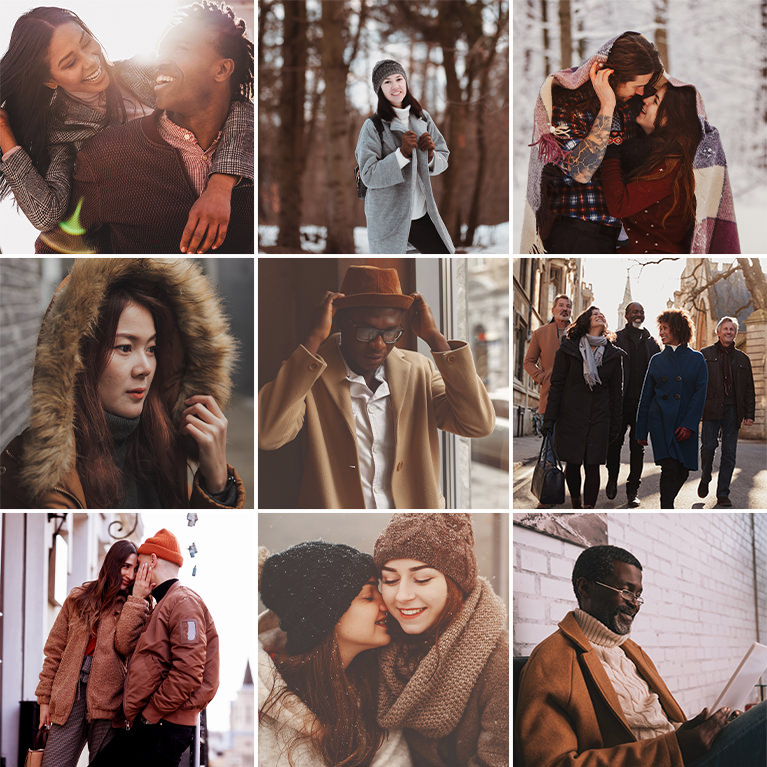
Warm tones. Soft contrast. Vintage feel. Give your photos and videos a laid-back, cozy look with our Copper Vibe LUTs.
5 LUTs | Quick Install Guides
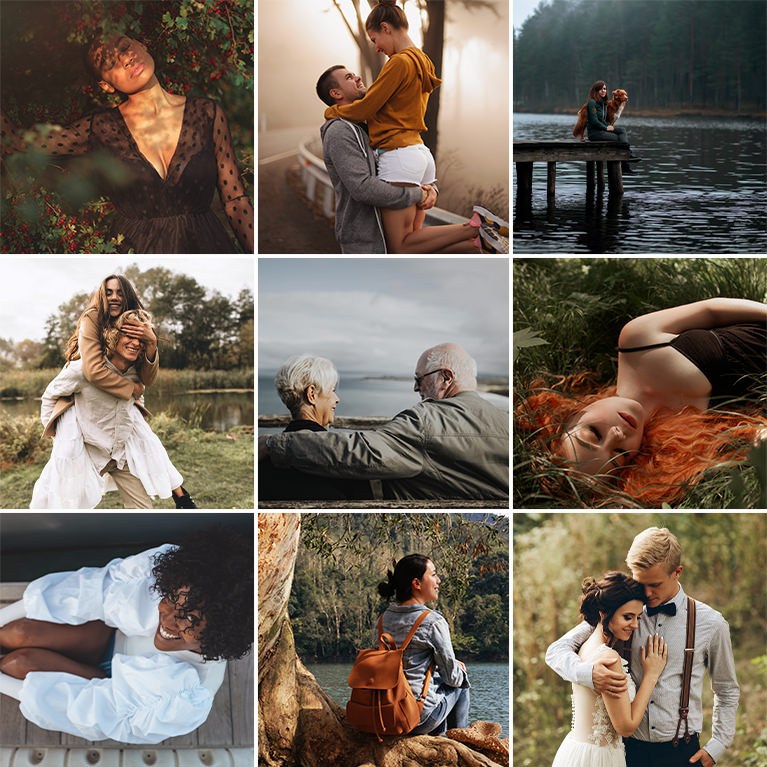
Add deep shadows, sharp contrast, and cool tones to your photos and videos with these Film Noir Color Grading LUTs.
5 LUTs | Quick Install Guides

Add bright whites, crisp contrast, and warm skin tones to your outdoor winter photos and videos
5 LUTs | Quick Install Guides

Give your photos and videos a modern look with subtle coloring and sharp contrast.
5 LUTs | Quick Install Guides

Give your photos and video a strong, modern look with sharp contrast and deep shadows.
5 LUTs | Quick Install Guides
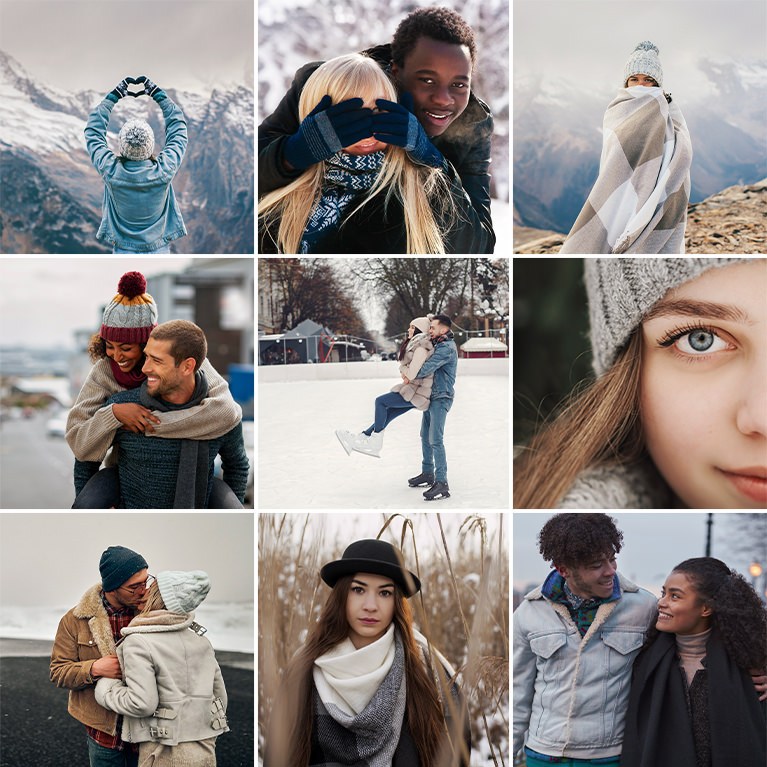
Give your photos and videos a crisp, cool look while preserving the natural warm tones in skin. Perfect looks for your seasonal images!
5 LUTs | Quick Install Guides

Instantly give your photos a matte finish with soft contrast, subtle colors, and a light, timeless feel.
5 LUTs | Quick Install Guides

Perfect for the photos and videos of your Halloween festivities, these looks will brighten your photos while enhancing the fiery colors of the season.
5 LUTs | Quick Install Guides
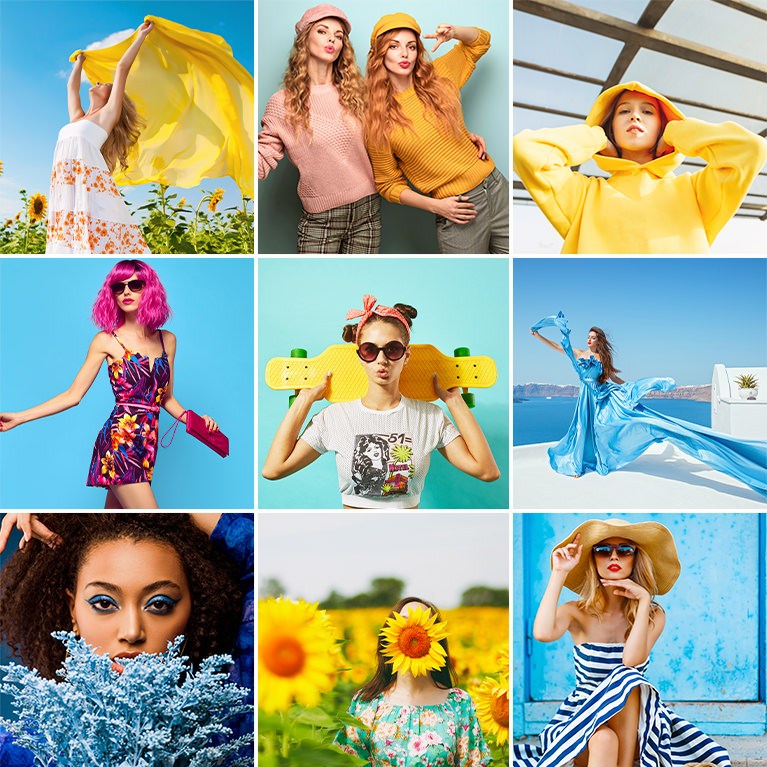
Help colors pop while leaving skin looking soft and natural. These bold and vibrant looks while instantly enhance the colors in your photos and videos.
5 LUTs | Quick Install Guides

Perfect for foodies and food photographers, these LUTs will make any dish look great in your photos and videos.
5 LUTs | Quick Install Guides

Add bright whites and soft contrast to your indoor photos and videos with our Minimal Indoor Lightroom Presets.
5 LUTs | Quick Install Guides
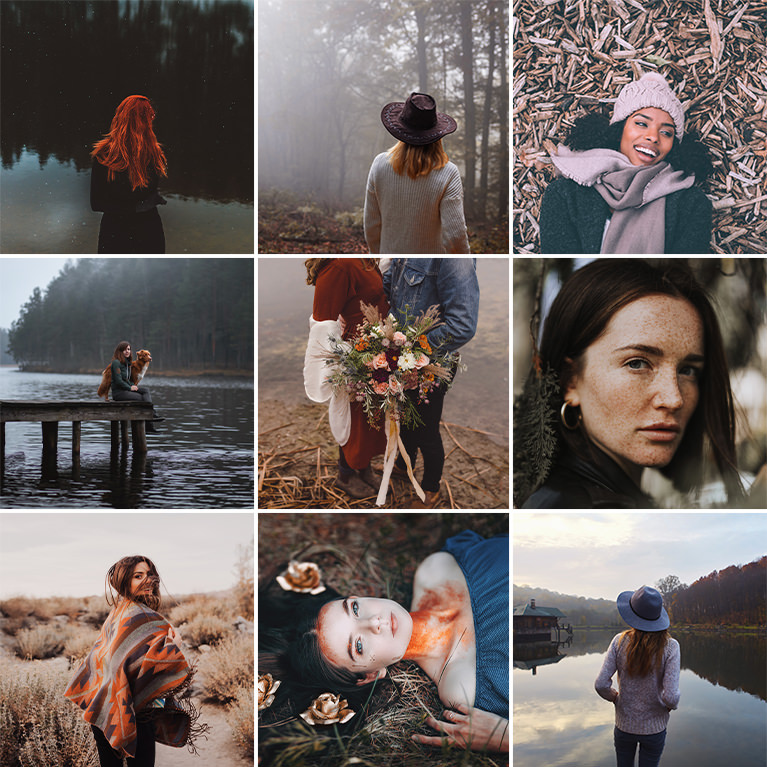
Add the colors of fall to your photos with our premium Fall Tone Color Grading LUTs! Rich browns, fiery reds, and warm oranges.
5 LUTs | Quick Install Guides
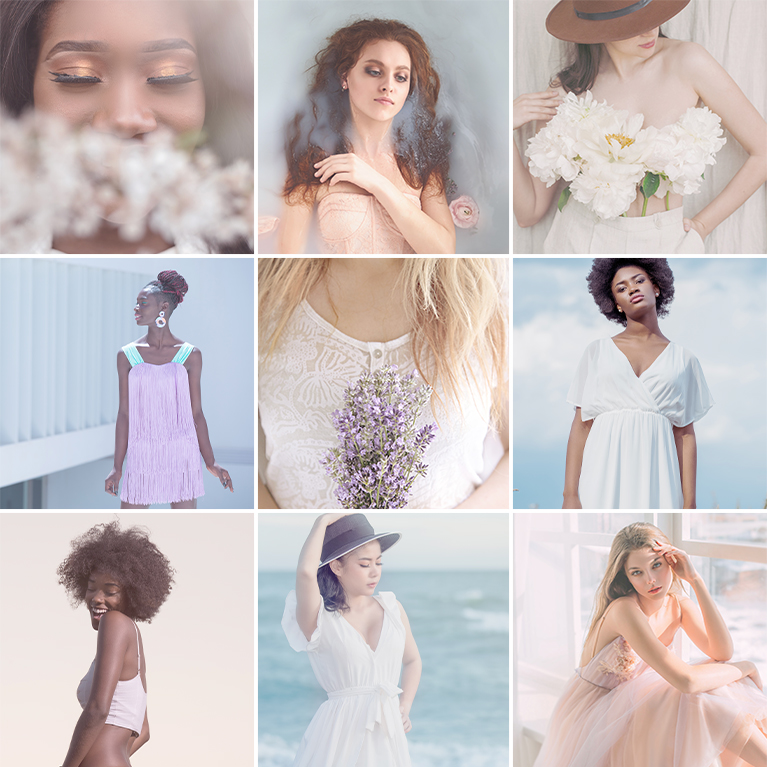
Give yours photos and videos a soft, cotton-candy feel with our Pastel Tone LUTs!
5 LUTs | Quick Install Guides

Add dark, steely, and dramatic tones to your photos and videos with our Moody Urban LUTs!
5 LUTs | Quick Install Guides

Bright smiles. Soft Lighting. Memories that last. Our Family Vibes Lightroom Presets will brighten up photos, helps subjects look great, and add warm, subtle coloring for a timeless feel.
5 LUTs | Quick Install Guides

Instantly convert your photos and videos to stunning black and white with these premium monochrome LUTs!
5 LUTs | Quick Install Guides

Perfect for your wedding photos and videos, these LUTs are designed to reduce shadows, help white clothing and fabric look clean and bright, and add soft floral coloring to life’s most special moments.
5 LUTs | Quick Install Guides

Perfect for photos and videos of family vacations, summer excursions, and tropical adventures, these premium LUTs will bring out the beautiful browns and blues in the sand and sea while giving your subjects a warm summer glow.
5 LUTs | Quick Install Guides

Wheat fields, wooded forests, soil, sand, and stone. Tap into nature and give your images a rich and earthy feel with our Earth Tones LUTs.
5 LUTs | Quick Install Guides
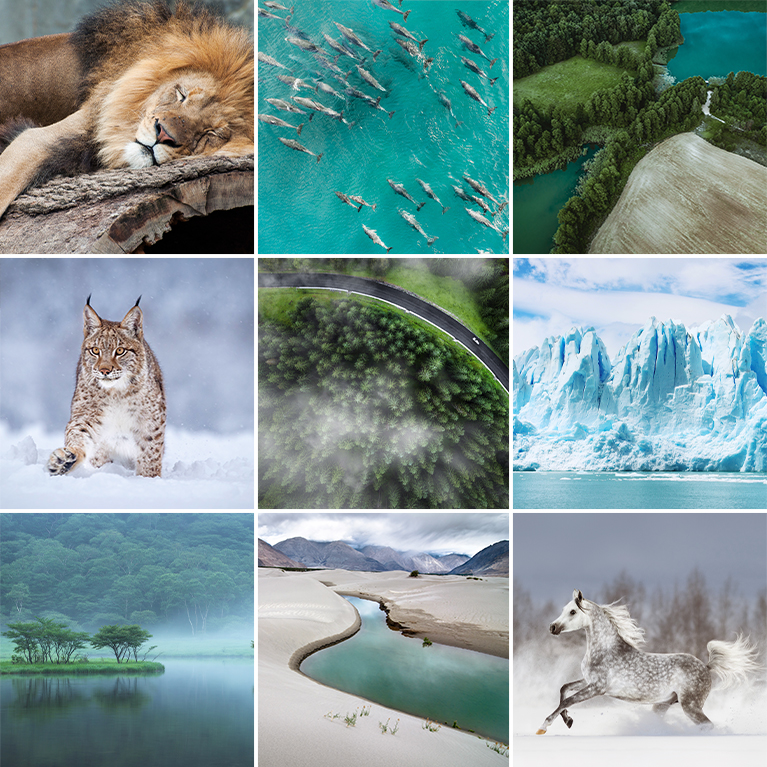
Perfect for nature photos and videos, these Vibrant Nature LUTs will target the colors most often found in nature, adding brightness, vibrance, and beautiful contrast.
5 LUTs | Quick Install Guides

Brighten your photos and videos while adding warm color into highlights and skin tones, and give the rest of the scene a soft and cool look like a refreshing summer breeze.
5 LUTs | Quick Install Guides
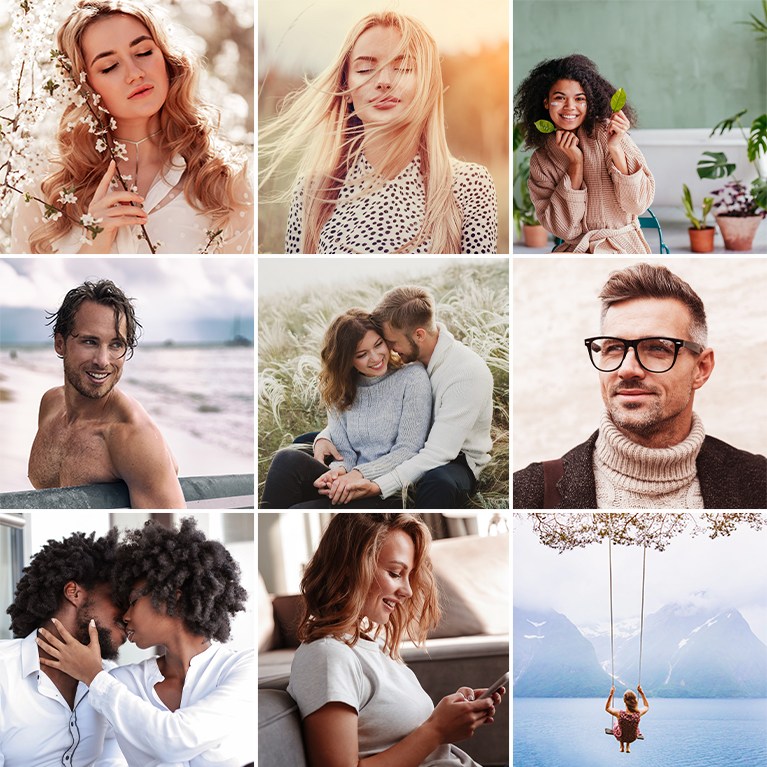
Our Moody Vibe LUTs will give your photos and videos a powerful and dramatic look. Enhance shadows and contrast, and add deep, rich colors to your scenes.
5 LUTs | Quick Install Guides
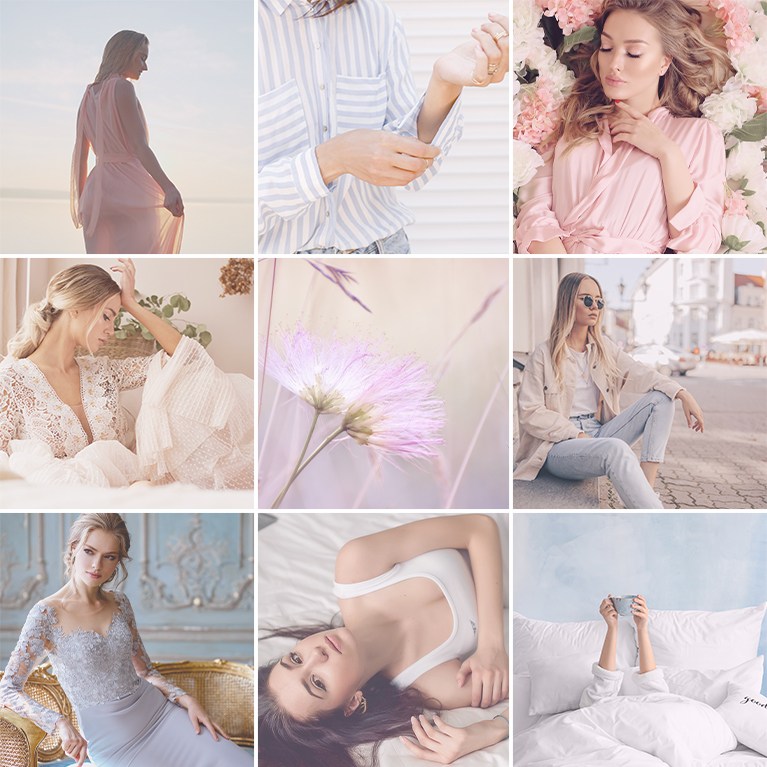
Photos and videos that feel like a breath of fresh air! Our Bright & Airy LUTs will brighten your scenes while giving them a soft finish, creamy colors, and positive vibes.
5 LUTs | Quick Install Guides
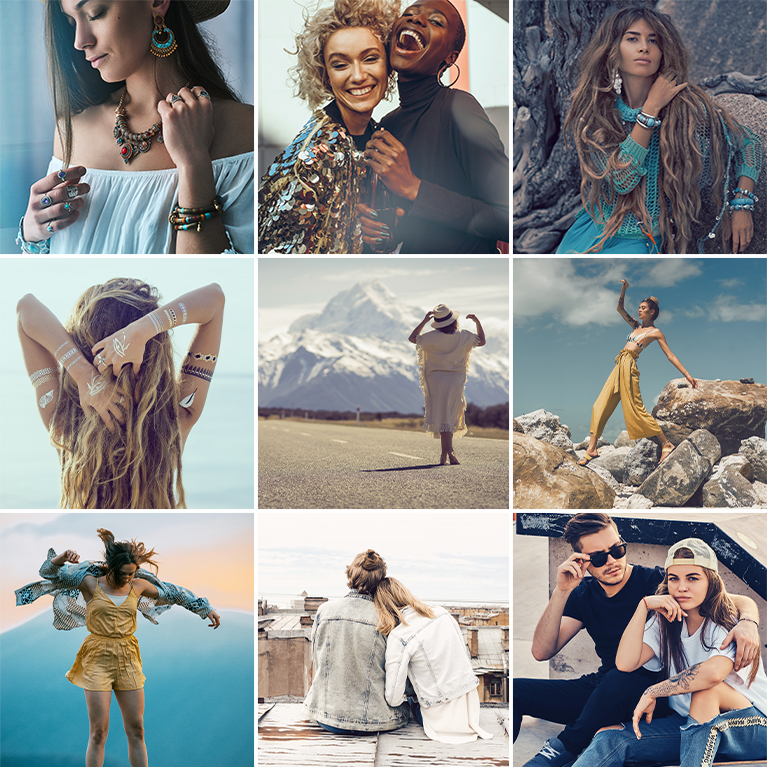
Give your photos a soft, dramatic look with our Film Tone LUTs! Add stunning contrast, slightly desaturate colors, and use teals and oranges to create a modern cinematic look.
5 LUTs | Quick Install Guides
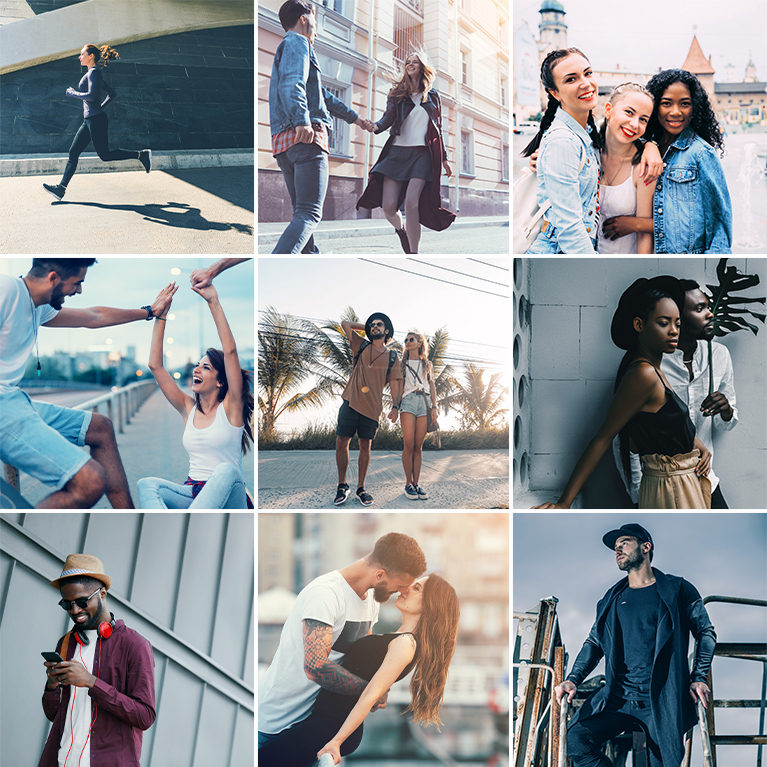
Add cool, calming blues to your photos and videos with our Cool Tone LUTs! Give your images a sharp and modern look in just a few clicks.
5 LUTs | Quick Install Guides
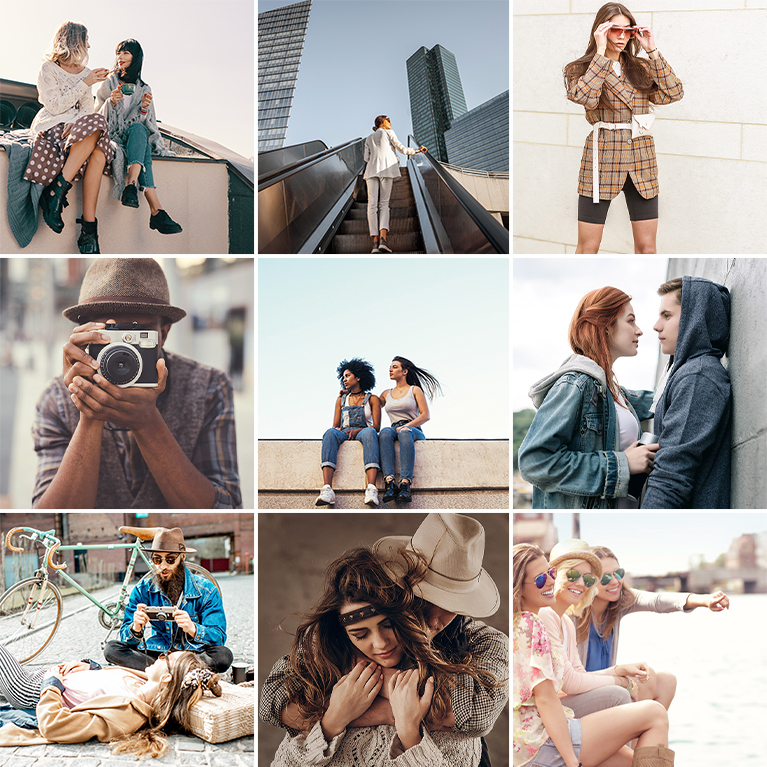
Instantly add rich, warm tones to your photos and videos with our Warm Tone LUTs! Designed to lift shadows, soften contrast, and add creamy reds and oranges into your scenes, these LUTs are perfect for outdoor images and helping skin tones look their absolute best.
5 LUTs | Quick Install Guides

Give your most precious photos and videos a bright fresh look with soft colors and smooth skin tones.!
5 LUTs | Quick Install Guides

Enhance your architecture and real estate photos and videos with these easy-to-use color-grading LUTs.
5 LUTs | Quick Install Guides
