ChatSonic AI – Your Intelligent AI Assistant
Meet ChatSonic AI — one helpful place to ask questions, create content, explore ideas, understand files, and get support with everyday tasks.
One assistant. Many ways to get things done.
Create
Explore
Learn
Understand
Imagine
Build
Choose the right AI for the task
Explore multiple AI models in one place.
Different large language models (LLMs) can be useful for different tasks. ChatSonic is designed to bring supported models together, so you can choose an available option for conversation, writing, reasoning, coding, and more.

OpenAI GPT models
Use supported GPT models for everyday questions, writing, explanations, coding help, and multi-step tasks.

Google Gemini models
Explore supported Gemini models for conversation, content creation, reasoning, and tasks that may include image or file understanding.

Anthropic Claude models
Use available Claude models for writing, summarizing information, analyzing ideas, and working through detailed prompts.

Meta Llama models
Try supported Llama models for general questions, explanations, brainstorming, and other everyday AI tasks.

DeepSeek models
Choose an available DeepSeek model for tasks such as coding assistance, structured problem-solving, and technical explanations.

Qwen and other LLMs
Connect additional language models as they become available through the AI providers configured for your ChatSonic account.
Why use ChatSonic AI?
Simple tools to help you get more done.
ChatSonic brings useful AI features into one workspace. Explore the benefits and use the tools that fit your needs.
⚡
All-in-One Productivity
Chat, write, code, summarize supported PDFs, understand files, and create charts and images with the tools available in one AI workspace.
🚀
Free Access Options
Start with the access options shown on the website and get a response from your selected AI model. Free usage, response speed, and limits can vary by model, provider, and plan.
📱
Access Across Your Devices
Use ChatSonic on a desktop, laptop, tablet, or mobile device through a modern web browser. The responsive layout makes it easier to use the same website on different screen sizes.
🔒
Privacy and Security Matter
Your privacy matters. Read the Privacy Policy to learn how prompts, uploaded files, and account details are handled, including data processing by connected AI providers.
Explore the possibilities
Useful AI capabilities, all in one place.
Move from a question to a first draft, from a complex file to a clear summary, or from a rough idea to a creative direction.
AI Chat Assistant
Ask questions, get explanations, brainstorm ideas, and continue with follow-up conversations in natural language.
AI Writing Assistant
Develop article drafts, emails, descriptions, social posts, outlines, and clearer versions of your writing.
Chat with Documents
Upload supported files and ask for summaries, explanations, key points, or help finding relevant information.
AI Image Analyzer
Share supported images to ask about visible objects, screenshots, diagrams, charts, and other visual details.
AI Image Generation
Turn a written visual description into an image with an available image-generation model.
AI Coding Assistant
Explore code examples, understand programming concepts, investigate errors, and work through development ideas.

How to Use ChatSonic AI?
No complicated commands required. Start with what you want to accomplish and build from there.
STEP 1
Tell us what you need
Enter a question, describe a task, share an idea or share the goal you are trying to reach.
STEP 2
Add useful context
Include details, examples, or a supported document or image when your task needs them.
STEP 3
Refine and keep going
Review the response, ask follow-up questions, and adjust your instructions to improve the result.
More than a chat window
Make room for your next good idea with Chat Sonic.
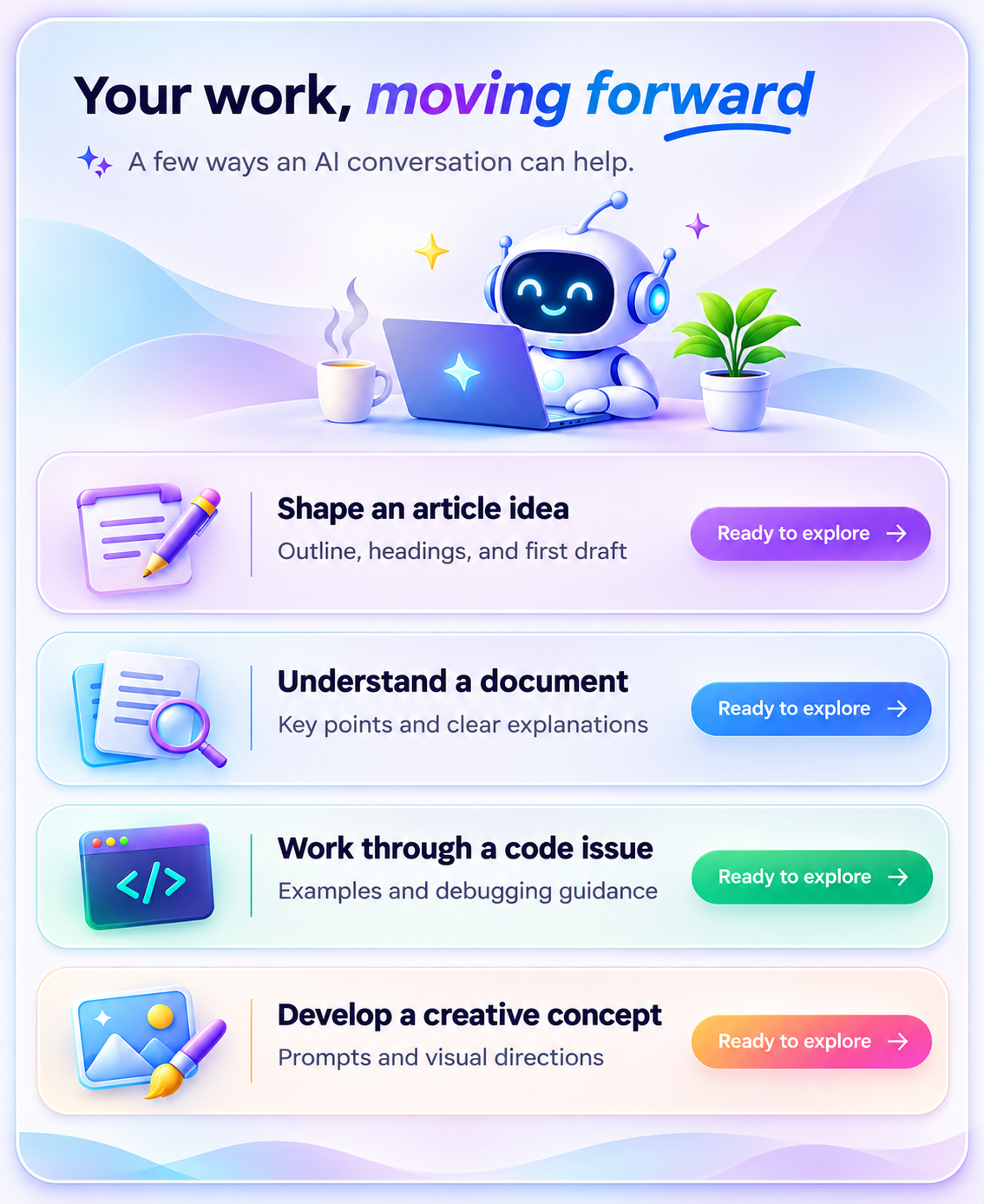
Some tasks begin with a question. Others start with a document, a screenshot, a line of code, or an idea that needs shaping. ChatSonic AI gives you a flexible way to bring that context into a conversation.
- Describe what you need in your own words.
- Add context with supported file and image uploads.
- Copywriting and content support
- Ask follow-up questions to refine the result.
- Explore different approaches until you find a useful direction.
Made for different ways of thinking
A helpful companion for what you do.
Explore how AI assistance can fit into learning, creating, building, and everyday work.
Students & learners
Understand concepts, organize notes, and explore new subjects with clear explanations.
Teams & businesses
Draft communications, structure ideas, summarize information, and prepare first drafts.
Creators & bloggers
Brainstorm topics, plan content, develop drafts, and explore creative directions.
Researchers & professionals
Explore unfamiliar topics, organize findings, compare information, and prepare clear summaries.
Developers
Review examples, learn programming concepts, and investigate coding challenges.
Everyday users
Get help with daily questions, plan activities, solve common problems, and discover useful ideas.

Ideas for everyday work
One assistant. Many ways to make progress.
Use ChatSonic AI as a starting point for the tasks that fill your day—from quick questions to projects that need a little more thought.
- Plan a content calendar
- Generate topic clusters, arrange publishing ideas, and turn a broad theme into a practical content outline.
- Prepare for a lesson
- Break a topic into smaller concepts, create practice questions, and request examples at your learning level.
- Explore a coding issue
- Share a code snippet, describe the expected behavior, and ask for possible causes and debugging steps.
- Structure a business idea
Outline a proposal, organize a meeting agenda, or list questions to investigate before making a decision.
A visual way to ask
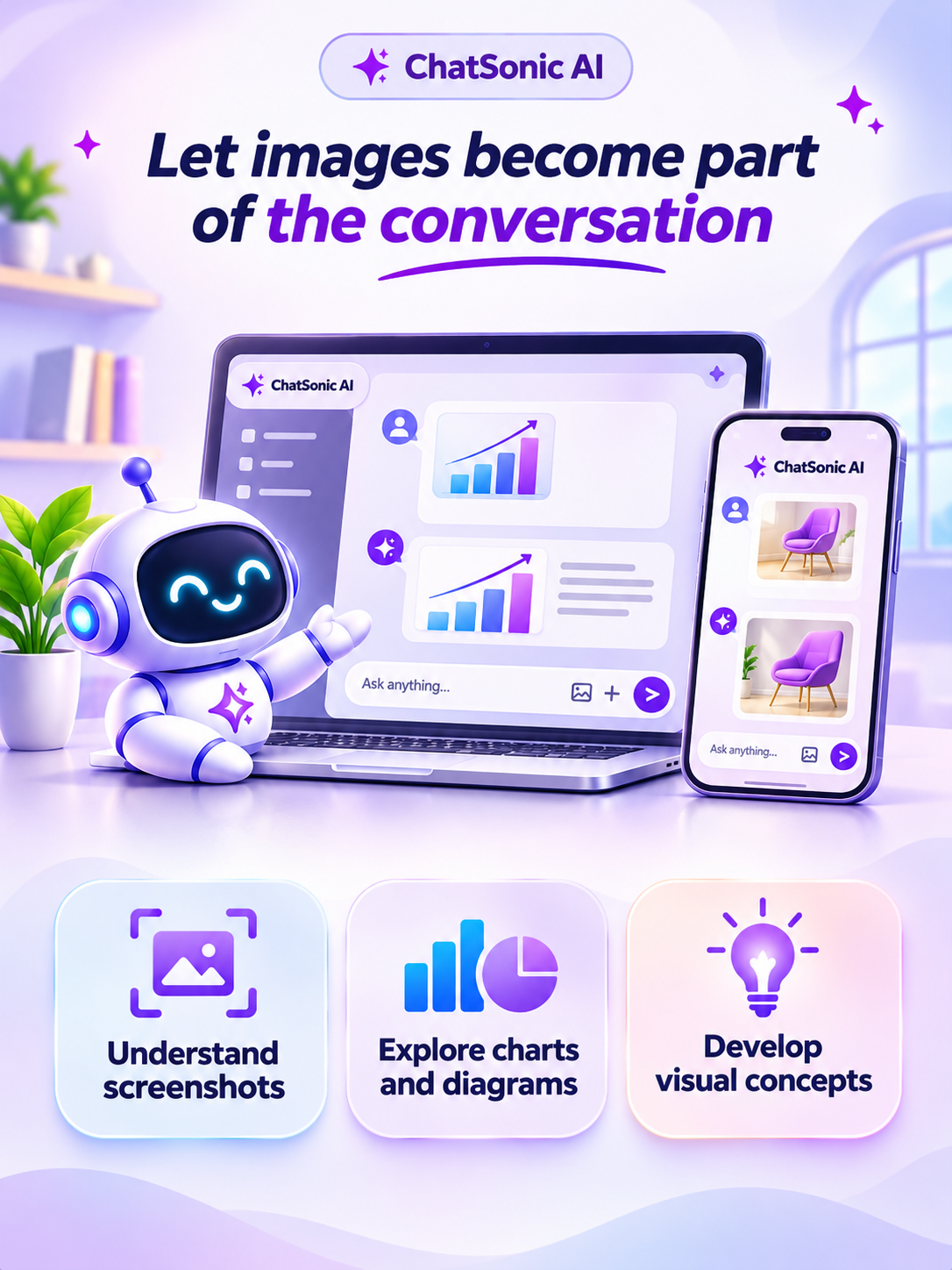
Let images become part of the conversation.
When compatible image input is available, share a visual and ask a question about what it shows. This can be useful when describing the image in words would take longer than simply providing it.
- Understand screenshots
- Ask for help interpreting an interface, reading visible messages, or understanding what a screenshot appears to show. Avoid uploading sensitive information unless you understand how it is handled
- Explore charts and diagrams
- Request a plain-language explanation of a supported chart, diagram, or educational illustration. Check numerical readings against the original visual.
- Develop visual concepts
- Describe a design direction, explore color and composition ideas, and use available image-generation tools to experiment with original visual concepts.
Your next step starts here
Curious what you can do with AI?
Bring a question, a project, or just an idea. Start a conversation and see where it takes you.
Start a Chat with ChatSonic AIFAQ
Frequently Asked Questions
What is ChatSonic AI?
ChatSonic AI is an online AI assistant designed to help with conversations, writing, coding, learning, and supported document and image tasks. Available features depend on the models and tools enabled on the platform.
Can I upload documents or PDFs?
If file uploads are enabled, you can provide supported documents and ask the AI to summarize, explain, or find information in their contents. File type and size limits may apply.
Can i switch between AI models?
If model selection is enabled, you can choose another model from the model selector. Availability may depend on your account, plan, API configuration, and provider limits.
Can I use Chat Sonic AI on a phone?
The website is designed to adapt to different screen sizes in a modern browser. Specific features may vary depending on your device, browser, and the tools enabled.
Is ChatSonic free to use?
Yes! ChatSonic AI offers free access so you can explore AI-powered features and get help with everyday tasks. Chat, write, learn, brainstorm, summarize documents, and more in one place. Some advanced features or AI models may require API access or have usage limits, depending on the available integrations.
