Tutorials

Generate Video with Sound in ComfyUI (Workflow Included) – MiniMax H3 Text-to-Video
Most video models generate silent clips. You add music in an editor afterward and hope it lines up. MiniMax H3 …

Remove Watermarks from images in ComfyUI (Workflow Included)
Watermarks ruin an otherwise good image. This ComfyUI workflow uses the Flux model to repaint the image at a low …

Z-Image Turbo with ControlNet Union 2.1 in ComfyUI
Z-Image Turbo ControlNet Union 2.1 version 2602 dropped recently, and users are already calling it a game-changer. If you’ve been …

Multiple Angle Consistent Character with Qwen Edit LoRA
This Qwen Edit workflow lets you AI “edit” an image to show a character in multiple angles. See samples below …

Z-Image on ComfyUI
Z-Image is a fast and open-sourced image model released by Alibaba Tongyi Lab. It quickly gains popularity because of its …

How to use SAM3 on ComfyUI to segment images
SAM 3 (Segment Anything Model 3) from Meta is the latest frontier in prompt-based segmentation: you can provide a text …
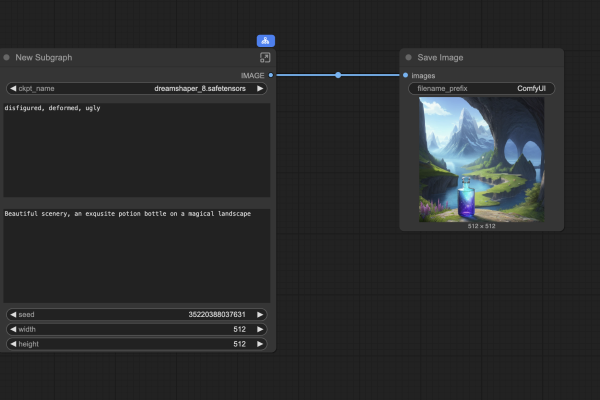
ComfyUI subgraph: Game changer or a nice try?
ComfyUI is the leading local AI image and video generator. But it can be daunting for new users because many …

Qwen Image Edit: Multiple-image workflow
Qwen Image Edit is a competent AI image editing model. You can use it to edit images using a text …

Qwen Image Edit Inpaint – Precise mask edit
Qwen Image Edit is an image-editing AI model. It can be used to edit the image with text prompts alone …

