Tune Suno to your sound.
Build a custom model in Suno tailored just to your liking, based on your own uploads.
Try it now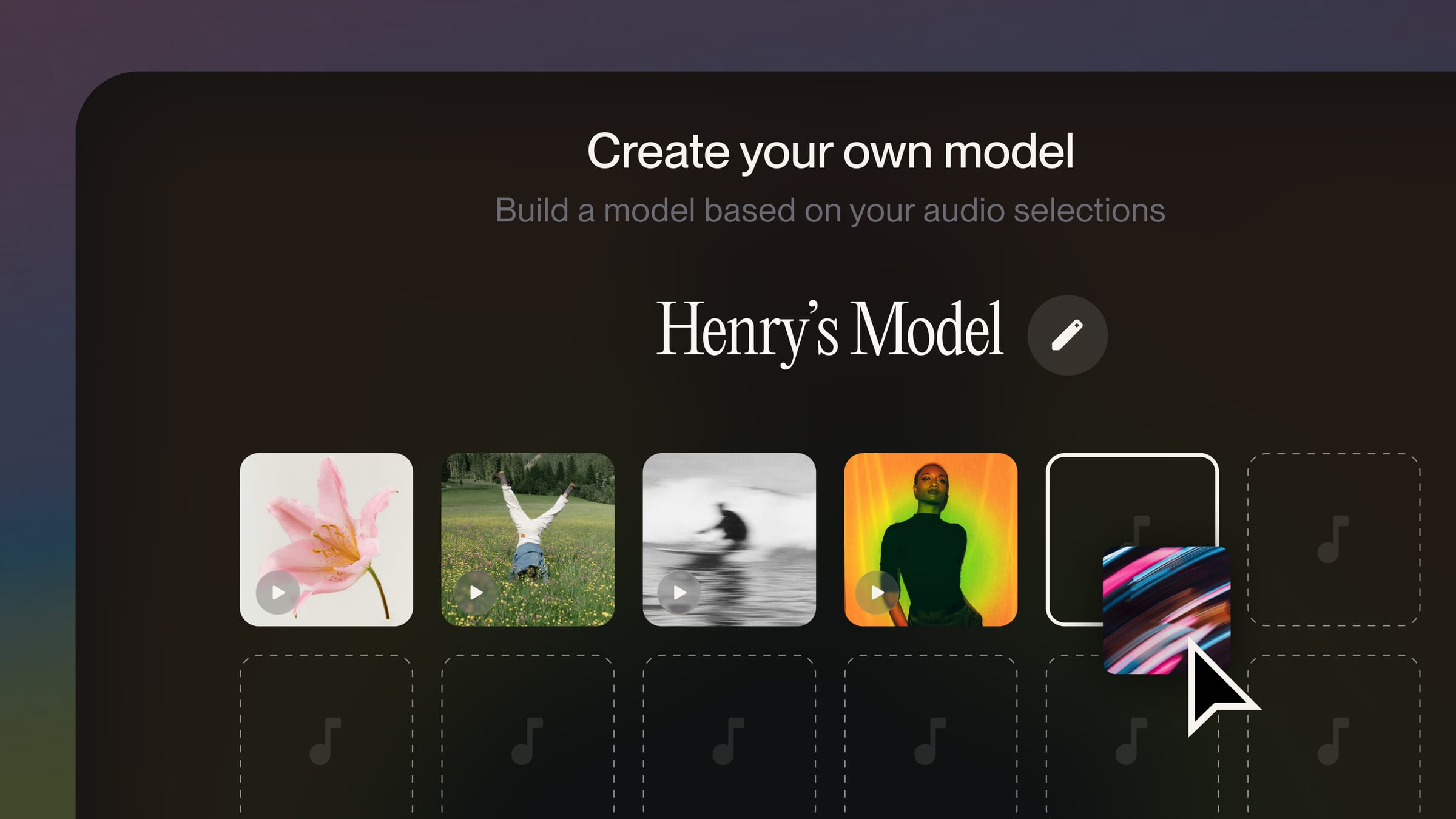
Create a modelthat’s all your own.
Tune a version of your signature sounds, your catalog and your creative point of view. Create up to 3 Custom Models to make music in your favorite styles.
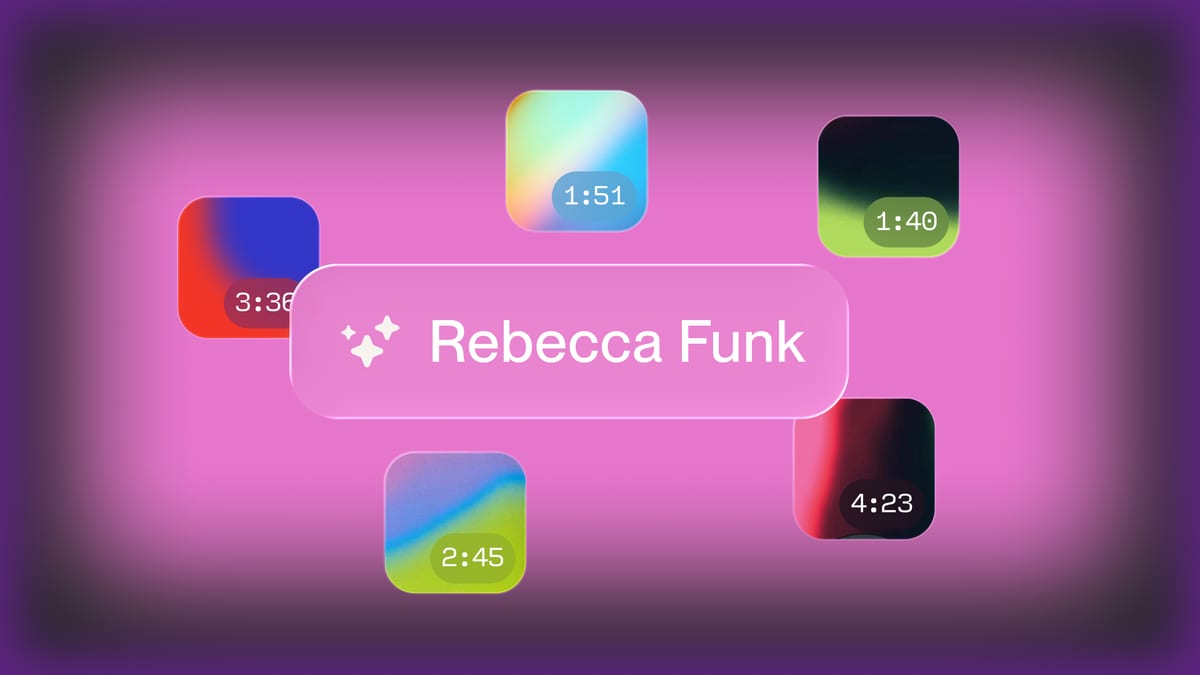
For your use only.
You must own the audio you use to create your custom model (includes your Suno library). For safety and personalization, nobody can access your custom models but you.

Frequently asked questions
What is a Custom Model?
A Custom Model is a version of Suno tuned on your own music, so new songs carry your signature sounds, your catalog and your creative point of view. Pick it from the model dropdown in Create and prompt it like any other model.
What do I need to build one?
At least six songs you hold the rights to, uploaded from your device or chosen from your Suno library. Bulk Upload takes a whole batch at once. Training takes about 2 to 5 minutes, then the model appears in your model picker.
How many Custom Models can I have?
Up to three at a time on Pro and Premier plans. Build one per style, project or alias and switch between them in Create.
Who can use my Custom Model?
Only you. Custom Models are private to your account and can’t be shared, published or selected by other creators.
Do Custom Models work with v6?
Yes. Custom Models run on the latest model generation, so they picked up the v6 upgrade automatically, including its section editing and multimodal inputs.
More in the Custom Models guide.
