Nice guy!
Late 2026 Edition
2026 was a tricky year! This list changed a lot!!!
Since 2025, I've been trying to move away from Apple apps and start using cross-platform apps. So I can choose between Apple and Android.
Unfortunately, my plan didn’t go well. Committing to cross-platform apps means lots of subscriptions, and in the middle of this cost-of-living crisis it doesn’t make much sense. And with sadness, I rolled back everything, and my App Defaults for 2026 are really close to a Default Apps golden trophy for Apple users!
Fastmail
Apple iCloud+
Fastmail continues to be the best email, calendar and contact service on the interwebs. My decision to leave them was strictly financial.
Fastmail
Apple Mail
Fastmail
Apple Calendar
Fastmail
Apple Contacts
Personal: Things Apple Reminders
Family: Todoist CulturedCode Things
Personal: Bear Obsidian Apple Notes
Family: Apple Notes
Scribble: GoodNotes
Quick Notes: Iconfactory Tot
Monzo Bank, Apple Numbers and Bobby
Personal and family: Synology Drive and Apple iCloud Drive
Mac: Apple Safari and Google Chrome
iPhone and iPad: Quiche Browser and Apple Safari
Quiche is one of the best browsers ever. It is light, highly customisable and gives you easy control over enabling JavaScript or not. I hope they release a macOS version soon.
GoodlinksRaindrop.io
Apple Safari and its Reading List
Apple Messages
Signal
Meta WhatsApp
Player: Plexamp
Discovery: MusicHarbor and Qobuz
My Qobuz subscription ends in March 2027. After that, I will go old school: visit music stores and use YouTube as MTV from the 90s.
Synology Photos and Apple Photos
Apple Camera, Google Snapseed, Spectre and trying Very Good Cam
OvercastPocket Casts
Apple Podcasts
Iconfactory Tapestry and Aniline Indigo
1PasswordBitwarden
Apple Passwords
Apple Maps
Google Maps
I've always tried to use Apple Maps and contributed by reporting issues and etc. Unfortunately, I find it dangerous. It shows traffic lights where they don't exist, and sometimes where there is a roundabout. Not to mention when there is a roundabout, but Apple Maps doesn't show it. From what I read, it seems great in the US, but in the UK it is rubbish. I don't want to risk my life, so I chose Google Maps.
It’s 2026, and we still need this kind of app.
Downie
CleanMyMac
CleanShot 4.8
CleanupBuddy
PDF Expert
Pixel Perfect
Soulver 4
Supercharge
Amphetamine
AlDente
Menu Bar Spacing
Other people have also shared their Default Apps inspired by the Podcast Hemispheric Views 097 - Duel of the Defaults! Click here to see the complete list. And you can also share the link to your list on this Hemispheric Chat topic.
Months and months later I am back playing one of my favourite games!
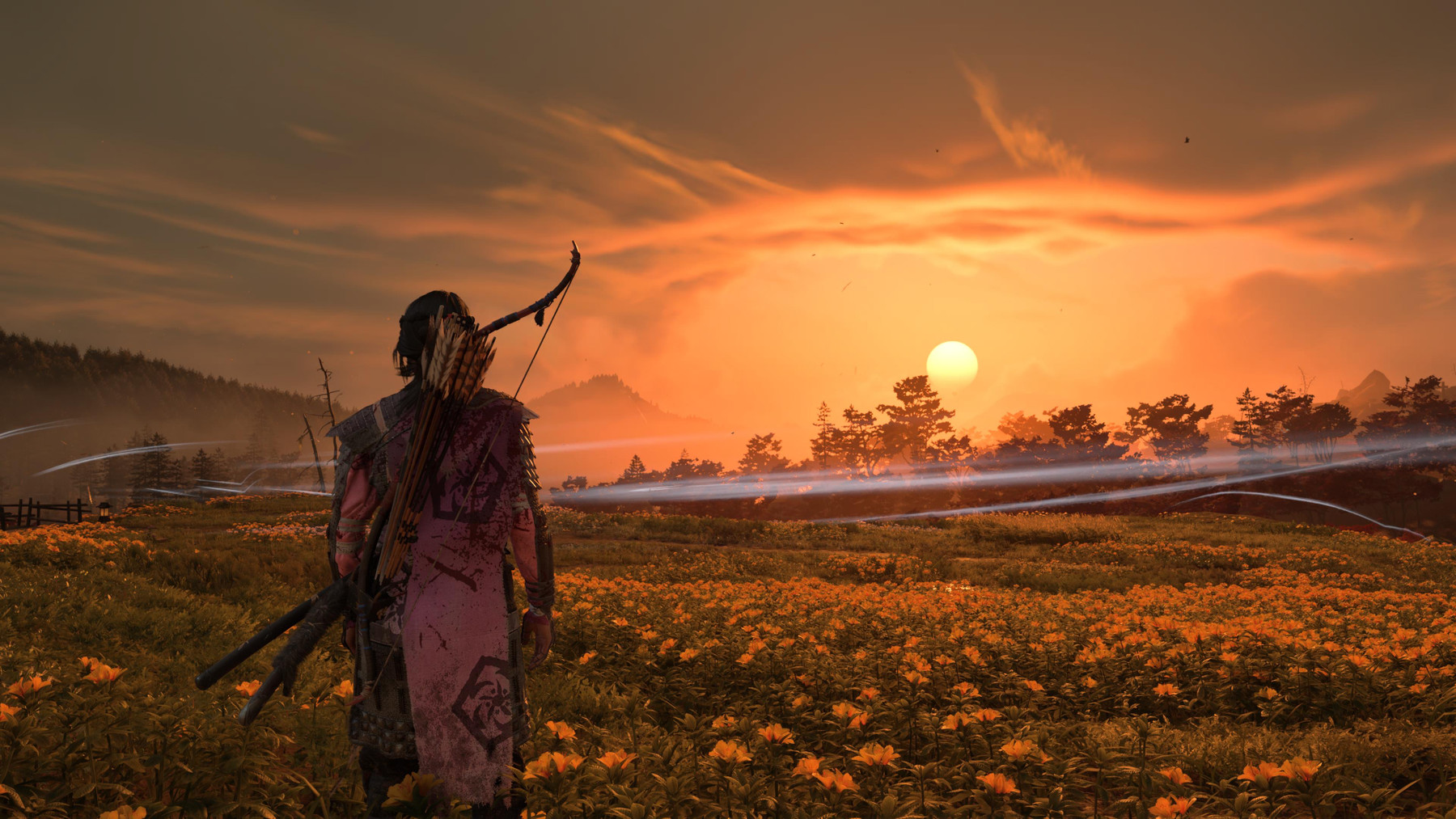
This time I’m playing the new DLC called The Echoes of Sekigahara.
My Brain doesn’t remember how to play it, but we learn again on the go! 😄

Thanks to password managers implementing the Credential Exchange Protocol (CXP), migrating data between password managers on iOS or iPadOS is much easier today, including better support for entry types and passkeys migration.
This is a quick guide about how to proceed with this migration, as I’ve noticed that people aren’t very aware of it and are still using the old method of exporting a file from 1Password and importing it into Bitwarden.
Make sure you have Apple Passwords installed. It mediates the process, and I think it also provides the required APIs so the process works
Open 1Password and go to Settings
Go to Advanced
Under Export Data, touch on Start Export
Type your Account Name and touch on Approve Export
A screen explaining the next steps will appear, so read it and touch on Continue
Now it’s time to select the destination! Select Bitwarden
A confirmation screen will appear asking if you want to proceed exporting X items. To proceed, touch on Continue in Bitwarden
The Bitwarden app will open. Read carefully and complete the process.
A screen confirming how many entries were migrated appears, and the job is done! Now it’s time to update the AutoFill settings, install the browser extension, and you’re free from 1Password! 🎉

— Lord Acton
Windows admins can block you from updating local variables through the user interface. A way to get around that is to call the control panel module from the command prompt:
rundll32.exe sysdm.cpl,EditEnvironmentVariablesIf you use the MX Keys with two different operating systems and what you're typing doesn't match what you see on screen, you may need to force it to use a different layout:
FN+P swaps Mac Layout to PC (hold for 3 seconds) FN+O swaps PC Layout to Mac (hold for 3 seconds)
Oh I can feel I’ve lost control,
You let your guard down,
You let the truth out.
View entry: https://www.crucialtracks.org/profile/tekphloyd/20260805
What song makes you feel nostalgic for a time you never lived through?
View entry: https://www.crucialtracks.org/profile/tekphloyd/20260713
What song do you turn to when you need to cry?
This song reminds me of some difficult times in the past…
View entry: https://www.crucialtracks.org/profile/tekphloyd/20260712
If you have API Autodiscovery in the Mule project, add the following argument to the “Run Configuration” associated with the project.
-Danypoint.platform.gatekeeper=disabled
Admin-managed Chromium browsers can block certain downloads. To get around that, you can download a file from a terminal using curl:
curl -L -o studio-brightness-plusplus.exe <https://github.com/LitteRabbit-37/Studio-Brightness-PlusPlus/releases/download/v1.1.0/studio-brightness-plusplus.exeOn Windows, this requires Git Bash
git commit --amend
git push --force origingit reset .
git checkout .git config --global --edit
git checkout <other-branch>
git merge -s ours master
git checkout master
git merge <other-branch>
git pushgit log --onelinegit reset —hard HEAD~1
git push -fgit tag -l | xargs -n 1 git push --delete originbrew install hub
hub release -f "%T (%S) %n" --include-drafts | grep " (draft)" | awk '{print $1}' | xargs -t -n1 hub release deleteLink: Hub
git stash
git checkout -b “new branch”
git stash popgit checkout -fgit reset --soft HEAD~n
git commit --amend -m "New commit message."
git push -fCount starting from
0to define thennumber
git fetch origin pull/9/head:API-4021git reset --hard origin/developgit reset --hard 6e19e01470f9aec8854268722c84db3d811da7d8
git push -f origin mastercd current-repo
git checkout branch-to-move
git pull
git push url://new/repository.git branch-to-move:target-branchgit checkout other-branch
git merge -s ours main
git checkout main
git merge other-branch
git pushgit remote set-url origin <https://github.com/USERNAME/OTHERREPOSITORY.git>git reset --soft HEAD^git commit --amendStarted: 30/11/2025
Completed: 28/03/2026
Platform: PlayStation 5
My rating: ★★★★★
Close to the end of the game, I didn't want to finish it because it’s so good, so I took a detour with Metroid Prime 4 in December and January.
I explored as much as I could, and at the end, I managed to complete 100% as I did with Ghost of Tsushima.
Ghost of Yōtei is definitely the updated version of Ghost of Tsushima, and I would recommend starting with this one if you've never played any of the games in the series. In Ghost of Yōtei, the story isn't as original as Ghost of Tsushima's, but everything else is better: graphics, music and gameplay.
Talking about the music, the soundtrack is a banger! Some days it stays on repeat while I work.
Share a song you feel was ahead of its time.
It’s August 1966, and what is that on the radio? The Chemical Brothers? Maybe The Beatles had a DeLorean and went to 1997.
View entry: https://www.crucialtracks.org/profile/tekphloyd/20260226
What artist or band changed your music taste forever? Pick your favourite song of theirs.
When I watched Pink Floyd’s Pulse concert on the telly in 1995, everything changed.
View entry: https://www.crucialtracks.org/profile/tekphloyd/20260127
What was your favorite song in high school? Why did it resonate?
View entry: https://www.crucialtracks.org/profile/tekphloyd/20260126
Started: 25/12/2025
Completed: 24/01/2026
Platform: Nintendo Switch 2
My rating: ★★★★☆
Tried again to complete 100%, but there are some items that only appear once to scan, which I find very frustrating. 🙁
