Pull in your existing context, data, and codebase—no matter where it lives.
Figma Specs
Build with shared context across Figma, teams, and agents.
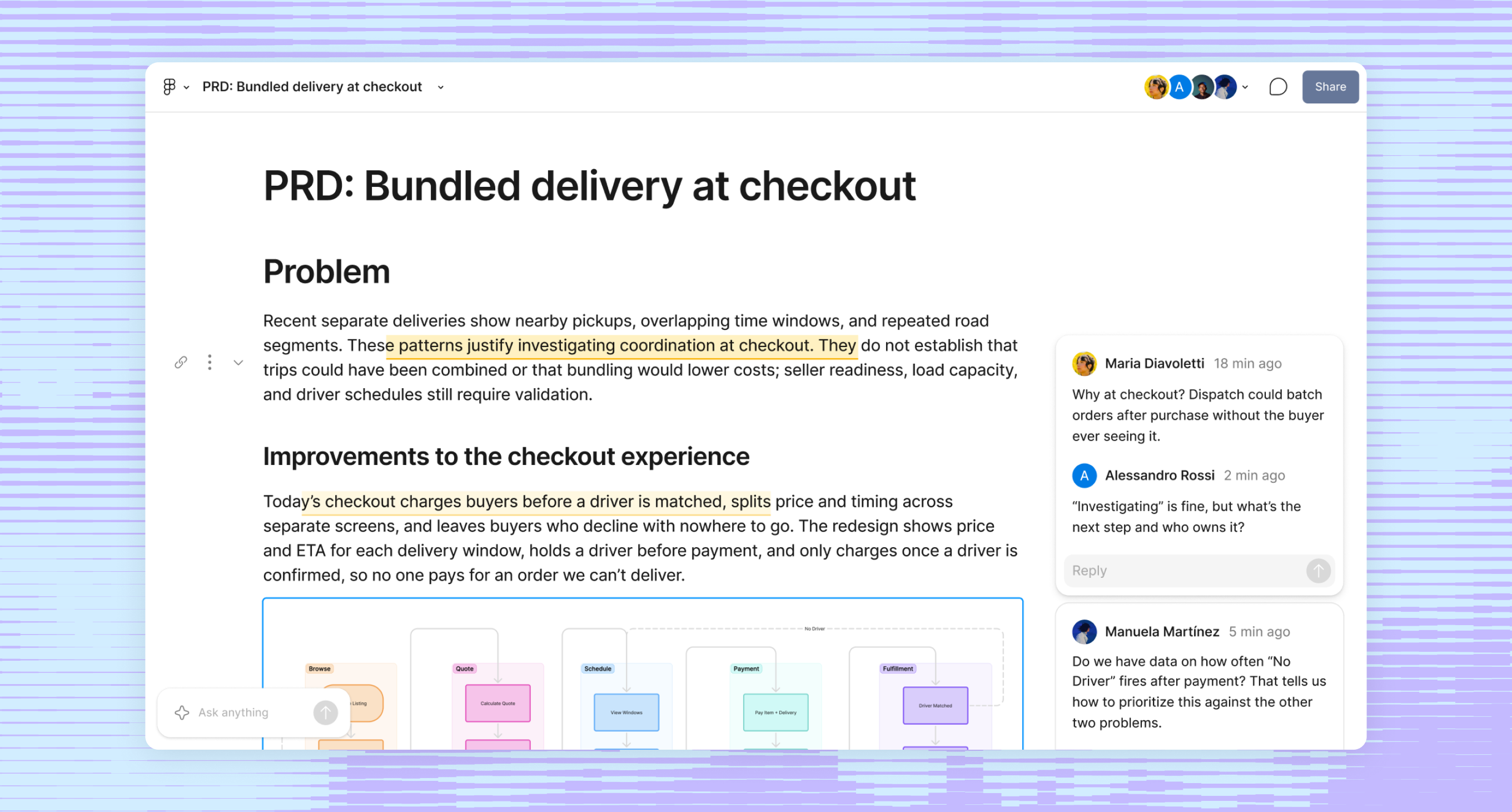
A container for context that can move into, out of, and across Figma.
Bring written intent, visual exploration, and technical details together for your team and your agents.

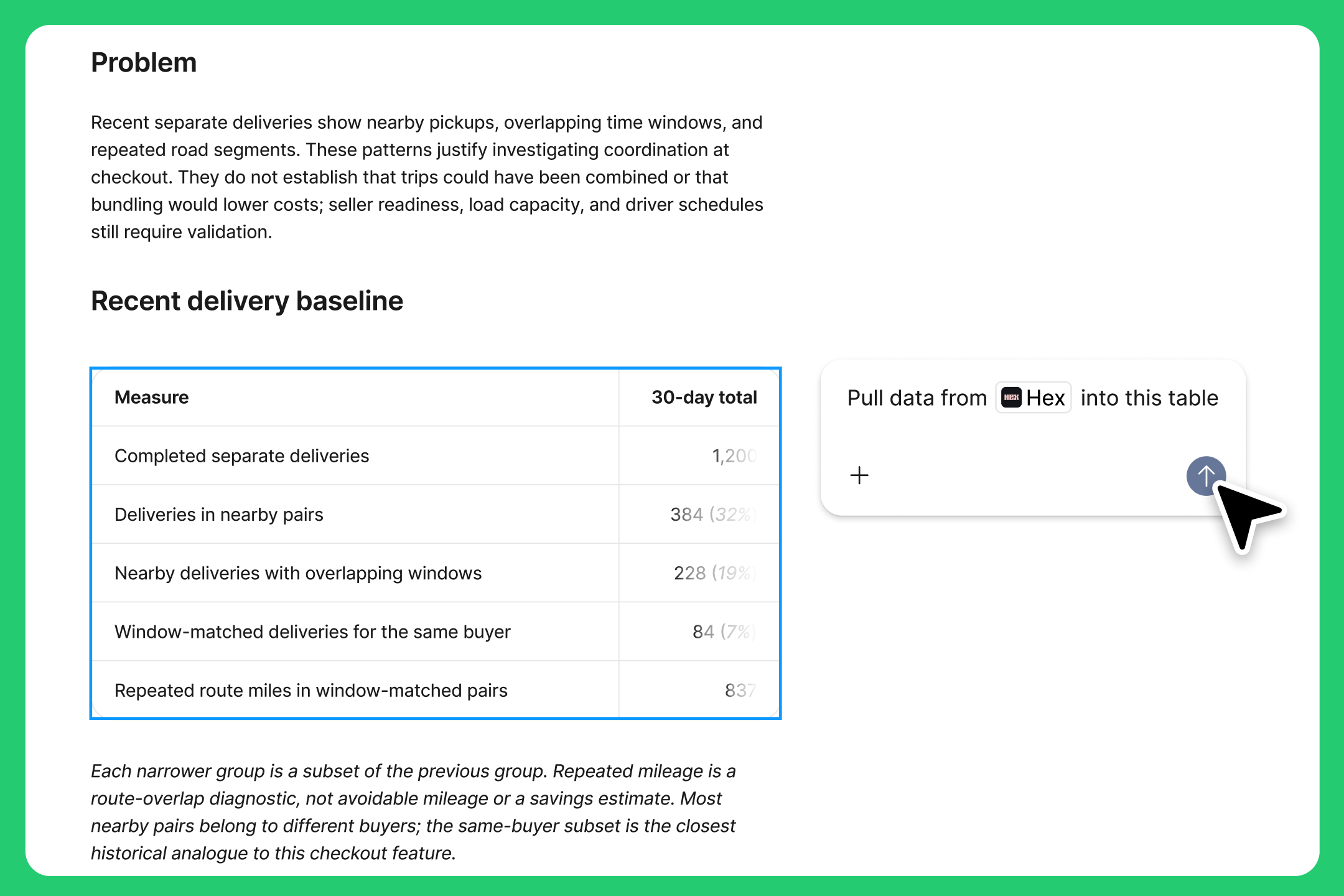
Easily move between planning, designing, and coding.
Drop in data, connect external agents, and tag in teammates to help you build out your spec.

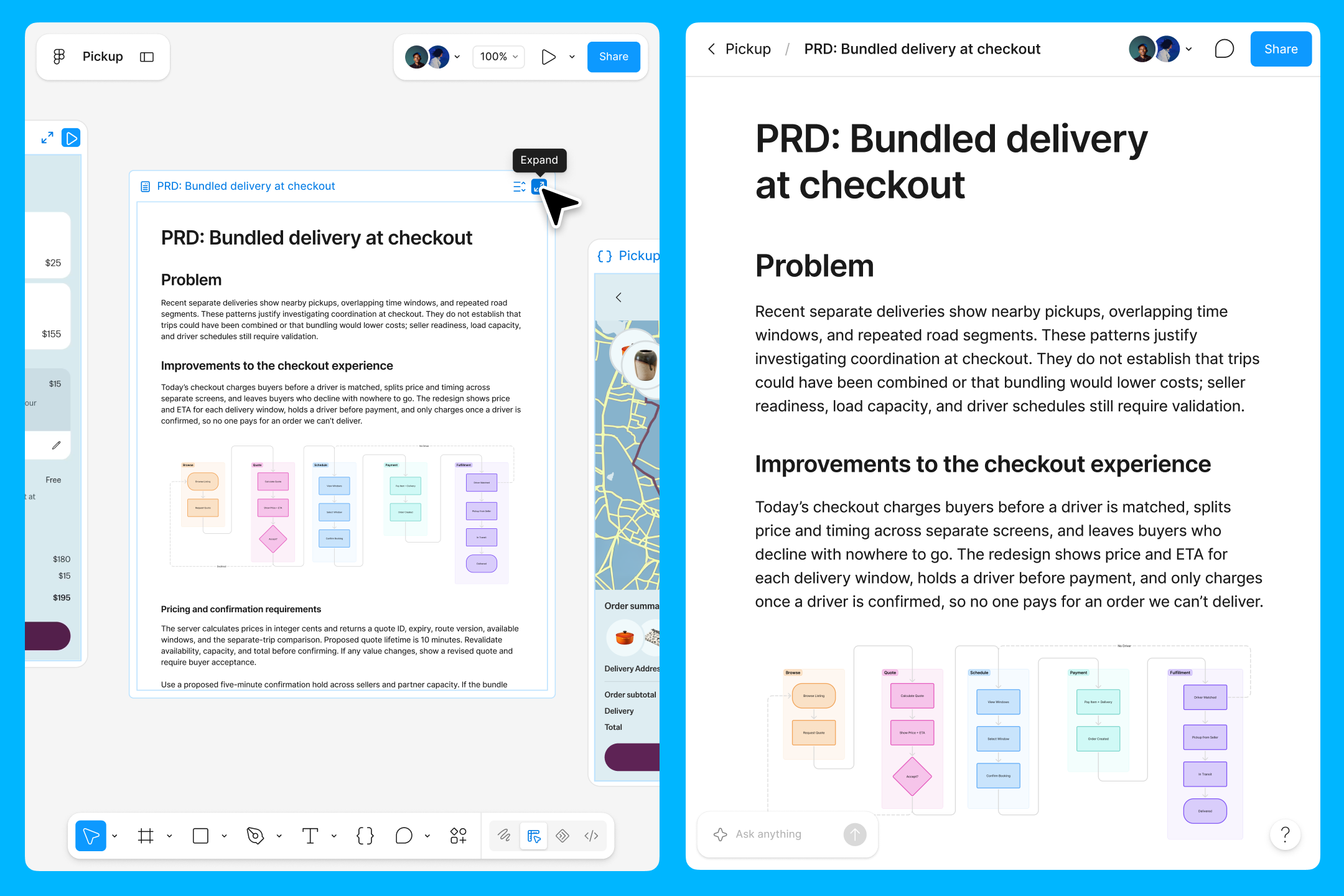
Use Specs on the canvas or on its own
Write out your spec where you design, or work in a separate space and drop it in when you’re ready.

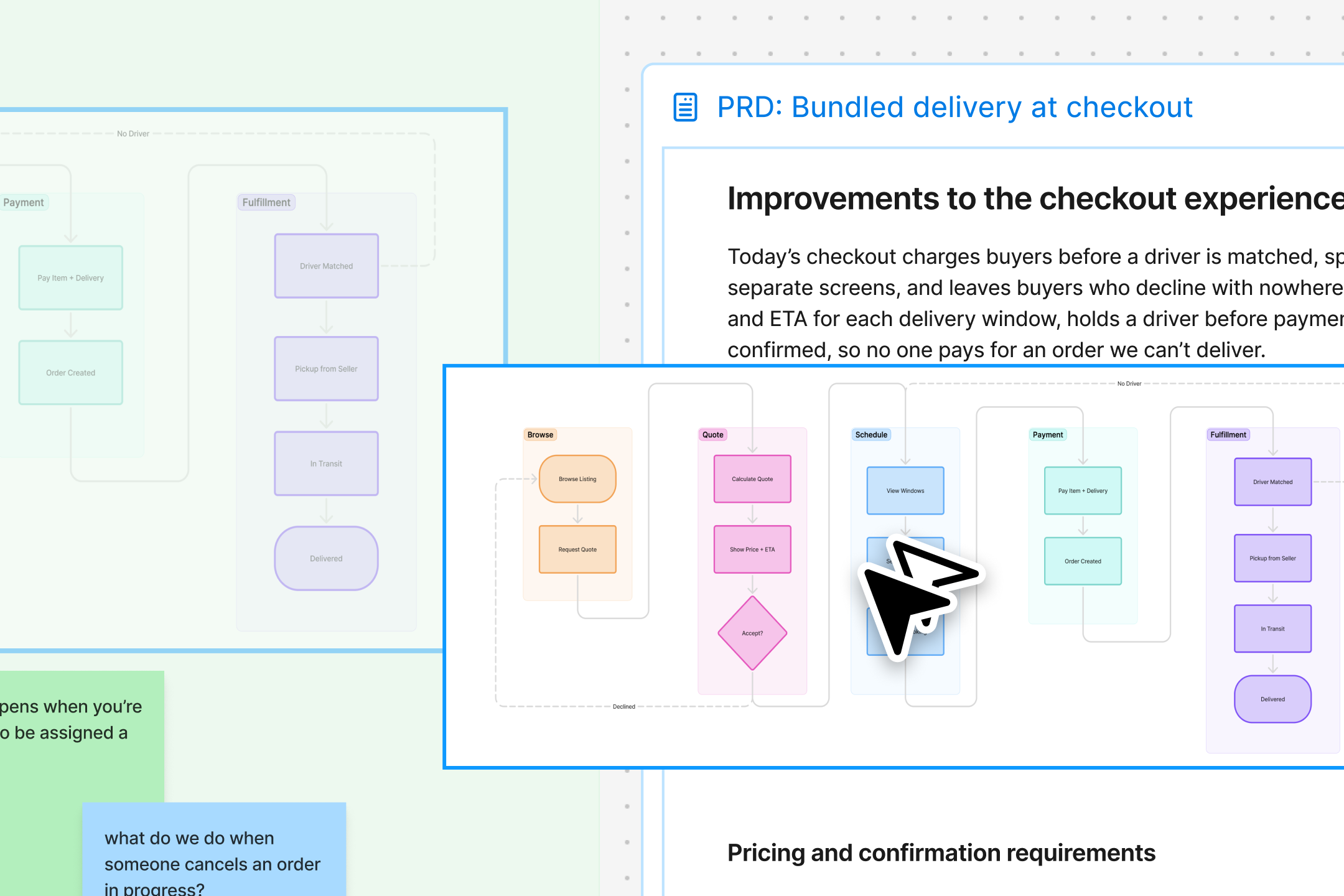
Context that flows in both directions
Pull in diagrams, tables, and designs from Figma. Or, bring in data and content from other tools via the Figma agent.
Build with your favorite agent.
Specs gives agents structured Markdown to guide them from prototype to production.

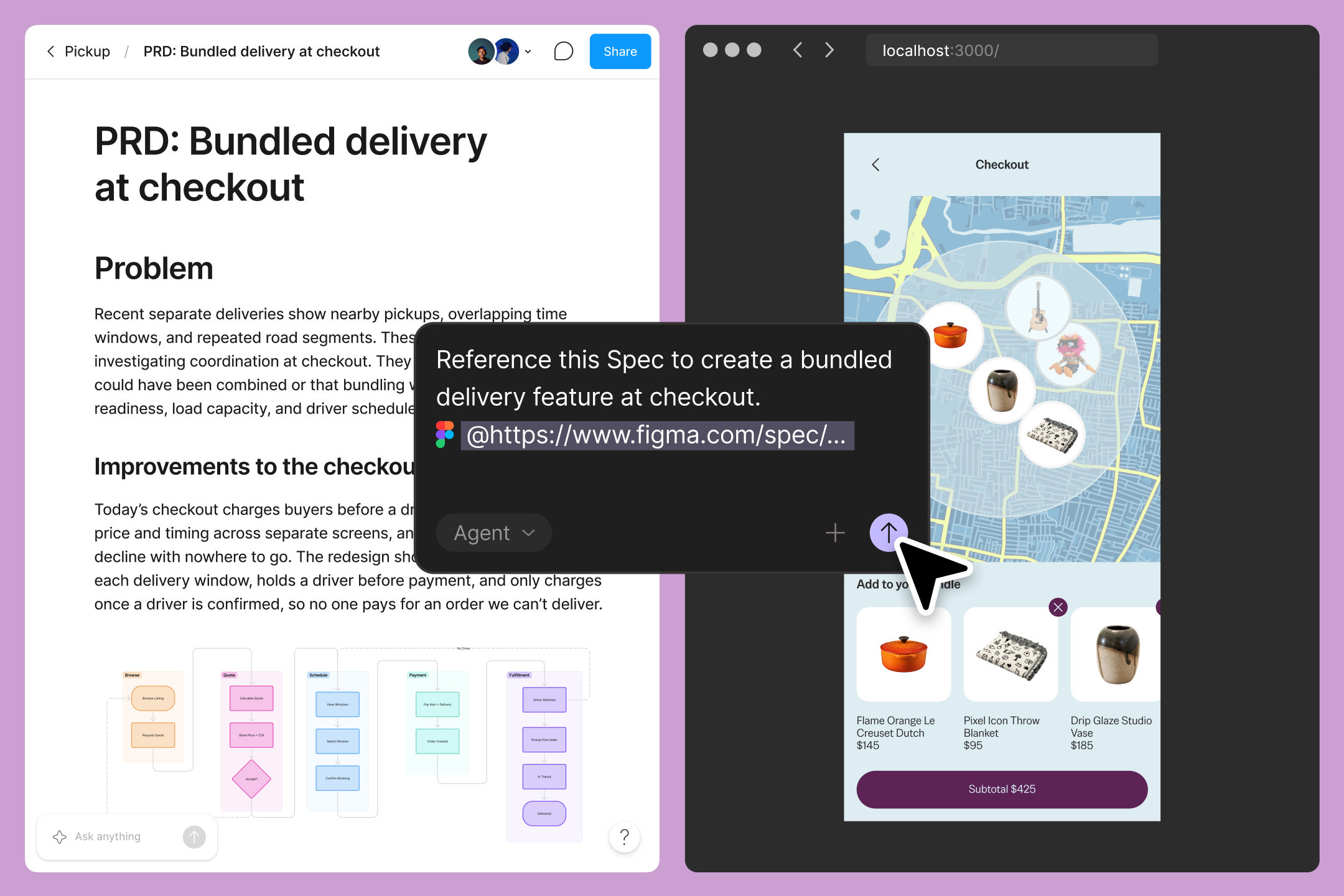
Tap the Figma agent to build with code layers on the canvas or ship to an external tool via MCP.
