

SQL database are used to store and manage structured data in tables. They use SQL to perform operations such as creating databases, retrieving records, updating data and deleting records.
- Stores data in tables with rows and columns.
- Uses keys and relationships to connect related tables.
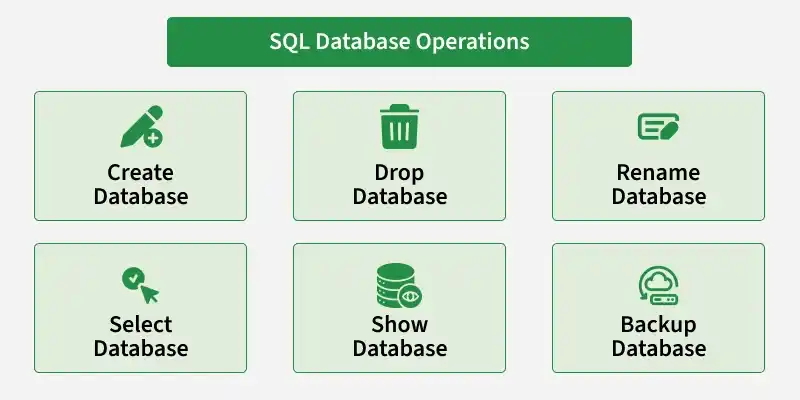
1. CREATE Database
The CREATE DATABASE command is used to initialize a new database. It creates an empty database that acts as a container for your tables and other database objects. It allows you to organize and manage data easily.
Example:
CREATE DATABASE test_db;2. SELECT Database
The USE or SELECT DATABASE command allows you to select a specific database for the current session. Once selected, the database becomes the active database and all subsequent queries will be executed on it. This command is essential when working with multiple databases.
Example:
USE test_db;3. RENAME Database
The RENAME DATABASE command can be used where you need to rename an existing database. All databases does not support this command, it can be useful when we need to update the name of a database to show its content.
Example:
RENAME DATABASE test_db TO new_test_db;4. DROP Database
The DROP DATABASE command is used to permanently delete a database, along with all its tables, data and objects. This action is irreversible, so it should be used carefully. It is helpful when you no longer need a database and want to free up system resources.
Example:
DROP DATABASE test_db;5. SHOW Database
The SHOW DATABASES command is used to display the list of databases available databases. It helps users view existing databases and choose the one they need to work with.
Example:
SHOW DATABASES;6. BACKUP DATABASE
The BACKUP DATABASE command is used to create a backup of a database. It helps protect data and restore it if the original database is lost or damaged.
Example:
BACKUP DATABASE test_db
TO DISK = 'C:\Backups\test_db.bak';
Note : You can change the file path to the location where you want to save the database backup.
