

MEDIA CENTER
The press room built for TV and streaming
Write press releases, attach related media such as video, publish it on your own branded Media Center, email it to journalists and see who opened it. One place, from first announcement to premiere day.
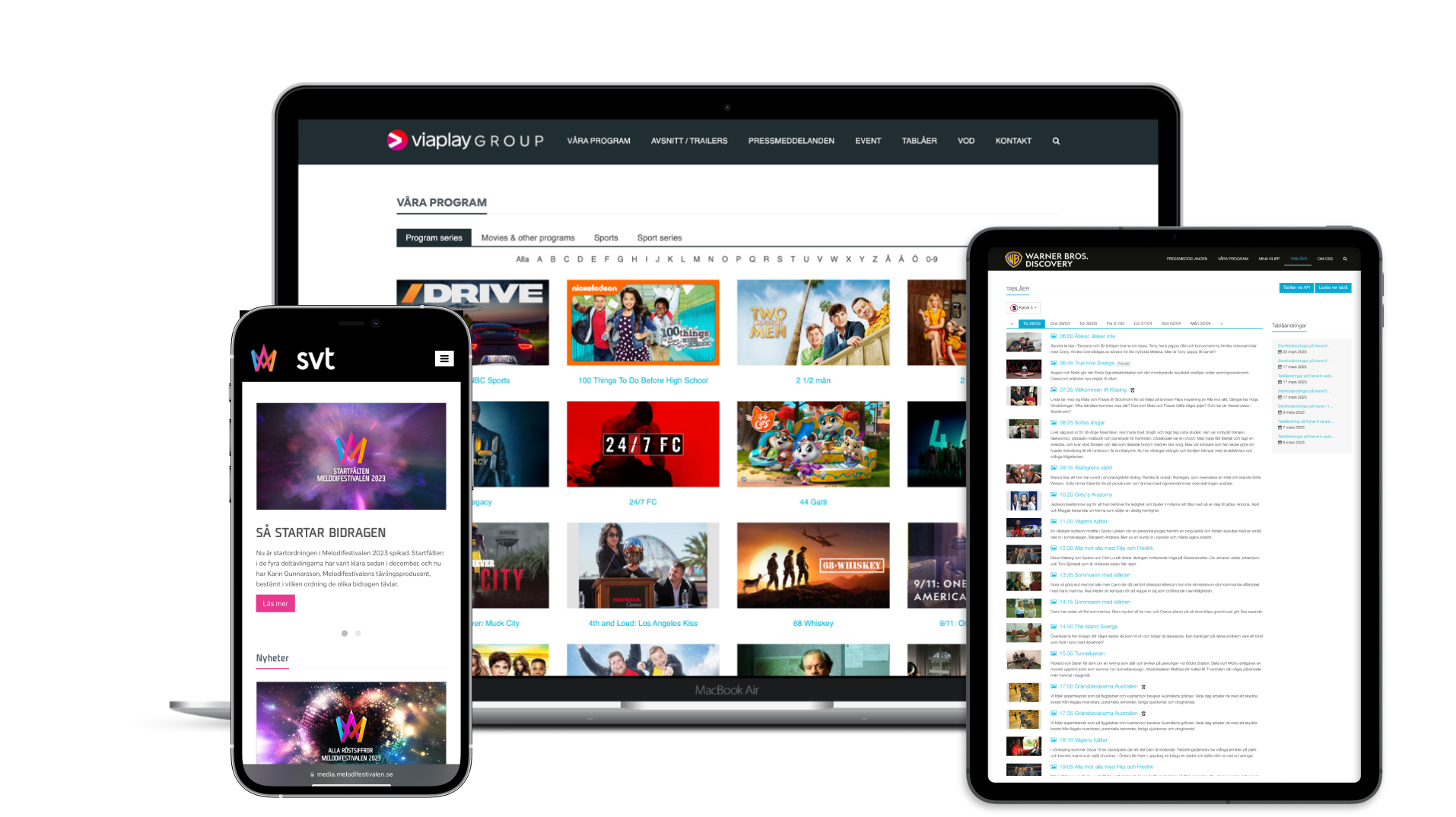
YOUR OWN BRANDED PRESS CENTER
What is Clipsource Media Center?
Clipsource Media Center is a branded press room for TV broadcasters, streaming services and publishers.
It runs on your own domain and lets your communications team publish press releases with images and video, manage journalist contacts and access, email news to the right groups, and follow the results, all from one platform. It is part of Clipsource, the only PR platform truly made for TV and streaming.
Create and distribute press releases
Manage your contact lists
Full support for rich media
Manage events

Statistics in real time
Customized look and feel
GDPR compliance
On your own domain
Why teams choose Media Center

A better experience for journalists
Your news, trailers, images and schedules in one branded press room that works on every device. Journalists get official, high-quality material without chasing you for it.

Run all your PR from one place
Write the press release, add video, publish it, email it and check the stats without switching tools.

Stay in control of every release
Decide who sees what and when. Access control, embargo-ready publishing and geoblocking keep unreleased content where it belongs.

How it works
-
Write press releases or pull in programs, images and video from Program Catalog, Mediabank and your existing systems.
-
Present your content by title, category or campaign in a press room built on your brand.
-
Publish to your Media Center and email your media lists in one go, with access control on every post.
-
See who opened, clicked, downloaded and watched, across every post in one overview.
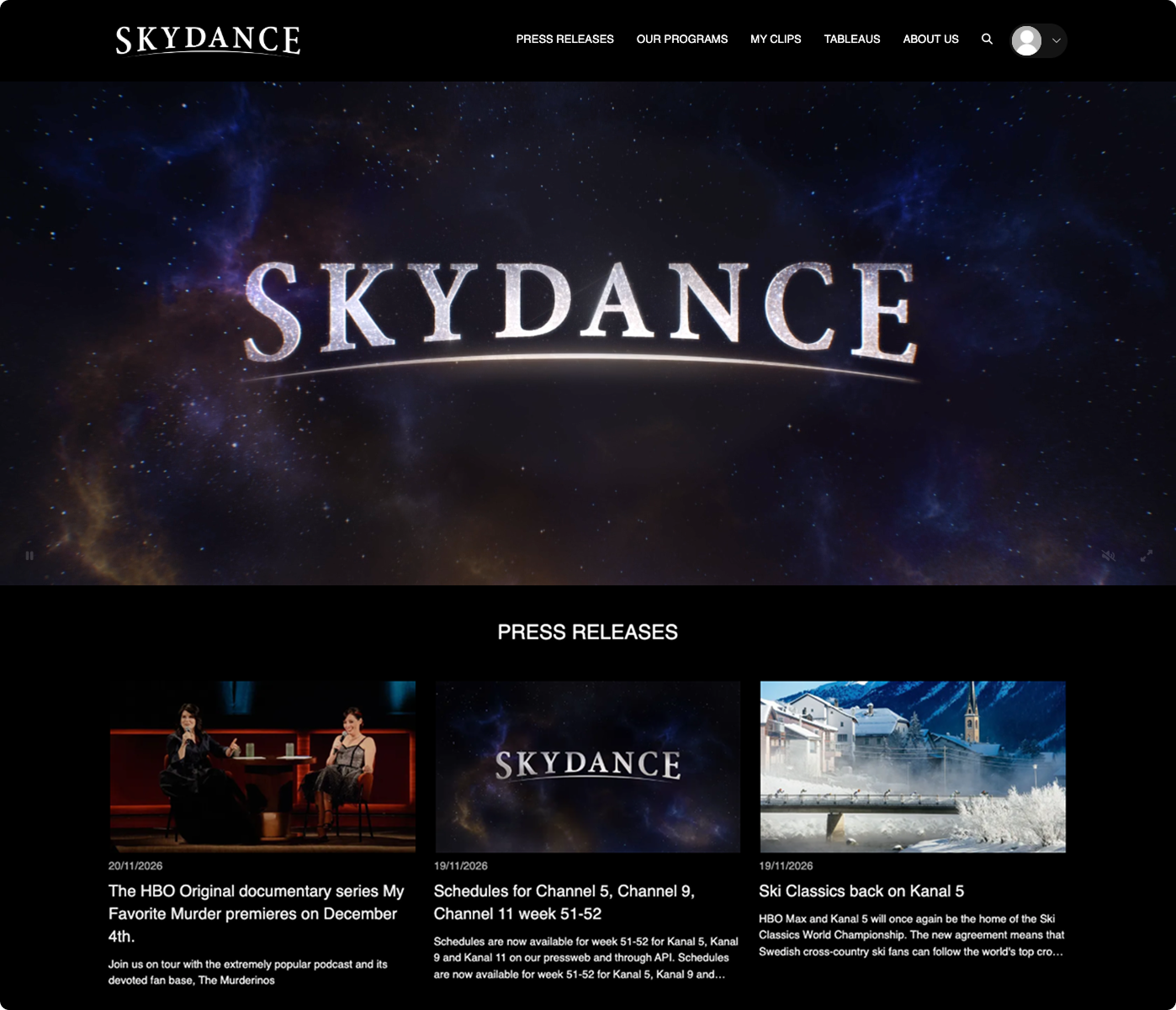

Mediabank: extended image capabilities
A fully comprehensive media repository that simplifies all your complex image, video and audio management by centralizing and organizing it all in one place.
Organize by workspaces, collections & sub-collections
Integrate with your existing image system
Control image metadata
Offer different image versions
Work across the Clipsource modules


Features
Publishing
Posts and press releases with embedded images, video, audio & more
Pages and a dynamic menu you control
AI translation and AI summaries
Search & AI Optimization, so your news is easier to find in search engines and AI assistants
Event Management: create landing pages for physical or live-streamed events and send invitations with RSVPs
SEO title and description for every post and page: write your own or generate them with AI in your tone of voice, with clear differences between similar posts like episodes of the same show
AI post creation (beta): turn content from Program Catalog, Book Catalog, Schedules and Pages into a first draft of a post
Your brand, your domain
Runs on your own domain
Your colors, fonts and look
Brands: send notifications in each brand's own colors and header, so every channel or label looks like itself
Contacts and access
Unlimited admins, so your whole team can work in Media Center
Contact and group management
Access requests: journalists apply, you approve
Dynamic access control, so each contact sees exactly what they should
Geoblocking for media, posts and contacts
Fully GDPR compliant
Distribution and statistics
Send emails from your own email domain to individual contacts or groups with domain protection that keeps your news out of spam folders. Read more on our email security protocols.
Unlimited emails
Statistics across all posts and schedule changes: views, recipients and custom date ranges
Press Release API: publish your press releases on other websites
Google Analytics integration
Notifications overview with search and filters
Mediabank
Central storage for images, video and audio, shared across all Clipsource modules
Drag-and-drop uploads and consistent image metadata
Contributor deliveries straight to an inbox
Unzip files in place without duplicates
Security
Admin 2FA: Activate 2FA (emailed code) to login to the admin dashboard
Single sign-on
Geo Blocking: Advanced geo blocking of media, posts and contacts

Clipsource MCP
Connect your own AI assistant to Clipsource. Ask it to find programs, metadata and upcoming releases across Program Catalog, Schedules and VOD, then create or refine a press release draft in Media Center. For example: "Find next week's premieres and prepare a press release draft for the program I select."
Your team always reviews and publishes inside Clipsource. The assistant prepares drafts but never publishes or sends emails on its own, which keeps people in control of everything that goes out.

Fully connected with the rest of Clipsource
Media Center is where your story goes public. The other modules feed it, so your team enters information once and it stays correct everywhere.
-

Screening Room
Add secure screeners to your press releases, with watermarking, Magic Links and viewing statistics.
-

TV/VOD Schedules
Share linear, FAST and VOD schedules with journalists in Word, XML, PDF or CSV straight from your Media Center.
-

Program Catalog
Titles, seasons, episodes, images and trailers flow into your posts, so nobody retypes a synopsis again.
-

Book Catalog
For publishers: bring ONIX title data, covers and contributors into your press material.
Frequently asked questions
-
A branded press room for TV, streaming and publishing companies. You publish press releases with images and video, manage journalist access, email news and track results in one place.
-
Clipsource is made for those working in entertainment. From Broadcasters and streaming services with original or exclusive content, to publishers and audiobook and ebook services.
-
Yes. It runs on your domain with your colors, fonts and branding.
-
You add contacts and groups yourself, and journalists can also apply for access, which you approve. Dynamic access control decides what each contact can see.
-
Clipsource helps you get started with relevant contacts from its existing network, and you own and grow the list from there. A Media Center with relevant & updated content also brings journalists applying for access.
-
Yes. Clipsource connects to systems such as WhatsOn, MAM, DAM, scheduling and metadata tools, so your PR team can publish without touching core systems. Login works with Azure AD, Okta and Google Workspace.
-
Yes. It includes AI translation, AI summaries, AI-generated SEO titles and descriptions, and Search & AI Optimization. Clipsource MCP, which connects your own AI assistant to Clipsource, is coming soon.
ALL use of AI is completely optional.
-
Clipsource is priced per module, and you only pay for the modules you use. Book a call for a quote based on your needs.
Book a call here.
We'd love to show you around.
See how Media Center would look with your content in a 20-minute walkthrough.
Are you an existing customer and need support? You can message us here or call at +46 8 580 803 20.
