INCEpTION comes with project templates for common annotation tasks. When you first log in, the project creation dialog offers these templates. You can bring it up again with the Create new project button on the start page.
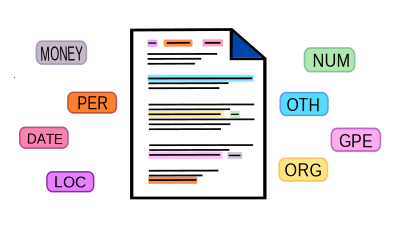
Identify and classify named entities
Template: Entity annotation. Includes example documents and annotations, plus recommenders that suggest entities as you work. A good place to start if you are new to INCEpTION.
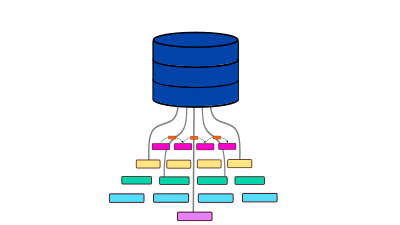
Link mentions to Wikidata
Template: Entity linking (Wikidata). Annotate named entities and link them to their entries in Wikidata.
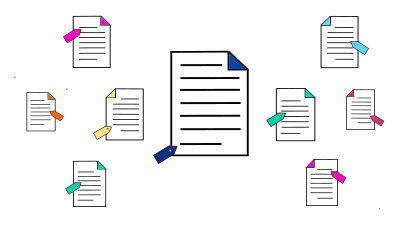
Classify documents
Template: Document classification. Assign labels to whole documents. Define your labels in the project settings before you start.
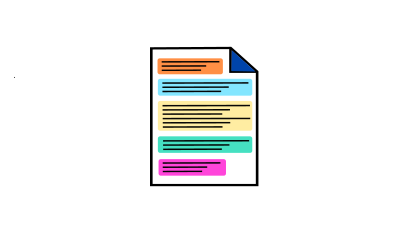
Classify sentences
Template: Sentence classification. Assign labels at the sentence level and define new labels as you go along.
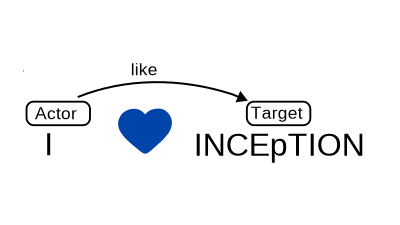
Annotate spans and connect them
Template: Basic annotation (span/relation). Create annotations on words and connect them using relations.

Follow the Universal Dependencies guidelines
Template: Universal Dependencies. Part-of-speech tags, dependency parsing, morphological features, lemmas and surface forms, with import and export in the CoNLL-U format.
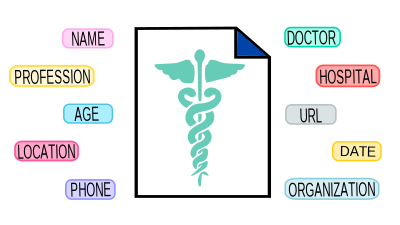
Annotate personal health information
Template: PHI annotation. Mark anything that can identify a patient or individual in medical documentation. Includes example documents derived from the GraSCCo_PHI dataset, provided under the CC BY 4.0 license.
Do classic linguistic annotation
Template: Classic linguistic project. Comes pre-configured for many linguistic annotation tasks. This is closest to the classic WebAnno project setup.
Define your own annotation scheme
Template: Blank project (no layers). Starts without any pre-defined layers. You define the layers you need in the project settings.
To see how others set up their projects, have a look at the stories. To work with INCEpTION from your own code, see tools and integrations.
