




Open Authenticator was created as an alternative to closed OTP applications that lock users into a single ecosystem or make migration difficult.
The project focuses on three core ideas :
- freedom : your authenticator should stay usable on every major platform ;
- transparency : the app is open-source and auditable ;
- interoperability : sync is available, and the backend can be self-hosted.
Open Authenticator currently targets Android, iOS, Windows, macOS and Linux.
Tip
If you like this project, consider starring it on GitHub !
- Cross-platform Flutter application for mobile and desktop.
- Free and open-source software under the GPL v3.0 license.
- Secure local storage for your OTP data.
- QR code scanning and
otpauth://link handling. - Optional synchronization across devices with self-hostable backend support.
- Backup management and recovery flows.
- Local authentication support on compatible devices.
- Multi-language support, with community translations.
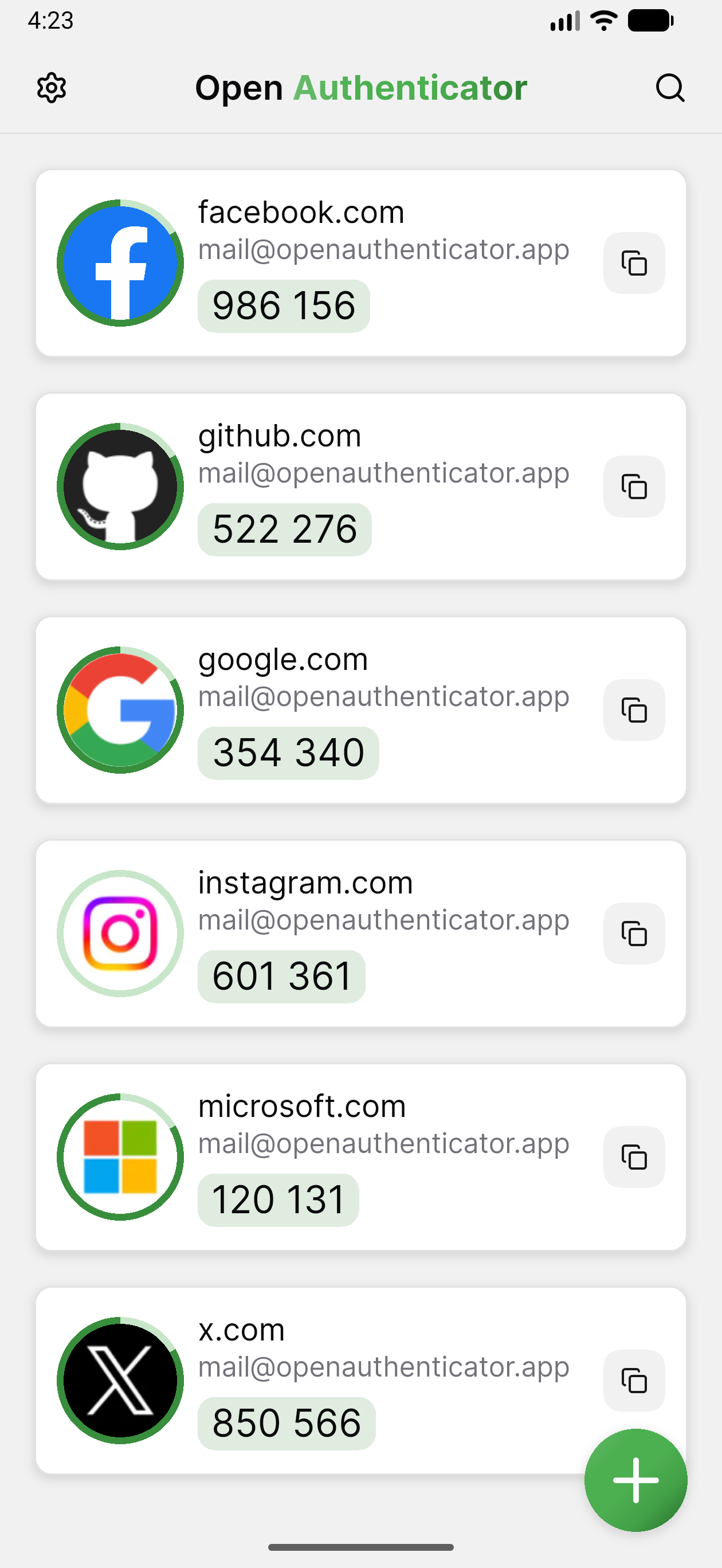
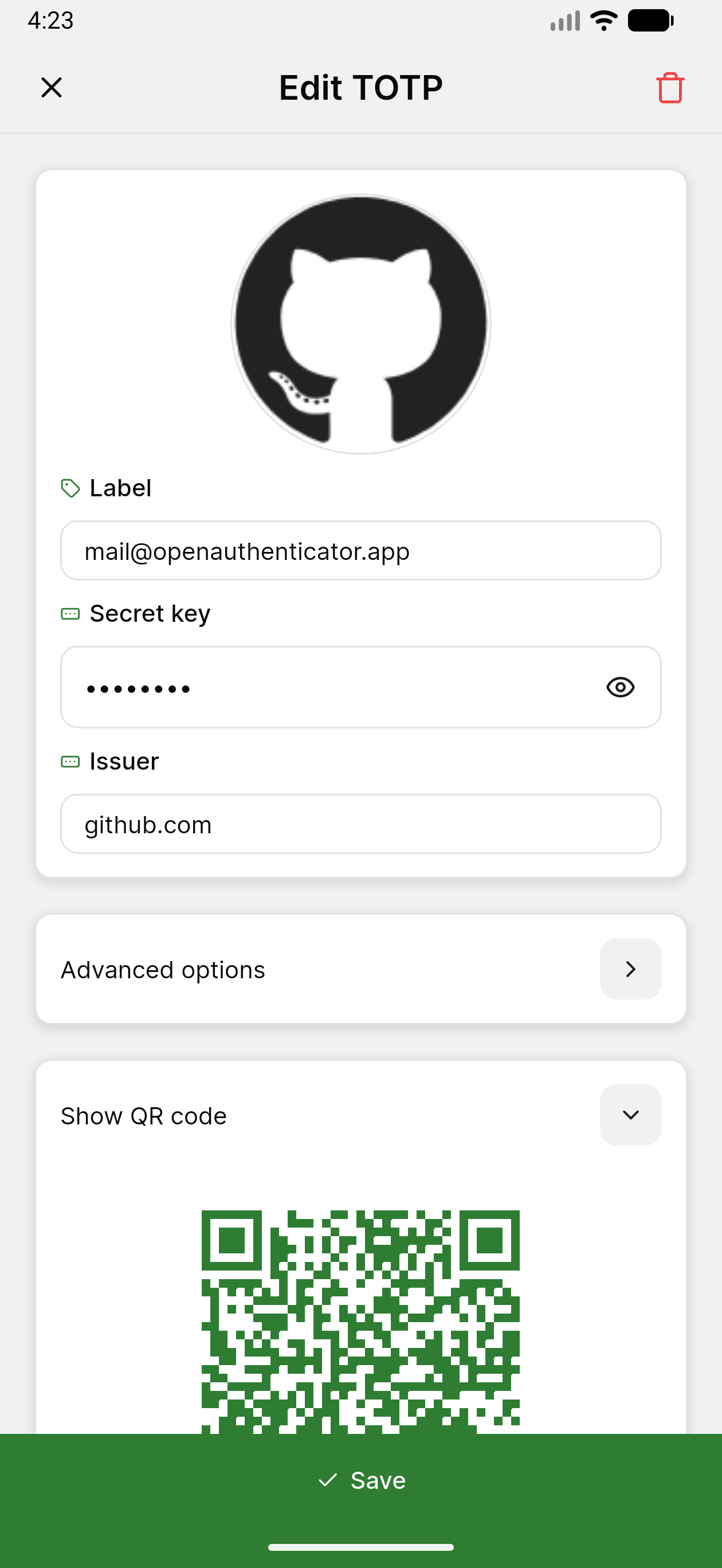
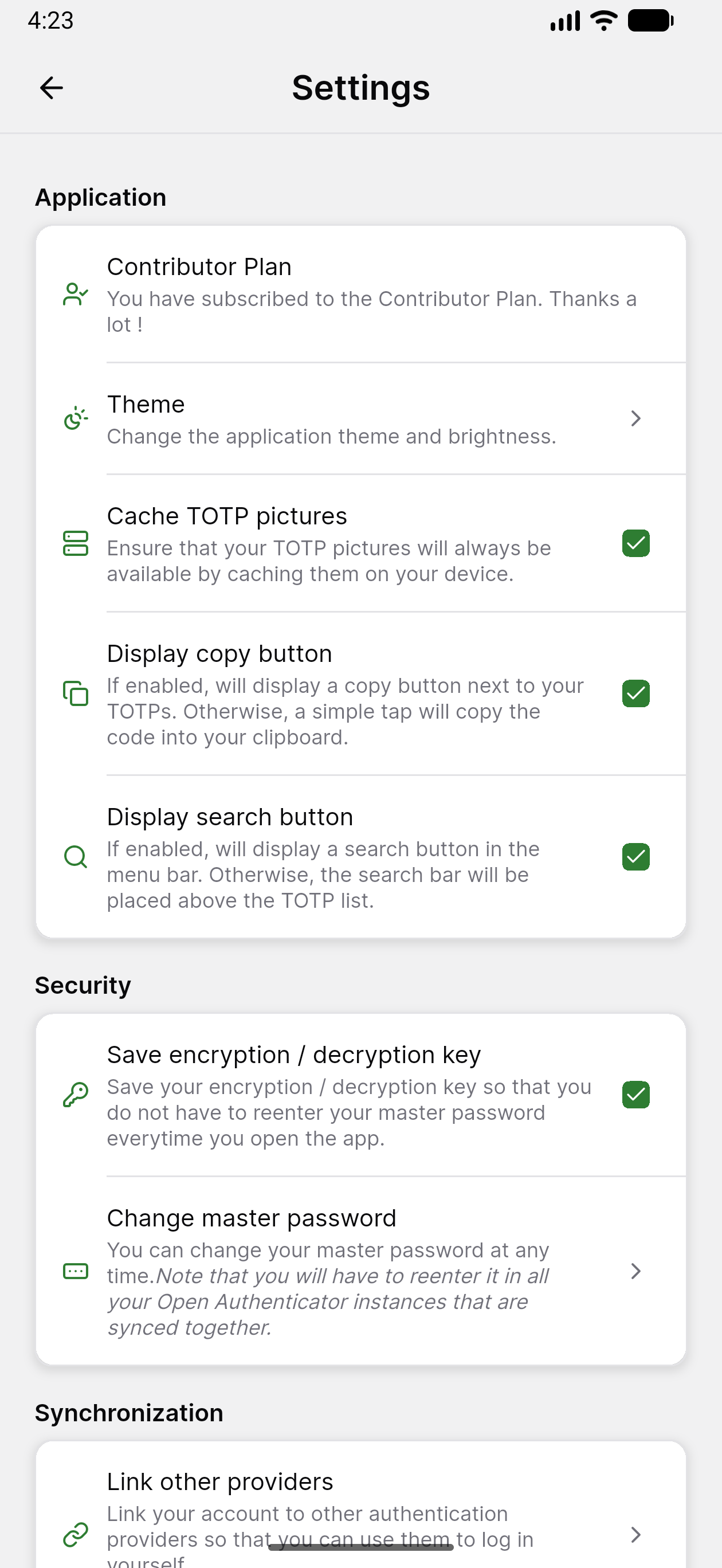
Prebuilt packages and store links are available on the official website.
- A recent stable version of Flutter.
- Dart SDK
>=3.10.0 <4.0.0. - Platform toolchains for the targets you want to run.
It is recommended to stay on Flutter stable :
flutter channel stable
flutter --versionTo clone the repository and install dependencies, run in a shell :
git clone https://github.com/openauthenticator-app/openauthenticator.git
cd openauthenticator
flutter pub getSome files used by the app are generated or refreshed during setup.
First, compile SVG assets to .si :
dart run open_authenticator:compile_svgThen, generate source files used by code generation :
dart run build_runner build --delete-conflicting-outputs
dart run slang
Last but not least, generate lib/app.dart for your local build :
dart run open_authenticator:generateopen_authenticator:generate lets you customize values such as:
- the app name and package identifiers ;
- the backend URL ;
- repository and translation links ;
- Sentry DSN ;
- RevenueCat public keys and offering ID ;
- store identifiers and legal links.
You can inspect the available options with:
dart run open_authenticator:generate --helpThe generated file is intended for local or custom builds, so make sure it matches the environment you want to run against.
To run the app :
flutter runAfter the development setup, run the build utility from the repository root.
dart run open_authenticator:build --list
dart run open_authenticator:build linux aab
dart run open_authenticator:build apk -- --debug
dart run open_authenticator:build --dry-run ipa macos msix
Choose one or more targets. Flutter builds default to release. For a single
Flutter, MSIX or Snap target, arguments after -- go directly to its build tool.
| Targets | Host | Output |
|---|---|---|
android / aab, apk |
Linux, macOS, Windows | Play Store bundle or installable APK under build/app/outputs/ |
ios, ipa, macos |
macOS | iOS app, Xcode archive and signed IPA, or macOS app under build/ |
windows, msix |
Windows | Windows app or Store package under build/windows/ |
linux |
Linux | Desktop bundle under build/linux/ |
flatpak |
x86_64 Linux | Local Flatpak and portable tarball under build/flatpak/ |
snap |
Linux with Docker and rsync | Snap in the project root or SNAP_OUTPUT_DIR |
Flatpak uses rsync, flatpak-builder and the Freedesktop 25.08 runtime and SDK. Store builds use the project's existing signing settings. The packaging targets produce local artifacts.
Contributions are more than welcome. For setup details, contribution rules and PR expectations, read the guidelines.
You can also help by :
- reporting bugs or suggesting features in the issue tracker ;
- improving translations through the translation page ;
- submitting fixes for documentation, UI text or code.
If you want to support Open Authenticator financially, you can use :
Open Authenticator is licensed under the GNU General Public License v3.0.
