
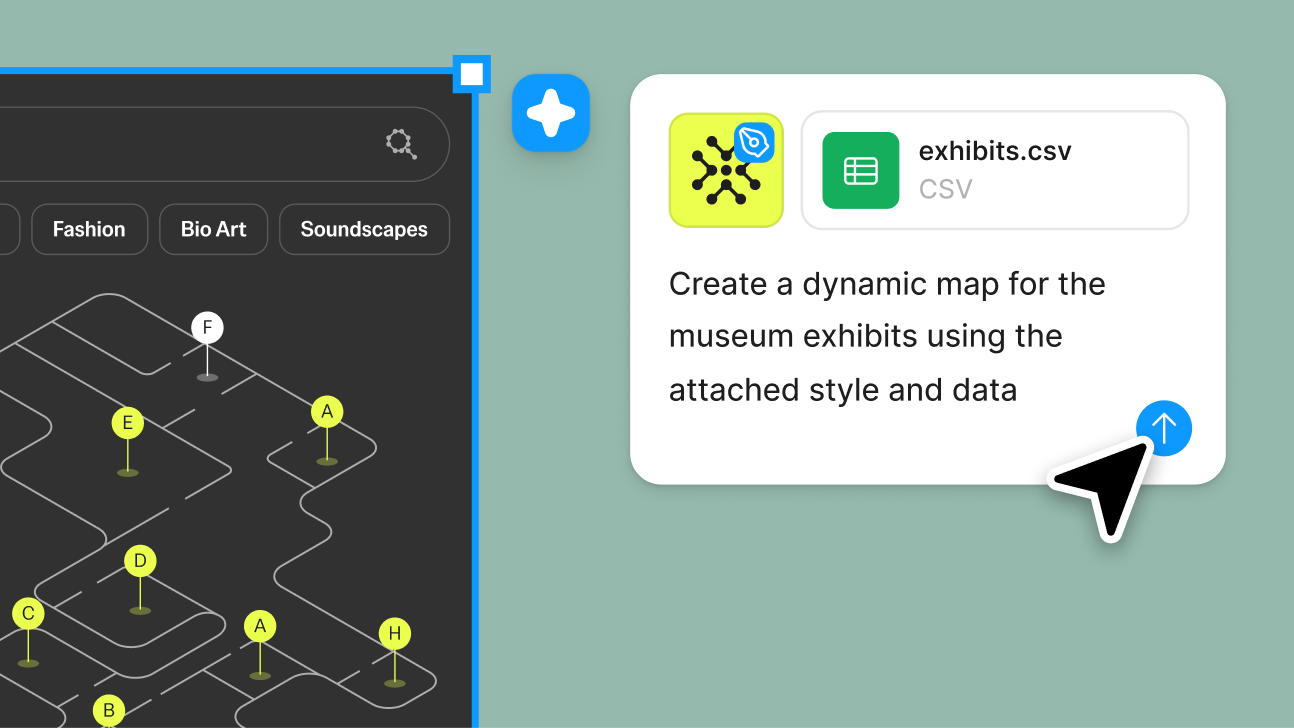
Attach files for better outputs
Give Figma’s agent any project reference—like a PRD, or spreadsheet—and get more precise iterations.
Skip to main content
Explore ideas quickly, edit directly on the canvas, and build with your team in one shared space. Get started for free.
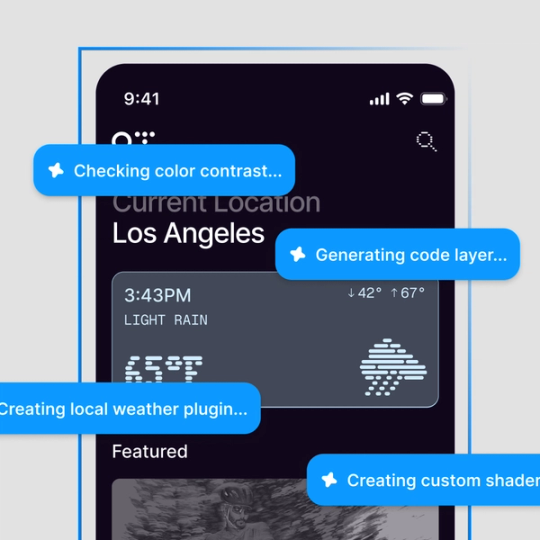











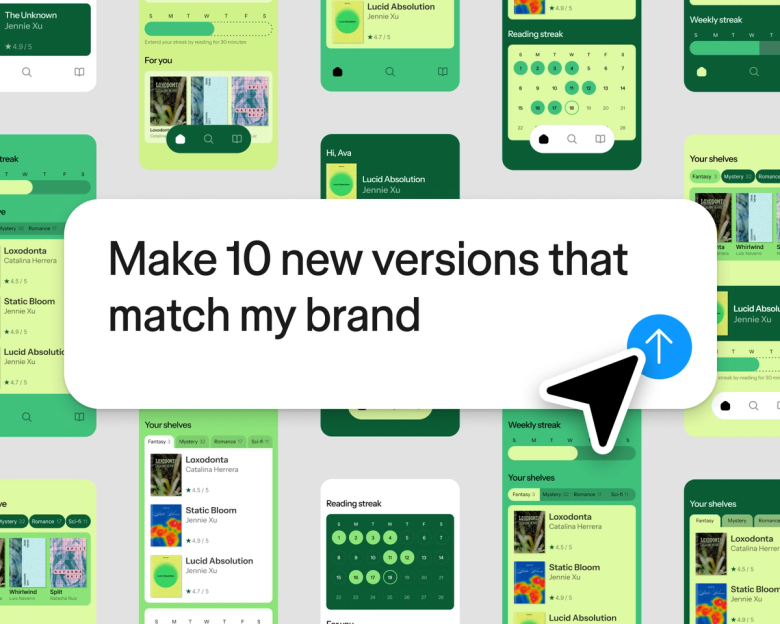
Figma’s AI agent generates multiple layout directions, builds user flows, explores states, and more—using your actual components. Spend more time shaping the outcome instead of tedious design tasks.

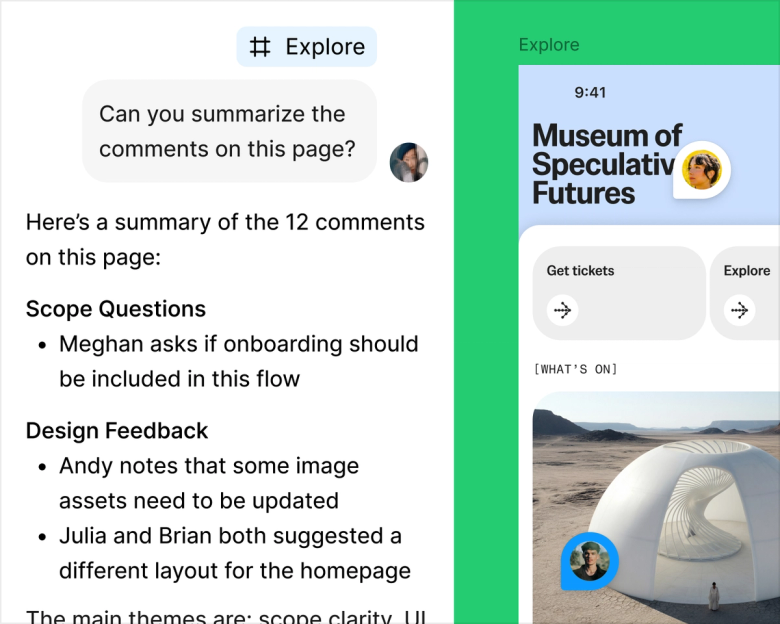
Ask Figma to summarize feedback, identify themes, and turn input into next steps. You can also share an agent thread with teammates, so anyone can keep prompting.
Give Figma’s agent any project reference—like a PRD, or spreadsheet—and get more precise iterations.

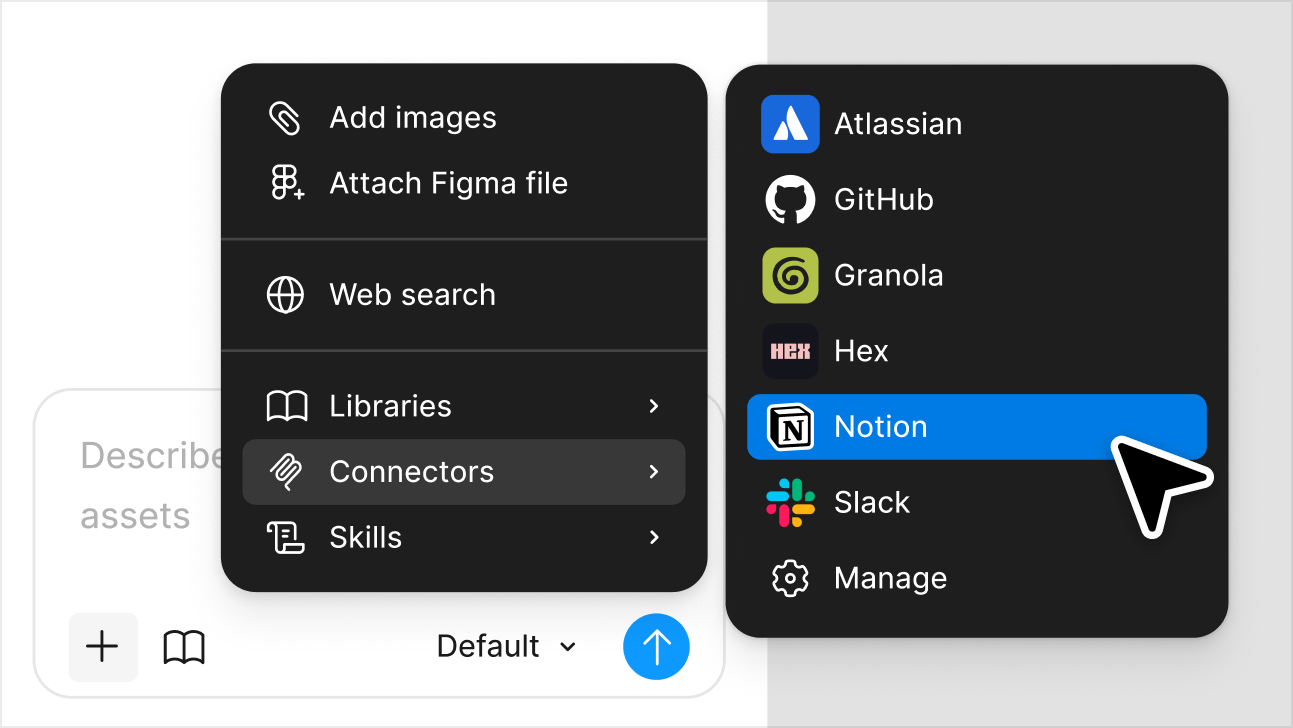
Using Figma’s MCP server, the agent pulls information from outside tools—including Notion, GitHub, Slack, and more—straight into your files.
Figma’s agent has been a massive time saver. The quicker you can get a design in front of a user, the better. Everything I do with the agent is in service with that.
Paavan Buddhdev
Product Designer, Granola

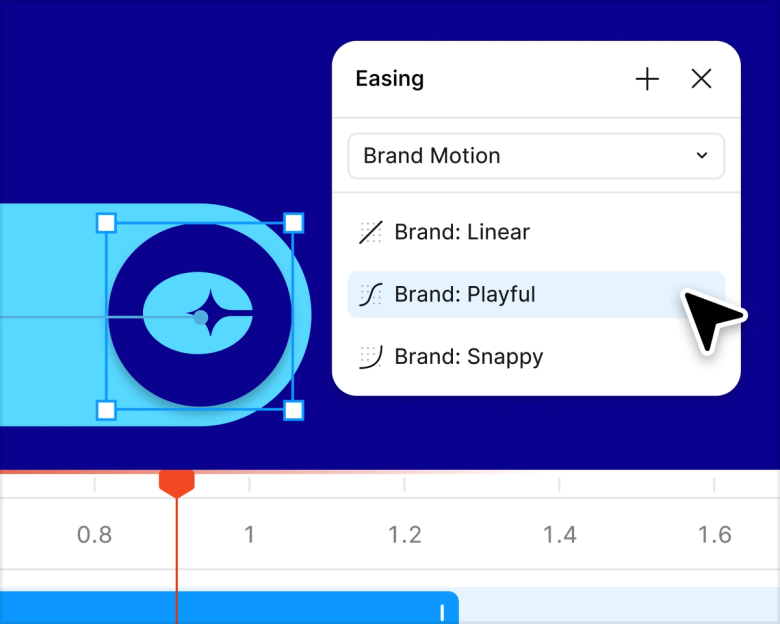
Get pro-level motion in a prompt. Figma’s agent can animate almost anything on the canvas, from simple loading states to complex interactions.

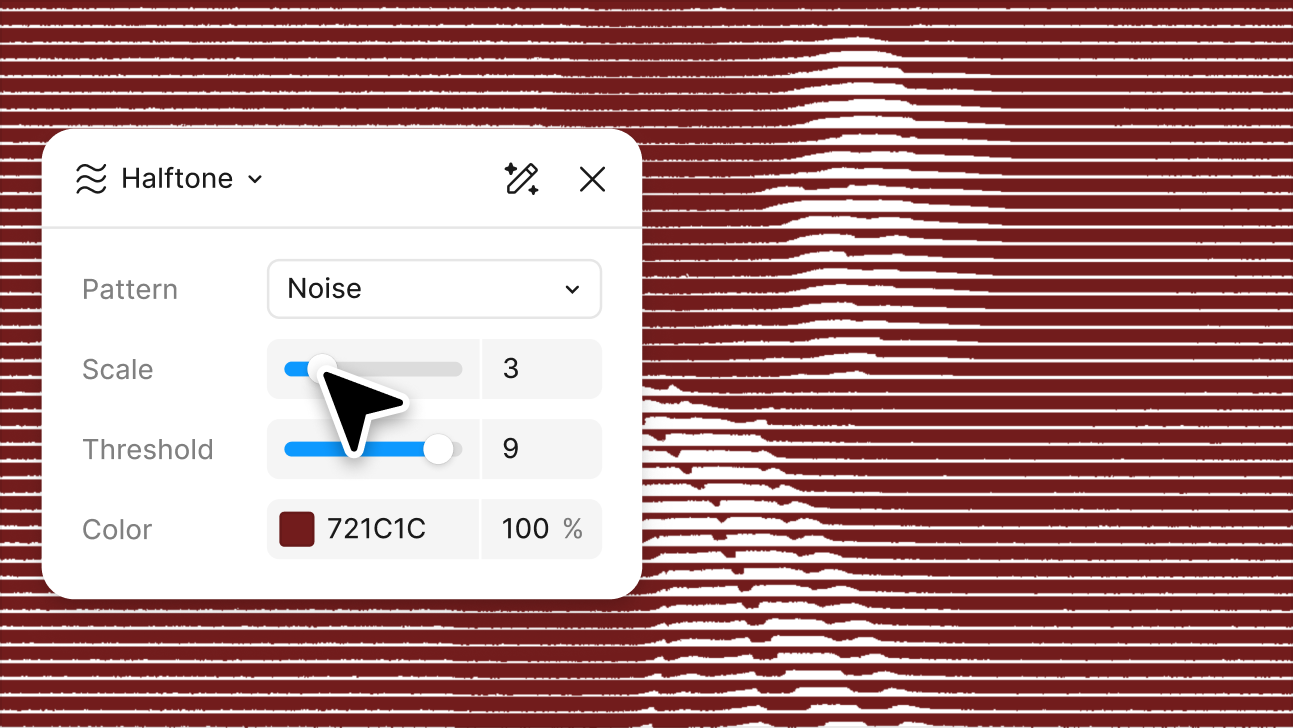
Prompt custom shader effects and fills. Create rich textures, patterns, and gradients right on the canvas. You can even animate them, or export to Figma Make.

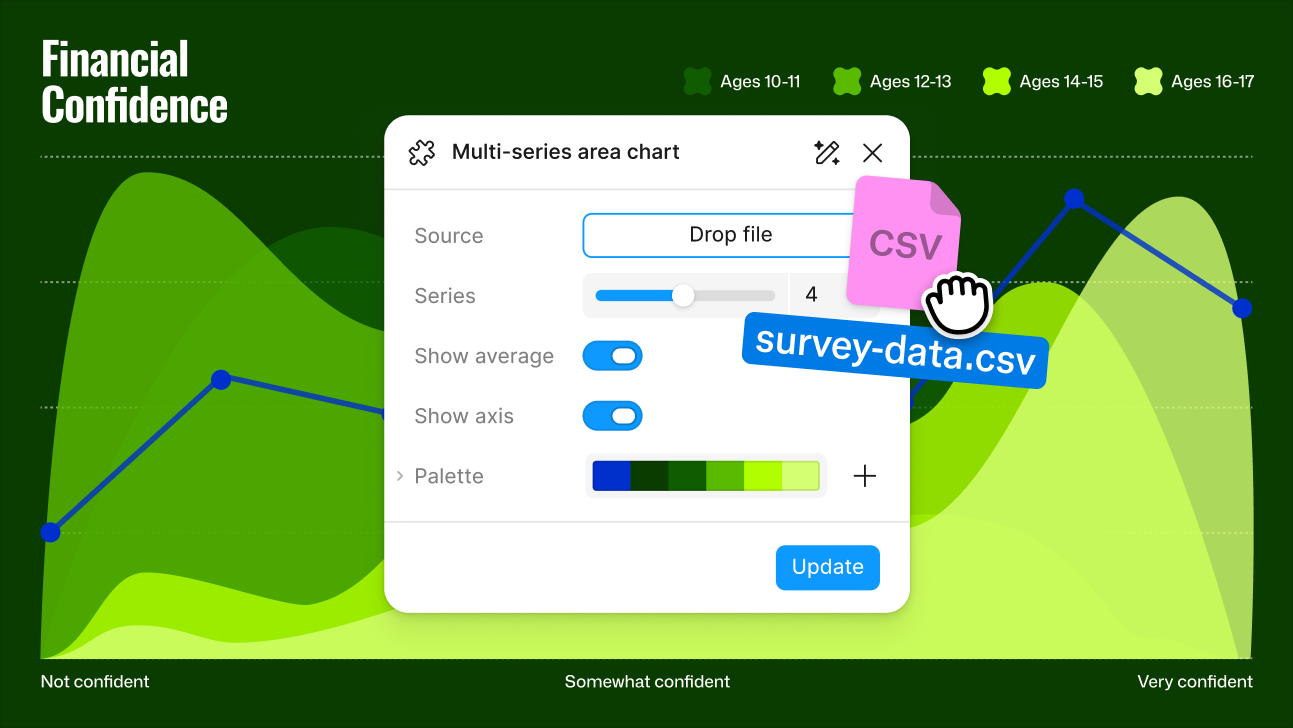
Ask Figma’s agent to build reusable plugins that meet your team’s specific workflow needs. Plugins can check for accessibility, add real data, export files, and more.

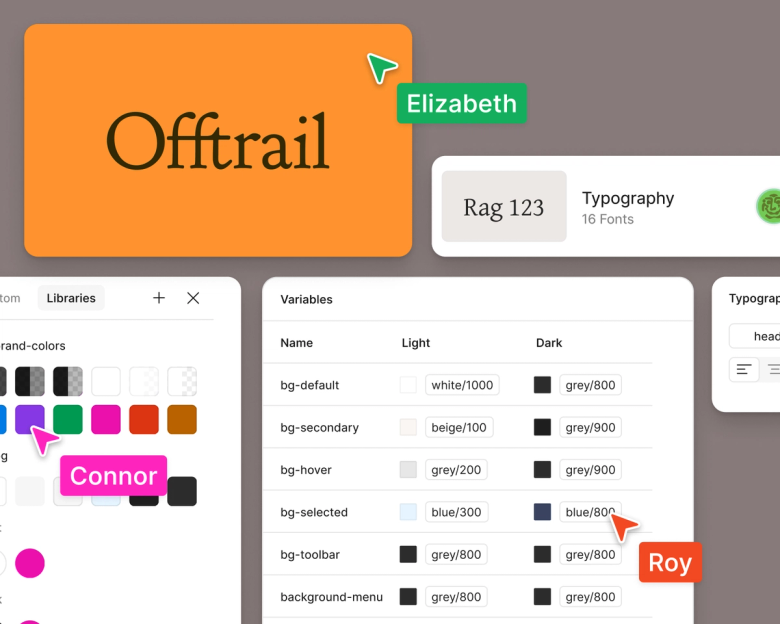
Design libraries are the foundation for all your products. Figma’s agent can create, maintain, use, and document design systems to keep builds consistent.
Skills are reusable instructions that make regular tasks more efficient. Explore AI skills built by the Figma Community.


