


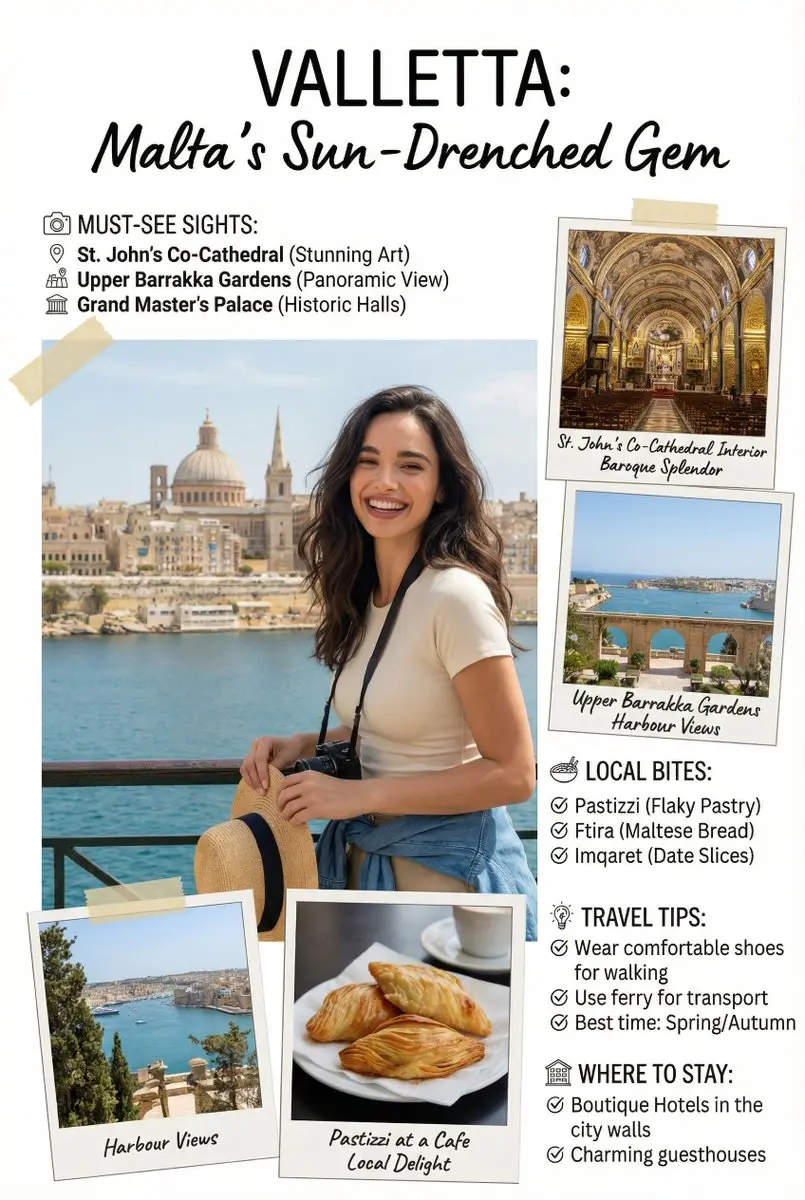
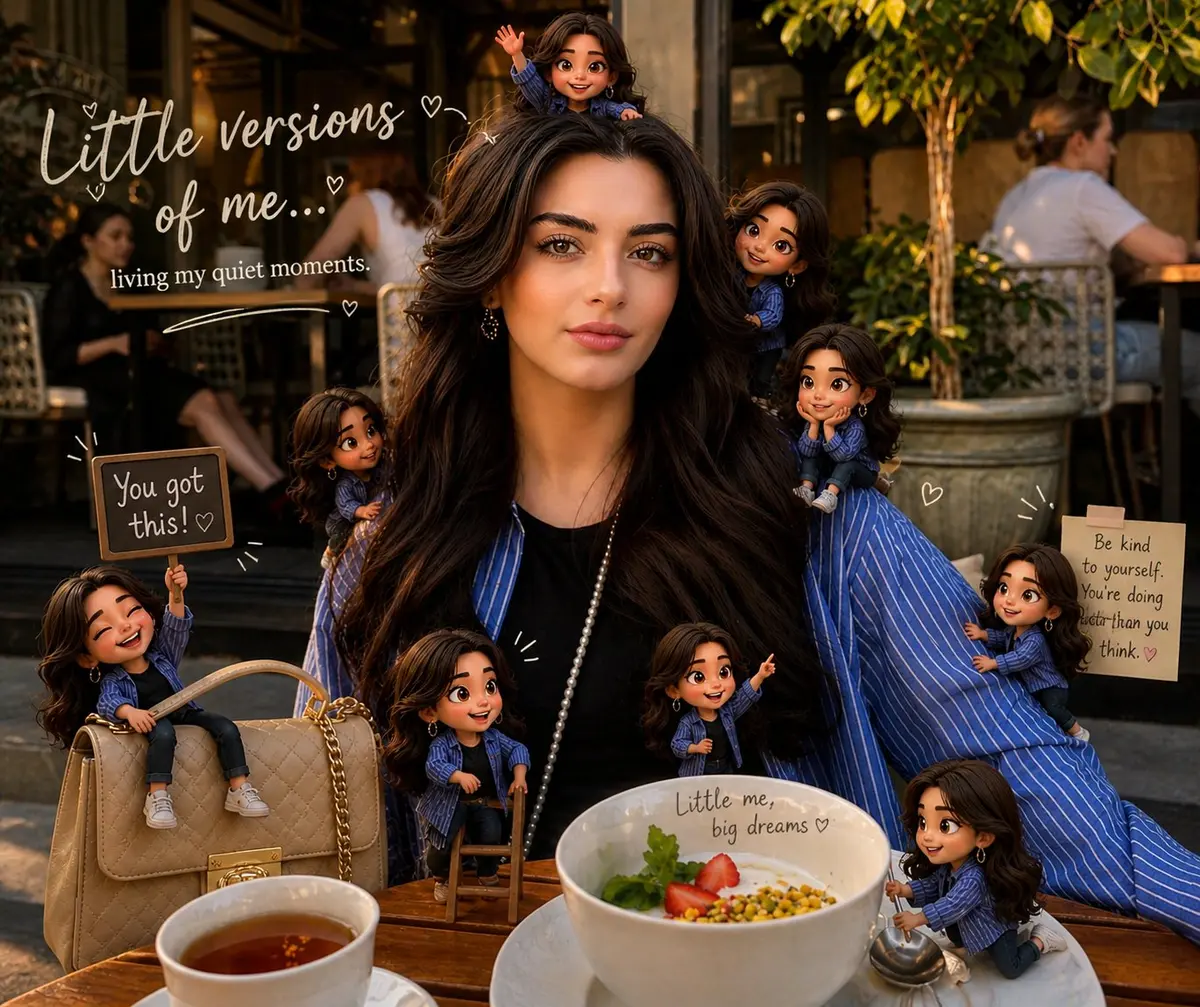
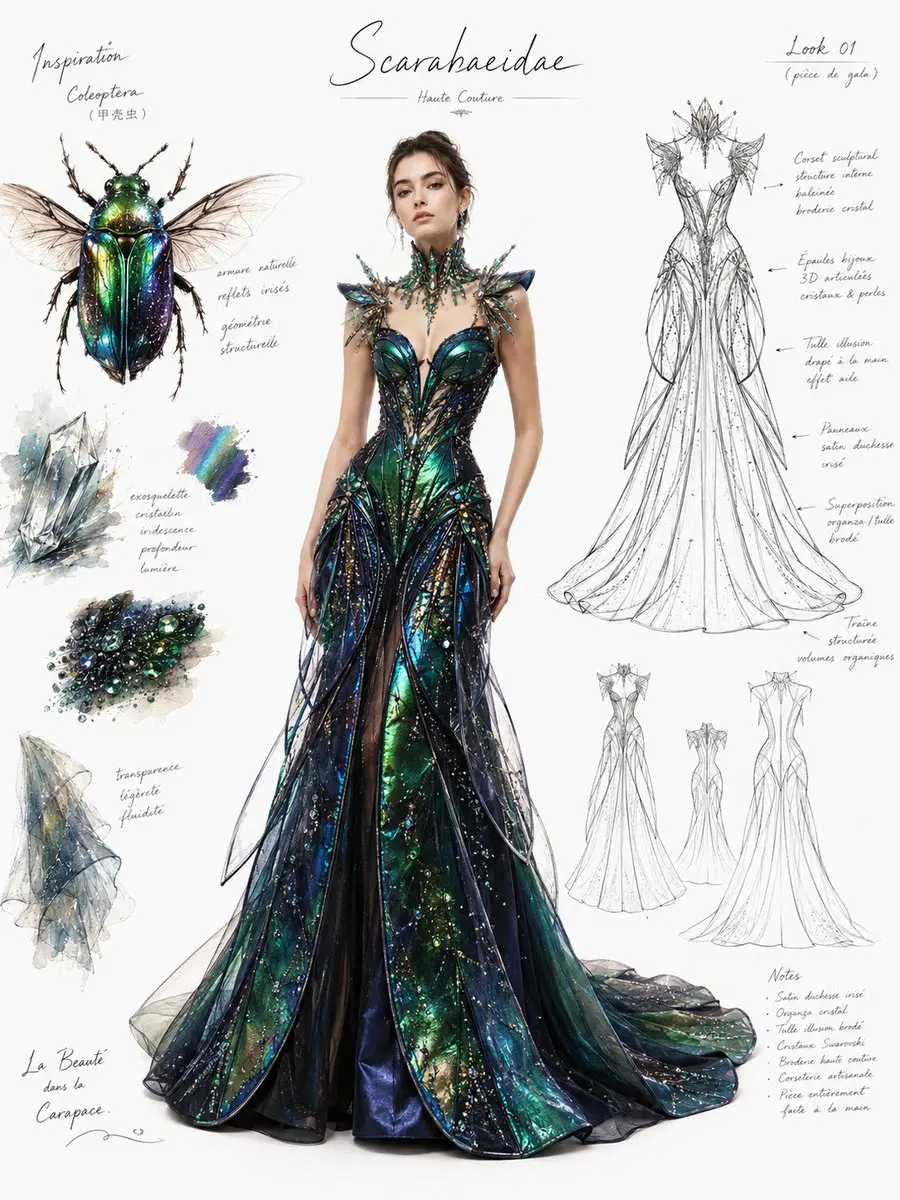
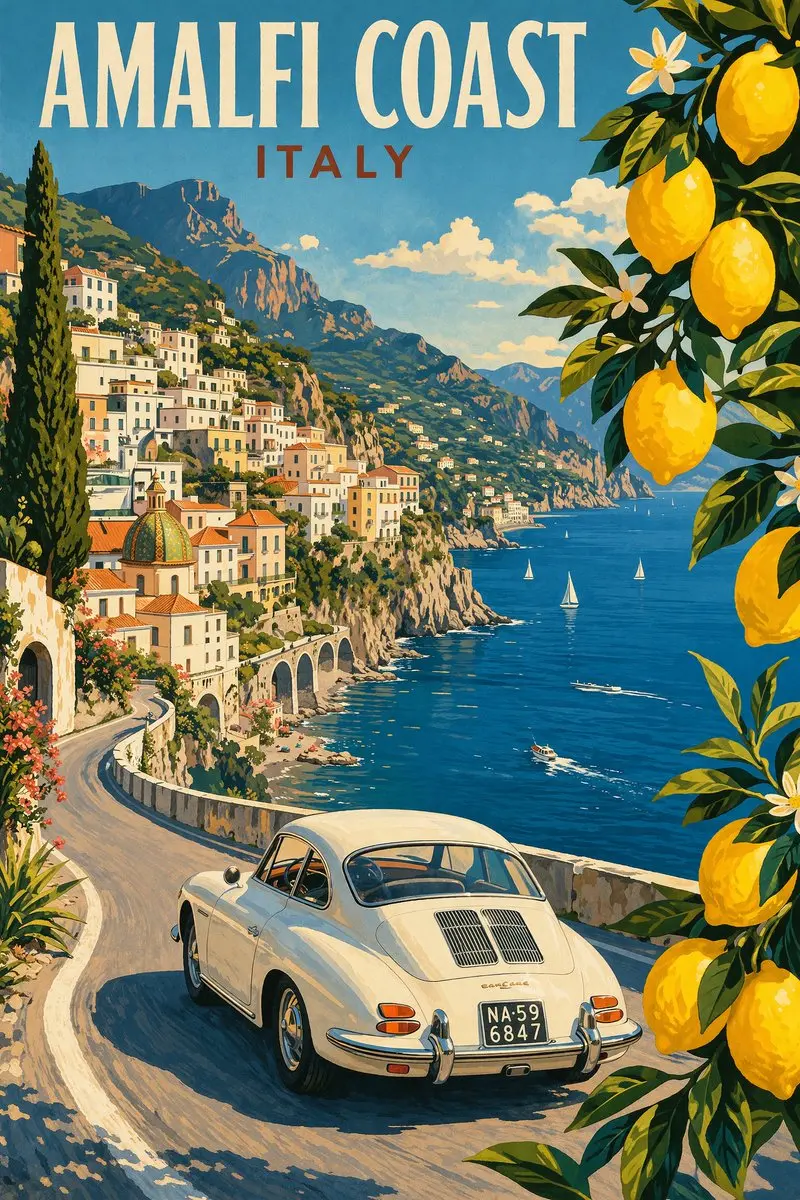
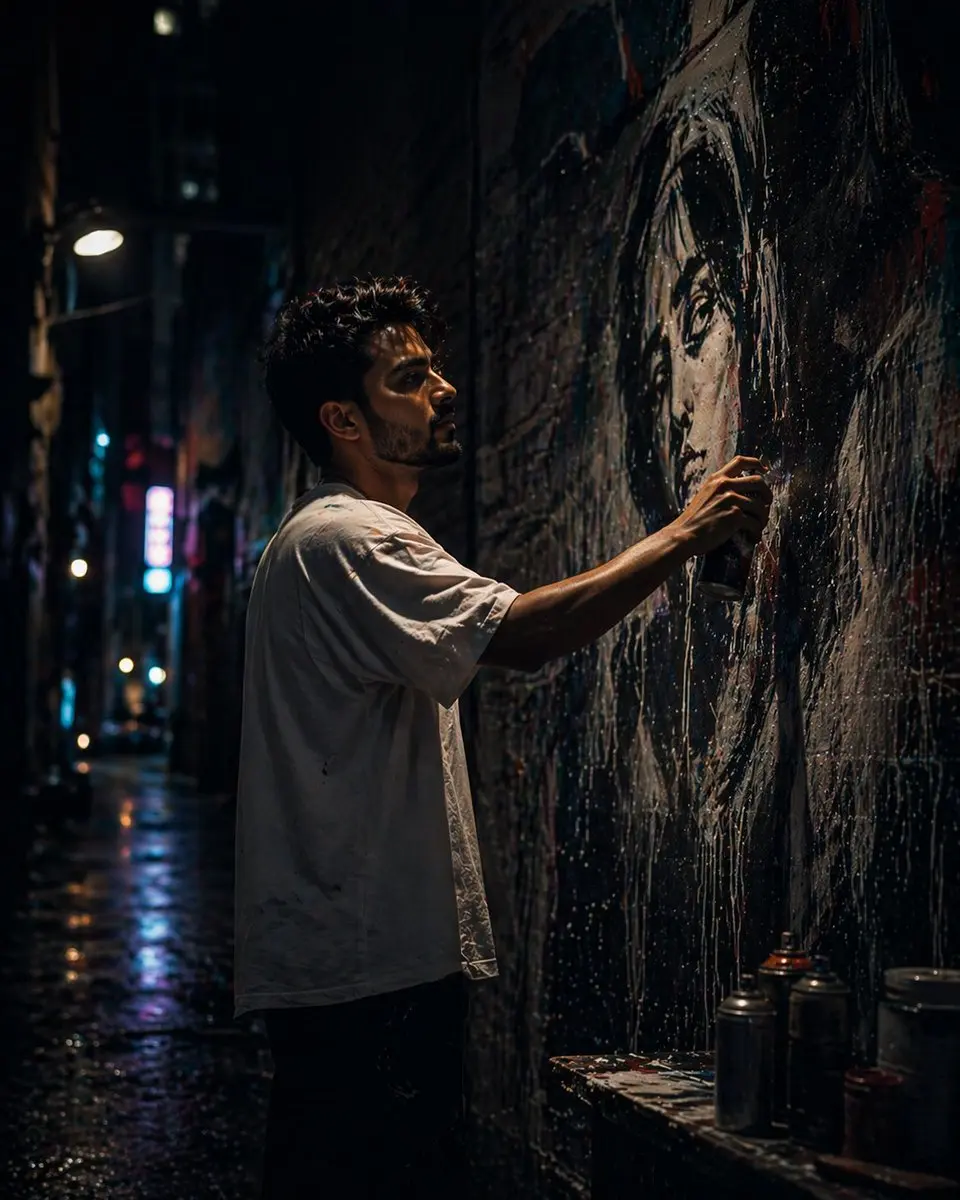
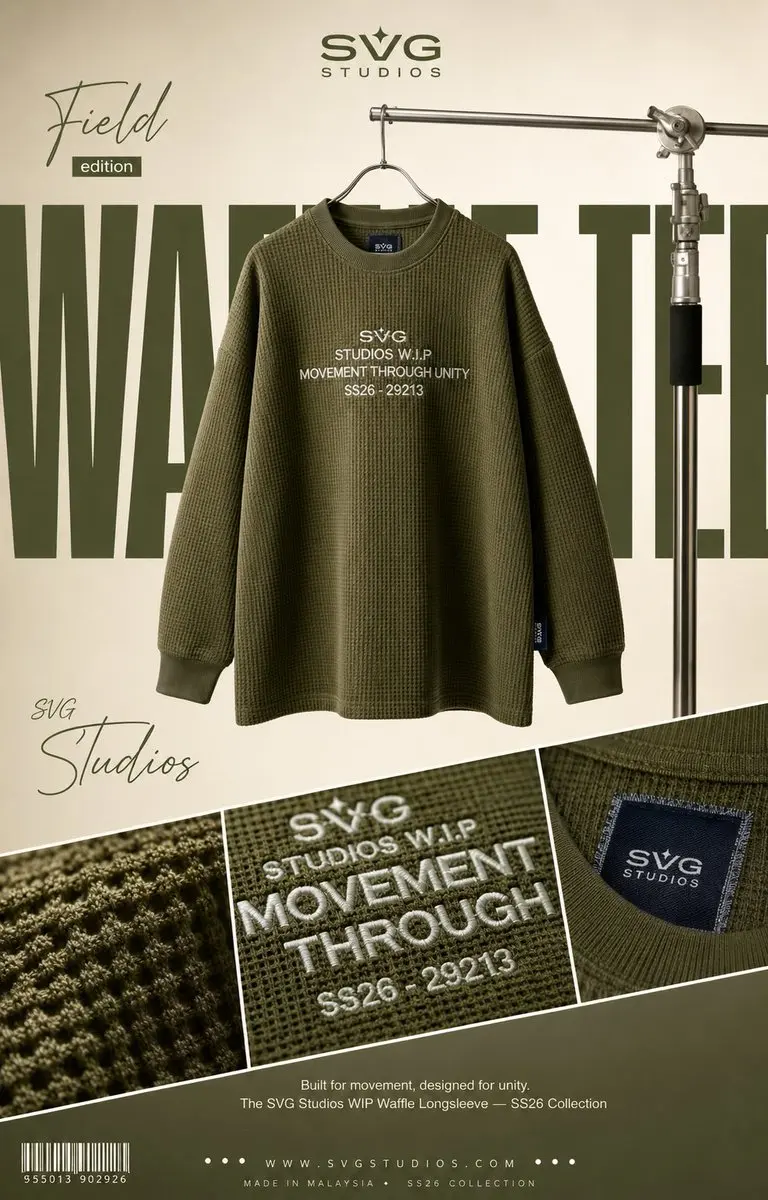
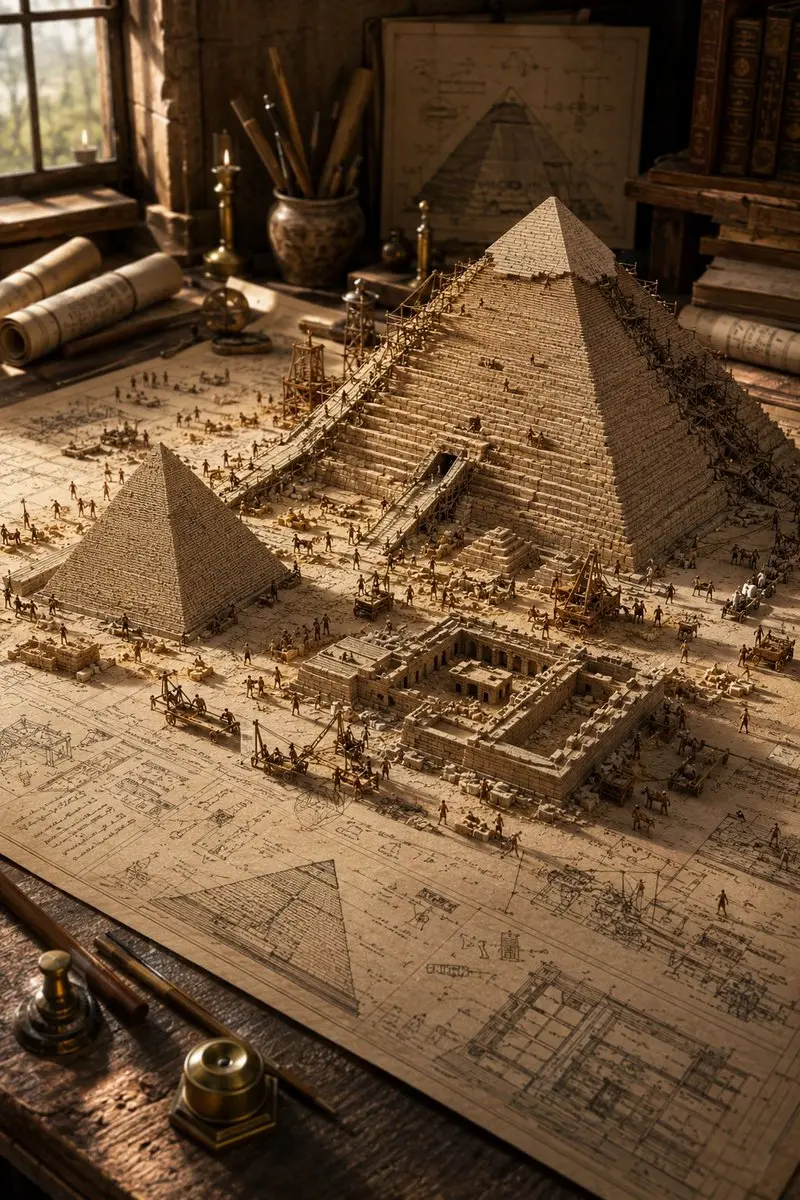
Why it helps 1
AI Image Editor for restyling photos
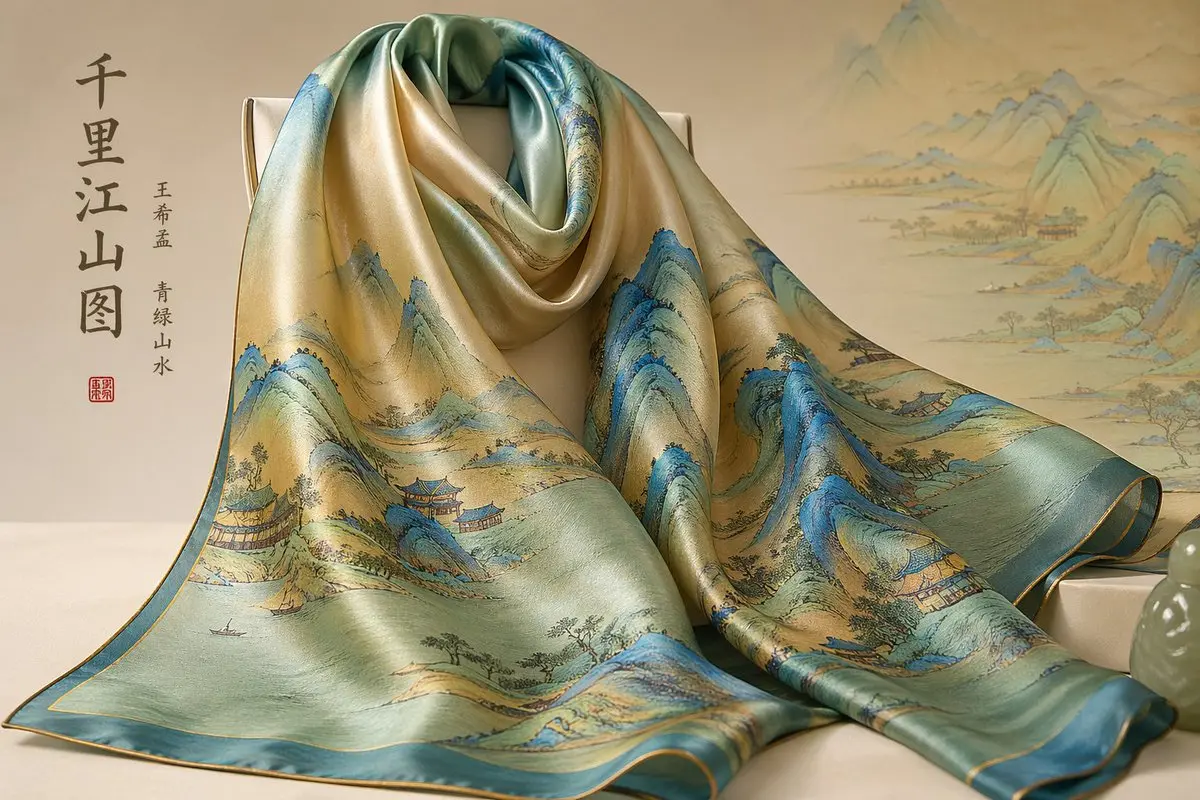
Change the mood, visual style, lighting, or finish while starting from a real image you chose. The AI Image Editor helps you explore a better look without losing the original direction.

Now Available
Upload an image, describe the change, and get closer to the visual you actually need
Start EditingUse these ideas as a starting point for your next AI Image Editor workflow
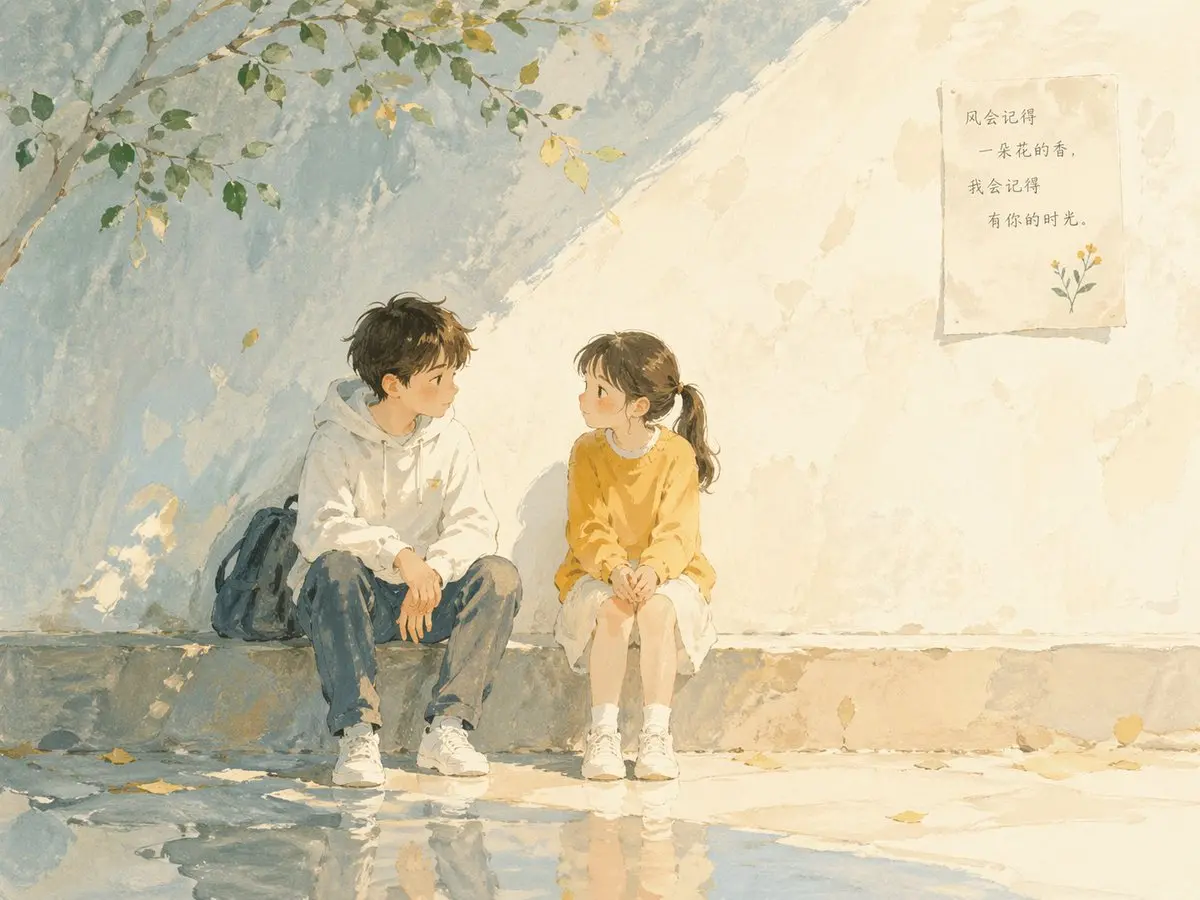
Turn simple images into polished avatars, product visuals, outfit edits, artwork, and matching creative variations.

Keep the same face, pose, and character direction, then use the AI Image Editor to improve lighting, style, and finish for a cleaner profile image.

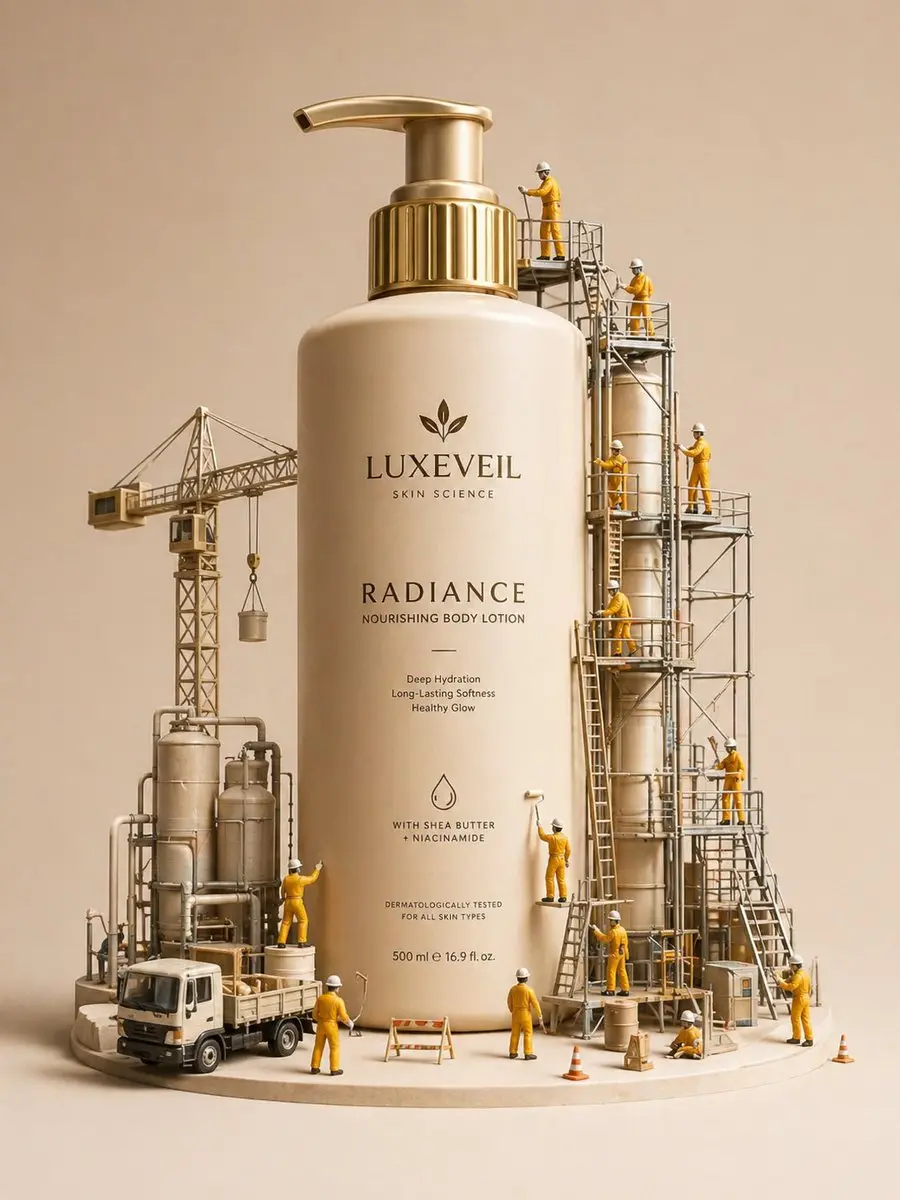
Upload a product or brand image and ask the AI Image Editor for a studio, lifestyle, seasonal, or campaign-ready background while the main subject stays easy to reuse.

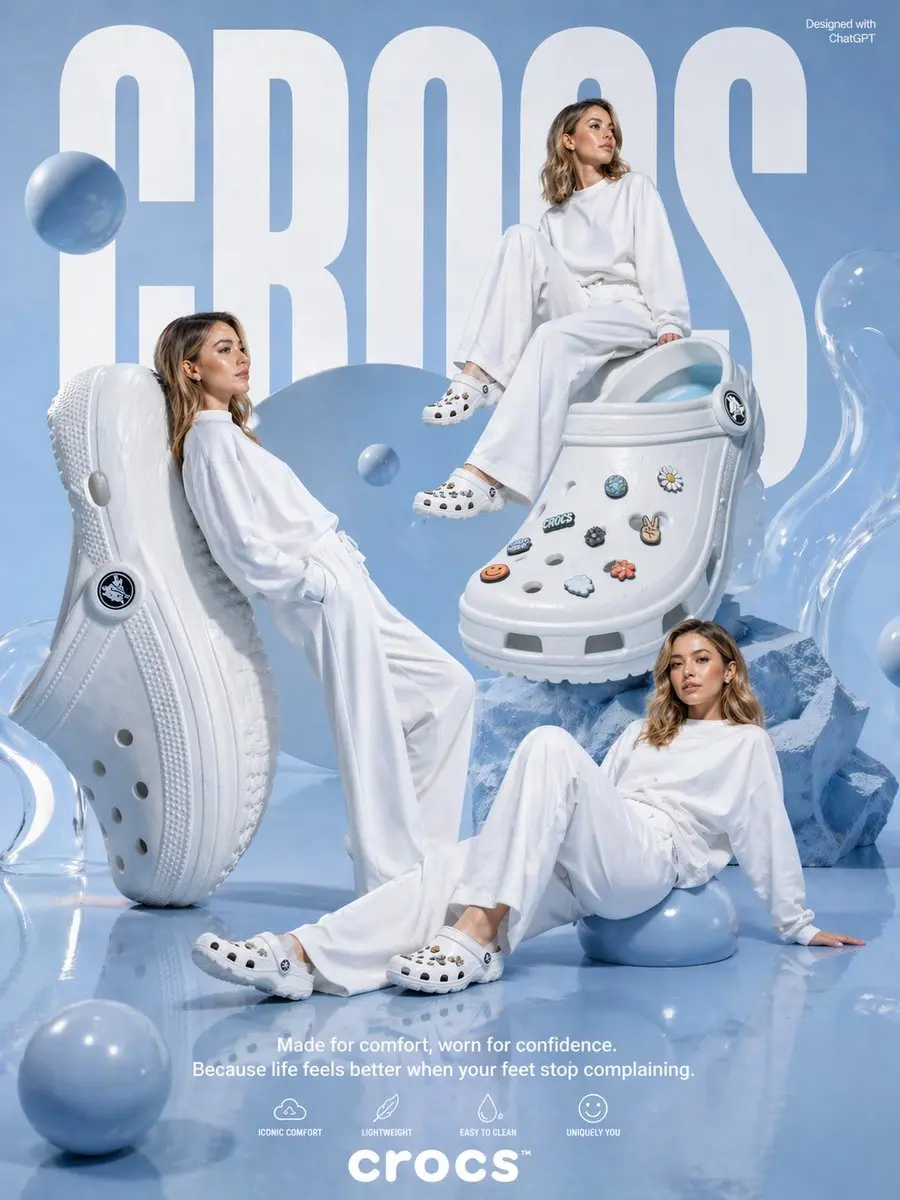
Change clothing styles while keeping the same character, pose, and composition. The AI Image Editor helps you explore new looks without recreating the full image.

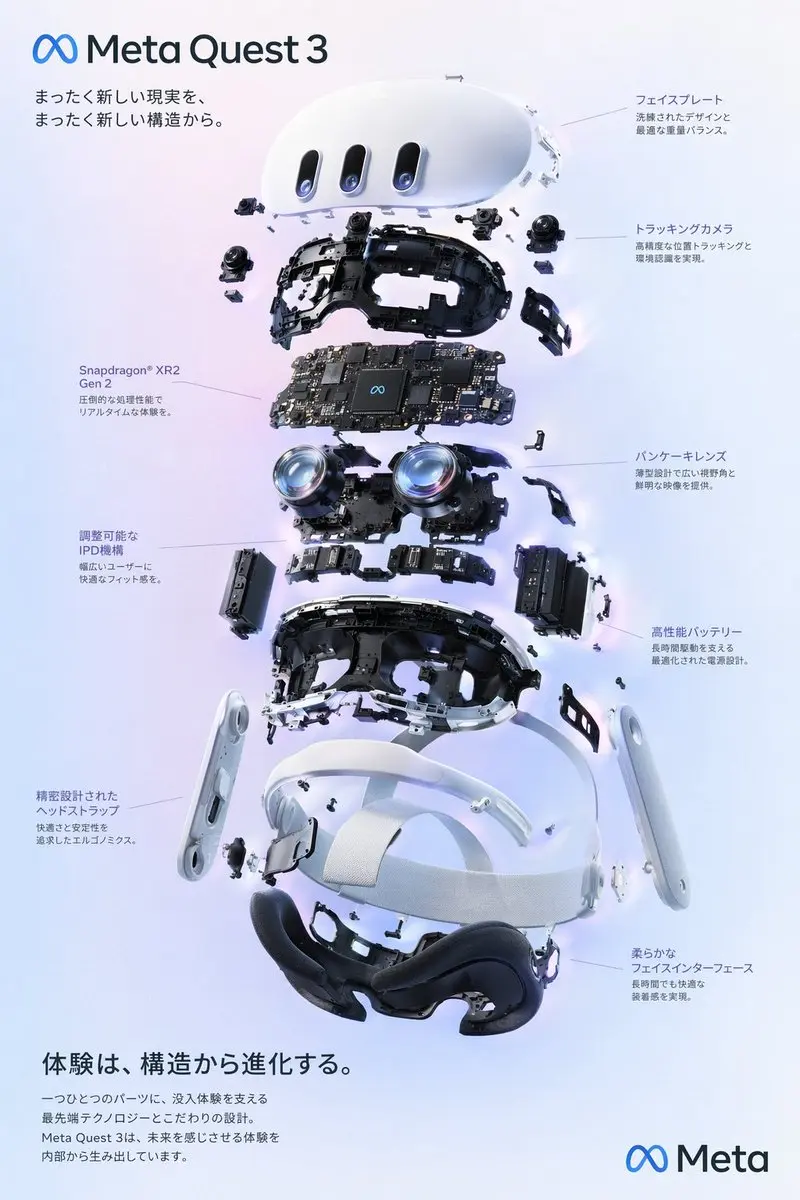
Start from a sketch, mockup, or flat draft and use the AI Image Editor to create a cleaner visual for a landing page, poster, thumbnail, or concept review.

Create a coordinated set of edited outputs that keep the same subject, tone, or composition when you need several assets for one campaign.
These are everyday AI Image Editor workflows for people who want better visuals without complicated software.
Change the mood, visual style, lighting, or finish while starting from a real image you chose. The AI Image Editor helps you explore a better look without losing the original direction.
Move a product, person, prop, or object into a cleaner scene without rebuilding the whole composition. It is useful for e-commerce, ads, profile visuals, and social content.
Use the AI Image Editor to update one area, such as clothing color, a label, a text block, or a distracting object, while the rest of the picture stays close to the original.
Generate coordinated versions from one starting image when you need campaign assets, thumbnails, or social formats that still feel consistent.
Turn a sketch, mockup, or first-pass visual into something cleaner and more presentation-ready. The AI Image Editor helps you move from rough idea to usable image with less trial and error.
Upload, describe the edit, compare results, and export. The AI Image Editor stays approachable for non-designers while still giving you room to refine.
Go from an imperfect image to a cleaner, ready-to-use visual faster.


Choose the photo, product image, graphic, or draft you want to improve. A clear source image helps the AI Image Editor keep the important parts and focus on the changes you ask for.


Tell the CraftVis AI Image Editor what you want in plain language. Ask it to remove a background, brighten the scene, change a color, or clean up messy details.


Compare the edited versions, keep the one that fits your goal, and use it for product pages, ads, social posts, thumbnails, presentations, or creative drafts.
People use an AI Image Editor when they need a faster, calmer way to turn a rough or imperfect image into something they can actually use.

Mia S.
E-commerce Seller

Jordan L.
Social Media Manager

Kevin T.
Homeowner

Priya N.
Freelance Designer

Alex C.
Content Marketer

Dana R.
Small Business Owner
Use CraftVis AI Image Editor when an image is close but not quite ready. Improve existing visuals, test creative directions, and move faster from rough asset to usable result.

Improve product photos with better backgrounds, lighting, spacing, and scene context so listings, landing pages, and product cards feel more polished and easier to trust.

Turn ordinary images into stronger content assets by adjusting the mood, simplifying the composition, making space for text, or testing a more eye-catching direction.

Use the AI Image Editor to turn one product or campaign image into different creative angles, so you can compare ideas before spending time or budget on production.

Refresh older visuals, profile images, banners, content graphics, or campaign assets with a cleaner style, updated scene, or more consistent direction, so the next choice feels easier and clearer.

Start from an existing image and explore new moods, backgrounds, styles, and compositions. The AI Image Editor makes testing easier when a blank prompt feels too open.
Start free, then scale when you are shipping more work.
Starter
Best for trying CraftVis and light creative work.
$9.90/month
Secure payment • Cancel anytime
4000 credits/month
60 days cloud storage
Secure processing
High-quality image generation
Priority support
Private generation
Commercial use
Creator
Best for regular creators, marketers, and product image workflows.
$24.90/month
Secure payment • Cancel anytime
10000 credits/month
90 days cloud storage
Secure processing
High-quality image generation
Priority support
Private generation
Commercial use
Studio
Best for heavier production, agencies, and high-volume visual work.
$79.90/month
Secure payment • Cancel anytime
34000 credits/month
120 days cloud storage
Secure processing
High-quality image generation
Priority support
Private generation
Commercial use
Short answers about using an AI Image Editor for photos, product shots, graphics, and creative drafts.
CraftVis AI Image Editor helps you improve or transform existing images with simple text instructions. You can remove or replace backgrounds, restyle a scene, adjust details, create variations, or turn a rough visual into a more polished result.
Yes. CraftVis offers a free plan so you can try the AI Image Editor with your photos, product images, graphics, or creative projects before deciding whether you need more usage.
Yes, subject to the CraftVis Terms. You are responsible for making sure your content follows applicable laws and does not infringe third-party rights.
CraftVis stores your data securely and does not share it with third parties. CraftVis only collects what is needed to provide the service and keep the AI Image Editor working properly.
Yes. Upload a photo, describe the change, choose the AI tool you want to use, and generate your result. The workflow is simple enough for beginners.
No. The AI Image Editor is made for people who want better visuals without learning complex design software. You can retouch photos, refresh product shots, or create cleaner social assets with plain text.
CraftVis offers several AI models for image generation and AI Image Editor workflows, including Nano Banana, Nano Banana Pro, GPT Image 2, Stable Diffusion, and more.
Traditional photo editors often rely on layers, selections, masks, and many manual steps. CraftVis AI Image Editor lets you describe the change you want, which can make everyday edits faster and easier to test.
You can start with product photos, room images, portraits, posters, sketches, mockups, social graphics, branded visuals, or earlier AI generations. Clear source images usually make the AI Image Editor easier to guide.
Yes. Ask the AI Image Editor for targeted edits such as replacing a background, changing clothing color, removing a distracting object, cleaning up a product shot, or improving lighting in one area.
Yes, it can help preserve the main subject, layout, or composition better than starting from text alone. Be clear about what should stay unchanged and what should be edited.
An AI Image Editor is useful for refreshing product photos, creating ad variations, testing room makeovers, polishing rough drafts, changing backgrounds, making social visuals, and building matching campaign assets.
Yes. Upload an image, describe the edit in plain language, compare the results, and keep the version that fits your goal. You do not need professional editing experience.
Upload a photo, product shot, graphic, or draft and use the AI Image Editor to clean it up, restyle it, or turn it into new versions you can actually use.
No credit card required











