Tim Ford


SQLServerCentral Article

Performance Tuning with SQL Server Dynamic Management Views

This is the book that will de-mystify the process of using Dynamic Management Views to collect the information you need to troubleshoot SQL Server problems. It will highlight the core techniques and "patterns" that you need to master, and will provide a core set of scripts that you can use and adapt for your own requirements.

(4)

You rated this post out of 5. Change rating

2017-11-02

10,076 reads

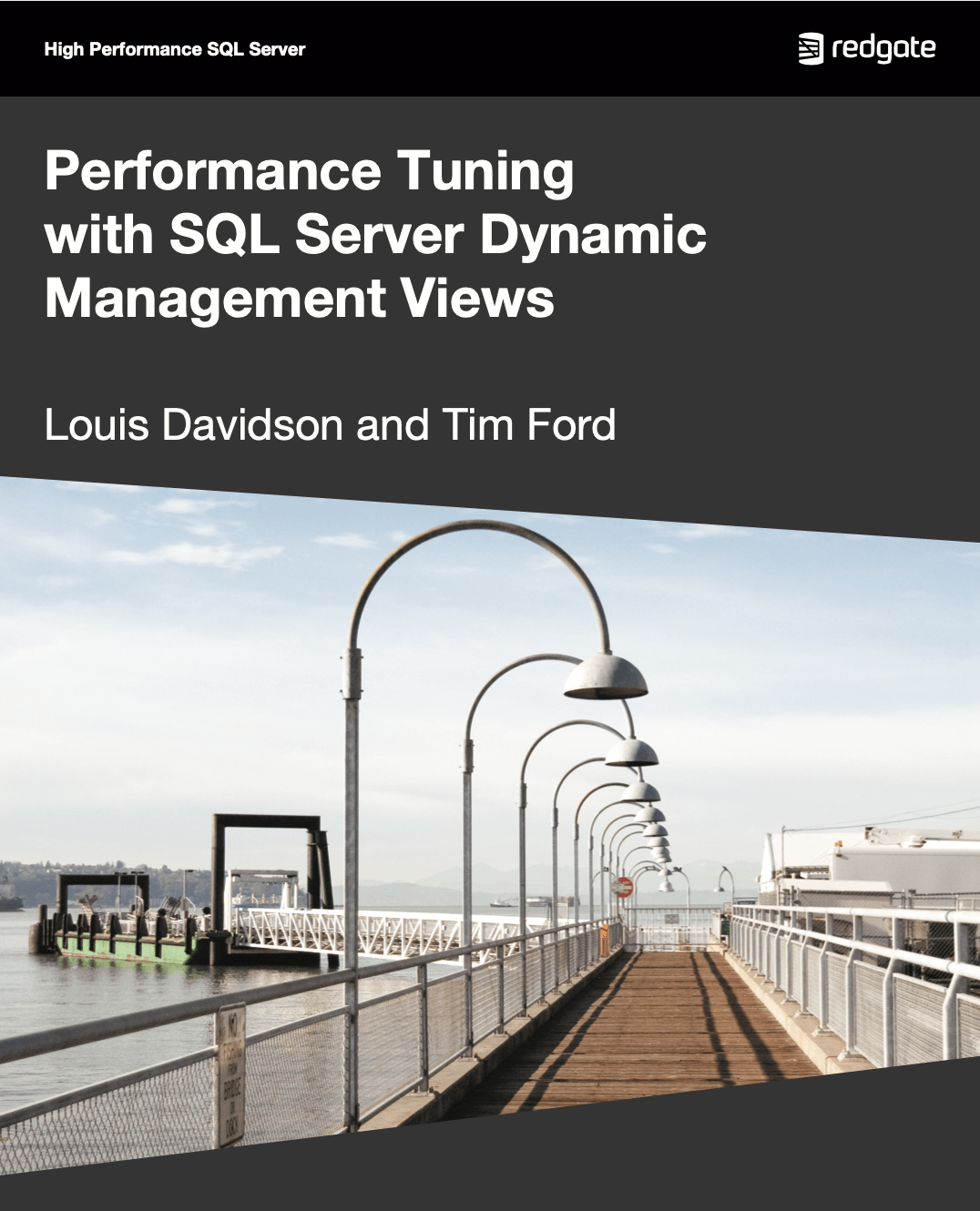
Performance Tuning with SQL Server Dynamic Managment Views eBook cover

Performance Tuning with SQL Server Dynamic Management Views

This is the book that will de-mystify the process of using Dynamic Management Views to collect the information you need to troubleshoot SQL Server problems. It will highlight the core techniques and "patterns" that you need to master, and will provide a core set of scripts that you can use and adapt for your own requirements.

You rated this post out of 5. Change rating

2010-06-14

8,753 reads

Blogs

SQL Server sa Account Security: Rename, Disable & Best Practices

By

SQL Server sa Account Security: Rename, Disable & Best Practices In...

Stanford Emerging Technology Review 2026 Report is out

By

Artificial Intelligence and quantum computing are two areas of emerging technology that receive most...

How I Troubleshoot a Slow SQL Server Live

By

No two SQL Server environments are alike. A fix that resolves a performance issue...

Read the latest Blogs

Forums

ALAMAT KONTAK BCA KCP MERR Telp:(08218154392)

By layanan 24jam BCA

WA CS 08218154392 Jl. Dr Ir H Soekarno, Ruko promenade. 8 Surabaya 60298, Kedung...

Are You Working More Hours?

By Steve Jones - SSC Editor

Comments posted to this topic are about the item Are You Working More Hours?

Stairway to Reliable Database Deployments Level 6 – Managing Changesets Over Time

By Massimo Preitano

Comments posted to this topic are about the item Stairway to Reliable Database Deployments...

Visit the forum

Question of the Day

A Limited Startup

I add this parameter to SQL Server 2025 in the Configuration Manager:

-mDynamics
What does this do?

See possible answers