Total
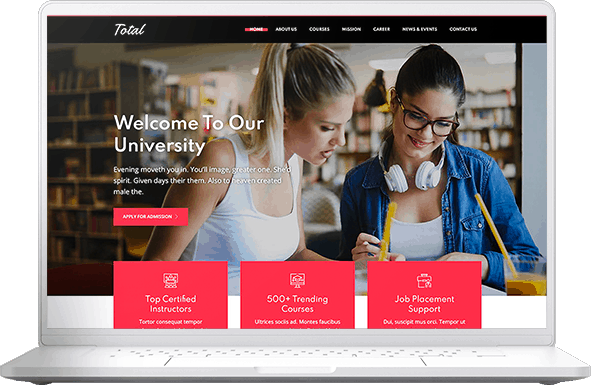
The Most Powerful & Creative MultiPurpose WordPress Theme
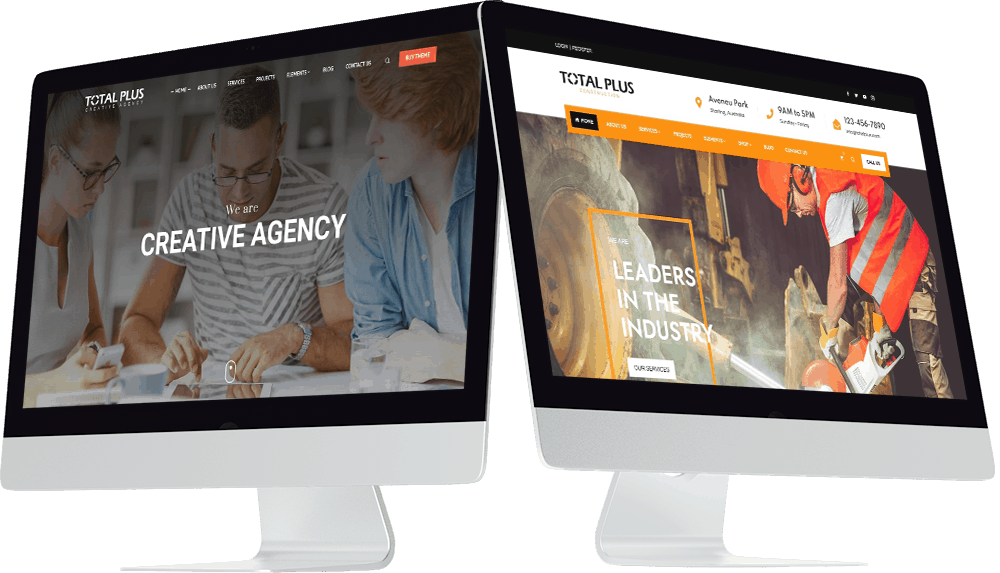
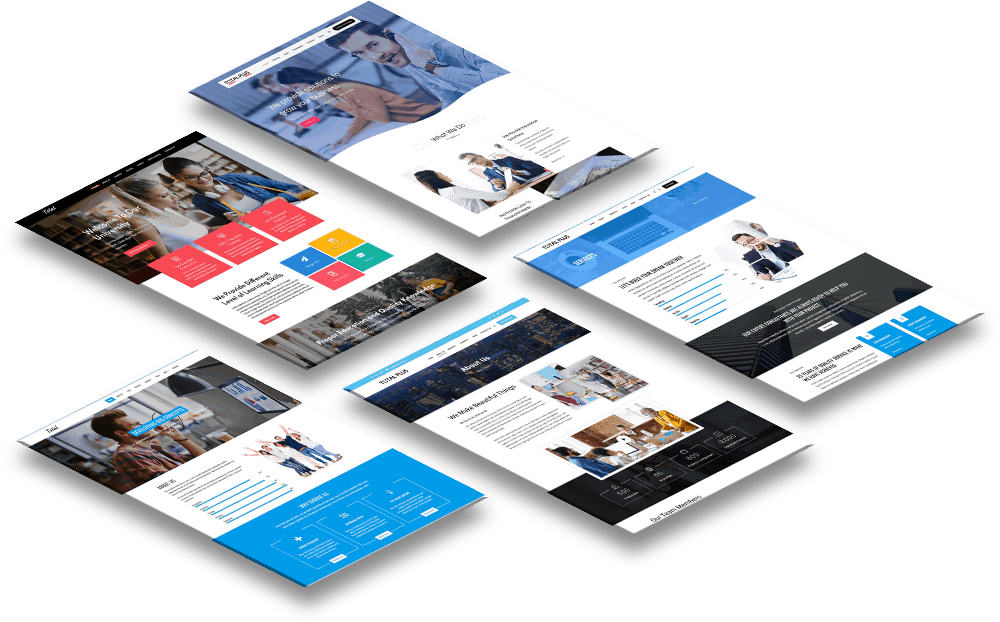
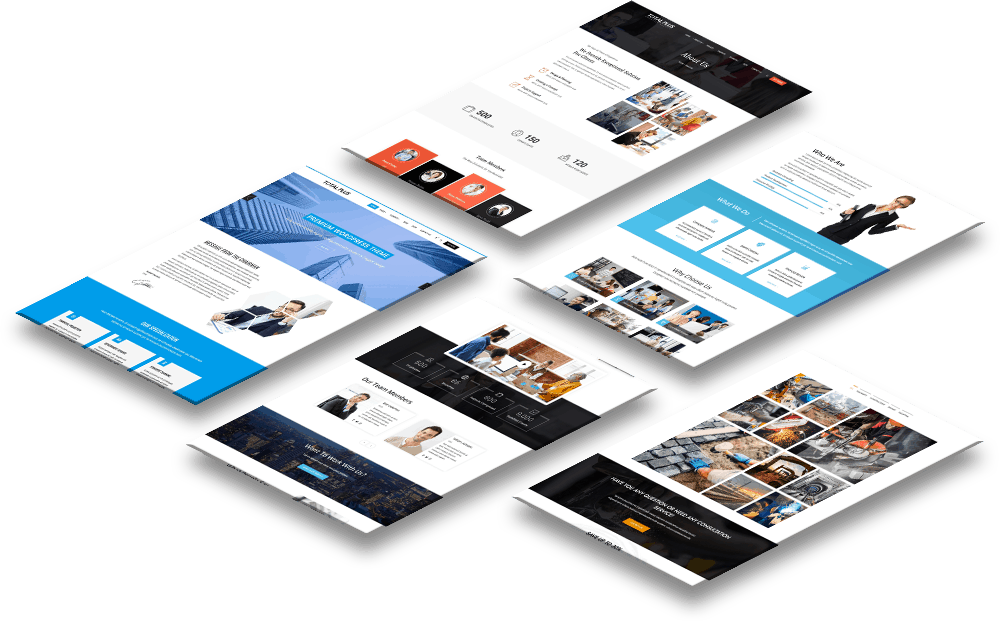




- One Click Demo Importer
- 60,000+ Active Happy Users
- Lifetime Updates
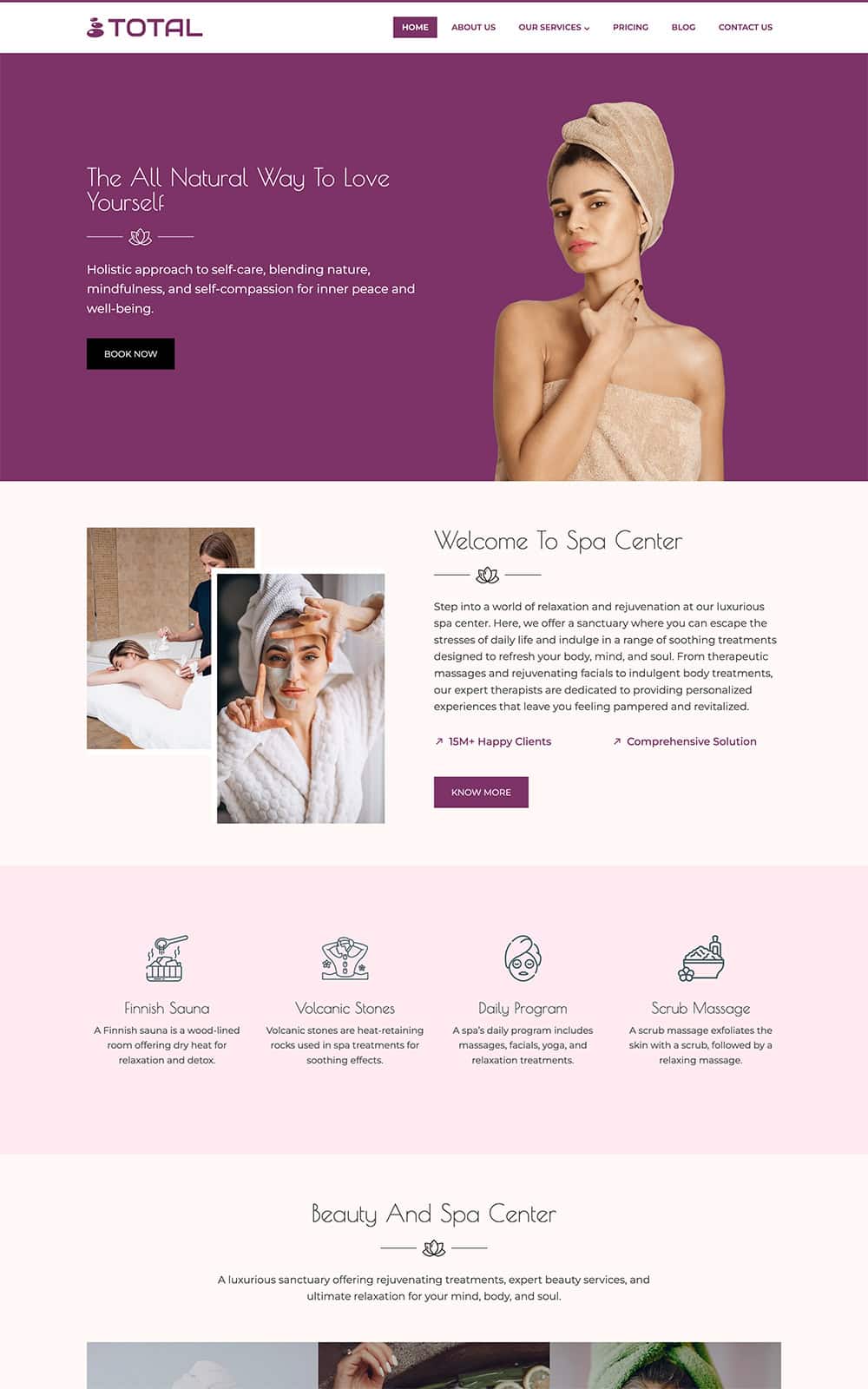




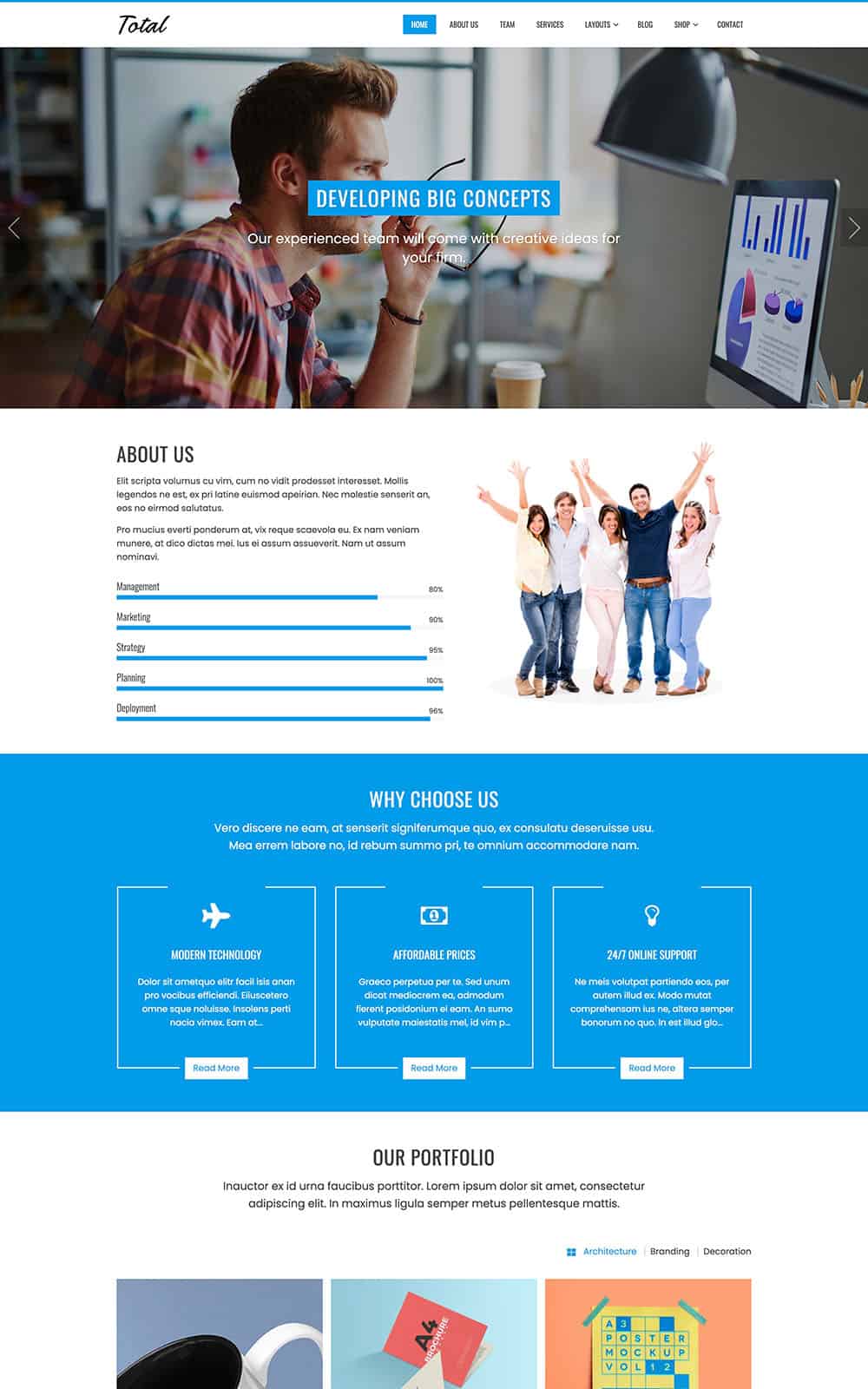

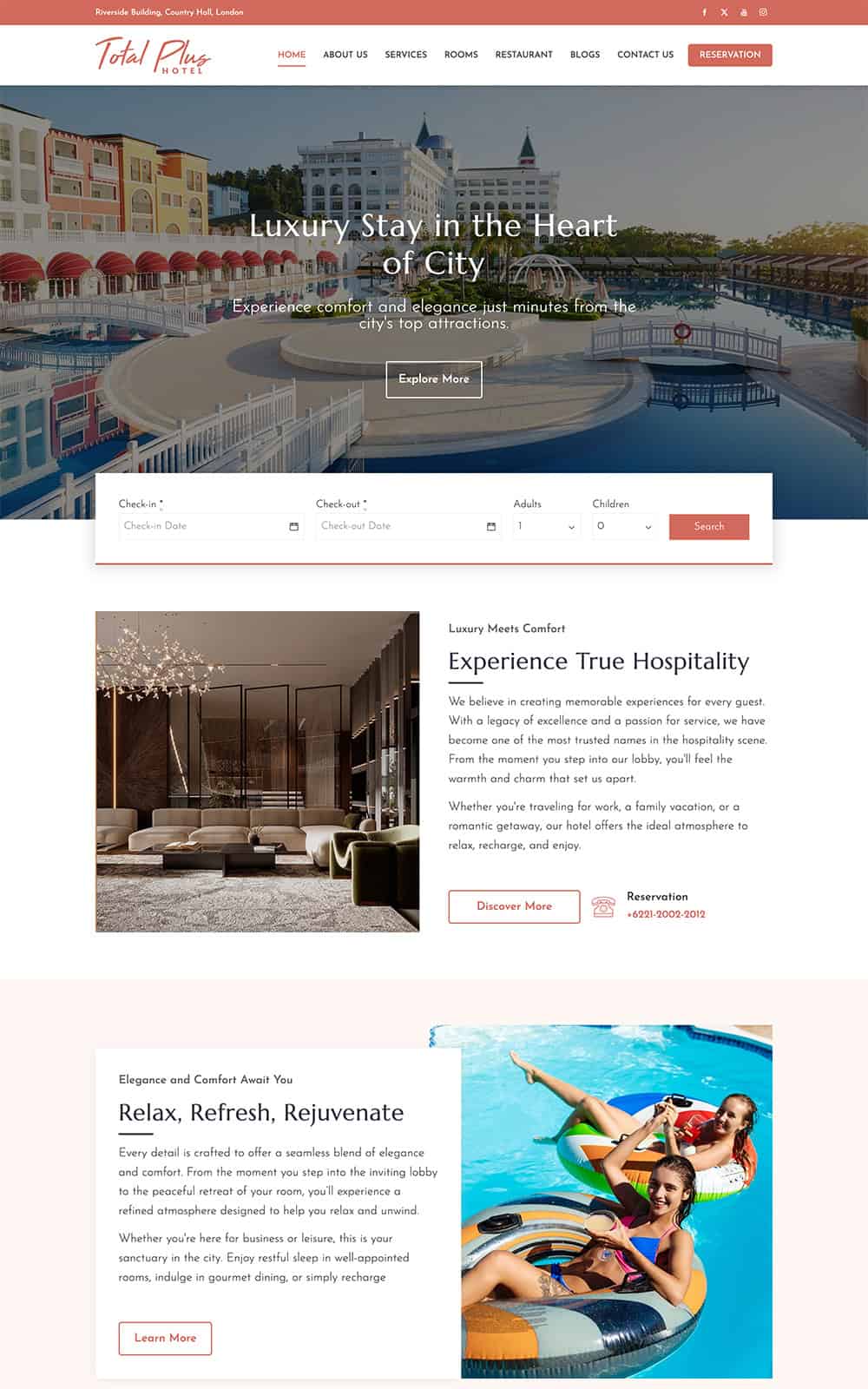
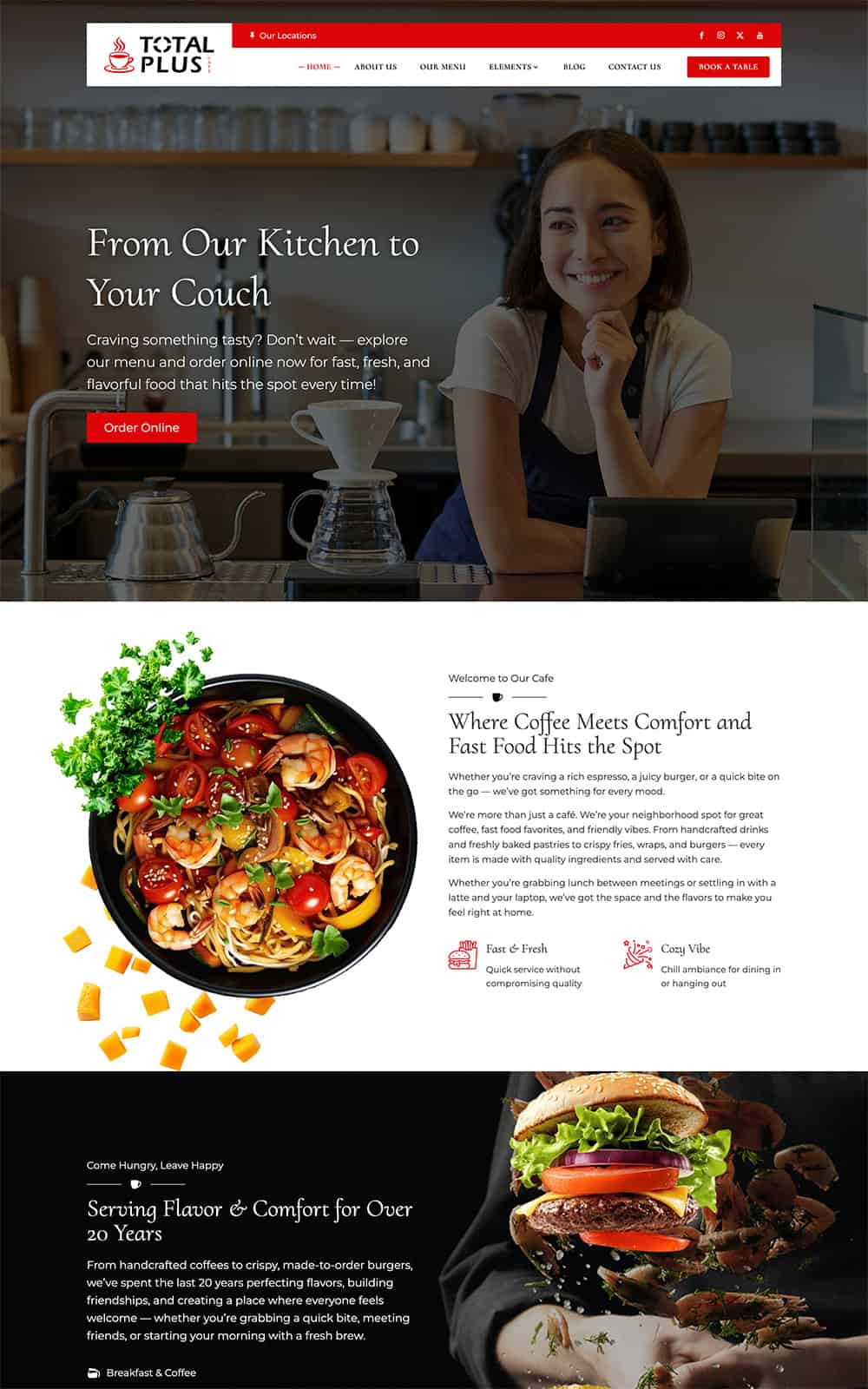
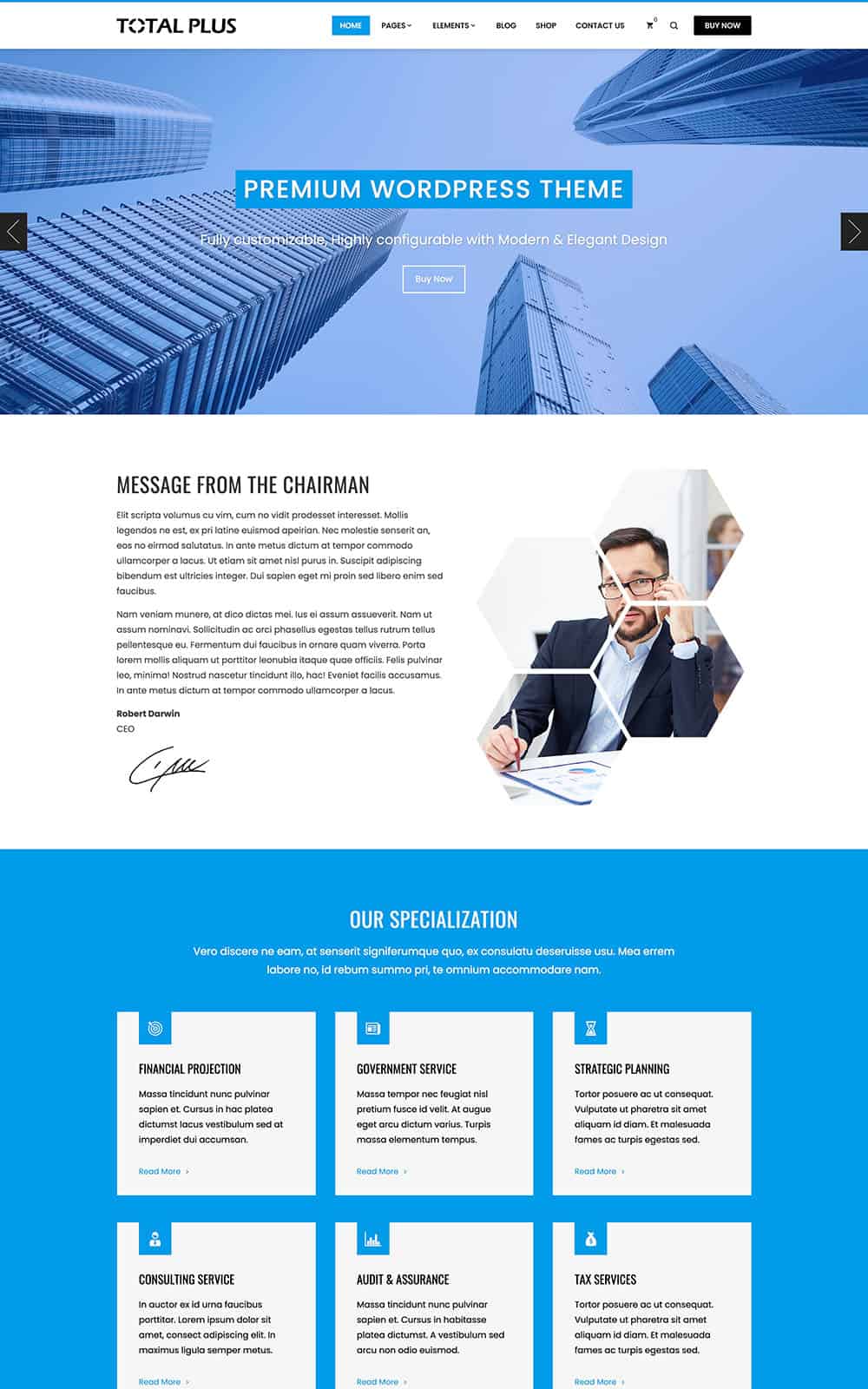
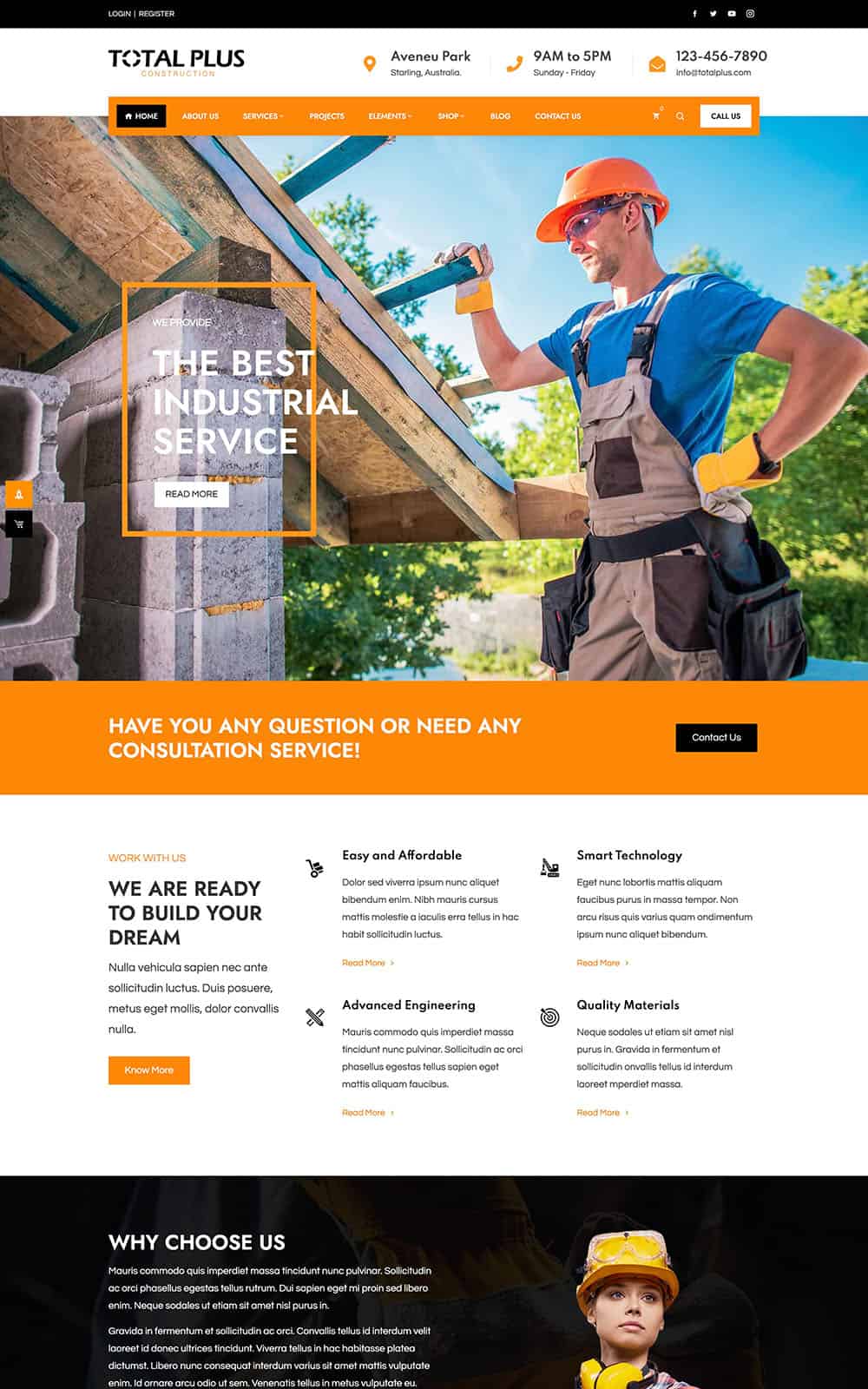
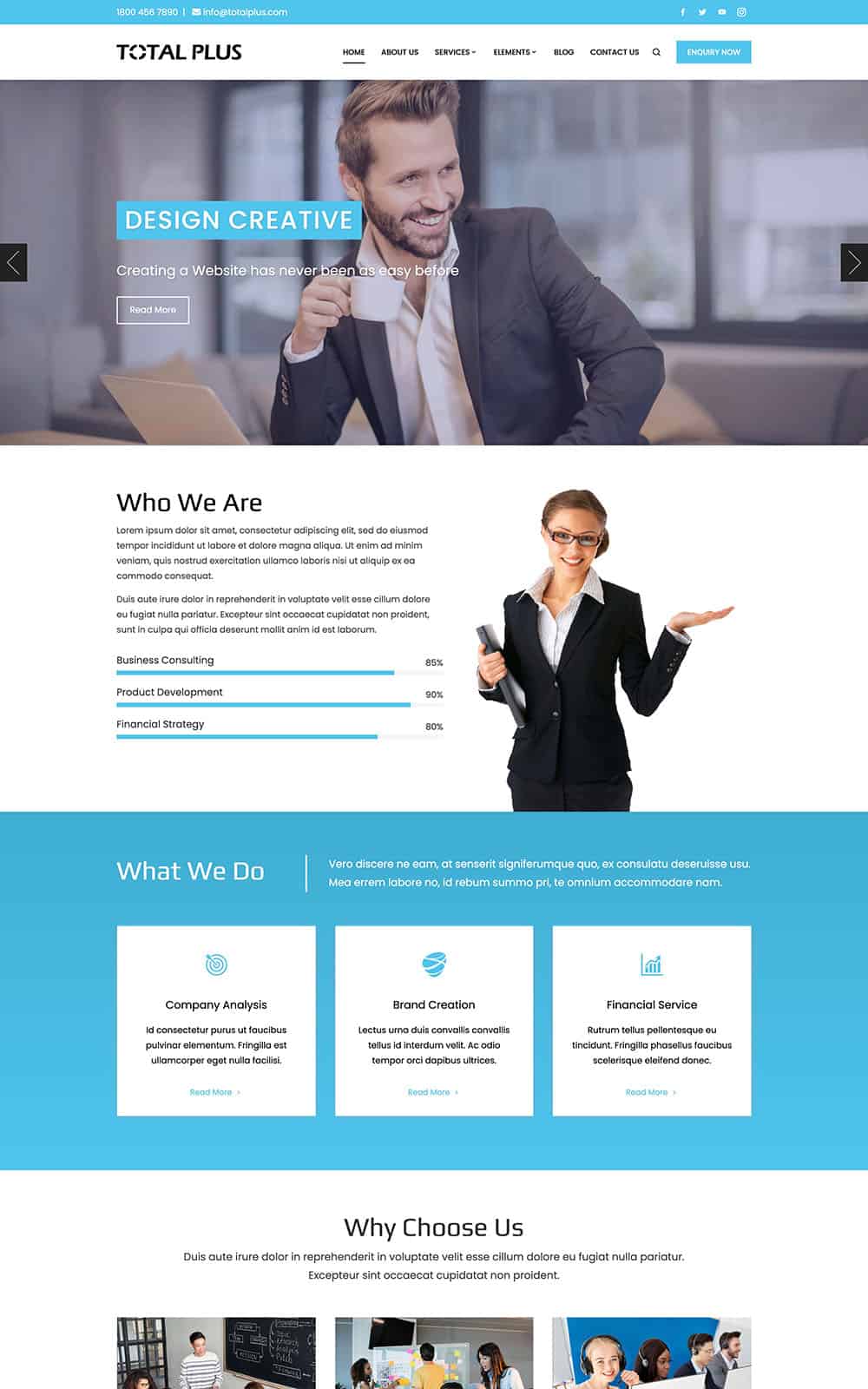
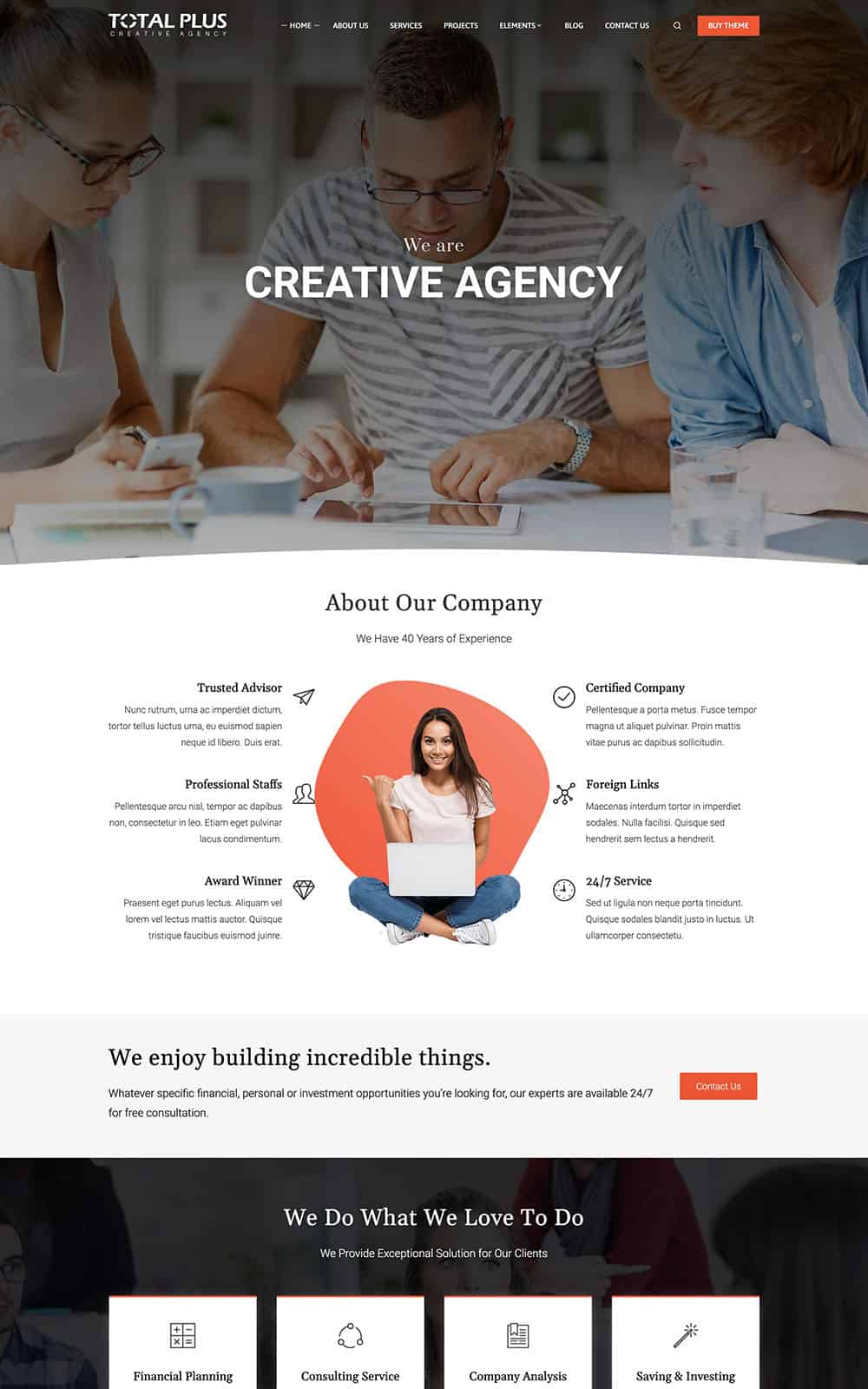





What's New in Total Plus 3.5
The biggest update yet: build whole websites with AI, three new home sections, Gutenberg blocks and a faster, more accessible theme.
AI Site Builder
Write with AI
3 New Home Sections
8 Gutenberg Blocks
Off-Canvas Panel & Reading Progress
Faster and More Accessible
NEW IN TOTAL PLUS 3.5
Build Your Whole Website with AI
Describe your business in a sentence or two. The AI Site Builder plans your pages, writes every section and sets your brand color, fonts and header, using the Total Plus home sections or Elementor with the Total Plus widgets.
- Home page plus About, Services, Pricing, FAQ and Contact pages
- Four looks: Modern, Minimal, Bold and Elegant
- Everything waits in a draft until you publish it
- Uses the AI provider you connect to WordPress 7
- Never invents prices, reviews or contact details

Describe
Tell it what you do, who it is for and the look you like.
Review the Plan
See the pages, sections, colors and fonts before anything is built.
Build
It writes every page and puts your whole website together in a minute or two.
Preview & Publish
Check it in the Customizer, change anything, then publish or discard.
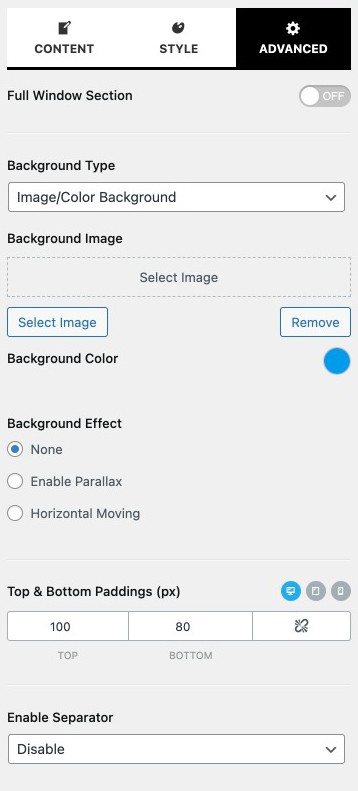
Full Support for Elementor
Elementor is the leading WordPress page builder in recent times. Total is also fully compatible with Elementor.
Page builders are the fastest & easiest way to bring your ideas to life. Apart from Elementor Page builder, Total theme also supports all major page builders like Visual Composer, WPBakery, Site Origin, Beaver, and others as well.
Drag and Drop Editor
Customize for Each Device
Animations & Interactions
26 Custom Widgets
Save & Reuse Sections
Free Plugin for Lifetime
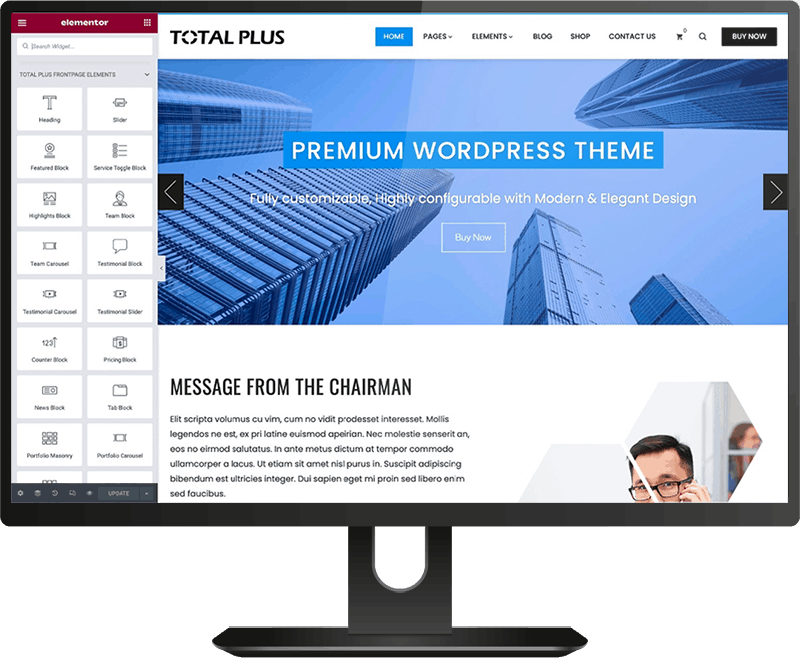

26 Elementor Widgets
Create unique and complex layouts and customize your website content effortlessly with 26 Total Plus widgets for Elementor. Switch off the ones you do not need in Theme Options.
FAQ
Timeline
Elementor Extenders
It also includes a library of pre-designed templates that you can import directly into Elementor, saving you time in creating specific layouts or sections for your website.












Stunning Header Styles with Complete Customizability
Choose the available header and customize it as per your requirements.
6 Pre Designed Header Layouts
Transparent Header, Page by Page
Customize Color & Spacing
7 Menu Hover Styles
Advanced Typography for Header Elements
Display Different Menu in Mobile Device
Off-Canvas Side Panel With Widgets
Customize Each & Every Elements in the Header
25 Custom Widgets
The theme has 25 custom widgets that you can use in the sidebar, footer, or even in posts and pages using the Site Origin Page Builder Plugin.
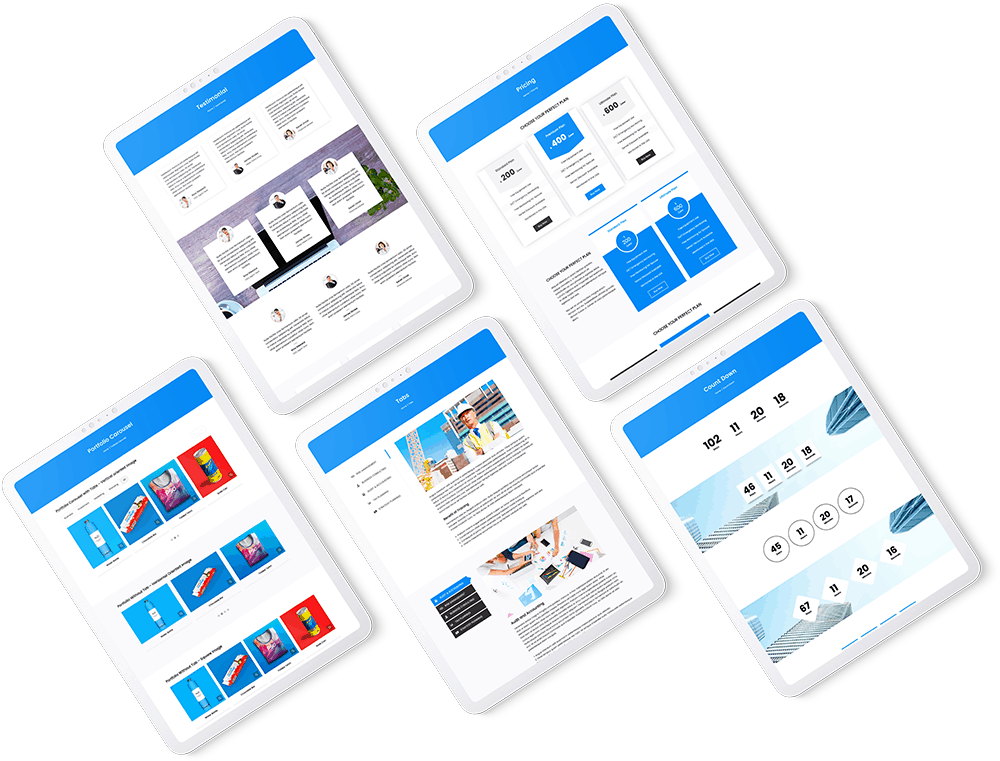
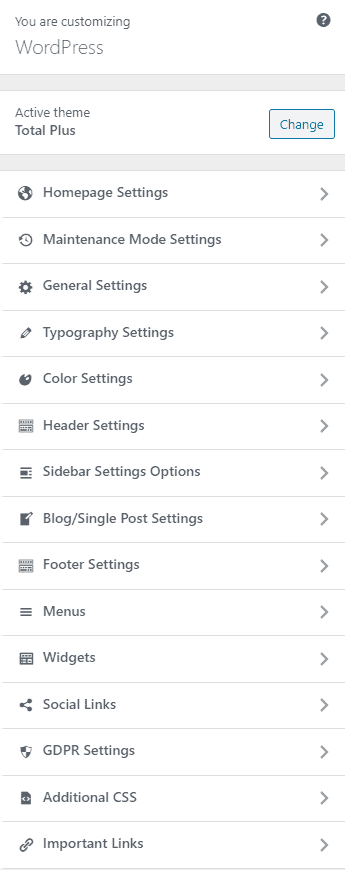
21 Home Page Customizer Sections
The theme comes with 21 distinct homepage sections, including the new FAQ, Video and Timeline sections, in the customizer panel. The theme provides tons of additional customization options for each section. You can choose the desired color, image, video, or even gradient colors for the background. And each section has multiple variations in terms of layout and design.
The available homepage sections are
- Slider Section
- Featured Section
- Service Section
- Counter Section
- Testimonial Section
- News & Update Section
- Blog Section
- Call to Action Section
- FAQ Section
- Video Section
- Custom Section A
- About Section
- Highlight Section
- Portfolio Section
- Team Section
- Pricing Section
- Tab Section
- Client Logo Section
- Contact Section
- Timeline Section
- Custom Section B

Ready for Your Online Store
Total Plus is built for WooCommerce, with shop layouts, product cards that match your design and ready-made styling for the most popular store plugins.
Header Cart & Mini Cart
Wishlist
Heart buttons on every product card when the free YITH WooCommerce Wishlist plugin is active.
Compare
Quick View
8 Gutenberg Blocks
Build pages in the block editor with the same polished sections. The Total Plus blocks are grouped in their own category and edited from the block sidebar, with a live preview as you type.
- Services, Team, Testimonials and Counters
- Pricing, FAQ, Timeline and Portfolio
- Write the content with AI from the block sidebar
- Switch any block off in Theme Options


Inbuilt Mega Menu
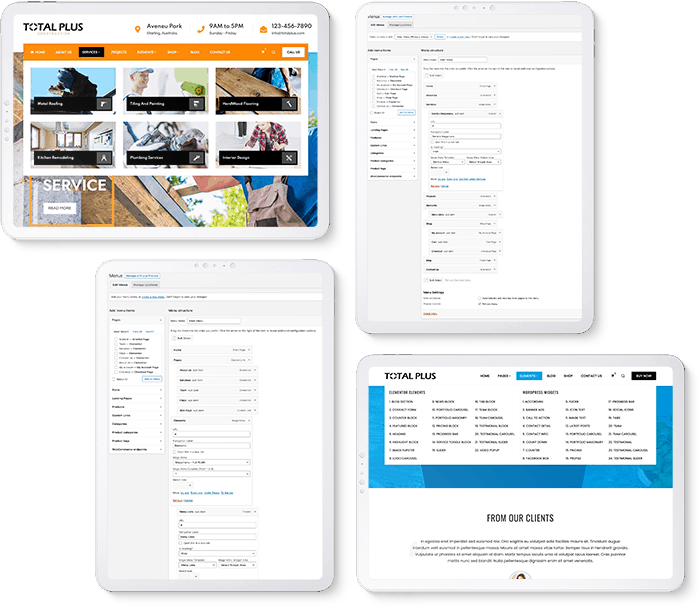
The theme has the inbuilt mega menu option that allows you to create a beautiful mega menu easily. Unlike other mega menus, the inbuilt mega menu of Total is very easy to configure allowing you to create a wonderful mega menu in no time.
Ultimately the mega menu also supports Elementor. You can create the mega menu with Elementor. Create columns, add any kind of menu items, change font, colors & background, do whatever you like with the mega menu. There is no limitation.
5 Blog Layouts & Fully Customizable Single Page
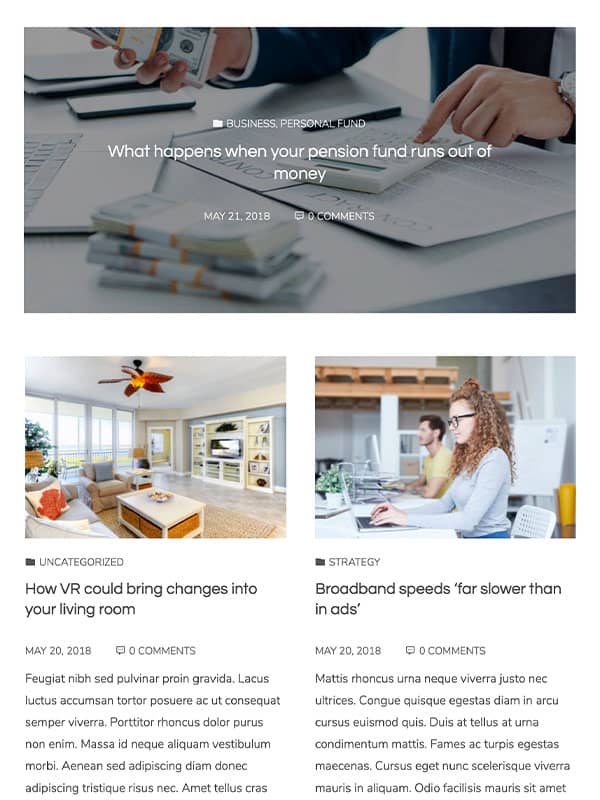
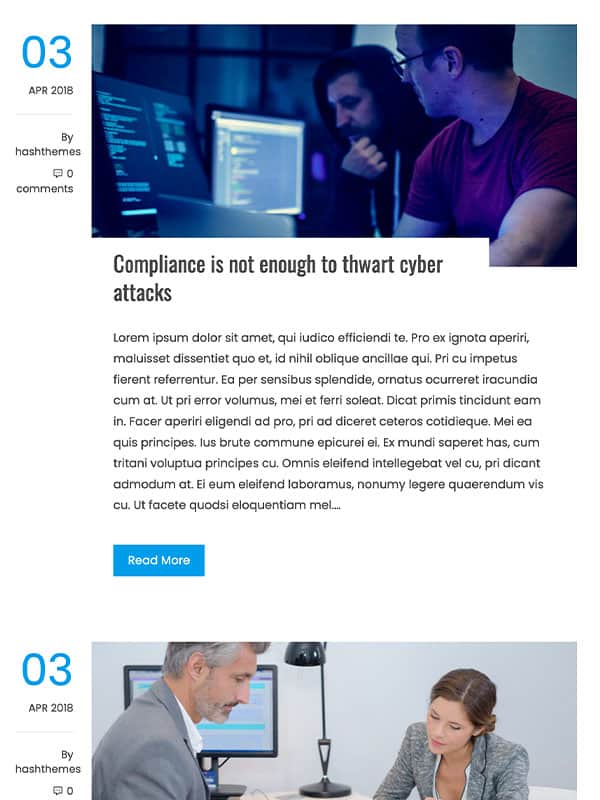
Choose from 5 blog layouts, including a new grid in two or three columns, and show or hide each element in the blog. Posts can show an estimated reading time.
The article page is also fully customizable. You can show/hide any elements and reorder them in any position as you like, add a reading progress bar at the top, and let readers share the post easily.





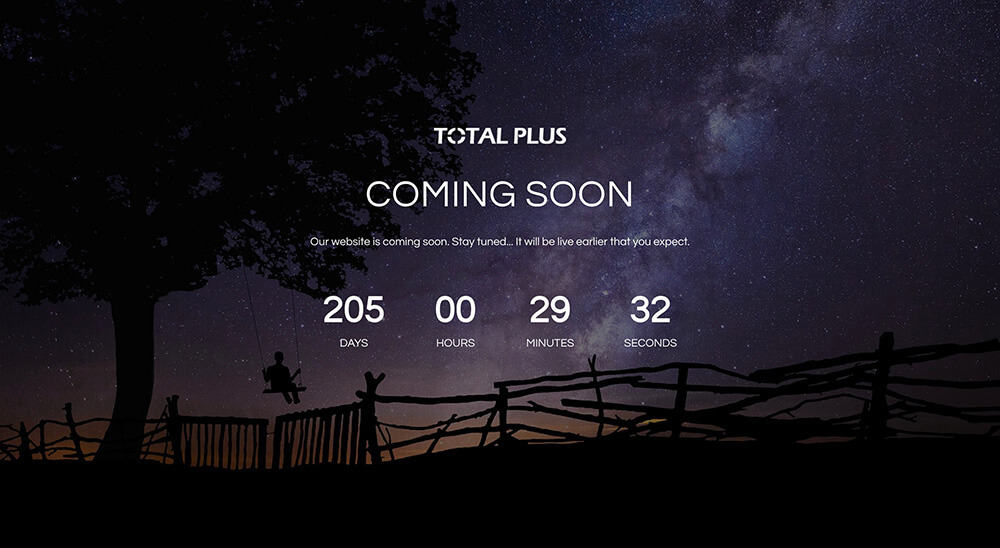
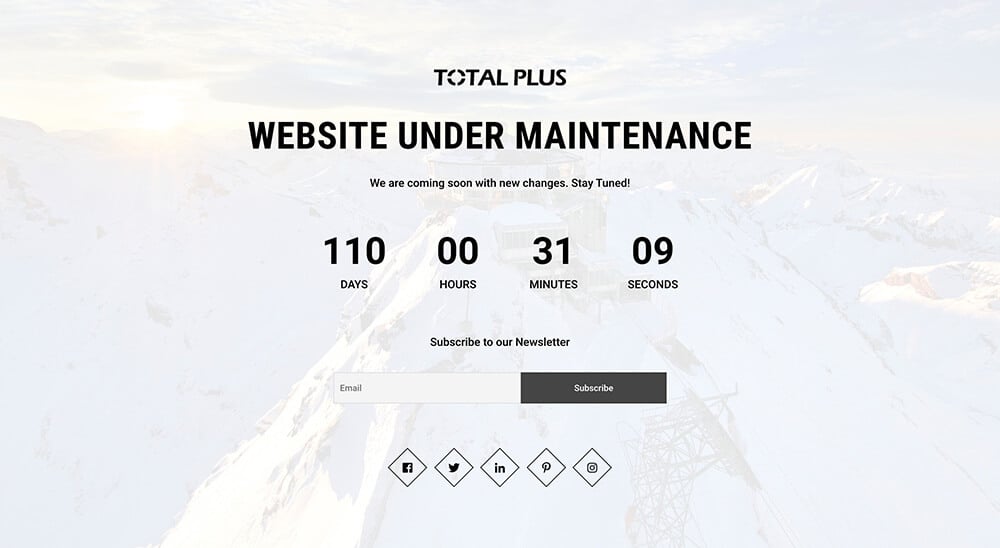
Maintenance Mode
Is the website still not ready?
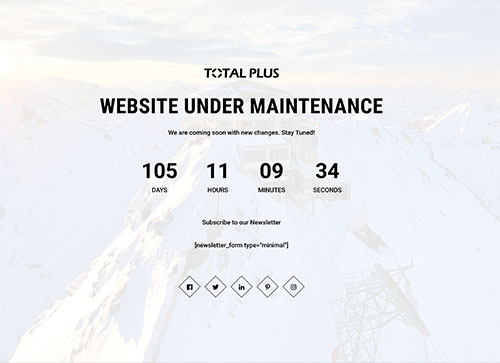
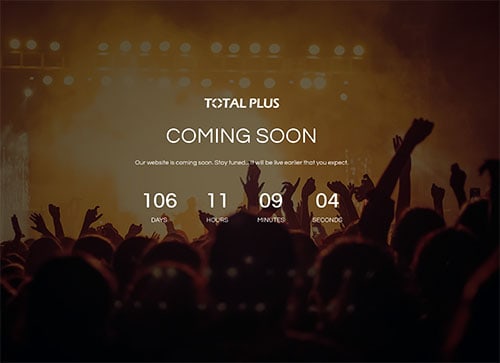
No Problem. The theme has a beautiful maintenance mode, a coming soon option that you can use to display until your website is ready. The maintenance mode has countdown time along with the option to add a static banner background or image slider background or video background. Isn’t that interesting!
Preloader Option
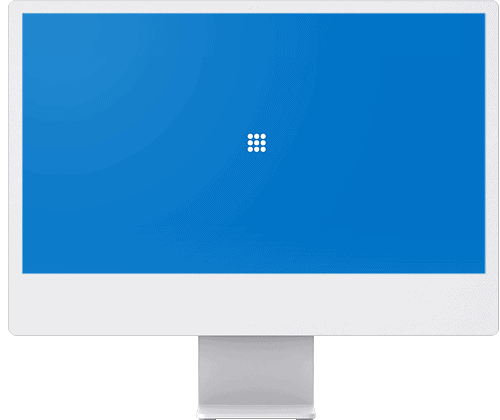
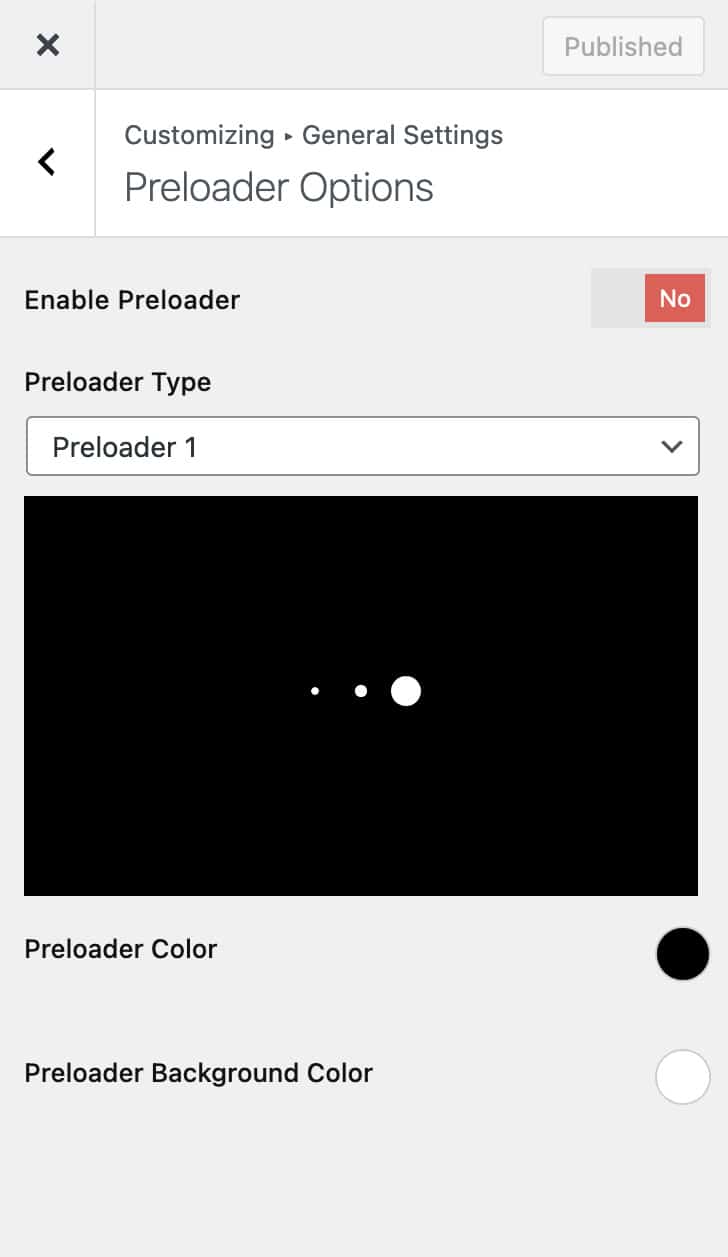
The theme has 16 beautiful Preloaders that will give your website a nice loading effect on reloading. Customize the Preloader by selecting its color and background color.
Additionally, you can upload your own gif Preloader image.

Other Important Features
Total is loaded with powerful features that makes building a website easy
GDPR Compliance & Cookies Consent
No data is collected if you use the theme alone. The theme has the option to add GDPR Compliance & Cookies Consent text with buttons.
Gutenberg Blocks & Patterns
Eight Total Plus blocks and ready-made block patterns, with the editor showing your fonts and colors as they appear on the site.
One Click Demo Installation
The theme comes with multiple built-in demo templates that can be installed on your website with just one click. Isn't that easy!
Unlimited Color Customization
Customize the theme colors to get the precise look and feel of your website. The theme provides an option to select any color you want.
Advanced Typography Option
Choose any Google font or Non Google font and change font weight, size, color, line height and style with the advanced typography.
Customizable Sidebar Layout
Select the sidebar layouts for the post, page, blog, and archive page. Moreover, choose different sidebar layouts for individual post and page.
Highly Customizable Footer
Configure footer background color and image, text color and more. With premium version, you can remove or edit the footer credit text easily.
WPML and Translation Ready
Total is fully compatible with WMPL and Polylang. Create the website with multiple languages with Total. Also, the theme is fully Translation ready.
100% RTL(Right To Left) Support
The theme is compatible with all RTL (Right to Left) languages like Arabic, Persian and Hebrew. Simply change the language and watch.
Fully WooCommerce Compatible
The theme is fully compatible with the most popular E-Commerce plugin - WooCommerce for building a complete store website.
Revolution Slider Plugin Included
Revolution Slider is a powerful tool with unparalleled creative possibilities to create amazing sliders. You can replace default slider with it.
Extensive Documentation & Top Notch Support
Get Support from the Theme Developer directly. Get your support queries addressed in less than 24 hours for premium version.
Loads Only What Each Page Uses
Sliders, carousels and other scripts load only on the pages that use them, so every page stays light and fast.
Keyboard & Screen Reader Friendly
Menus, the mobile menu, switches and FAQs work with the keyboard, with clear labels for screen readers.
Page-by-Page Settings
Make any page full width, hide its banner, remove the spacing or turn the transparent header on or off.
On/Off Switches in Theme Options
Switch off the widgets, blocks, Customizer panels and icon libraries you do not use to keep things lean.
4 Icon Libraries
Font Awesome, IcoFont, Material Design and Essential icons, each with an on/off switch so a site loads only the icons it uses.
Custom Widget Areas
Create as many sidebars as you need in the Total Plus panel and choose a different one for any page.
Custom & Local Fonts
Upload your own fonts, or load Google Fonts from your own server for faster, privacy-friendly pages.
Portfolio Post Type
Add projects with categories and external links, and show them in portfolio sections, widgets and Elementor modules.
Share, Related Posts & Author Box
Social share buttons, related posts and an author box at the end of each article, each with its own switch.
Sticky Header & Sidebar
Keep the menu at the top while visitors scroll, and let the sidebar follow long articles.
Custom Login Logo
Put your own logo, size and link on the WordPress login screen for a branded dashboard.
Security-Reviewed Code
Output is escaped and admin actions check permissions, following WordPress coding and security standards.
Pricing Plans
Plans to Help You Grow
One Site License
- Use on 1 Domain
- One Time Payment
- No Renewal Charges
- Lifetime Updates & 1 Year of Support
Unlimited Site License
- Use on Unlimited Domains
- One Time Payment
- No Renewal Charges
- Lifetime Updates & Support
- Current Version: 3.6.0
- Last Update: 9 Oct 2026
- License: GPLv3
Frequently Asked Questions
After purchasing Total Plus, you add your license key to activate it. A Single Site License works on one website/domain. An Unlimited Site License works on as many websites/domains as you like, with no limit.
Both are one-time payments for lifetime use, so an Unlimited Site License also covers websites you build in the future.
No. It is a single payment for lifetime use. There are no hidden charges and no annual renewals.
Yes. Build the complete website on a staging domain or any test URL, then move it to the live domain. Deactivate the license on the staging site first, then enter your license key again on the live site.
- Go to Dashboard > Plugins > Add New and upload the downloaded zip file.
- Then, Install & Activate the plugin.
Total Plus adds many more features to the Total theme. Please check this Comparison Page.
No. Everything you have built stays as it is, and your settings carry over to Total Plus.
No. The AI tools are part of Total Plus. They use the AI provider you connect in WordPress 7 under Settings > Connectors, such as OpenAI, Anthropic or Google, and that provider bills you directly for what you use. Total Plus never stores your API keys.
Not until you say so. Everything it builds waits in a Customizer draft. You preview the whole site, change anything you like, and then publish it or discard it. Your existing pages are never overwritten.