What's new

Gemini Text 3.8, GPT Text v5.6, Recraft Style References, and Nano Banana PNG

New text models, Style References in Recraft, and PNG support back in Nano Banana.

Phygital+ update: Your letter — Gemini Text, GPT Text, Recraft, Nano Banana PNG

ADDED

  • Gemini Text 3.8 — the new model is now in the node.

  • GPT Text — added GPT v5.6 Terra, Sol, Luna, and v6 Astra.

UPDATED

  • Recraft Image — Style References now work in 4 versions. A solid Midjourney alternative.

  • Nano Banana — PNG support is back.

Open your workspace to try the latest improvements.

AI Presentation, GPT Image v2.5, and Three New Templates

This release adds a presentation node, new GPT Image versions, three templates, and player animation fixes.

Phygital+ update: AI Presentation node

ADDED

  • AI Presentation — first node for generating presentations: up to 10 documents and 10 images on input. You don’t need to open PowerPoint yet.

  • GPT Image v2.5 — added Sunburst and Flare. Cheaper, strong on some tasks; on others v2 is still better.

  • Mockups — a larger template: football, laptop, phone, poster, flyer, and other formats.

  • Product replacement — consistent marketplace banners: one scene, only the product changes.

  • Food layout — for FMCG and product shots. Upload a dish photo; the template builds a composition from the ingredients.

UPDATED

  • Media player animation — smoother playback animation for video and audio.

Open your workspace to try the latest improvements.

MiniMax H3 Max, Gemini Omni 1.1 4K, Wan Video v3, and Canvas Media Tools

New AI models, more video input options, and smoother team work on the canvas.

Phygital+ update: More to explore, what's new

ADDED

  • Hailuo MiniMax H3 Max — use H3 for fast iterations and H3 Max for final generation.

  • Claude — added Fable 5, Sonnet 5, and Opus 5.

  • Wan Video v3 — use documents, images, video, and audio as inputs.

  • Media player — control video and audio on the canvas from one window.

  • Profile avatars — upload a photo or pick a color so teammates are easier to tell apart.

UPDATED

  • Gemini Omni 1.1 — now supports quality up to 4K.

  • Video sockets — @mentions now work for video, and nodes inside frames snap to the frame edges.

Open your workspace to try the latest improvements.

Text Array, Extract Video Frame, Seedance 2.5 1080p, and Grok

New canvas nodes and model upgrades: split text for batch prompts, pull frames from video, Seedance 2.5 at 1080p, plus Grok Image and Grok Video.

Phygital+ update: Expanding in all directions — canvas, image, and video

ADDED

  • Text Array — split a long text into several pieces by delimiter (newline, /, |, \). Useful for generating multiple prompts through text nodes, especially for storyboards.

  • Extract Video Frame — extract up to 10 frames from a video up to 30 seconds long, with an interactive preview.

  • Grok Image — a new image model for concept work and production stills.

  • Grok Video — a new video model in the same workspace.

UPDATED

  • Seedance 2.5 1080p — higher-resolution Seedance generation is now available in the workspace.

Open your workspace to try the latest improvements.

Project Categories, Credit Balance, Genie Flow Auto, and MiniMax H3

Everyday workspace tools got clearer: project lists, credits, and Genie Flow — plus MiniMax H3 for video.

Phygital+ update: New projects list with favorites, recent, and shared

ADDED

  • MiniMax H3 — Hailuo’s current video model. Generate and edit video at 768p and 2K with audio, using image, video, or audio references.

UPDATED

  • Projects list — new categories: favorites, recently opened, including Shared projects.

  • Credit balance — in the account you can see which credits are available, how many are left, and when they expire.

  • Genie Flow Auto — the workflow agent can now auto-run created pipelines. Manual mode stays if you want to launch frames yourself.

  • Node connections — drag a link from either end and reconnect it to another node.

  • Import Files — new files no longer replace the old ones. Keep content adds them to what is already loaded.

Open your workspace to try the latest improvements.

Seedance 2.5 — Longer Clips, More References

Seedance 2.5 is now in Phygital+: longer clips, more reference frames, and quality you pick right in the node.

Phygital+ update: Multifaceted new release

ADDED

  • Seedance 2.5 — generate videos up to 30 seconds for longer shots in one run.

  • Up to 30 reference images — more input frames for more accurate generation.

  • 480p and 720p — choose output quality directly in the node.

  • Character images — character reference support is still there.

Open your workspace to try the latest improvements.

Music Creation, Seedance Video Character Reference, and Genie in Chat

This release adds music generation, stronger character continuity in Seedance, and Genie right in chat — plus a round of workspace fixes.

Phygital+ update: Music Creation with Genie in the workspace

ADDED

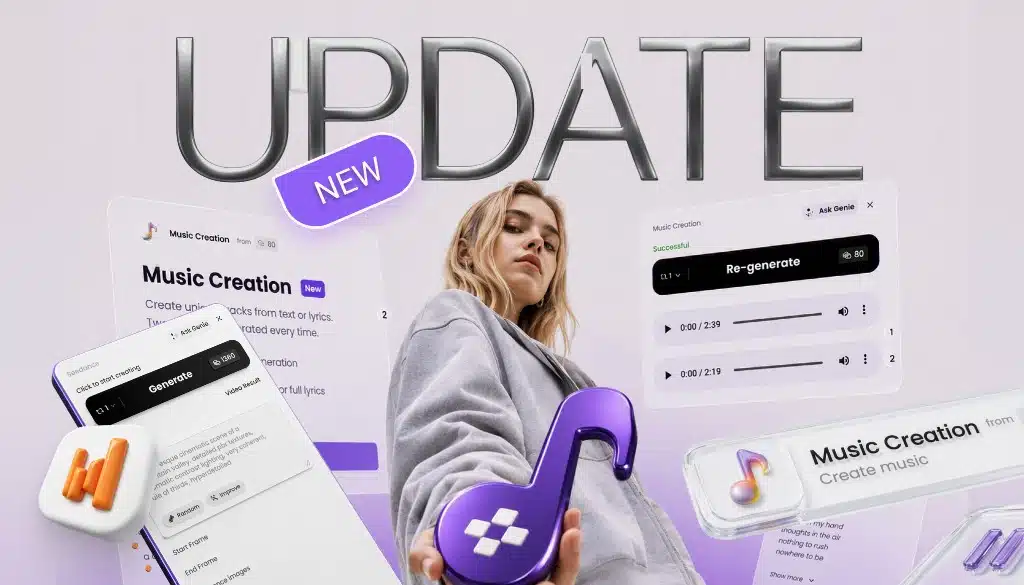
  • Music Creation — generate tracks from a prompt or your own lyrics and get two unique variants in one run.

  • Video Character Reference in Seedance — use a video as a character reference to keep appearance consistent and create new scenes with the same hero.

  • Genie in chat — talk to the agent directly in chat and turn ideas into new frames on the canvas right away.

UPDATED

  • Upscale Image preview — updated the image preview in the Upscale Image node for a clearer review before you continue.

FIXED

  • Sockets after copy / project open — fixed cases where sockets swapped places when copying nodes or opening a project — including inside nodes.

  • Refresh token error display — fixed the Refresh token error display in nodes.

  • Socket label styling — fixed socket label display so names no longer turn gray in some cases.

Open your workspace to try the latest improvements.

Projects Page, Canvas Text & Notes, Yandex ID, and Faster Canvas

More updates for working on the canvas and with projects — a dedicated projects page, text and sticky notes, Yandex ID login, a right-click menu, and a faster canvas.

Phygital+ update: text, notes, and faster canvas tools

ADDED

  • Updated projects list — a dedicated page with search and convenient sorting. Favorites, duplication, and a cover from the latest generation are coming next.

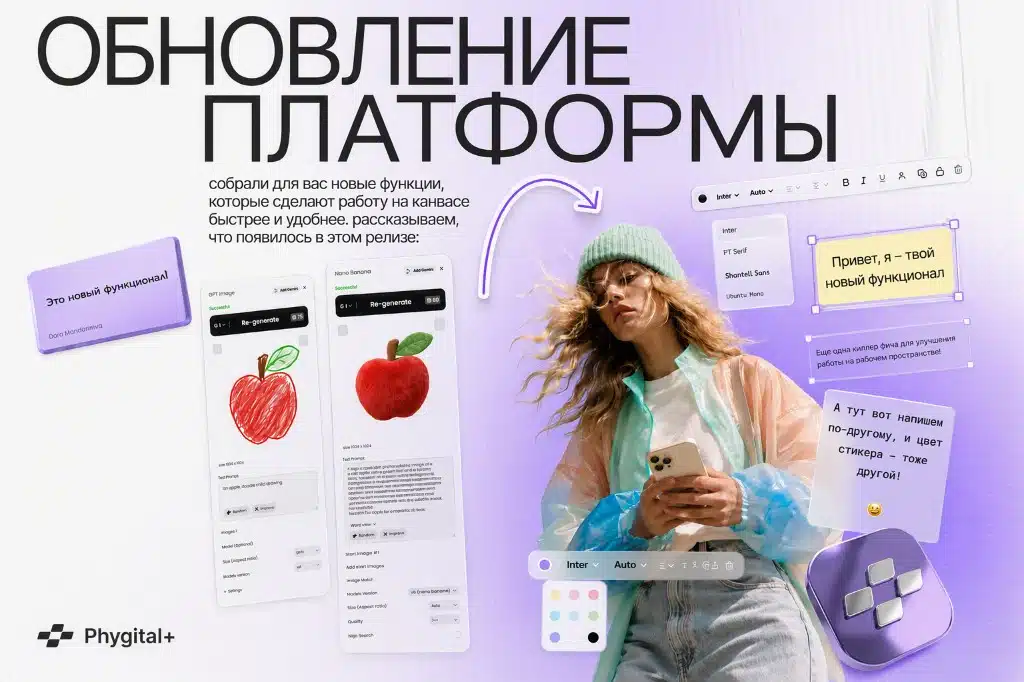
  • Text and notes on the canvas — leave comments as regular text or colored stickers. Adjust color, font, weight, and size, then duplicate or lock so nothing moves by accident. Text (T) — a text area on the canvas. Note (N) — a sticker with a background. Handy for templates, sharing, teaching, comments, and prompt drafts.

  • Yandex ID login — another convenient way to sign in to your account quickly.

  • Right-click menu — fast access to tools like Frame, Note, Text, AI models, and more.

UPDATED

  • Faster canvas — lighter image and video previews, so projects open more quickly.

Open your workspace to try the latest improvements.

Seedance 2 Mini, Refreshed Templates, Downloads After Subscription, and Faster Previews

A more affordable Seedance option, refreshed Templates for you, downloads that stay available after your subscription ends, and lighter previews so projects feel snappier.

Phygital+ update: Seedance 2 Mini, templates, and faster previews

ADDED

  • Seedance 2 Mini — a new version in the Seedance node. Noticeably cheaper than the other versions while keeping solid quality.

  • Downloads after your subscription ends — everything you created in Phygital+ can now be downloaded anytime — even if your subscription has expired.

UPDATED

  • Templates for you — we rebuilt the selection and added fresh templates for your tasks.

  • Faster previews — lightweight previews in Import Files, Seedance, Kling Classic, GPT Image, and Topaz Upscale Video. Projects open and run more smoothly.

Open your workspace to try the latest improvements.

Favorites, Genie Flow × Frames, Batching Sockets, Nano Banana Inpainting, and Text Modes

We keep making Phygital+ more useful and convenient. Here’s what we added this week.

Phygital+ update: favorites, Genie Flow with Frames, and more

ADDED

  • Favorites in the left panel — pin any AI model or template to a dedicated block at the top.

  • Genie Flow × Frames — Genie now builds workflows directly inside frames: describe the task → get a ready node chain in a neat workspace.

  • New sockets for batching — connect several outputs from one node further down the pipeline without extra clicks.

  • Nano Banana in Inpainting — Edit Area now runs on Nano Banana: select a region, write a prompt — the model does the rest.

  • Modes in text nodes — Claude, Gemini, and QWEN Text now include modes for prompt generation and quick translations. Among the new ones: Prompt: Video Scenario — a detailed video script broken down by scenes and audio.

  • Seedream 5 Pro — a new model available in the workspace.

UPDATED

  • GPT Image — more requests now go through successfully.

Open your workspace to try the latest improvements.

New Generation Formats, Project Links, and Workspace Fixes

This release brings sharper generations and smoother project work: new output formats, faster credit returns after failed generations, easier project sharing, and a more stable workspace experience.

Phygital+ Updates cover image with 4K text and purple plus icon


ADDED

  • Unique project links — open and share projects faster with a direct workspace link, so collaborators can get to the right project with fewer steps.

  • New generation formats — SeeDance now supports 1080p, Veo supports 4K, Kling has been updated to 4K, and GPT Image includes new resolution options.


UPDATED

  • Credit return after failed generations — credits now come back faster when a generation ends with an error, reducing interruptions and support requests.

  • Fit to Screen — large projects are easier to navigate because the canvas now adapts more reliably to the working area.


FIXED

  • Project loading stability — fixed an issue where users could see Error while loading workspace when opening a project.

Open your workspace to try the latest improvements.

GPT Image Speed, PNG Support, Prompt Combiner, and Topaz Upscaler

This release improves image and text workflows in Phygital+: faster GPT Image generations, broader PNG and transparency support, Prompt Combiner for cleaner prompt building, Topaz Upscaler for sharper visuals, and new GPT Text models.

Phygital+ fresh release: GPT Image, PNG support, Prompt Combiner, Topaz Upscaler, and GPT Text updates


ADDED

  • Prompt Combiner — combine several text blocks into one clean prompt for more complex image and text generations.

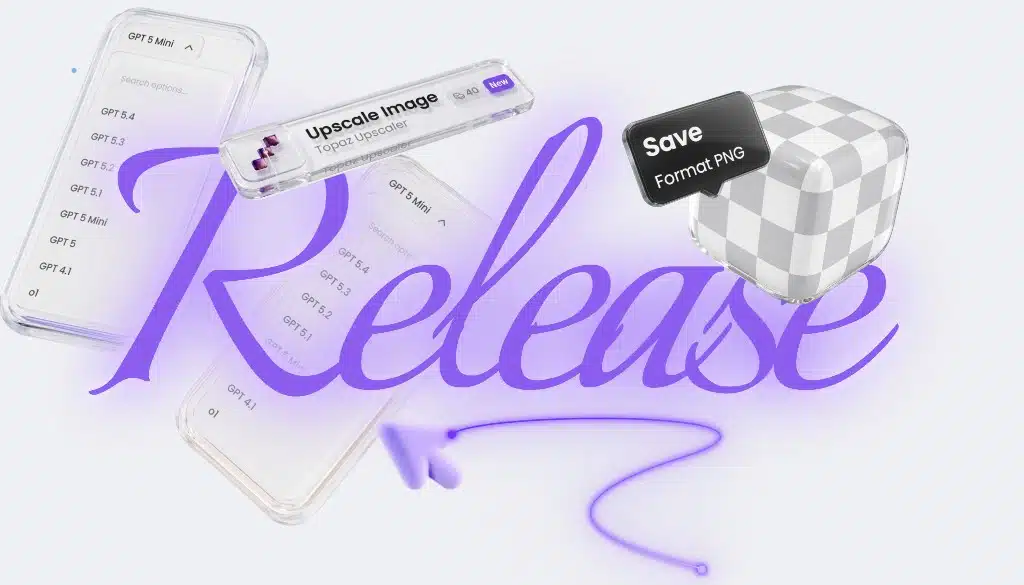
  • Topaz Upscaler — upscale images directly in Phygital+ for sharper, higher-quality visuals inside your workflow.

  • New GPT Text models — GPT Text v5.2, v5.3, and v5.4 are now available for more flexible text workflows.


UPDATED

  • GPT Image performance — generation is now faster and more stable, making image workflows smoother to run.

  • PNG and transparency support — GPT Image, Photoroom, FLUX 2, Magnific, and Gemini Image now support PNG, with improved transparency handling in GPT Image.

These updates are already available in Phygital+ for building more stable creative workflows across images, prompts, and text.