Encryption should protect, not complicate. Canary Mail makes it seamless.

Emails are secured with end-to-end encryption upon sending.
Works with Gmail, Outlook, iCloud, and most major providers.
Tech-savvy users can manage keys, but it’s optional.
OpenPGP compatible - recipients don’t need Canary Mail.
SecureSend for non-PGP recipients - password-protected, expiring messages.
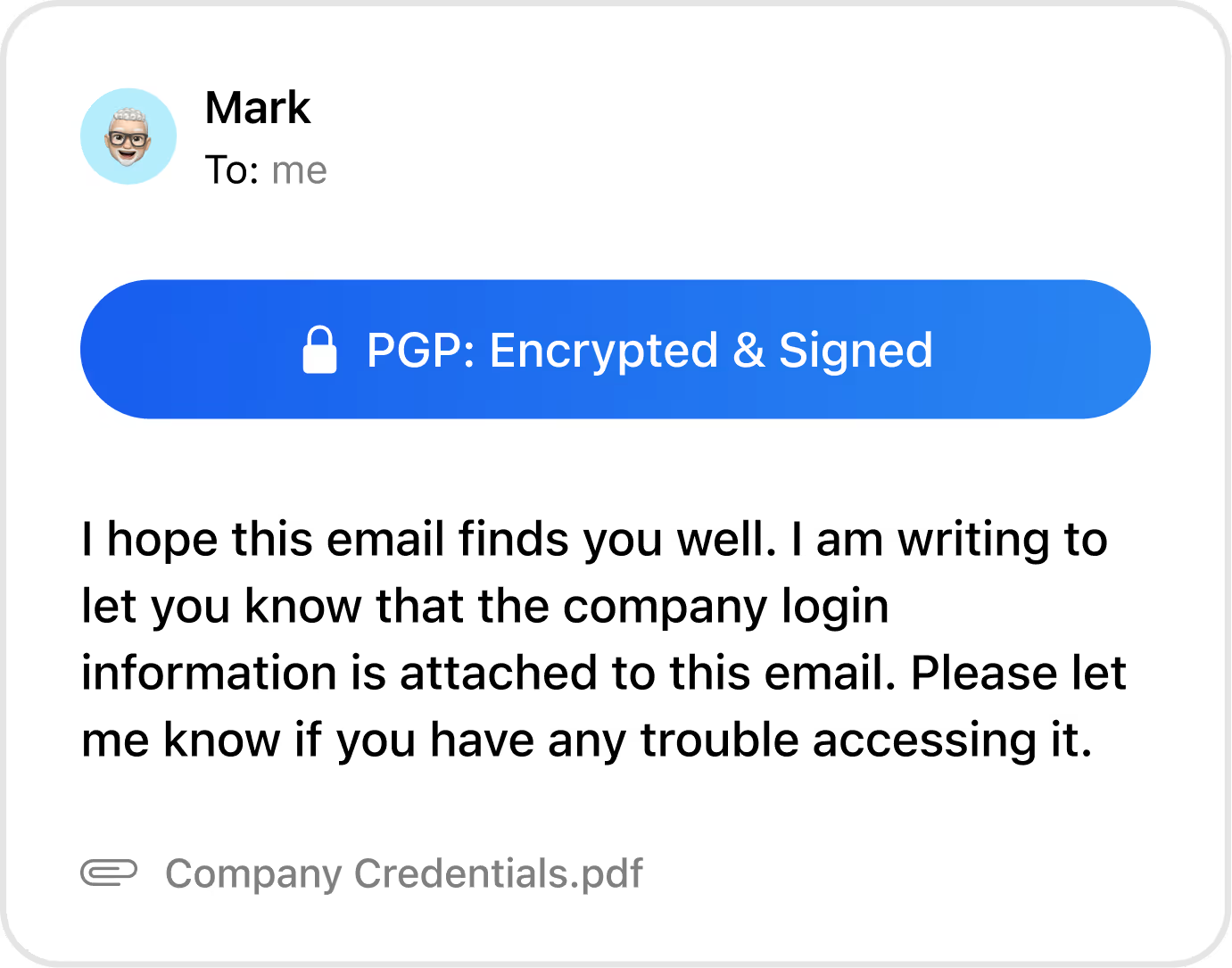

A solid email app with excellent encryption and unique productivity features.
— TechRadar
Invisible pixels in marketing emails reveal when and where you opened a message. Canary Mail blocks them by default.


Stops invisible pixels from sharing your data.
Keeps location and device info private.
Restores true control over what information leaves your inbox.
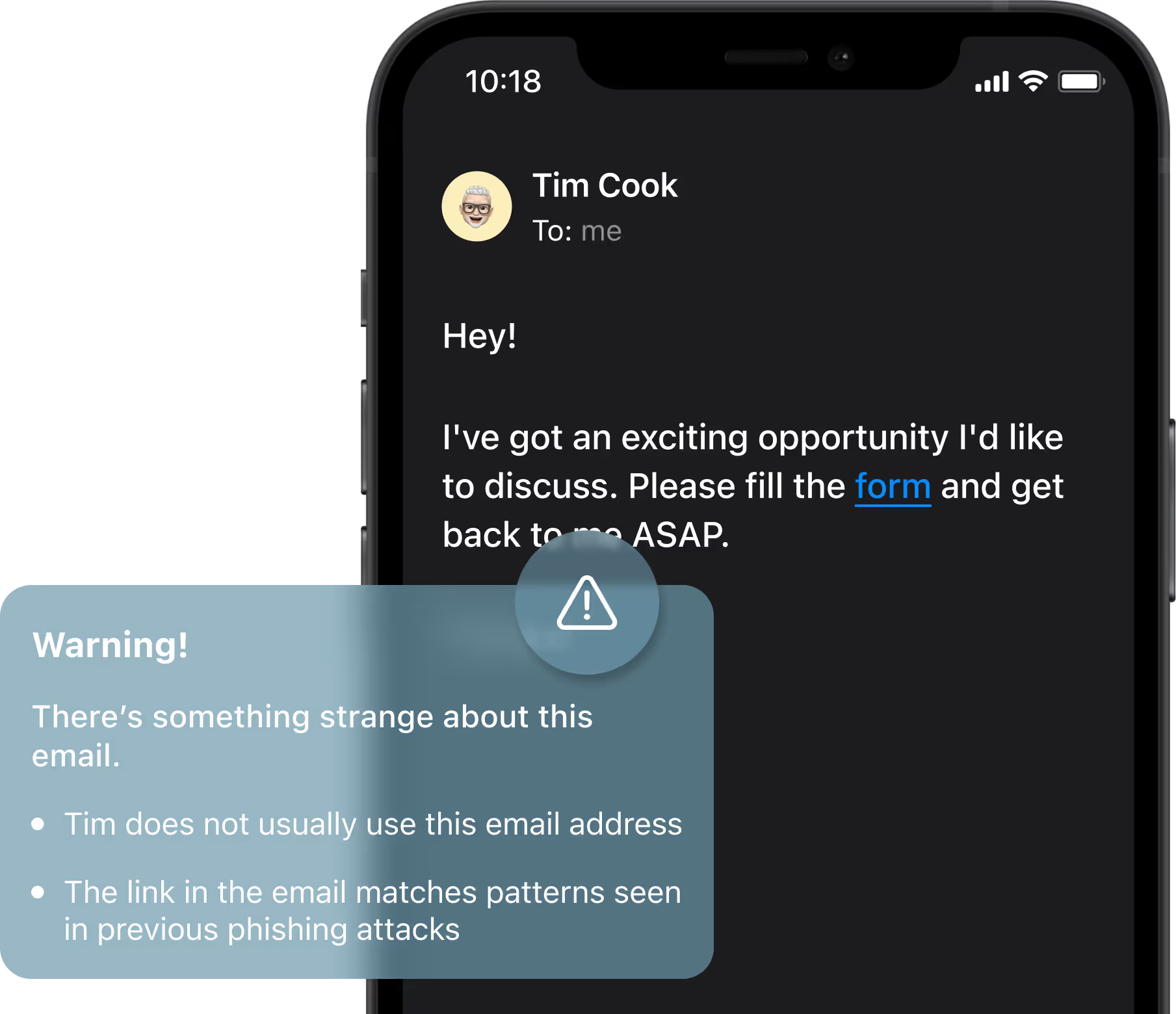
Phishing emails look more convincing than ever. Canary Mail protects you before you click.
Detects spoofed senders and fake links.
Defends you against impersonation attacks.
Warns you instantly before clicking, reducing human error - one of the biggest risks in email security.
Sometimes, you need extra protection. SecureSend makes confidential communication foolproof. Choose between automated PGP or our proprietary SecureSend for maximum flexibility. Not sure which to use? See our comparison of PGP vs SecureSend.
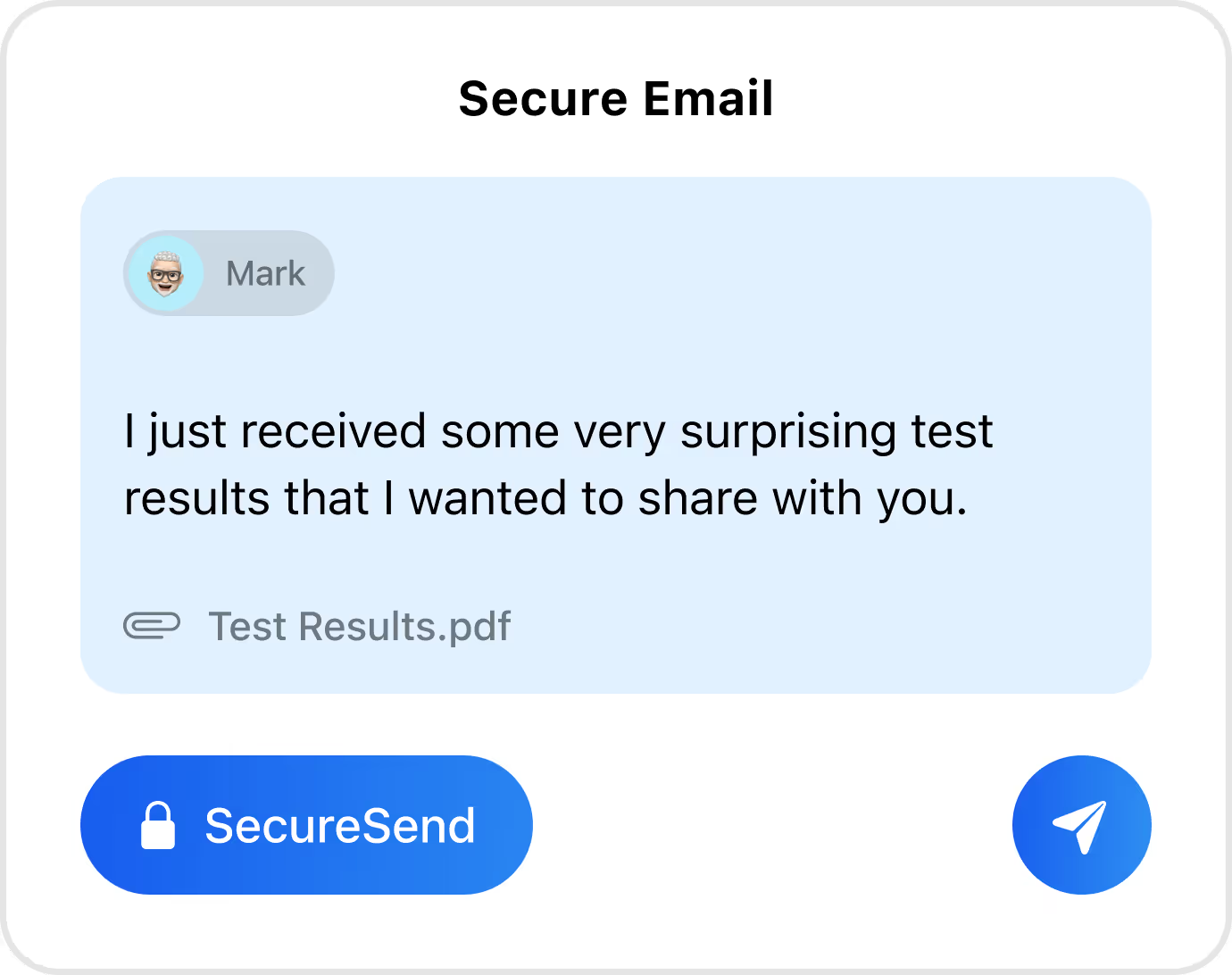
Sends emails that require a password to open.
Sets expiration times so messages can’t live forever.
Ideal for legal, financial, or healthcare-sensitive information.
Healthcare professionals can’t compromise on security. With Canary Mail, they don’t have to.
Compliant with HIPAA requirements for patient email communication.
Secures records with encryption and SecureSend.
Simple setup ensures compliance without IT complexity.
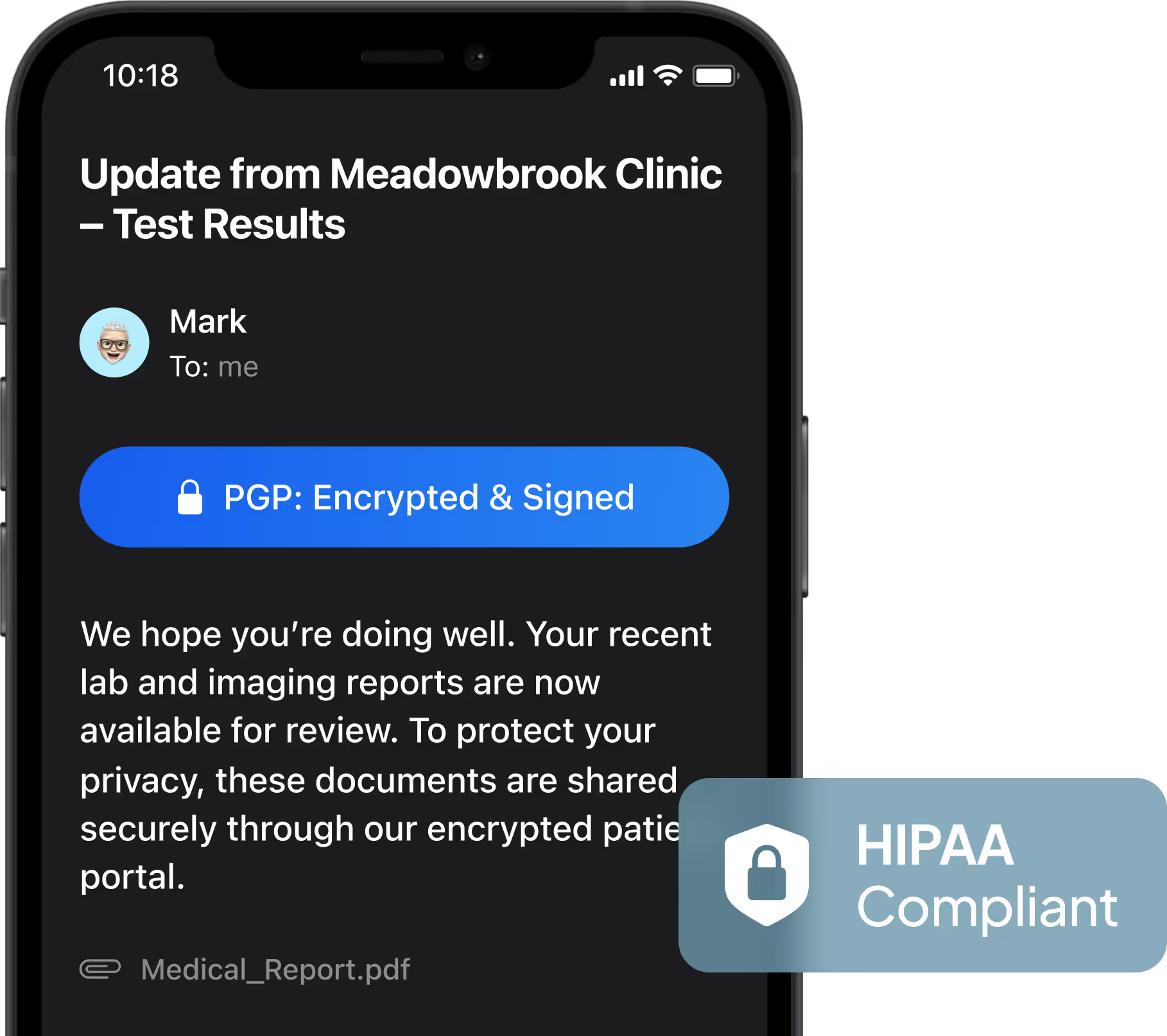
Finally, a HIPAA-compliant app easy enough for every staff member.
— Healthcare IT Reviewer
Doctors share test results and patient updates through Canary Mail’s automatic HIPAA-compliant encryption, keeping sensitive data secure and legal risks minimized.
Executives protect strategic discussions, M&A talks, and financial reports with automatic end-to-end encryption and phishing protection.
Canary Mail provides a safe channel for confidential sources, even in high-risk environments.
Everyday users protect themselves from phishing scams and unwanted trackers without needing technical knowledge.
Growing teams use Canary Mail to keep communications secure while scaling operations without IT overhead.

No. Encryption works right away with zero configuration. You can send secure emails without even thinking about it. Advanced options exist for experts, but most users enjoy instant privacy. For iPhone and iPad users, see the full PGP setup guide for iOS.
Yes. Canary Mail blocks common email trackers, including invisible pixels. This prevents senders from collecting data about when you read messages, your location, or your device.
Yes. Canary Mail’s security framework supports HIPAA compliance, making it safe for healthcare providers to communicate patient information securely.
Yes. SecureSend allows you to send protected emails outside of Canary Mail. Recipients can open them securely with a password, ensuring privacy even across platforms.
Yes. Canary Mail continuously scans for suspicious links, spoofed domains, and fraud attempts. Alerts appear instantly, reducing the chance of mistakes.
Yes. Canary Mail supports encryption across Gmail, Outlook, iCloud, and most IMAP accounts. No matter what provider you use, your data remains private. For iPhone users, see how this works in practice on our secure email app for iPhone page.
Last updated: March 20, 2026



.svg)


.svg)


