Website Competitor Analysis Tools
While there are many tools that monitor website changes, there are only a few that do this exclusively. These tools will track everything from what code tools they're using behind the scenes (CMS, JS libraries, CDNs, etc) to visual changes on the site like new headlines, graphics, or overall website design changes. Depending the changes you're hoping to track on your competitors' websites, some services will allow you to receive alerts when these changes take place. This collection includes 8 tools.
Netcraft
Website competitor analysis tool with no free plan available and enterprise-level pricing.

Netcraft is primarily a cybersecurity and internet intelligence platform, but it can provide competitive and market monitoring insights through its large-scale tracking of websites, hosting infrastructure, domains, and internet technologies. Users can examine which hosting providers, content delivery networks, web servers, and security technologies organizations use, and monitor changes over time. The platform also tracks domain registrations, website migrations, infrastructure changes, and internet presence across large numbers of organizations. Historical data helps users identify trends and shifts in technology adoption or online operations. While not designed as a traditional marketing competitor analysis tool, it can be useful for understanding competitors' web infrastructure, technology choices, and digital footprint.
Netcraft Pricing, Alternatives, & Details →SimilarTech
Website competitor analysis tool with a free plan available and enterprise-level pricing.
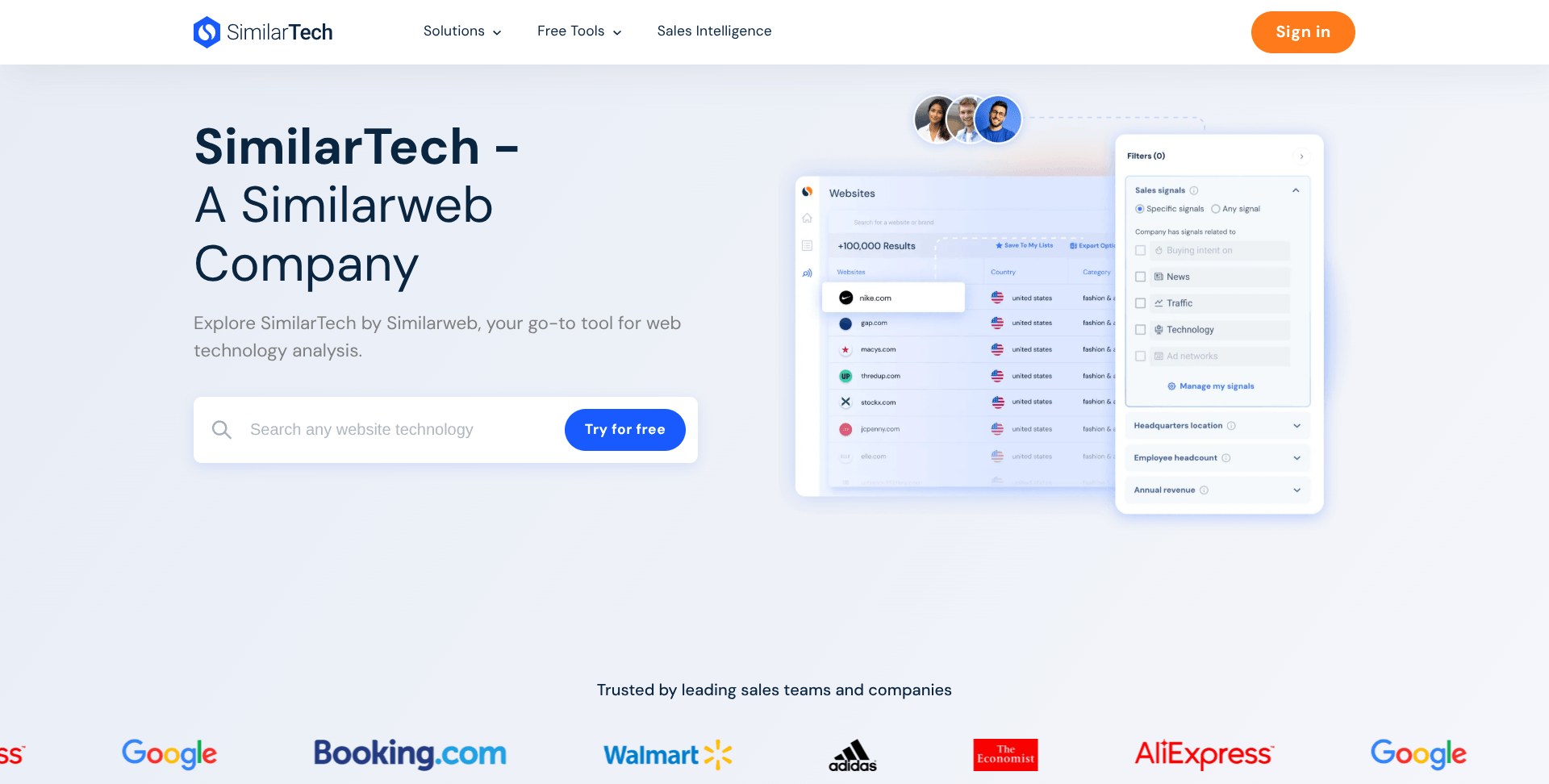
SimilarTech focuses on tracking the technologies that companies use on their websites and comparing those technology choices across competitors. Users can view a website’s technology stack, compare multiple companies side by side, and monitor changes such as new software installations, removed tools, or platform migrations. The platform also tracks technology adoption trends, market share, and usage patterns across industries. Alerts can notify users when competitors change technologies, helping identify shifts in marketing, ecommerce, analytics, or infrastructure strategies. Historical data allows users to see how technology stacks evolve over time and benchmark competitors based on the tools and platforms they use.
SimilarTech Pricing, Alternatives, & Details →Wappalyzer
Website competitor analysis tool with a free plan available and plans starting at $250/mo.

Wappalyzer lets you explore the technology stack powering your competitors' websites including CMS platforms, analytics tools, ecommerce systems, frameworks, and more. You can use its browser extension or web app to instantly see what tech a site uses. It also supports bulk lookups and lets you export lists of websites filtered by specific technologies, useful for spotting trends or building lead lists. Plus, Wappalyzer can monitor changes in a site’s tech stack (such as when a competitor switches CMS) and notify you when those updates happen, helping you stay informed on your competitors' website strategies.
Wappalyzer Pricing, Alternatives, & Details →Track your competitors' email marketing tactics with SendView 💌
See their content calendar, ESP, spam score, and more.
Learn More →
Scrapx
Website competitor analysis tool with a free plan available and plans starting at $11/mo.

ScrapX lets users add their competitors' websites into their account to monitor daily for changes. It tracks both text and visual updates, such as new headlines, product listings, or layout shifts. You can also use CSS query selectors to extract specific data points like pricing or stock numbers. Whenever changes occur, users receive alerts via email, Slack or API/webhook, enabling integration into other systems. The platform supports custom headers for monitoring authenticated content or APIs. It’s aimed at marketers, product managers, and small business teams who want timely visibility into competitor activities and content strategy shifts without manual checks.
Scrapx Pricing, Alternatives, & Details →Compint
Website competitor analysis tool with a free plan available and plans starting at $18/mo.

Comping is a website competitor monitoring tool that offers key insights with a really easy setup process. It only takes about a minute to enter the domains of each competitor and their product does the rest. Compint tracks your competitors pricing, product releases, website versions, and more sending you custom alerts in real time when they discover a key bit of competitive intelligence you need to know.
Compint Pricing, Alternatives, & Details →BuiltWith
Website competitor analysis tool with a free plan available and plans starting at $295/mo.

BuiltWith is a powerful tool for understanding which technologies, softwares, and tools your competitors use to build and run their websites. They can uncover the content management system each competitor is running, which ad tracking pixels are found on the site, what services host their website, and more.
BuiltWith Pricing, Alternatives, & Details →SpyOnWeb
Website competitor analysis tool with a free plan available and plans starting at $6/mo.

SpyOnWeb is a simple tool that surfaces public data from any website and compares it to other websites sharing the same information. This allows you to see if your competitor is sharing analytics, hosting, or other tools with other brands in their portfolio or parent company. It's not a tool most marketers will need, but it does add a nice bit of info when doing a deeper competitor analysis.
SpyOnWeb Pricing, Alternatives, & Details →VisualPing
Website competitor analysis tool with a free plan available and plans starting at $10/mo.

Visualping is a tool that allows you to monitor your competitors' websites for changes automatically. They do this by visually scanning websites and comparing even minute changes to images, layout, copy, and color. When they find something has changed, you'll receive an email alert with details about what they found so it's easy to keep tabs on these changes without having to log into your account.
VisualPing Pricing, Alternatives, & Details →