(I searched existing issues).
The workflow of of this extension is a bit broken when you want to make any edit for a file you're viewing in a PR. Or even if you just want to read the file without the green diff colour over it.
Clicking on the side bar you end up in a view like below:

I want to switch to this view:

I want to make edits to this file or see it in action, how can I switch to opening it normally? I can't find any option of doing this. Right clicking on the tree view only offers me "open in Github". It would be really nice if there's a keybinding to this, similar to Gitlens for VSCode which allows you to toggle from diff view to opening the file.
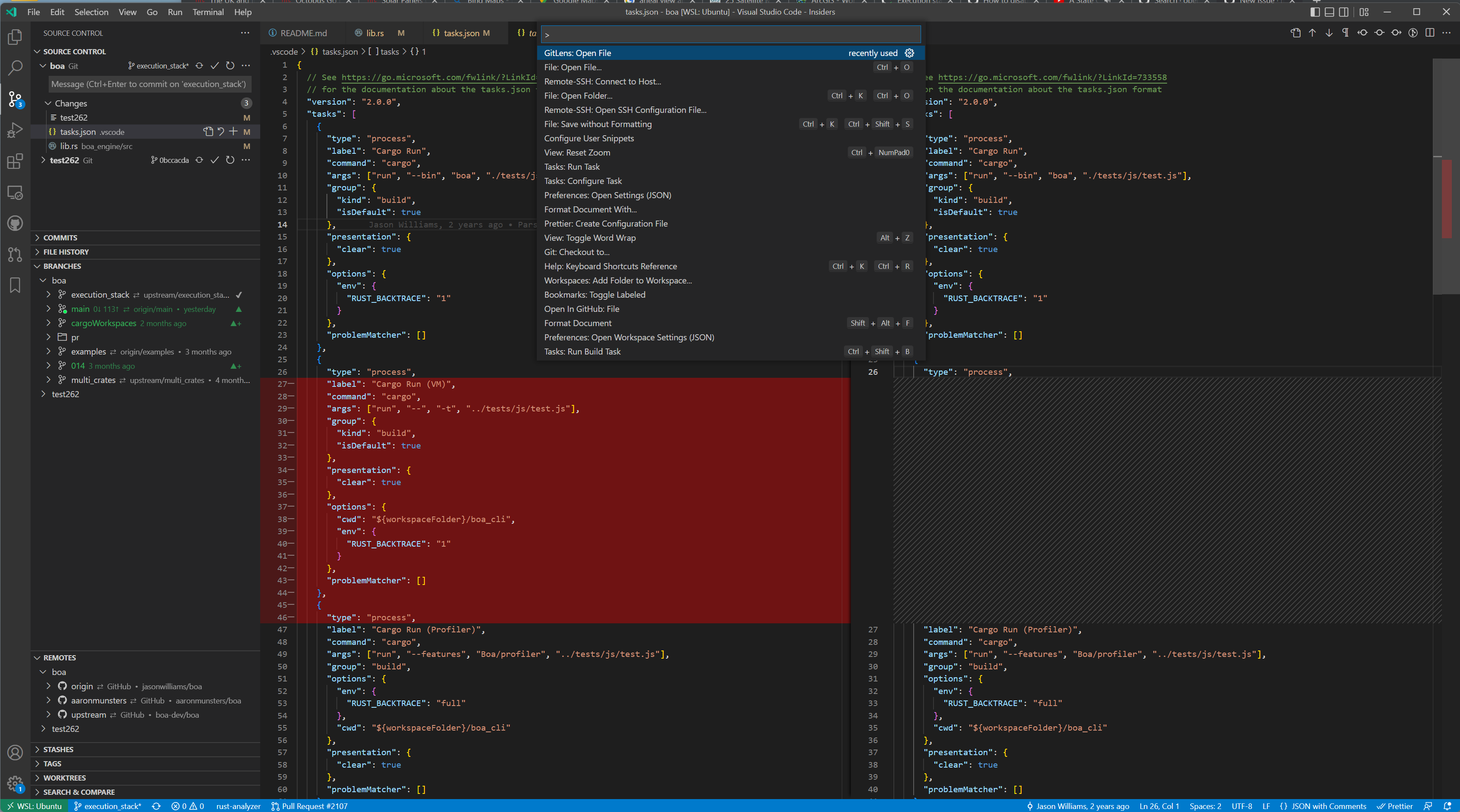
Gitlens offers this (as well as Git too)
Similar issue: #868 (although this is more editing, which I think is possible)

(I searched existing issues).
The workflow of of this extension is a bit broken when you want to make any edit for a file you're viewing in a PR. Or even if you just want to read the file without the green diff colour over it.
Clicking on the side bar you end up in a view like below:

I want to switch to this view:

I want to make edits to this file or see it in action, how can I switch to opening it normally? I can't find any option of doing this. Right clicking on the tree view only offers me "open in Github". It would be really nice if there's a keybinding to this, similar to Gitlens for VSCode which allows you to toggle from diff view to opening the file.
Gitlens offers this (as well as Git too)

Similar issue: #868 (although this is more editing, which I think is possible)