Does this issue occur when all extensions are disabled?: Yes
- VS Code Version: 1.60-insiders
- OS Version: Windows 10
Steps to Reproduce:
Been having this issue since 1.59-insiders.
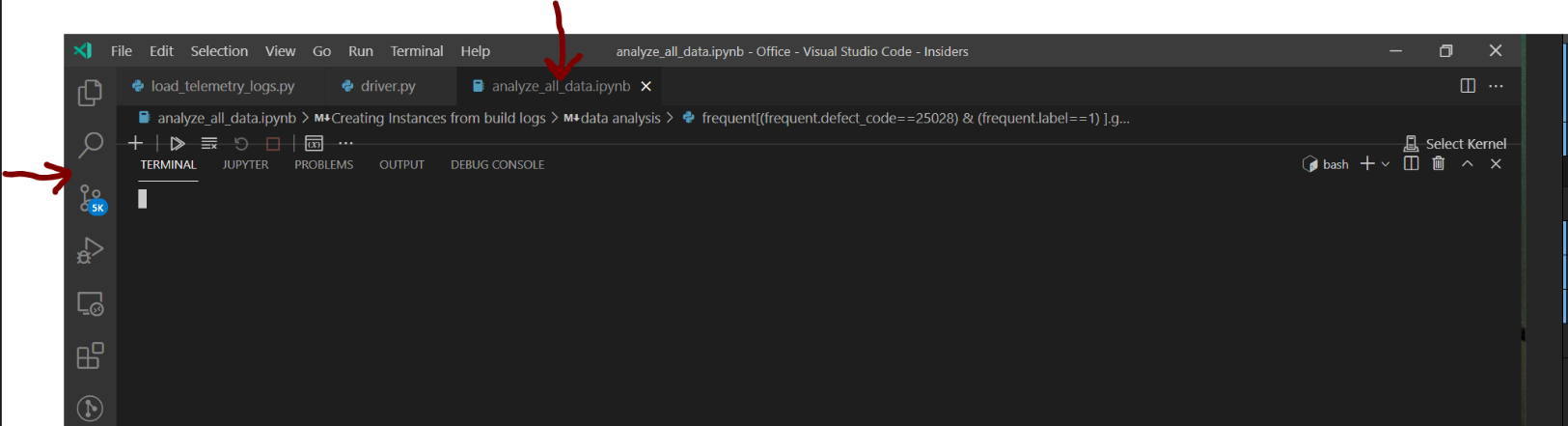
When my notebook editor window is active, I am unable to use the terminal; and the terminal itself isn't displayed (or overlaying) correctly. A regression, perhaps?
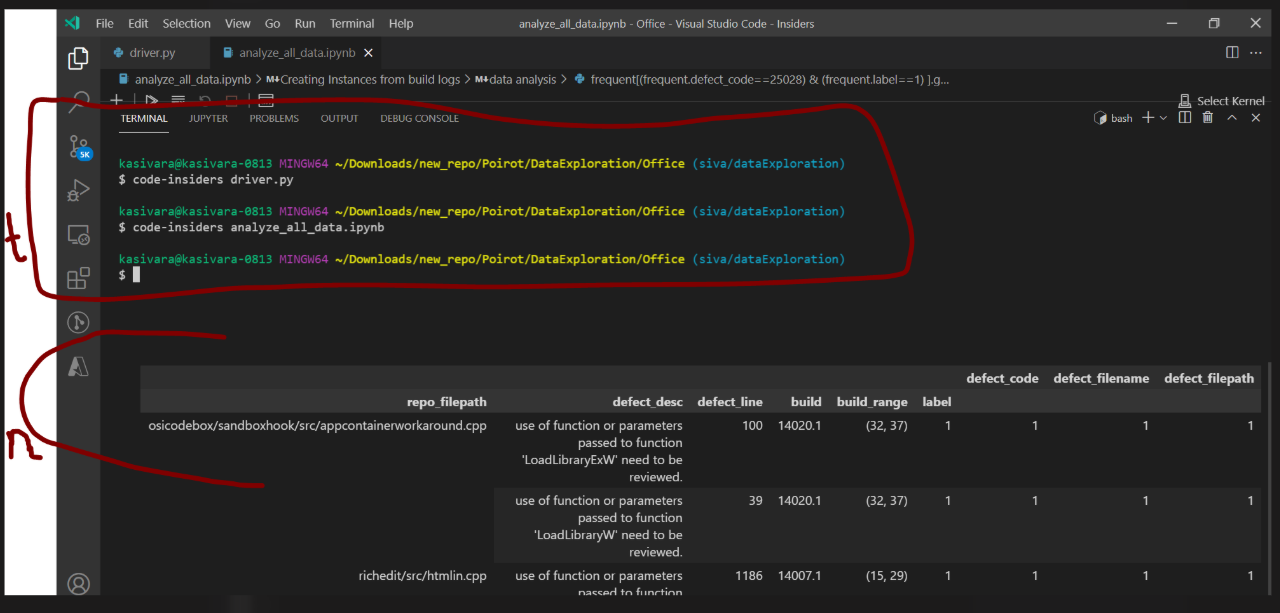
In the below image, "t" is the terminal screen that is mingled with the "n", that is the notebooks output.
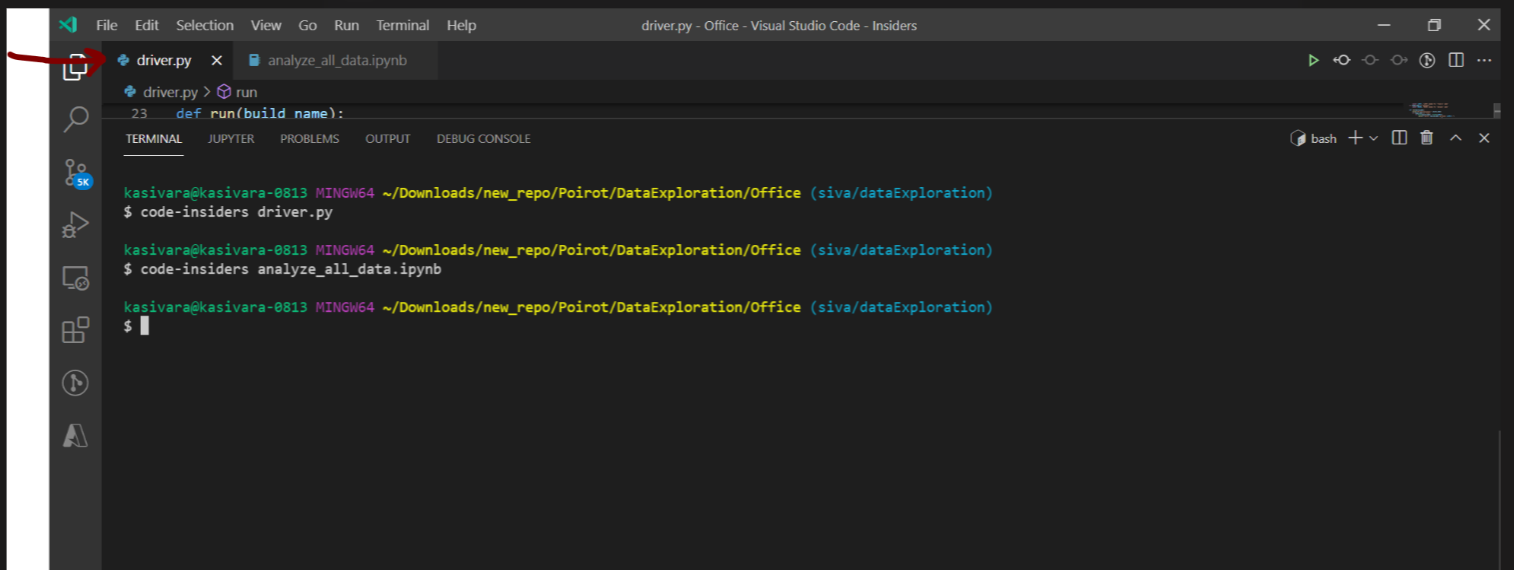
It works alright when any other editor is active/selected:


Does this issue occur when all extensions are disabled?: Yes
Steps to Reproduce:
Been having this issue since 1.59-insiders.
When my notebook editor window is active, I am unable to use the terminal; and the terminal itself isn't displayed (or overlaying) correctly. A regression, perhaps?
In the below image, "t" is the terminal screen that is mingled with the "n", that is the notebooks output.

It works alright when any other editor is active/selected: