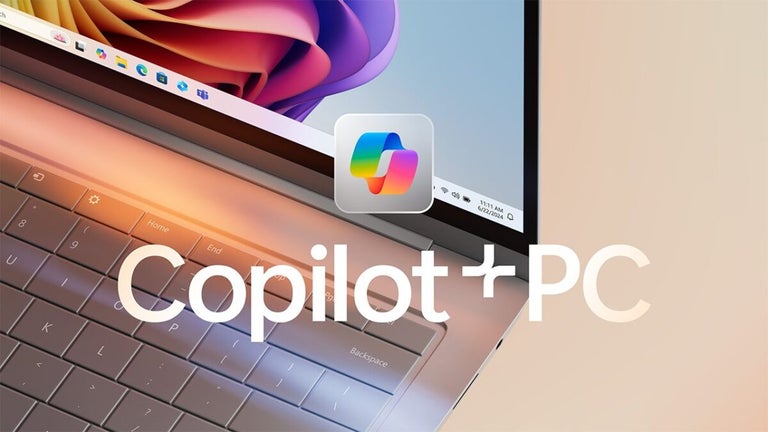
A fresh perspective on your everyday productivity
Microsoft Copilot has evolved from a simple chatbot into a comprehensive digital lifestyle assistant that integrates seamlessly across your devices. Whether you are browsing on Edge, working in Windows, or using your mobile phone, it provides real-time help that feels intuitive and surprisingly human.
Top Recommended Alternative

Microsoft Copilot focuses on making complex tasks feel effortless through specialized modes like Vision and Voice. By bridging the gap between your screen and the physical world, it offers a versatile toolkit for students, parents, and professionals who need an extra hand navigating their busy daily schedules.
Exploring the depth of its features
Microsoft Copilot’s new Vision and Voice capabilities represent a significant leap in how we interact with technology. Being able to point your camera at a street sign for an instant translation or engage in a natural, flowing conversation in over 50 languages adds a layer of accessibility that was previously missing. The Deep Research tool is particularly impressive, generating multi-page reports that save hours of manual searching.
The experience does come with challenges, especially concerning regional availability. While the marketing showcases impressive tools for health and shopping, these features are currently limited to the United States. Users in other countries may feel frustrated to discover that many of the most innovative tools are inaccessible due to geographical restrictions. This inconsistency can make the global rollout seem fragmented for those living outside North America.
An AI assistant that gets smarter every day
Recent updates show Microsoft refining Copilot’s shape instead of piling more clutter onto it. The mobile app now has a chat-first redesign with a cleaner layout, prompt formatting, easier response copying, citation access, and simpler navigation. Beyond that, Microsoft continues expanding Copilot with features like Memory, Actions, Pages, Shopping, and Deep Research, which makes the app feel more polished, more capable, and still very much in motion.
The interface can occasionally feel cluttered due to the sheer volume of Smart and Think Deeper modes. For a casual user, it is not always clear which mode is best for a specific task, leading to a slight learning curve. While the AI is powerful, the reliance on a Microsoft account for the best features and the varying limits for free versus premium users can feel somewhat restrictive.
Capable, yet still finding its cleanest shape
Microsoft Copilot has grown into a genuinely useful assistant that feels broader and more ambitious than a standard chatbot. Its mix of Vision, Voice, Deep Research, and cross-device support gives it clear everyday value for work and daily tasks alike. However, regional feature limits, interface clutter, and account-based restrictions can make the experience feel uneven. Even so, it remains a strong and increasingly polished productivity companion.