An easy-to-use flowchart maker
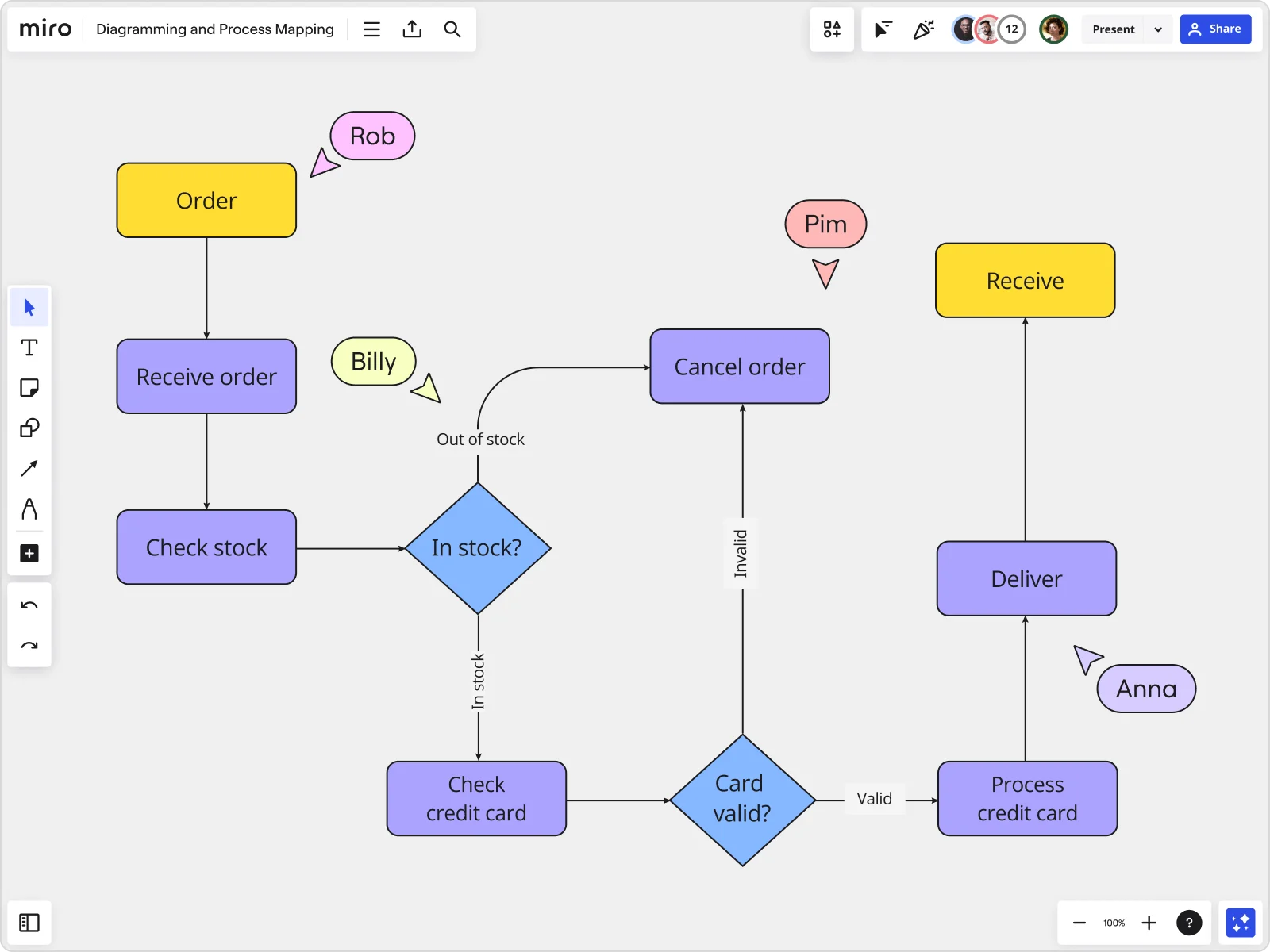


















Intuitive flowchart maker
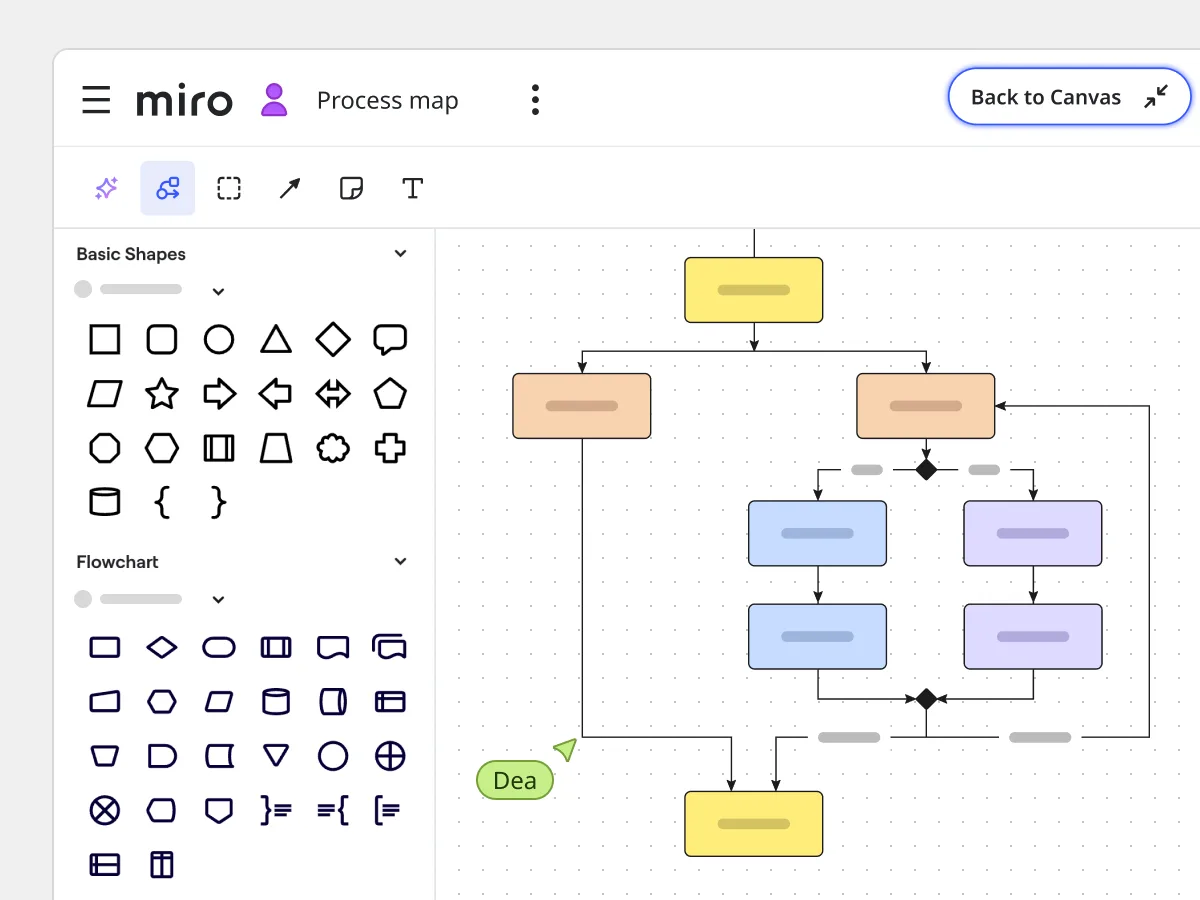
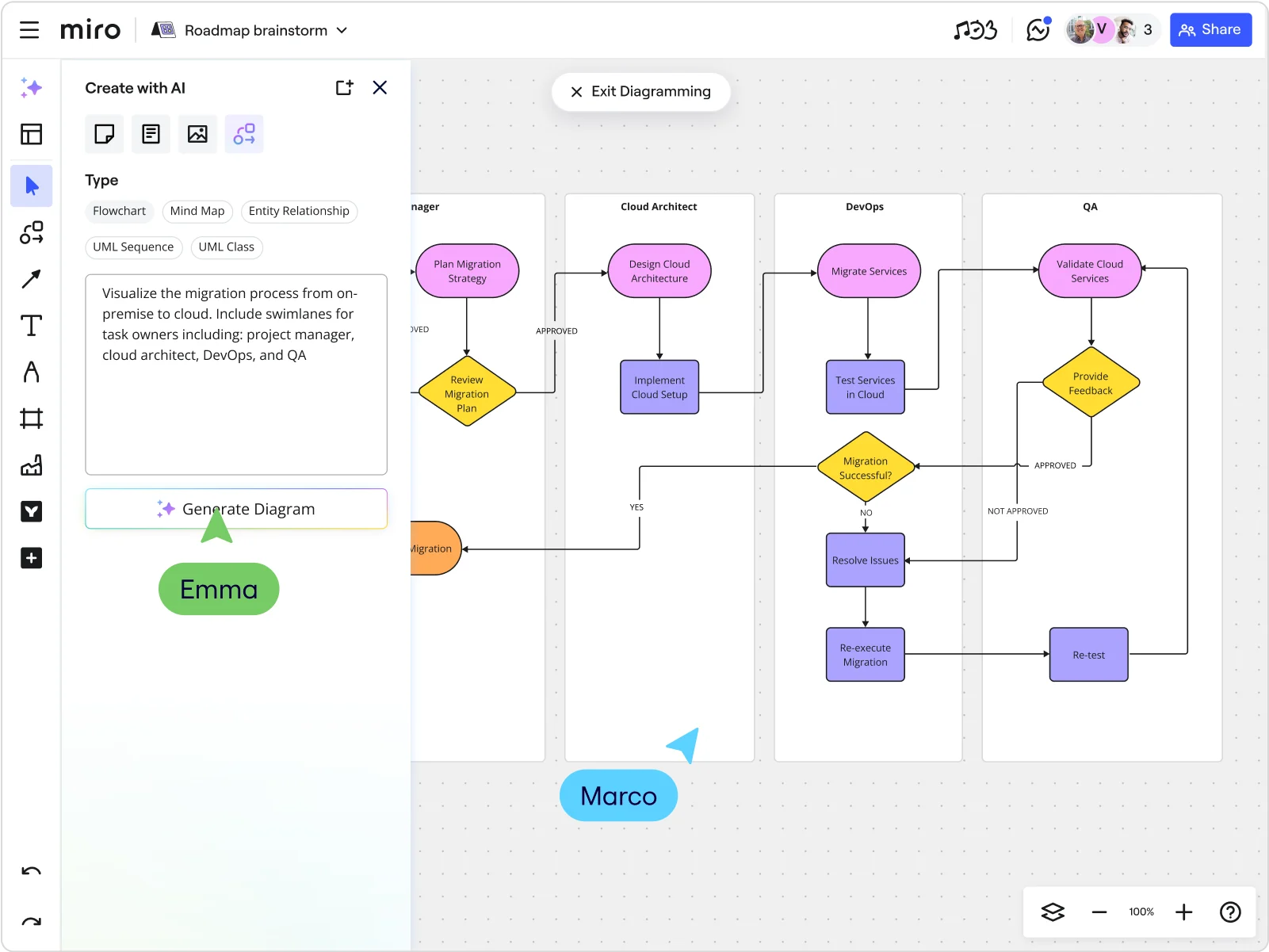
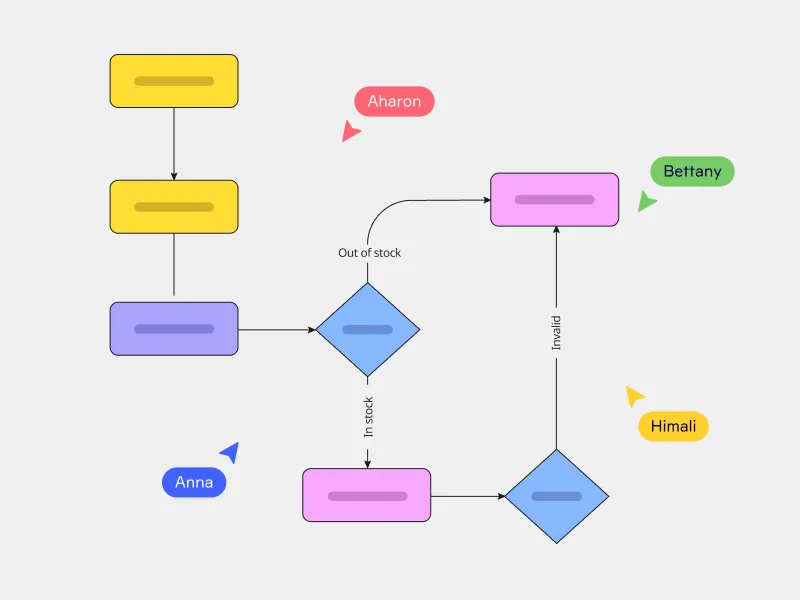
Create a flowchart online in seconds using Miro AI . Jump straight into editing and customization: add shapes and icons from our library to make information even more accessible and show connections between diverse elements.
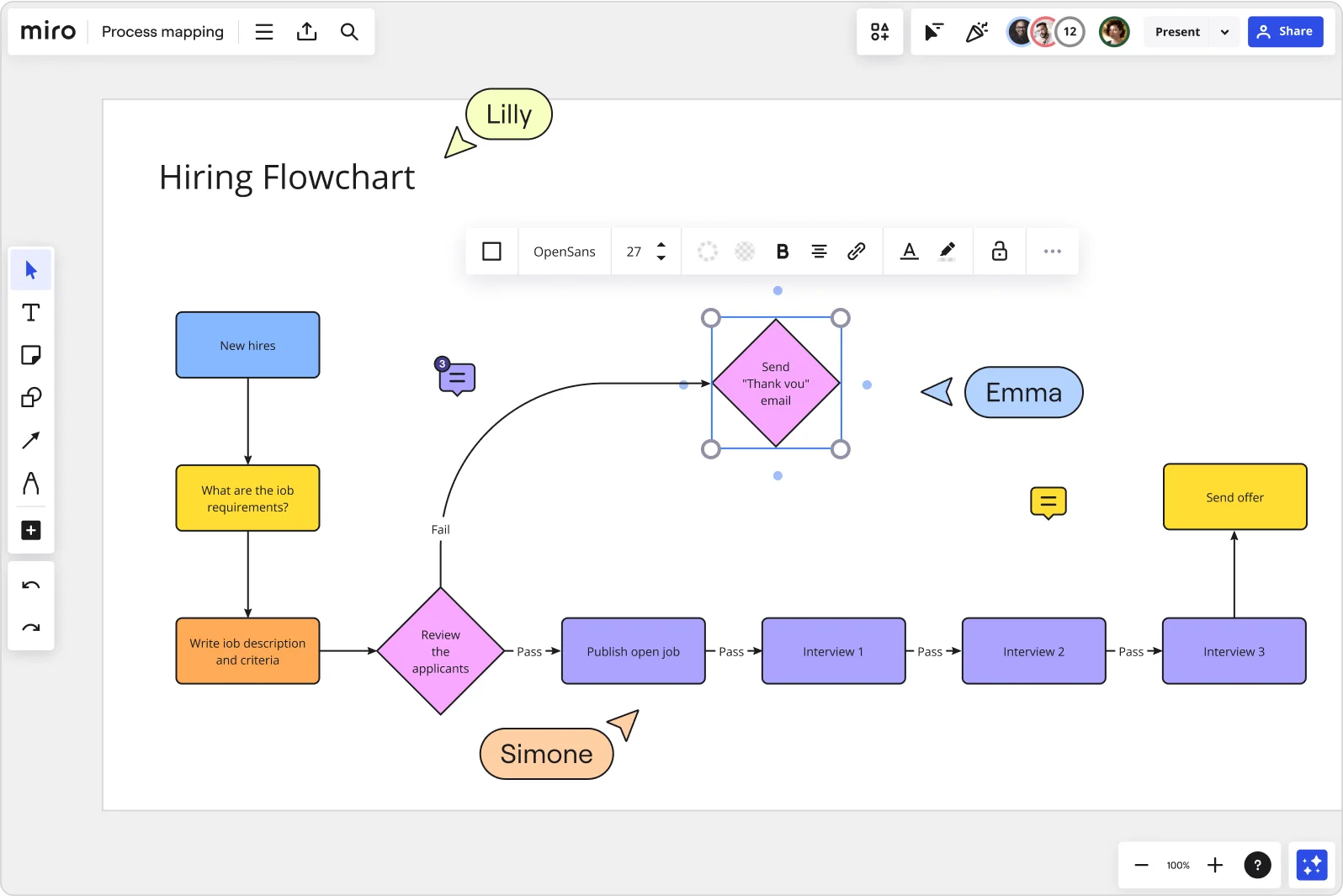
Templates for any flowchart
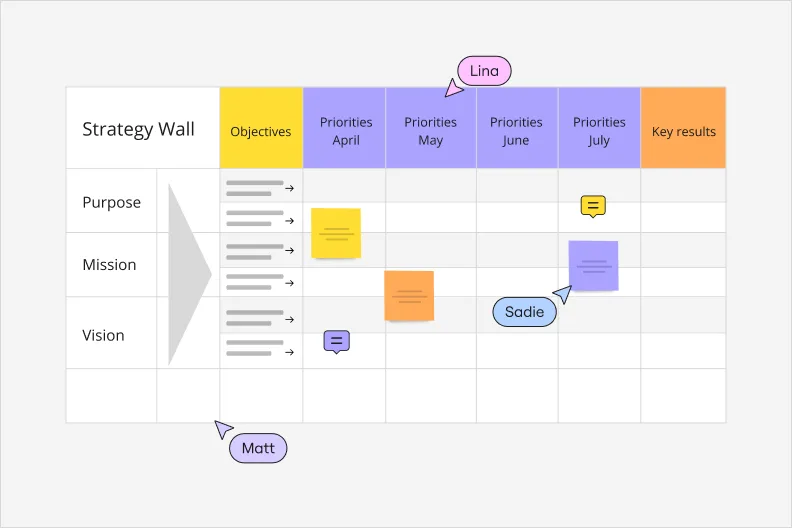
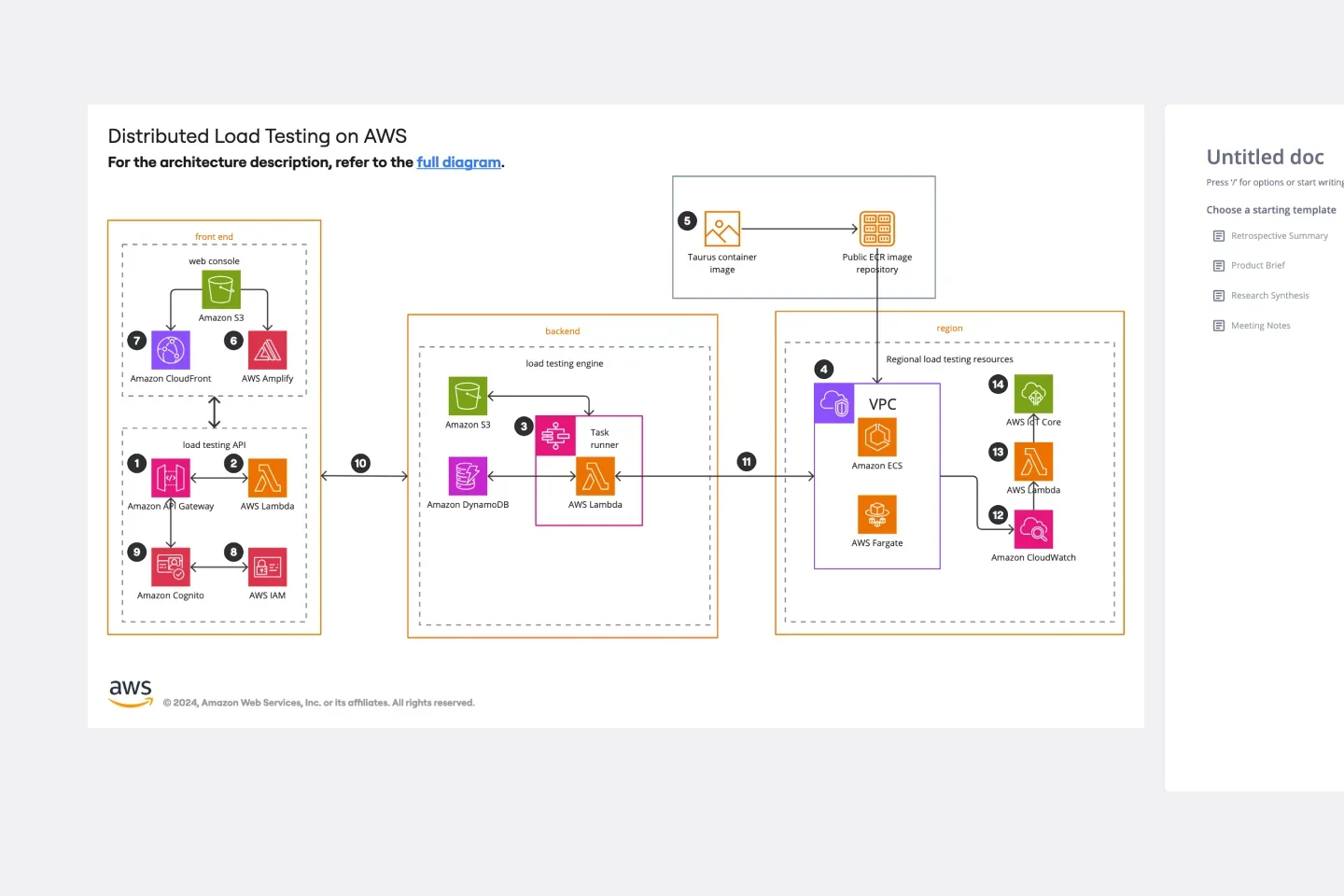
Our extensive template library helps you create the kinds of flowcharts your project demands. Start working in Miro with templates to deliver results faster. From onboarding flows to incident response, there's a template that fits.
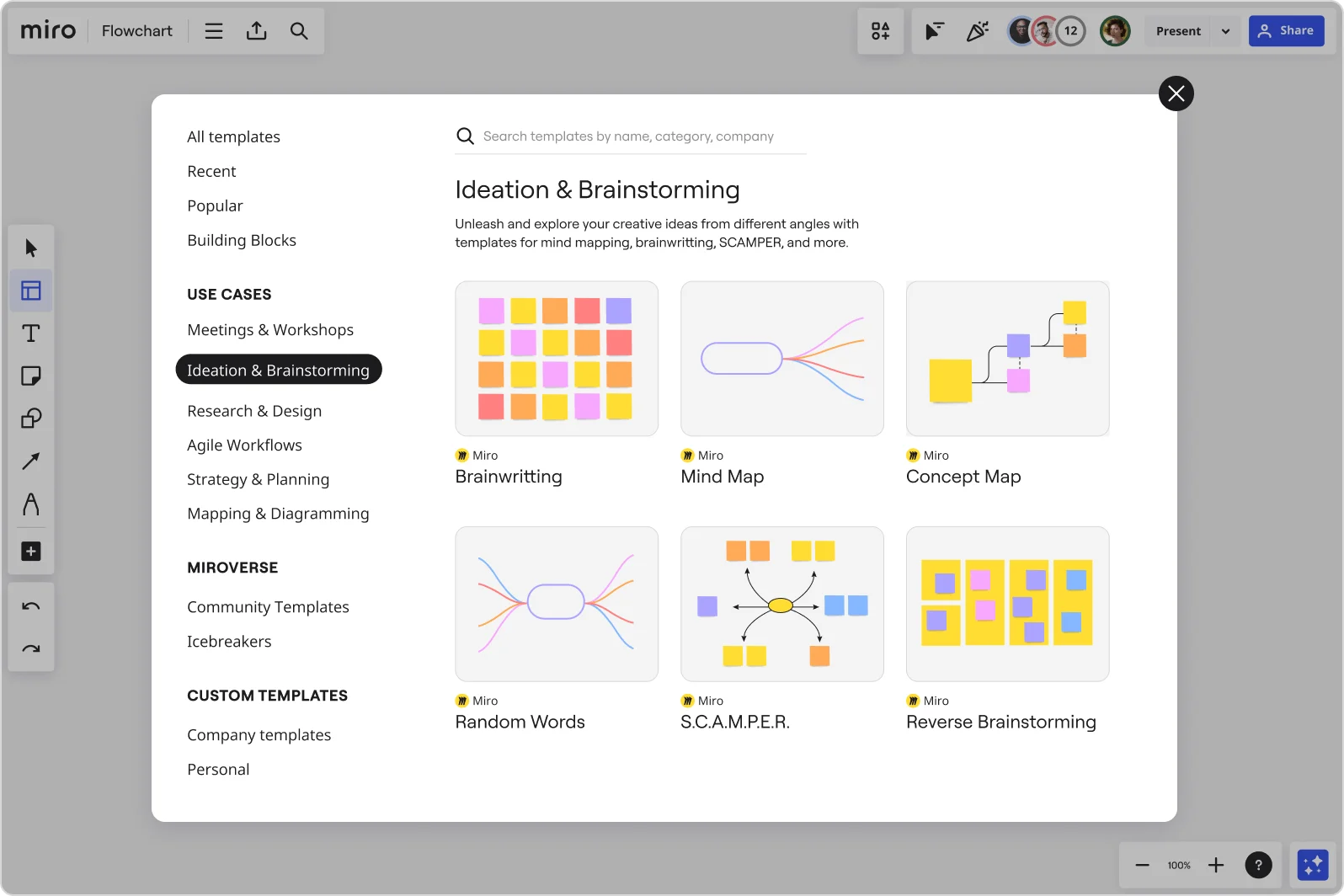
Collaborate, not coordinate
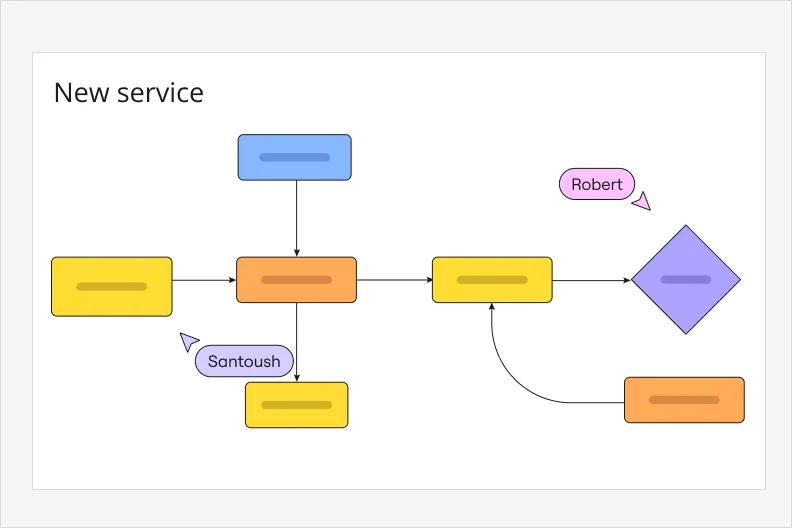
Build flowcharts faster with our free shapes library and ready-made templates. Add connectors to show how steps relate, so even complex processes are easy to follow at a glance.
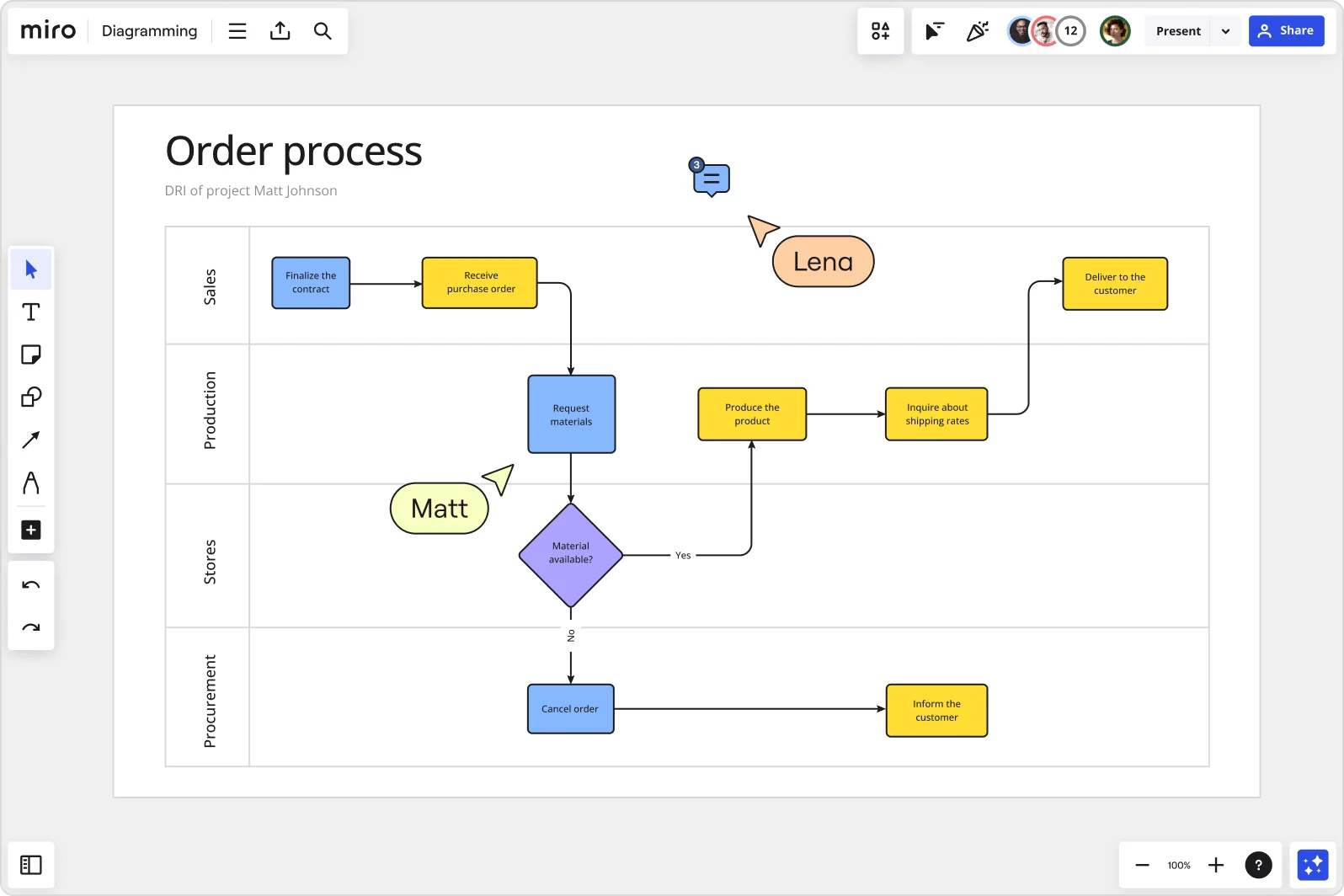
Cross-platform access
Work the way you want with a flowchart maker that’s available on any device. Access and edit from your phone, tablet, or laptop. Your flowcharts stay in sync no matter where your team opens them.
Why Miro is the perfect flowchart maker
Design your flowchart like a pro
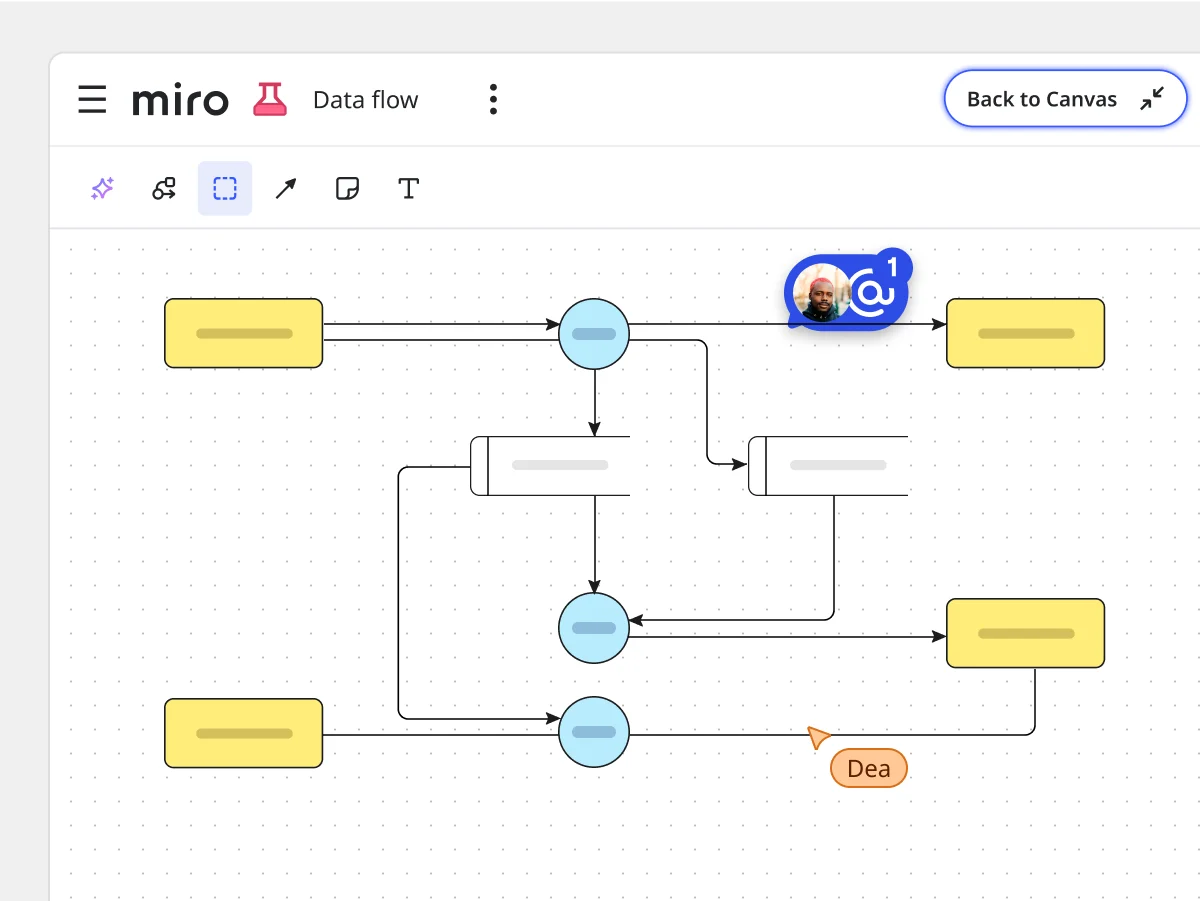
Create flowcharts using Miro's Diagramming mode for a more focused experience, including a curated diagramming toolbar, creating in layers, and other dedicated features. Browse through icons and color code dependencies, and add link-outs and embeds.
A flowchart maker for hybrid teams
Miro’s visual workplace is the perfect flowchart maker for distributed teams. Together with your team, quickly ideate and map entire processes by creating flowcharts your team can build together, whether you're in the same room or time zones apart.
From flowchart to action items
Miro's flowchart maker works for distributed and co-located teams alike. Ideate, map processes, and build flowcharts together, whether everyone's in the same room or scattered across time zones.
An easy-to-share flowchart maker
Get feedback, make changes, and keep things organized with a clear history of every comment and change. Give your team members access to your flowcharts, work directly with them on boards, or export boards as images for use in presentations. Plus, you can embed your boards directly in tools such as Confluence and Microsoft Teams.
Integrated with your favorite tools
Related pages
Related templates

How to make a flowchart in minutes

The world's most innovative companies are collaborating in Miro, everyday
“With Miro, we went from project brief to in-market launch in 10 months. That usually takes 3 years at PepsiCo.”
Caroline de Diego
Senior Manager, Global Design & Marketing Innovation at PepsiCo


“Bringing everyone together to plan in Miro means the most impactful initiatives will happen at the right time.”
Lucy Starling
Product Operations Lead at Asos


“The team onboarded in 10 minutes to use Miro for workshops. Getting our organization to adopt this product was a no-brainer.”
Konrad Grzegory
Agile Transformation Lead at CD PROJEKT RED


“Miro templates helped us go from scratch to a full-fledged plan where we mapped activities, ideas, and dependencies.”
Marc Zukerman
Senior Director of Project Management at Hearst


“Miro allows all our teams to align themselves with certain tools and models: they work independently and create products that really meet our customers' needs.”
Luke Pittar
Sustainability Innovation & Design Coach at The Warehouse Group


“To be truly innovative, everyone needs to have a voice, and everyone needs to be able to iterate on each other’s ideas. Miro has made that possible for us.”
Brian Chiccotelli
Learning Experience Designer at HP


Users love Miro for end-to-end innovation. We're the G2 leader in visual collaboration platforms and are rated in the top 50 enterprise tools. Miro helps large companies get meaningful work done.
Top 50 Products for Enterprise
G2 reviews


A pricing plan for every stage
Starter
Business
Enterprise
Custom price — from 30 members
Flowchart maker FAQs
How can I use Miro's flowchart creator?
Start by defining your goal and mapping the key steps, then pick the flowchart type that fits (process flow, decision tree, or another format), and use standard symbols to keep it clear. Bring your team in to review and refine it, then keep it updated as your process changes. A flowchart maker like Miro makes this whole process faster, from mapping steps to gathering feedback in one place.
Why is Miro the best choice for creating a flowchart?
Miro's flowchart maker is free to start, with no downloads and no learning curve. Open a board and start dragging shapes. Sketch your flowchart with ready-made shapes and lines, then add colors and icons from our library to make it clear at a glance. And because it's built for teams, everyone can jump in to review or edit it without switching tools.
Can I collaborate with my team on a flowchart in real time?
Absolutely! Miro is designed for real-time collaboration where multiple team members can work on the same flowchart simultaneously, seeing updates live as they happen. Collaboration is further enhanced with features like video chat, comments, mentions, and cursor tracking to communicate on the flowchart directly.
Can I share my flowchart with people outside my organization?
Yes, you can share a Miro board with external collaborators. Simply generate a shareable link with custom access settings, including view-only, comment-only, or full edit access.
How do I know my team's flowcharts and ideas are secure in Miro?
We built Miro with enterprise-grade security: data encryption, compliance certifications, and access controls that meet enterprise standards. Board owners decide exactly who can view, comment on, or edit each mind map, and admin controls give your team visibility into who has access across every board.
Can I link steps in my flowchart to other boards, files, or tools?
Internal and external linking are key elements of Miro flowcharts, allowing users to easily connect steps to other Miro boards, objects on the existing board, external files such as PDFs or Google Docs, and project tools like Jira, Confluence, or Notion. With this feature, you can create connected workflows, streamline navigation, and ensure your flowchart is a central hub for related resources and actions.
What are the different types of flowcharts?
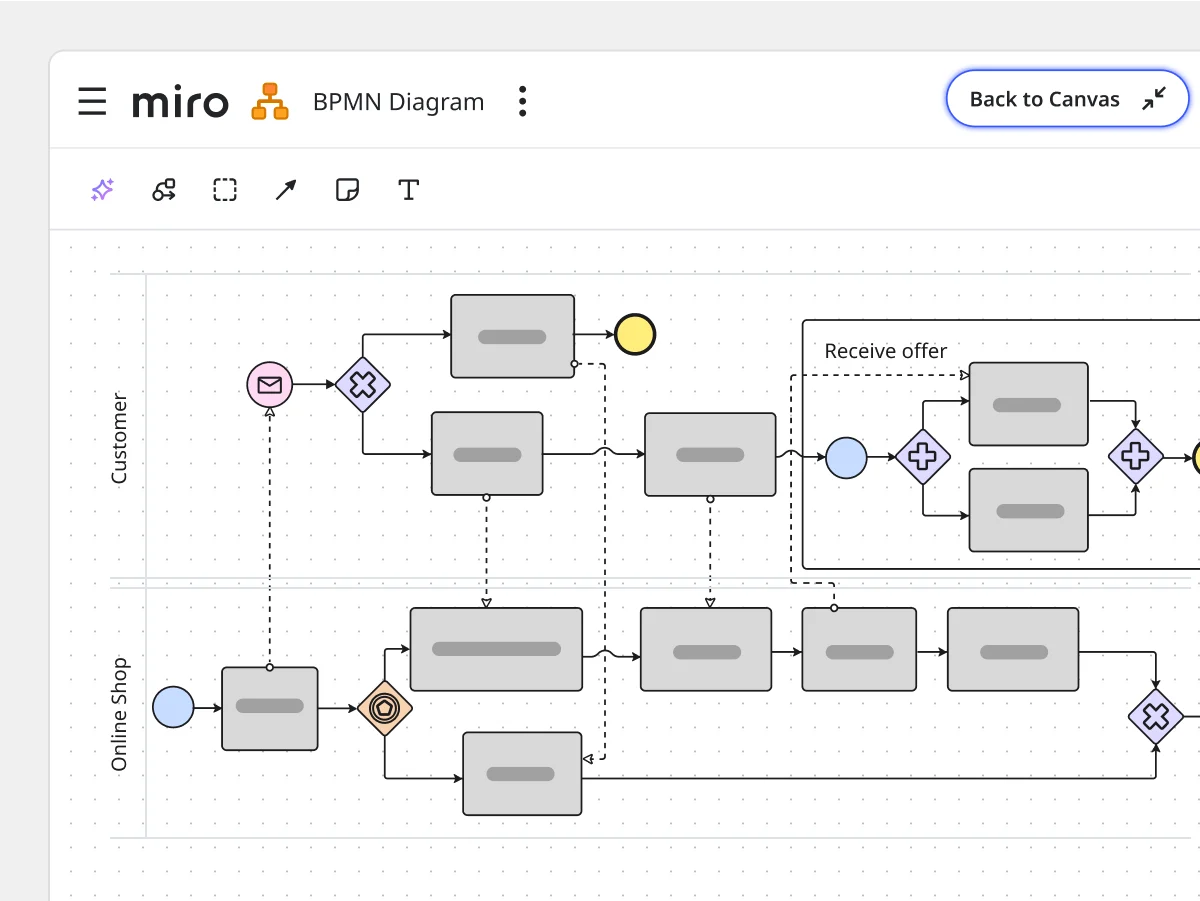
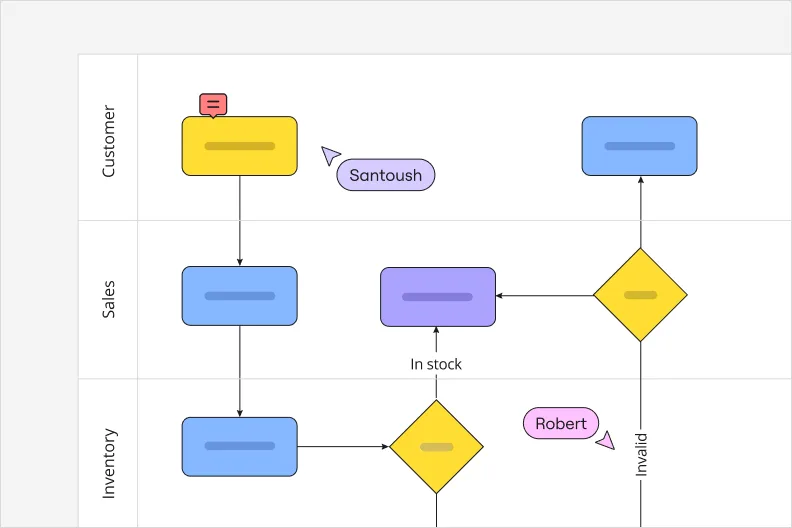
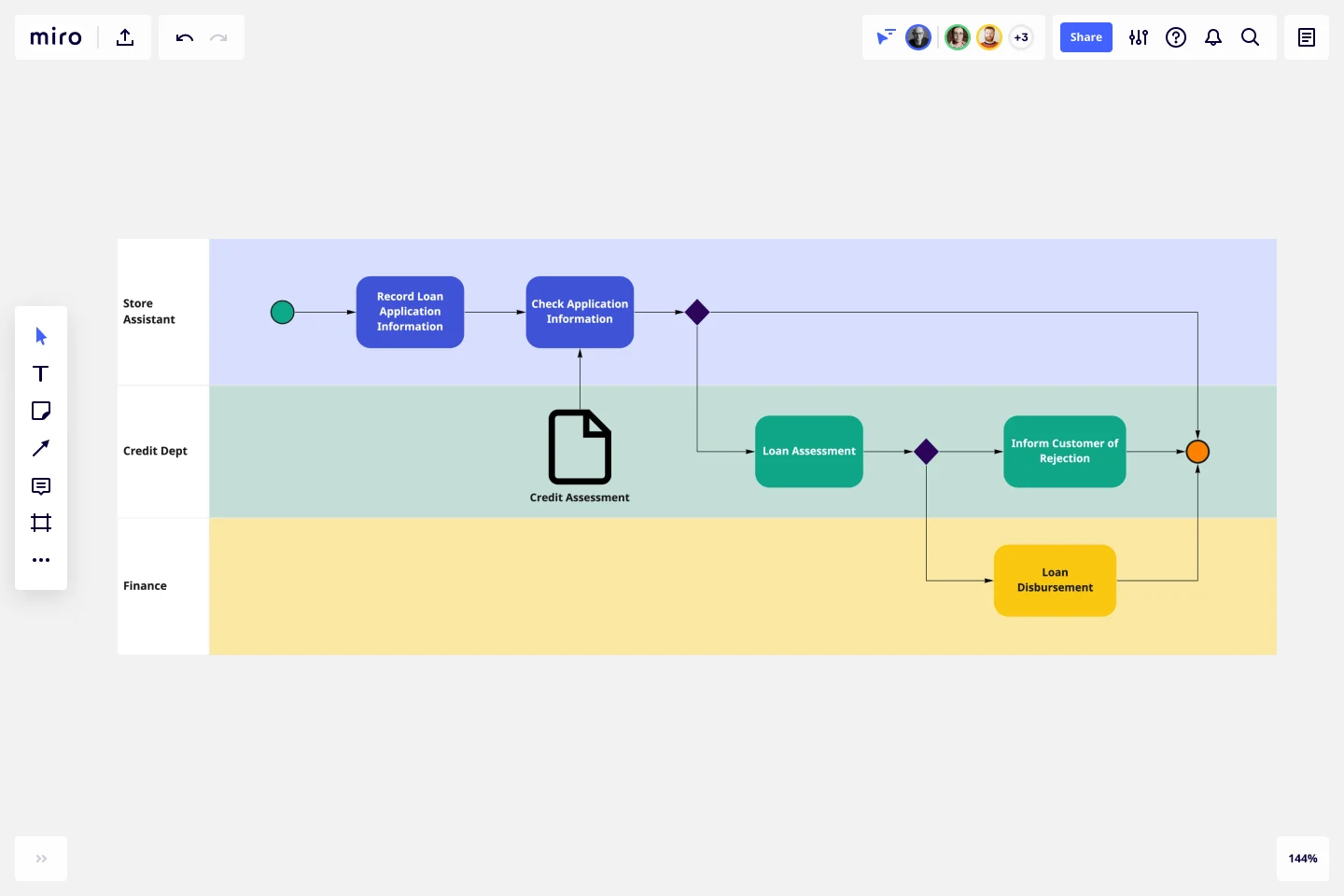
There are many different types of flowcharts you can use, including process flowcharts, swimlane flowcharts, data flow diagrams, workflow diagrams, technical flowcharts, decision flowcharts, circular flowcharts and more. You can find all of these types in the Miro flowchart maker tool, allowing you to create exactly what you need without a technical headache.
What are some flowchart maker best practices?
To get the most out of a flowchart maker, adhering to best practices is key. Start with a clear purpose and map out your key steps before you begin drawing. For clarity, use standard flowchart symbols, and keep the structure simple and logical. Label everything clearly and group related steps to make the flow easy to follow. Using a consistent design throughout makes your flowchart more cohesive and easier to understand, while collaboration and review ensure accuracy and alignment with your team. Finally, make your flowchart easy to update, accessible, and shareable so it continues to add value over time.
